Jul 14, 2026

Fashion design tools now cover far more than sketching ideas on a page.
A modern fashion brand may use one set of tools to research trends, another to generate concepts, and others to create patterns, review samples, manage tech packs, and prepare products for production.
The fashion industry now relies on a mix of specialized platforms rather than a single piece of fashion design software.
Finding tools is rarely the problem. Knowing which tools belong at each stage of product development and how they fit together.
This guide breaks down the main categories of fashion design tools and provides a practical list of the platforms commonly used by fashion teams.
TL;DR
Fashion design tools help brands manage different stages of product development, from trend research and concept creation to sampling, approvals, and production.
The nine main categories include trend research, AI design, sketching, textile design, pattern making, 3D sampling, material management, collaboration, and PLM tools.
Choosing the right software starts with identifying your workflow stage, reducing disconnected systems, matching tools to team roles, and supporting smooth handoffs between design and development.
Onbrand connects AI-powered design, live tech packs, approvals, vendor collaboration, project management, and PLM in a single workflow for fashion teams.
What Are Fashion Design Tools?
Fashion design tools are digital systems used to plan, develop, document, and manage products throughout the product development process. Each tool supports a specific task that helps move a product from an idea to a finished garment.
Fashion teams rarely rely on a single app or software platform. Different tools support different stages of development, from early planning and design through sampling, collaboration, and production preparation.
Great products still start with design, technical knowledge, and craft. Digital tools simply help users keep product information organized, track changes more easily, and spend less time digging through email threads and spreadsheets.
Main Categories of Fashion Design Tools
Not every fashion design tool serves the same purpose.
A tool that helps with trend research will not help create a tech pack. A platform built for pattern development will not manage product approvals or vendor collaboration.
That is why fashion brands typically build a toolkit that supports different stages of product development. The categories below explain where each type of tool fits and when teams use it.
1. Trend Research and Inspiration Tools
Product development usually starts long before the first sketch is created. Fashion brands often spend time researching trends, consumer behavior, and market direction before deciding what products to develop.
The tools below help teams gather inspiration, evaluate opportunities, and build a stronger foundation for future collections. They also help brands monitor broader fashion technology trends that may influence future product decisions.
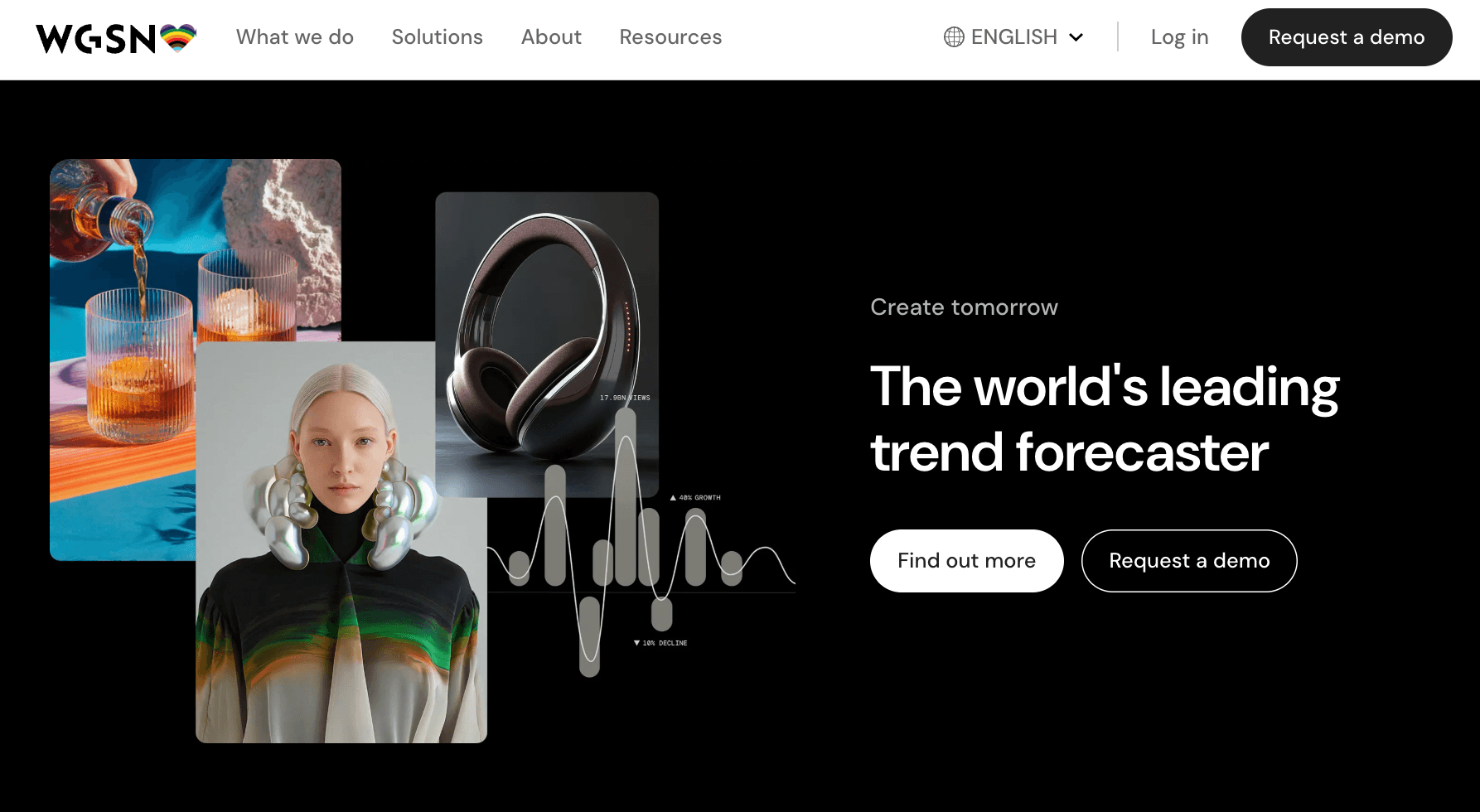
WGSN
Source: wgsn.com
WGSN is a trend forecasting platform used by fashion, retail, and consumer brands. The platform provides research on consumer behavior, cultural shifts, product trends, color forecasts, and retail activity.
Fashion teams rely on WGSN during early product planning to identify emerging trends and evaluate how consumer preferences may influence future collections.
WGSN combines industry research, forecasting models, and market analysis used by brands and retailers to support product and merchandising decisions.
Heuritech
Source: heuritech.com
Heuritech is an AI-powered trend forecasting platform that analyzes millions of social media images to identify and predict fashion trends.
The system tracks attributes such as colors, fabrics, prints, silhouettes, and styling details to provide visual market intelligence.
Fashion brands use Heuritech to quantify consumer demand and evaluate how trends are developing over time. The platform is commonly used to support assortment planning, product direction, and regional trend analysis with data gathered from real consumer behavior.
Source: pinterest.com
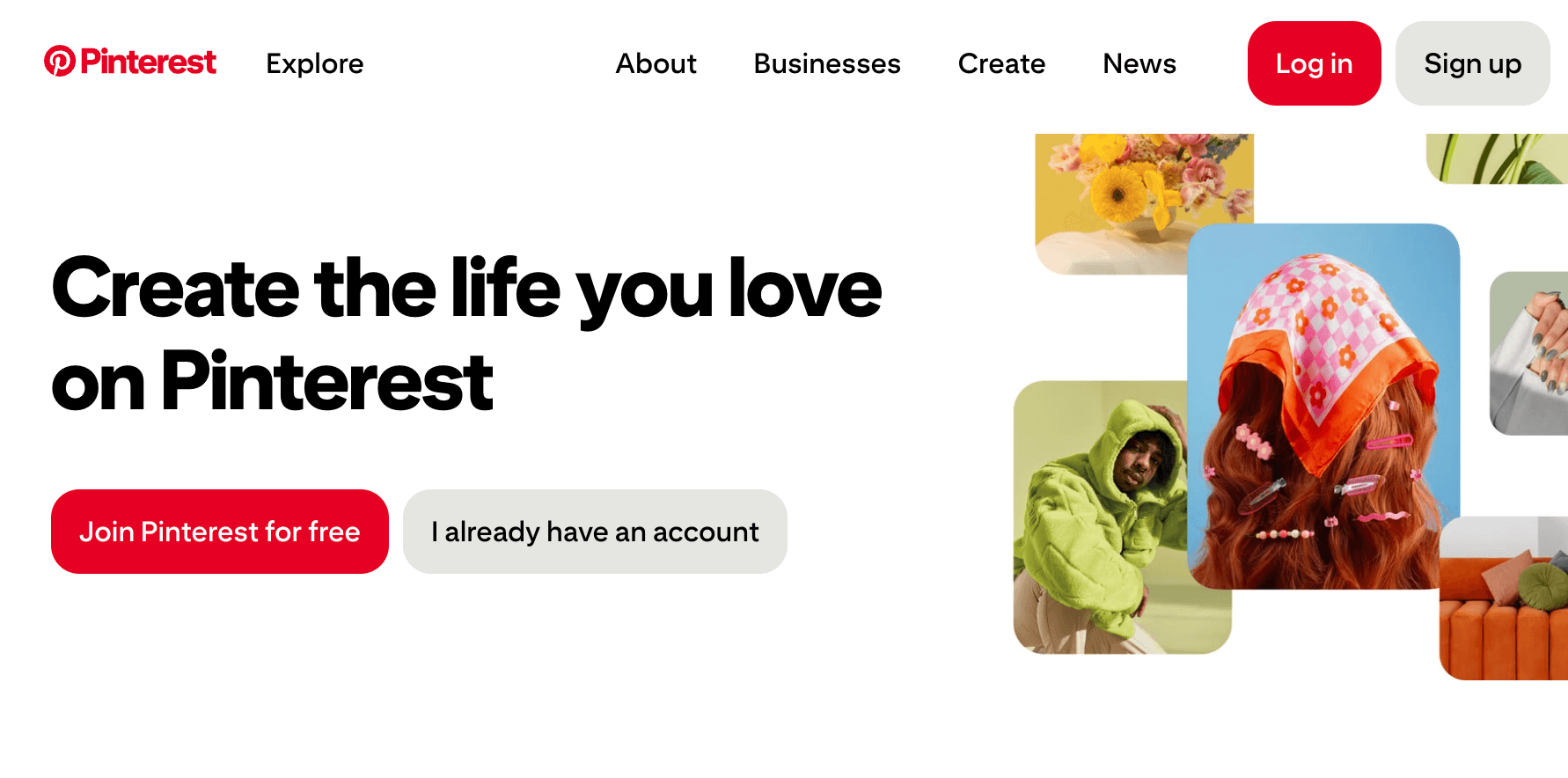
Pinterest is a visual discovery platform widely used for fashion research and inspiration gathering. Designers and product teams use it to collect references, monitor aesthetic trends, and explore emerging themes from a large volume of user-generated content.
Within fashion product development, Pinterest often serves as an early-stage research tool for gathering inspiration, organizing references, and saving visual concepts.
A single post can spark new product directions, while broader search activity can help brands understand what consumers are actively engaging with online.
2. AI Design, Moodboard, and Collection Planning Tools
AI design tools typically enter the fashion design workflow after trend research and before technical development begins. Fashion brands use them to explore concepts, test different directions, organize visual references, and evaluate products before investing time in samples or development work.
The tools below support concept generation, mood boards, collection planning, and visual exploration. They help teams balance creativity with speed by making it easier to explore different directions, colors, and product concepts during the early stages of development.
Onbrand AI Design
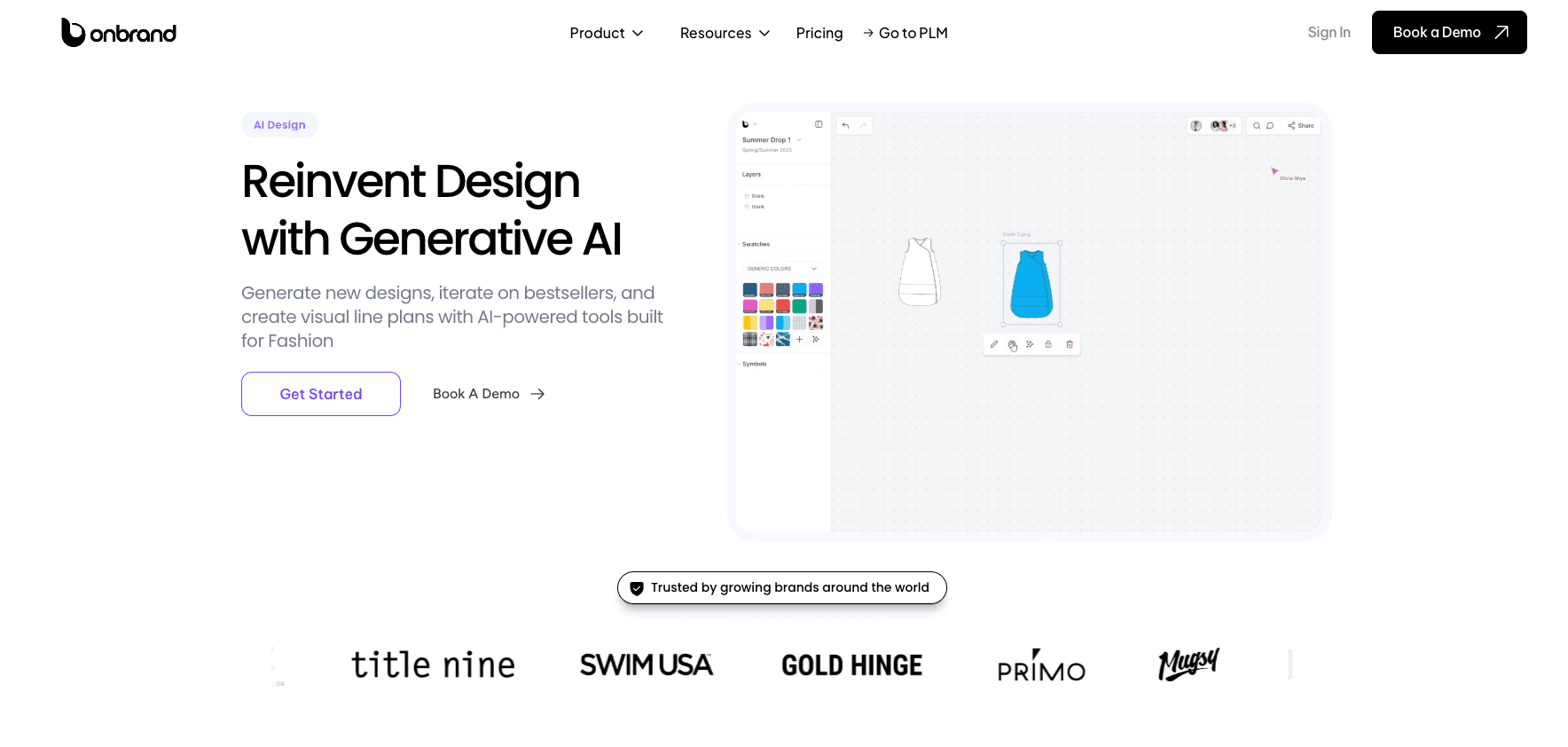
Onbrand AI Design is an AI-powered design workspace built for fashion teams that need to generate concepts, explore variations, build mood boards, and move approved visuals into a product lifecycle management (PLM) system.
Teams can start with a text prompt, sketch, or reference image, then generate design concepts, colorways, trims, cuts, photorealistic renders, and visual line plans.
It also supports shared moodboards, real-time co-editing, comments, version history, asset libraries, and export into Onbrand PLM for development handoff.
Onbrand reports up to 10x faster design turnaround, 30–50% fewer physical samples, and more than 10 weeks saved annually through its AI-assisted design workflow.
This makes it useful for brands that want one place for AI concepting, visual planning, collaboration, and PLM handoff.
NewArc
Source: newarc.ai
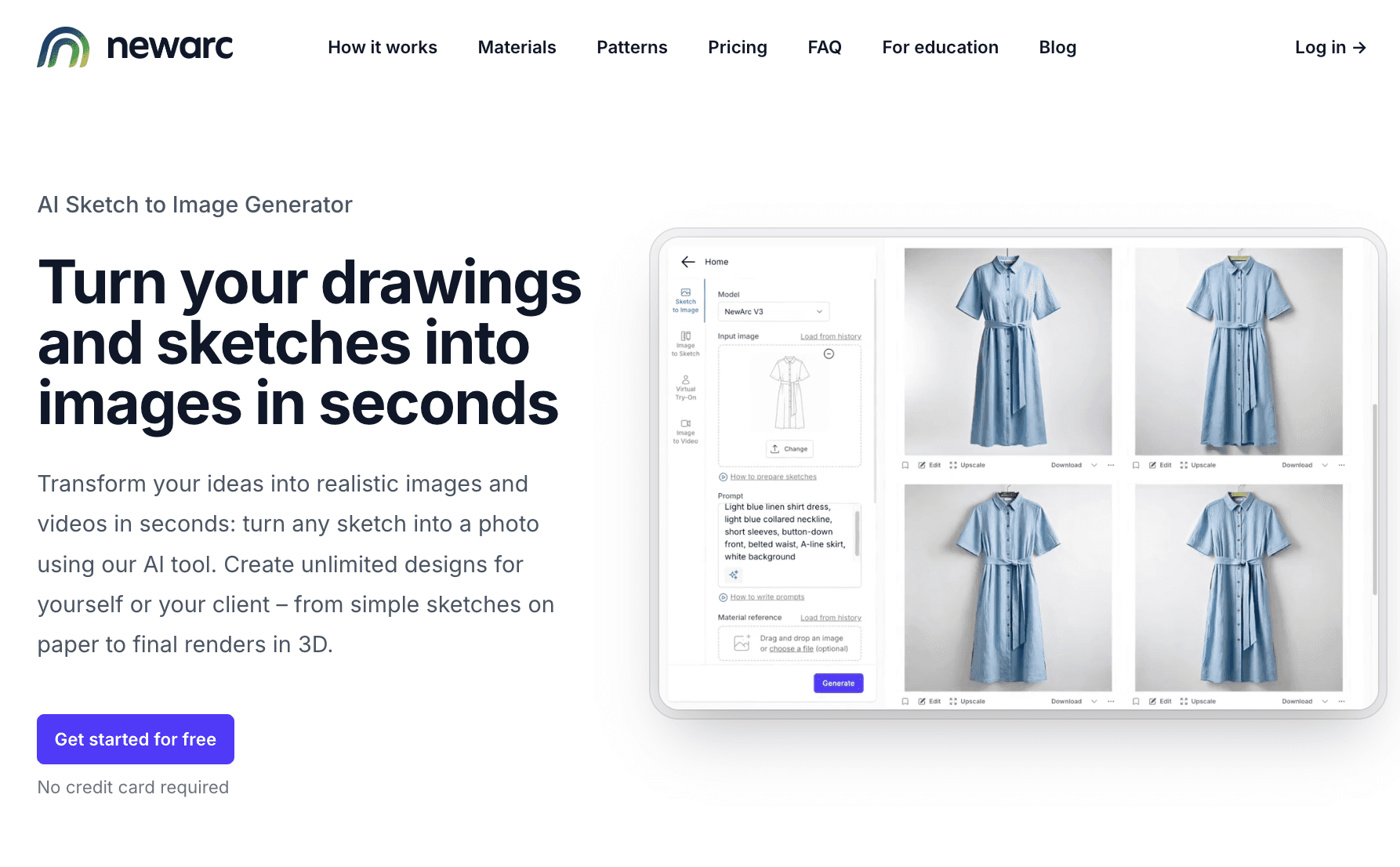
NewArc focuses on turning sketches, drawings, product photos, and references into realistic visuals. It fits well during early concept development, design review, and presentation work.
Designers can upload a sketch or base product, then test materials, textures, shapes, patterns, and color changes. The platform also includes sketch-to-image, image-to-sketch, virtual try-on, image-to-video, material references, and color tools.
NewArc is useful for teams that already have rough sketches or visual references and want to turn them into polished images for internal reviews, stakeholder presentations, or supplier conversations.
Fashable AI
Source: fashable.ai
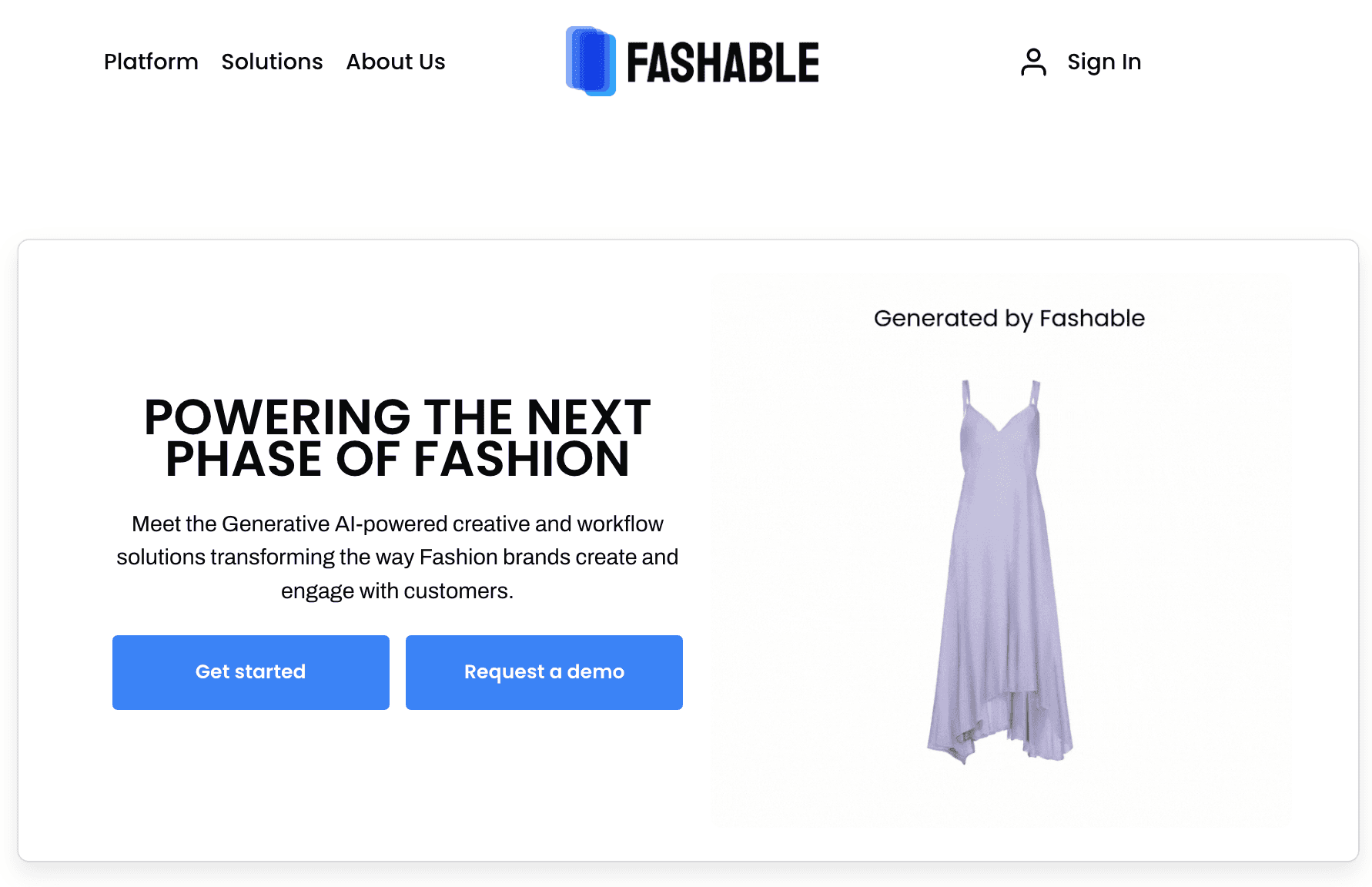
Fashable AI offers generative AI tools for fashion brands that want to create and test digital clothing concepts. The platform focuses on concept generation, visual exploration, and AI-assisted design workflows during the early stages of product development.
Teams often turn to Fashable AI to explore design directions, generate product concepts, test color combinations, and create digital visuals before sampling begins.
It is primarily focused on creative exploration rather than technical development, so brands may still need separate tools for specifications, tech packs, approvals, and production management.
3. Sketching and Illustration Tools
Sketching and illustration tools help teams turn early concepts into visual product references. A fashion designer may use them to create flats, garment sketches, and other forms of technical fashion drawings before the product moves into patterns, samples, or tech packs.
This stage is where the design becomes easier to review. It gives product developers, merchandisers, and vendors a shared visual reference before more technical details are added.
Adobe Illustrator
Source: adobe.com
Adobe Illustrator is a vector-based design application widely used in fashion for flats, technical sketches, and garment illustrations. Since vector artwork can be resized without losing quality, it works well for drawings that need to appear in line sheets, presentations, and tech packs.
In fashion product development, teams use Adobe Illustrator to create clean garment views, callouts, stitching details, and construction references.
It also supports image tracing, pattern fills, object arrangement, and file exports that can move into other development documents.
Procreate
Source: procreate.com
Procreate is an iPad drawing app used by designers for sketching, illustration, and early visual exploration. It works well when a designer wants a more hand-drawn feel or needs to sketch quickly during concept development.
Teams may use Procreate for loose garment sketches, styling concepts, presentation artwork, and early creative exploration.
It is less focused on technical precision than Illustrator, so it often works better before final flats or production-ready drawings are needed.
CorelDRAW
Source: coreldraw.com
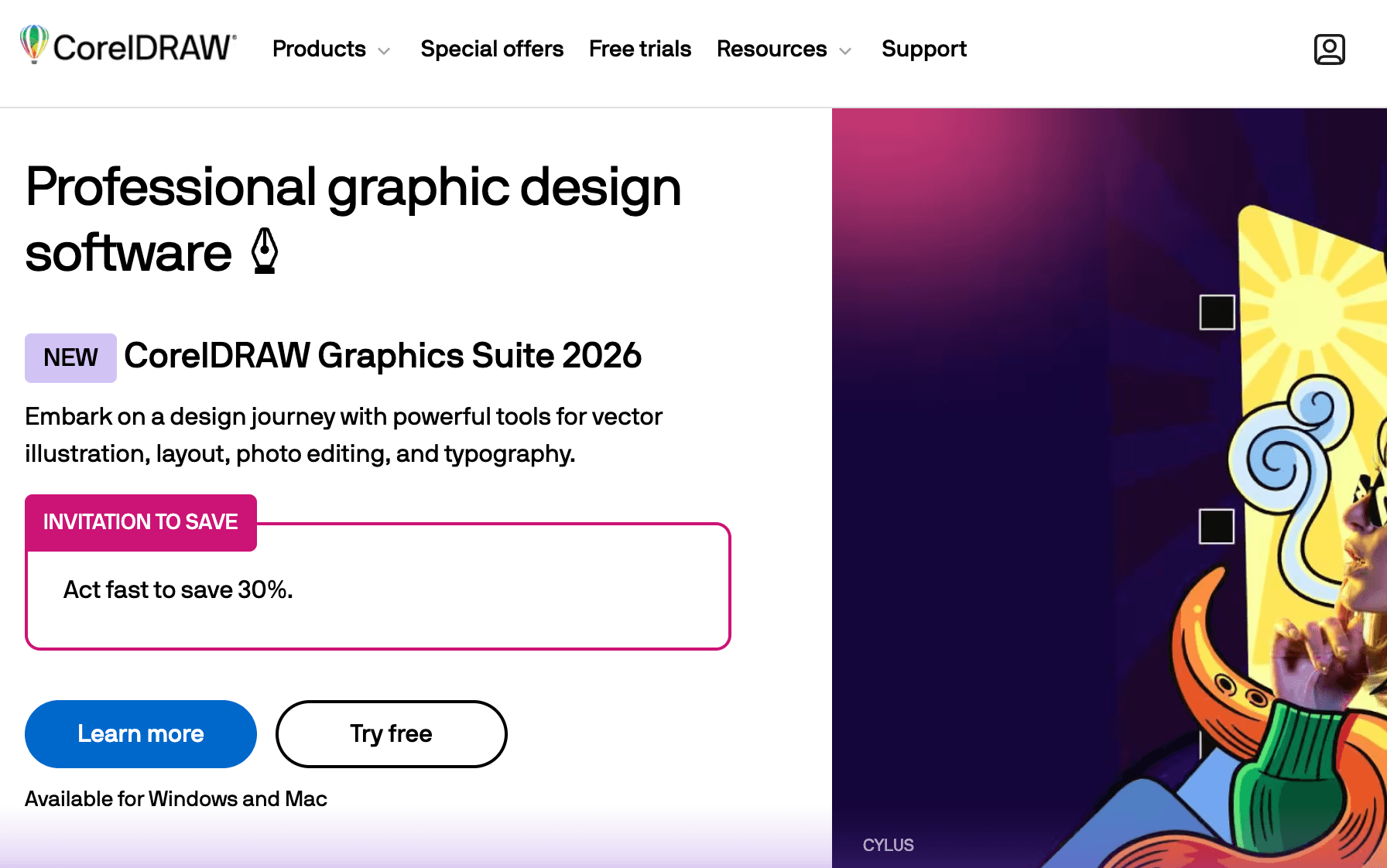
CorelDRAW is a professional graphic design suite used for vector illustration, page layout, typography, and print-ready artwork. It is available for Mac and Windows, which can make it a practical option for teams that need design files outside the Adobe system.
For fashion work, CorelDRAW can support garment illustrations, layout boards, branding assets, and production-related graphics. It can also be useful for apparel graphics, labels, and artwork that need clean vector output.
4. Textile and Print Design Tools
Textile and print design tools focus on the artwork that appears on a product rather than the product itself. Fashion brands use them to develop prints, surface graphics, and repeating textile designs before those assets are applied to fabrics or incorporated into a garment.
This category typically sits between concept development and production preparation. It helps design teams create, edit, test, and refine patterns that will eventually move into sampling, sourcing, and manufacturing.
NedGraphics
Source: nedgraphics.com
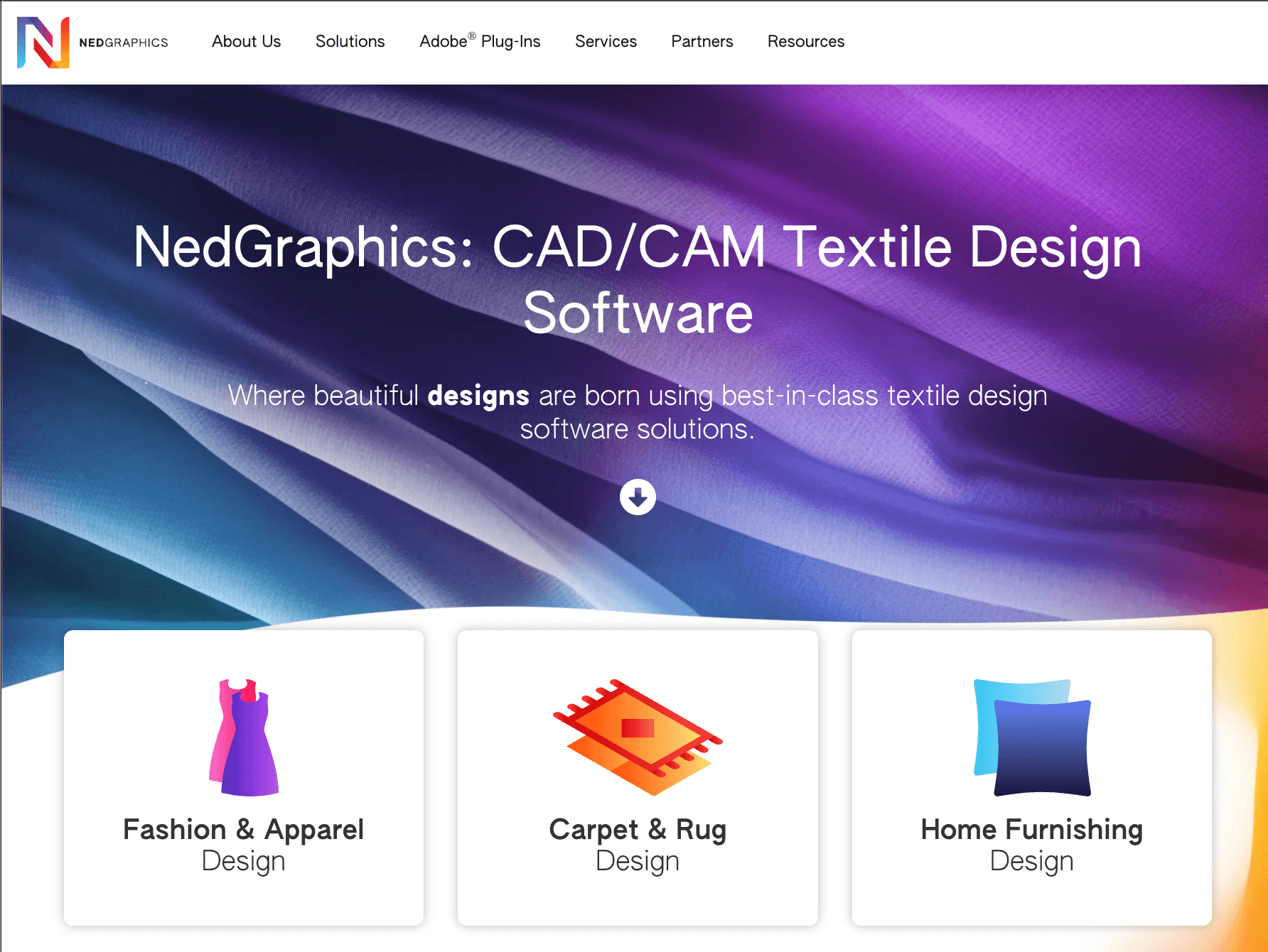
NedGraphics is a textile CAD software suite used in fashion, home furnishings, carpet, and textile manufacturing. The platform includes design applications for print development, woven textiles, tufted products, and color management.
Within fashion product development, NedGraphics is commonly used to create and edit textile patterns, manage color variations, and prepare artwork for production. The software supports repeat creation, motif placement, color control, and production-oriented textile design workflows.
Because it is built specifically for textile design, it focuses more on fabric artwork than garment illustration or technical sketches.
Adobe Textile Designer
Source: adobe.com
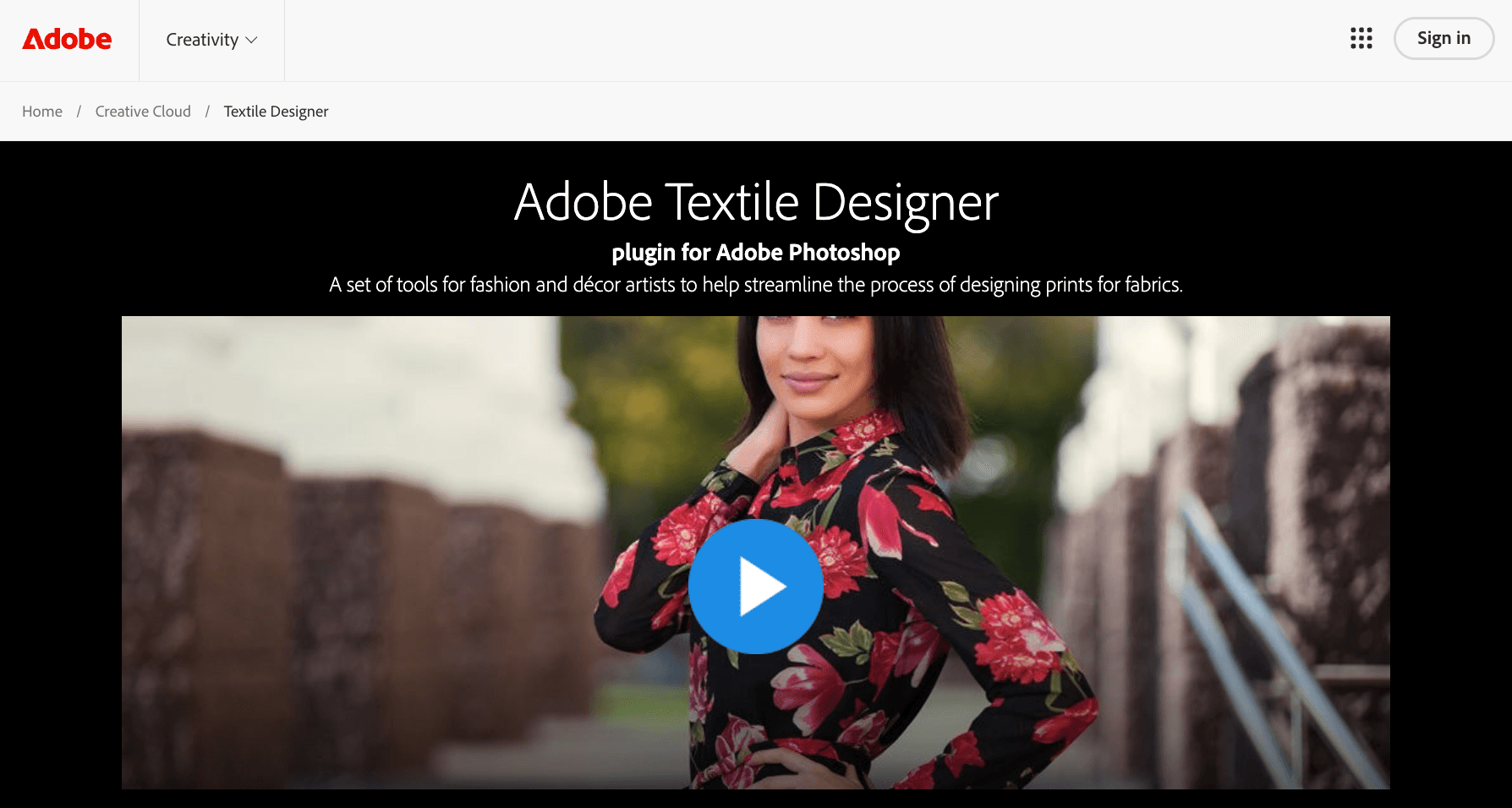
Adobe Textile Designer was created as a textile design plugin for Adobe Photoshop. It provided tools for building repeating prints, managing color separations, and developing multiple colorways while keeping artwork editable throughout the design process.
The software was designed for print designers working on fashion, home décor, and textile products. Because it operated within Photoshop, it fit naturally into workflows that already relied on Adobe applications for artwork development and print preparation.
Texcelle
Source: nedgraphics.com
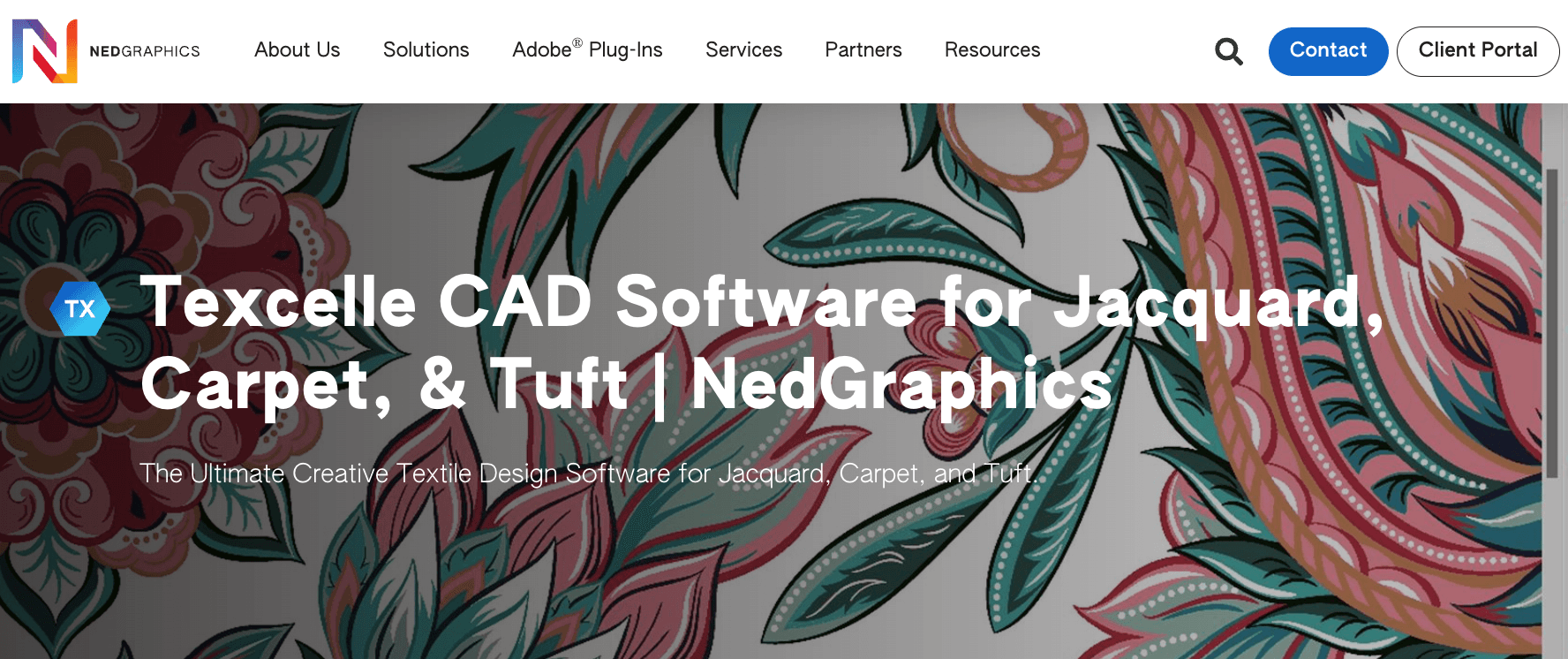
Texcelle is a textile design application from NedGraphics built for Jacquard weaving, carpet design, tufting, and complex woven structures. The software includes tools for freehand drawing, motif placement, repeat creation, recoloring, and production simulation.
Manufacturers and textile designers rely on Texcelle to create woven textile designs that require precise control over structure, color, and production constraints.
It is commonly applied in industries where textile designs need to move directly into manufacturing systems while maintaining technical accuracy.
5. Patternmaking and Grading Tools
Patternmaking and grading tools come after the design direction is approved and before sampling begins. They help technical designers and pattern makers turn a sketch into digital pattern pieces with accurate sizing, seam details, necklines, darts, and armholes.
Traditional pattern work often uses paper, measuring tape, a French curve, an awl, fabric scissors, and other sewing tools to draft, mark, and cut pieces by hand.
Digital patternmaking software brings that work into CAD, where teams can improve precision, adjust fit, and prepare patterns for sewing and production.
Gerber AccuMark

Source: lectra.com
Gerber AccuMark is a CAD patternmaking system from Lectra. It supports pattern creation, grading, marker making, and production preparation for fashion companies.
In product development, teams use Gerber AccuMark to create and adjust digital patterns before samples are made. The platform also connects 2D pattern work with 3D simulation, although its main role in this category is pattern drafting, grading, and industrial pattern preparation.
Lectra Modaris
Source: lectra.com
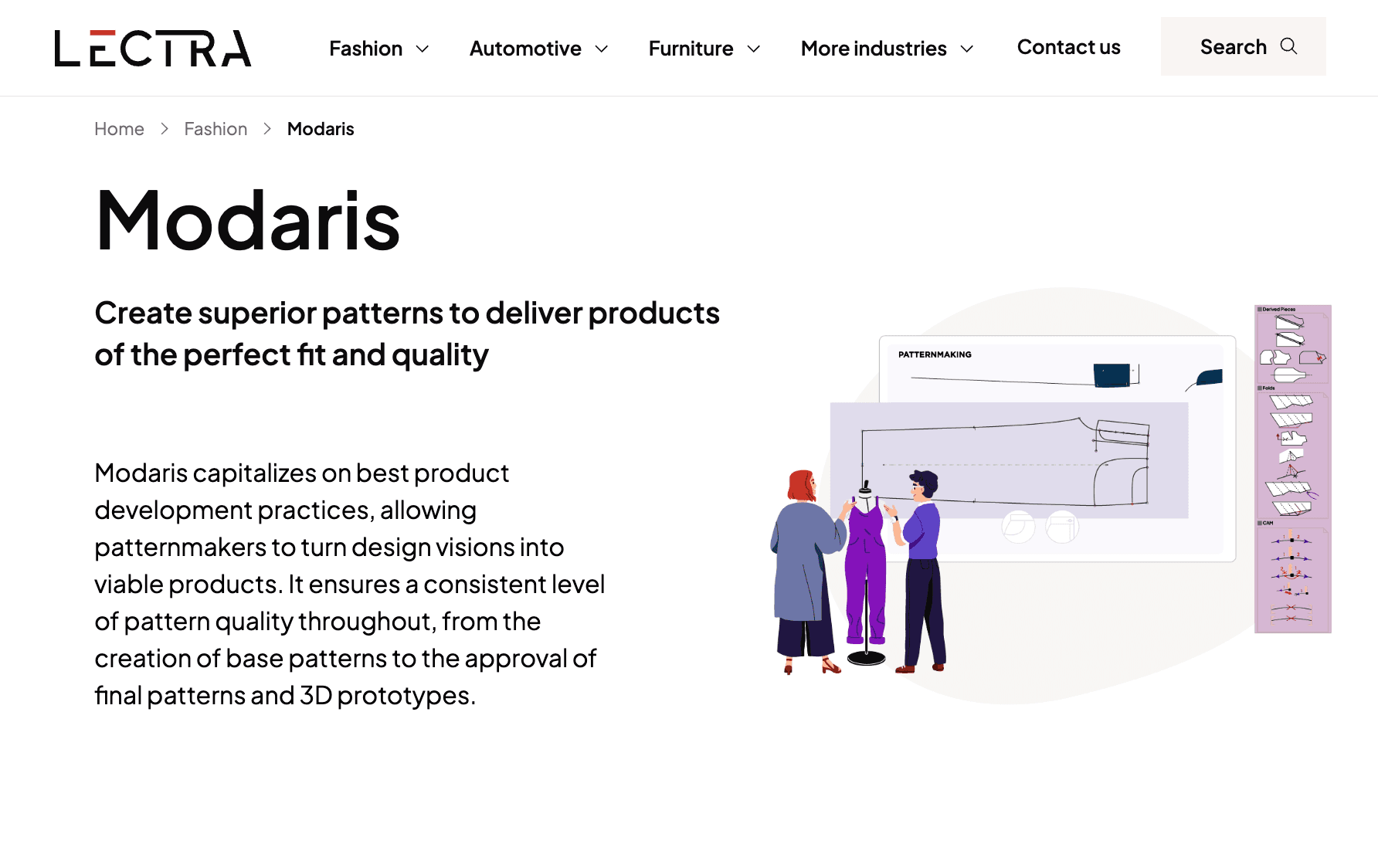
Lectra Modaris is a patternmaking system used to create, modify, grade, and industrialize patterns. It supports work from base pattern creation through final pattern approval, with tools for notches, seam values, axes, grading, and pattern file conversion.
Patternmakers may use Modaris to manage fit quality and prepare patterns for production. It is especially relevant for teams that need consistent sizing, repeatable pattern standards, and collaboration with suppliers using professional pattern files.
TUKAcad
Source: tukatech.com
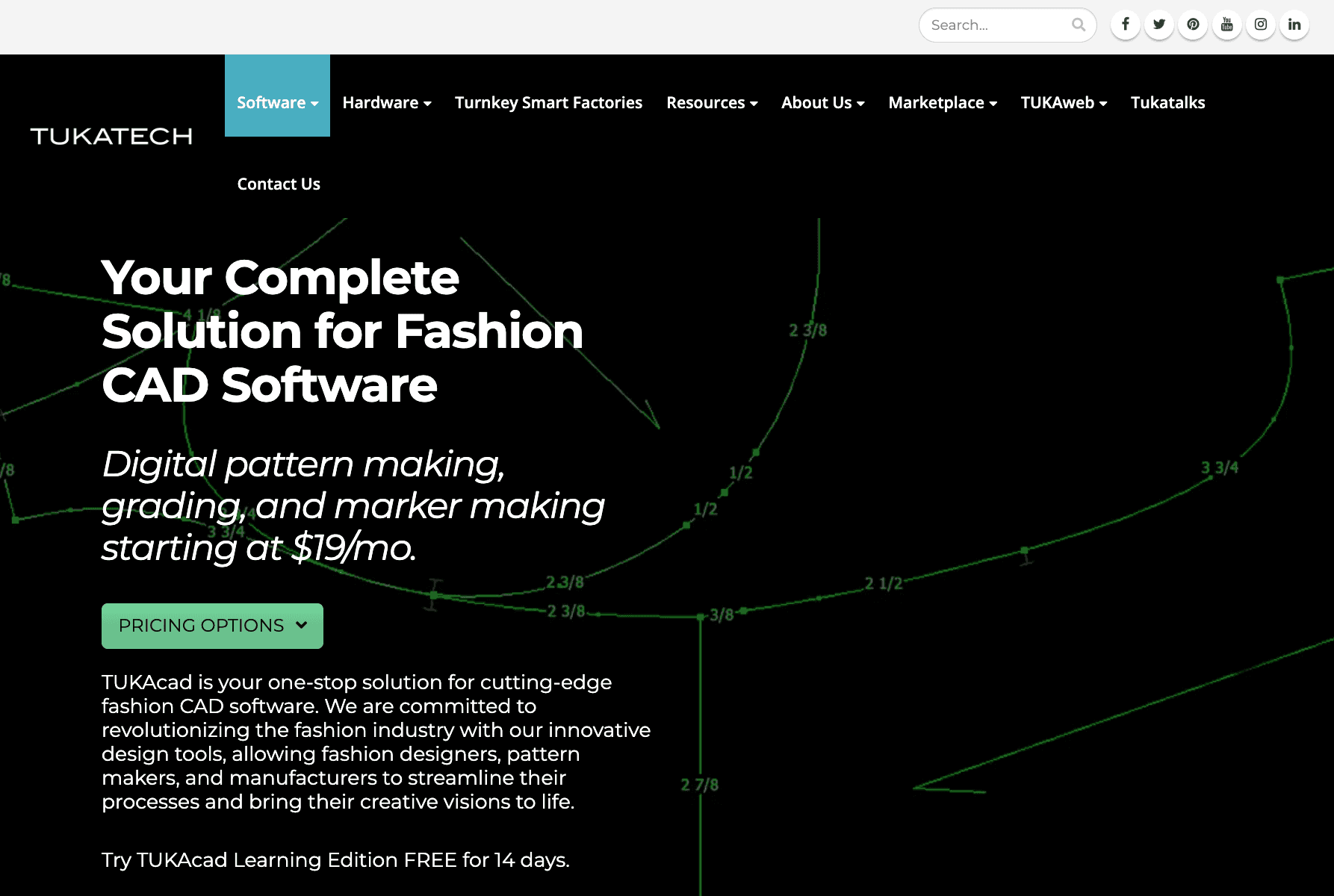
TUKAcad is fashion CAD software from Tukatech for digital patternmaking, grading, and markermaking. It supports pattern creation and modification, custom grade rules, markers, and reports for yield or fabric consumption.
The software can be used by fashion brands, manufacturers, patternmakers, and students moving from manual pattern work into digital pattern development. It fits teams that need a lower-cost CAD option to create, grade, and prepare patterns before sewing samples or production pieces.
6. 3D Design, Fit Visualization, and Virtual Sampling Tools
3D design tools are often used after patterns are created and before physical samples are approved. They allow fashion brands to view digital garments, evaluate fit, test fabric behavior, and review styles before committing to sample production.
These platforms help teams create virtual samples, review products from different angles, visualize fit and construction details, and make design decisions faster.
CLO 3D
Source: clo3d.com
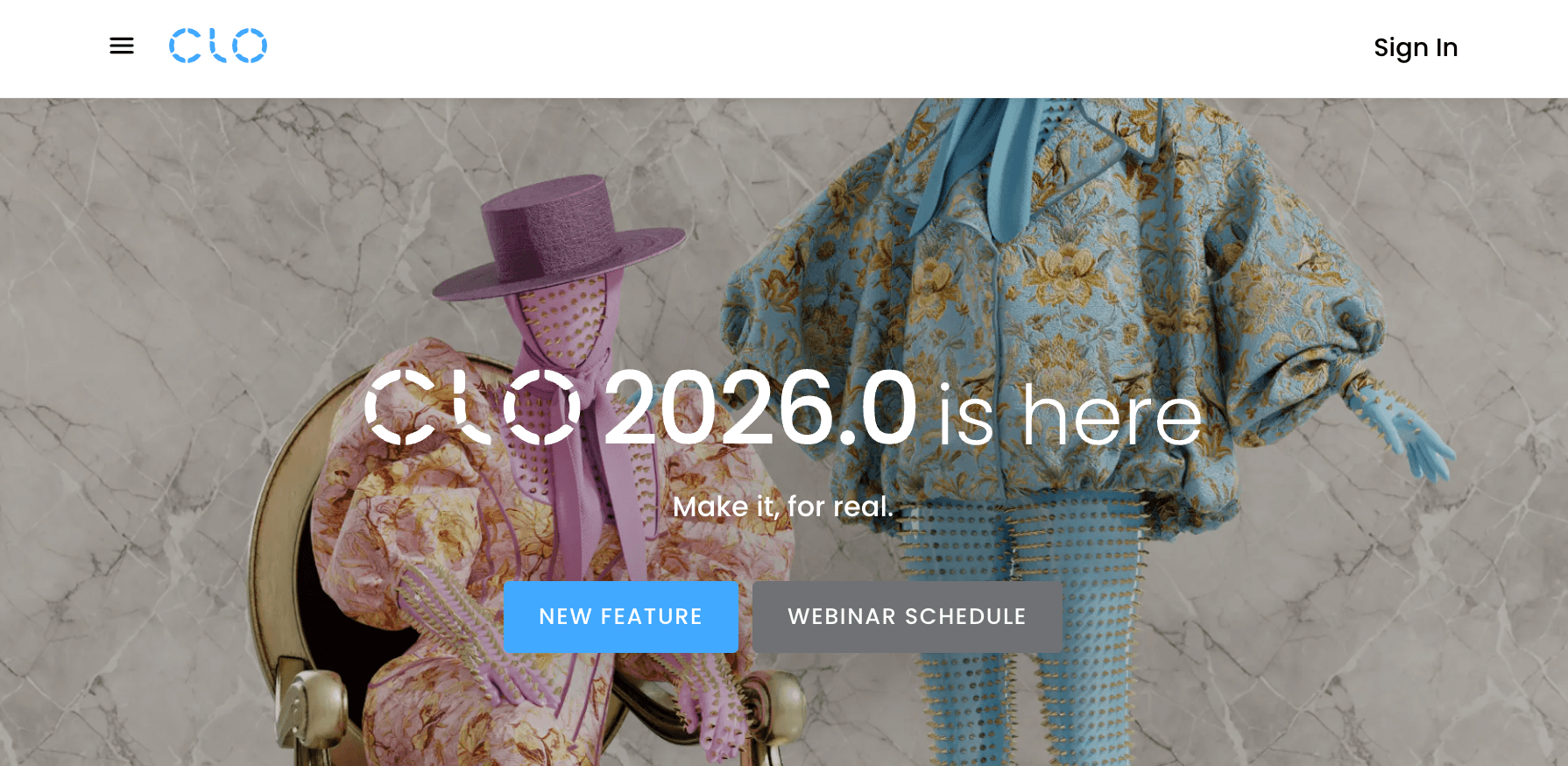
CLO 3D is a virtual garment design platform for creating and evaluating digital clothing. It connects pattern data with fabric properties to generate realistic garment simulations that show how materials drape, move, and fit on digital avatars.
Fashion teams rely on CLO 3D during development to review fit, construction, and silhouette before producing physical samples. The software is widely used for virtual sampling, fit reviews, material testing, and communication between design, development, and production stakeholders.
Browzwear VStitcher
Source: browzwear.com
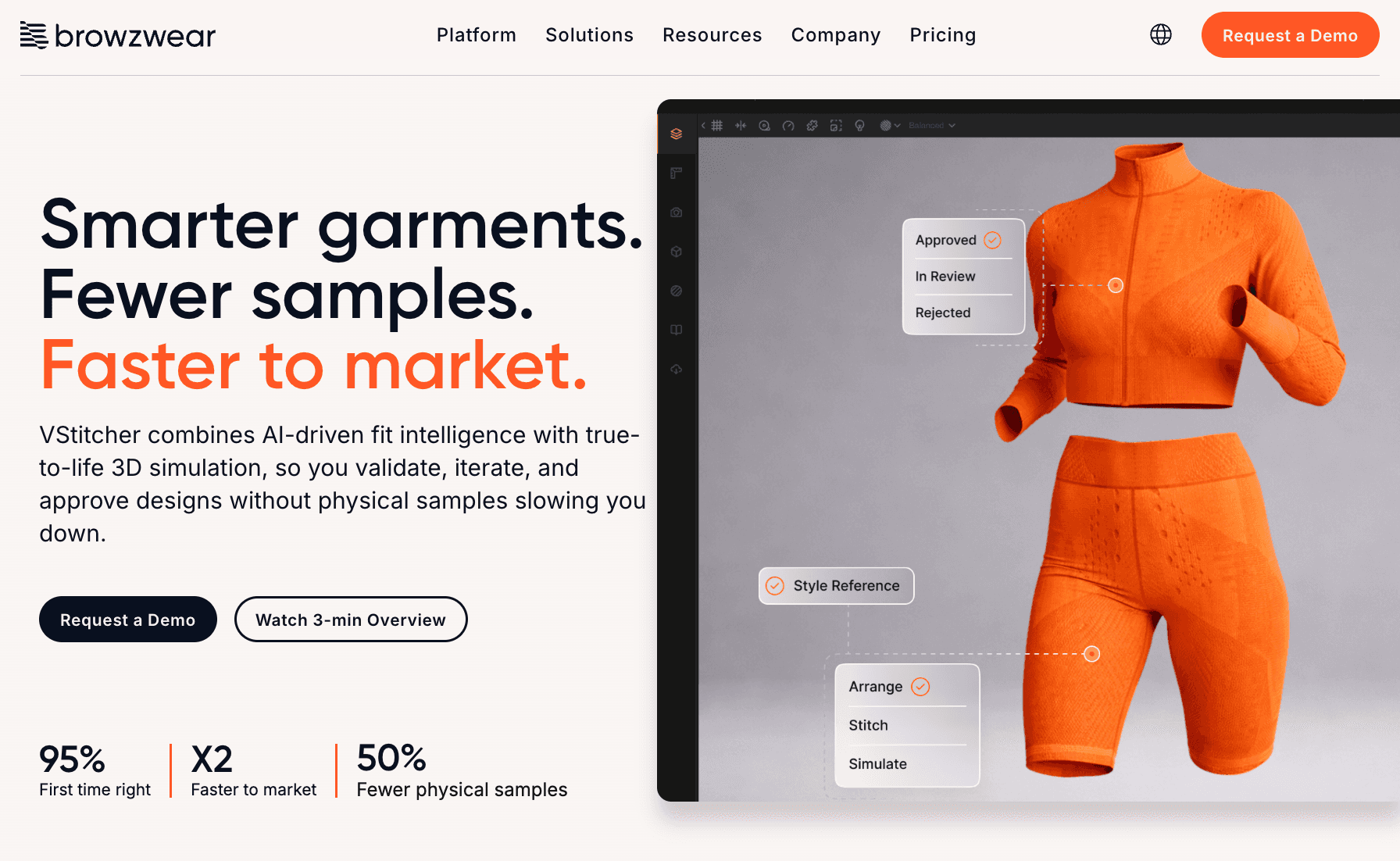
Browzwear VStitcher is a 3D garment development platform focused on virtual prototyping and fit validation. It combines pattern data, fabric information, and avatar technology to create digital garment samples that closely reflect real-world production outcomes.
Brands use VStitcher to evaluate fit, construction, fabric behavior, and sizing before moving into physical sampling. The platform also includes tools for tension mapping, fit analysis, and production documentation, which can help support product development decisions earlier in the process.
Style3D

Source: style3d.com
Style3D is a 3D fashion design and visualization platform used for virtual sampling, garment simulation, and digital collaboration. The software connects pattern development, visualization, and product review within a single environment.
Fashion teams may use Style3D to evaluate fit, review colorways, test fabrics, and present styles digitally. It can also support collaboration among product developers, designers, and suppliers in reviewing garments such as dresses, tops, and jackets before physical samples are produced.
7. Materials and Fabric Management Tools
Material selection continues long after the initial design is approved. Product developers and designers need a reliable way to organize fabrics, trims, color options, and other materials used throughout development.
These tools help brands build digital material libraries, manage material data, and review a wide range of fabrics and trims before products move further into development. They are often used during material evaluation, sample reviews, and broader textile product development activities.
Swatchbook
Source: swatchbook.us
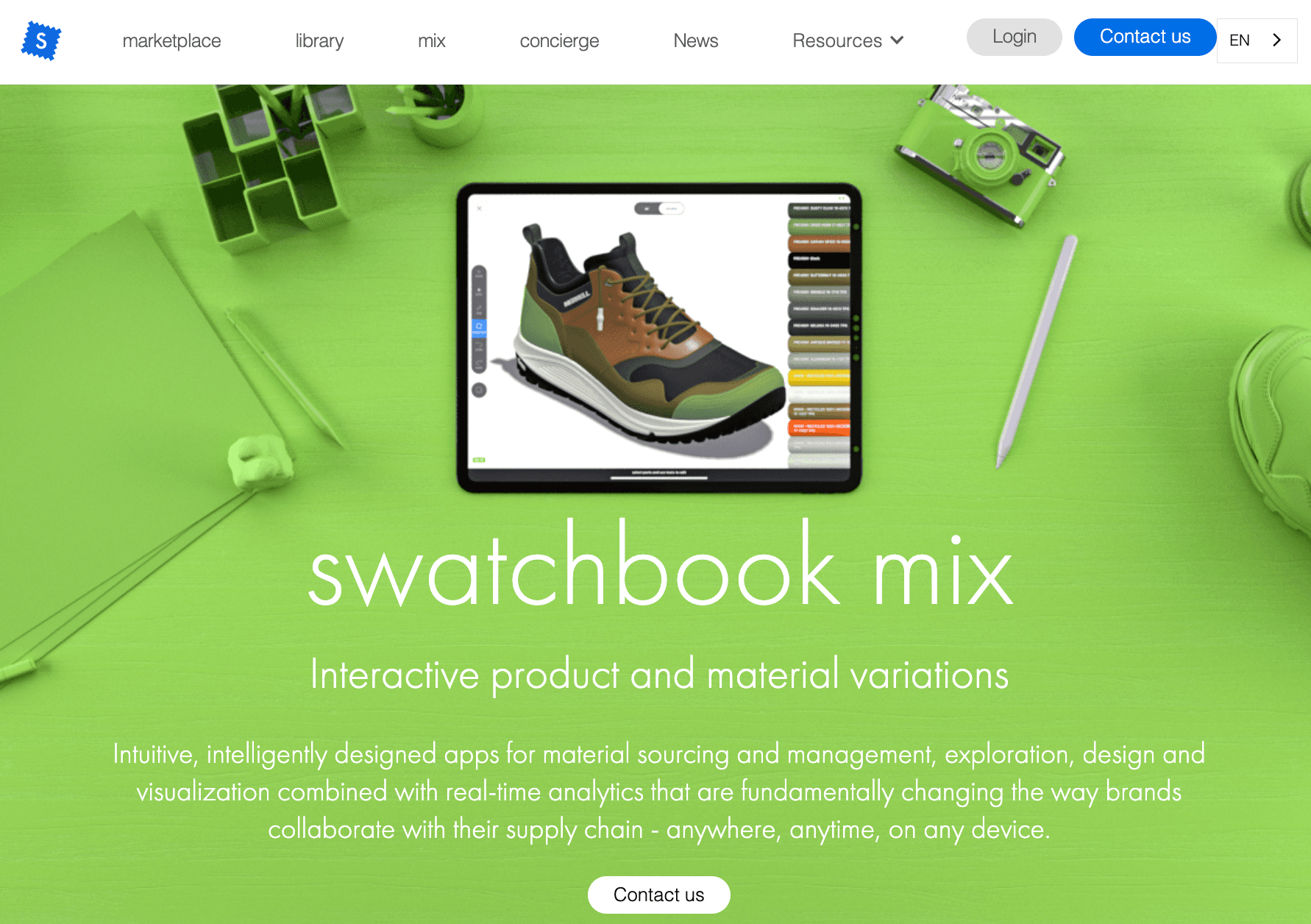
Swatchbook is a digital material management platform focused on material libraries, visualization, and collaboration.
The platform allows brands and suppliers to organize digital fabric assets, material swatches, color variations, and related product information in a centralized environment.
Within fashion development, Swatchbook helps teams manage fabric libraries, trim references, seasonal material collections, and digital material records.
Teams can review materials digitally, organize assets into collections, and maintain a structured record of approved materials throughout development.
Material Exchange

Source: material-exchange.com
Material Exchange is a platform that helps brands organize material information and coordinate material selection activities during product development. The platform focuses on structuring material evaluation, supplier information, compliance data, and early material decision-making.
Fashion brands may use Material Exchange to review material options, compare specifications, evaluate compliance requirements, and organize development needs before making final material selections.
It can provide a central location for material data that might otherwise be scattered between emails, spreadsheets, and supplier communications.
Adobe Substance 3D Assets
Source: substance3d.adobe.com
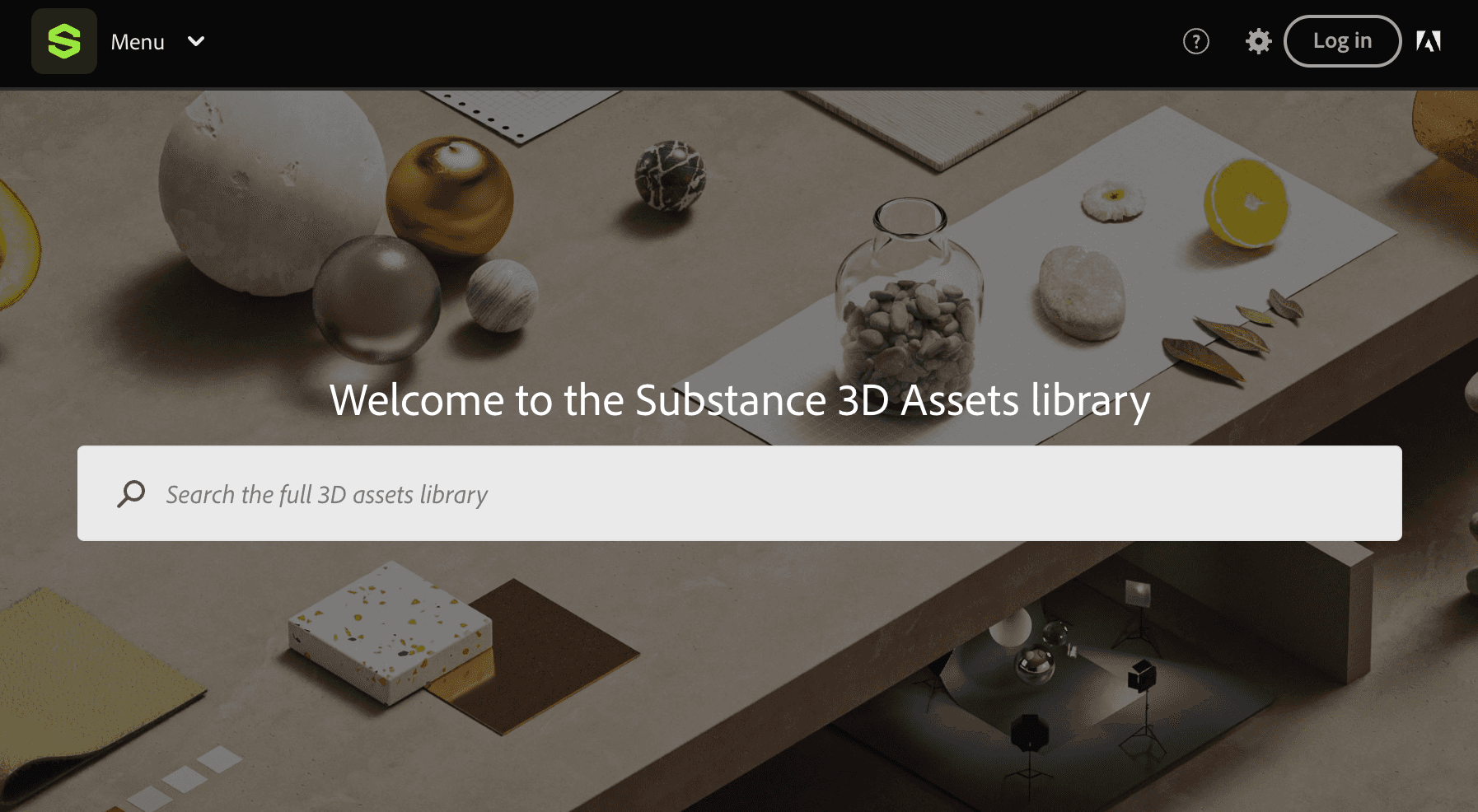
Adobe Substance 3D Assets is a library of digital materials, models, and environment assets used in 3D design workflows. The platform includes thousands of materials that can be applied to digital products during visualization and virtual development.
Teams may use Substance 3D Assets when creating digital garments, virtual samples, and product presentations.
The material library includes a broad selection of surfaces and textures that can help designers represent fabrics more realistically when reviewing products in 3D environments.
8. Collaboration, Review, and Project Management Tools
Collaboration, review, and project management tools help fashion teams organize feedback, assign tasks, and keep development timelines visible. They are usually used once several people need to review concepts, comment on changes, or track work through approvals.
This category does not replace PLM. It supports day-to-day coordination, especially when designers, product developers, merchandisers, and vendors need to share updates and stay aligned on time-sensitive work.
Figma
Source: figma.com
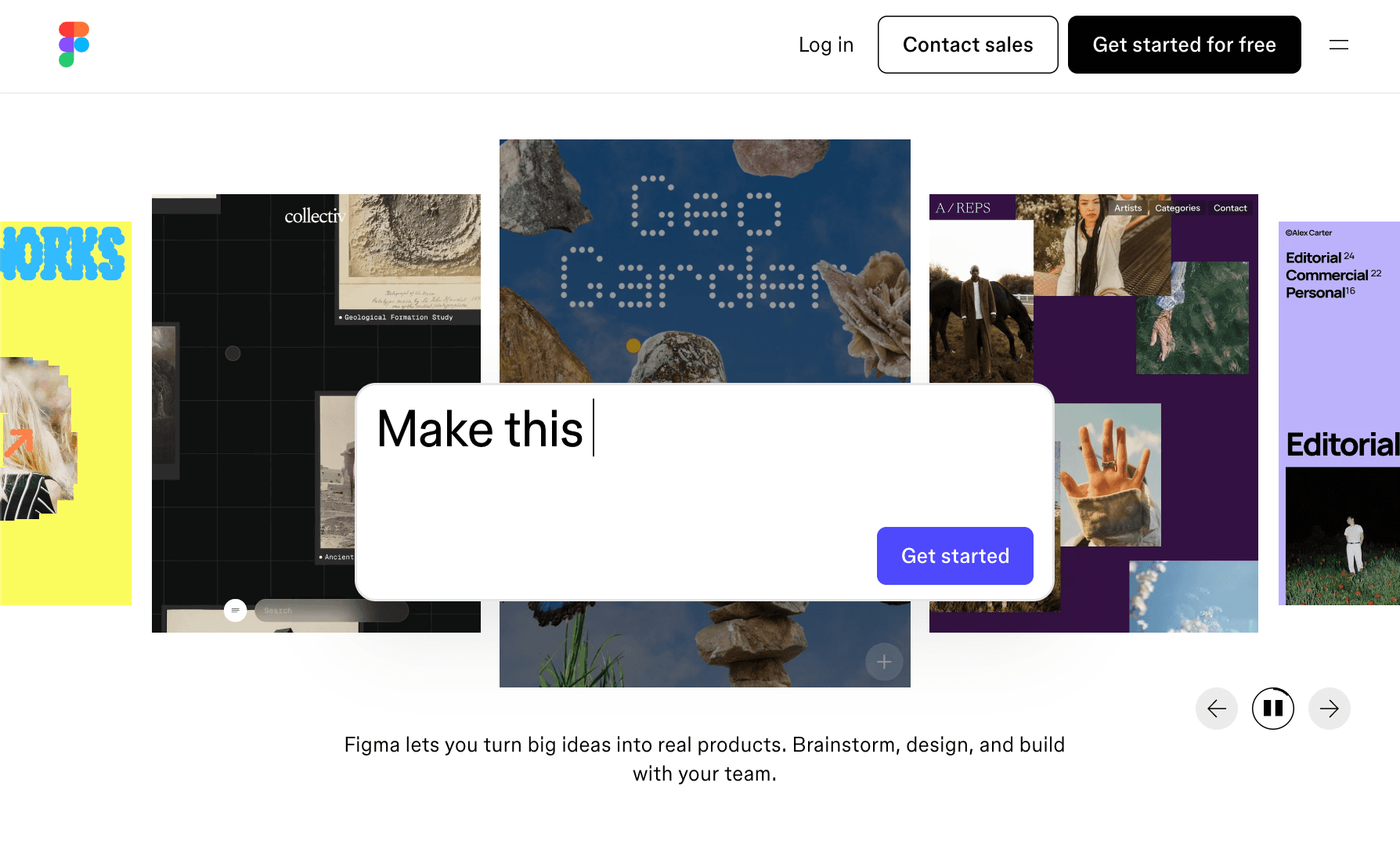
Figma is a collaborative design platform used for visual reviews, shared files, presentations, and comments. In fashion product development, it helps teams review moodboards, line concepts, presentation layouts, and other visual materials in a single shared space.
It is useful when several people need to view, comment on, or refine visual work together. Designers can share files with product developers, merchants, or leaders, while comments and annotations help keep feedback close to the visual reference.
Miro
Source: miro.com
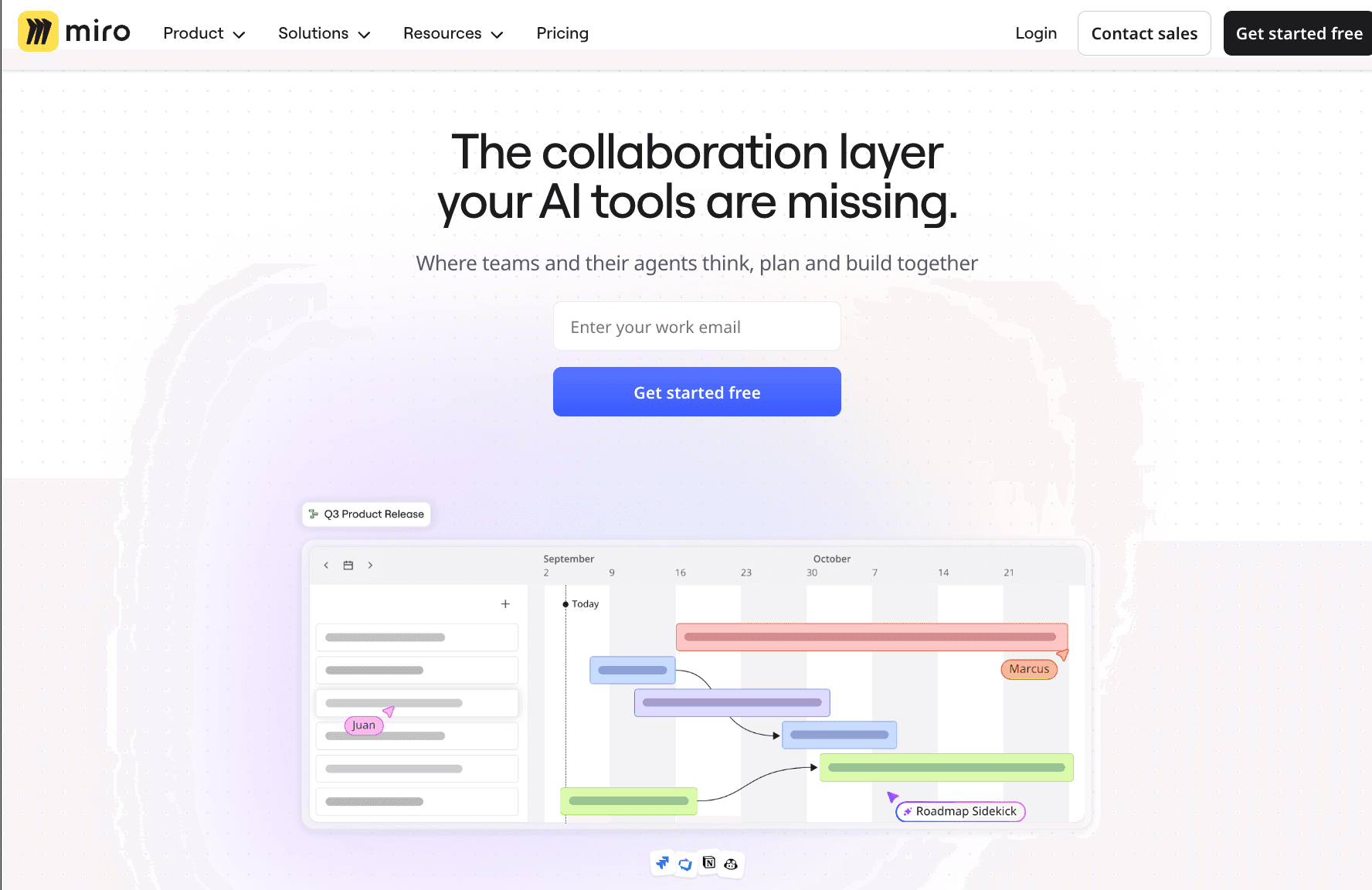
Miro is an online whiteboard platform used for brainstorming, planning, diagrams, workshops, and shared boards. Fashion teams may use it to map collection ideas, organize product feedback, run review sessions, or group references during early planning.
It works well when teams need an open canvas for discussion rather than a structured product database. Miro can support creative reviews and planning conversations, but it is not built to manage product specifications, bill of materials (BOMs), or supplier-ready development data.
Monday.com
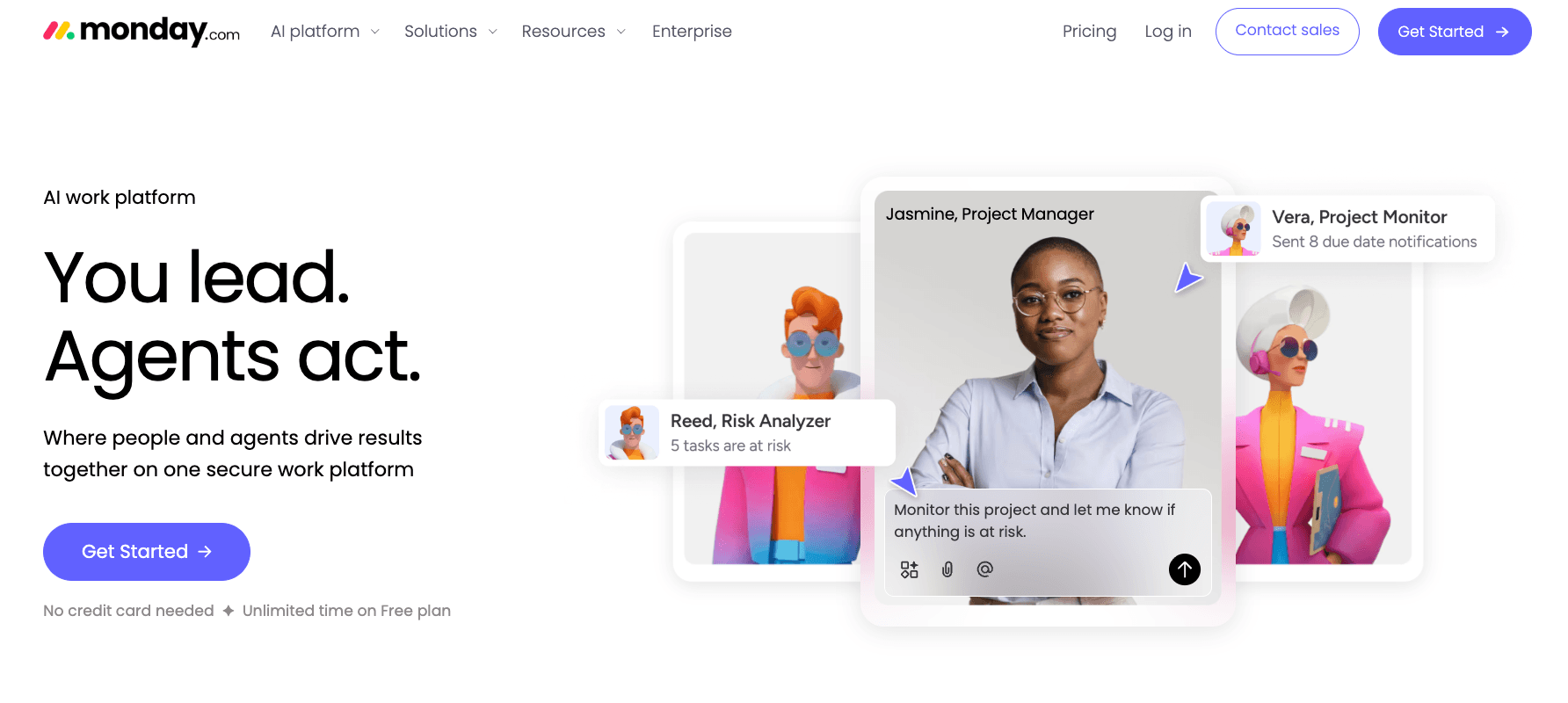
Source: monday.com
Monday.com is a work management platform for managing tasks, owners, deadlines, dashboards, and project updates. Teams may use it to track sample reviews, campaign work, launch tasks, or development milestones.
It fits teams that need visibility into timelines and task ownership. For project management in fashion, Monday.com can help teams organize work and reduce missed follow-ups, but product data and tech pack details still usually require a more specialized system.
9. Tech Pack, PLM, and Product Development Tools
Tech pack, PLM, and product development tools come into play once a design is ready to become production data. Fashion brands use them to manage specifications, BOMs, samples, approvals, vendor communication, and product history through the full product lifecycle.
This category helps teams protect the budget, reduce version confusion, and decide what is ready to move forward. It is especially useful when tech packs, comments, and approvals need to stay connected in one place.
Onbrand PLM
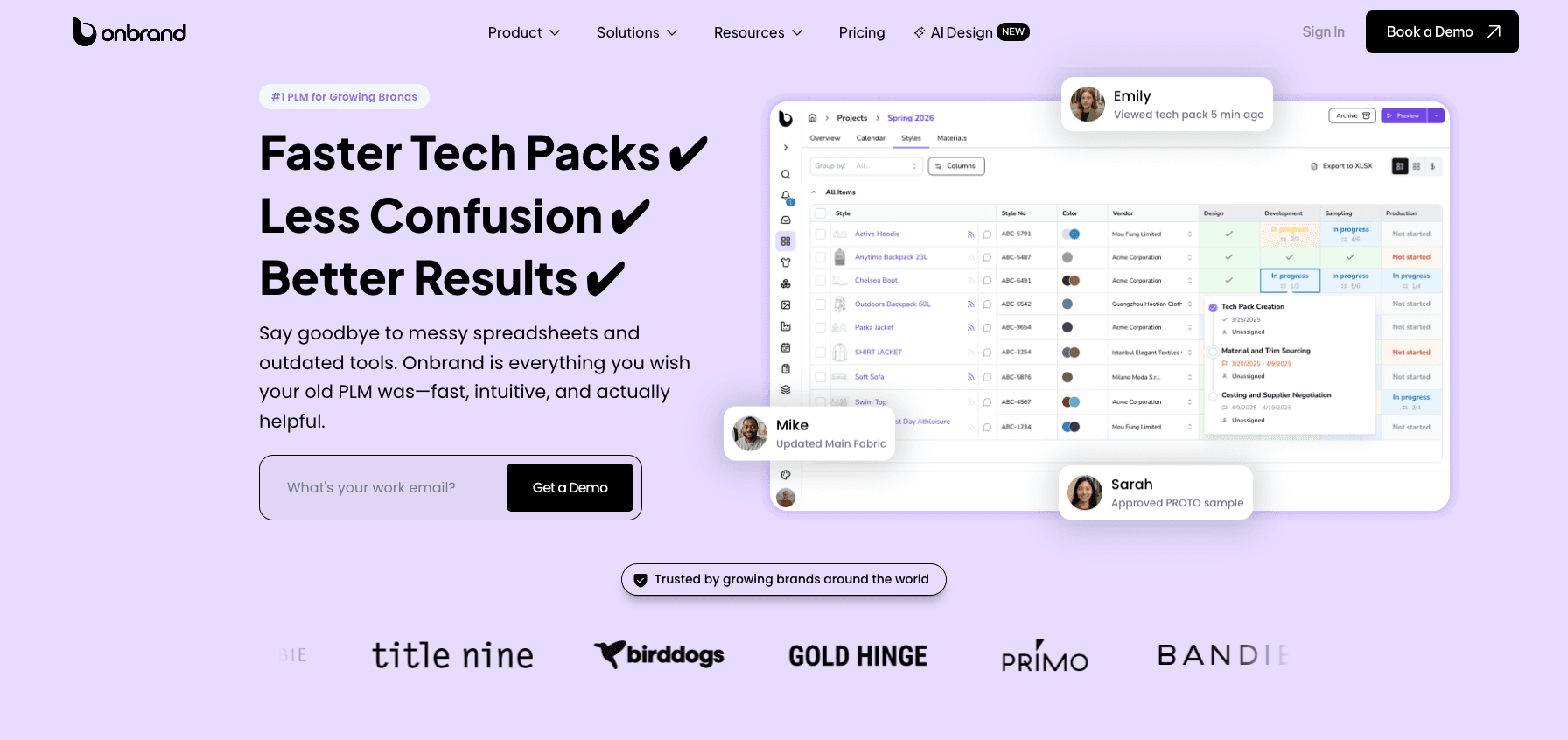
Onbrand PLM is built for growing fashion brands that need a modern way to manage tech packs, samples, approvals, materials, collections, and vendor communication.
Unlike static PDFs or Excel-based tech packs, Onbrand uses live tech packs, allowing internal teams and vendors to access the latest product information without chasing file versions. It also includes dedicated libraries, workflow automation, sample management, collection planning, time and action calendars, and configurable project stages.
Onbrand reports 55% faster tech pack creation, a four-week reduction in development time, and ten-day data migration and implementation. Case studies also show a 50% reduction in product creation time for Evelyn & Bobbie and a 55% reduction in tech pack creation time for BANDIER.
Most teams are onboarded within 2–4 weeks, and vendors can collaborate directly in live tech packs rather than relying on email attachments or static PDFs.
Centric PLM
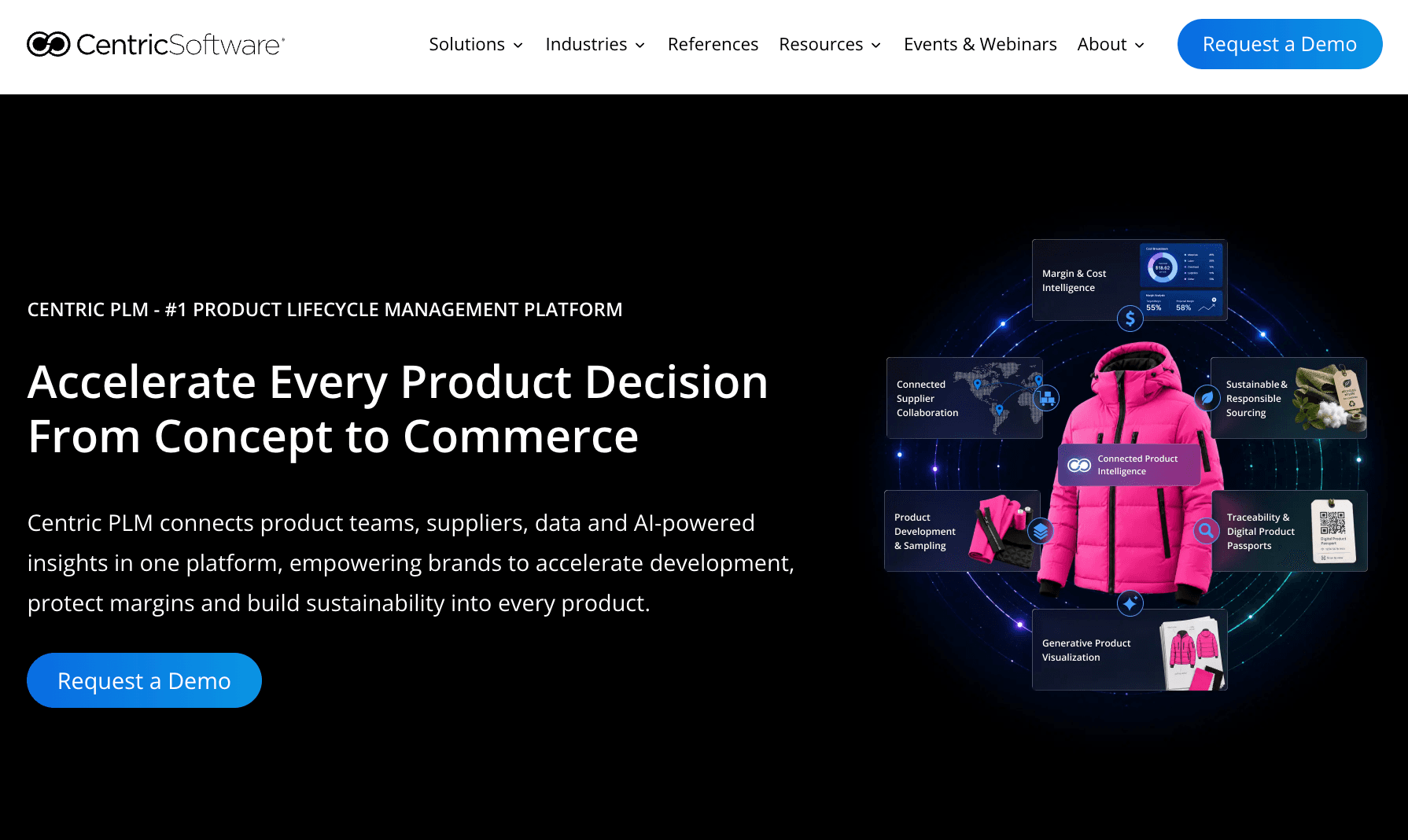
Source: centricsoftware.com
Centric PLM is a product lifecycle management platform used by fashion, footwear, outdoor, retail, beauty, and consumer goods companies. It covers product creation, sourcing, costing, testing, supplier collaboration, assortment planning, and commercialization.
Fashion brands often consider Centric when they need a broad enterprise PLM system for large product teams, multi-category assortments, and global supplier operations.
It may fit organizations that need broad PLM coverage and have the internal resources to manage a larger implementation.
Techpacker
Source: techpacker.com
Techpacker is a tech pack creation platform for organizing product specifications, measurements, materials, construction details, and factory-ready information.
It is commonly adopted by independent designers, small brands, freelancers, and teams that need a more structured alternative to spreadsheets. The platform is mainly focused on creating and managing tech packs rather than full PLM.
Techpacker can be useful when the immediate need is production documentation, but brands with broader development needs may still require separate tools for approvals, sample tracking, vendor collaboration, and product management.
A Quick Comparison of Fashion Design Tool Categories
The table below provides an easy way to compare the main tool categories, their primary uses, and example platforms. Each category offers different features, so the best fit depends on the specific problem your team needs to solve.
Tool Category | Primary Use | Example Tools |
Trend research and inspiration tools | Research consumer behavior, market direction, and early product opportunities | WGSN, Heuritech, Pinterest |
AI design, mood board, and collection planning tools | Generate concepts, organize visual direction, and plan early collections | Onbrand AI Design, NewArc.ai, Fashable AI |
Sketching and illustration tools | Create flats, garment sketches, and technical drawing references | Adobe Illustrator, Procreate, CorelDRAW |
Textile and print design tools | Develop prints, repeats, surface graphics, and textile artwork | NedGraphics, Adobe Textile Designer, Texcelle |
Patternmaking and grading tools | Create digital patterns, adjust sizing, and prepare pattern files | Gerber AccuMark, Lectra Modaris, TUKAcad |
3D design, fit visualization, and virtual sampling tools | Review fit, fabric behavior, and virtual samples before physical sampling | CLO 3D, Browzwear VStitcher, Style3D |
Materials and fabric management tools | Organize fabrics, trims, digital materials, and material records | Swatchbook, Material Exchange, Adobe Substance 3D Assets |
Collaboration, review, and project management tools | Manage comments, tasks, approvals, and timelines | Figma, Miro, Monday.com |
Tech pack, PLM, and product development tools | Manage specs, BOMs, samples, approvals, vendors, and product records | Onbrand PLM, Centric PLM, Techpacker |
How to Choose the Right Fashion Design Software for Your Team
The best digital fashion design software depends on where your team spends most of their time during the fashion product development process.
Instead of choosing tools based on popularity alone, start by identifying the stage where work slows down, information gets lost, or teams struggle to stay aligned.
Start With Your Workflow Stage
The right tool depends on where your team is getting stuck.
If you're still exploring ideas, start with trend research, AI design, or sketching tools. If you're working on fit and sampling, focus on pattern making or 3D development platforms. If production handoff is the challenge, look for tools that manage tech packs, approvals, and product data.
Understanding your current workflow makes it easier to find tools that support your existing processes rather than adding unnecessary software.
Avoid a Disconnected Tool Stack
Teams often end up with separate tools for design, specifications, approvals, and communication.
Problems often appear when information has to move between multiple files, systems, and document formats. Teams may forget to update information, version confusion can increase, and small mistakes can create delays later in development.
Whenever possible, choose tools that connect naturally with the next step in the workflow.
Match the Tool to the Team
Different roles require different capabilities.
Creative designers may need concepting, moodboarding, and illustration tools. Technical designers often need tech pack and specification management. Pattern makers require CAD systems, while product developers need visibility into samples, approvals, and timelines.
The best results usually come from tools that are easy to learn and adopt, rather than from systems that require major process changes before teams can use them effectively. Teams are also more likely to achieve long-term success when the software aligns with how they already work.
Prioritize Tools That Support Handoff
Product issues frequently occur during the transition from creative work to production documentation.
Design concepts, sketches, materials, and approvals need to move into specifications, BOMs, and tech packs without losing information. That handoff process is one of the essentials of effective product development.
It is also important to monitor how information flows between teams during reviews, approvals, and vendor communications. Gaps often appear when information is transferred manually.
The perfect tool is not always the one with the most features. It is the one that helps information move accurately from design through production with the fewest gaps.
Create, Collaborate, and Develop With Onbrand
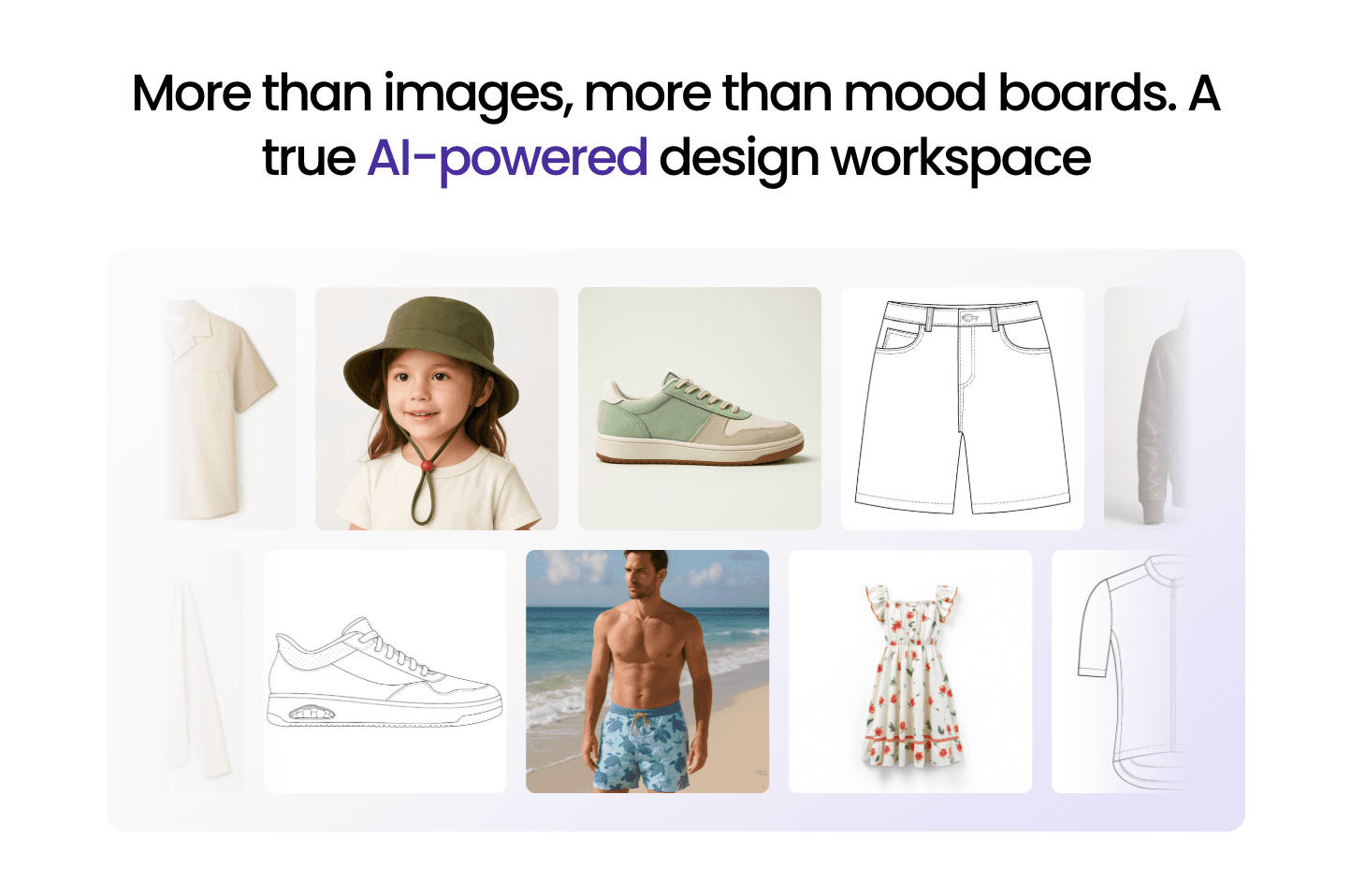
Fashion teams typically use multiple tools throughout product development. Trend research, sketching, patternmaking, 3D reviews, material management, and tech packs all play different roles as products move toward production.
The goal is not to replace every tool. It is to make sure information moves cleanly from one stage to the next without creating extra work, duplicate data, or communication gaps.
Onbrand helps bring those stages closer together. Designers can generate concepts, build moodboards, explore variations, collaborate on reviews, and move approved products directly into PLM for tech packs, approvals, vendor communication, and development tracking.
FAQs About Fashion Design Tools
How many fashion design tools does a typical brand use?
Most fashion brands use multiple tools throughout product development. A team may use one platform for trend research, another for sketching, a separate tool for pattern making or 3D sampling, and a PLM system to manage tech packs, approvals, and vendor communication.
When should a fashion brand invest in PLM software?
Brands often start evaluating PLM when product information becomes difficult to manage through spreadsheets, email threads, and shared drives. As collections grow and more vendors, samples, and approvals are involved, a PLM system can help centralize development data.
Do fashion brands need both 3D design software and PLM?
They serve different purposes. 3D design software helps teams visualize garments, evaluate fit, and reduce the need for physical samples, while PLM manages product data, approvals, materials, and the development processes needed to move products into production.
What is the difference between a tech pack tool and a PLM system?
Tech pack tools focus primarily on creating and organizing product specifications. PLM systems typically include tech packs alongside material libraries, approvals, sample tracking, vendor collaboration, project management, and broader product development workflows.
How do fashion teams share product information with vendors?
Many teams use PLM platforms, shared workspaces, or vendor portals to manage communication. These systems help vendors access current specifications, comments, approvals, and product updates without relying entirely on email attachments.