Garment design software is used by fashion brands to design garments, manage development, and prepare production-ready patterns.
It supports fashion design, clothing design, 3D garment visualization, and product data management within a single workflow. Teams rely on these tools to reduce material waste, move faster through development, and keep manufacturers aligned from concept to production.
When systems are disconnected, tech packs, patterns, and approvals sit in separate places, slowing the design development process and creating confusion between teams.
More fashion brands are investing in connected, software-based systems to keep design and production aligned.
Below, we review the top garment design software platforms fashion brands use to design and develop garments in 2026.
TLDR
These are the top eight garment design software tools fashion brands use in 2026:
Onbrand AI Design
Raspberry
Newarc
Refabric
CLO 3D
Browzwear (VStitcher)
Optitex
Lectra
1. Onbrand AI Design
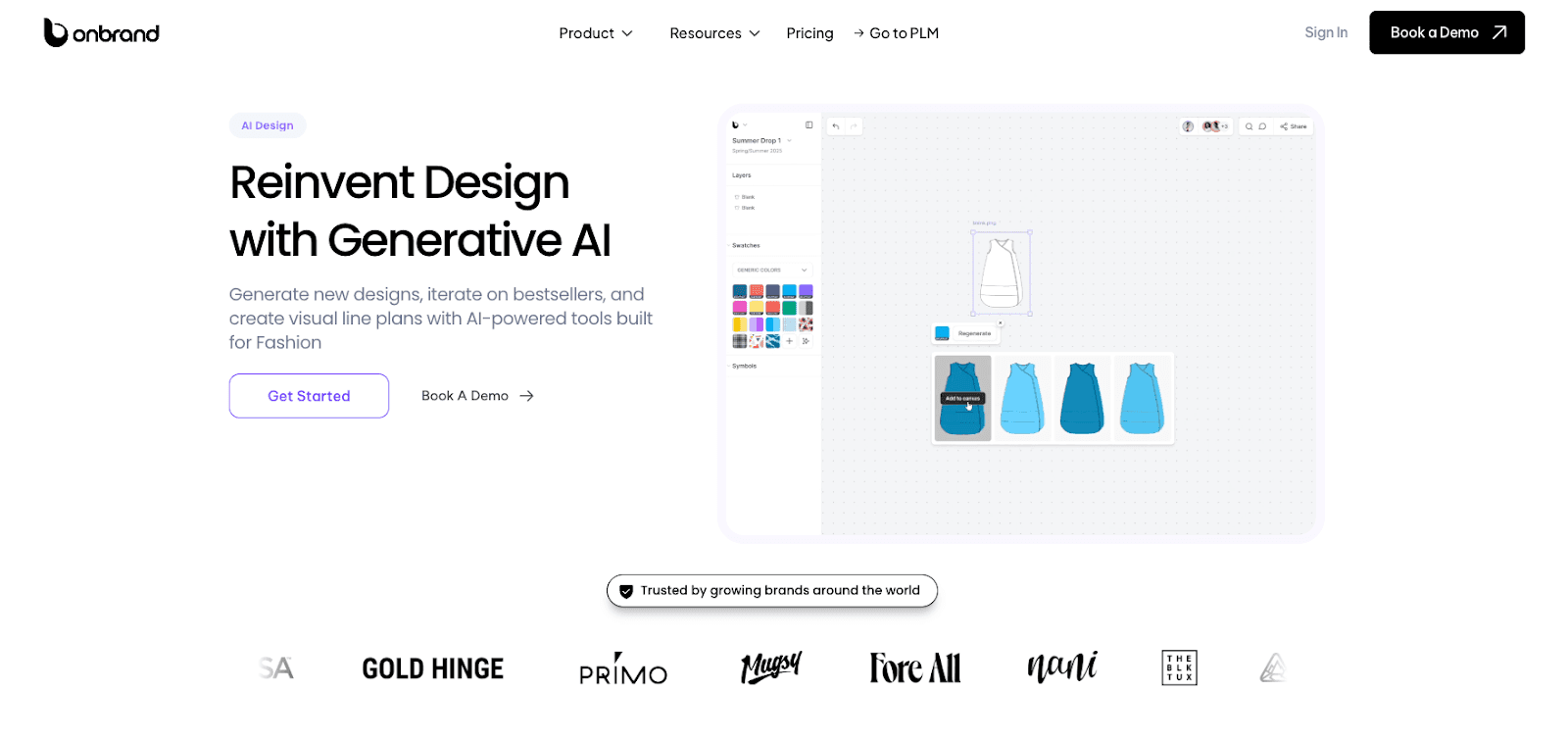
Onbrand AI Design is a garment design software tool built for fashion brand teams that need to move from idea to production without disconnects. It supports concept creation, design exploration, 3D garment visualization, and direct handoff into development.
Fashion designers can generate new styles from text prompts, sketches, or reference images, then refine colorways, trims, and details in the same space.
Instead of treating visuals as one-off images, Onbrand connects design work to product data, tech packs, and materials. That means fewer physical samples, clearer approvals, and fewer version issues during development.
Pros
Generative image creation from text prompts, sketches, or reference photos
AI clothing design generator for rapid concept and variation development
Intelligent fabric simulation with realistic 3D garment draping
Automated technical sketch creation from mockups
Colorway generation with Pantone and Coloro support
Mood boards and visual line plan building in one workspace
Version history for tracking and refining design iterations
Direct integration with fashion PLM so visuals connect to tech packs and specifications
Cons
Designed for brand teams rather than individual freelancers
Alongside Onbrand AI Design, Onbrand also offers a full apparel product lifecycle management (PLM) solution built for fashion brand teams.
While AI Design supports concept creation and visual development, Onbrand PLM manages tech packs, sample tracking, vendor communication, approvals, and live product data in one place.
Design concepts move directly into development without file handoffs or version confusion. Visual work connects to materials, colorways, and bill of materials (BOM) details from day one.
2. Raspberry
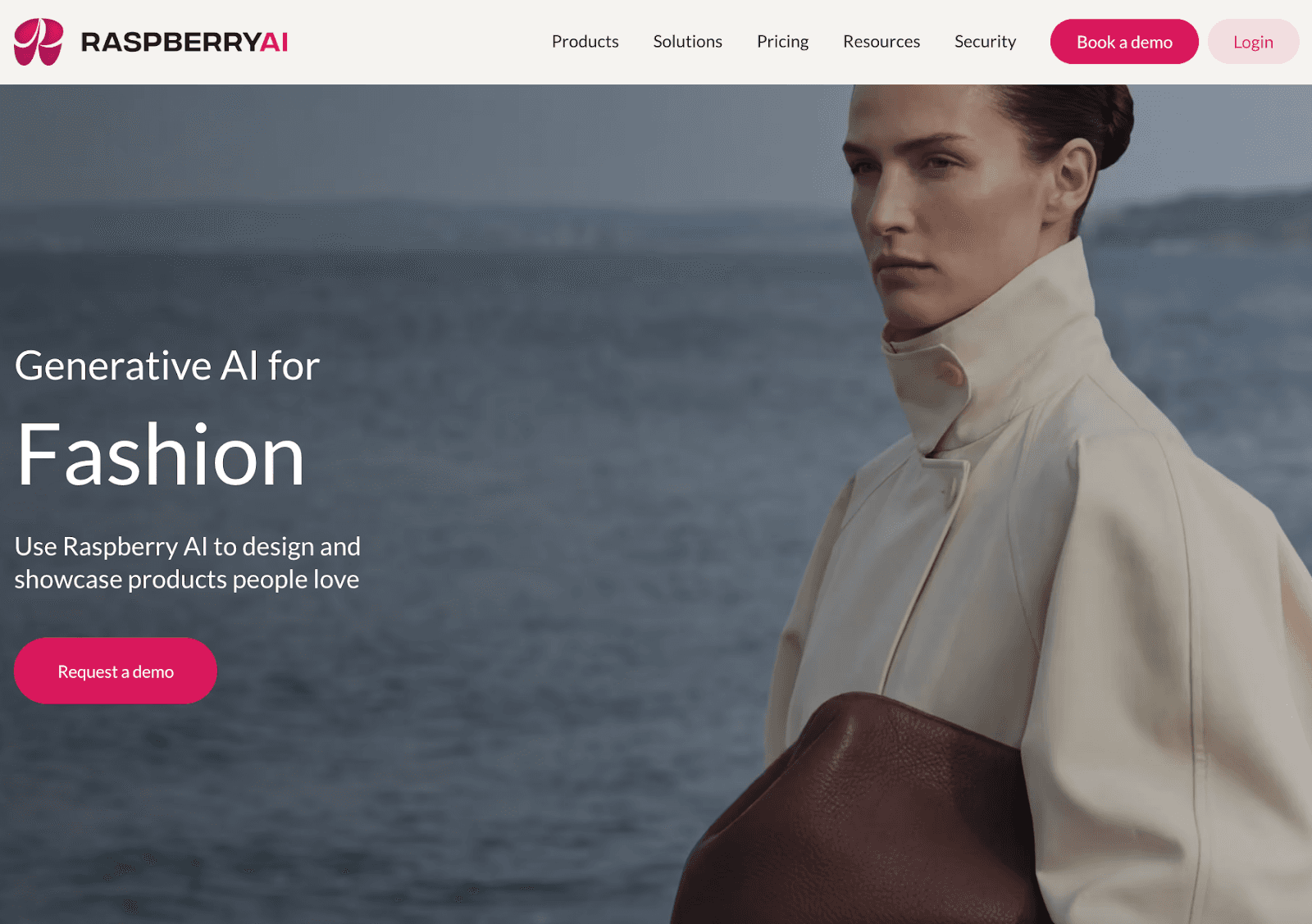
Raspberry is AI-powered fashion design software focused on high-quality image generation and concept visualization.
It supports early-stage clothing design through tools like sketch-to-render, on-body virtual try-on, and background generation. Design teams use it to visualize styles before sampling and to present ideas internally or to marketing.
The platform focuses on visual concept development rather than technical garment construction or production documentation.
It integrates with selected workflow and 3D systems, but it is primarily built for visual concepting and campaign-ready assets within the fashion industry.
Source: raspberry.ai
Pros
Sketch-to-render for fast concept visualization
On-body virtual try-on for early virtual prototyping
3D avatar to photorealism for strong visual storytelling
Tools for prints, patterns, and graphics exploration
Integrations with select 3D design and workflow platforms
Cons
Focused on visuals, not full tech pack or pattern-making workflows
Limited support for specification management or production calendars
Primarily image-based, not technical pattern cutting
Best suited for concept and marketing teams rather than full development
3. Newarc
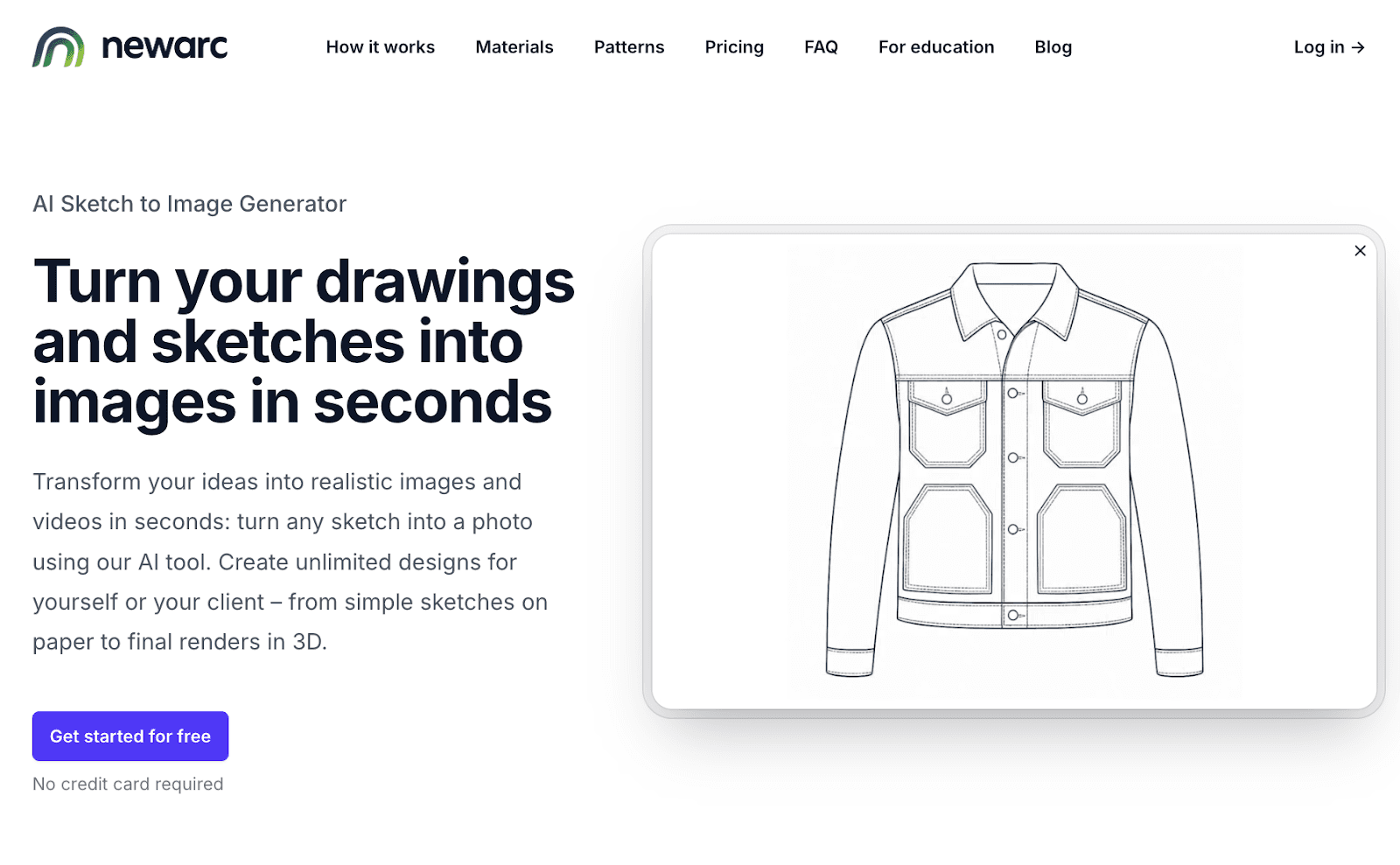
Newarc is AI-powered fashion design software built for rapid sketch-to-image rendering.
It supports early-stage garment visualization by turning hand sketches or Adobe Illustrator drawings into realistic images. Design teams use it during the creative process to test colors, materials, and patterns before sampling.
The platform focuses on visual concept development rather than technical garment construction. It fits brands that want fast concept validation without moving into full 3D fashion design systems like Marvelous Designer.
Newarc is subscription-based and offers plans for small businesses and enterprise teams in the fashion industry.
Source: newarc.ai
Pros
Sketch-to-image rendering for fast concept visualization
AI model rendering for realistic garment imagery
Material and pattern application tools
Color variation and masking controls
Affordable entry pricing for small teams
Cons
Not built for specification tracking or production calendars
Limited support for structured product development workflows
Primarily image-based, not full 3D garment construction
Best suited for visual exploration rather than manufacturing execution
4. Refabric
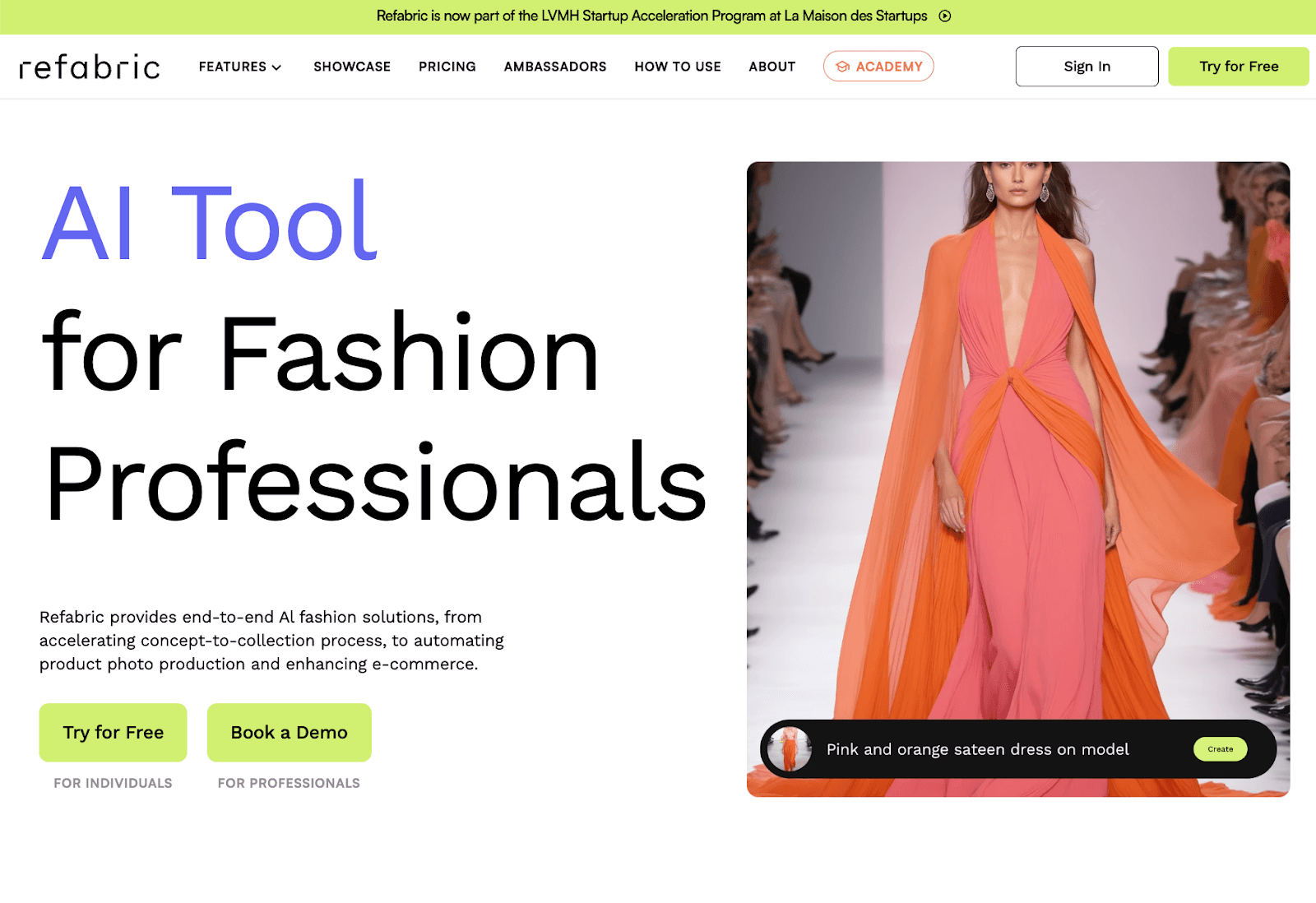
Refabric focuses on garment and textile visualization. It allows teams to generate new styles from sketches, apply specific fabrics, and refine seasonal concepts in a shared creative space.
Many brands use it to explore collection ideas and maintain a consistent brand aesthetic through AI-trained visual outputs.
The platform emphasizes concept building and visual refinement rather than technical garment engineering.
It supports creative exploration, mood direction, and early-stage collection planning before designs move into production systems.
Source: refabric.com
Pros
Sketch-to-design generation for rapid concept creation
Fabric and pattern application tools
Brand identity training for stylistic consistency
Editing controls for refining specific garment areas
Active community and educational resources
Cons
Not built for structured tech pack or specification management
Primarily visual, not full 3D garment engineering
Limited integration with technical tools
Focused on concept development rather than manufacturing execution
5. CLO 3D
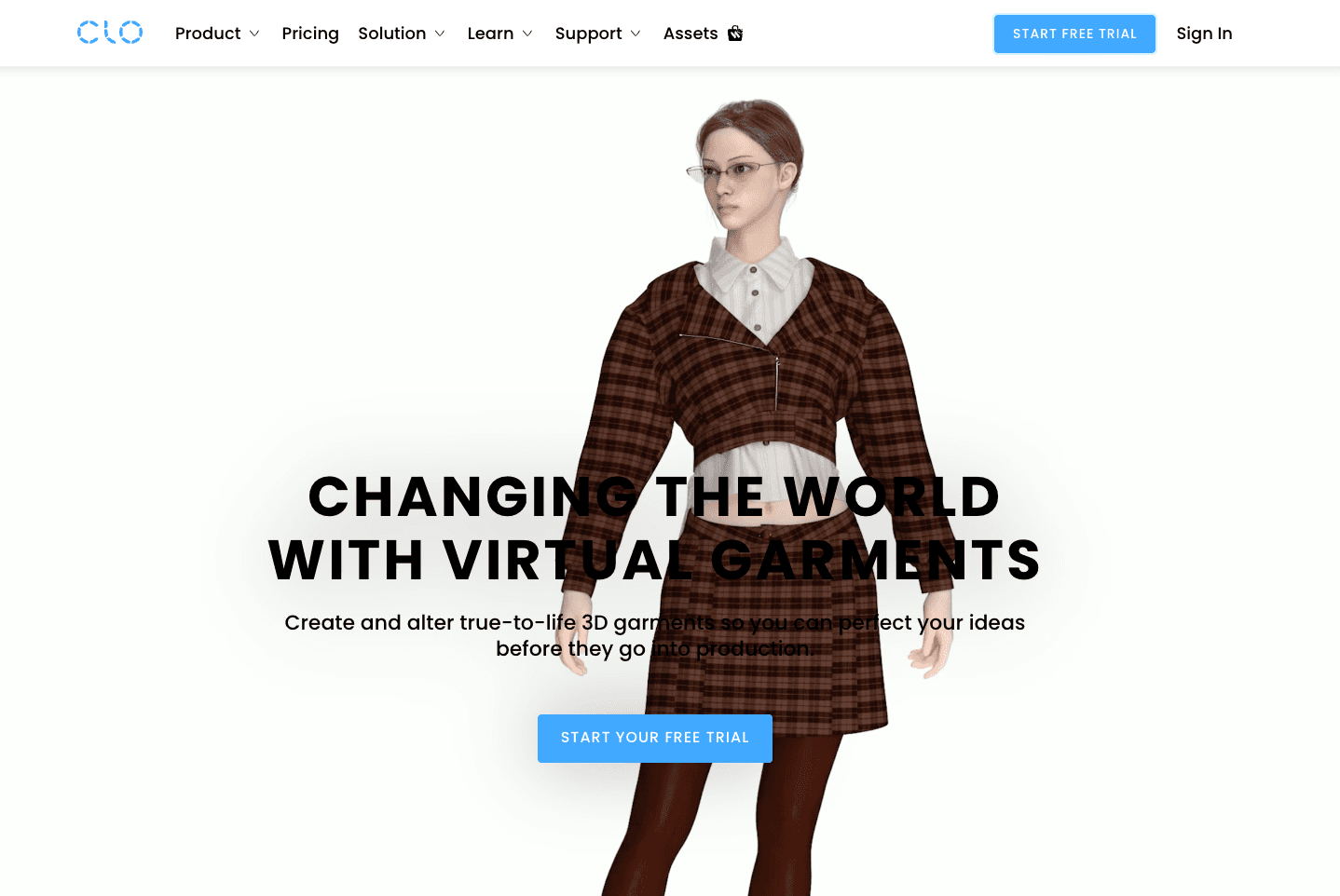
CLO 3D is a leading 3D fashion design tool for virtual garment creation and digital prototyping.
It allows design and product development teams to construct garments from 2D patterns, simulate realistic fabric behavior, and test fit before sampling. Brands use it to review silhouettes, validate grading, and present collections through tools like CLO Set.
CLO focuses on technical garment construction rather than AI-generated imagery. It supports detailed fit testing, size grading, and pattern adjustments in a digital environment used by global fashion companies.
Source: clo3d.com
Pros
Accurate 3D garment simulation with realistic fabric behavior
2D pattern drafting and grading tools
Fit validation before physical samples
Library management for patterns and materials
Presentation tools through CLO Set
Cons
Higher cost than AI image-based design tools
Requires training to use advanced features effectively
Hardware requirements may impact a small team’s budget
Integration with PLM or enterprise resource planning (ERP) systems requires configuration
6. Browzwear (VStitcher)
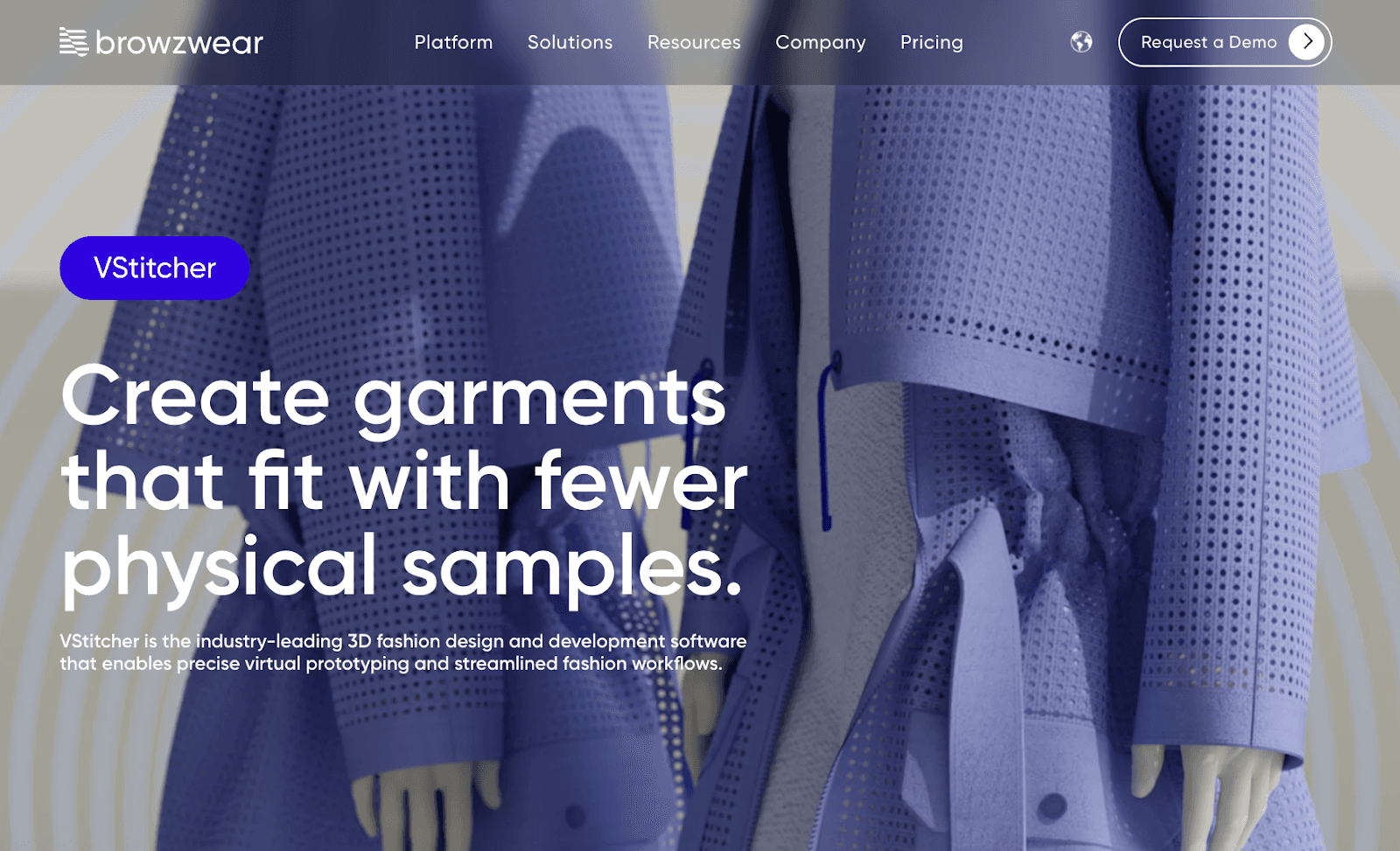
Browzwear’s VStitcher is a 3D fashion design and development tool focused on a digital twin model. It enables teams to create true-to-life virtual garments, test fit in multiple sizes, and validate fabric behavior before issuing physical samples.
Design and technical teams work in connected 2D and 3D workspaces using block libraries, fabric libraries, and customizable avatars. Real-life fabric physics, tension and pressure mapping, and pose simulations enable detailed fit reviews without requiring repeated physical samples.
VStitcher also supports production workflows. Teams can generate production-ready pattern files and digital tech packs, enabling clearer vendor communication and fewer errors during handoff.
Many global brands report lower sample counts and faster development timelines after adopting virtual prototyping.
Source: browzwear.com
Pros
Accurate 3D simulation with real-life fabric physics
Multi-size fit validation in one environment
Production-ready patterns and digital tech packs
Fabric, block, and avatar libraries for faster setup
Strong collaboration and integration capabilities
Cons
Requires training for advanced features
Higher investment than lightweight concept tools
Hardware requirements may impact smaller teams
The interface may feel complex for beginners
7. Optitex
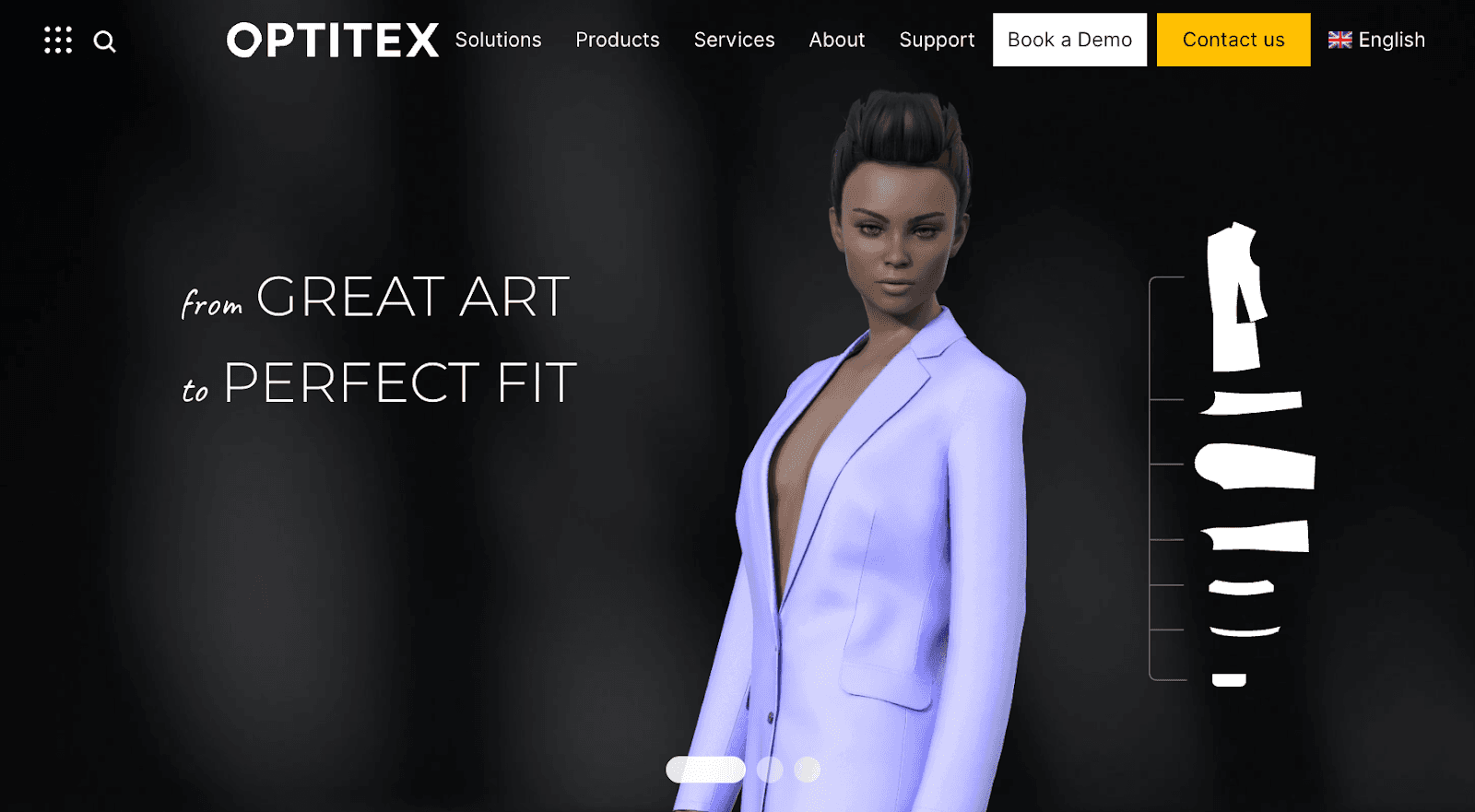
Optitex focuses on 2D pattern development and 3D garment simulation.
It allows design and technical teams to create production-ready patterns, apply grading rules, and simulate fit digitally before cutting fabric.
Brands use Optitex to connect design intent with manufacturing accuracy through marker making, fabric management, and nesting tools.
The platform supports both fashion brands and manufacturers. It also offers a 3D Design for Adobe Illustrator plugin for teams working between illustration and pattern environments.
Source: optitex.com
Pros
Advanced 2D pattern drafting and grading tools
3D garment simulation for digital fit validation
Marker and nesting tools for efficient fabric usage
Integration options with other tools and hardware
Used by experienced users in global production settings
Cons
A steeper learning curve for beginners
The interface may feel technical despite being described as a user-friendly interface
Higher investment compared to lightweight concept tools
Requires setup for full manufacturing workflows
8. Lectra
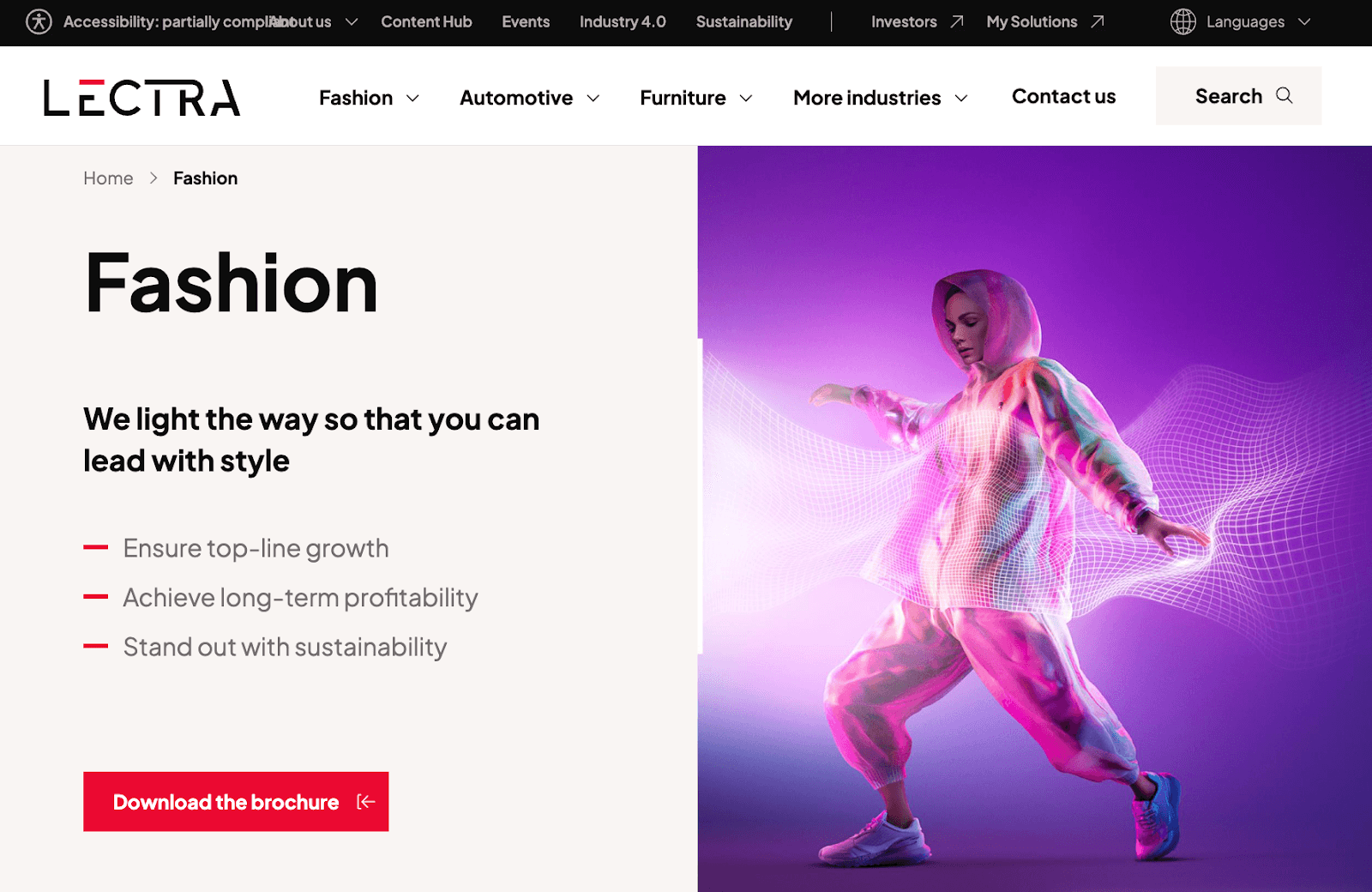
Lectra provides enterprise-level fashion design software and product development systems used by global brands and manufacturers.
Its fashion portfolio includes Modaris for pattern creation, PLM solutions for product data, and integrated cutting room technologies.
Design and technical teams use Lectra to develop accurate patterns, manage collection data, and connect design decisions to manufacturing execution.
Lectra focuses on structured, large-scale operations. Its systems support complex supply chains, compliance requirements, and multi-region production.
The platform is built for experienced users working within established processes rather than lightweight concept design environments.
Source: lectra.com
Pros
Advanced 2D pattern development through Modaris
Integrated PLM and product lifecycle tools
Strong manufacturing and cutting room connectivity
Enterprise-grade data management for global teams
Broad solution range covering the garment lifecycle
Cons
Higher investment required for large organizations
Implementation can require structured onboarding
Interface may feel complex for smaller teams
Best suited for experienced users
How Onbrand Differs From Traditional Garment Design Software
Most garment design software falls into one of two categories.
Visual concepting tools help teams generate ideas, explore silhouettes, and test colorways before sampling. These platforms are useful during the early fashion design process, but they often stop at the image.
Technical construction systems support 2D pattern drafting, 3D simulation, grading, and production workflows. These tools play a central role in fashion product development, yet they usually operate separately from early creative exploration.
Onbrand approaches the workflow differently.
Onbrand AI Design handles concept generation, visual refinement, and 3D garment exploration in one space. Designers can move from idea to structured style direction without switching systems. Those visuals do not remain disconnected assets.
Onbrand PLM manages the technical side. It centralizes tech packs, materials, approvals, and live product data through structured specification management and built-in product data management. Design decisions connect directly to development records from the start.
Instead of separating creative work from execution, Onbrand links them. Visual concepts, colorways, and materials flow into structured development without file handoffs or version confusion.
For fashion brands working in design, development, and sourcing teams, that connection reduces friction and keeps the entire fashion design process aligned.
Make Onbrand Your Fashion Design Software for Connected Garment Development
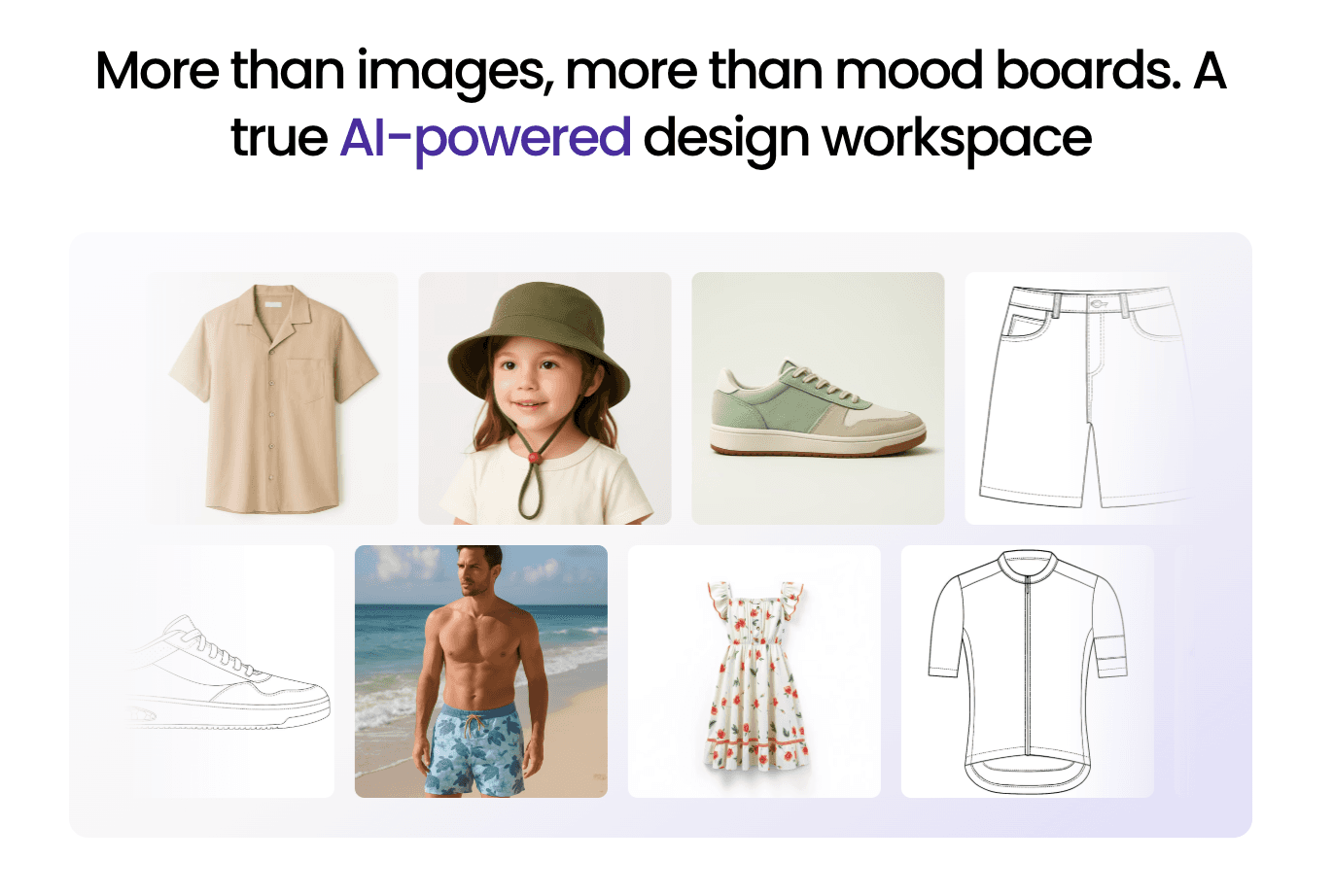
Garment design software now serves very different purposes. Some tools focus on visual concepting. Others handle 3D simulation, pattern development, or production systems.
The right choice depends on how a fashion brand runs its workflow. Growing fashion brands managing dozens of styles, multiple colorways, and vendor timelines need more than isolated design outputs. They need systems that carry decisions from concept into development without disconnects.
Onbrand links creative exploration with execution. Onbrand AI Design supports fast concept generation and refinement. Onbrand PLM manages tech packs, materials, approvals, and live development data in the same system.
Design, development, and sourcing stay aligned.
FAQs About Garment Design Software
What software do most clothing designers use?
Most fashion brands use a combination of tools. Creative teams often design in Adobe Illustrator, while technical teams rely on CLO 3D, Browzwear VStitcher, or Optitex for 3D prototyping and pattern development. Many brands also use Onbrand to connect early concepts directly to tech packs and structured product development workflows.
What is the best garment software?
The best garment software depends on workflow needs. CLO 3D is widely used for simulation. Browzwear supports digital twins and production accuracy. Optitex focuses on manufacturing CAD. Onbrand offers great options for brands that want integrated design and development in one connected system. Long-term advantages often come from how well the platform fits the team’s process.
Is CLO 3D free software?
CLO 3D is not free. It provides trial access, but full functionality requires a paid subscription used by professional teams in the fashion world.
What free software exists for clothing pattern design?
There are limited free tools for basic pattern drafting. These options often lack grading rules, production precision, and collaboration features required by professional customers.
What advantages do garment tools offer experienced users?
For experienced users, advanced garment tools can reduce sampling costs by half and improve fit accuracy. Consistent user feedback highlights better decision-making and fewer revisions. Digital systems expand the ability to imagine collections before production and extend the operational life of product data, opening new possibilities in development workflows.

