7 Best Techpacker Alternatives For Fashion Brands in 2026
Jan 16, 2026


Techpacker works well for creating early tech packs, especially for small teams. But as fashion brands scale, their limitations often start to show.
Managing more styles, revisions, and vendors in a single tool can lead to version confusion, delayed feedback, and gaps between design and production.
As collections grow, you need more than static documents — systems that support product lifecycle management (PLM), clearer collaboration, and defined ownership across fashion product development.
If you’re running into these challenges, below are seven Techpacker alternatives fashion brands can use as they grow. Let’s take a closer look.
TL;DR
These are the top Techpacker alternatives for fashion brands in 2026:
Centric PLM
Backbone PLM
WFX PLM
BlueCherry PLM
PTC FlexPLM
Gerber YuniquePLM (Lectra)
When to Start Looking for Techpacker Alternatives
Techpacker often starts to feel limiting once product volume increases. As more fashion tech packs move through development, it becomes harder to keep tech packs aligned across designers, developers, and vendors.
Managing more styles, fabrics, and revisions adds pressure to every aspect of daily workflows. You may end up spending more time comparing versions instead of moving work forward after each update or post-revision.
Sample notes get shared in comments, emails, or chats, and feedback doesn’t always reach the final file vendors use for production.
Another common shift happens when early design work and production-ready documentation need clearer separation. Flat sketches and early ideas belong to the fashion design process, while factories need approved specs with stable details.
These moments signal it may be time to discover other software options.
When multiple versions circulate or vendors work from outdated files, teams usually start looking for the best alternatives that better support production and collaboration.
Top 7 Techpacker Alternatives to Consider in 2026
If Techpacker no longer fits your production workflow, the tools below are commonly used by fashion brands to manage tech packs, samples, and vendor coordination at scale.
1. Onbrand PLM
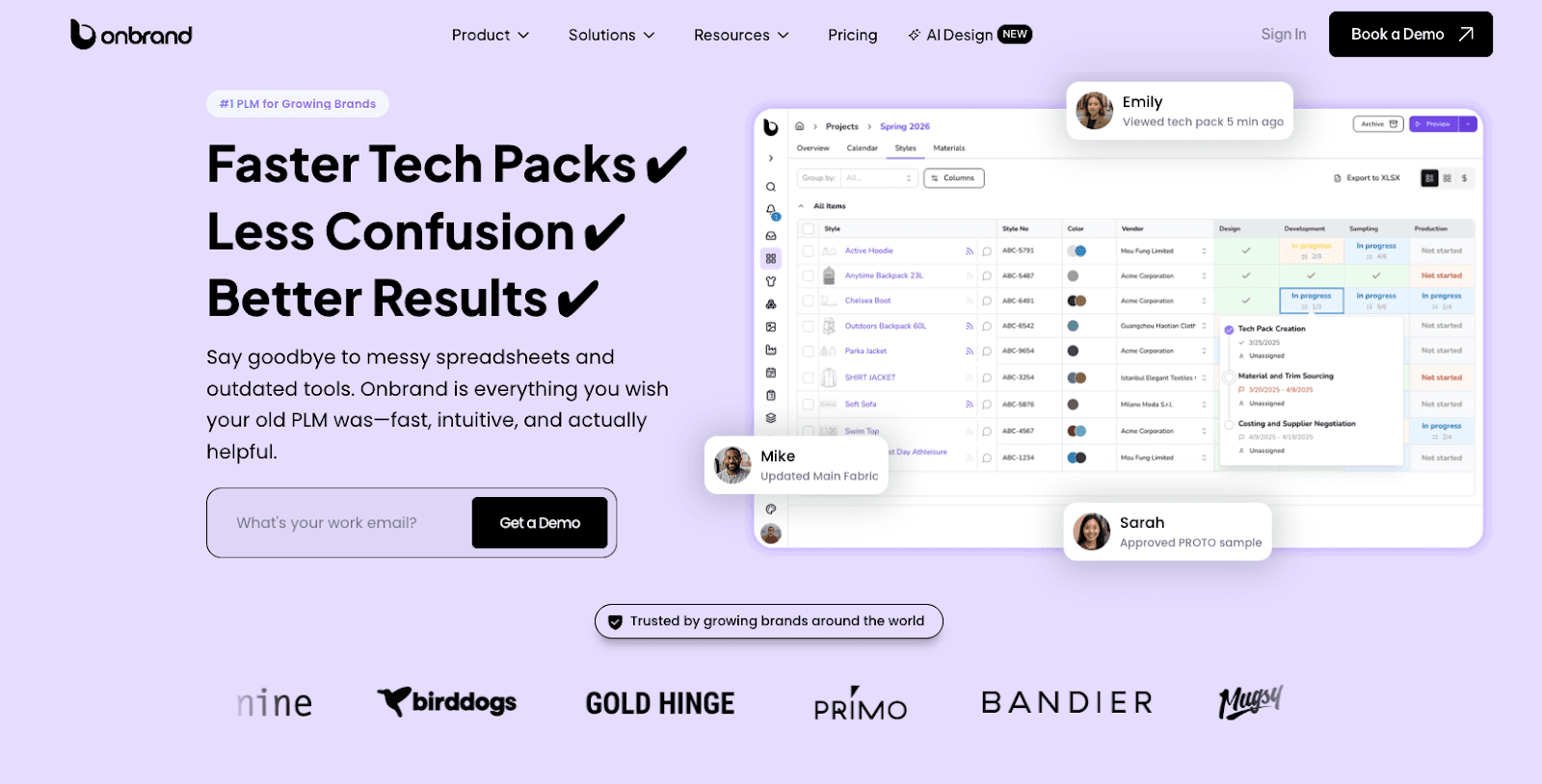
Onbrand PLM is built for fashion brands that have moved past basic tech pack tools and need a clearer way to manage fashion product development at scale.
Instead of exporting tech packs into static files, Onbrand keeps them live and web-based, so updates stay visible as styles move through design, sampling, and production.
Many brands switch to Onbrand after dealing with repeated version issues and slow handoffs. Brands using the platform report creating tech packs up to 55% faster, cutting weeks from development timelines.
Most teams complete onboarding and data migration in about 2 to 4 weeks, which makes switching less disruptive than traditional PLM systems.
Key Features
Live tech packs - You can edit in one shared tech pack instead of sending new files each time something changes.
Version control - Tracks changes to measurements, BOMs, and details without duplicate files or side documents.
Sample management - Links samples, fit notes, and approvals directly to each style and timeline.
Vendor collaboration - Gives factories access to comment and confirm details inside the tech pack instead of email threads.
Project management - Supports stages, tasks, and approvals that match how each brand runs development.
Fast onboarding - Helps teams migrate existing data and start using the system within weeks, not months.
2. Centric PLM
Source: centricsoftware.com
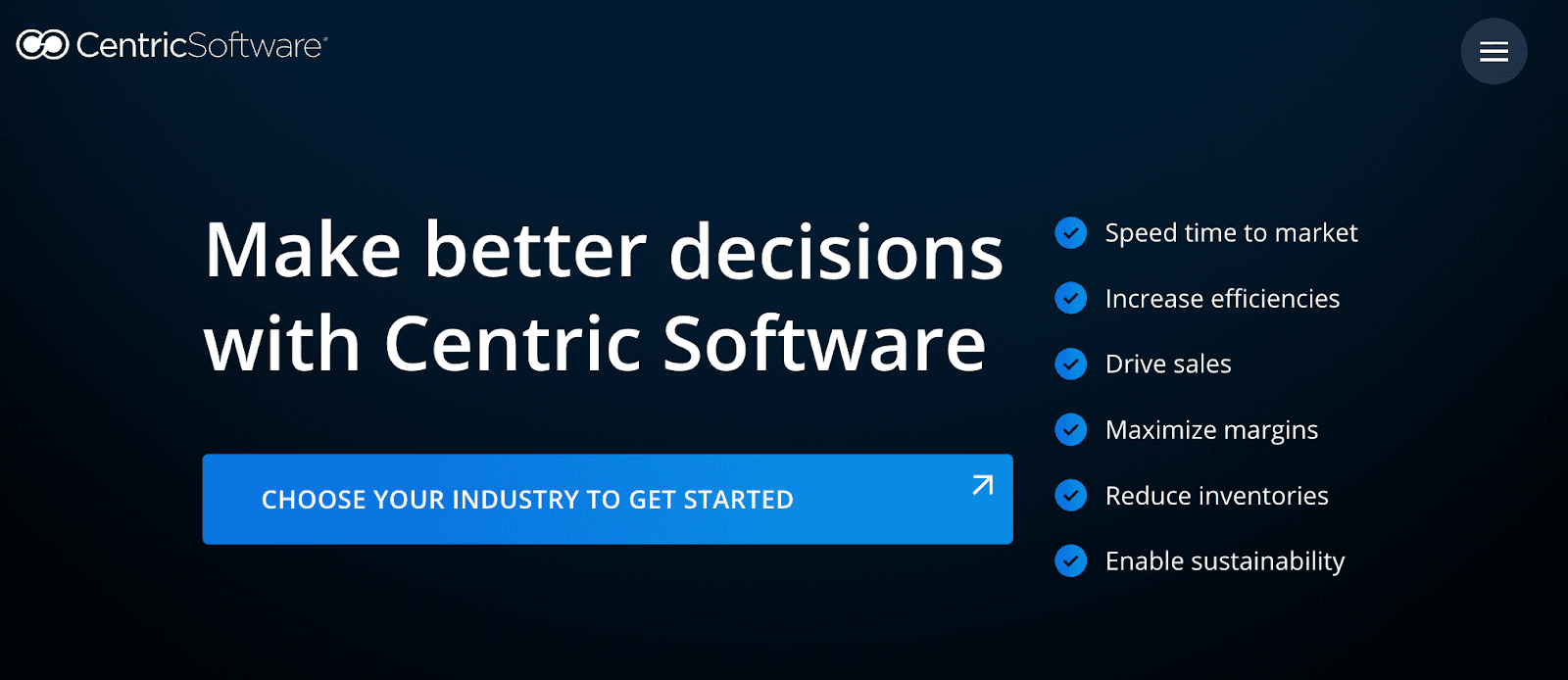
Centric PLM is a fashion PLM platform used by large fashion and apparel brands that manage high product volume across multiple teams and regions.
It supports tech packs, materials, and supplier data in a single system, which helps brands keep product information consistent as styles move from the design process into production.
Brands often use Centric when coordination across departments and external partners becomes harder to manage with lighter tools.
Key Features
Tech pack management - Stores specs, measurements, and updates in a centralized system.
Material and fabric data - Tracks fabrics, trims, and supplier details across collections.
Workflow controls - Supports approvals, handoffs, and submitting updates between design, development, and sourcing.
Versioned specifications - Maintains change history for specs and BOMs.
Team collaboration - Allows multiple roles to review and update product data in one platform.
3. Backbone PLM
Source: backboneplm.com
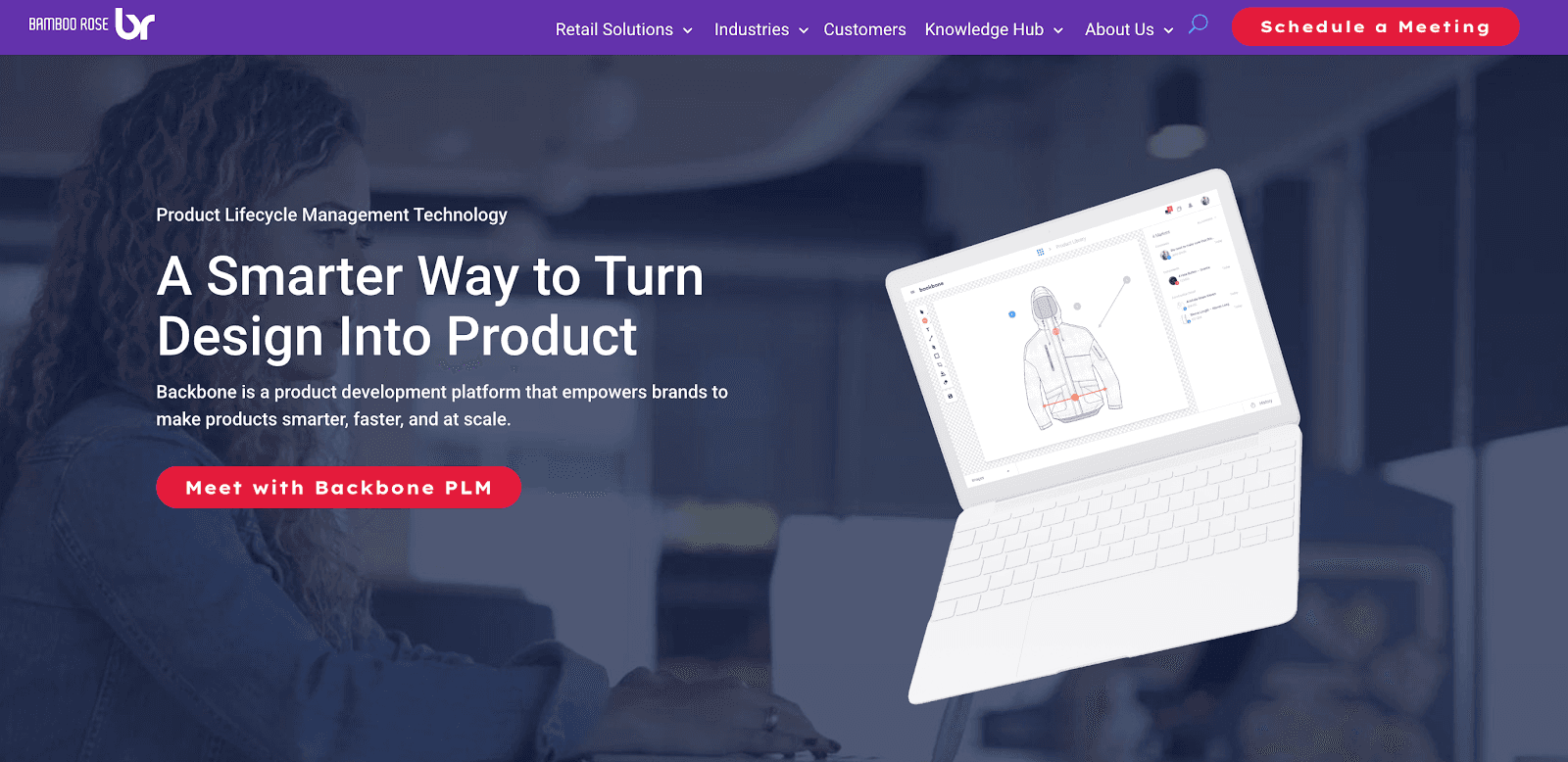
Backbone PLM is used by small to mid-size fashion brands that need more structure than basic tools but less complexity than enterprise systems.
It helps you manage tech packs, materials, and product data in one platform, which supports line planning and production tracking as collections grow.
Brands often consider Backbone when comparing software options to replace Techpacker and want the right software for their specific needs, including clearer costing and basic vendor coordination.
Key Features
Style-linked tech packs - Connects specs and details directly to each style.
Material libraries - Stores fabric and trim data for reuse across seasons.
Costing tools - Tracks pricing and margin inputs during development.
Digital asset storage - Keeps sketches, CAD files, and references in one place.
Production tracking - Follows milestones from development through production.
4. WFX PLM
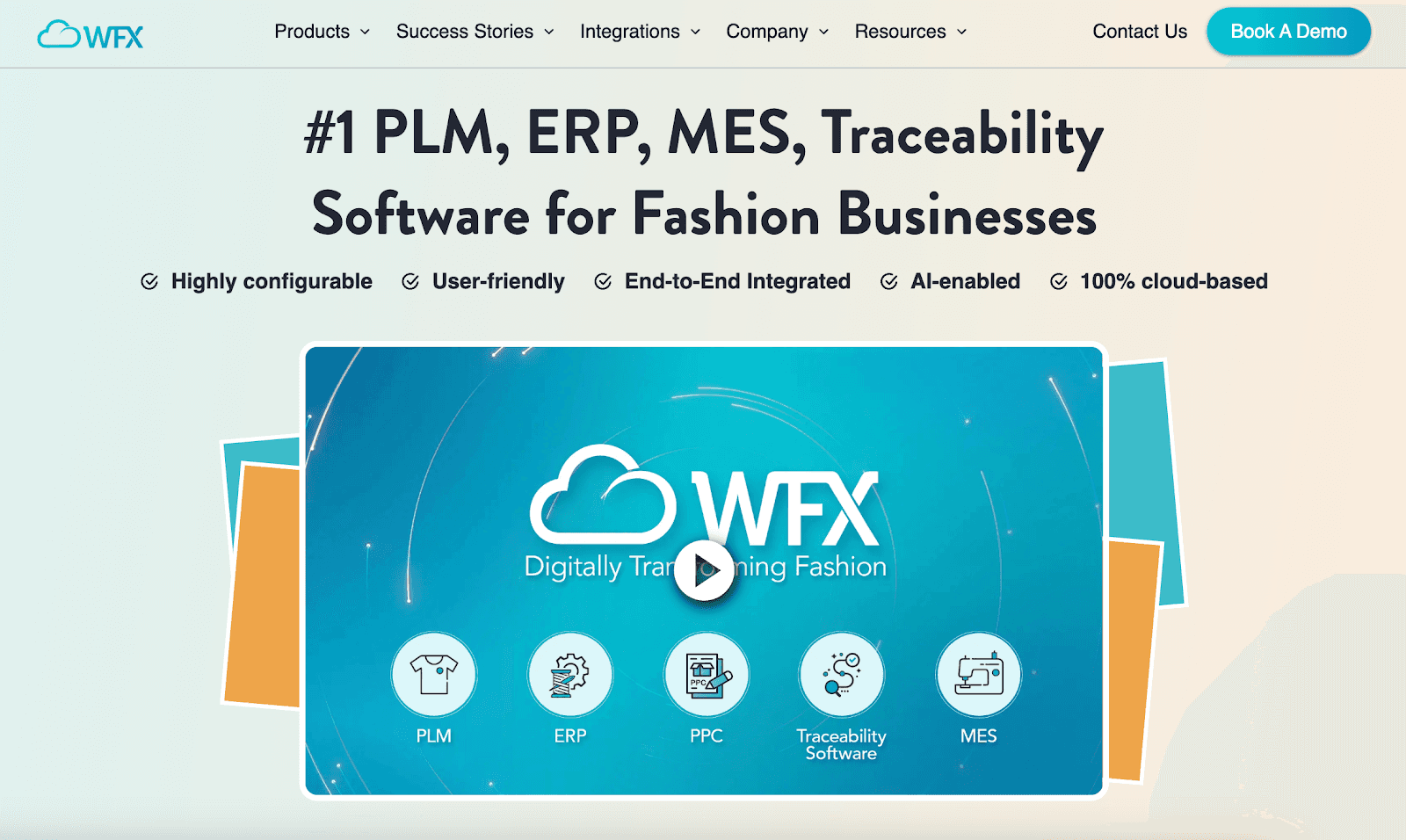
Source: worldfashionexchange.com
WFX PLM focuses on sourcing and production for fashion supply chains that work closely with manufacturers and suppliers.
The platform supports tech packs, materials, and production data in a single web application, which helps brands coordinate factory handoffs and track progress once styles move beyond design.
You may look at WFX when comparing technology solutions that support sourcing-heavy workflows and basic stock management alongside product development.
Key Features
Material and supplier tracking - Maintains records for fabrics, trims, and vendor details.
Production milestones - Tracks progress across key production stages.
Collaboration tools - Support communication between internal teams and suppliers.
Sourcing workflows - Manages requests and approvals tied to production.
Sample tracking - Connects samples to styles and production timelines.
5. BlueCherry PLM
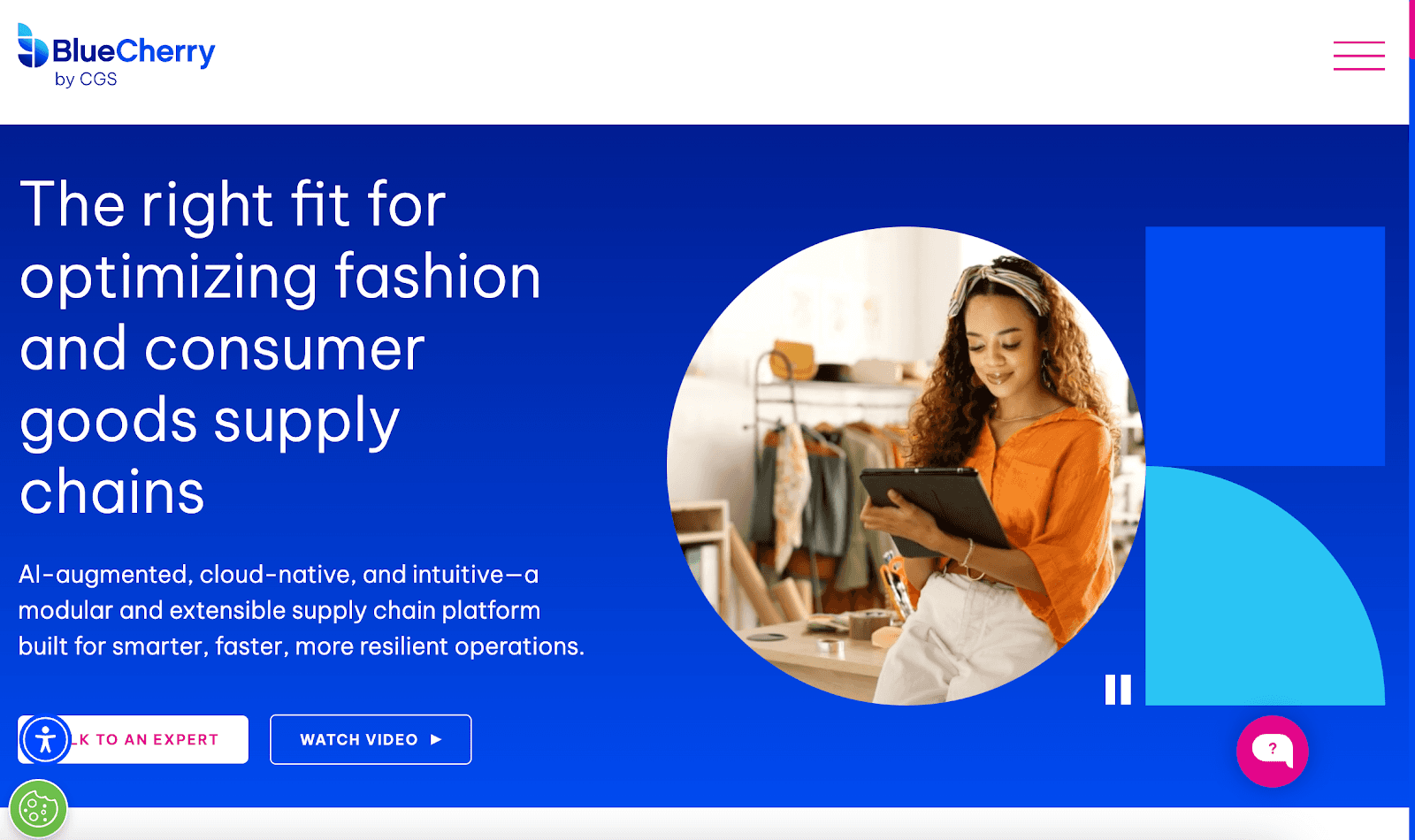
Source: bluecherry.com
BlueCherry PLM is part of a broader system that connects product development with manufacturing and retail operations.
Fashion brands and manufacturers use it to manage tech packs, samples, and production data alongside broader operational modules.
Many companies consider BlueCherry when their company needs tighter links between development, orders, and production reporting, especially when working with multiple clients and factory partners across the market.
Key Features
Sample and order tracking - Links development samples to production and sales orders.
ERP-connected documentation - Connects tech pack data with operational systems.
Supply chain reporting - Provides visibility into production status and timelines.
Vendor compliance tracking - Monitors factory requirements and documentation.
Cost analysis tools - Support margin and cost review during production planning.
6. PTC FlexPLM
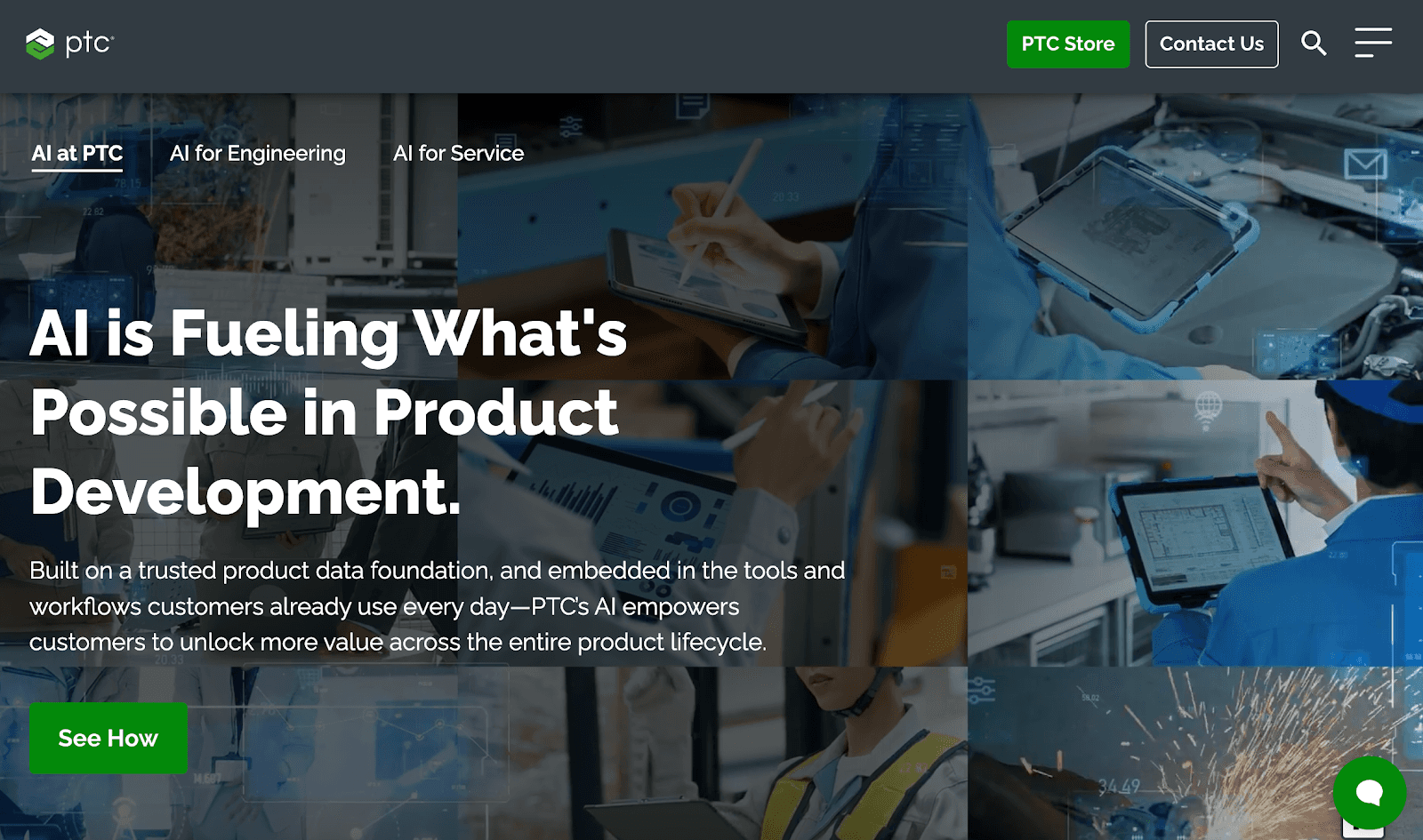
Source: ptc.com
PTC FlexPLM is used by large fashion and apparel brands that manage complex product development across regions, teams, and suppliers.
It supports detailed tech packs, sourcing data, and production workflows within a single platform.
Brands often consider FlexPLM when evaluating competitors' offering services for strict process control, compliance requirements, and coordination across multiple industries.
The system is typically used by teams with established workflows and dedicated resources to manage setup and ongoing use.
Key Features
BOM and specification controls - Manages detailed specs and product data across styles.
Production workflows - Tracks approvals and handoffs through development and sourcing.
Material lifecycle tracking - Follows fabrics and trims from sourcing to production.
Supplier portals - Allow vendors to access assigned product information.
Compliance tools - Supports audits and documentation tied to production standards.
7. Gerber YuniquePLM (Lectra)
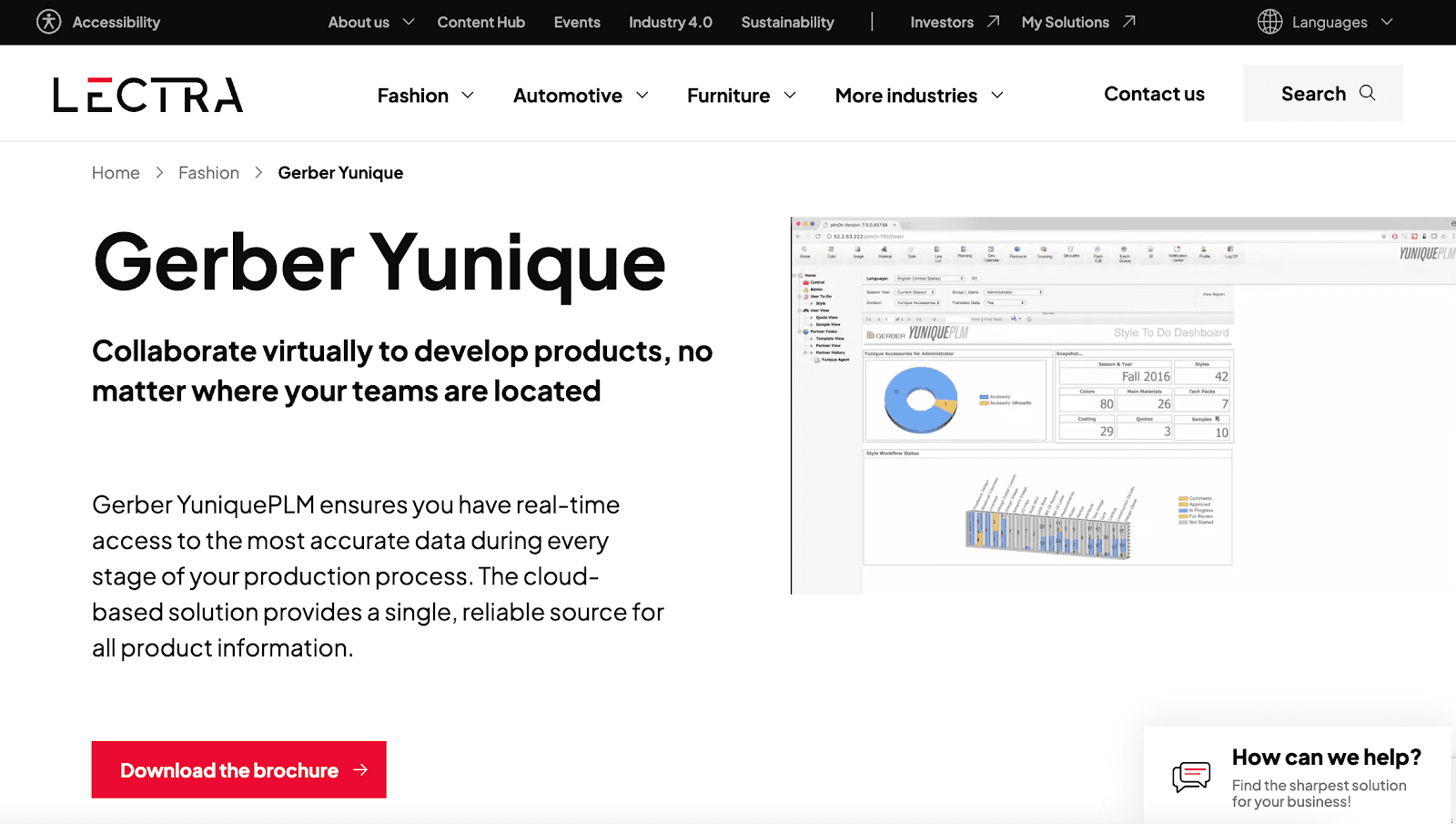
Source: lectra.com
Gerber YuniquePLM, part of Lectra’s fashion technology suite, is used by apparel brands that manage detailed specifications across large collections.
The platform supports tech packs, style data, and color information in a centralized app, which helps technical teams keep production files consistent as styles move into manufacturing.
Brands often review YuniquePLM when they need tighter control over documentation, revisions, and factory handoff, especially when working with multiple suppliers and seasonal assortments.
For many customers, the main benefits include clearer ownership of specs and a stronger ability to manage changes without breaking production workflows.
Key Features
Style and color management - Organizes product data across styles, sizes, and colorways.
Centralized documentation - Stores specs, measurements, and related files in one system.
Production exports - Prepares approved tech pack data for factory use.
Revision tracking - Records changes to specs and approvals over time.
Factory handoff tools - Supports sharing final information with manufacturing partners.
How Small Business Teams Transition to a New Tech Pack Workflow
A structured approach makes switching tools easier. These steps outline how you can transition to a new tech pack workflow with minimal disruption.
Step 1: Map your current tech pack workflow
Before changing tools, you should document how tech packs move today. Note where files are created, how updates are shared, and who approves changes.
Writing this out helps you spot breakdowns that stay hidden when work lives across emails, folders, and chat threads.
Step 2: Identify gaps slowing development
Once the workflow is mapped, common issues surface quickly. Missed updates, duplicate files, and vendor confusion tend to show up first.
Feedback spread across messages can turn into noise or spam, which makes it harder to know which details are final.
Schedule an Onbrand demo to see live tech packs solve version confusion.
Step 3: Decide where early design work should live
As your process grows, separating concept work from production specs becomes important.
Early visuals and ideas can remain flexible, while production-ready tech packs hold approved measurements and details. This separation helps reduce late changes during sampling.
Step 4: Move active styles first
A phased transition works well for lean workflows. Start with in-season or upcoming styles so daily work stays on track.
Older styles can remain in the previous system until they are needed, which limits disruption during the switch.
Step 5: Set clear ownership to protect production quality
Clear ownership supports consistency as your process scales. Assign responsibility for updates and approvals so decisions stay visible across design and development.
This reduces back-and-forth and helps maintain quality as styles move into production.
Onbrand: The Best Techpacker Alternative
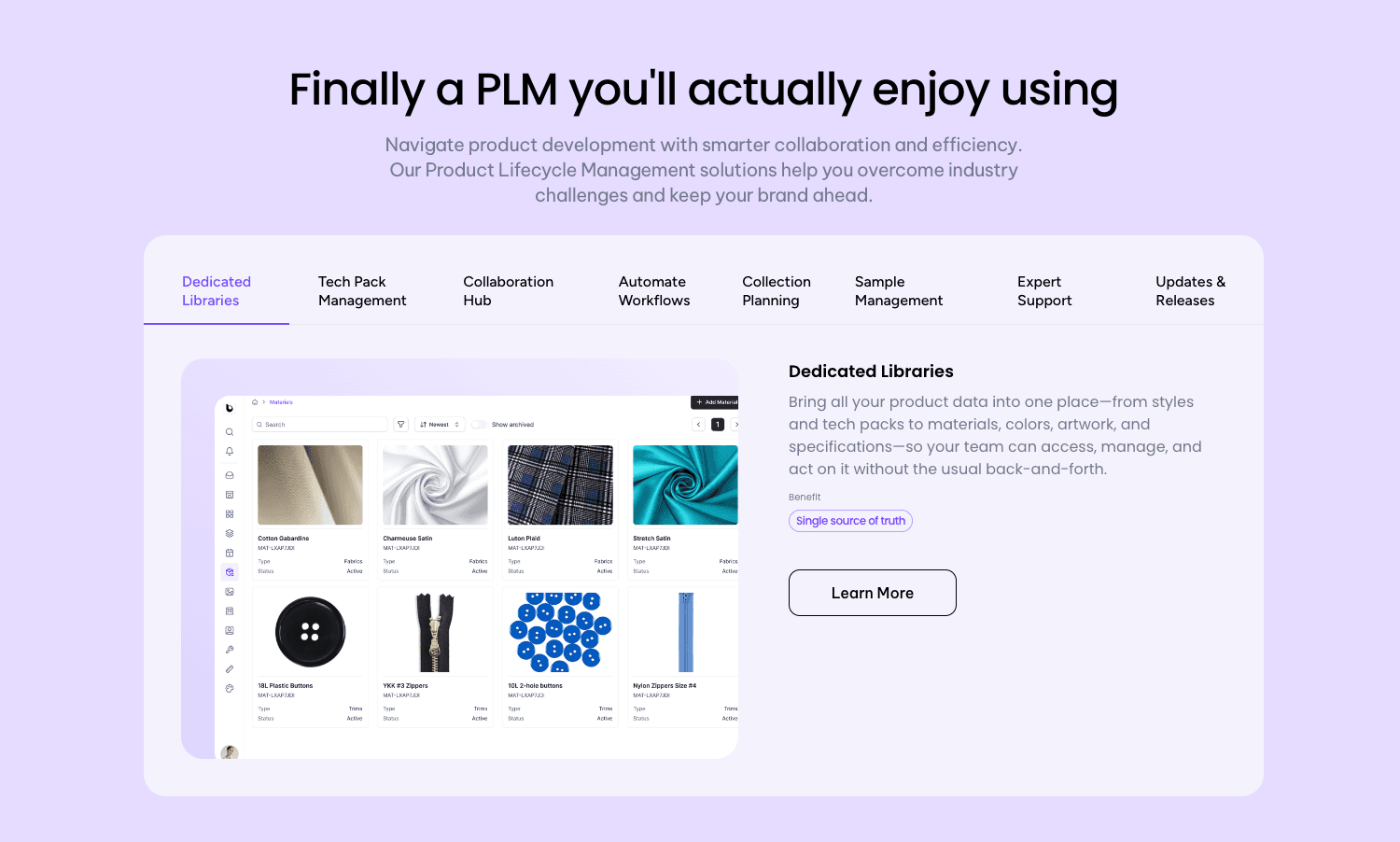
Onbrand supports fashion teams by covering both sides of the product workflow, from early design alignment to production-ready tech packs.
Early in the process, you can use Onbrand AI Design to explore ideas, review concepts, and align on direction before development begins. This helps reduce late changes once styles move forward.
When designs are ready for production, Onbrand PLM manages tech packs, samples, approvals, and vendor communication in one shared system.
You work from live records inside one shared account instead of exported files, which keeps specs current and decisions visible across roles.
Together, these tools support growth without adding extra systems or manual handoffs.
Fashion brands that outgrow Techpacker often move to Onbrand to keep design and production connected while maintaining clear ownership as collections scale.
FAQs About Techpacker Alternatives
Can Adobe Illustrator replace Techpacker for tech pack creation?
Adobe Illustrator is often used to create flat sketches and early visuals, but it does not replace Techpacker or other production-facing tools. Illustrator supports design work, not version control, sample tracking, or vendor collaboration. As fashion teams grow, many use tools like Onbrand, with Onbrand AI Design supporting early design alignment and Onbrand PLM managing tech packs, samples, and production workflows.
Do Techpacker alternatives support photo editing or videos?
Most Techpacker alternatives do not include built-in photo editing or video tools. Instead, they allow teams to upload and store images, reference photos, and videos created in external software. These files are typically linked to styles or tech packs so teams and vendors can review visual context alongside specifications.
When should teams move from basic tools to Techpacker alternatives?
Teams usually consider Techpacker alternatives when managing multiple styles, revisions, and vendors becomes hard to track. If updates live across emails, chats, or shared folders, production files can lose accuracy. Production-ready tools help keep specs, visuals, and reference files organized in one place as teams scale.
Are there free alternatives to Techpacker?
Some tools market themselves as free alternatives, but they usually cover only basic needs like simple templates or static tech pack files. They rarely support version control, sample tracking, or vendor collaboration at scale. Most PLM platforms don’t offer full free plans, but many provide a free demo so you can see how the system works before committing.
Techpacker works well for creating early tech packs, especially for small teams. But as fashion brands scale, their limitations often start to show.
Managing more styles, revisions, and vendors in a single tool can lead to version confusion, delayed feedback, and gaps between design and production.
As collections grow, you need more than static documents — systems that support product lifecycle management (PLM), clearer collaboration, and defined ownership across fashion product development.
If you’re running into these challenges, below are seven Techpacker alternatives fashion brands can use as they grow. Let’s take a closer look.
TL;DR
These are the top Techpacker alternatives for fashion brands in 2026:
Centric PLM
Backbone PLM
WFX PLM
BlueCherry PLM
PTC FlexPLM
Gerber YuniquePLM (Lectra)
When to Start Looking for Techpacker Alternatives
Techpacker often starts to feel limiting once product volume increases. As more fashion tech packs move through development, it becomes harder to keep tech packs aligned across designers, developers, and vendors.
Managing more styles, fabrics, and revisions adds pressure to every aspect of daily workflows. You may end up spending more time comparing versions instead of moving work forward after each update or post-revision.
Sample notes get shared in comments, emails, or chats, and feedback doesn’t always reach the final file vendors use for production.
Another common shift happens when early design work and production-ready documentation need clearer separation. Flat sketches and early ideas belong to the fashion design process, while factories need approved specs with stable details.
These moments signal it may be time to discover other software options.
When multiple versions circulate or vendors work from outdated files, teams usually start looking for the best alternatives that better support production and collaboration.
Top 7 Techpacker Alternatives to Consider in 2026
If Techpacker no longer fits your production workflow, the tools below are commonly used by fashion brands to manage tech packs, samples, and vendor coordination at scale.
1. Onbrand PLM

Onbrand PLM is built for fashion brands that have moved past basic tech pack tools and need a clearer way to manage fashion product development at scale.
Instead of exporting tech packs into static files, Onbrand keeps them live and web-based, so updates stay visible as styles move through design, sampling, and production.
Many brands switch to Onbrand after dealing with repeated version issues and slow handoffs. Brands using the platform report creating tech packs up to 55% faster, cutting weeks from development timelines.
Most teams complete onboarding and data migration in about 2 to 4 weeks, which makes switching less disruptive than traditional PLM systems.
Key Features
Live tech packs - You can edit in one shared tech pack instead of sending new files each time something changes.
Version control - Tracks changes to measurements, BOMs, and details without duplicate files or side documents.
Sample management - Links samples, fit notes, and approvals directly to each style and timeline.
Vendor collaboration - Gives factories access to comment and confirm details inside the tech pack instead of email threads.
Project management - Supports stages, tasks, and approvals that match how each brand runs development.
Fast onboarding - Helps teams migrate existing data and start using the system within weeks, not months.
2. Centric PLM

Source: centricsoftware.com
Centric PLM is a fashion PLM platform used by large fashion and apparel brands that manage high product volume across multiple teams and regions.
It supports tech packs, materials, and supplier data in a single system, which helps brands keep product information consistent as styles move from the design process into production.
Brands often use Centric when coordination across departments and external partners becomes harder to manage with lighter tools.
Key Features
Tech pack management - Stores specs, measurements, and updates in a centralized system.
Material and fabric data - Tracks fabrics, trims, and supplier details across collections.
Workflow controls - Supports approvals, handoffs, and submitting updates between design, development, and sourcing.
Versioned specifications - Maintains change history for specs and BOMs.
Team collaboration - Allows multiple roles to review and update product data in one platform.
3. Backbone PLM

Source: backboneplm.com
Backbone PLM is used by small to mid-size fashion brands that need more structure than basic tools but less complexity than enterprise systems.
It helps you manage tech packs, materials, and product data in one platform, which supports line planning and production tracking as collections grow.
Brands often consider Backbone when comparing software options to replace Techpacker and want the right software for their specific needs, including clearer costing and basic vendor coordination.
Key Features
Style-linked tech packs - Connects specs and details directly to each style.
Material libraries - Stores fabric and trim data for reuse across seasons.
Costing tools - Tracks pricing and margin inputs during development.
Digital asset storage - Keeps sketches, CAD files, and references in one place.
Production tracking - Follows milestones from development through production.
4. WFX PLM

Source: worldfashionexchange.com
WFX PLM focuses on sourcing and production for fashion supply chains that work closely with manufacturers and suppliers.
The platform supports tech packs, materials, and production data in a single web application, which helps brands coordinate factory handoffs and track progress once styles move beyond design.
You may look at WFX when comparing technology solutions that support sourcing-heavy workflows and basic stock management alongside product development.
Key Features
Material and supplier tracking - Maintains records for fabrics, trims, and vendor details.
Production milestones - Tracks progress across key production stages.
Collaboration tools - Support communication between internal teams and suppliers.
Sourcing workflows - Manages requests and approvals tied to production.
Sample tracking - Connects samples to styles and production timelines.
5. BlueCherry PLM

Source: bluecherry.com
BlueCherry PLM is part of a broader system that connects product development with manufacturing and retail operations.
Fashion brands and manufacturers use it to manage tech packs, samples, and production data alongside broader operational modules.
Many companies consider BlueCherry when their company needs tighter links between development, orders, and production reporting, especially when working with multiple clients and factory partners across the market.
Key Features
Sample and order tracking - Links development samples to production and sales orders.
ERP-connected documentation - Connects tech pack data with operational systems.
Supply chain reporting - Provides visibility into production status and timelines.
Vendor compliance tracking - Monitors factory requirements and documentation.
Cost analysis tools - Support margin and cost review during production planning.
6. PTC FlexPLM

Source: ptc.com
PTC FlexPLM is used by large fashion and apparel brands that manage complex product development across regions, teams, and suppliers.
It supports detailed tech packs, sourcing data, and production workflows within a single platform.
Brands often consider FlexPLM when evaluating competitors' offering services for strict process control, compliance requirements, and coordination across multiple industries.
The system is typically used by teams with established workflows and dedicated resources to manage setup and ongoing use.
Key Features
BOM and specification controls - Manages detailed specs and product data across styles.
Production workflows - Tracks approvals and handoffs through development and sourcing.
Material lifecycle tracking - Follows fabrics and trims from sourcing to production.
Supplier portals - Allow vendors to access assigned product information.
Compliance tools - Supports audits and documentation tied to production standards.
7. Gerber YuniquePLM (Lectra)

Source: lectra.com
Gerber YuniquePLM, part of Lectra’s fashion technology suite, is used by apparel brands that manage detailed specifications across large collections.
The platform supports tech packs, style data, and color information in a centralized app, which helps technical teams keep production files consistent as styles move into manufacturing.
Brands often review YuniquePLM when they need tighter control over documentation, revisions, and factory handoff, especially when working with multiple suppliers and seasonal assortments.
For many customers, the main benefits include clearer ownership of specs and a stronger ability to manage changes without breaking production workflows.
Key Features
Style and color management - Organizes product data across styles, sizes, and colorways.
Centralized documentation - Stores specs, measurements, and related files in one system.
Production exports - Prepares approved tech pack data for factory use.
Revision tracking - Records changes to specs and approvals over time.
Factory handoff tools - Supports sharing final information with manufacturing partners.
How Small Business Teams Transition to a New Tech Pack Workflow
A structured approach makes switching tools easier. These steps outline how you can transition to a new tech pack workflow with minimal disruption.
Step 1: Map your current tech pack workflow
Before changing tools, you should document how tech packs move today. Note where files are created, how updates are shared, and who approves changes.
Writing this out helps you spot breakdowns that stay hidden when work lives across emails, folders, and chat threads.
Step 2: Identify gaps slowing development
Once the workflow is mapped, common issues surface quickly. Missed updates, duplicate files, and vendor confusion tend to show up first.
Feedback spread across messages can turn into noise or spam, which makes it harder to know which details are final.
Schedule an Onbrand demo to see live tech packs solve version confusion.
Step 3: Decide where early design work should live
As your process grows, separating concept work from production specs becomes important.
Early visuals and ideas can remain flexible, while production-ready tech packs hold approved measurements and details. This separation helps reduce late changes during sampling.
Step 4: Move active styles first
A phased transition works well for lean workflows. Start with in-season or upcoming styles so daily work stays on track.
Older styles can remain in the previous system until they are needed, which limits disruption during the switch.
Step 5: Set clear ownership to protect production quality
Clear ownership supports consistency as your process scales. Assign responsibility for updates and approvals so decisions stay visible across design and development.
This reduces back-and-forth and helps maintain quality as styles move into production.
Onbrand: The Best Techpacker Alternative

Onbrand supports fashion teams by covering both sides of the product workflow, from early design alignment to production-ready tech packs.
Early in the process, you can use Onbrand AI Design to explore ideas, review concepts, and align on direction before development begins. This helps reduce late changes once styles move forward.
When designs are ready for production, Onbrand PLM manages tech packs, samples, approvals, and vendor communication in one shared system.
You work from live records inside one shared account instead of exported files, which keeps specs current and decisions visible across roles.
Together, these tools support growth without adding extra systems or manual handoffs.
Fashion brands that outgrow Techpacker often move to Onbrand to keep design and production connected while maintaining clear ownership as collections scale.
FAQs About Techpacker Alternatives
Can Adobe Illustrator replace Techpacker for tech pack creation?
Adobe Illustrator is often used to create flat sketches and early visuals, but it does not replace Techpacker or other production-facing tools. Illustrator supports design work, not version control, sample tracking, or vendor collaboration. As fashion teams grow, many use tools like Onbrand, with Onbrand AI Design supporting early design alignment and Onbrand PLM managing tech packs, samples, and production workflows.
Do Techpacker alternatives support photo editing or videos?
Most Techpacker alternatives do not include built-in photo editing or video tools. Instead, they allow teams to upload and store images, reference photos, and videos created in external software. These files are typically linked to styles or tech packs so teams and vendors can review visual context alongside specifications.
When should teams move from basic tools to Techpacker alternatives?
Teams usually consider Techpacker alternatives when managing multiple styles, revisions, and vendors becomes hard to track. If updates live across emails, chats, or shared folders, production files can lose accuracy. Production-ready tools help keep specs, visuals, and reference files organized in one place as teams scale.
Are there free alternatives to Techpacker?
Some tools market themselves as free alternatives, but they usually cover only basic needs like simple templates or static tech pack files. They rarely support version control, sample tracking, or vendor collaboration at scale. Most PLM platforms don’t offer full free plans, but many provide a free demo so you can see how the system works before committing.

Discover how Onbrand PLM can streamline your product development!
© 2024 onbrandplm.com. All rights reserved.
© 2024 Onbrand. All rights reserved.

