May 6, 2026
Pattern making sits between design and production, shaping how garments move through the fashion industry. It involves creating and updating clothing patterns that guide how a product is made.
In many workflows, pattern drafting happens separately from tech packs and product data.
Those gaps often turn into repeated changes, slower sampling, and fit issues that don’t get resolved. It’s a common situation for fashion companies as they take on more styles and complexity.
Pattern-making software helps manage digital pattern-making with more control and consistency. This guide covers the eight best pattern-making software tools and how they fit into real workflows.
TL;DR
These are the eight best pattern-making software tools to consider in 2026:
Gerber AccuMark
Lectra Modaris
Optitex
Tukatech
CLO 3D
Browzwear
Seamly2D
What Pattern-Making Software Does
Pattern-making software is used to create patterns, update measurements, and prepare files for production.
It replaces manual drafting and paper-based work with structured digital patterns that can be edited without starting over.
Seam allowances, sizing, and proportions can all be updated in the same file. This helps avoid redoing work when patterns change during sample reviews.
A technical designer or pattern maker can adjust the same base file instead of redrawing each version.
Grading is built into most tools, so one base size can expand into a full size range. This keeps production patterns consistent. From there, the same files are used for marker making and final production outputs.
In day-to-day work, this often means updating a sewing pattern after a fit issue, then checking that the change holds across all sizes.
Without that structure, errors repeat. Digital tools help keep production-ready patterns accurate and consistent.
Types of Pattern-Making Software
Pattern-making tools fall into three main categories, depending on how patterns are created and used in production.
2D CAD Pattern Tools
2D CAD software is used to draft, edit, and handle grading patterns for production. It supports marker-making and helps digitize patterns so they can be cleanly moved into manufacturing.
These tools are the industry standard for professional CAD work in production. Vector software like Adobe Illustrator may work for basic drafting, but it falls short when patterns need full control.
3D Pattern and Simulation Tools
With 3D tools, patterns, and simulation work side by side. Fit and shape can be reviewed before samples are made.
Many focus on the most accurate fabric simulation, supported by a user-friendly setup and an intuitive interface for design validation.
Parametric Pattern Tools
Parametric tools generate patterns from measurements and formulas. They build from basic blocks and adjust sizing automatically.
These are useful for made-to-measure workflows or when creating your own patterns with flexible pattern design.
8 Best Pattern-Making Software Solutions in 2026
Pattern-making tools support different parts of the workflow, from early design to production.
The tools below are used in real fashion workflows, depending on how patterns connect to tech packs and manufacturing.
1. Onbrand AI Design (For Connected Pattern and Product Workflows)
Onbrand AI Design sits around pattern work rather than replacing it.
It connects design, patterns, and tech packs so updates stay aligned. Pattern files, visuals, and specs move together instead of being managed in separate tools.
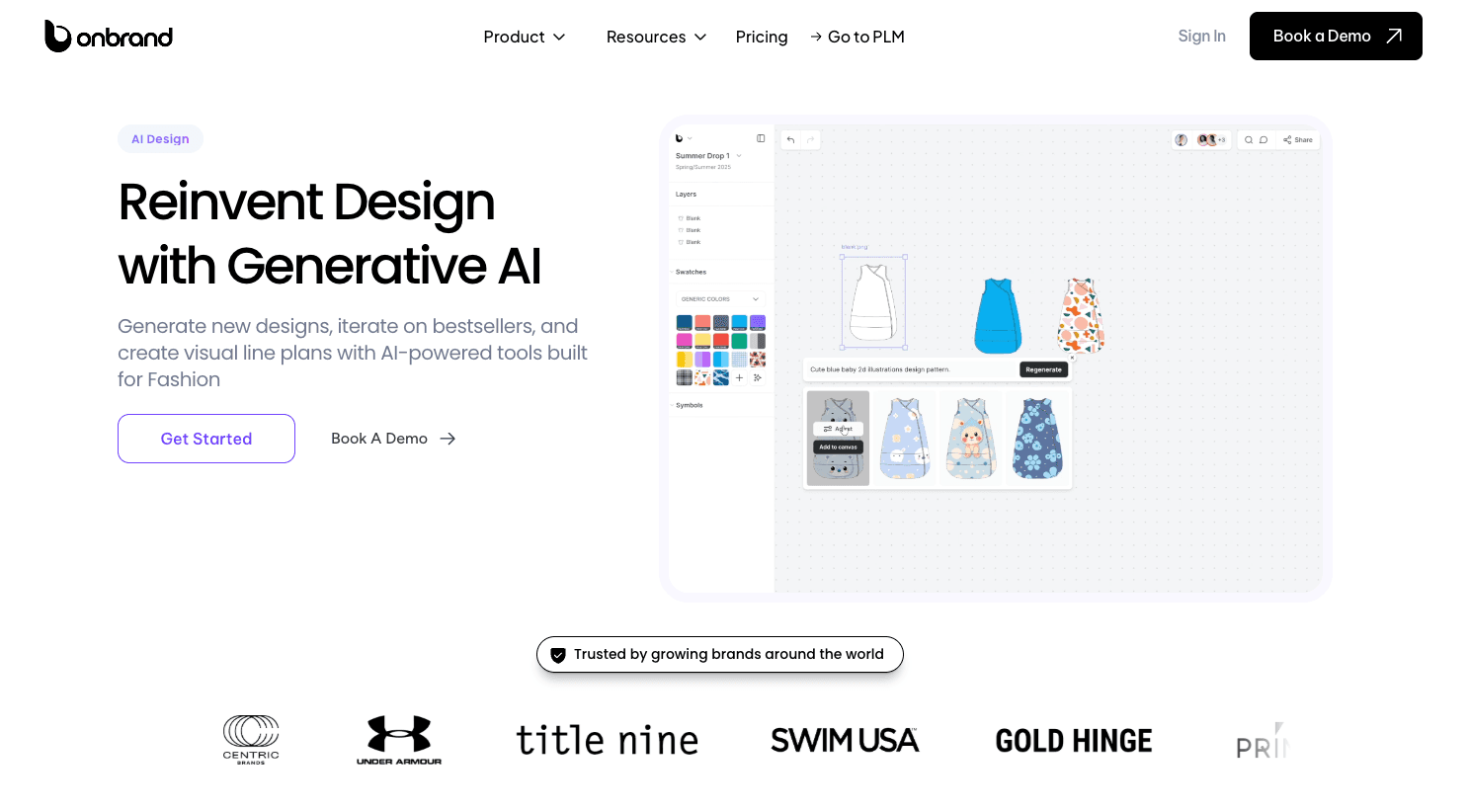
Designs can start from a prompt, sketch, or reference image, then move into clean visuals and tech packs without switching systems.
Changes stay tied to the same record, so pattern updates do not get lost during sampling or revisions.
Pattern work doesn’t happen in isolation. It depends on how well it connects to product data, approvals, and production timelines. That’s where this setup fits.
Key Features
Generate designs from text, sketches, or reference images
Create technical sketches and flats automatically
Real-time collaboration and shared design workspace
Version history with rollback for design changes
Automated tech pack and spec sheet generation
3D garment simulation and fabric visualization
Asset library for templates, materials, and graphics
Direct connection to fashion PLM systems
Onbrand AI Design works directly with Onbrand PLM. Designs, patterns, and tech packs move into a single place, so product data stays consistent.
This improves PLM collaboration and keeps updates tied to one source of truth. Instead of managing files across tools, everything connects through structured specification management and shared workflows.
2. Gerber AccuMark (For Production-Ready Pattern Making)
Gerber AccuMark is widely used in professional patternmaking for development and production.
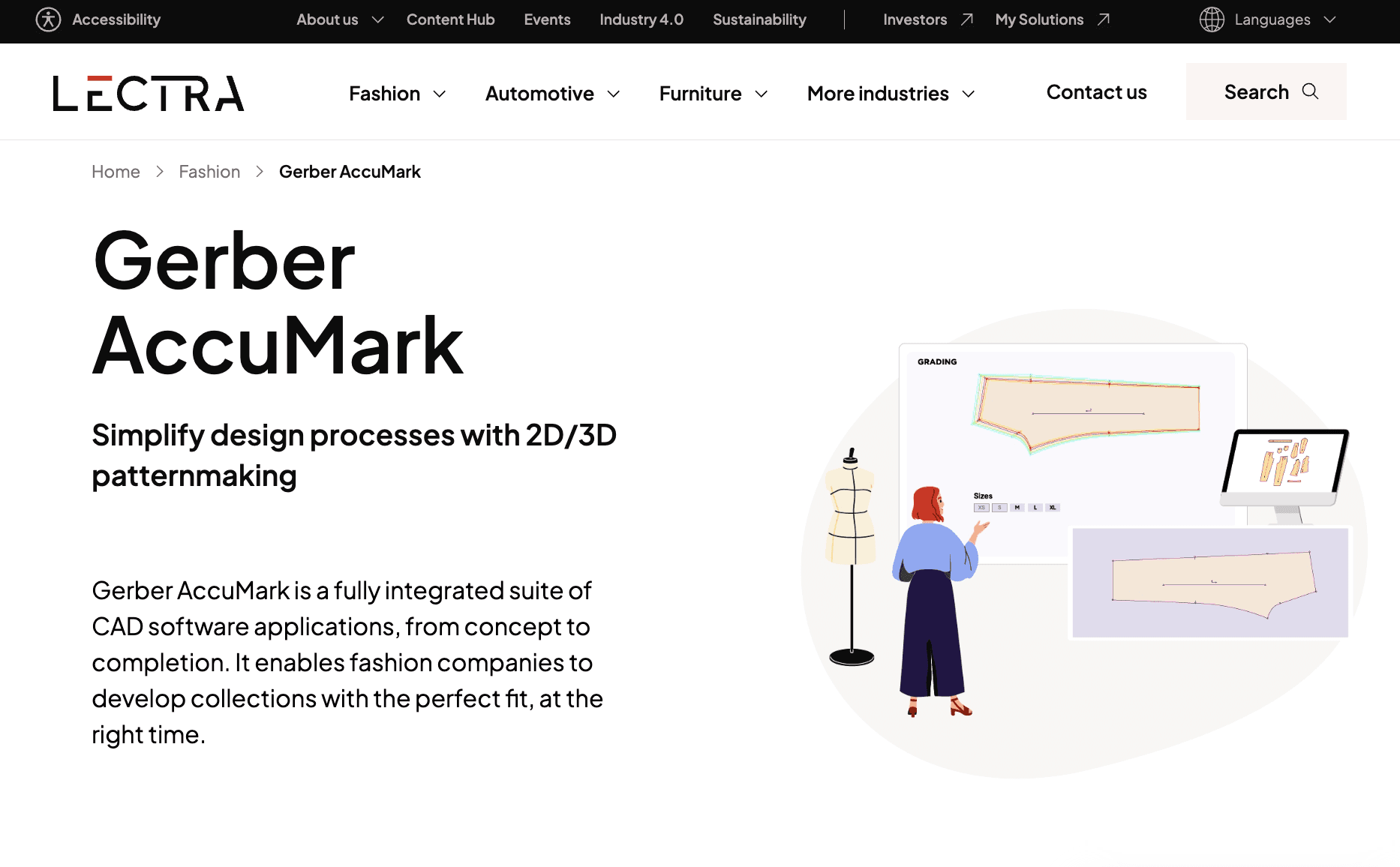
It supports pattern drafting, grading, and marker creation within one system. Many manufacturers rely on it to prepare patterns for cutting and bulk production.
Source: lectra.com
The tool fits later in the workflow, once patterns are finalized and need to move into manufacturing, but it also supports earlier stages like development and grading.
It also connects 2D patterns with 3D simulation, which supports fit validation and reduces the need for physical samples.
Gerber AccuMark is often used as marker-making software in production environments where accuracy and consistency are critical.
Key Features
Pattern drafting and editing
Grading across size ranges
Marker making and fabric optimization
Digitizing patterns from physical samples
Integration with cutting room systems
Suitable For
Suited for brands and manufacturers focused on production scale. Often used in business environments where pattern work needs to move directly into cutting and manufacturing with minimal variation.
3. Lectra Modaris (For Enterprise Pattern Development)
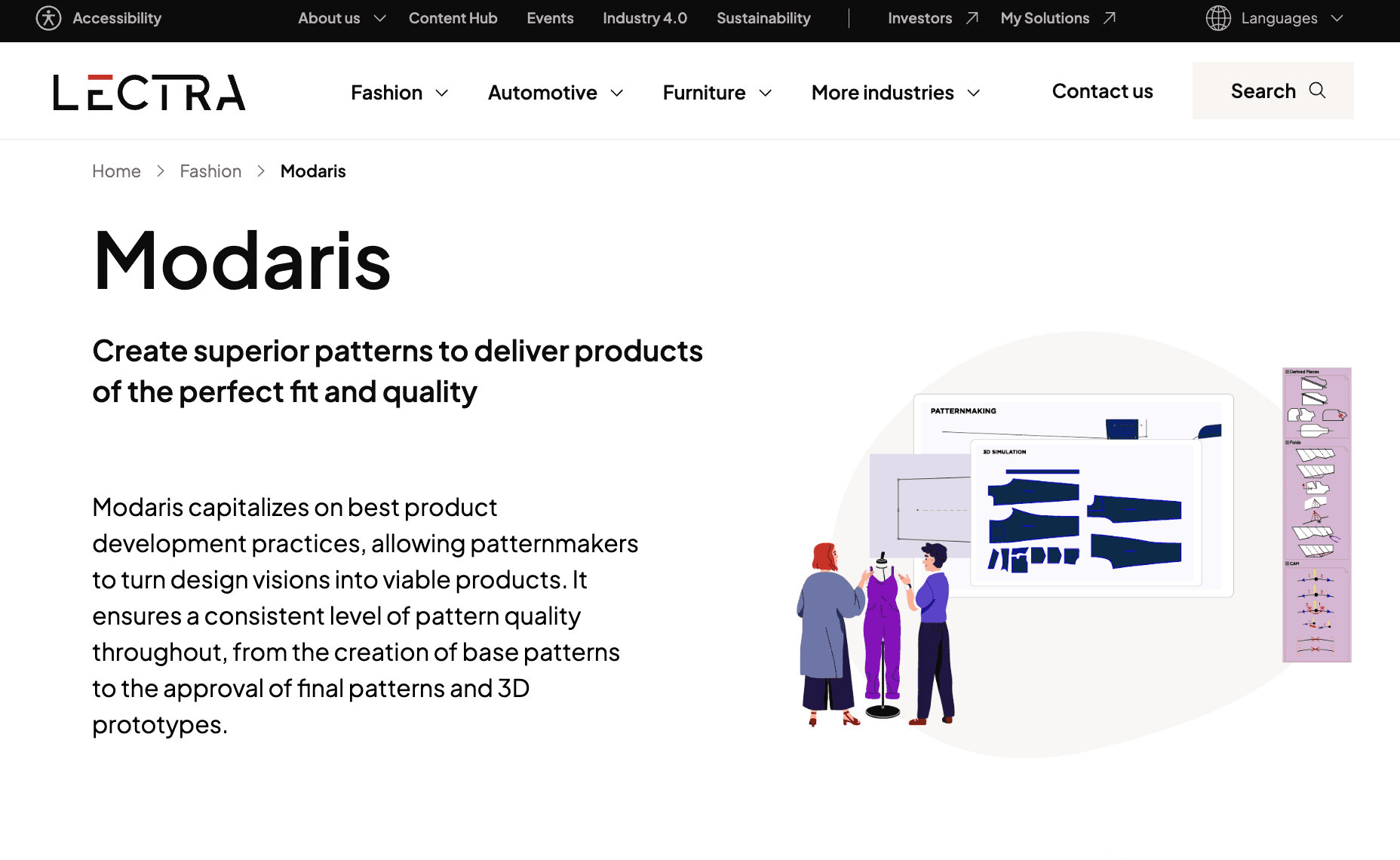
Lectra Modaris is used for advanced pattern software workflows in larger fashion organizations. It supports pattern drafting, grading, and technical development within a structured system.
Source: lectra.com
The system fits into development and production workflows where patterns need to be engineered for consistency at scale. It connects closely with other Lectra systems used in manufacturing, which helps keep pattern data aligned from development to production.
It is often used in structured environments where pattern work is part of a broader pattern-making program tied to production systems and planning.
Key Features
Advanced pattern drafting and editing
Grading with detailed size control
Pattern adjustments and technical refinements
Integration with production and manufacturing systems
Support for large-scale pattern development workflows
Suitable For
Suited for enterprise brands and manufacturers managing high-volume production. Common in business environments where pattern development needs to stay consistent, structured, and closely linked to production systems.
4. Optitex (For 2D and 3D Pattern Workflows)
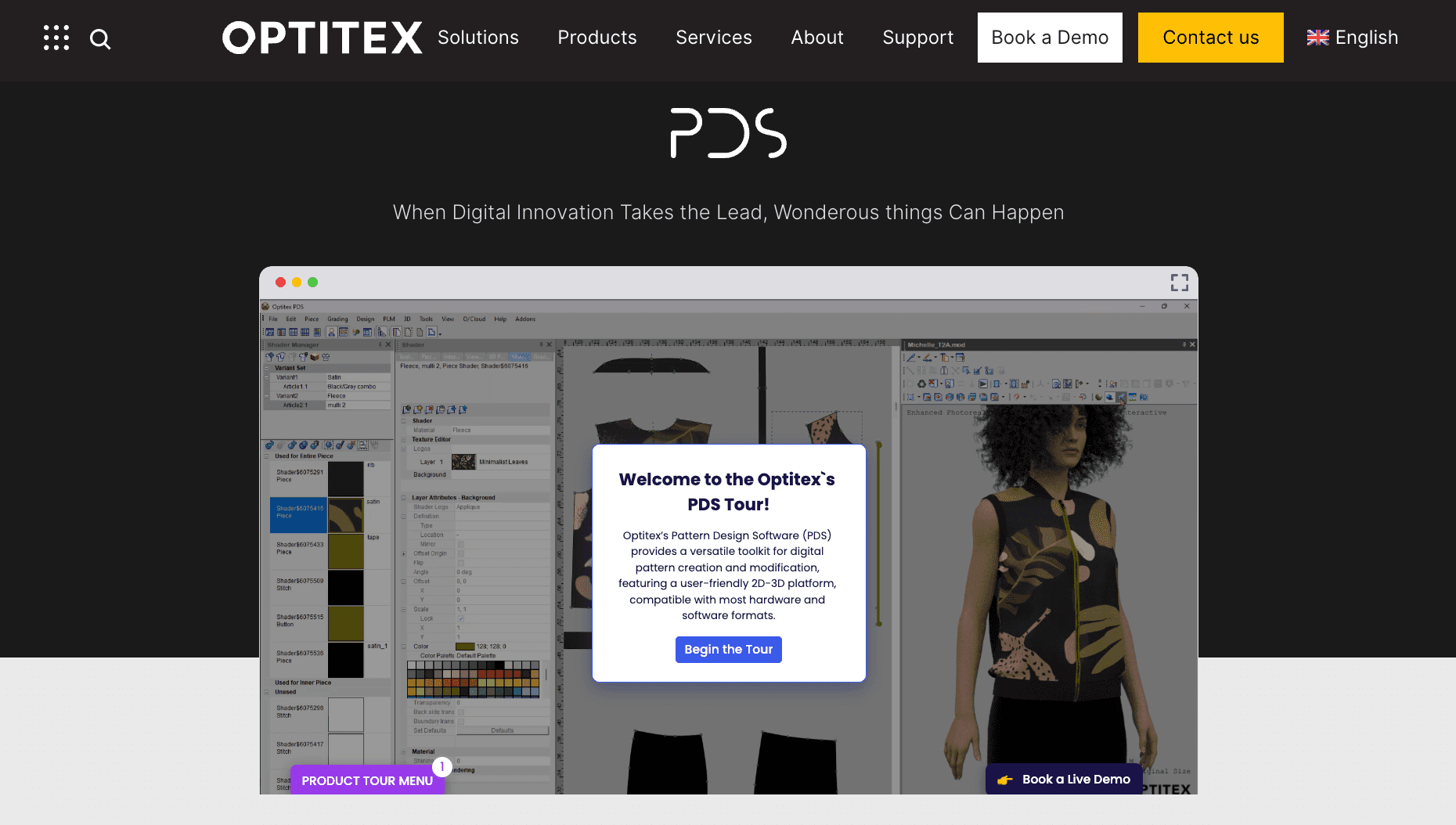
Optitex is pattern design software that combines 2D pattern drafting with 3D garment simulation in one system. It allows patterns to be created, adjusted, and visualized without switching tools.
Source: optitex.com
It fits into both development and sampling stages. Pattern changes made in 2D can be reflected in 3D, which helps with fit checks and early validation before physical samples are produced.
The system is often used to reduce sample rounds by allowing patterns to be reviewed and refined in a digital environment.
Key Features
2D pattern drafting and editing
3D garment simulation and visualization
Real-time updates between 2D patterns and 3D samples
Grading tools for size development
Marker making and fabric optimization
Virtual sampling and fit validation
Suitable For
Suited for brands and development teams looking to reduce physical sampling and review fit earlier in the process. Often used in workflows where both pattern accuracy and visual validation are important before moving into production.
5. Tukatech (For Cost-Efficient Pattern Making)
Tukatech is a suite of pattern-making tools used for drafting, grading, and marker-making. It includes systems for 2D pattern work, marker optimization, and 3D fit simulation.

Source: tukatech.com
It fits into development and early production stages, where patterns need to be created, adjusted, and graded before moving into manufacturing. The modular setup allows brands to use only the tools they need, depending on their workflow.
Tukatech is often used in environments where cost and accessibility are a priority, while still covering core production requirements.
Key Features
Pattern drafting and editing (TUKAcad)
Grading across size ranges
Marker making and fabric utilization (SMARTmark)
3D fit simulation and virtual sampling (TUKA3D)
Automated pattern generation (TUKA APM)
Suitable For
Suited for smaller brands, development teams, and independent designers working on personal projects or building collections. Also used by those who create and sell patterns, where a flexible and cost-conscious setup is needed.
6. CLO 3D (For Design-Driven Pattern Workflows)
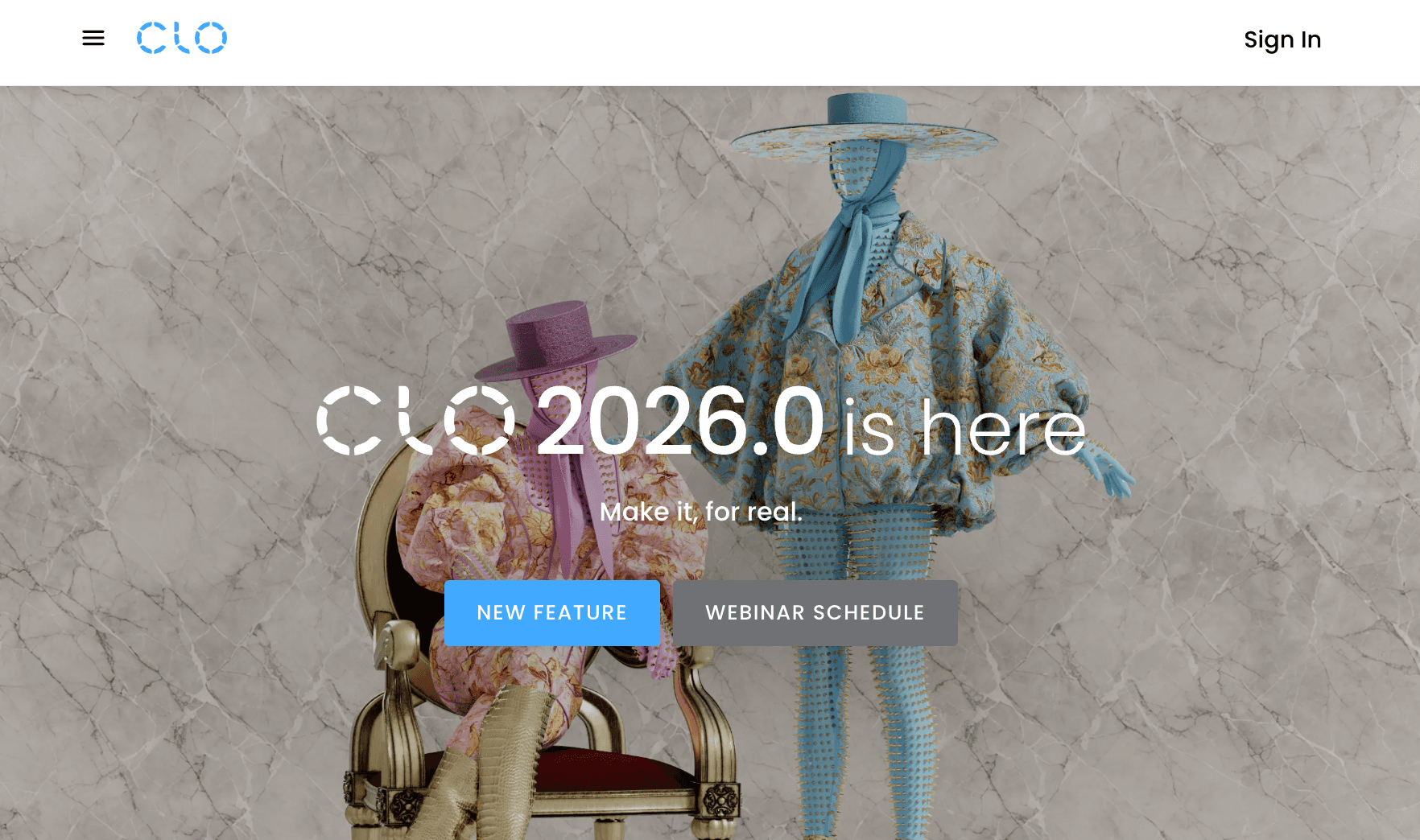
CLO 3D is a pattern-making tool built around a 3D environment. Patterns are created and adjusted directly on a virtual garment, which allows design and fit to be reviewed at the same time.
Source: clo3d.com
It fits early in the workflow, during concept development and sample planning. Designers and developers use it to test silhouettes, proportions, and fit before moving into physical samples.
The system focuses more on design exploration than production output. It includes advanced options for fabric simulation, garment rendering, and visual adjustments, which support faster iteration compared to other software used only for 2D pattern work.
Key Features
3D pattern creation and editing
Real-time garment simulation
Fabric and material visualization
Fit and silhouette testing on virtual models
Rendering for design reviews and presentations
Suitable For
Suited for fashion design and development workflows focused on visual validation and early fit checks. Designers and technical teams can review and refine garments before moving into production systems.
7. Browzwear (For Technical 3D Pattern Validation)
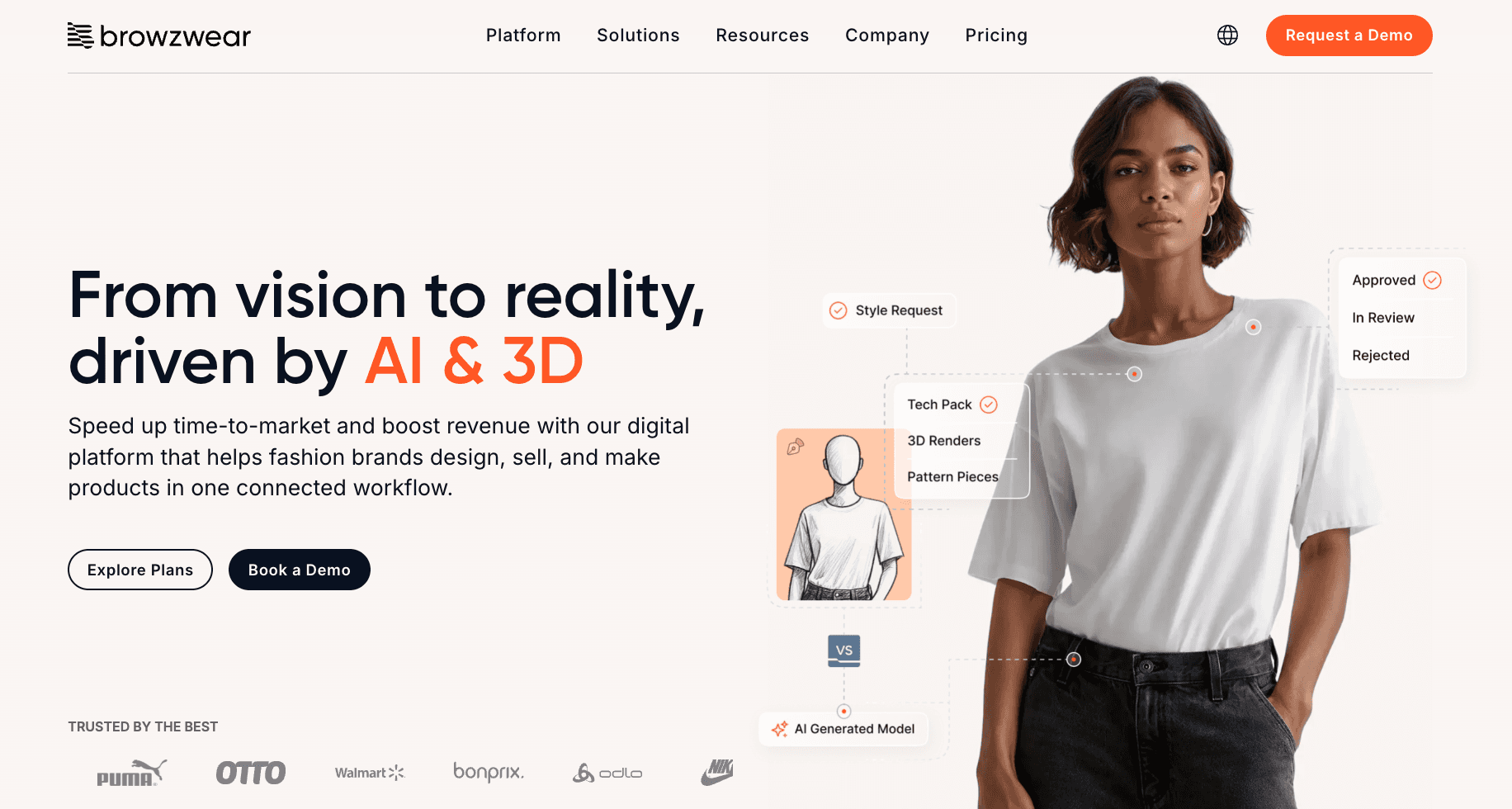
Browzwear is a 3D pattern and simulation platform used for fit validation and development. It focuses on creating accurate digital garments using real fabric data and physics-based simulation.
Source: browzwear.com
It fits in the development stage, where patterns need to be tested and validated before sampling. Pattern files are brought into a 3D environment to check sizing, drape, and proportion across the full size range.
The system is often used alongside existing pattern systems rather than replacing them. It supports digital fashion design workflows where fit accuracy and sample reduction are a priority.
Key Features
3D garment simulation using real fabric data
Fit validation across multiple sizes
Virtual sampling and reduced sample rounds
Collaboration around shared 3D assets
Integration with PLM and production systems
Suitable For
Suited for development workflows where fit accuracy is critical before sampling. Often used by experienced teams and pattern masters to validate patterns and reduce errors before production.
8. Seamly2D (For Free Pattern-Making Software)
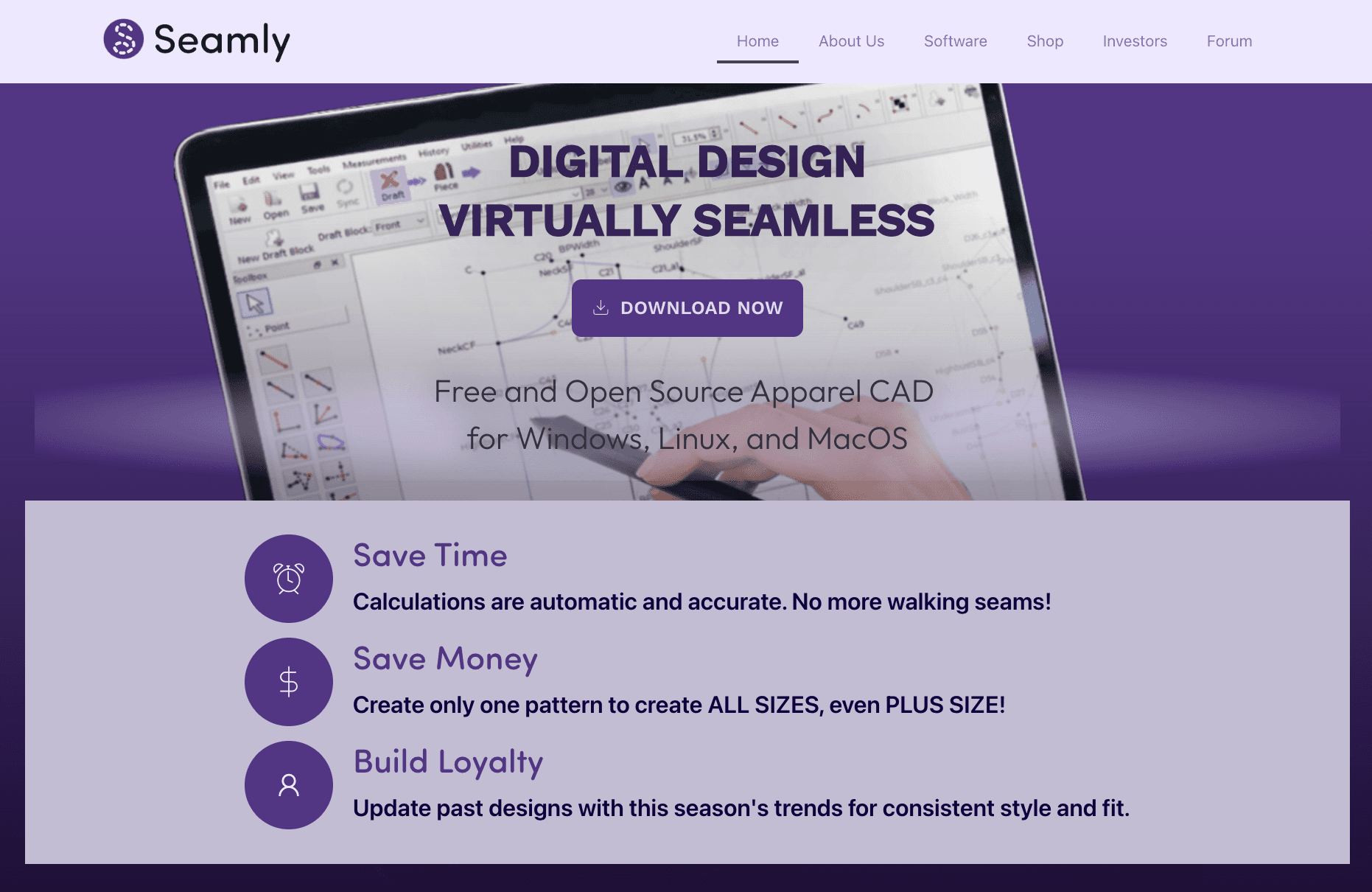
Seamly2D is an open-source pattern-making tool used for drafting and modifying patterns based on measurements. It focuses on parametric pattern creation, where patterns adjust automatically using formulas.
Source: seamly.io
It fits early in the workflow, during pattern drafting and development. It is often used to create base patterns or adapt sizing without relying on fixed templates. The system supports building patterns from scratch instead of converting from paper patterns.
Seamly2D is more limited compared to commercial systems. It does not cover full production workflows, but it provides a functional option for pattern creation at no cost.
Key Features
Parametric pattern drafting based on measurements
Automatic sizing and pattern adjustments
Tools for converting and recreating paper patterns
Cross-platform support (Windows, macOS, Linux)
Open-source and free to use
Suitable For
Suited for individuals, small teams, and early-stage brands working on clothes development or testing pattern ideas. Also used for personal projects or learning environments where cost and accessibility are the main priorities.
How Pattern-Making Software Fits Into the Workflow
Pattern work sits between design and production. It connects the early concept to what gets made. The flow usually moves from design to patterns, then into the tech pack, followed by sampling and production.
Breakdowns often happen when patterns and product data are not aligned.
A change in measurements may be updated in the tech pack but not reflected in the pattern file. That creates version confusion during sampling.
Grading issues can also show up at this stage. One size may look correct, but the rest of the size range does not scale properly. That leads to repeated sample rounds and delays in fashion product development.
Manual updates are another common problem. Pattern files, tech packs, and production notes get updated separately.
Over time, the information drifts. This affects professional production patternmaking and creates more work for professional pattern makers, especially during apparel inspection.
Each tool helps in its own step, but the handoff between them is where things break. Without connected systems, the process stays disconnected and harder to manage.
How to Choose Pattern-Making Software
Choosing the right software depends on how pattern work fits into your product workflow.
Start with where the work sits. Design-focused tools support early concept work and fit checks.
Production tools focus on grading, marker-making, and getting files ready for manufacturing. That alone will narrow down your software options quickly.
Team size also shapes the choice. Larger operations often rely on structured systems built for professional use. Smaller setups tend to look for tools that are more cost-effective and easier to run day-to-day.
The type of work also shapes the choice. 2D tools focus on drafting and production patterns. 3D tools support fit validation and reduce sampling. Some workflows require both.
Ease of use is easy to overlook, but it shows up quickly in day-to-day work. A steep learning curve slows things down. Simpler tools make updates and revisions easier to manage.
Some tools may suit home sewists or personal projects, but production work requires tools built for repeatable workflows.
The best choice is the one that fits how patterns work, connect to tech packs, sampling, and production.
Where Patternmaking Breaks Without Structure
Pattern work starts to break when it is not tied closely to the rest of the workflow. Patterns, tech packs, and product data move separately. Small gaps turn into repeated issues later.
A pattern may be updated after a sample review, but the tech pack still shows older specs. The next sample follows the wrong measurements. Fit issues repeat, even after adjustments have been made.
Outdated specs are a common source of fit problems. One revision gets approved, but the pattern file does not reflect it. That gap carries into the next round and slows everything down.
Sampling delays usually follow. Vendors work from different versions. Changes need to be repeated. Time is lost chasing alignment instead of moving forward.
These gaps also affect quality control. Patterns, specs, and production notes drift apart. Errors show up later during inspection, when fixes are more expensive and harder to manage.
The issue is not the pattern itself. It’s how patterns work that connects to the rest of the workflow.
Connect Pattern Workflows With Onbrand AI Design
Pattern tools handle drafting, grading, and simulation. The gaps start when patterns, tech packs, and product data move in separate systems.
That is where delays, version confusion, and repeated sample cycles come from.
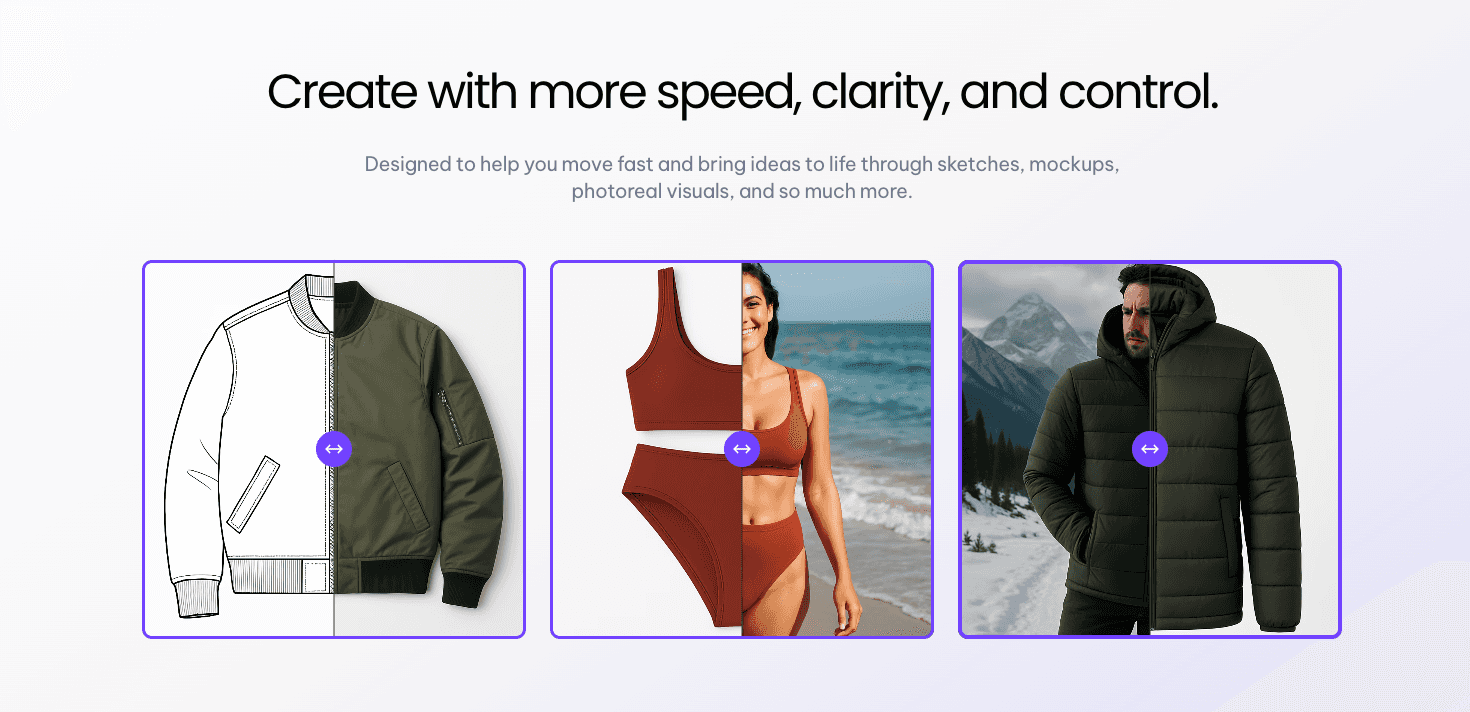
Onbrand AI Design doesn’t replace pattern software. It connects pattern work to the rest of product development. Design files, specs, and updates stay in sync, so changes made during sampling or revisions carry through without extra work.
Onbrand PLM extends this by keeping product data, tech packs, and approvals in one place. Patterns, specs, and production details stay aligned from design through production.
Instead of managing disconnected files, everything ties back to one product record. That keeps approvals clear, reduces rework, and helps move styles forward without losing information.
If pattern updates, tech packs, and approvals still sit in different tools, those gaps will keep slowing things down.
Book a demo today and see how Onbrand connects pattern workflows to product development.
FAQs About Pattern-Making Software
What is the difference between 2D and 3D pattern-making software?
2D pattern-making software focuses on drafting software used to create flat patterns, apply grading, and prepare files for production. 3D tools simulate garments on a virtual model, allowing fit and shape to be reviewed before sampling. Many brands use both, with 2D for production patterns and 3D for fit validation.
Can beginners use pattern-making software?
Beginners can use pattern-making software, but the learning curve varies by tool. Some start with simpler programs or follow a course to learn pattern drafting basics. Entry-level tools may support learning, while production systems are built for professional use.
Do I need all the software mentioned to create production patterns?
You do not need all the software mentioned to create patterns. Most workflows rely on a single main system, with other software used for specific tasks such as simulation or marker-making. The setup depends on how patterns connect to design, tech packs, and production.
Can Adobe Illustrator be used for pattern making?
Adobe Illustrator can be used as a vector tool for basic pattern drafting, but it is not a full pattern-making system. It lacks grading, marker making, and production features. Many professionals do not recommend Illustrator for production work, though it may be used for early design or simple pattern lines.

