Sep 2, 2026
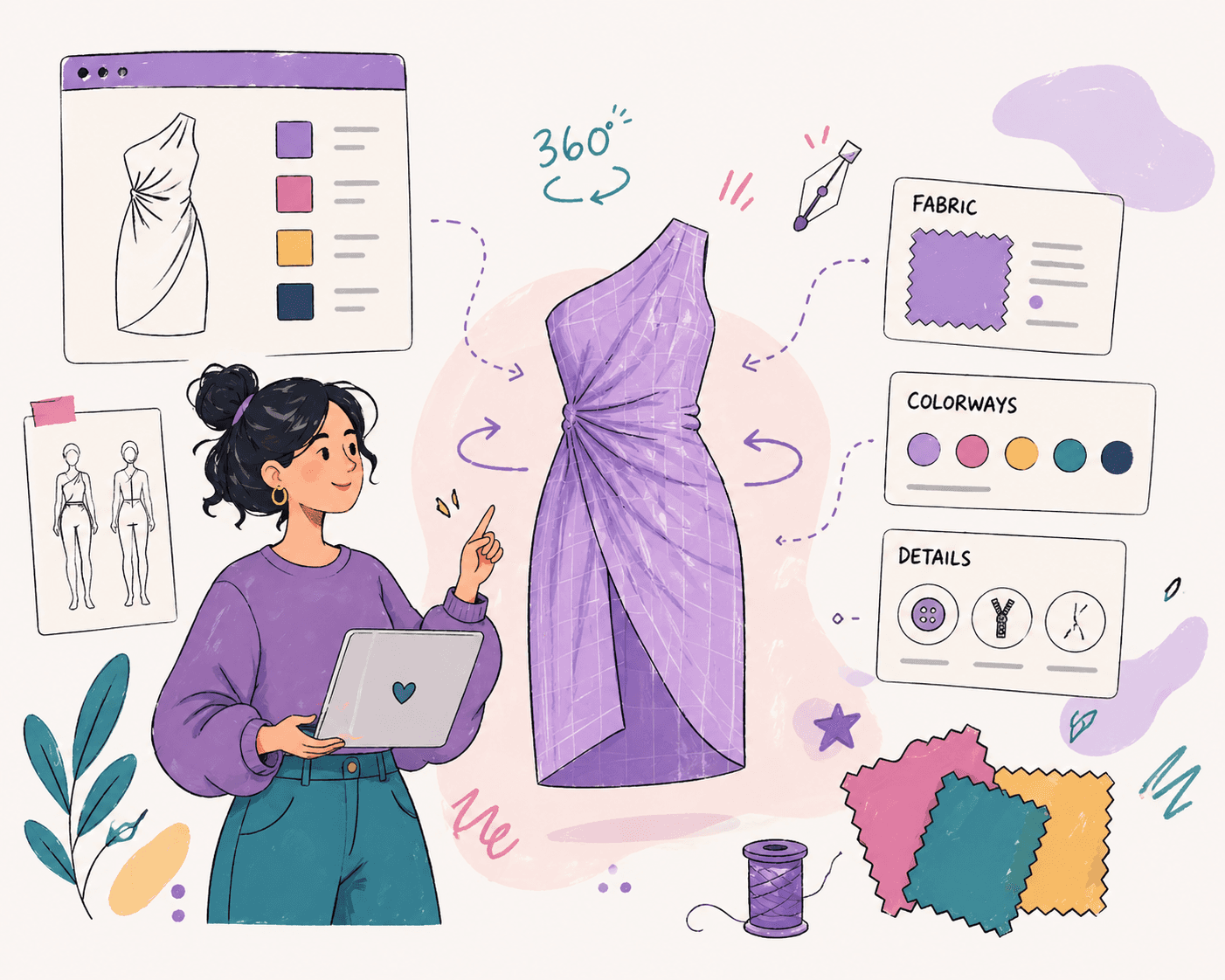
Fashion teams often reach a point where sketches, samples, and product data start to drift apart.
A design looks right on screen, but fit issues show up during sampling, and updates get lost between tools. That kind of friction is common as workflows grow, not a failure.
3D fashion design software helps bring design decisions forward by letting teams visualize garments earlier in the process. It gives fashion designers a way to review fit and make changes before physical samples are made.
This guide explains how 3D tools fit into the fashion design process and which ones support each stage of the workflow.
TL;DR
These are the best tools for 3D fashion design in 2026:
CLO 3D
Browzwear
Style3D
Optitex
Marvelous Designer
What 3D Fashion Design Software Does
3D clothing design software helps teams turn sketches into digital garments before anything is sampled.
Designers can create a style in 3D, apply fabrics and materials, and review how it fits on a virtual model. They can check proportions, silhouette, and fabric drape earlier, before committing to a physical sample.
Teams use these tools to adjust fit, refine details, and explore variations without waiting for physical samples. Simulation features show how garments behave and move, so reviews are based on a more realistic representation.
Approvals can move faster, and teams may need fewer samples at this stage. This helps teams in the fashion industry keep the design process moving.
3D fashion design helps teams validate decisions early, but depending on the platform, additional systems may still be needed for product data, technical development, and production management.
Where 3D Software Fits in the Fashion Workflow
3D tools sit in the middle of the fashion design workflow, between early ideas and production. Work usually starts with sketches or concepts during the creative process.
Designers then bring those ideas into 3D, where they can build the garment, try variations, and review how it looks before anything is made. Technical flats may also provide the construction and design details needed as the style moves toward technical development.
From there, teams use 3D outputs for fit reviews and internal feedback. This step helps catch issues early before moving into technical design. Adjustments can be made early, before physical sampling begins, so less rework is needed later.
Once designs are approved, technical teams refine patterns and move into sample development. Physical prototypes are still used, but earlier design and fit decisions can reduce the number of revisions needed during sampling.
After that, work moves into tech packs and production planning. At this stage, timelines, vendor coordination, and collaboration become more important as teams prepare to produce at scale.
Top 6 3D Design Tools Fashion Teams Use Today
Different fashion design software tools support different parts of the workflow, from early concept development and visualization to fit review and production preparation.
Here are the top six 3D design tools fashion teams use today and where each one fits best:
1. Onbrand AI Design
Onbrand AI Design is built for fashion teams that want to move from early ideas to usable visuals faster. It supports concept generation, design exploration, visual collaboration, and handoff into fashion PLM, so design work doesn't get stuck in separate files.
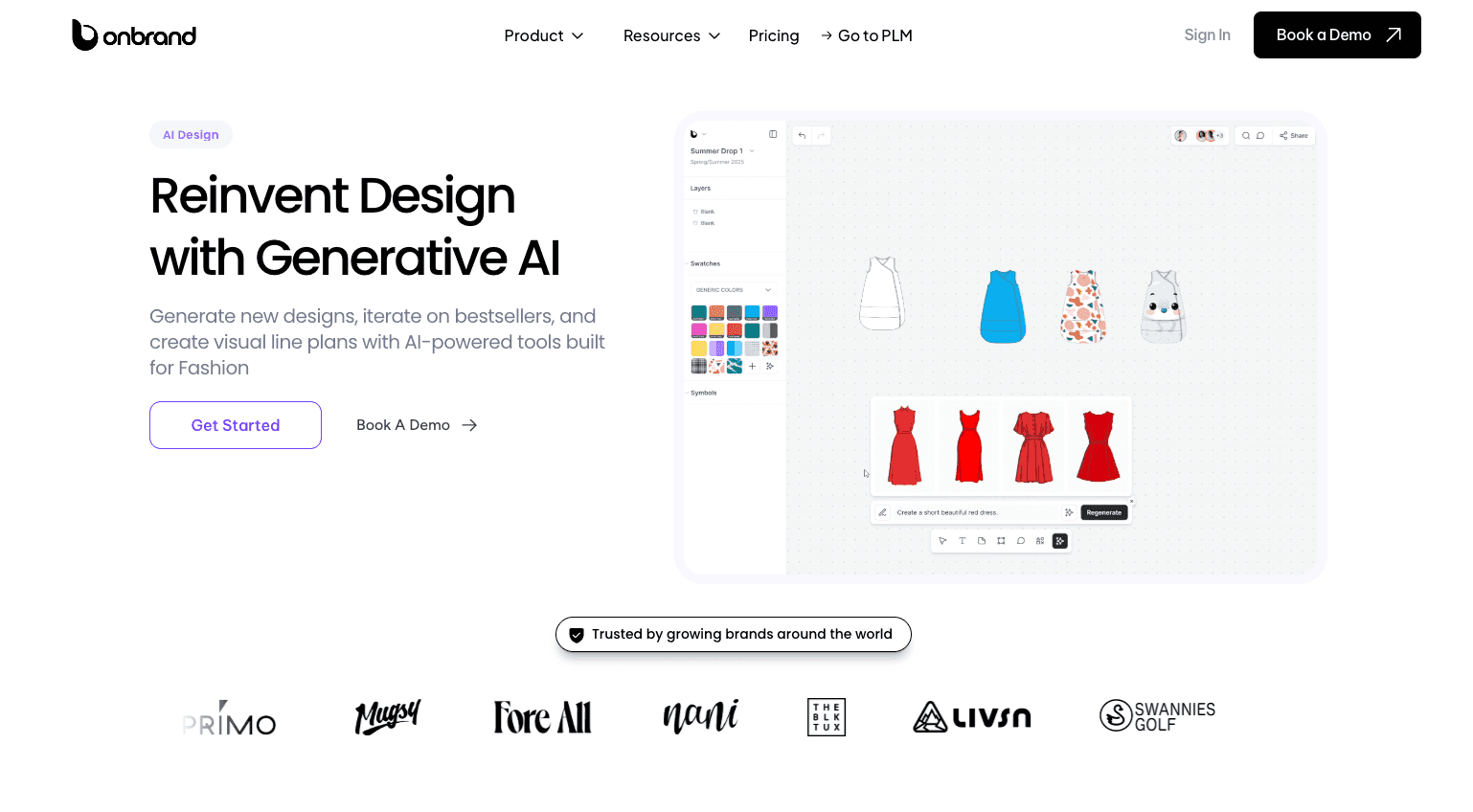
Unlike pattern-based 3D simulation tools, Onbrand AI Design focuses on AI-assisted concept creation, visual development, and moving approved design work into PLM.
How Onbrand AI Design Supports 3D Design Workflows
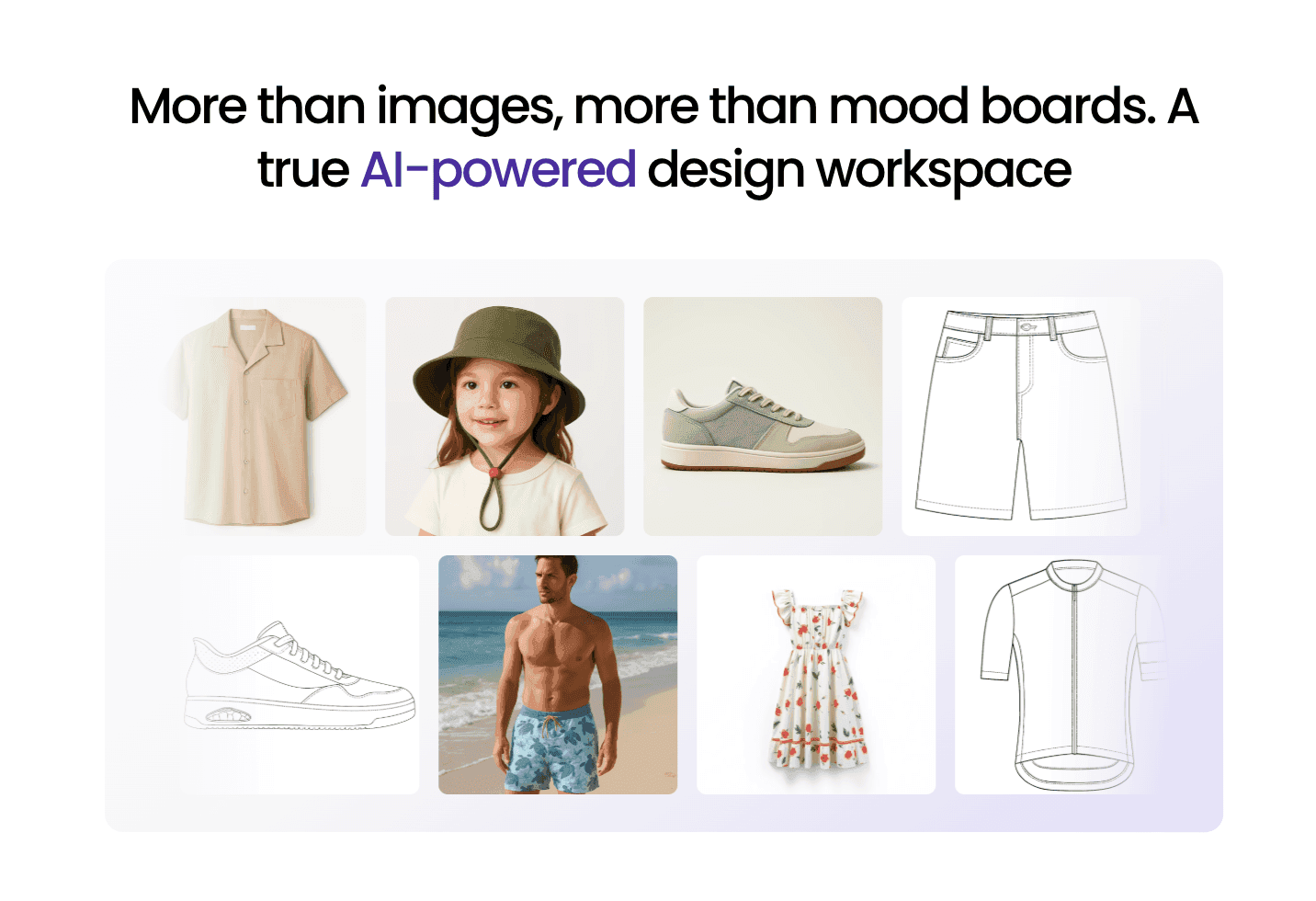
Onbrand AI Design helps teams create sketches, mockups, photorealistic visuals, and on-model renders from text prompts, sketches, or reference photos.
It fits early in the workflow, where designers need to test ideas, compare directions, and prepare visuals for reviews or marketing assets. Teams can also use it to build mood boards, group styles into collections, and create visual line plans.
The biggest advantage is the connection between design and development.
Once a concept is ready, teams can move visuals, palettes, and design details into Onbrand PLM rather than rebuilding the work later. Designers can also export work to Adobe Illustrator when they need to continue working in their existing design setup.
Onbrand reports 10x faster design turnaround, 30–50% fewer physical samples, and 10+ weeks saved each year.
Main Features
AI concept generation from text, sketches, or photos
Sketch-to-mockup and mockup-to-model visuals
Photorealistic renders for reviews and presentations
Design variations for colorways, trims, cuts, and details
Mood boards and visual line planning
Shared canvas for comments and feedback
Version tracking and design history
Easy export to Adobe Illustrator
Direct connection to Onbrand PLM
Support for moving approved visuals into PLM to begin tech pack creation
Onbrand AI Design works together with Onbrand PLM, a product lifecycle management system for fashion teams that keeps product data, tech packs, samples, approvals, and vendor communication in one platform.
For broader digital design workflows, it gives teams a place to carry approved visuals into development. Design files, materials, colors, specs, and comments stay connected instead of sitting in PDFs, folders, or disconnected tools.
Onbrand’s live tech packs also help reduce version confusion because teams and vendors can work from the current product information.
Suitable For
Onbrand AI Design is best for growing fashion brands that want to connect creative work with fashion product development.
It fits teams that need faster concept creation, clearer reviews, better collaboration, and a smoother handoff into PLM. It is especially useful for designers, product developers, merchandisers, and founders managing multiple styles or collections.
Book a demo to see it firsthand!
2. CLO 3D
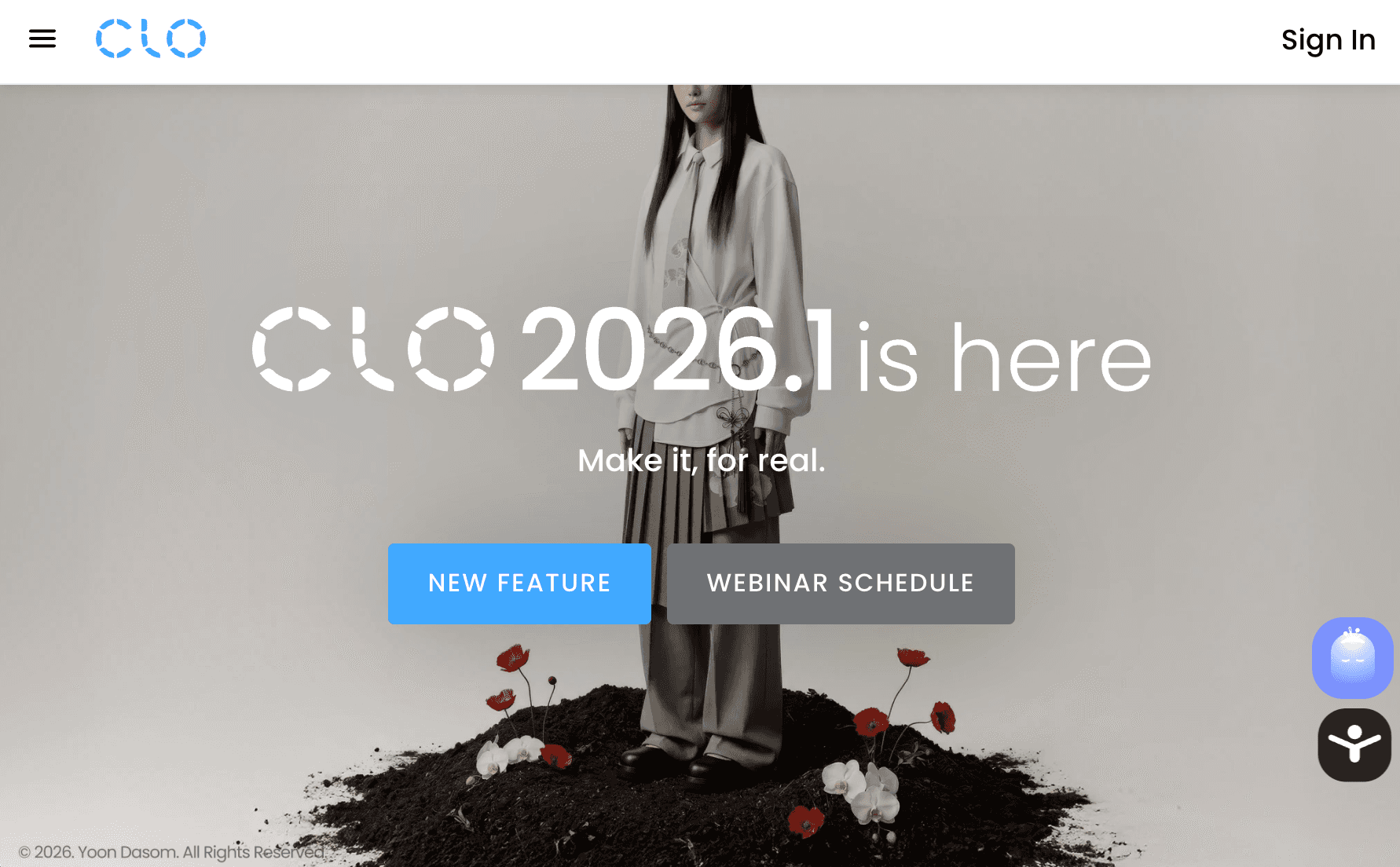
CLO 3D is a 3D garment design tool used to visualize fit, fabric, and silhouette before sampling. It is widely used by design and development teams to review styles and reduce the number of physical samples.
Source: clo3d.com
How CLO 3D Supports 3D Design Workflows
CLO 3D lets fashion designers build garments from 2D patterns and view them on a virtual avatar. Fashion designers can test variations, adjust patterns and materials, and review fit and fabric drape before creating a physical sample.
Teams also use CLO 3D for internal fit reviews, design presentations, and virtual sampling. Its simulation tools show how different fabrics behave and how garments move on the body, helping teams identify potential design or fit issues earlier.
CLO 3D primarily focuses on digital garment creation, pattern development, simulation, and fit review. Teams may still connect it with other systems for broader product development and lifecycle management.
Main Features
Realistic fabric and fit simulation
3D garment creation from patterns
Size grading and avatar adjustments
Visual rendering for presentations
Advanced features for fabric behavior and fit testing
Suitable For
CLO 3D is suitable for designers and teams focused on visualization, fit review, and presenting designs before production.
3. Browzwear
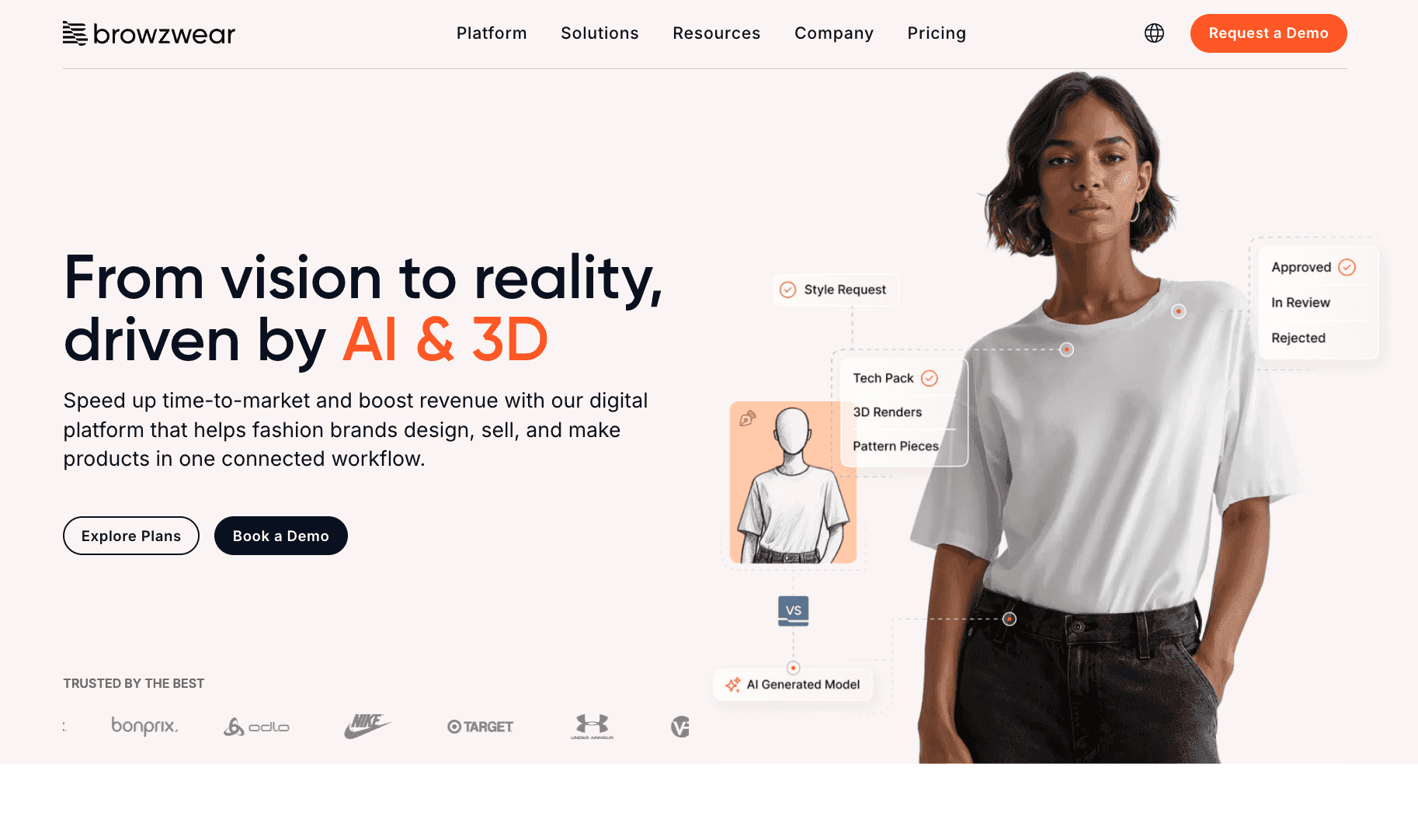
Browzwear is a 3D design platform used by fashion teams to create, review, and move garments through development in a connected workflow. It focuses on linking design work with later stages, so teams can carry digital assets into production without rebuilding files.
Source: browzwear.com
How Browzwear Supports 3D Design Workflows
Browzwear supports workflows from early design through fit validation and approvals. Designers can create digital garments using 3D simulation, while technical teams review fit, sizing, construction, and fabric behavior before physical sampling.
Shared 3D assets give designers, technical teams, and other stakeholders a common garment reference as styles move through development.
For enterprise apparel brands managing larger product ranges, Browzwear can connect 3D assets with existing PLM and product development systems. That makes it useful for teams that need digital garment data to continue beyond the initial design stage.
Main Features
3D garment simulation with real fabric data
Tools for fit validation and size testing
Shared environment for collaboration and approvals
Digital asset management for styles and materials
Integration with PLM and production systems
Suitable For
Browzwear fits teams that need a structured platform to connect design, validation, and production workflows while maintaining alignment between roles.
4. Style3D
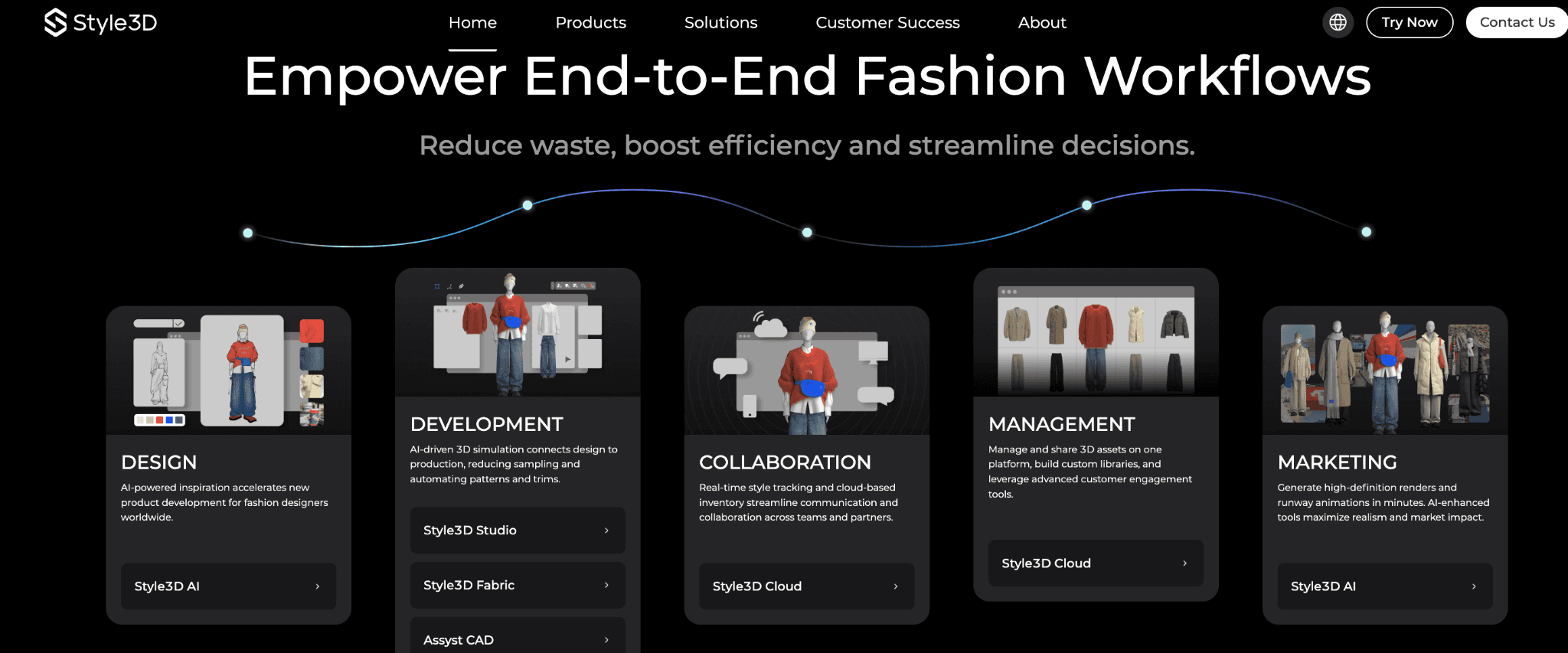
Style3D is a 3D design and visualization tool used to create digital garments and manage assets throughout development and marketing. It combines design, simulation, and presentation features in one system.
Source: style3d.com
How Style3D Supports 3D Design Workflows
Style3D is used during design, validation, and presentation. Teams create garments in 3D, test fit, and review styles before moving into sampling.
It also supports sharing digital assets for internal reviews and external use. Some teams use digital garments for e-commerce visuals and virtual try-on experiences, giving customers another way to view products before purchase.
The tool also supports augmented reality and rendered outputs, which can extend digital garments into product presentations and marketing content. Style3D describes its digital assets as reusable for virtual fitting, web visualization, AR campaigns, and marketing.
Main Features
3D garment simulation and fabric visualization
Digital asset management and shared libraries
Tools for collaboration and style tracking
Rendering for marketing and e-commerce use
Cloud-based system for managing design resources
Suitable For
Style3D is suitable for fashion teams that need 3D garment development, digital asset management, and visual content for product reviews, e-commerce, or marketing.
5. Optitex
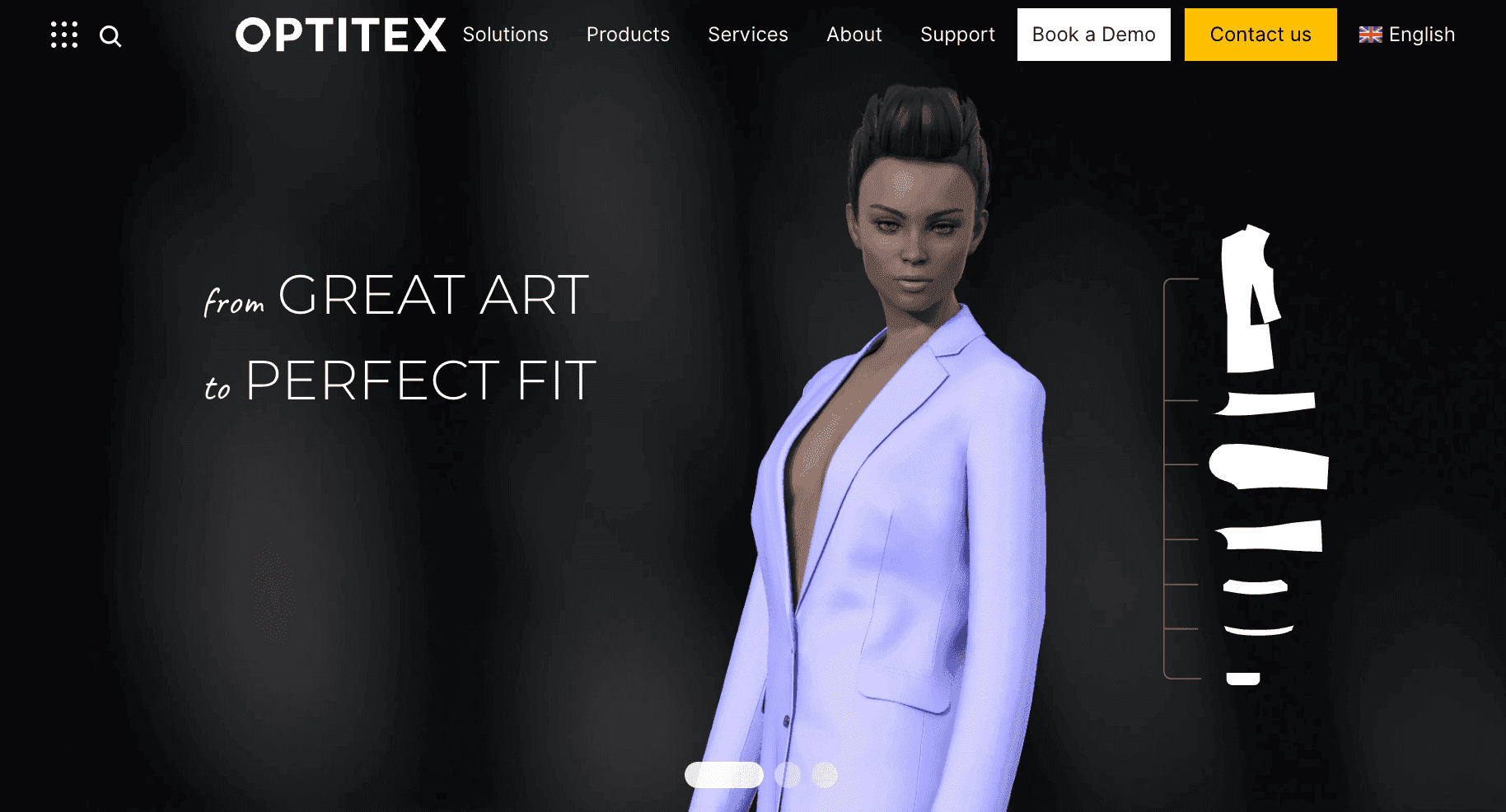
Optitex is a 2D and 3D CAD software platform used for pattern development and production preparation. It focuses on the technical side of garment development, helping teams move from digital patterns and fit reviews toward production.
Source: optitex.com
How Optitex Supports 3D Design Workflows
Optitex is used after the initial design, when styles move into technical development and production planning. Pattern makers can use pattern-making software to create and adjust 2D patterns, visualize garments in 3D, review fit, and grade patterns for different sizes.
Its production tools also support marker making, helping teams arrange pattern pieces for fabric cutting and material use. This makes Optitex particularly relevant to apparel manufacturing, where digital pattern data needs to move into cutting and production workflows.
The tool is less focused on early concept exploration and more focused on pattern development, fit, and production preparation.
Main Features
2D and 3D pattern-making tools
Grading and marker creation for production
Fit validation using digital garments
Fabric and material management
Integration with CAD and production systems
Suitable For
Optitex supports technical teams and product developers working on pattern making, fit validation, and preparing designs for production and manufacturer use.
6. Marvelous Designer
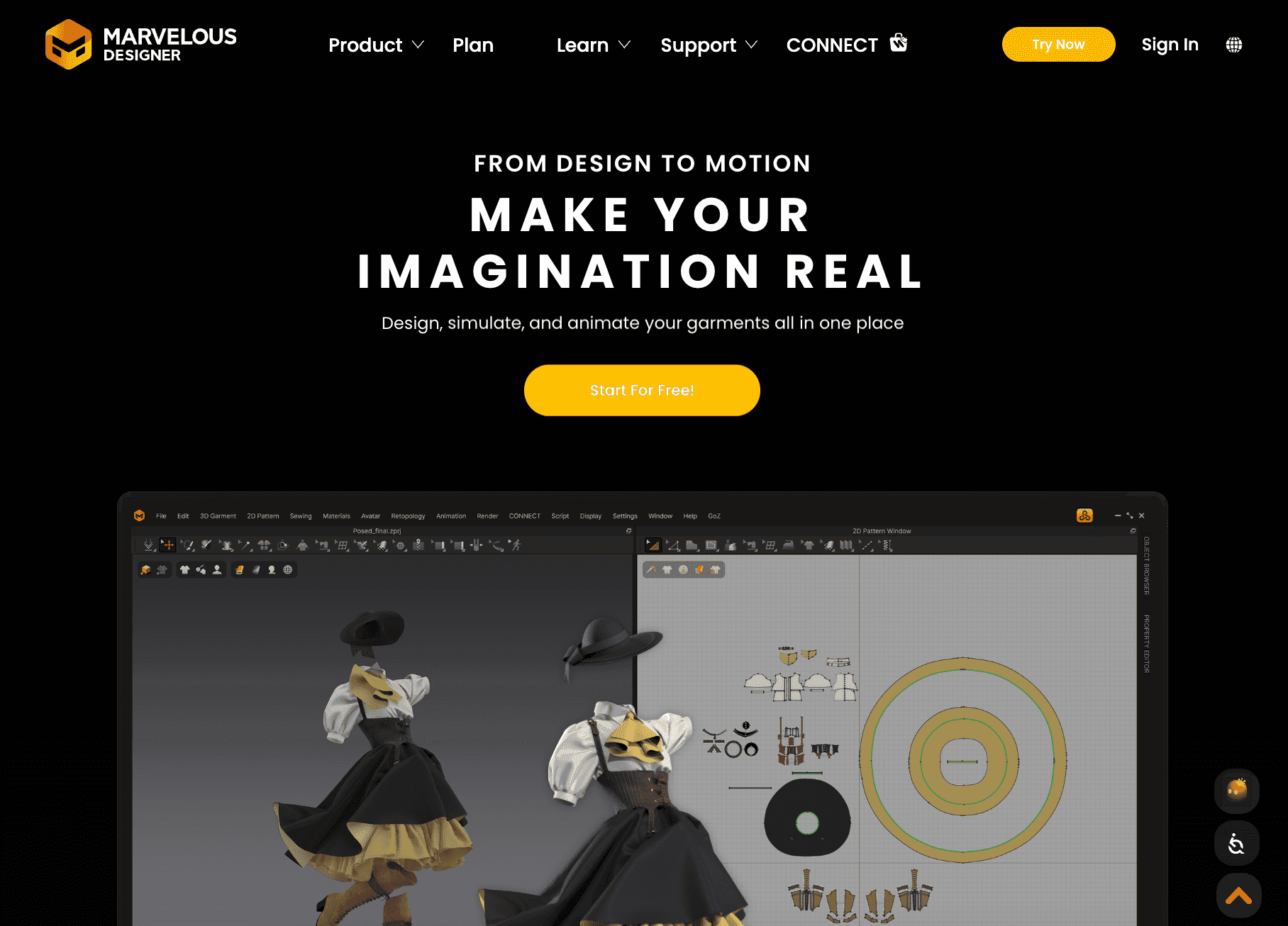
Marvelous Designer is a 3D garment tool focused on design exploration and visual development. It is often used to create detailed garments and test ideas quickly before moving into structured workflows.
Source: marvelousdesigner.com
How Marvelous Designer Supports 3D Design Workflows
Designers use Marvelous Designer to experiment with garment shapes, fabrics, and styling details in 3D. Its simulation tools let users adjust patterns and see how fabric drapes and moves on a digital character.
The software is commonly used for garment visualization, animation, and digital content creation. It can suit independent designers, small teams, and general-purpose 3D artists who need realistic garments for animation, visualization, or other digital projects.
Marvelous Designer is less focused on technical apparel development and production management, so teams may need other tools as designs move toward manufacturing.
Main Features
Simulation-based garment modeling
Realistic draping and fabric behavior
Tools to experiment with variations and styling
Animation and rendering options for visuals
Pattern-based garment creation
Suitable For
Marvelous Designer is suitable for indie designers, 3D artists, and creative teams focused on garment visualization, concept development, and realistic digital clothing.
Match 3D Tools to How Your Team Works
Choosing the right 3D tool depends on where it fits in your workflow, who will use it, and what you need to produce. The right stack may include more than one tool, especially when design, technical development, and production have different requirements.
Stage of Workflow
Some tools are built for early design, while others support later stages closer to production.
Design-focused tools help teams create concepts, test ideas, and review styles quickly. Tools used closer to production need to connect with technical design, pattern work, and vendor requirements.
Match the tool to where most of your work happens.
Team Type
Different roles use 3D tools in different ways.
For most designers, usability becomes important when the software is part of the daily design workflow. A user-friendly interface helps them iterate on how a garment looks and fits without slowing down the creative process.
Technical designers work closely with measurements and construction to prepare designs for production. Other roles, such as product developers, may also rely on 3D outputs during reviews and approvals.
Your stack depends on which roles need the software and how they work together.
Output Needs
Consider what needs to come out of the software.
One team may need realistic visuals for reviews and presentations. Another may need patterns, fit data, or files that move into tech packs and vendor workflows.
Choose software based on the outputs your team will actually use later in development.
Integration With Product Data
3D tools rarely work alone. Teams still rely on tech packs, PLM systems, and shared product data.
Look at how the tool can integrate with your existing setup. Product integrations support collaboration between teams and keep product information consistent.
This becomes more important as your team grows and handles more styles at once.
Cost and Learning Curve
Compare pricing alongside the time required to learn and adopt each platform. A lower subscription price may not make a tool cheaper if your team needs extensive training or additional software to complete its workflow.
Check available free trials or demos before committing. They give your team a chance to test the interface, core features, file compatibility, and workflow fit using a real project.
Why 3D Alone Is Not Enough
3D tools help teams visualize garments early, but visualization alone does not carry every product through development and production.
Designs created in 3D still need production information such as materials, measurements, construction details, approvals, and tech packs. No single tool necessarily covers every requirement from concept through apparel production.
Some 3D platforms include pattern making, grading, and production-ready outputs. Others focus more heavily on visualization or concept development. Teams may still need additional systems to manage product data, sourcing, vendors, approvals, and production planning.
Physical sampling also remains part of some workflows. Teams may still be sewing physical samples to validate construction, fabric performance, or final production details before full production begins.
When design and product data sit in separate systems, changes can get missed as a style moves forward. That can lead to rework, additional samples, delays, and material waste.
3D supports earlier decisions, but it works best as part of the broader product development workflow.
Keep 3D Design and Product Data in One Place
3D outputs move design faster, but they still need structure in development.
Design files alone are not enough once styles move into development. Tech packs, specs, and materials need to stay aligned so teams can track changes and avoid confusion during approvals.
Without a connected system, teams end up managing updates in separate files. That leads to version issues, missed details, and delays when working with vendors.
Onbrand connects design, development, and product data in one place. Designs, specs, and materials stay linked, so teams do not have to rebuild information when moving into tech packs.
That connection helps teams keep work organized from early design through production, with fewer handoffs, fewer errors, and less money lost to rework.
Make 3D Design Work Beyond the Screen with Onbrand
The right 3D tool can help your team test ideas, review garments, and make design decisions earlier.
Onbrand adds the connection between creative work and product development. AI Design helps teams explore and visualize ideas, while Onbrand PLM keeps approved designs, tech packs, materials, and product information connected as styles move forward.
See how Onbrand can connect your design and development workflow. Book a demo today.
FAQs About 3D Fashion Design Software
What is the best software for fashion design?
The best fashion design software depends on what you need to create. Onbrand AI Design is a good fit for fashion teams that want AI tools for concept generation, visual development, and moving approved designs into PLM. CLO 3D and Browzwear are better suited to 3D garment simulation and fit review, while Optitex focuses more on patterns and production preparation.
Which software is best for designing 3D models?
Onbrand AI Design, CLO 3D, Browzwear, Style3D, and Marvelous Designer are the best options for creating 3D garment models. The right choice depends on the type of 3D output your team needs and the software's business model, pricing, and workflow requirements.
Can I create 3D models of clothes?
Yes. 3D fashion software lets you create digital clothing, adjust patterns and materials, and see how garments drape on a virtual model. Depending on the platform, those assets can also support rendering, animation, presentations, or virtual try-on experiences.
What industries use 3D fashion design software?
3D fashion design software is used by:
Sportswear and activewear companies
Retail and eCommerce brands
Manufacturers and product development teams
Can 3D fashion design software replace physical samples?
Not straight away in every workflow. 3D software can reduce physical sampling by helping teams review design, fit, proportion, and fabric behavior earlier. Physical samples may still be needed to validate construction, materials, fit, and final production details before manufacturing begins.

