Apr 16, 2026
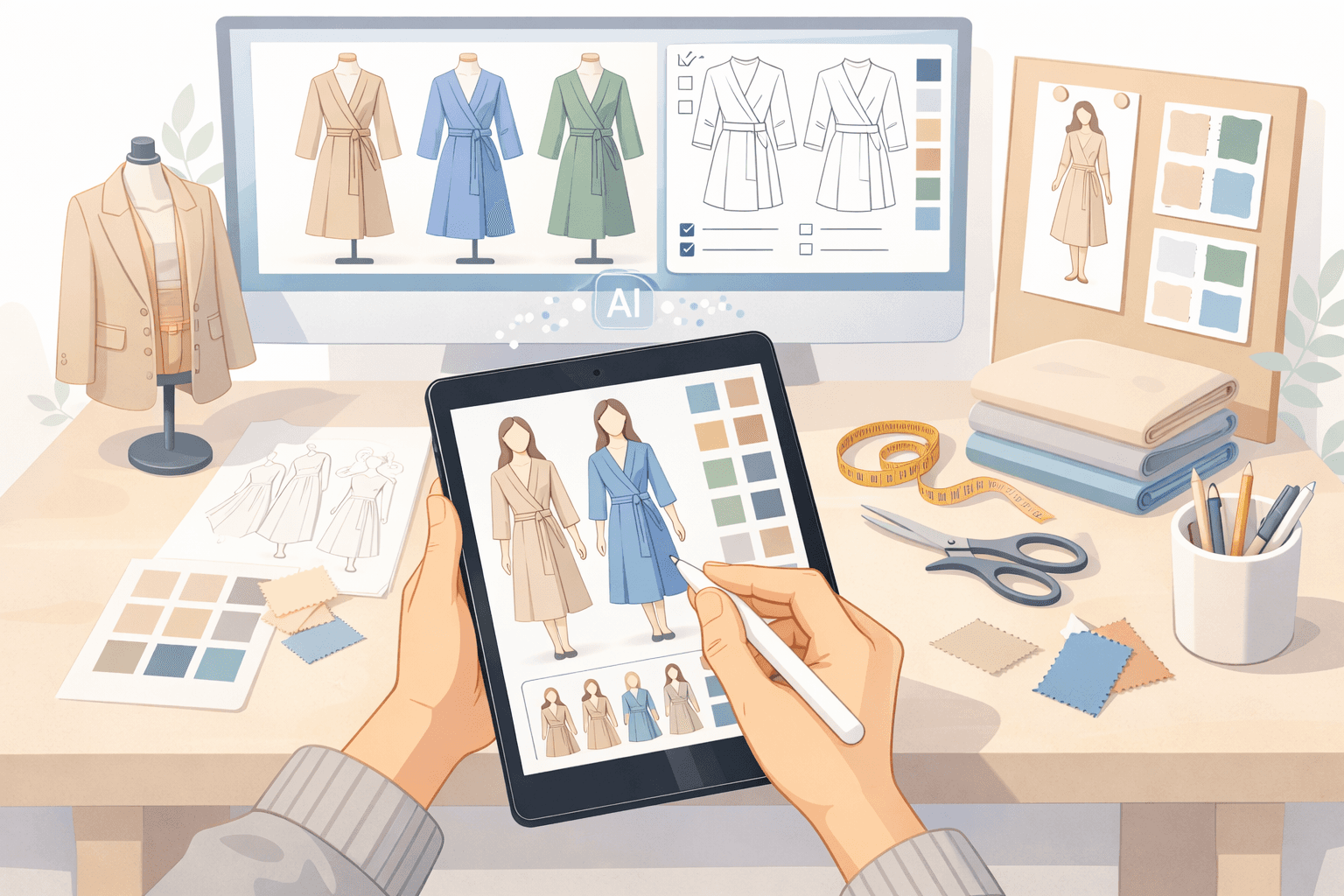
Fashion teams rely on creativity to build collections, but most of the work happens behind the scenes.
The creative process continues well beyond sketches. Design revisions, sample rounds, and product updates take time to manage. Details move between sketches, tech packs, and production files, and small gaps slow down development.
Artificial intelligence is changing how fashion teams work day to day. Many fashion companies use AI fashion design software to generate concepts, test variations, and support early design work.
The challenge is not access to AI. It’s choosing the right tool based on how your design process actually works. This guide breaks down the best AI tools based on where they fit from concept to production.
TL;DR
These are the best AI tools for fashion designers in 2026:
Midjourney
Adobe Firefly
Raspberry AI
NewArc
Designovel
How AI Is Changing Fashion Design
Fashion teams deal with repeated revisions before designs reach sampling. Early drafts change fast. By the time production starts, many original features have already vanished from the plan.
AI changes the way projects begin. An AI-powered tool now helps fashion teams build concepts faster. It gives creative teams the freedom to test many creative directions while they are still sketching out their first thoughts.
Designers can test variations and follow trends instantly instead of waiting days for hand-drawn drafts.
That changes how collections take shape. Early decisions happen sooner. It helps reduce back-and-forth during concept selection and planning.
Trend research also becomes more grounded in data, with generative AI fashion tools surfacing patterns from what customers are actually responding to.
6 Best AI Tools for Fashion Designers (by Use Case)
One reason AI models feel confusing is that they solve different parts of the fashion design process.
Without a clear structure, it’s hard to see where each one fits. The sections below break down where these tools fit and what changes in day-to-day work.
Product-Connected Design and Development
Design work frequently fails when it moves from visuals into product data.
A concept looks clear in a sketch, but details get lost when teams build tech packs, manage revisions, or track sample updates. Product data gets split between files, and teams end up rebuilding work during development.
This stage is where design connects to product data, specs, and sample tracking. It is also where delays and errors usually start.
1. Onbrand AI Design
Most tools stop at design. Development happens somewhere else.
Onbrand AI Design connects both stages in one system. Design outputs move directly into product records, so fashion teams don’t recreate work between concept and production.
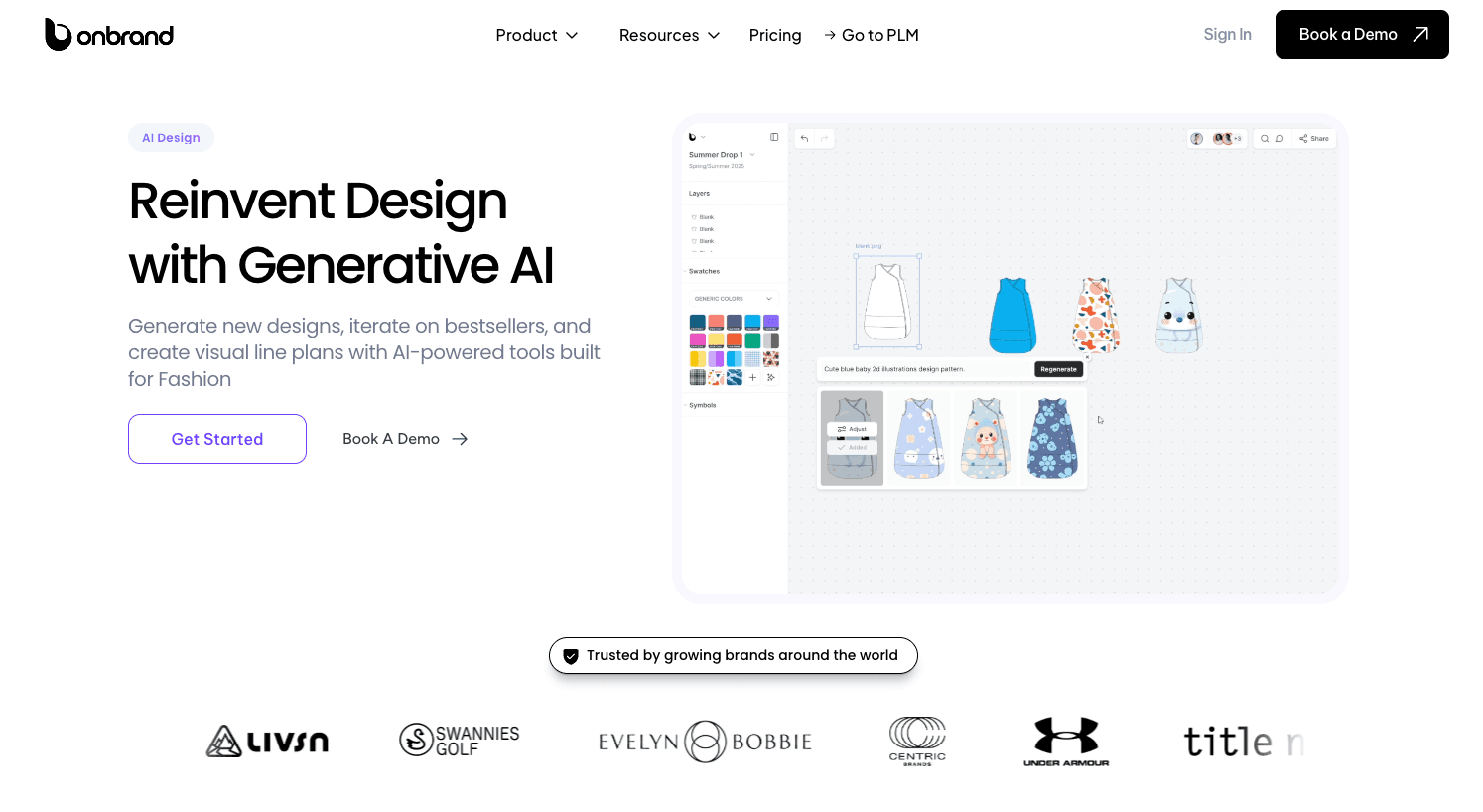
Early design work often lives in sketches, mood boards, or image files. Those outputs rarely carry cleanly into development.
Onbrand AI Design keeps visual work tied to product data from the start. Concepts connect to styles, materials, and structured records that carry forward into development.
Key capabilities:
Generate designs from text prompts, sketches, or reference images
Create realistic visuals with fabric simulation and image generation
Build fashion mood boards and organize visual concepts
Produce sketch render outputs and clean flat images
Explore design iteration with fast variations and colorways
Support team collaboration with shared boards and feedback
Send outputs directly into product lifecycle management (PLM) software to start tech packs faster
Design work stays usable beyond early concepts. Teams refine what already exists instead of recreating it during handoff.
Once designs move forward, structure becomes the next challenge.
Onbrand PLM connects directly to design outputs, so tech packs, samples, and updates stay tied to the same product record. Work continues without breaking between design and development.
Concept and Visual Exploration
Designers usually start with a blank page and no structure.
Ideas live in rough sketches, reference images, or scattered files. Teams build mood boards, test directions, and explore silhouettes, but nothing is tied to product data yet. Moving fast feels great until those concepts become harder to hand off once development starts.
This stage supports visual exploration, not execution. Most tools here help fashion teams generate images and shape early direction.
2. Midjourney
Source: midjourney.com
Midjourney is used at the start of the design process, where ideas are still forming.
Fashion teams and independent designers turn to this tool to start creating realistic images from text prompts during early concept work. It helps explore silhouettes, try out new looks, and pull together photos for a clear visual plan.
Designers use it to move quickly from an idea to a visual. Instead of sketching each option or setting up traditional photo shoots, teams can generate multiple directions in a short time.
Teams use this tool to map out fresh ideas, check their artistic vision, and build the graphics needed for pitch decks or marketing campaigns.
3. Adobe Firefly
Source: adobe.com
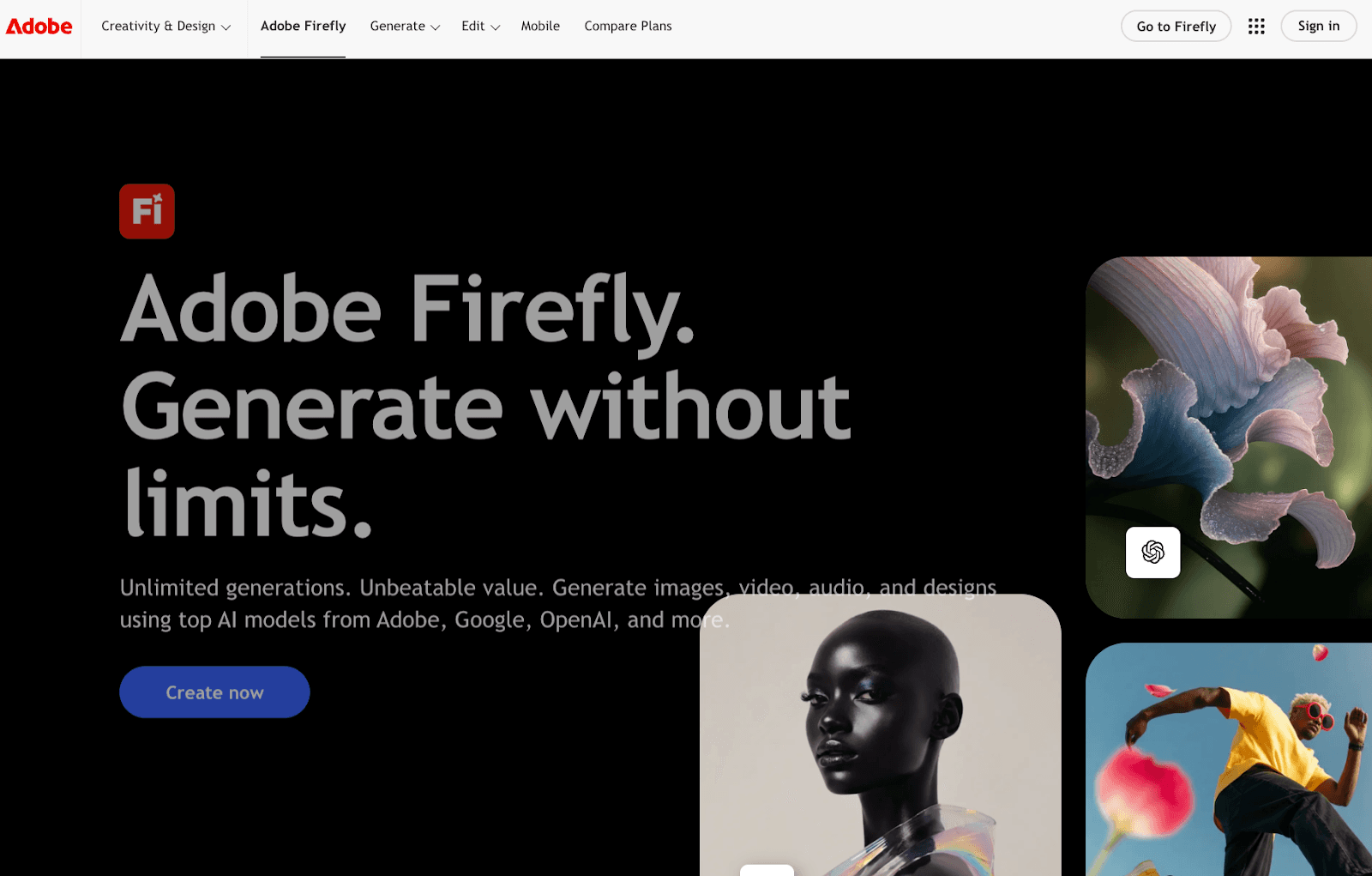
Adobe Firefly fits into early digital design work and asset creation.
Fashion teams use it to edit textures, generate prints, and refine visual assets inside Adobe tools. It supports sketch render workflows and helps turn rough sketches into more polished visuals.
Instead of scheduling a live shoot, teams use these tools to create product photography-style outputs for e-commerce.
Visual content can be tweaked directly inside existing design files. This keeps work closer to tools like Photoshop and Illustrator.
Designers often use Firefly to brainstorm ideas or polish sketches while staying inside their favorite Adobe apps.
Design Iteration and Variations
Getting stuck in feedback loops usually kills the momentum.
One concept turns into multiple options. Teams test colorways, adjust details, and refine styling before committing to samples. Without fast design iteration, teams either move forward too early or redo design variations manually.
This stage focuses on refining clothing designs for different body measurements before production. Fashion teams test style preferences, explore custom prints, and review different combinations.
4. Raspberry AI
Source: raspberry.ai
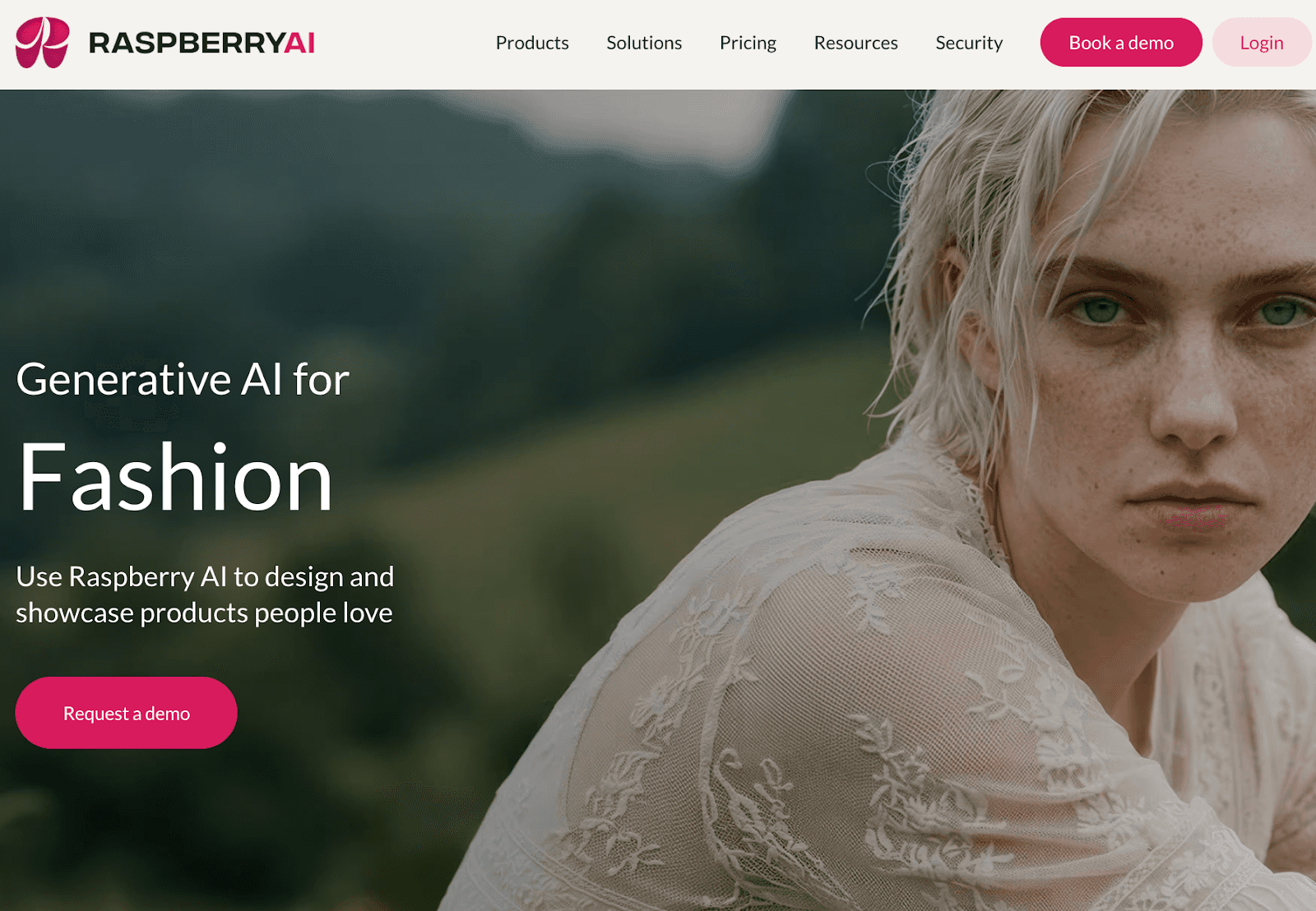
Raspberry AI fits into the iteration phase, where one concept needs to expand into several directions.
Fashion teams use it to generate design variations, test colorways, and visualize clothing designs on different models. It supports sketch-to-image workflows, fabric simulation, and on-body visualization.
Experienced designers use it to review multiple styling combinations and explore creative direction before creating physical samples. It helps teams compare options side by side and make earlier decisions during development.
Raspberry AI is often used when teams need to move through design iteration quickly. It creates realistic images so everyone knows what the actual product will look like before production.
5. NewArc
Source: newarc.ai
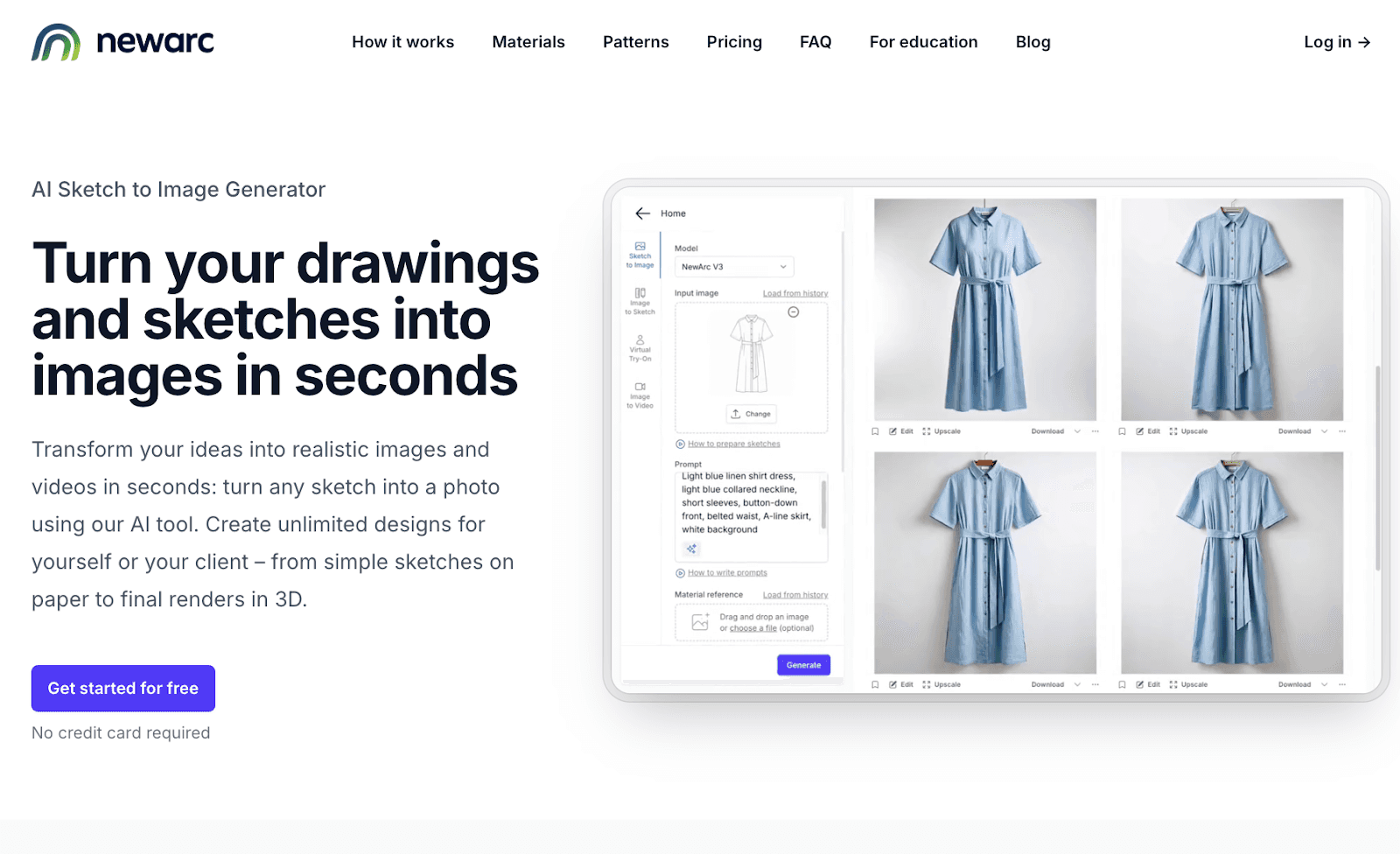
NewArc fits into the stage where sketches need to turn into clear visuals before development starts.
Fashion teams often work with rough sketches, Illustrator drawings, or reference images that are hard to present or review. Communicating intent at this stage can slow down feedback and approvals.
NewArc converts those inputs into realistic images. A hand-drawn sketch or flat can become a photoreal visual in seconds.
Teams can test materials, adjust colors, and explore different styling directions on fashion models without rebuilding the design.
It is commonly used for design reviews, internal presentations, and early alignment, where teams need visuals that are easier to understand before moving into tech packs or sampling.
Trend and Data-Driven Design
Direction often gets set without enough data behind it.
Teams rely on past collections, manual research, or scattered reports when planning future collections. That makes it harder to align design decisions with actual consumer preferences or shifting fashion trends.
This stage focuses on trend forecasting and trend analysis. Fashion teams use external data to guide creative direction, shape brand identity, and plan future collections with more clarity.
6. Designovel
Source: designovel.com
Planning a collection often starts with scattered inputs.
Teams look at past sales, competitor products, and manual research. It takes time to piece together what is actually shifting in the market. Direction can feel uncertain early on.
Designovel focuses on trend forecasting and trend analysis before design begins.
Fashion teams use it to analyze consumer insights and track emerging fashion trends. It processes image and market data to surface patterns around colors, silhouettes, and product direction.
These insights help teams shape creative direction and define future collections with more clarity. Design decisions connect more closely to consumer preferences and brand identity before sketches or samples are created.
Designovel is used during collection planning, where early direction needs to reflect real market signals.
Where Most AI Design Tools Fall Short
Fashion teams still deal with gaps between design output and product development. Most AI tools used in the fashion industry generate visuals, not product-ready outputs.
Designs often remain as images without structure. They do not connect to product data, tech packs, or materials. Fashion teams still need to rebuild that information before development can move forward.
That creates delays during development. Information gets re-entered when preparing for physical samples, and updates can get missed between revisions.
Many tools focus on visuals, such as virtual try-ons or virtual fitting rooms, which support presentations but do not help teams manage real-world product builds. The work required to move from digital outputs to real-life production still falls on the team.
Without a connection to product data, digital workflows stop short. Fashion teams spend time recreating what already exists, which slows down the full design workflow.
Get More From AI Design Tools With Onbrand
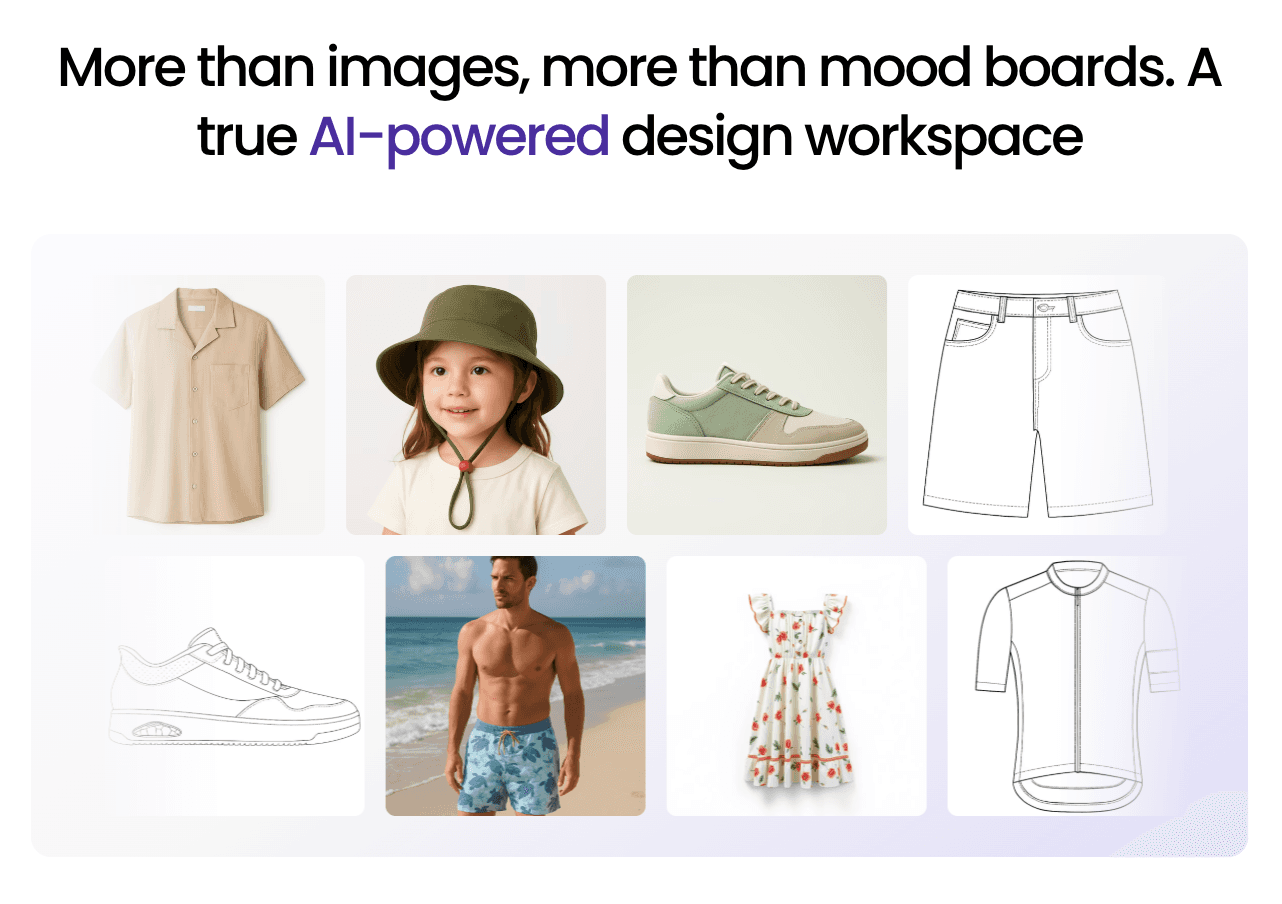
Picking the right AI software depends on which part of the garment process slows your team down.
The gap usually appears when design moves into development, where teams still rebuild product data and fix mismatched updates.
Onbrand AI Design keeps design work connected to product records from the start, so concepts carry through into development without being recreated. Core functionality stays tied to how fashion teams actually build products, not just how they visualize them.
FAQs About Best AI Tools for Fashion Designers
How do AI tools handle brand-specific design styles?
AI tools handle brand-specific design styles by using reference images, past designs, and prompts to guide them. Fashion teams drive better performance by feeding the system details that mirror their actual brand image.
Can AI tools be trained on a brand’s past collections?
Yes, AI tools can be trained. It scans through older designs, studies shapes, shades, and fabrics to create new looks that match the team’s brand identity. This can maintain a solid brand identity while designers test out bold new concepts.
How much technical skill is needed to use AI fashion design tools?
Creating digital garments is simple now because these tools handle the heavy lifting. Designers can now turn simple texts, rough drawings, or existing photos into high-quality visuals instantly. These tools put the designer first. They feel intuitive and help you finish your work without fighting the software.
What types of fashion brands benefit most from AI design tools?
Busy designers who revise work daily get the most value from integrating automation into their cycle. Teams managing multiple collections, fast timelines, or complex workflows can use AI tools focused on concept generation and iteration to move faster. Both growing brands and established fashion houses use these tools to support design and development work.

