May 6, 2026
CLO 3D is one of the widely used tools for garment simulation in the fashion industry. It helps fashion designers see how a garment will look and move before anything is produced.
But it does not fit every team.
As projects move from design into development, gaps start to show. Digital workflows can feel disconnected, and a tool that works well early on becomes harder to rely on later in the process.
That is when teams start looking at CLO 3D alternatives.
In this guide, you will find the top eight tools and learn where each one fits across different ways of working.
TL;DR
These are the eight best CLO 3D alternatives to consider:
Browzwear
Style3D
Marvelous Designer
Optitex
Tukatech
Blender
NewArc
Why Fashion Designers Look for CLO 3D Alternatives
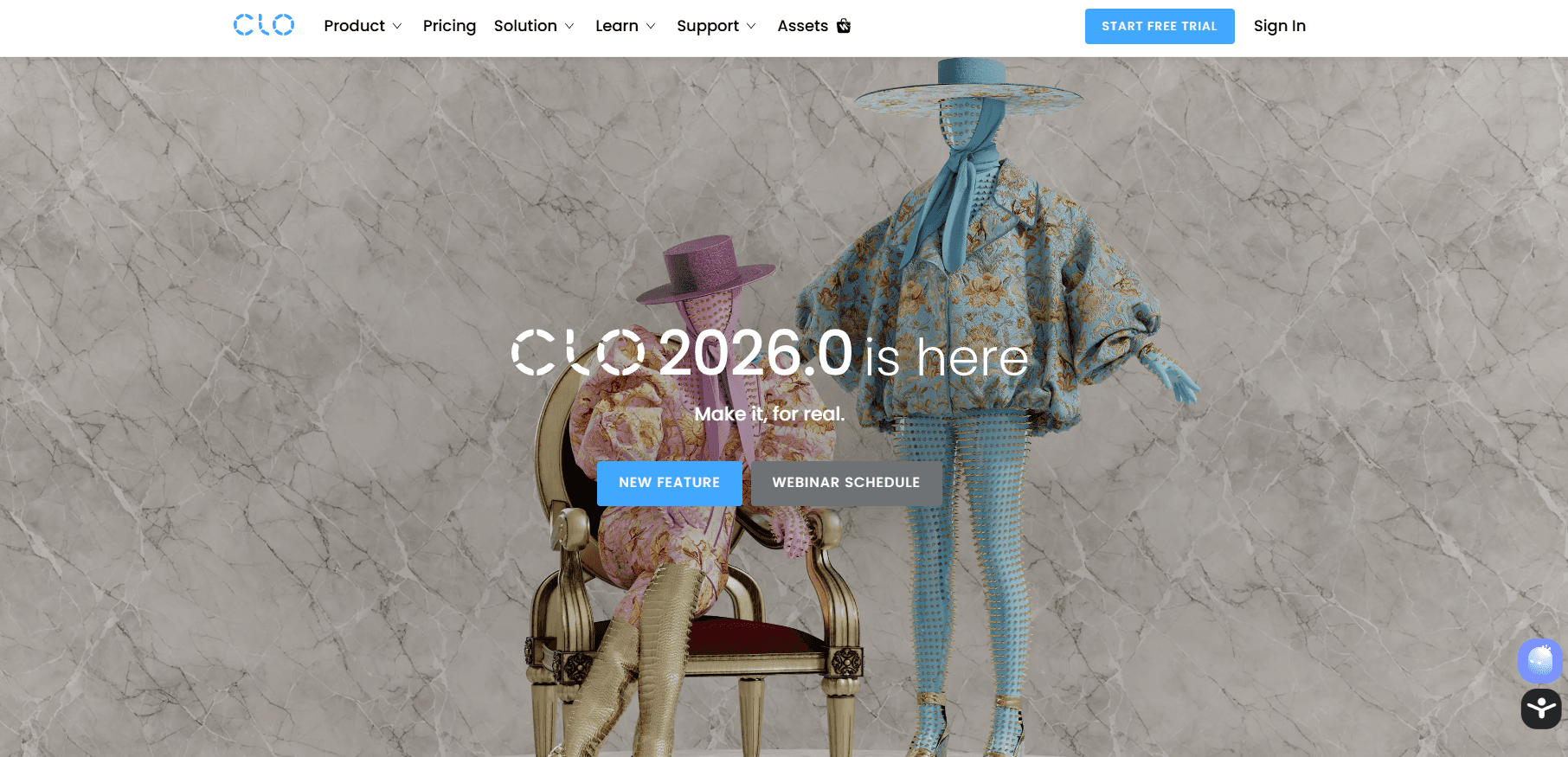
CLO 3D has strong capabilities for garment simulation and helps designers work in a virtual environment before production.
Source: clo3d.com
It supports digital fashion design and can significantly reduce physical sampling and material waste.
Still, it does not fit every workflow.
The steep learning curve is one of the main reasons people start looking at CLO 3D competitors.
For new users, getting comfortable with the tool does not happen right away. Tutorials can help, but some of the smaller details still take time to learn.
Performance may also drop as designs become more complex. Working with layers, detailed fabrics, or fit changes can slow things down.
Cost is another factor, especially for a growing business.
There are also limits on how it connects with the rest of the workflow. Some teams still rely on other tools for final outputs or adjustments, which adds more steps.
That is why many brands start comparing CLO 3D alternatives that better fit how they work.
8 Best CLO3D Alternatives in 2026
Every team works a little differently, so the right tool depends on how your process is set up. Here are the eight best CLO 3D alternatives in 2026:
1. Onbrand AI Design
Onbrand AI Design is built for fashion teams that need to move from idea to product without slowing down.
It supports the full fashion design process, starting from early concepts and moving into development in one connected flow.
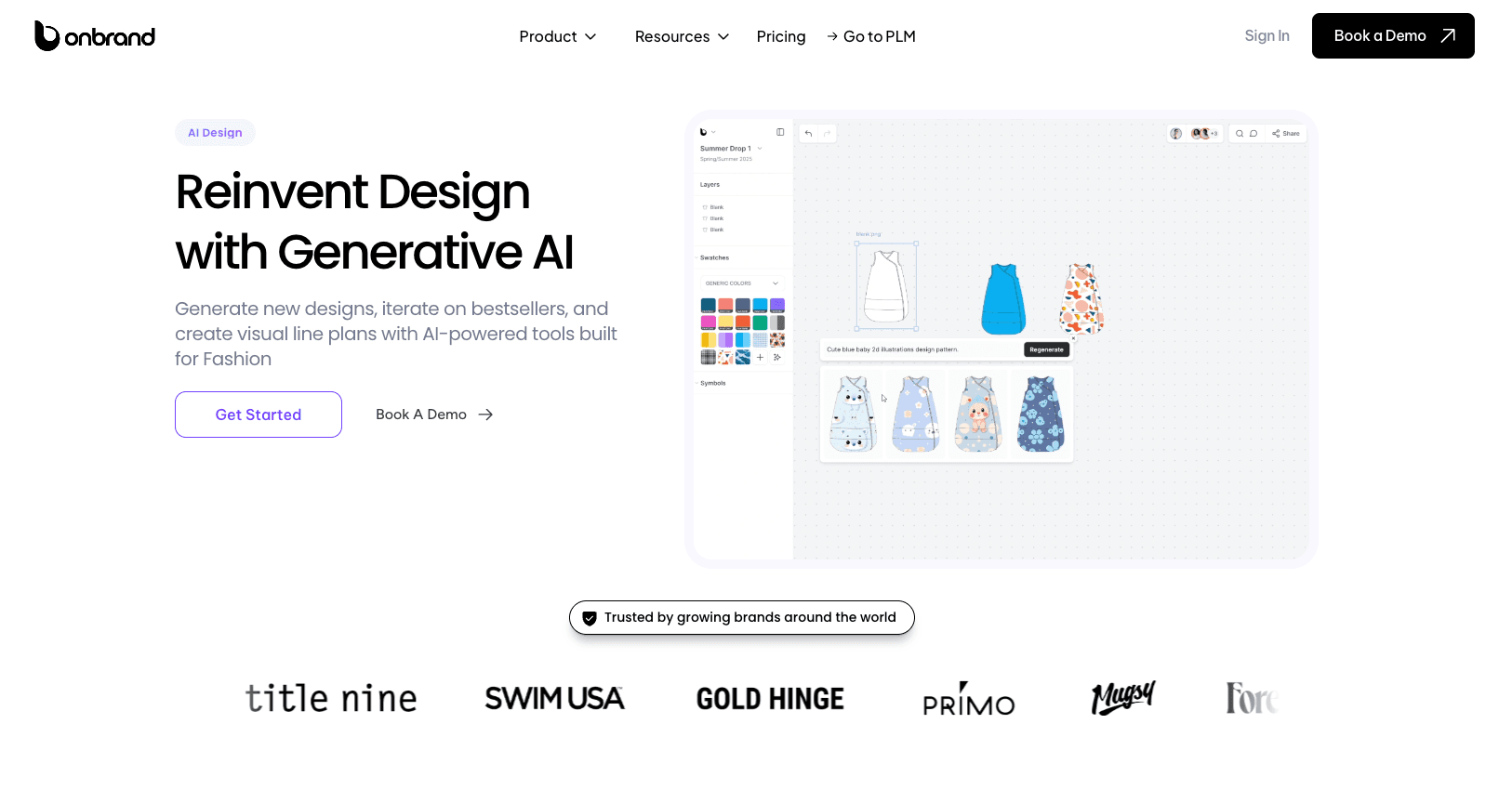
Designers can create new concepts using generative AI, test variations, and refine a style without leaving the same workspace.
Each design can be shaped and tailored to match the brand’s direction, without starting over.
Instead of jumping between tools, teams can explore digital fashion, review options, and move decisions forward with built-in collaboration.
Work also stays visible, so feedback and changes do not get lost, and everyone has access to the same updates.
What makes it stand out as a CLO 3D alternative is how it connects design to execution. Designs do not stop at visuals.
They move into tech packs and structured product data through Onbrand PLM, where product data stays connected to each style.
Key Features
Generate designs from prompts, sketches, or references using generative AI
Build and refine concepts with color, materials, and digital patterns
Turn visuals into tech pack-ready inputs with linked product data
Work in one space with real-time collaboration
Export designs in standard file formats for development use
Manage assets and collections through an intuitive interface
Connect design work directly to fashion PLM for production
2. Browzwear
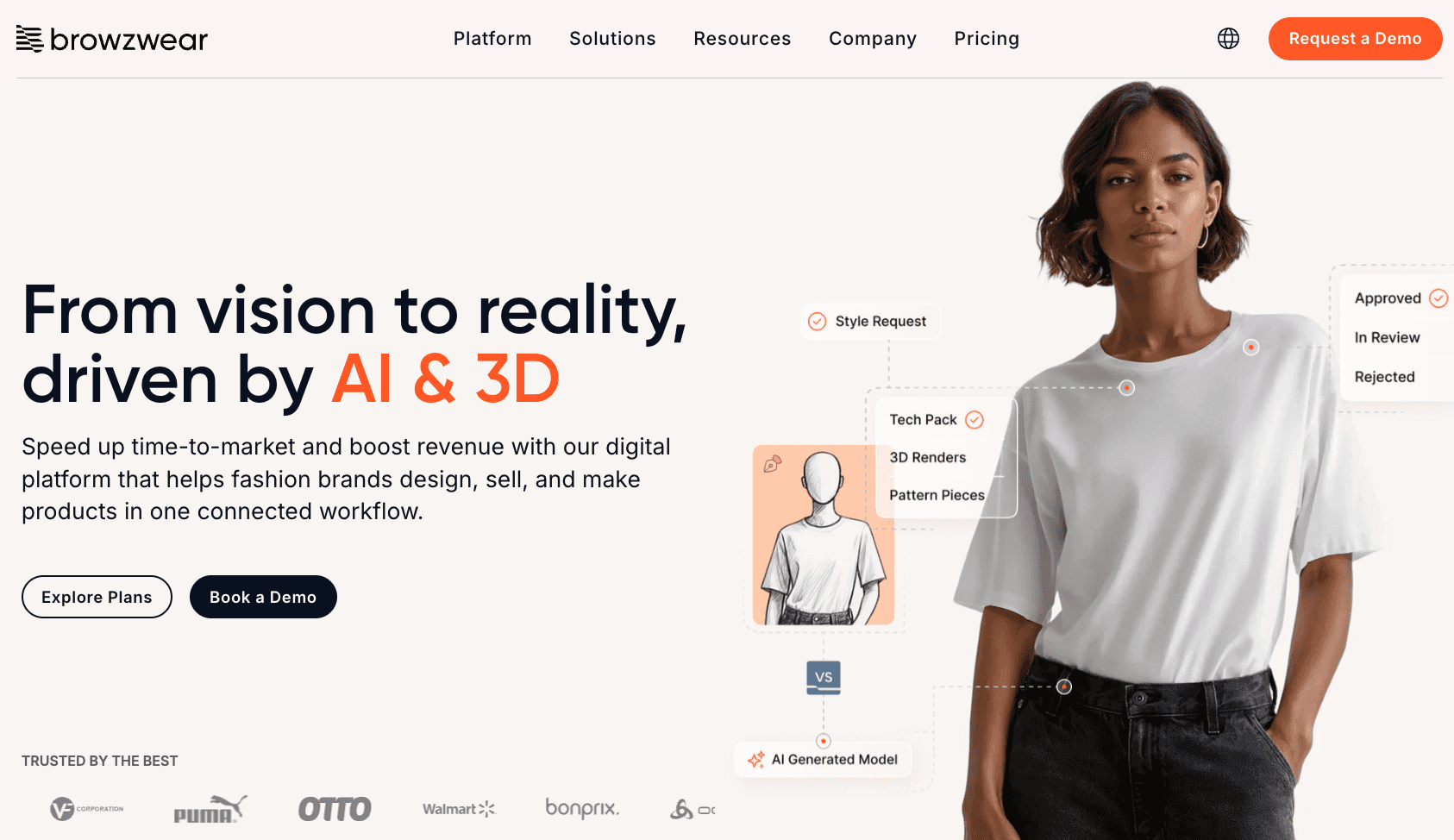
For teams that need to test fabric behavior and review designs early, Browzwear is a common choice. It is often used early on to check details and make sure designs are heading in the right direction.
Source: browzwear.com
The tool focuses on realistic garment visualization, powered by a simulation engine that shows how fabrics move. Changes can be made in real time, which helps teams move faster during reviews.
It also includes customizable avatars, making it easier to test garments on different body types.
Key Features
Check how materials fall and fit using fabric simulation
View garments in a more lifelike way before making samples
Built-in simulation engine to test how designs react
Update designs and see results in real time
Use avatars to test fit on different body types
Limitations as a CLO 3D Alternative
Some users report crashes and bugs, especially with complex garments. This can interrupt work and slow things down.
There are also some limits in rendering and certain tools, which can make more detailed tasks harder to manage.
3. Style3D
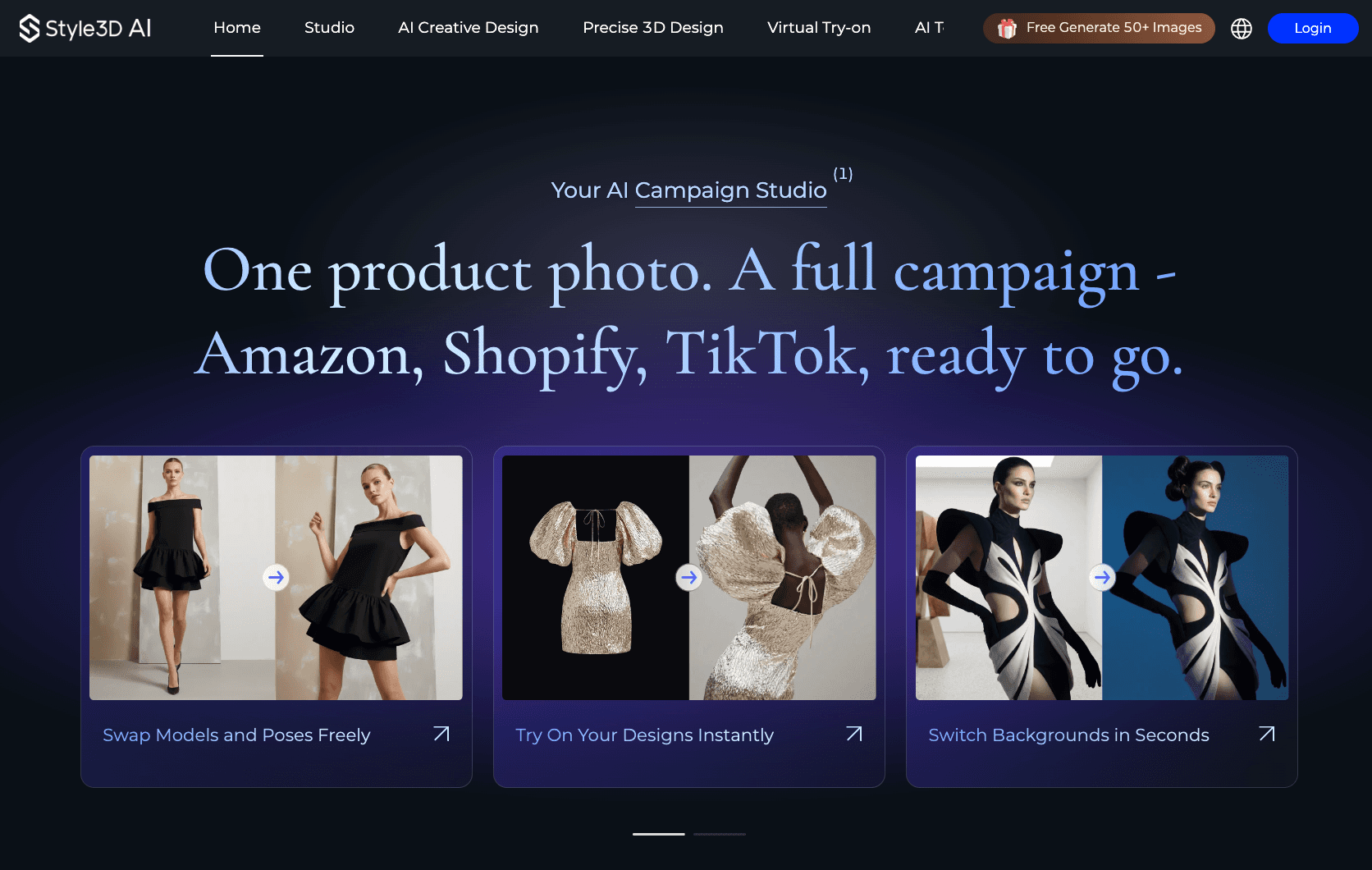
Style3D is used by teams that want to move faster from idea to finished design without relying too much on physical samples.
Source: style3d.ai
It combines 3D design and AI tools in one place, which helps speed up early design and content creation.
It uses a fabric simulation engine that helps you see how garments will look and behave before production.
Teams often use it to test ideas, adjust designs, and prepare visuals for both development and marketing.
Key Features
Built-in fabric simulation engine to test how garments move and fit
Turn sketches or ideas into 3D designs quickly
Make changes and see updates in real time
Create virtual try-ons and swap models or backgrounds
Generate product images and videos for marketing
Limitations as a CLO 3D Alternative
The platform leans more toward speed and visuals than deep technical control. Teams that need detailed pattern work may find some limits.
It also combines many tools in one system, which can take time to get used to, depending on how your workflow is set up.
4. Marvelous Designer
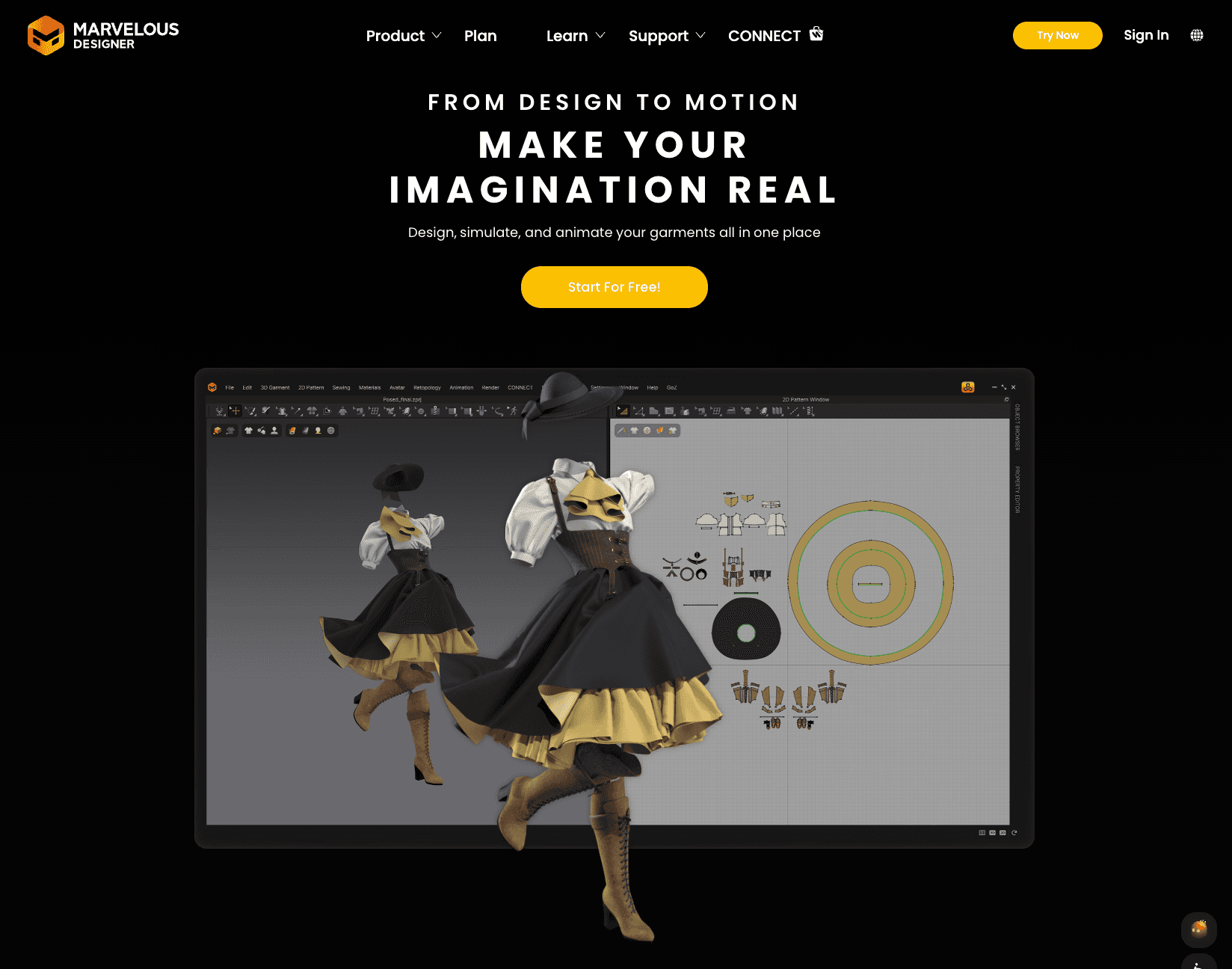
Marvelous Designer fits workflows that focus on how garments look and move, rather than managing the full product development process.
Source: marvelousdesigner.com
It is used in gaming, animation, and digital content, where garments are created to look right on screen and move in a natural way.
It also comes with animation features that show how fabric reacts in motion, including wind and gravity.
This can help when working on visuals where movement needs to look right.
Key Features
Pattern-based garment creation for building designs
Realistic fabric draping and wrinkle behavior
Built-in animation tools for movement and motion
Support for rigged avatars and pose files
Ability to export designs as images or video
Limitations as a CLO 3D Alternative
Marvelous Designer is not built for full product workflows. It focuses more on visuals than production details like tech packs or product data.
There is a bit of a learning curve if you are new to 3D tools, especially when dealing with animation and avatars. For fashion teams, it often means using other tools as well for development and production.
5. Optitex
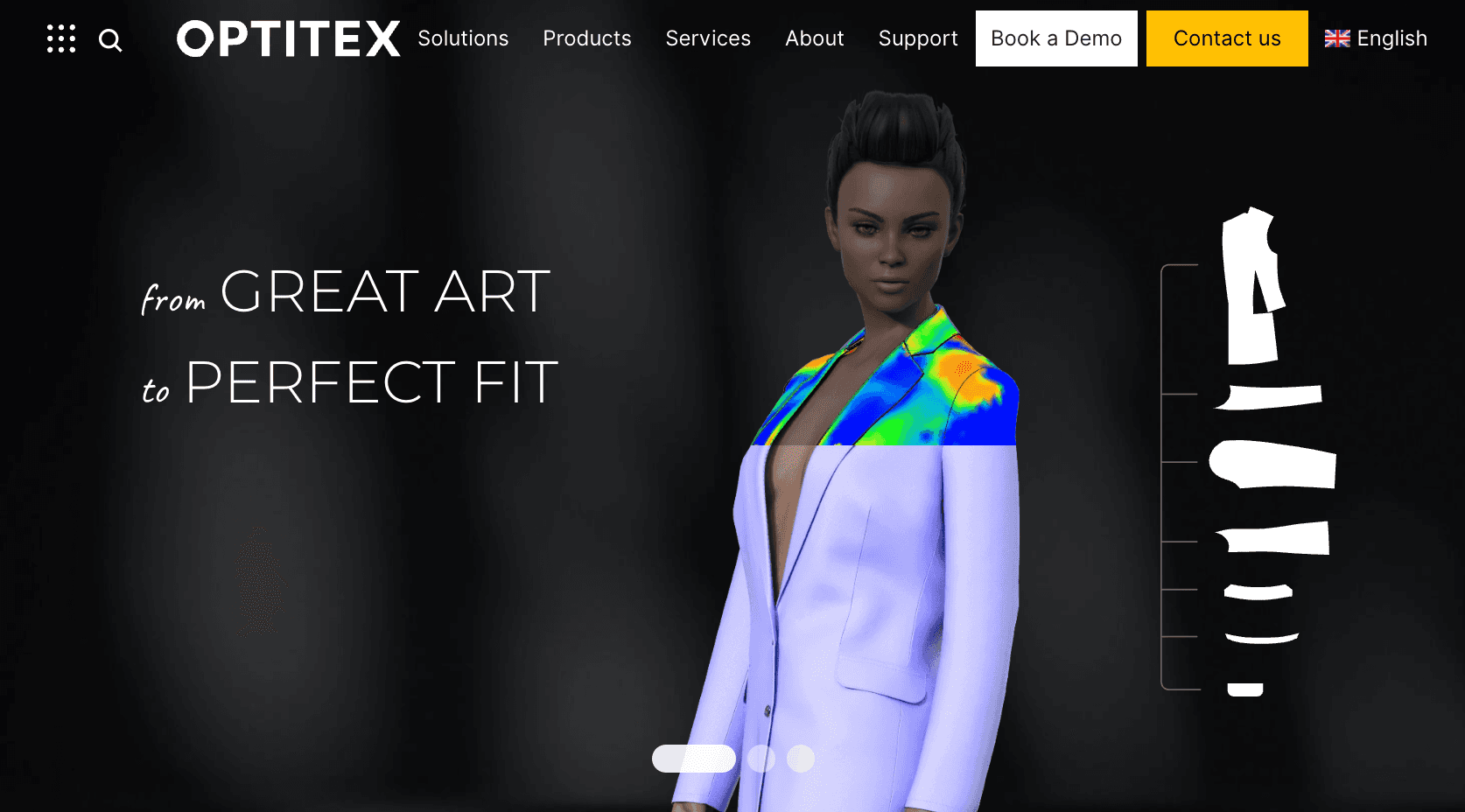
Optitex is used by fashion teams that need 2D pattern work and 3D sample review in the same workflow.
Source: optitex.com
It is usually part of a more technical setup, where pattern changes, grading, and fit checks need to stay linked.
One reason teams look at Optitex is the connection between 2D and 3D. Any change made to the pattern is reflected in the 3D sample right away.
This helps teams check fit and review updates before making a physical sample.
Key Features
2D and 3D pattern design in one workflow
Pattern grading for size development
Fabric simulation for virtual samples
Avatar editing for fit review and pose changes
Support for common file formats and data exchange
Limitations as a CLO 3D Alternative
Some users mention that parts of the system can take time to get used to, even with learning resources. Working with different avatars can also feel a bit unclear.
It is more centered on pattern and production work than early concept design. For teams that want speed in early visual design, it may feel heavier than other options.
6. Tukatech
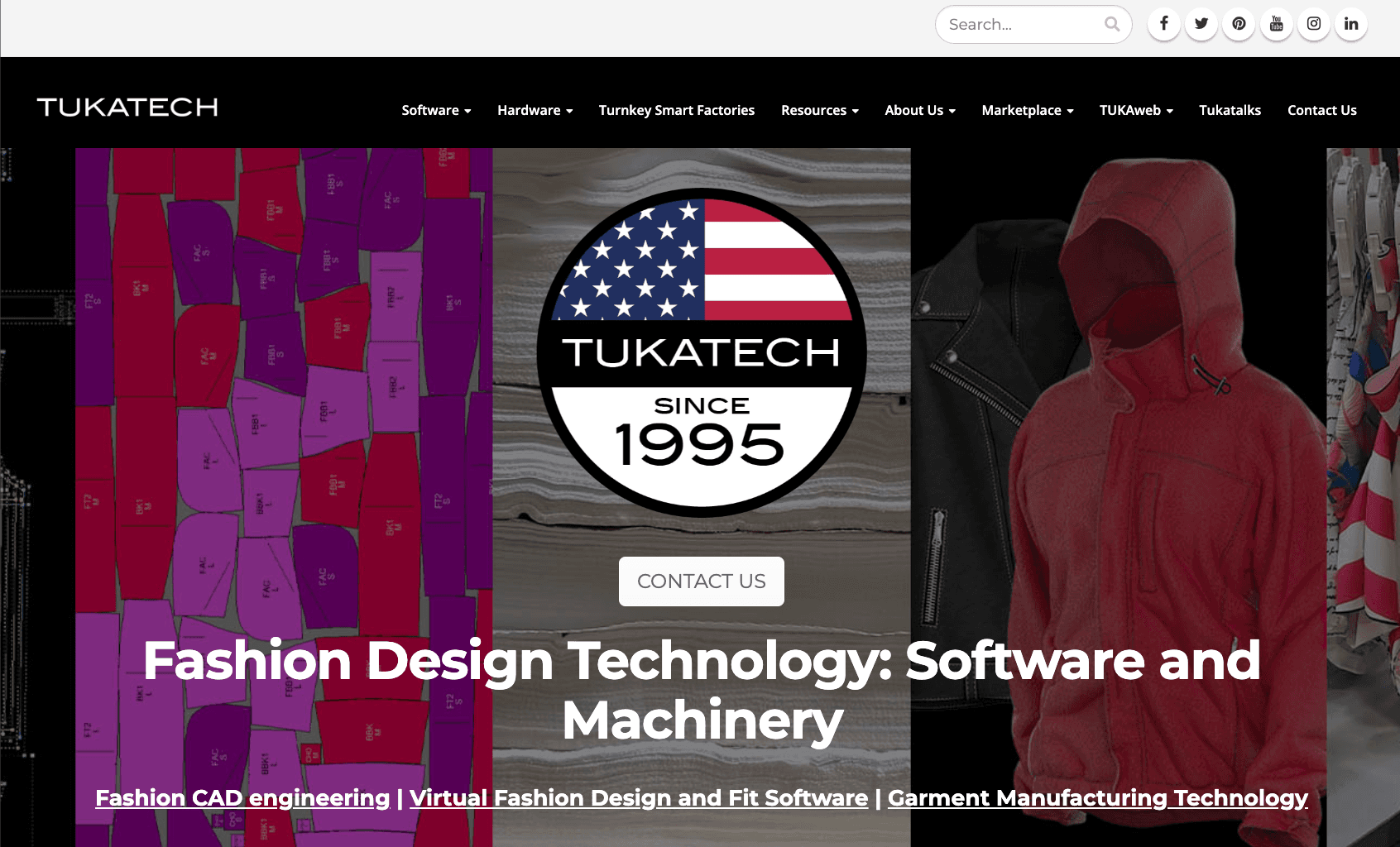
Tukatech is used by teams that focus on pattern drafting and technical development. It is often part of workflows where patterns, grading, and production details need to be accurate before moving forward.
Source: tukatech.com
It connects 2D and 3D work, so teams can build patterns and then simulate how garments will fit and move. This helps when checking fit or preparing for production without waiting for multiple sample rounds.
It also supports parts of the manufacturing process, which makes it relevant for teams working closer to production rather than early design.
Key Features
Supports pattern drafting and pattern creation for garment development
Use both 2D and 3D when building and reviewing garments
Simulate basic fit and movement before moving to sampling
Manage sizing with grading tools
Support material planning with marker making for manufacturing
Limitations as a CLO 3D Alternative
It is more focused on technical work than visual design. Teams that want fast concept work may find it less flexible.
Some setup and training may be needed, especially for teams new to pattern-based systems.
7. Blender
Blender is used by teams working on 3D design and visual output. It comes up when looking at free alternatives, since it is completely free and open source.
Source: blender.org
It is built for general 3D work, including modeling, rendering, and animation. Because of that, it fits visual tasks like content creation and presentations more than full-fledged product development.
Key Features
Create garments and visual assets using 3D modeling
Render designs for images or presentations
Use animation to show movement and motion
Adjust and customize workflows through its open-source setup
Limitations as a CLO 3D Alternative
The learning curve can be steep, especially for beginners. Many features take time to understand, which can slow early work.
It is not built for fashion workflows. Pattern work, fit validation, and production steps usually need to be handled in other systems.
8. NewArc
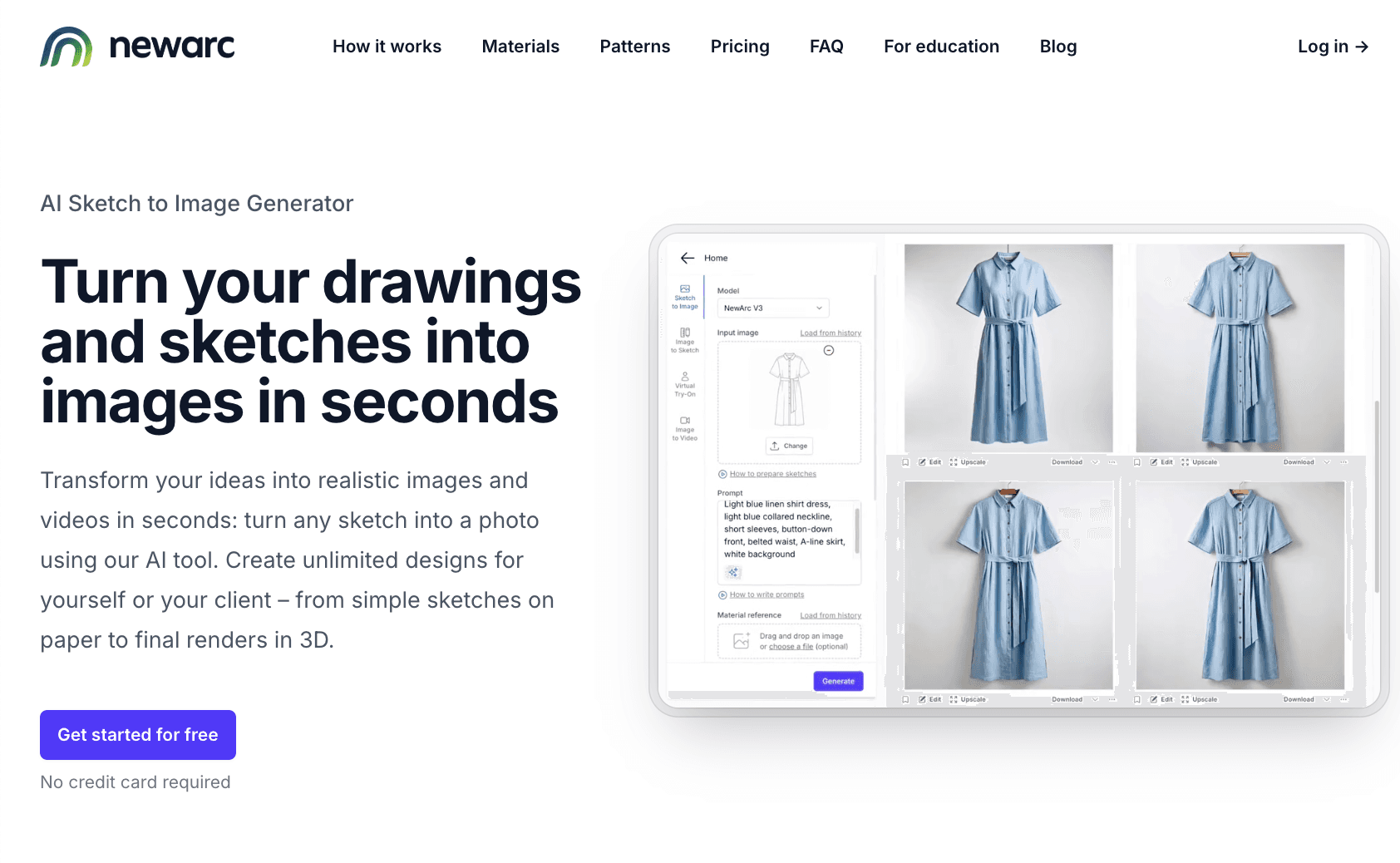
NewArc is used by teams that want a faster way to turn sketches into visuals. It fits early-stage design, where the goal is to explore ideas and test directions before moving further in the process.
Source: newarc.ai
It focuses on quick image generation from sketches, which supports creativity and creative freedom during concept work. Designers can try different colors, materials, and shapes without spending time building full 3D models.
There is also a free version, which makes it easier to test ideas or use it for lighter work.
Key Features
Turn sketches into realistic images in seconds
Try different colors, materials, and patterns during early design
Generate visuals for presentations or reviews
Create simple animations from images
Support early concept work with fast iteration
Limitations as a CLO 3D Alternative
It is built for concept work, not full garment development. It does not handle fit, pattern accuracy, or production steps.
Outputs are visual only. Teams still need other systems for technical work, like specs, sampling, and manufacturing.
Practical Ways to Choose the Right CLO 3D Alternative
Choosing between various alternatives comes down to how your team actually works day to day. Not every tool fits the way every team works, so it helps to step back and look at a few key things before choosing.
Take a step back and look at your fashion design process. Some teams move fast in early design, while others spend more time on production details like fit and patterns.
The tool should support the part of the process where you do most of your work.
Next, look at team size and how people work together. If more people are involved, collaboration becomes important.
Design, development, and production need to stay connected so work does not get split between multiple tools.
It can also help to step through a simple example from your own workflow. Think about how a design moves from idea to sample. If that process feels slow or unclear, the tool may not be the right fit.
Finally, take time to review how each option handles product data, tech packs, and updates. The goal is to achieve a setup where your work flows without extra back-and-forth.
Move Beyond 3D Design With Onbrand AI Design
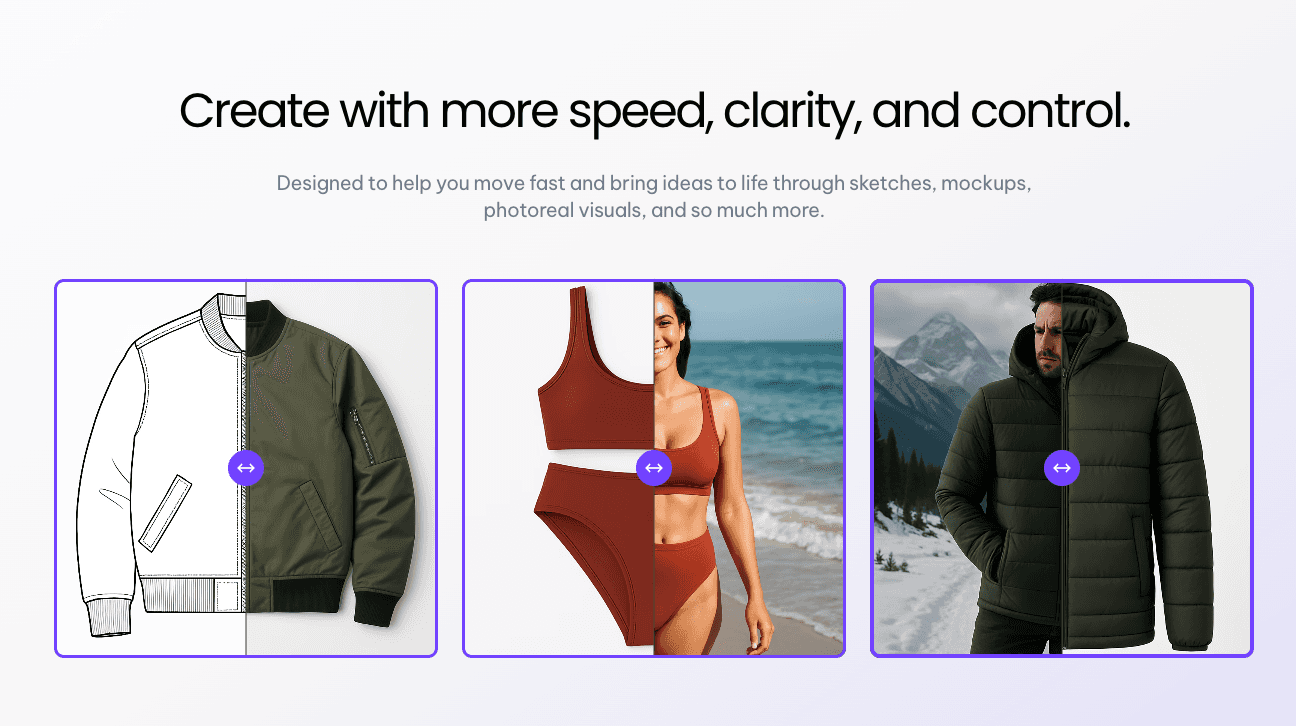
Looking for CLO 3D alternatives usually starts with one issue, but it often points to a bigger gap in the workflow. Design may work well in a virtual environment, but things start to slow down when it moves into tech packs, approvals, and production.
That is where many tools fall short. They help at one stage, but they do not carry the work forward.
Onbrand AI Design takes a different approach. It connects the full fashion design process, from early concept work to development, without breaking the flow.
Designs move into tech packs and stay tied to the same product record through Onbrand PLM. That means fewer handoffs, fewer gaps, and less back-and-forth between systems.
For teams that want more than just garment simulation, this becomes a stronger alternative.
FAQs About CLO 3D Alternatives
Are there free CLO 3D alternatives available?
Yes, some free tools like Blender are available and can handle parts of 3D design and rendering. These tools cover a wide range of visual tasks, but they may not support fashion-specific needs like fit, drafting patterns, or full virtual production workflows.
Is CLO 3D beginner-friendly compared to alternatives?
CLO 3D can be used by beginners, but many users report a learning curve when getting started. Some alternatives are easier to pick up, but the right choice depends on how much time a team can invest in learning and how complex their workflow is.
Which CLO 3D alternatives are best for AI-powered fashion design?
AI-focused tools like Onbrand AI Design stand out for teams working on fast concept creation and iteration. It supports digital fashion design, connects ideas to development, and helps move work forward, making it a strong option for modern workflows.

