Browzwear and CLO3D are two of the most widely used 3D fashion design tools for digital garment development, fit review, and virtual sampling.
At first, both platforms can feel very similar. Your team creates garments digitally, reviews fit earlier, and reduces physical samples before production starts. Differences usually become more noticeable once workflows involve more approvals, vendors, revisions, and product updates.
That shift is normal as fashion development becomes more collaborative and production-focused.
Teams often pair 3D workflows with platforms like Onbrand once tech packs, approvals, and product data become harder to manage after design review.
This guide compares Browzwear and CLO3D, explains where each platform fits best, and helps you understand which workflow makes the most sense for your team.
TL;DR
Browzwear and CLO3D are widely used by fashion teams for digital garment development, fit review, and virtual sampling workflows.
Browzwear is commonly used by larger apparel teams that need more structure around technical development, fit review, and production coordination.
CLO3D is often preferred by creative teams that want faster concept iteration, rendering, and visual presentation workflows with a lower learning curve.
Both platforms support garment simulation, fabrics, rendering, and digital reviews, but teams may still need additional systems once approvals, tech packs, vendor communication, and production coordination become more complex.
Onbrand extends the workflow beyond 3D review with AI-assisted concept development and PLM tools for live tech packs, approvals, vendor collaboration, and connected product data.
What Browzwear and CLO3D Do
Browzwear and CLO3D help fashion teams create and review garments digitally before physical samples move into production.
Both platforms support fit review, rendering, material visualization, and pattern-based workflows, but they approach product development differently once teams start scaling collaboration and approvals.
Browzwear
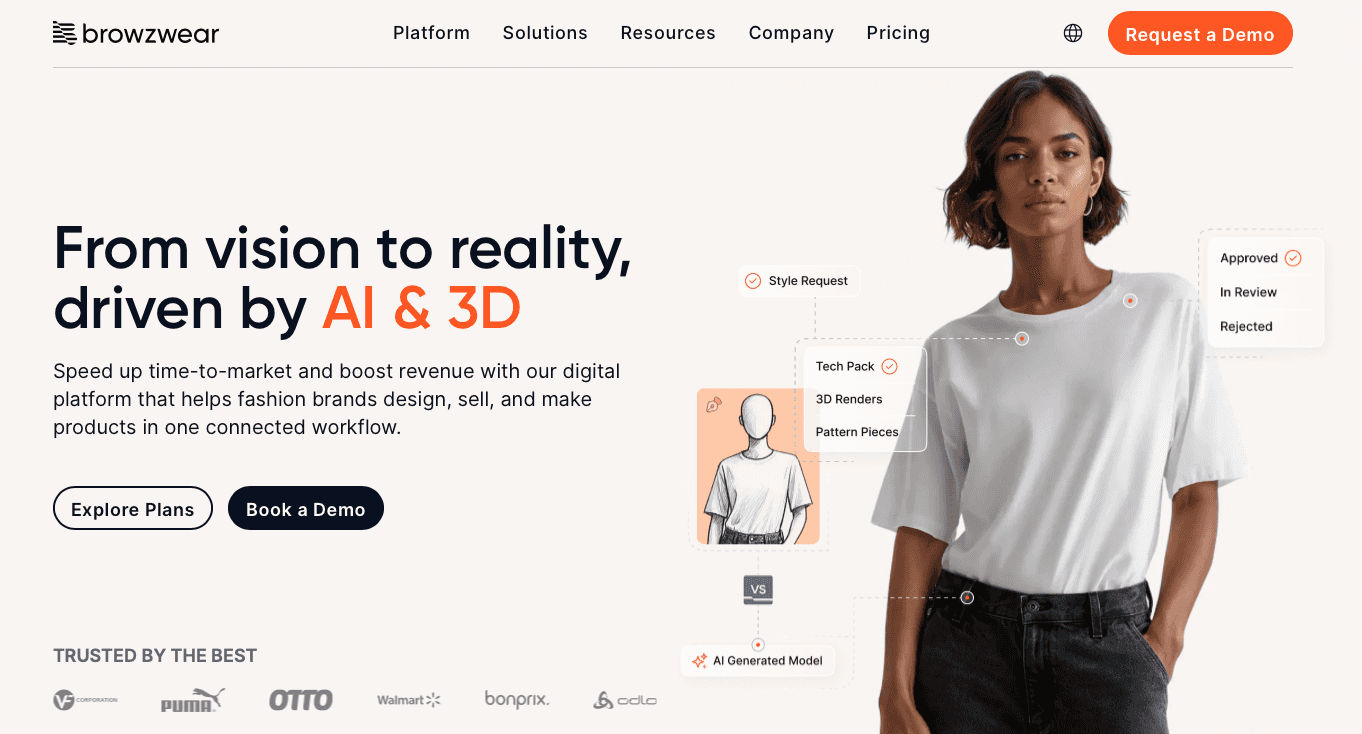
Browzwear is a 3D fashion platform built around structured product development workflows for apparel brands, manufacturers, and larger production teams.
Source: browzwear.com
The platform focuses heavily on digital fit review, production consistency, and collaboration between internal teams and vendors.
Fashion designers and technical teams use Browzwear to review garments earlier, test sizing and fabric behavior, and reduce delays before physical sampling begins.
Its workflow feels more operational than creative-first. Patternmakers and development teams often use Browzwear to keep product data, fit decisions, and approvals aligned throughout the production process.
Browzwear also puts strong focus on automation, integration, and digital technology from sketch through factory review. Tools like VStitcher, Stylezone, and AI-powered fit validation help teams move designs closer to production reality before samples are cut and sewn.
CLO3D
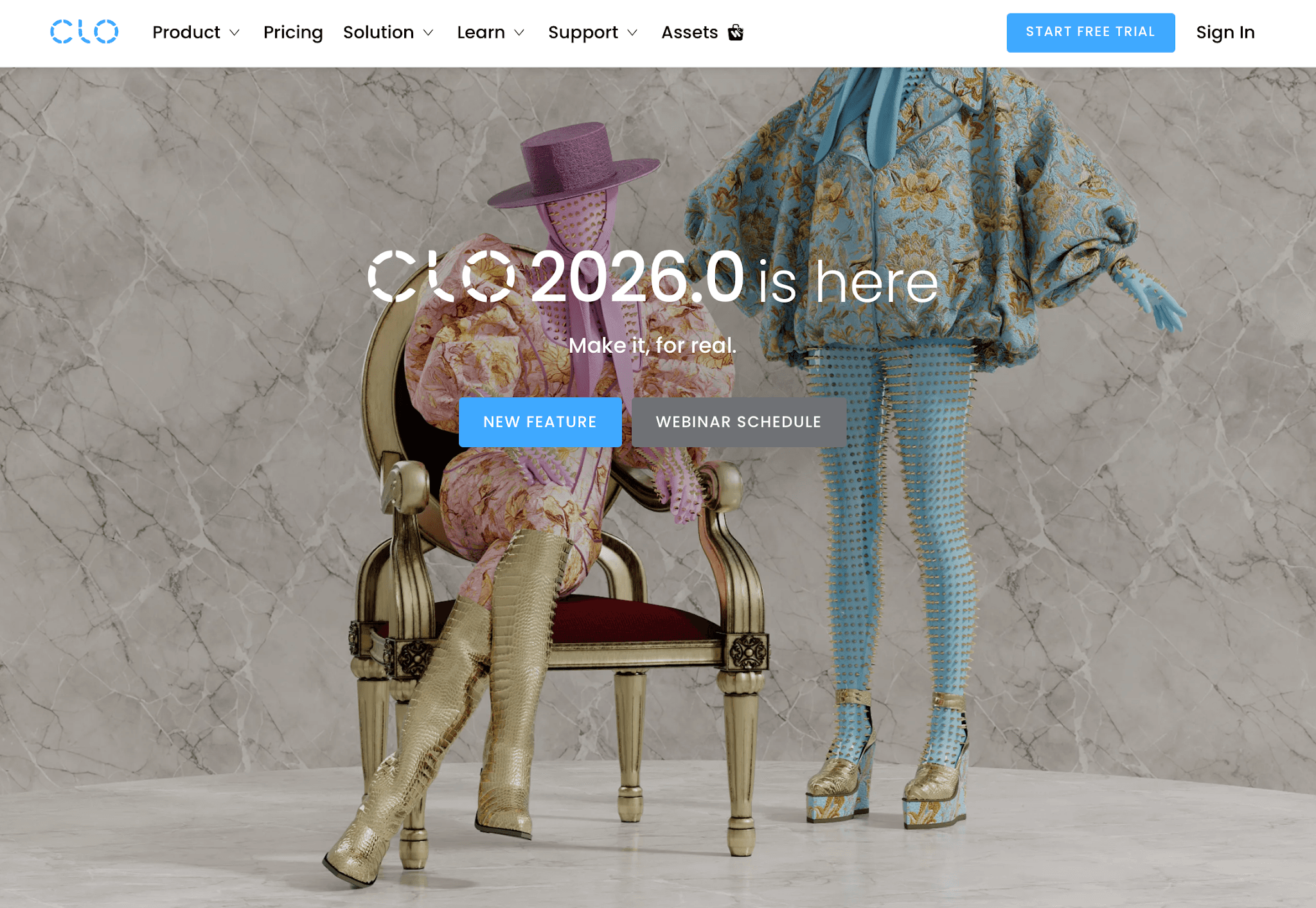
CLO3D is a 3D fashion design tool focused more on creative flexibility, visual experimentation, and fast iteration during garment development.
Source: clo3d.com
Designers use CLO3D to build garments digitally, test fabrics, adjust silhouettes, and create realistic renders for reviews or presentations.
The interface feels easier to learn for many teams, especially indie designers and creative users moving into 3D software for the first time.
The workflow supports quick concept development and visual exploration without feeling overly rigid. Teams can test sewing details, drape, materials, and styling ideas on a digital model before physical samples are created.
CLO3D is also widely used for rendering and presentation work because teams can create polished visuals quickly while reviewing fit, colorways, and garment proportions earlier in development.
Browzwear vs CLO3D: Key Differences
Browzwear and CLO3D support similar 3D apparel workflows, but the experience starts to separate once your team moves deeper into approvals, production coordination, and cross-functional development.
One leans more toward structured enterprise workflows, while the other gives creative teams more flexibility during concept and visual development.
Ease of Use
CLO3D usually feels easier to pick up for creative teams moving into 3D design for the first time. Designers can move quickly through ideas, test silhouettes, and experiment visually without feeling buried in technical setup.
Browzwear feels more process-driven from the start. Production-focused teams usually appreciate that structure once multiple approvals, fit reviews, and vendor updates need to stay organized.
Garment Simulation and Visualization
Both platforms create realistic garment simulations and detailed fabric visualization. Teams can test drape, fit, and material behavior on a digital model before physical samples move into development.
CLO3D often feels more flexible during creative review and presentation work. Browzwear places greater emphasis on production realism and consistency in fit validation and sample planning.
Patternmaking and Technical Workflow
CLO3D tends to feel lighter and easier to pick up during early concept work. Designers can experiment with fabrics, drape, and styling directions quickly without a heavily structured setup.
Browzwear feels more connected to technical development and production review. Teams working through approvals, fit validation, vendors, and flat sketches often value that structure later in the process.
Collaboration and Team Workflow
Browzwear works well for larger teams that need more structure around vendor communication, approvals, and product review. Shared workflows become easier to manage once development involves sourcing teams, manufacturers, and technical stakeholders.
CLO3D fits smaller creative teams more comfortably. Fast reviews and visual collaboration feel more flexible during early design stages and sample exploration.
Rendering and Presentation
Presentation work tends to feel faster and more flexible inside CLO3D. Teams often use it for polished renders, design reviews, and collection planning while styles are still moving through revisions.
Browzwear keeps visual work more closely connected to technical workflows, fit review, and production-focused development.
Enterprise Scalability
Browzwear is better positioned for larger organizations and enterprise development workflows. Large apparel solutions often require standardized approvals, vendor coordination, and digital consistency between teams.
CLO3D can still scale well, but the workflow usually feels more flexible than operationally structured. Smaller brands and design teams often prefer that balance during earlier implementation stages.
Learning Curve
CLO3D is generally faster to learn for designers entering 3D apparel workflows for the first time. Teams without a strong technical background usually become comfortable with the interface after shorter training and hands-on practice.
Browzwear takes longer to learn because its workflow is more closely tied to production systems and technical development. Teams familiar with pattern development, fit review, and enterprise workflows usually adapt faster once they build operational knowledge through real project work.
Browzwear vs CLO3D Comparison Table
Category | Browzwear | CLO3D |
Ease of use | More structured and enterprise-oriented | Easier onboarding for creative teams |
Garment simulation | Strong production realism and fit consistency | More flexible during visual exploration |
Pattern workflow | Better aligned with technical development workflows | Faster concept iteration and revisions |
Collaboration | Better suited for large cross-functional teams | More comfortable for smaller creative groups |
Rendering | More connected to fit and production review | Stronger for polished presentation visuals |
Scalability | Better suited for standardized enterprise processes | More adaptable for agile design environments |
Learning curve | Steeper learning process for new users | Faster to learn for first-time 3D teams |
Where Browzwear and CLO3D Fit Best in the Fashion Industry
The right choice usually depends on how your team works day to day. Both platforms support digital product development, but they fit very different operational environments once collections, approvals, and production timelines become more complex.
Browzwear
Browzwear fits larger organizations that need more structure around product development and vendor coordination. Teams managing sourcing, approvals, and production handoff processes often prefer the consistency built into the workflow.
It also fits companies investing in digital twin initiatives and connected development systems between internal teams, manufacturers, vendors, and customers. Teams that already use structured review processes or technical product workflows usually adapt faster after initial onboarding.
Browzwear also makes more sense for technical teams or users looking to learn Browzwear through formal training, internal onboarding, or a structured course environment connected to production operations.
CLO3D
CLO3D fits agile teams that need faster concept development and more creative flexibility during design review. Independent designers, smaller fashion brands, and visual-first product teams often prefer the speed and experimentation the workflow supports.
The software also works well for teams focused heavily on presentation, styling exploration, and rapid sample visualization before production planning becomes more structured. Creative teams moving from manual workflows into a more digital process often find the transition easier inside CLO3D.
Its flexibility also appeals to indie program users and smaller design groups that want room for experimentation without adding a heavily operational workflow too early in development.
Limitations to Know Before Choosing
Both platforms improve digital product development, but neither solves every part of the workflow on its own.
Challenges usually become more noticeable once collections grow, more teams get involved, and product updates start moving between design, sourcing, vendors, and production.
Browzwear
Browzwear fits structured development environments well, but smaller teams may find the workflow more operational and process-heavy during onboarding.
Common limitations teams mention include:
Steeper onboarding for users without a technical patternmaking background
More setup complexity during enterprise implementation and workflow transition
Occasional crashes or bugs when working on heavier garments or high-detail files
Rendering and export limitations during complex review work
Less flexibility for highly creative or fast-moving experimentation
Workflow fragmentation when feedback and approvals move between external systems
More structure than some client-facing design teams expect early in adoption
Teams already working inside standardized production environments usually adapt faster once the process becomes familiar.
CLO3D
CLO3D gives creative teams more flexibility early in development, but operational gaps can become more noticeable as workflows scale.
Common limitations teams mention include:
Less operational structure around approvals and production coordination
Workflow fragmentation once revisions start moving between multiple systems
Performance slowdowns during complex fabric simulation or layered garment reviews
Avatar conversion and export issues during rendering or fit review
Extra external systems still needed for tech packs, approvals, and product management
More manual coordination during production handoff and vendor communication
Scalability challenges once collections, timelines, and product details become harder to manage
Creative teams often move through concept work quickly in CLO3D because the workflow supports speed and creativity during early development.
Workflow gaps usually become more visible later when sustainability tracking, approvals, and production communication shift into larger operational processes.
Why Fashion Design Teams Still Need More Than 3D Visualization
3D review solves part of the fashion product development process, but the workflow usually becomes harder after design approval.
Tech packs often live in separate systems, vendor comments stay buried in email threads, and product updates move between spreadsheets, chat messages, and disconnected files.
That disconnect creates communication gaps during production handoff, fit approval, and sample revisions. Lead time gets harder to control once teams lose visibility between design, sourcing, and vendor coordination inside the broader product value chain.
Digital workflows also do not automatically solve fashion sustainability or waste problems if approvals, revisions, and production details still move manually between teams.
Garment reviews may happen in 3D, but development communication often continues outside the original workflow.
That is usually where teams start needing stronger integration between design review, product data, approvals, and production coordination after 3D visualization is complete.
Why Onbrand Is the Best Platform for Fashion Workflows Beyond 3D Design
Once styles move beyond 3D review, many teams start needing better coordination for tech packs, revisions, approvals, and production updates. That is where platforms like Onbrand start fitting into the workflow.
Onbrand AI Design
Onbrand AI Design supports early-stage concept development and visual collaboration before styles move deeper into production.
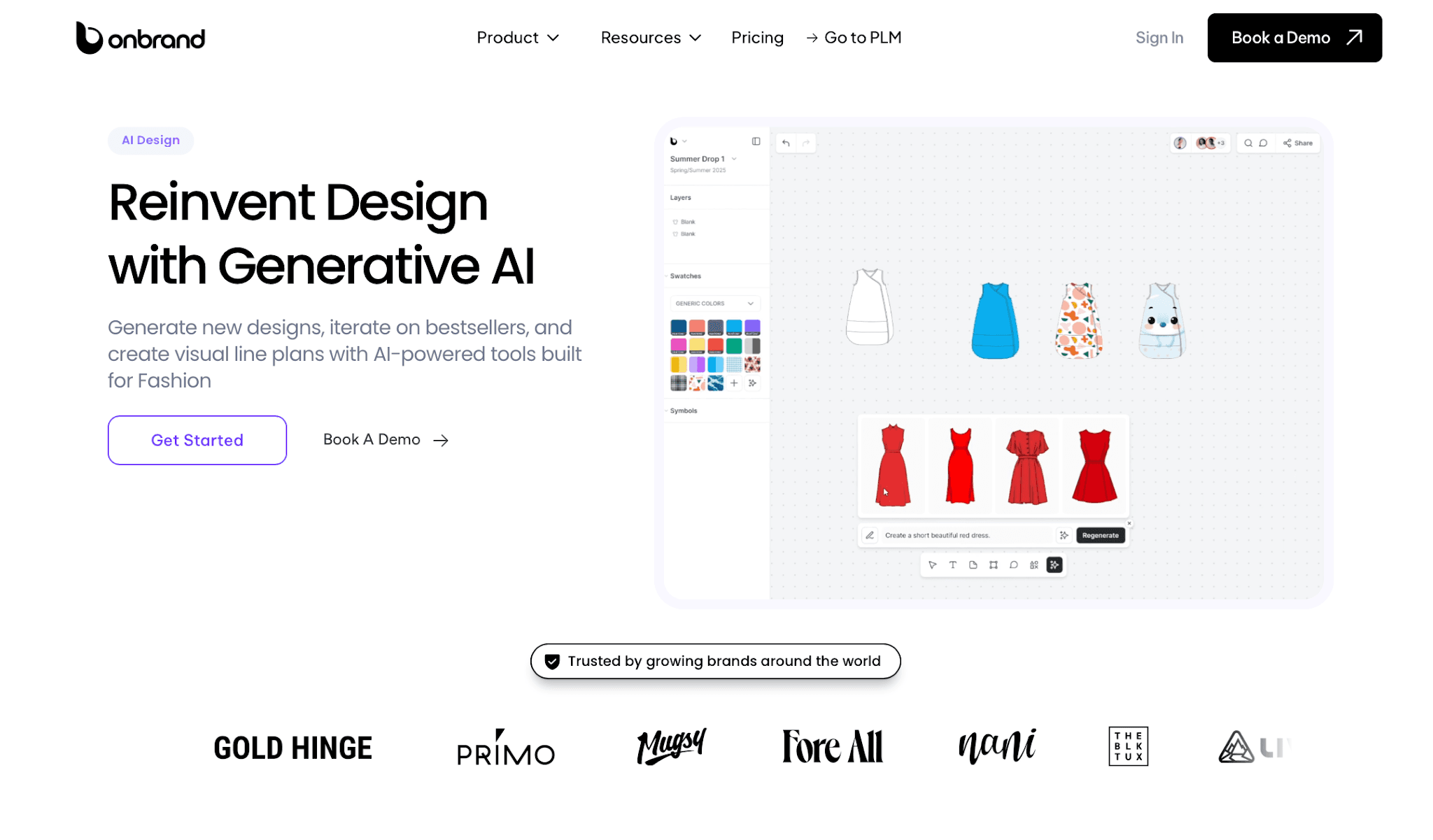
Design teams can generate concepts from text prompts, sketches, or reference images, then quickly test colorways, trims, silhouettes, and alternate directions without rebuilding work from scratch.
The workspace also supports mood boards, visual line planning, and collaborative review in one shared environment. Teams can create photoreal renders, generate flats from concepts, organize collections visually, and move through design exploration much faster during early development.
Key capabilities include:
AI-generated concepts from prompts, sketches, or reference photos
10x faster design turnaround during concept exploration
30–50% fewer physical samples during early development
Real-time visual collaboration and shared feedback
Export-ready visuals and connected PLM workflows
Onbrand PLM
Onbrand PLM manages the workflow after design decisions move into development, sourcing, approvals, and production coordination.
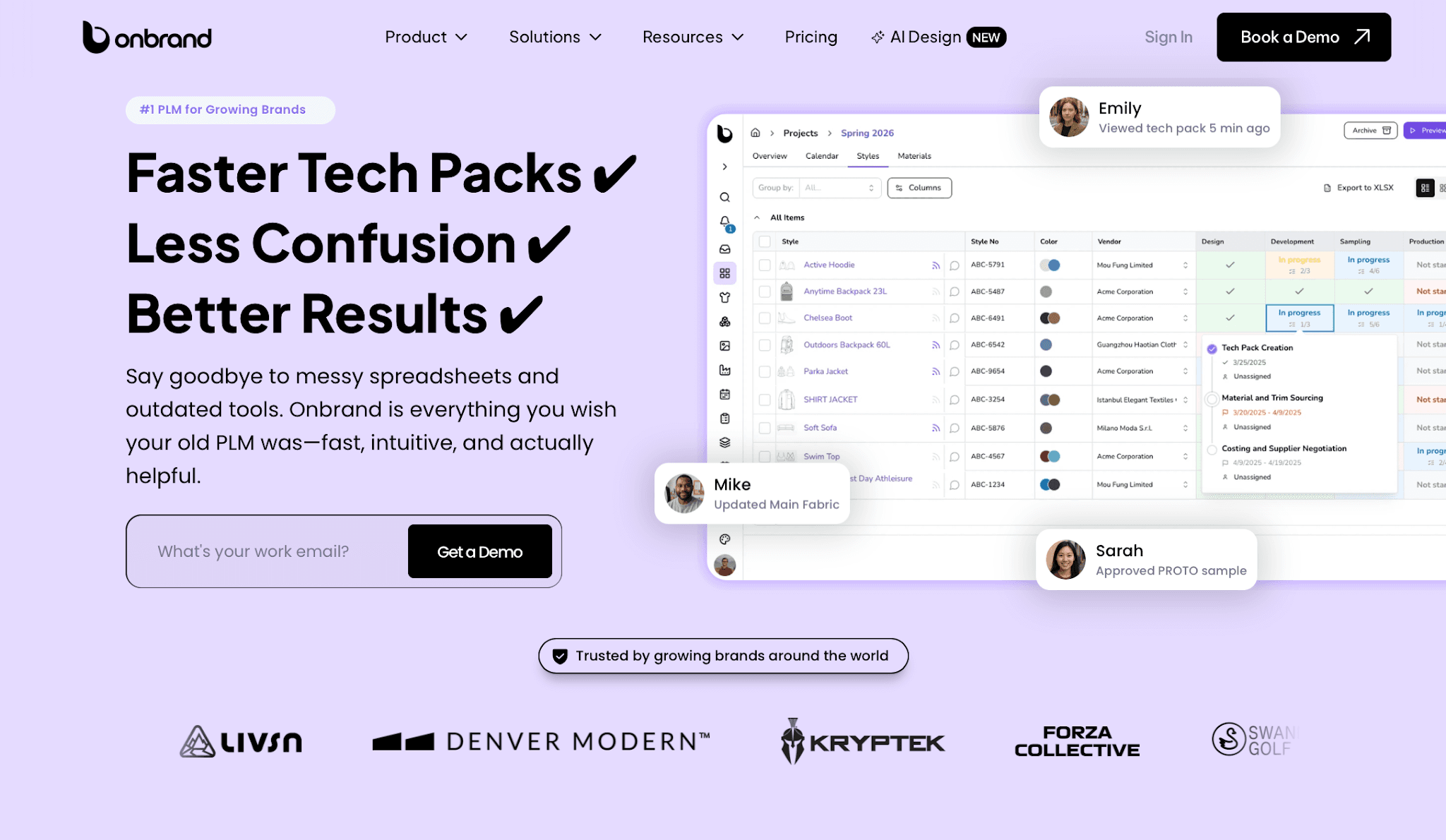
It keeps live tech packs, comments, materials, approvals, and product updates connected in one place so teams are not working from outdated files or disconnected spreadsheets.
Unlike legacy PLM systems that often take months or years to implement, Onbrand focuses on faster onboarding and easier adoption for growing fashion brands. Teams can configure workflows around their existing process without relying heavily on outside customization projects.
Key capabilities include:
Live web-based tech packs with no duplicate versions
Vendor collaboration directly inside the product record
Built-in project management, approvals, and task tracking
55% faster tech pack creation for some brands
Typical onboarding can happen in weeks for many teams
Which Platform Should You Choose?
Your choice should depend on how your team works after the first design review. Fit approval, vendor communication, revisions, and production coordination often shape the decision more than rendering quality alone.
When to Choose Browzwear
Browzwear fits larger teams that already work inside structured development environments. It makes more sense for companies managing standardized approvals, sourcing coordination, and technical review processes between multiple departments or vendors.
Teams investing in long-term digital product creation and enterprise-level consistency may also feel more comfortable with Browzwear’s operational structure as workflows grow in scale and prepare for future development needs.
When to Choose CLO3D
CLO3D fits creative teams that need speed, experimentation, and fast visual iteration during early development. Smaller brands, agile design groups, and independent teams often prefer the flexibility during concept exploration and sample review.
The workflow also feels easier for teams moving into 3D design for the first time without a heavily technical background.
When to Choose Onbrand
Onbrand fits teams once product development starts moving beyond rendering and into daily coordination work. Tech packs, approvals, vendor comments, and product updates often become harder to manage once collections scale and communication becomes fragmented.
That is usually the point where teams start needing live tech packs, centralized approvals, and vendor communication connected directly to product development.
Move Beyond 3D Review With Onbrand
Choosing between Browzwear and CLO3D usually comes down to how your team works after the first design review. Browzwear fits teams that need more structure around development and approvals, while CLO3D often works better for teams that prioritize speed, flexibility, and fast iteration.
What becomes more important over time is not just how garments look in 3D, but how product development stays organized after approval. Tech packs change constantly, revisions pile up, and communication becomes harder to track once collections scale.
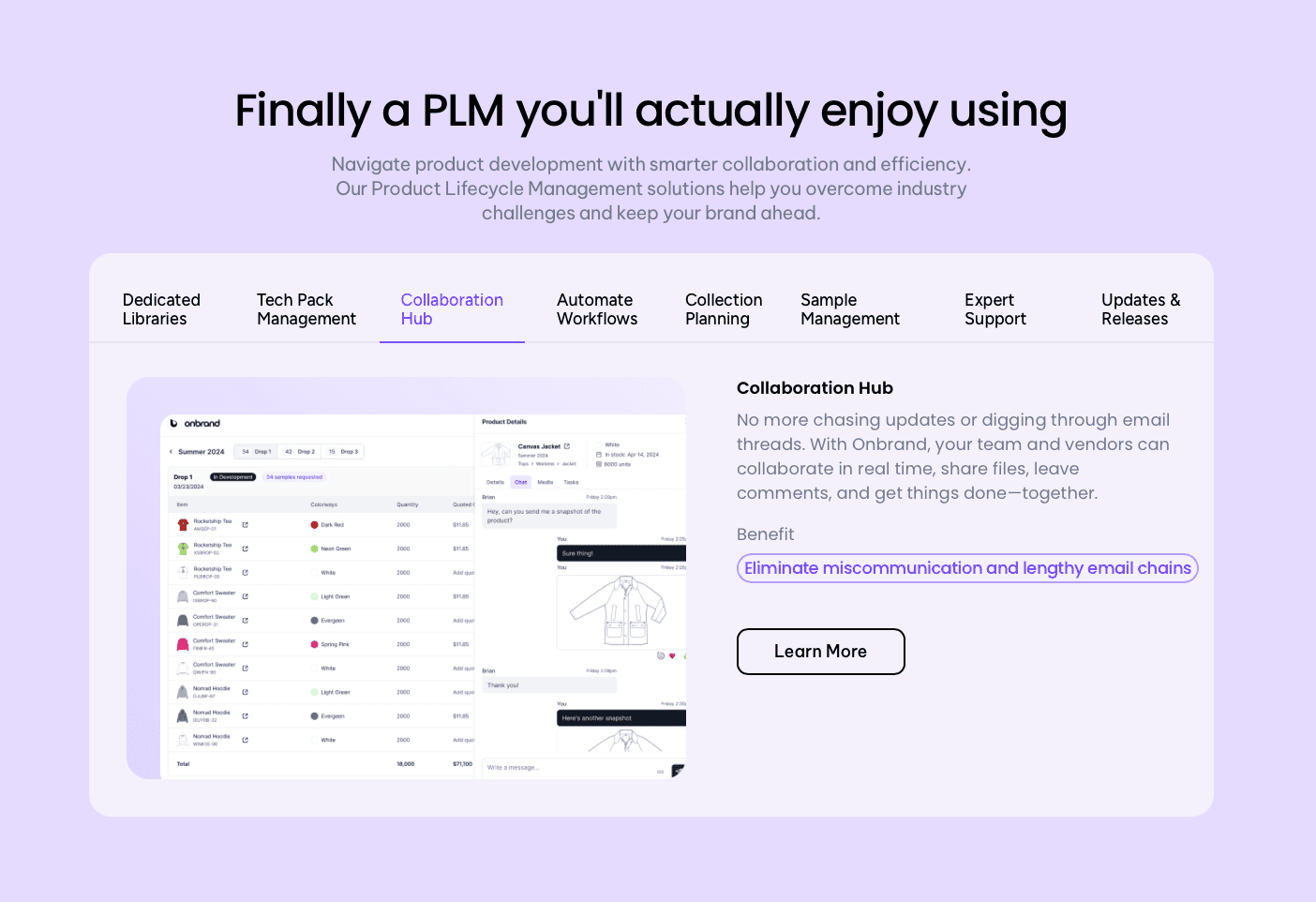
Onbrand helps connect those stages in one place. Design teams can move from concept exploration into live tech packs, approvals, vendor collaboration, and production coordination without relying on disconnected spreadsheets, PDFs, or long email threads.
FAQs About Browzwear vs CLO3D
What is the difference between CLO3D and Browzwear?
CLO3D is usually preferred for faster creative iteration and rendering, while Browzwear focuses more on structured production workflows, fit validation, and vendor collaboration. Browzwear suits larger apparel teams, whereas CLO3D appeals to creative users familiar with Marvelous Designer and other visualization tools in the fashion world. Many brands see Browzwear as stronger for operational innovation.
Is Browzwear hard to learn?
Browzwear can be challenging for beginners because its workflow is tied closely to technical development and production systems. Designers without patternmaking experience may need extra training, but consistent practice should give new users hope.
How much does Browzwear cost?
Browzwear pricing varies by licensing type, team size, and enterprise requirements, so companies usually request a custom quote directly from the vendor. Costs are generally positioned toward the higher end of the fashion software market.
What are Browzwear alternatives?
Popular Browzwear alternatives include CLO3D, Onbrand AI Design, Style3D, Optitex, and TUKAcad for 3D garment design and development. The correct choice depends on budget, workflow complexity, and whether presentation quality or production control will matter more after a product review post.

