Aug 31, 2026

A growing fashion team may start with simple sketches and shared files, then reach a point where more styles, revisions, and technical details become harder to manage.
That is a normal part of growth.
Fashion CAD software gives designers, technical designers, patternmakers, apparel brands, and manufacturers a more structured way to handle digital apparel work.
Depending on the platform, it can support technical drawing, pattern development, grading, 3D garment visualization, or earlier design exploration.
Those different capabilities reflect the different assignments computer-aided design (CAD) supports throughout the fashion industry, from early design work to more technical stages of the design process.
This guide compares the top seven fashion CAD platforms, what each one does, and which types of fashion teams they suit best.
TL;DR
These are the seven best fashion CAD software platforms to consider in 2026:
CLO 3D
Browzwear VStitcher
Style3D
TUKAcad
Gerber AccuMark
Optitex
What Is Fashion CAD Software?
Fashion CAD software refers to tools used to digitally design and develop garments using CAD.
Unlike general engineering CAD, which is built around products such as buildings, machinery, or mechanical parts, fashion CAD is designed around the specific needs of apparel development.
Depending on the design software, designers may use it to create technical garment drawings, draft and edit patterns, apply grading rules, review fit, or build 3D garments.
A CAD program built for pattern work, for example, serves a different purpose from one centered on 3D garment development.
Fashion CAD is not one single type of software. Pattern-focused systems may handle drafting, grading, and marker preparation, while other platforms focus on technical drawing, 3D visualization, or broader digital fashion design.
These tools generally sit between early design ideas and production. They help turn a garment concept into the more structured design or technical information needed for development, sampling, and manufacturing.
For professional fashion designers, patternmakers, and technical teams, the type of CAD used depends largely on the work that needs to happen next.
What Can You Do With Fashion CAD Software?
Fashion CAD covers several types of apparel work, so the exact capabilities depend on the platform. A pattern-focused system will support different tasks, from technical drawing to 3D garment platforms.
Here are the main workflows you may encounter.
Create Technical Fashion Flats
Technical fashion flats show a garment from a precise, two-dimensional view. Designers use flat sketches to show the front, back, and other necessary views without the poses or styling found in fashion illustrations.
These drawings can include construction lines, seams, pockets, trims, closures, and other details needed to describe the garment. In clothing design, they provide a structured visual reference for the garment’s shape and construction details.
Build Digital Garment Patterns
Pattern-focused CAD systems let patternmakers draft new pattern pieces or digitize existing paper patterns. Individual pieces can then be adjusted to match the garment's measurements and construction.
Patternmakers can define elements such as notches, grainlines, darts, and seam allowances within the pattern.
Depending on the production setup, teams may need to export patterns in a compatible format supported by other apparel CAD or manufacturing systems.
Grade Sizes
Once a base pattern has been established, CAD software can apply grade rules to create additional sizes. These rules specify how particular points on a pattern should increase or decrease between sizes.
Pattern teams can then develop a size range from the original pattern while keeping the intended garment proportions in view. The grading tools and methods available vary between CAD systems and garment categories.
Develop Textile and Print Artwork
Some fashion design and CAD platforms also support textile and surface design work. Designers may develop colorways, place graphics on garments, create repeat patterns, or test prints against different garment views.
Certain platforms also let designers work with their own materials or build libraries of digital materials for visualization. File support varies, so artwork created in Illustrator files or another format may need to move between other tools used during development.
Prepare Production-Ready Files
CAD systems can prepare technical files for later stages of apparel development and manufacturing.
Depending on the type of software, these may include vector drawings, digital patterns, technical garment views, or CAD-compatible production files.
Pattern-focused platforms may prepare files for cutting or marker workflows, while technical drawing tools may produce vector garment specifications. The required format depends on the software used later in the production workflow.
Support 3D Garment Visualization
Some 3D fashion design software lets designers construct and review digital garments on avatars. The software can simulate garment shape, fit, drape, and how pattern pieces come together in three dimensions.
Material settings can represent properties based on real fabrics, including characteristics that affect fabric drape in a virtual environment.
These capabilities can also support virtual sampling, where teams review a digital garment before or alongside physical samples.
7 Best Fashion CAD Software Platforms in 2026
Fashion CAD platforms can support very different parts of apparel development, so choosing the right software starts with knowing what each one is built to do.
The seven platforms below cover different areas, from AI tools for early design exploration to 3D garment development, patternmaking, grading, and production-focused CAD.
We compare what each platform does, its pros and cons, and the type of fashion work it suits best.
1. Onbrand AI Design
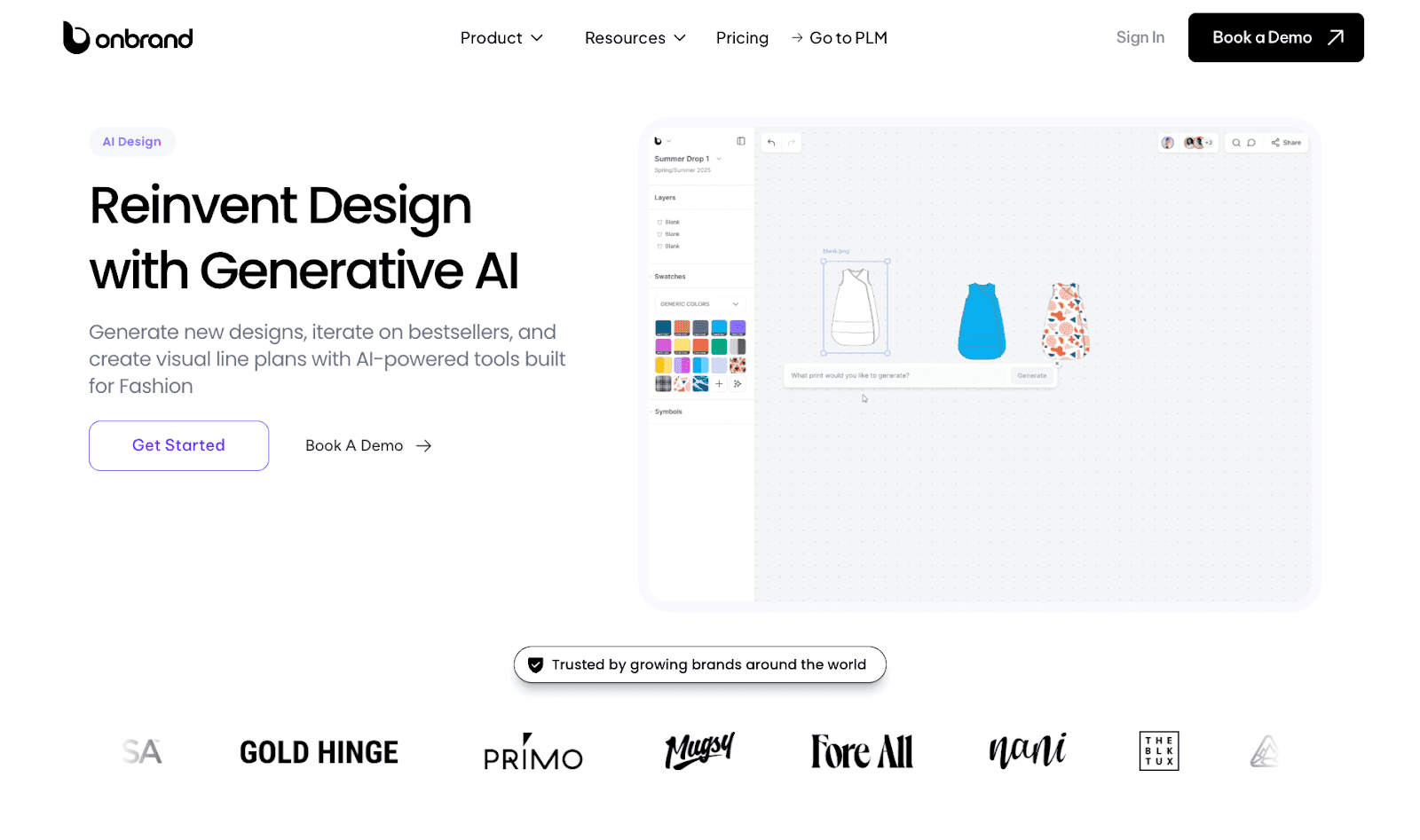
Onbrand AI Design gives fashion teams a faster way to move from early ideas into visual design development.
Designers can start from text, sketches, or reference photos, then use AI to turn sketches into concepts, flat visuals, mockups, alternate views, and colorways without rebuilding each direction from scratch.
Designs can move into Adobe Illustrator for further technical refinement or connect directly with Onbrand PLM when the team is ready to continue into tech packs, approvals, samples, materials, and production planning.
The advantage is continuity. For teams comparing the best fashion design software tools, Onbrand AI Design supports concept exploration and visual iteration, then connects approved designs with Onbrand PLM for further product development.
AI Design users can see up to 10x faster design turnaround, reduce physical samples by 30–50%, and save more than 10 weeks each year.
Pros
Generates designs from text, sketches, or reference images.
Supports colorways, alternate views, Pantone and Coloro recoloring, and visual variation.
Exports designs to Adobe Illustrator for further technical work.
Includes shared boards, comments, visual line planning, and version tracking.
Connects approved concepts directly with Onbrand PLM for tech packs and product development.
Cons
Not a specialist patternmaking or grading CAD system.
Detailed pattern development may still require dedicated apparel CAD.
Markermaking and production pattern engineering sit outside its main focus.
Best For
Fashion brands that want AI-assisted design exploration, faster visual iteration, and a connected path from early concepts into technical development, tech packs, approvals, samples, and production planning.
Book a demo with Onbrand and learn how Onbrand AI Design can improve your workflow.
2. CLO 3D
Source: clo3d.com
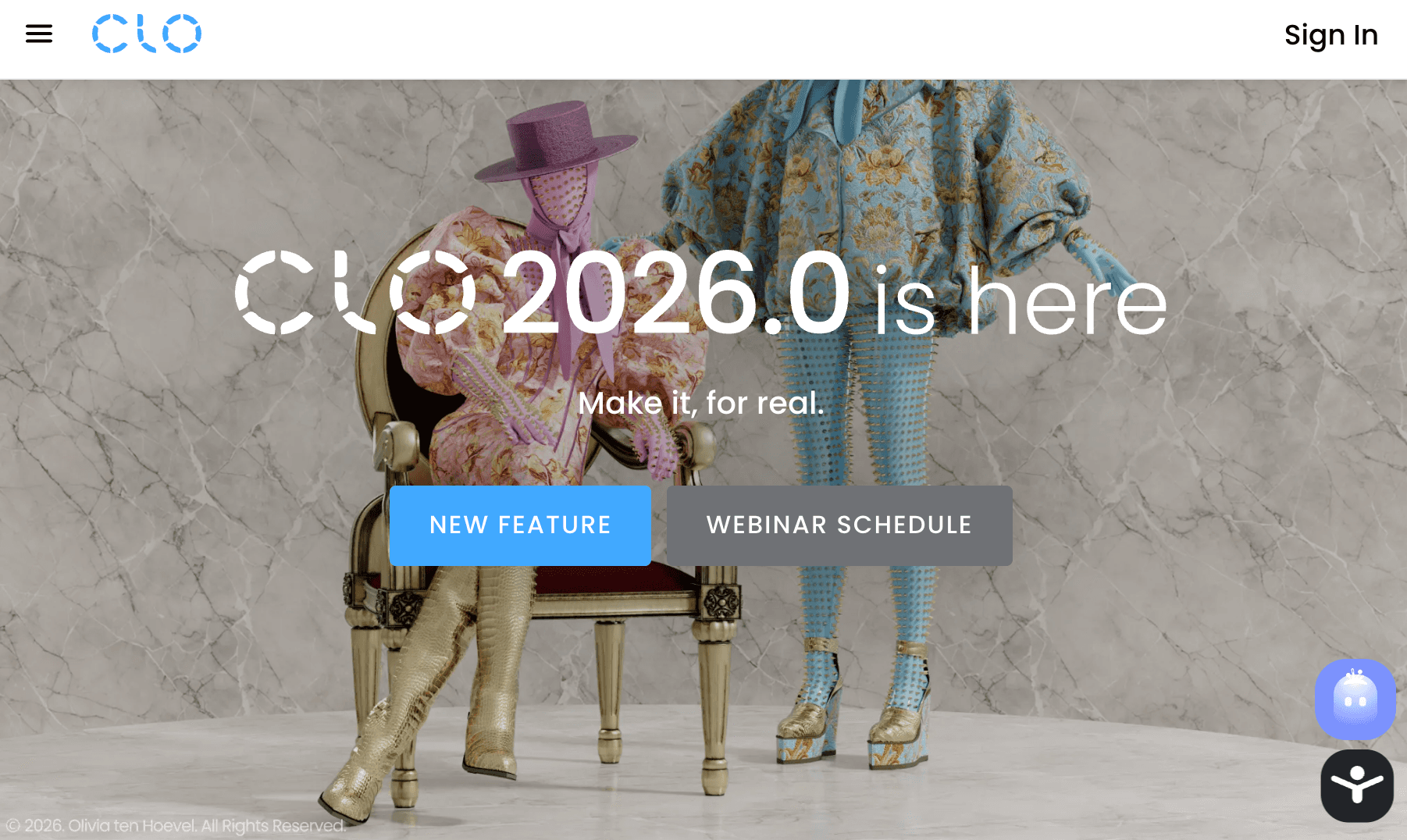
CLO 3D centers on creating and reviewing garments through connected 2D pattern and 3D development.
Designers can build or modify patterns, design garments on digital avatars, and examine fit, silhouette, and construction in three dimensions.
Fabric simulation adds another layer to the review, showing how different material properties affect garment behavior and drape.
For professional use, CLO can support virtual sampling and garment review during apparel development.
Pros
Combines 2D pattern work with 3D garment visualization.
Visualizes fit, silhouette, and fabric behavior.
Supports virtual sampling during garment development.
Offers resources including tutorials, an online academy, workshops, and a help center.
Supports individual, student, academic, and enterprise use cases.
Cons
The learning curve may be higher for designers who are new to 3D garment construction.
Detailed garment development requires familiarity with patterns and 3D workflows.
Teams focused only on 2D technical flats may not need its full 3D capabilities.
Best For
Fashion designers and apparel teams that need to develop garments from 2D patterns, visualize them in 3D, and review fit, fabric behavior, and silhouette before moving further into development.
3. Browzwear VStitcher
Source: browzwear.com
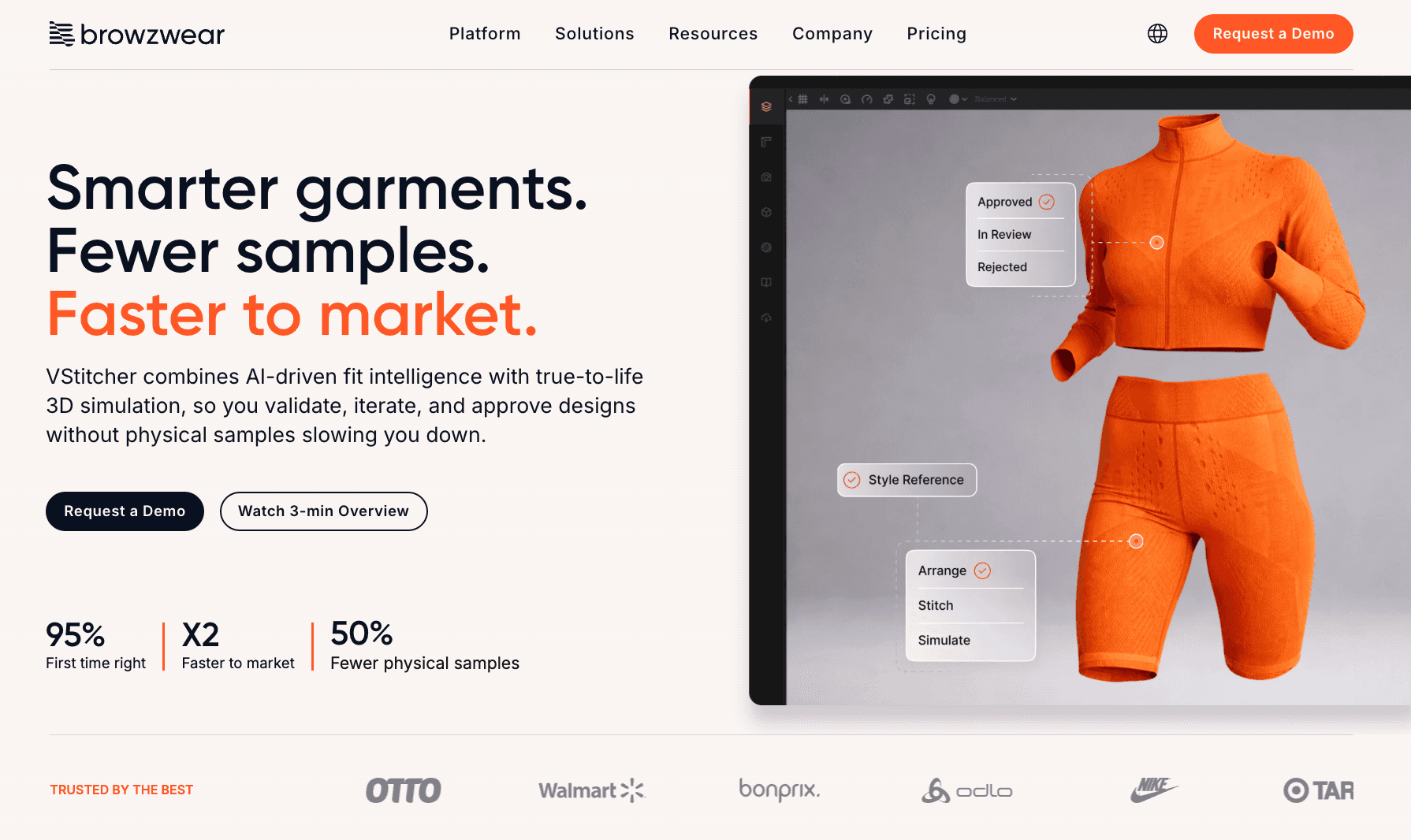
Pattern development and fit validation sit at the center of Browzwear VStitcher.
Its 2D drafting and 3D draping environments let apparel teams adjust patterns and review the resulting garment on customizable avatars.
Fabric simulation represents stretch, drape, and movement, while tension and pressure maps provide additional information for fit assessment.
VStitcher also extends into grading, tech pack creation, and pattern exports, which makes it relevant to teams carrying digital garments further into technical development.
Pros
Supports both 2D pattern drafting and 3D garment development.
Includes fabric, pattern, and avatar libraries.
Provides 3D fitting, tension, and pressure mapping tools.
Supports pattern grading and fit review in multiple sizes.
Can generate tech packs and export patterns for production.
Cons
Detailed 3D development requires knowledge of patterns, fit, and garment construction.
Its range of technical functions may be more than teams need for basic visual design work.
More advanced workflows may require training and time to learn.
Best For
Fashion brands, manufacturers, and apparel teams that want pattern development, fit validation, and realistic 3D garment simulation within the same design workflow.
4. Style3D
Source: style3d.com
Style3D covers several parts of digital apparel development through a collection of connected products.
Style3D Studio supports 3D garment creation and simulation, where teams can develop and review virtual garments before moving further into development.
Style3D Fabric focuses on digital fabric properties and simulation, while Style3D Cloud provides a space to manage, organize, and share 3D assets and digital materials.
The wider Style3D ecosystem also includes AI features for design exploration and visual rendering, giving fashion teams options beyond traditional 3D garment development.
Pros
Supports 3D garment development and fabric simulation.
Includes tools for virtual style validation.
Supports libraries for 3D assets and digital materials.
Offers cloud-based asset management and style tracking.
Includes AI-assisted design and rendering functions.
Cons
Capabilities are spread between several Style3D products rather than one application.
Teams may need to determine which products fit their specific workflow.
The broad product ecosystem may be more than teams need for basic apparel CAD work.
Best For
Fashion brands, manufacturers, and design teams that need 3D garment development, fabric simulation, and digital asset management within a connected product ecosystem.
5. TUKAcad
Source: tukatech.com
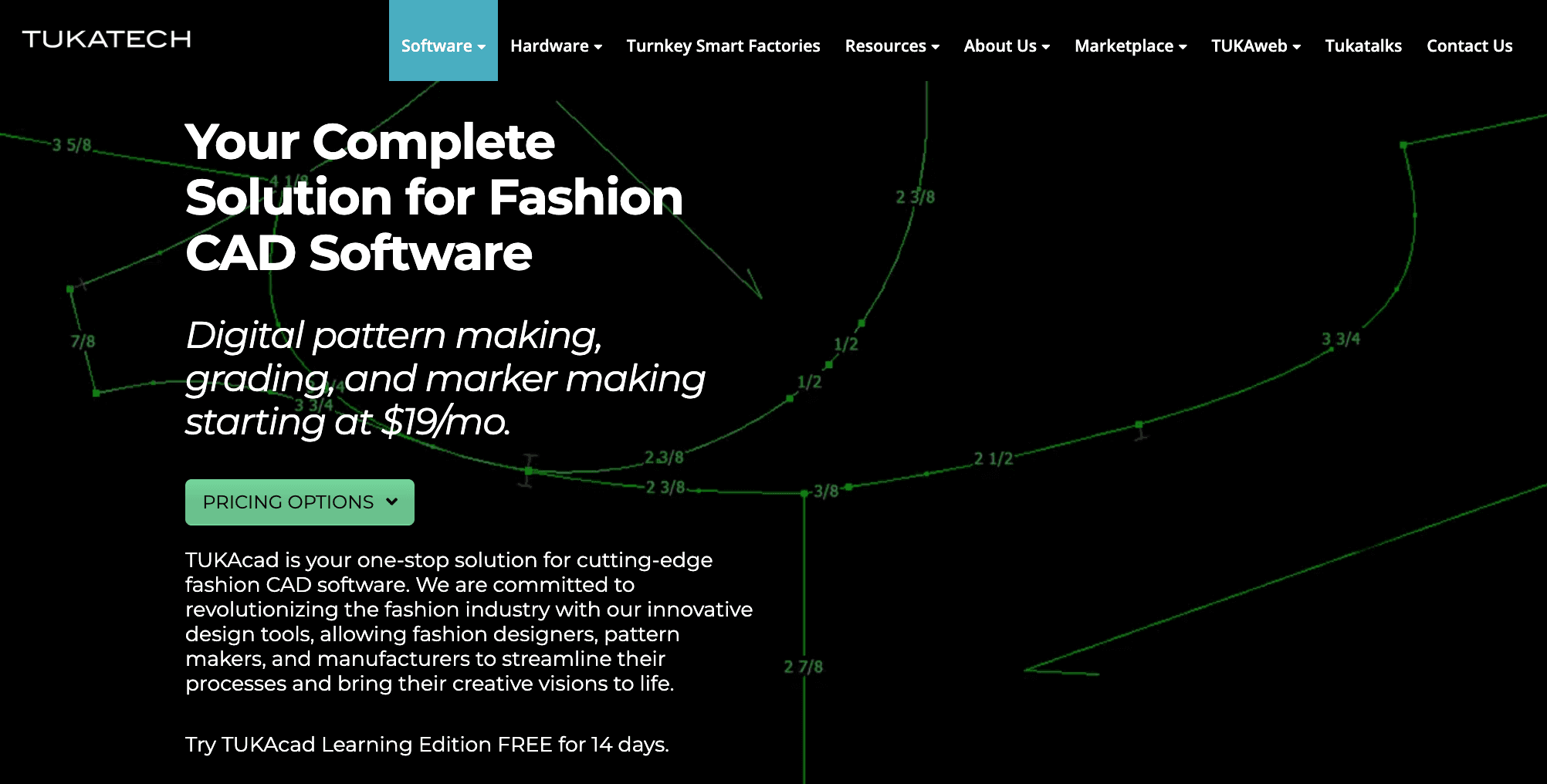
TUKAcad focuses on the technical pattern work that takes place closer to apparel production.
Patternmakers can draft and modify digital patterns, apply custom grade rules, digitize existing pattern data, and prepare markers.
Its professional edition extends that work with data import and export, cut data optimization, and yield reporting.
Marker functions also account for fabric utilization and stripe or plaid matching, which can help teams reduce waste during marker planning.
Compared with visually focused design applications, TUKAcad is built around pattern engineering and manufacturing preparation.
Pros
Supports digital pattern creation and modification.
Includes custom, half-size, and angle grading options.
Provides marker-making tools for fabric utilization.
Supports pattern digitizing and data import and export.
Includes built-in video help and separate training courses.
Cons
Pattern development requires more technical expertise than visual design applications.
Full pattern, grading, and marker functionality depends on the subscription edition.
TUKAcad is Windows-based; Mac users need a Windows virtualization option.
It is less suited to teams focused mainly on early visual concept development.
Best For
Patternmakers, technical teams, apparel brands, and manufacturers that need dedicated CAD for pattern development, grading, marker preparation, and production-oriented workflows.
6. Gerber AccuMark
Source: lectra.com
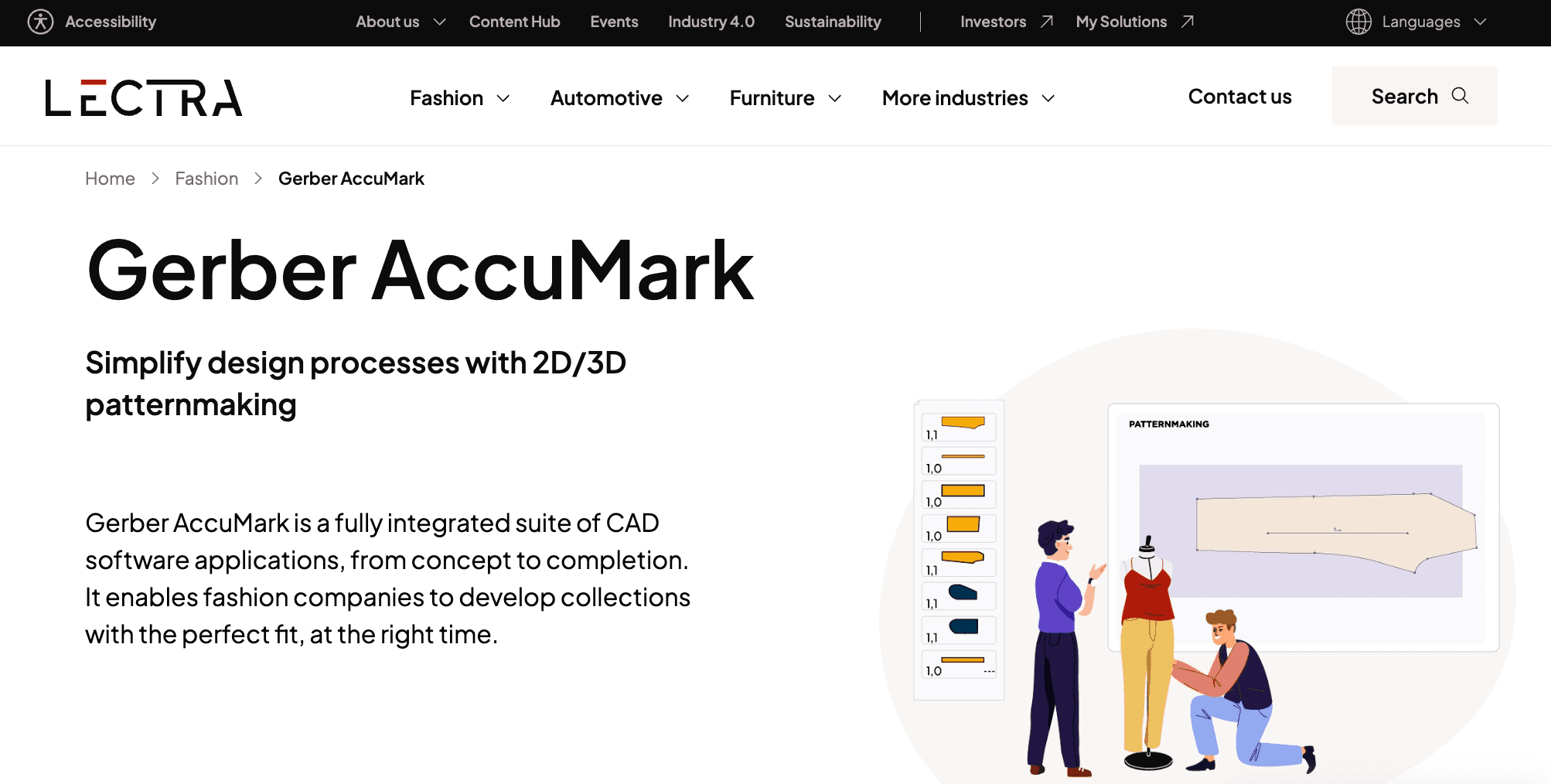
Gerber AccuMark focuses on apparel pattern development, grading, and preparation for production.
Its 2D capabilities cover pattern creation, grading, and industrialization, while AccuMark 3D connects those patterns with garment simulations for fit and visual review.
The product range also includes made-to-measure functions for pattern modification and order creation. Its modular structure allows teams to use different AccuMark applications depending on their pattern and garment development requirements.
That combination places AccuMark firmly on the technical and manufacturing-oriented side of fashion CAD.
Pros
Supports 2D pattern creation, grading, and industrialization.
Connects 2D patterns with 3D garment simulations.
Includes made-to-measure pattern modification tools.
Supports file exchange with business partners.
Uses a modular product structure for different development needs.
Cons
The range of modules may require teams to choose between separate 2D, 3D, and made-to-measure functions.
Advanced pattern and production work may require specialist training.
Its manufacturing-oriented focus may be more than teams need for early visual design work.
Best For
Apparel brands, pattern teams, and manufacturers that need structured CAD for pattern development, grading, fit review, and production-oriented garment development.
7. Optitex
Source: optitex.com
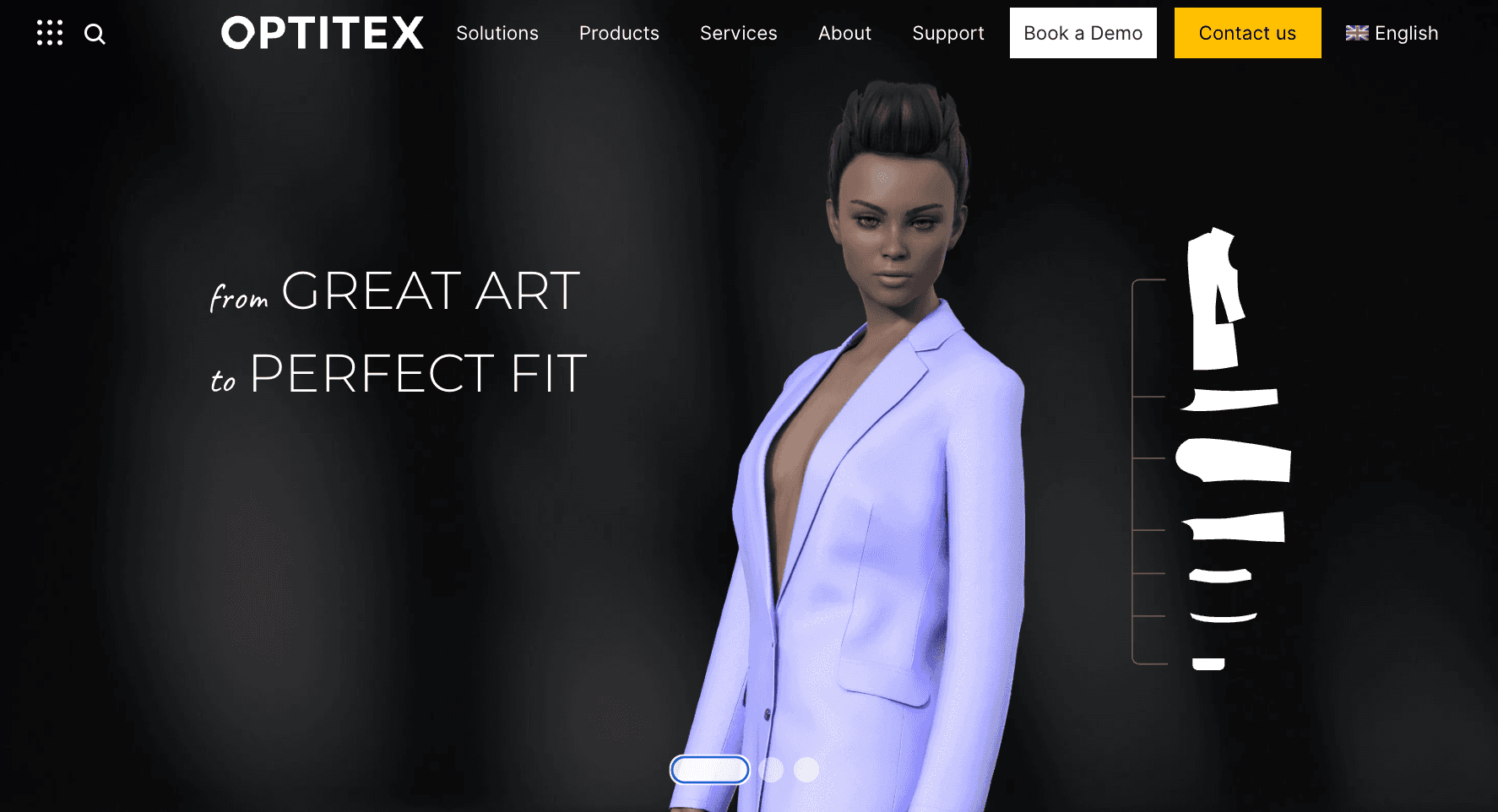
Optitex connects 2D pattern development with 3D garment visualization, giving technical teams a way to carry pattern work into virtual garment review.
Its CAD functions cover patternmaking, grading, and nesting, with additional products for marker preparation, fabric management, and cut planning.
The 2D and 3D connection lets teams work with production-ready digital patterns and examine the resulting garment in three dimensions.
Optitex also supports standard software and hardware formats, which is relevant when pattern data needs to continue into other parts of apparel production.
Pros
Supports 2D patternmaking, grading, and nesting.
Connects 2D patterns with 3D garment visualization.
Includes marker, fabric management, and cut-planning options.
Supports standard software and hardware formats.
Offers training, e-learning, mentoring, and technical support.
Cons
The broader product range may require teams to choose between several separate products or bundles.
Advanced pattern and production functions may require specialist training.
Teams focused only on early visual design may not need its full technical range.
Its combination of pattern, 3D, marker, and production functions may be unnecessary for teams with narrower CAD requirements.
Best For
Apparel brands, pattern teams, and manufacturers that want 2D pattern development, grading, marker preparation, and 3D visualization within a connected CAD setup.
How to Choose Fashion CAD Software
The right fashion CAD software depends on the work your team needs to complete. Before comparing platforms, look at where the software will fit in your current process, who will use it, and what files need to move to the next stage of development.
Workflow Fit
Start by defining the tasks the software needs to perform. Your design workflow may require concept development, technical flats, pattern creation, grading, 3D simulation, production patterns, or a combination of these tasks.
No single tool necessarily needs to cover every stage. The right stack depends on how design, technical development, and production work are divided within your team.
Ease of Learning
Consider who will use the software and what experience they already have. A designer familiar with vector drawing may face a different learning curve from someone working with specialist pattern engineering or 3D garment software.
More technical systems may require formal training, particularly for pattern development and production work. Online tutorials and product documentation can also help you judge how much support is available for new and experienced users.
Fashion-Specific Features
Compare the key features against the actual work your team performs. Technical designers may prioritize flat drawing tools, while pattern teams may need drafting and grading functions.
For virtual garment development, look at tools for 3D construction, fit review, and fabric drape. Designers working earlier in development may care more about colorways, garment views, and visual iteration.
Collaboration
If several people review the same designs, check how the platform handles shared work. Relevant functions may include comments, permissions, shared files, version tracking, and design review.
Visual tools may also support shared mood boards, but only prioritize these features if they are part of your existing review process.
File Compatibility
Check which files need to enter and leave the software, especially when factories or production partners work with specific industry-standard formats.
If pattern files move into another CAD or production system, confirm that you can export patterns in a compatible format. PLM integration may also be relevant when product information needs to continue into later development stages.
Budget
Look beyond the advertised software price. Potential cost savings should be weighed against subscriptions, licenses, training, implementation, additional modules, and specialist hardware requirements.
The appropriate budget can differ significantly between independent designers, small brands, emerging brands, and larger apparel companies.
Teams with limited budgets may also look to open-source software for specific design tasks, but specialized pattern, grading, and 3D capabilities may be more limited.
Fashion CAD Software vs Other Fashion Design Tools
Fashion teams often use several digital tools during product development, but they do not all serve the same purpose. The main difference comes down to what you are creating or managing at each stage.
Fashion CAD vs Illustration Software
Illustration software focuses mainly on visual expression and presenting design ideas. It gives designers freedom to explore silhouettes, colors, prints, and other creative details without requiring the technical structure found in specialist apparel CAD.
Fashion CAD moves closer to technical garment development. It may support technical flats, patterns, grading, or other structured apparel work, depending on the platform.
The categories can overlap. Adobe Illustrator, for example, is widely considered a familiar vector application in fashion design, and fashion teams also use it to create technical flats.
Programs such as CorelDRAW can support vector artwork too, though neither is dedicated to pattern CAD. Photo-editing software serves a different purpose again and is mainly used to edit raster images.
Fashion CAD and Patternmaking Software
Patternmaking software is a specialized form of apparel CAD. It focuses on the pattern engineering required to turn garment specifications into pieces that can be prepared for production.
These systems may support drafting, grading, seam allowances, and marker preparation. Patternmakers use these functions to develop accurate patterns according to the required measurements, construction, and size range.
Fashion CAD and 3D Fashion Software
3D fashion software can also sit within the broader fashion CAD category. It extends digital design into virtual garment construction, simulation, and fit visualization.
Designers can assemble pattern pieces on digital avatars and review garment shape, proportion, and drape in three dimensions. 3D fashion design may form part of virtual sampling, which is different from consumer-facing virtual try-on experiences used in retail.
Fashion CAD vs Fashion PLM
Fashion CAD and fashion product lifecycle management (PLM) software support different parts of product development.
CAD focuses on creating and developing the garment itself. Depending on the system, that can include technical drawings, patterns, grading, or 3D garment work.
PLM manages the product information surrounding that development. It keeps information such as materials, revisions, approvals, supplier details, and tech pack data organized as a style moves toward production.
Fashion brands may use CAD and PLM together because one handles design and technical creation while the other manages the product records connected to that work.
When Do Fashion Brands Need CAD Software?
Fashion brands often reach a point where basic drawing tools, manual pattern work, or disconnected design files no longer match the technical needs of product development. The signs usually appear as collections and garment requirements become more complex.
You may need more specialized CAD software when:
Technical drawings are difficult to standardize. Garment views, construction details, and annotations start to vary between styles or designers.
Pattern work is becoming more complex. More styles, sizes, and pattern revisions can mean many iterations before a garment is ready for production.
Design assets are repeatedly recreated. Pattern blocks, garment components, trims, and other reusable elements may need a more structured digital format.
Design revisions are harder to track. Multiple versions of the same flat, pattern, or 3D garment can make it difficult to identify which design file should move forward.
Suppliers need more precise technical files. Basic sketches may no longer communicate enough detail for the required construction or production process.
3D review has become part of development. Teams working with virtual garments need software that supports the required simulation and review work.
No single tool has to cover every need. The right stack depends on which of these tasks your team actually performs.
Bring Your Fashion Designs Further With Onbrand
The right fashion CAD software depends on where your team works in the design and development process. Pattern-focused systems suit technical production work, while 3D applications support virtual garment development and fit review.
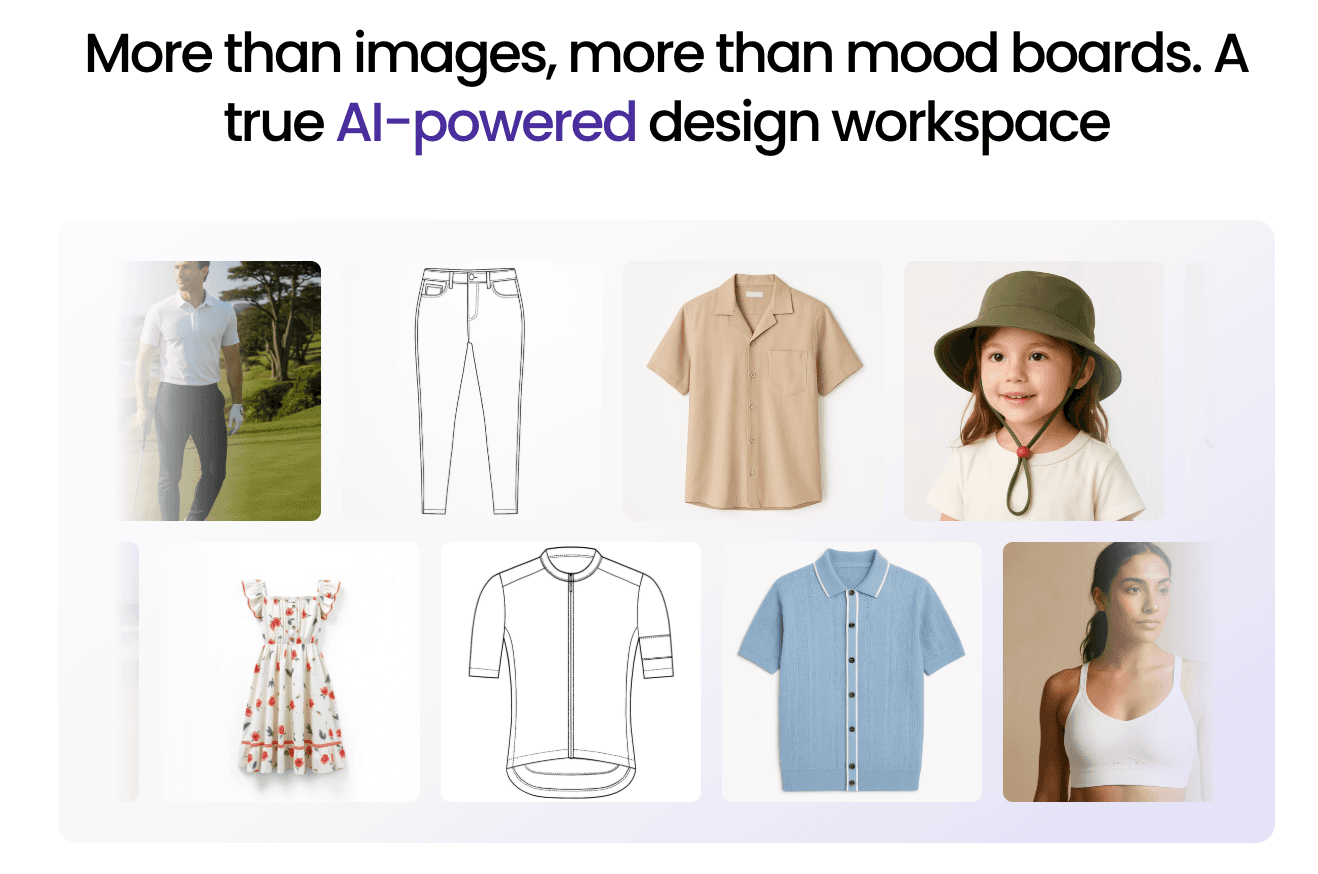
Onbrand AI Design focuses on the earlier creative stages. Teams can explore concepts, develop variations and colorways, and review designs together before connecting approved concepts with Onbrand PLM for tech packs, samples, approvals, materials, and production development.
FAQs About Fashion CAD Software
Which CAD software is best for fashion designing?
The best fashion CAD software depends on the work you need to do. Onbrand AI Design supports concept exploration and visual iteration, CLO 3D and Browzwear VStitcher focus on 3D garment development, while TUKAcad and Gerber AccuMark are more focused on patternmaking and grading.
How do you create fashion CADs?
Fashion CADs can be created with vector drawing, apparel pattern, or 3D garment software. Most designers begin with a sketch or garment concept before adding the technical views, patterns, and construction details needed for development.
What CAD software is used in the garment industry?
The garment industry uses different CAD software for different jobs. CLO 3D and Browzwear VStitcher support 3D garment development, while TUKAcad, Gerber AccuMark, and Optitex support technical work such as patternmaking, grading, and production preparation.
What file formats are used for fashion CAD?
Fashion CAD file formats depend on the work being completed. Common examples include DXF for pattern data, PDF and SVG for drawings, and the Adobe Illustrator AI file format for vector artwork and technical flats.