Jul 16, 2026
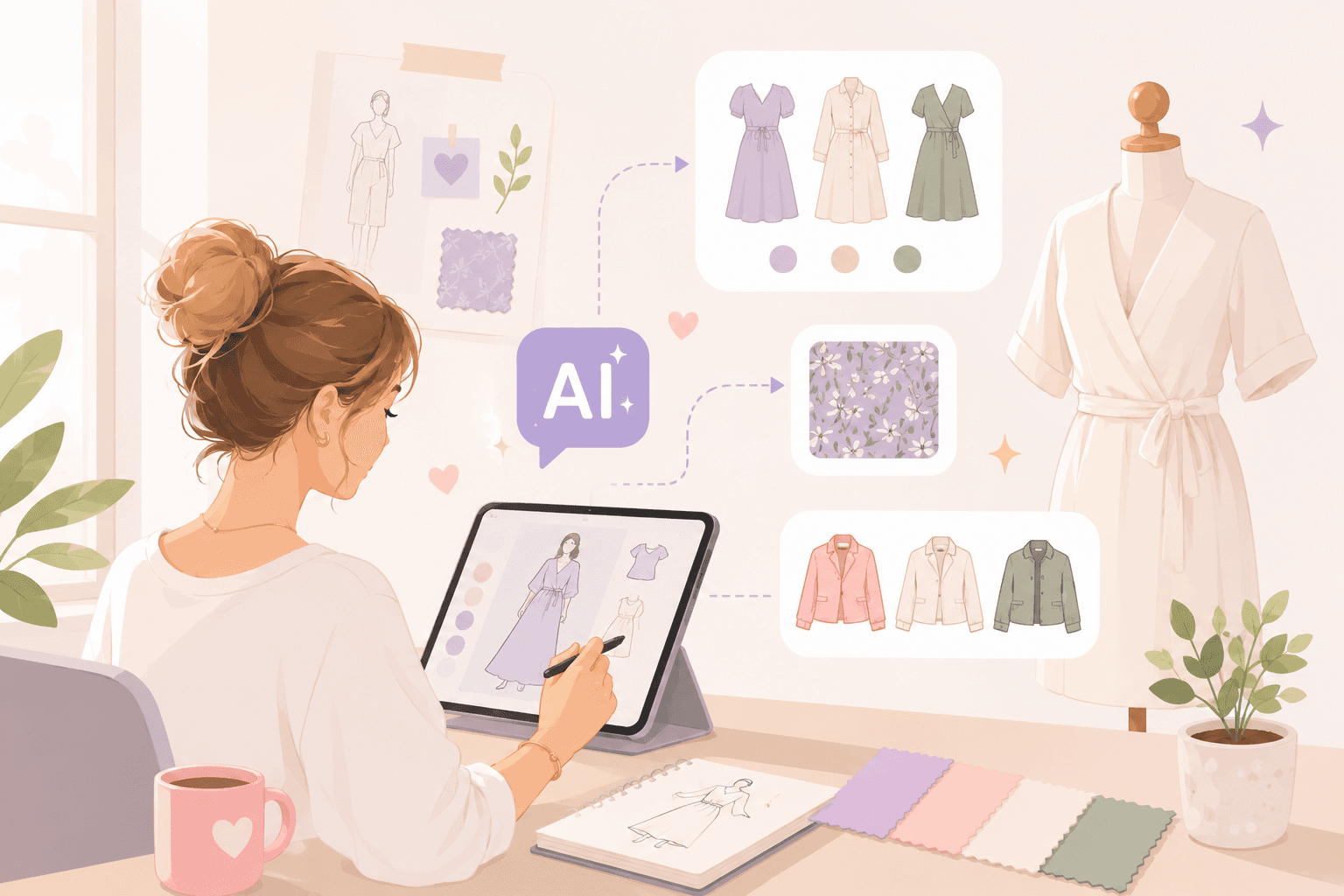
Fashion brands need to review more design options than ever. A single style can lead to dozens of variations, colorways, and creative directions before a decision is made.
That creates a challenge. More options lead to more reviews, more decisions, and more pressure on already tight calendars. Many brands in the fashion industry need ways to evaluate ideas faster without slowing product development.
AI fashion design helps shorten part of that process. It gives you a way to generate concepts, explore alternatives, and evaluate directions before opening tech packs or requesting samples.
The value is not replacing designers or creative judgment. The value comes from helping teams review options faster and move stronger designs into development.
This guide explores eight practical ways teams use AI during design work and what happens after a design direction is approved.
TL;DR
Fashion teams use AI fashion design to generate design options, explore silhouette variations, test colorways, create prints, build collections, review designs, reduce unnecessary sample iterations, and prepare early marketing visuals.
AI supports design-stage decisions by helping teams compare options and evaluate directions before moving selected designs into product development.
Common AI fashion design tools include image generation platforms, sketch and rendering tools, collection planning tools, and fashion-specific design platforms.
Approved designs still require style records, BOMs, tech packs, material specifications, samples, revisions, and approvals before production can begin.
Onbrand connects AI design and PLM, helping fashion brands move approved designs into product development without recreating information in separate systems.
A Typical AI-Assisted Fashion Design Workflow
Most fashion teams do not use AI throughout the entire product lifecycle. It usually supports the early stages of design, where concepts are explored, reviewed, and refined before fashion product development begins.
A typical AI-assisted workflow looks like this:
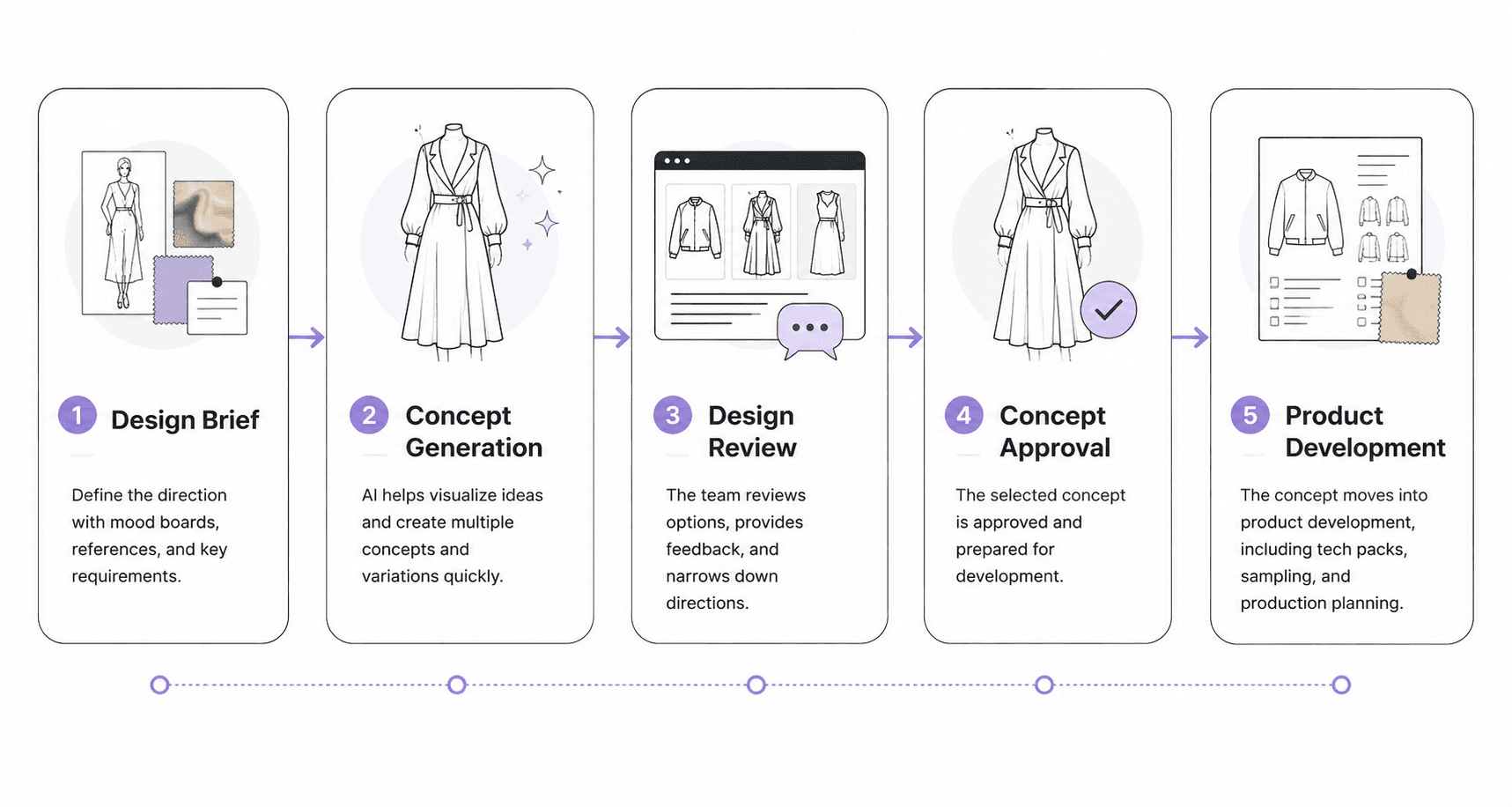
The design brief sets the direction. AI-powered technology helps visualize ideas and variations. The team reviews options, selects a direction, and then moves the approved design into product development.
Human creativity, creative control, and the original design vision remain part of every stage of the process.
8 Practical Ways Fashion Teams Use AI During Design
The value of AI fashion design comes from how it supports day-to-day design work. Below are some of the most common ways fashion teams use AI while developing new products and collections.
1. Generate Initial Garment Concepts
Design usually starts with a brief, a sketch, or a collection direction.
Turning those inputs into enough options for review can be time-consuming, especially when every variation needs to be drawn manually.
Fashion teams often use AI fashion tools to turn design briefs, sketches, and reference images into completely different product ideas. One prompt may generate a bomber jacket, an overshirt, and a cropped jacket based on the same starting direction.
A fashion designer can upload a sketch, add reference images, and generate several options in just a few clicks. The output may include different silhouettes, details, or styling approaches based on the original direction.
Teams frequently combine AI tools with their existing fashion design software to evaluate options and focus on the directions worth developing.
2. Explore Multiple Silhouette Variations
A promising design rarely moves into development without changes. Designers often review different necklines, sleeve shapes, lengths, and design details before selecting a final direction.
Once a direction is selected, the next step is refining the silhouette.
Designers can start with an approved design and explore several silhouette variations without rebuilding the style from scratch.
A crewneck sweatshirt can be explored as a mock neck or a quarter-zip. A dress can be reviewed at different lengths. A jacket can be tested with different collar and pocket configurations.
The review process helps narrow the options before committing to garment construction. Small changes can completely transform the look of a style, making it easier to identify the direction worth developing further.
3. Test Colorways Before Development
Color decisions often happen before materials are ordered or samples are requested. Designers need a way to compare different color combinations, trim options, and fabrics before moving a style forward.
AI can generate multiple colorways from a single garment design, making palette exploration faster during early reviews. A jacket can be viewed in neutral tones, seasonal colors, or alternate trim finishes without creating separate mockups for each option.
These visual reviews help narrow the options. Designers can compare different color directions, evaluate how they support the brand aesthetic, and select the combination they want to pursue.
4. Create Prints, Graphics, and Surface Patterns
Print development often requires designers to explore multiple directions before selecting one for a collection. That may include all-over prints, placement graphics, textile designs, or embroidery details.
AI can generate different patterns, graphic treatments, and surface design variations from a single creative direction. A floral print can be reworked into several color and scale variations.
A graphic design can be adapted for different product categories. Designers can also explore embroidery inspiration before creating the final artwork.
Nobody expects the first concept to be the final answer. Designers use these outputs to explore different directions, build on promising ideas, and narrow their choices.
From there, the team can decide which print, graphic, or surface treatment should move forward.
5. Build Collection and Line Plan Concepts
Collection planning goes beyond reviewing individual products. Designers need to understand how styles work together.
AI can expand approved designs into related products, helping teams build product families, capsule collections, and seasonal assortments.
A successful jacket design may lead to matching bottoms, complementary outerwear, or additional color stories. Teams can also organize styles into visual line plans and mood boards for early collection reviews.
This approach can be useful for small brands, independent designers, and fashion students to review early collection ideas with fewer manual mockups.
Teams often compare AI-generated designs alongside trend insights, internal trend forecasting, and research on emerging trends.
The objective is to decide which products belong in the collection and where the brand wants to stay ahead of market shifts.
6. Review Design Directions With Stakeholders
Design decisions rarely happen in isolation. Product development, merchandising, and design teams often need to review proposed designs together before moving forward.
AI gives stakeholders a visual reference they can discuss before samples are requested or technical work begins. Instead of reviewing written notes alone, teams can react to the same design direction and compare alternatives during the same conversation.
For example, a merchandising lead may prefer one direction while product development raises questions about execution. Visual references help everyone review the same idea and align on the intended creative vision.
This type of collaboration helps fashion professionals make decisions earlier in the process. It also creates a more realistic view of the product.
7. Reduce Unnecessary Sample Iterations
Every sample request takes time to review, revise, and approve. Teams often want more confidence in a design direction before committing to physical sampling.
AI can help validate design directions earlier in the process. Designers can compare designs, silhouettes, colorways, and graphics before requesting factory samples. Weak directions often become easier to spot during visual reviews.
This does not replace fit validation or sample approvals. Physical garments still play an important role in development. The benefit comes from making better decisions before samples are requested.
Fewer unnecessary sample requests may help brands cut costs and reduce waste during early product development.
8. Prepare Early Marketing and Product Visuals
Marketing work often starts before production samples arrive. Teams may need visuals for collection presentations, internal reviews, or e-commerce planning long before finished products are available.
AI can generate concept imagery that supports early planning activities. Brands can review draft product photos, collection visuals, and other marketing assets while products remain in development.
Some teams also use AI models and digital models to explore styling directions before scheduling photography.
These visuals are not final campaign assets. They provide a practical way to support planning, gather feedback, and prepare content calendars before the first sample arrives.
A concept image may appear in an internal review deck, launch planning doc, or social post before production begins.
Common AI Fashion Design Tools
AI fashion design includes several types of tools that support different parts of the fashion design process.
Image generation tools create visuals from text prompts, sketches, or reference images. Sketch and rendering tools help designers turn rough ideas into presentation-ready visuals.
Fashion-specific platforms often combine design generation, visual collaboration, collection planning, and design reviews in one environment. Collection planning tools help teams organize styles, assortments, line plans, and seasonal collections.
Each category serves a different purpose, from exploring design directions to reviewing collections and preparing approved styles for development.
What Happens After a Design Is Approved
Approving a design is only one part of product development. An image can help communicate a design direction, but factories need product information that goes far beyond a visual.
Product Data Still Needs Structure
An approved design still needs a place to live. Teams typically create style records that store product data, revisions, and development history.
Keeping product information organized also helps support data privacy practices and protects intellectual property as designs move through development and supplier reviews.
Materials and Components Must Be Defined
An AI-generated image does not specify fabrics, trims, or sourcing details. Teams still need a bill of materials (BOM) that lists every material and component used in the product.
Visual concepts may include pattern-like references, fabric simulation, or representations of fabric behavior, but those references do not replace actual material specifications. Suppliers still need exact details before development can continue.
Factories Need Technical Specifications
Factories cannot build products from concept images alone. They need tech packs, measurements, construction details, labeling requirements, and product specifications.
Virtual prototypes, virtual fitting, and virtual try-on experiences can help teams review ideas before samples are made. They do not replace tech packs, measurements, construction notes, sample approval, or the documentation needed to create production-ready garments.
Development Continues After Approval
The concept stage ends once a direction is approved. Product development continues through samples, revisions, fit reviews, and approvals.
Teams still review prototype samples, update specifications, resolve issues, and document changes before production begins. AI can help during concept development, but products still require human review throughout development.
Why Design and Product Development Work Better Together
Most AI fashion design tools focus on concept creation. Product development tools take over once a style moves into tech packs, sampling, and approvals.
The challenge is keeping design work connected to the product information needed later in development.
Many teams generate concepts in one system, then recreate the same details in tech packs, spreadsheets, and product records. That extra work can slow development and create version-control issues.
Onbrand combines AI design and product lifecycle management (PLM) in one platform, helping teams move approved concepts into tech packs, samples, and approvals without rebuilding information.
Onbrand AI Design
Onbrand AI Design supports the early stages of product creation, where concepts are generated, reviewed, and refined before development begins.
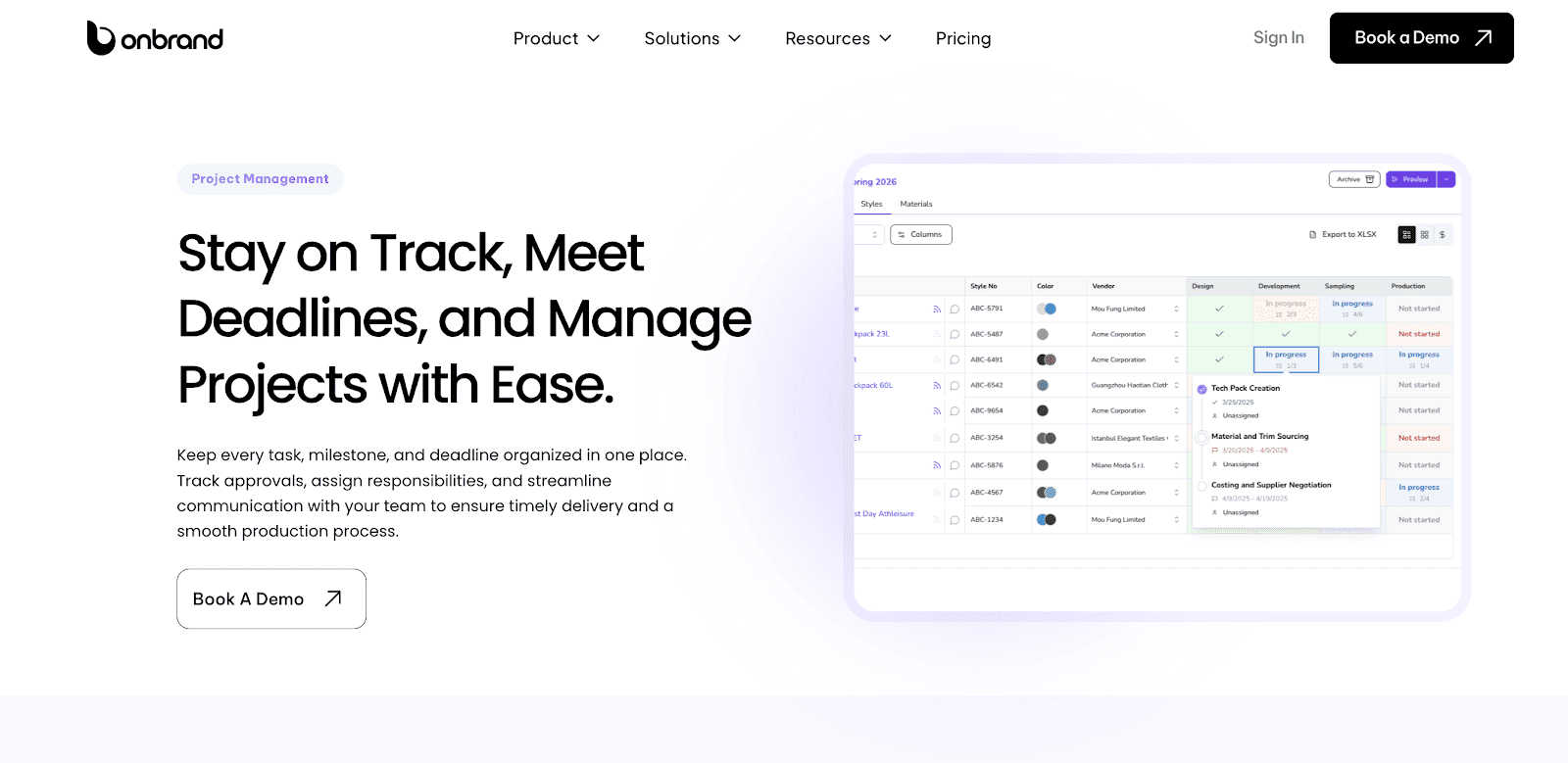
Designers can start with a prompt, sketch, or reference image and generate new concepts in seconds. From there, teams can explore colorways, silhouette variations, prints, and collection directions without rebuilding designs from scratch.
The platform also supports visual collaboration through shared workspaces, mood boards, comments, visual line plans, version history, and presentation tools. Teams can review concepts together and keep feedback connected to the design under review.
Onbrand PLM
Once a concept is approved, product development begins.
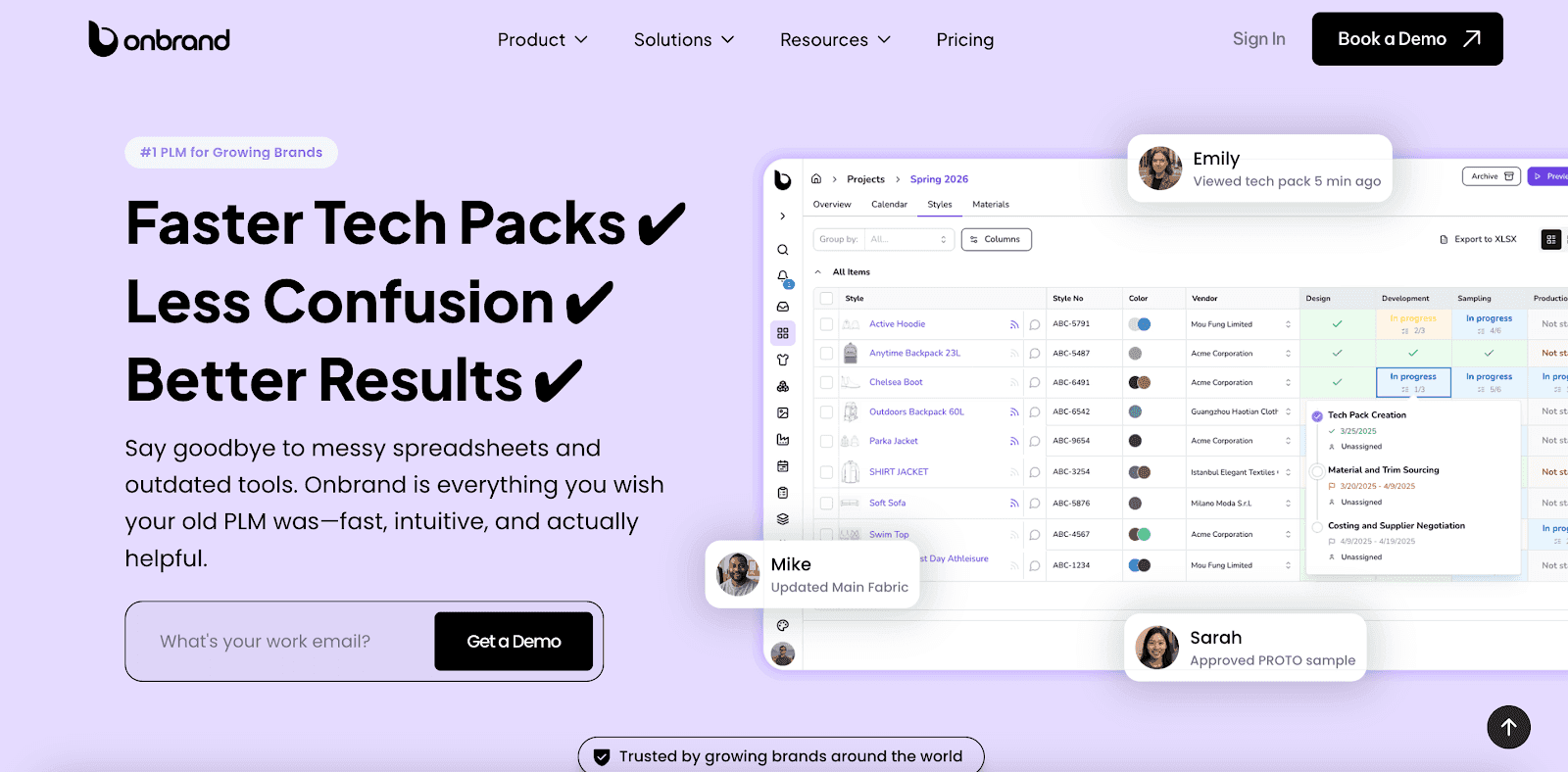
Onbrand PLM helps teams manage the information needed to turn concepts into products. Product records, tech packs, BOMs, samples, approvals, and vendor communication all live in one place.
Unlike traditional document-based workflows, Onbrand uses live web-based tech packs. Internal teams and vendors always work from current information, which reduces confusion during development and sample review.
Project management tools, approval workflows, collection planning, and dedicated product libraries help keep development organized as products move toward production.
Take AI Fashion Design Beyond Concept Generation
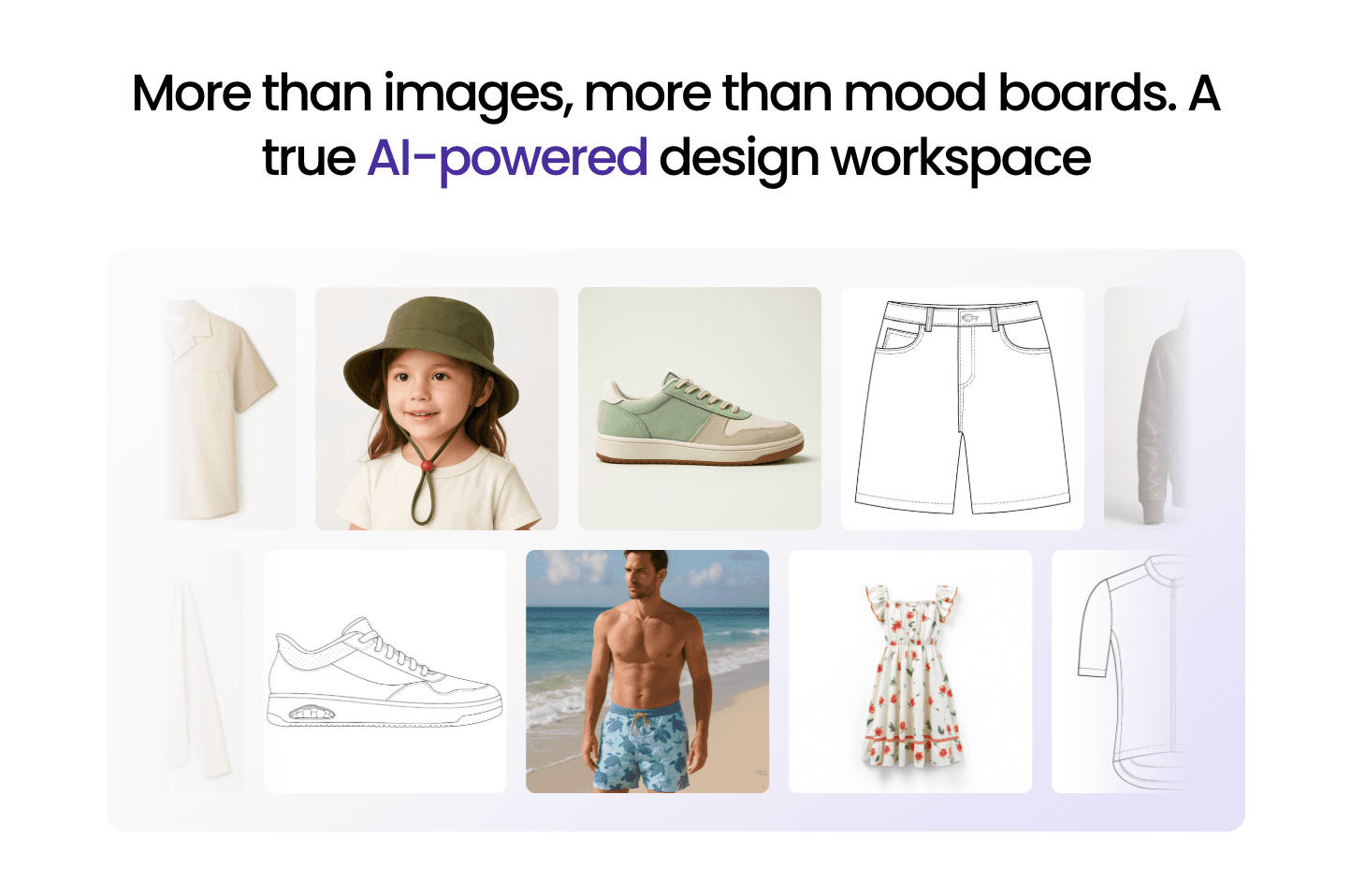
AI can help your team explore more ideas, compare options faster, and review design directions earlier in the process.
A concept image is only the starting point. Products still require materials, specifications, tech packs, samples, approvals, and collaboration before they are ready for production.
That is where many teams run into extra work. Design concepts often live in one tool while product information lives somewhere else.
Onbrand brings AI design and PLM together in one platform, creating a smoother workflow that helps teams move from design exploration to product development without switching between disconnected systems.
FAQs About AI Fashion Design
Can AI create clothing designs?
Yes. AI can generate clothing designs from text prompts, sketches, or reference images. Fashion teams often use AI to explore silhouettes, colorways, prints, and collection ideas before moving selected designs into product development.
Can ChatGPT design clothes?
ChatGPT can help develop design ideas, prompts, product descriptions, and creative directions. It does not generate fashion visuals on its own. Fashion teams typically pair ChatGPT with image-generation tools or fashion-specific platforms to create and review design options.
What's the best AI for fashion design?
The best tool depends on the task. Some platforms focus on image generation, while others support collection planning, collaboration, and product development. Examples include fashion-specific tools such as The New Black AI for concept generation, as well as platforms like Onbrand AI Design that combine design exploration, visual collaboration, collection planning, and PLM connectivity in one workspace.
Is there a free AI designer?
Yes. Several AI design tools offer free plans or limited free access for image generation and design exploration. These tools can help designers test colorways, review variations, and evaluate ideas before development begins. Fashion brands often move to dedicated platforms when they need collaboration, collection planning, approvals, or product development support.
Can AI create production-ready patterns?
No. AI can generate visual concepts, pattern references, and design variations, but it does not automatically create production-ready patterns that factories can use for manufacturing. Product teams still need patternmaking, material specifications, fit reviews, tech packs, and approvals before production begins. The future of AI fashion design will likely improve concept development and visualization, but human expertise remains essential throughout product development.