May 11, 2026
Teams working on clothing today rely on digital tools to support the fashion design process, from early design to production.
As technology plays an increasingly larger role in the fashion industry, it’s common to compare tools before deciding which fits your workflow now and in the future.
Tools like CLO 3D and Optitex have become common in this workflow. CLO 3D helps teams visualize garments and test fit in 3D, while Optitex focuses on pattern making, grading, and preparing styles for manufacturing.
That is where CLO 3D vs Optitex becomes relevant. Both are widely used, but they solve different parts of the process.
If you’re looking beyond design and pattern tools, there’s also Onbrand. It connects design, tech packs, and production data so teams don't have to manage disconnected files as work moves forward.
In this guide, you’ll see how CLO 3D, Optitex, and Onbrand compare, where each one fits, and how to choose the setup that works for your workflow.
TL;DR
CLO 3D, Optitex, and Onbrand support different parts of the fashion design and production workflow
CLO 3D focuses on early design, 3D garment visualization, and virtual sampling to help teams validate ideas before physical development
Optitex focuses on pattern making, grading, marker making, and preparing accurate, production-ready files for manufacturers
Onbrand connects design, tech packs, specs, and production data in one system, so teams are not working in disconnected tools
Many teams use CLO 3D and Optitex together, but gaps often appear when files, patterns, and updates move between systems, which Onbrand helps keep aligned
What Is CLO 3D?
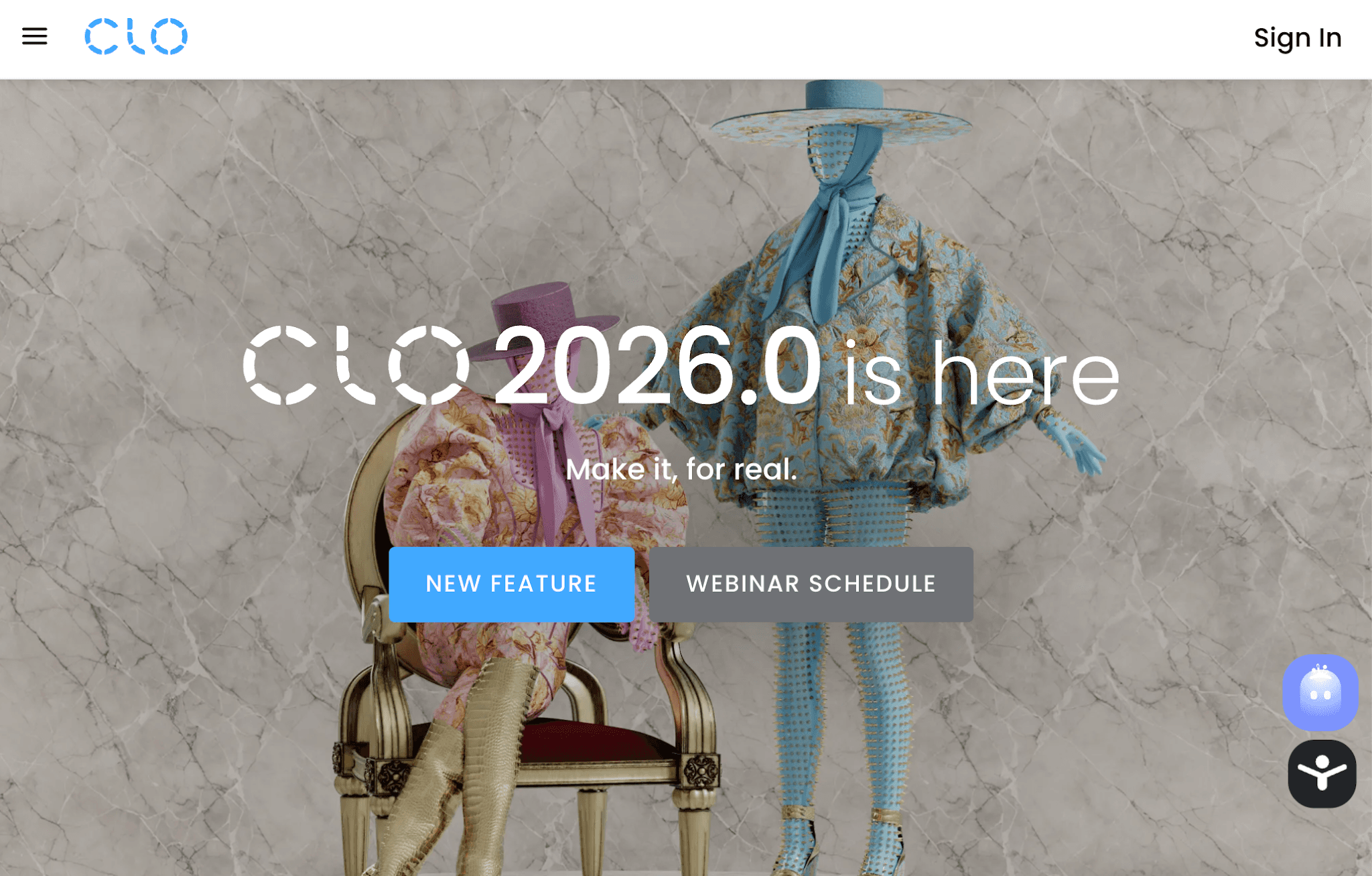
CLO 3D is design software used in digital fashion design to build and test garments in 3D.
Source: clo3d.com
It works through garment simulation. Designers create a garment using patterns, assign a fabric, and place it on a virtual avatar. The system shows how the garment fits, moves, and reacts in real conditions.
This makes garment visualization more useful during development. Teams can check fit, review proportions, and adjust details before sending anything to sampling. Changes happen earlier, which helps reduce delays later.
Prototyping also becomes easier with realistic material behavior. You can test different textures and see how the cloth actually drapes and moves. It helps your team spot problems early, before they turn into production delays.
CLO 3D includes photorealistic rendering, so you can see designs in a way that feels close to the finished piece. It makes early reviews and presentations easier, even before samples are made.
Its interface is fairly intuitive, so most designers can get started quickly. Overall, the capabilities focus on faster design iteration and clearer validation.
The main capabilities and benefits are clearer design reviews, faster sampling decisions, and better alignment before production.
What Is Optitex?
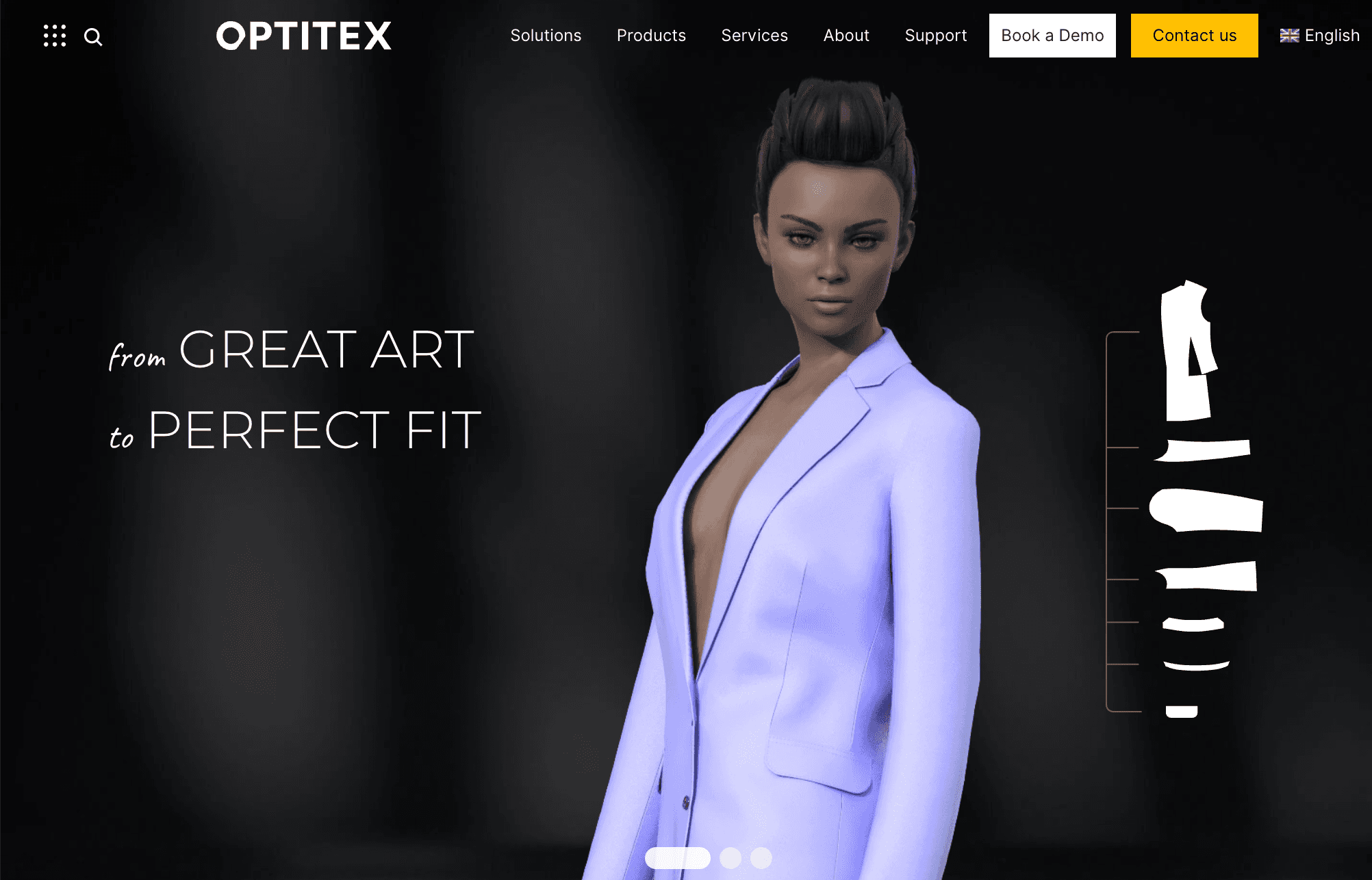
Optitex is design software focused on the technical side of garment development, especially pattern making, pattern creation, and preparing styles for production.
Source: optitex.com
Your team works directly with patterns, adjusting shapes, seam lines, and construction details. Each piece reflects real measurements used in production. That level of control helps maintain consistency when garments move to manufacturing.
With advanced grading features, your team can scale patterns into different sizes and keep everything proportional. That makes preparing full-size runs much easier when production is next.
Optitex also supports marker making. Patterns are arranged to improve fabric use and reduce waste before cutting. Files can then be prepared for manufacturers, so they can move straight into cutting and sewing.
An example of this workflow is taking a base pattern, refining it in CAD, applying grading, and exporting it for production. These methods help connect design to manufacturing with precision.
Optitex is built for professional apparel teams that need high accuracy when moving designs into manufacturing.
What Is Onbrand?
Onbrand is built to support both design and production workflows in one system. It combines AI design tools with PLM to help teams move from concept to production without relying on separate tools.
Onbrand AI Design
Onbrand AI Design supports the early stages of the design process where speed and clarity are important.
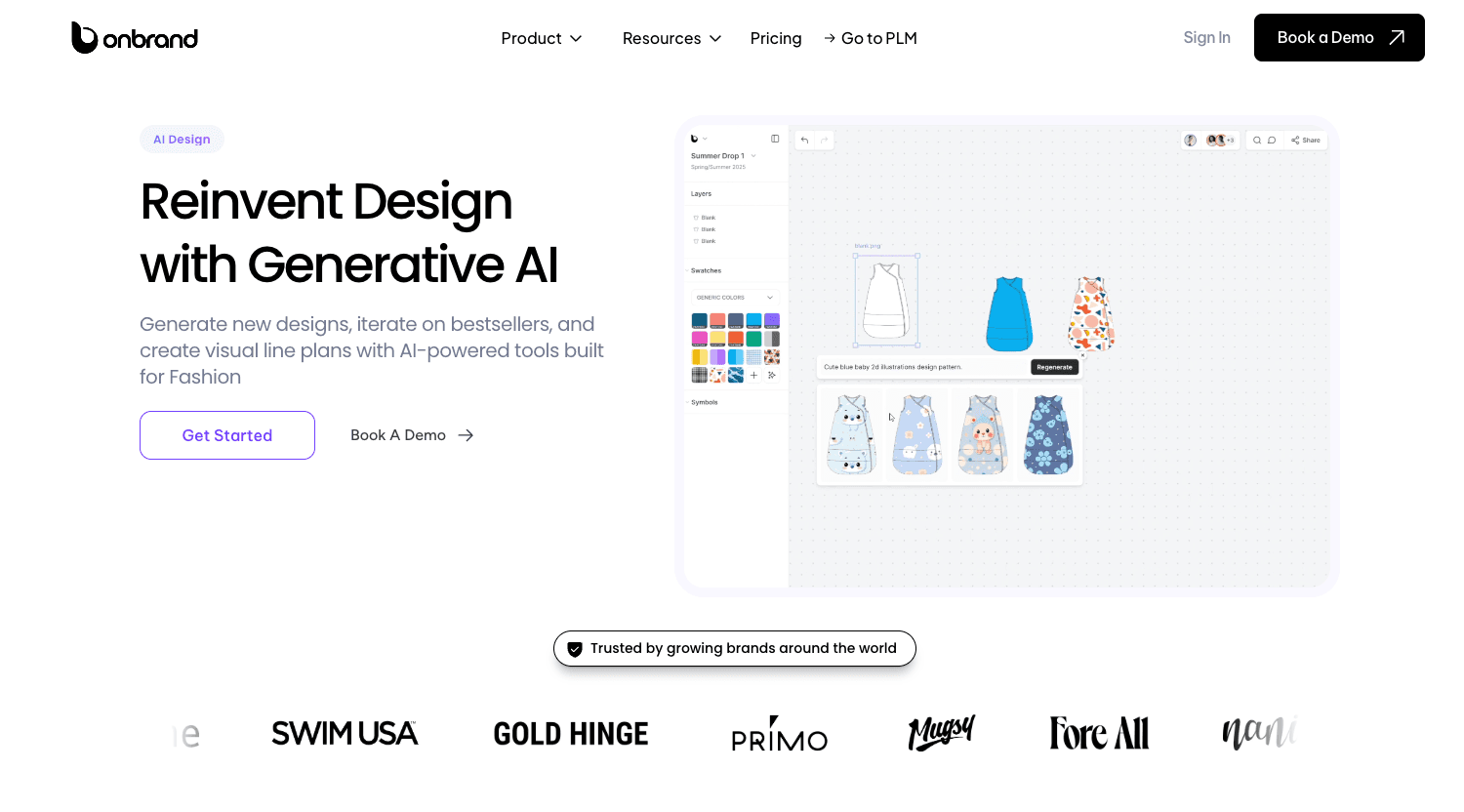
Designers can turn text, sketches, or reference images into concepts in seconds. They can adjust colorways, trims, and silhouettes on the same design instead of starting from scratch.
That helps teams move faster during concept development. Many see up to 10x faster design turnaround and 30–50% fewer physical samples.
Visuals are ready for real use. The system creates photorealistic renders, flats, and mockups that can support reviews, buyer presentations, or early approvals.
Work stays in one place. Teams can collaborate on shared boards, leave feedback directly on designs, and track version history without losing context.
It doesn’t end with visuals. Design assets and details carry over into development, so your team doesn’t have to recreate work later.
Onbrand PLM
Onbrand PLM supports the next step when designs move into development and production.
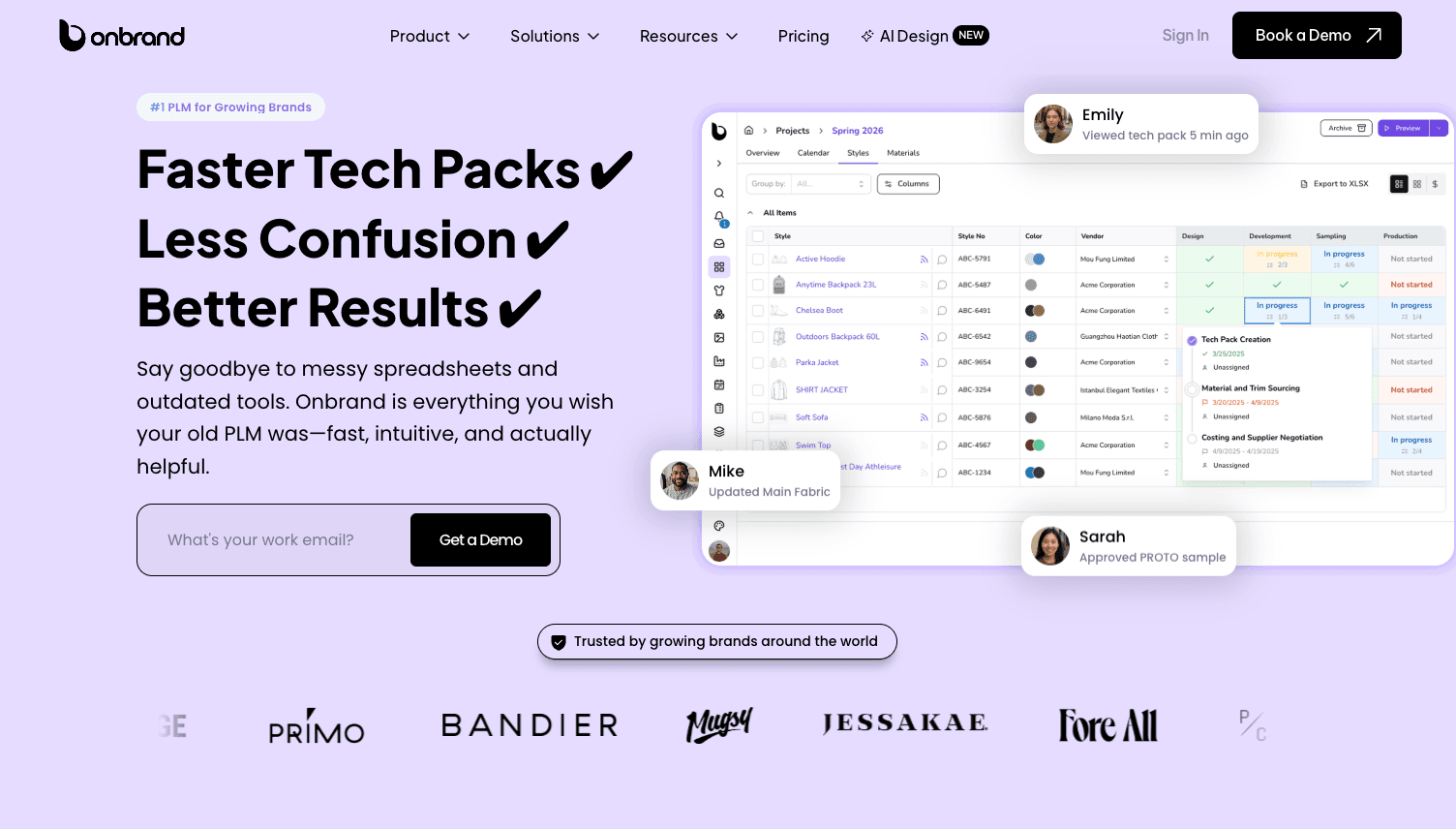
Tech packs, measurements, and specifications are managed in one system. Updates stay consistent, so teams are not working from outdated files during sampling or approvals.
Pattern data, materials, and product details stay organized as work moves forward. That improves communication with vendors and reduces errors during factory handoff.
Teams no longer get stuck fixing the same issues. Many save 10 or more weeks a year by reducing manual updates and repeat work.
You can explore Onbrand to see how a connected workflow would look for your team.
CLO 3D vs Optitex vs Onbrand: How They Compare in the Fashion Design Process
While CLO 3D, Optitex, and Onbrand all support the fashion design and production process, they take different approaches. Each tool plays a role in garment development, but what they handle and how they fit into the workflow is where the differences start to show.
Let’s break down how they compare.
Main Purpose
CLO 3D, Optitex, and Onbrand each support a different part of the workflow.
CLO 3D is built for fashion designers working on early design. It focuses on 3D garment visualization, fit testing, and design accuracy before physical development.
Many designers familiar with tools like Adobe Illustrator or Marvelous Designer find it easier to adopt because of its visual approach.
Optitex is built for technical development and production. It focuses on patternmaking, grading, and preparing files with CAD systems. Teams use it to refine patterns, apply tailoring details, and prepare styles for manufacturing with accuracy.
Onbrand supports the workflow through both stages. It connects design, tech packs, specs, and production data so teams are not managing disconnected files as work moves forward.
The difference comes down to one point. CLO 3D supports design. Optitex supports production. Onbrand connects both.
Key Features
Once you compare features between CLO 3D, Optitex, and Onbrand, the differences become clearer. Each tool supports a different part of the workflow, from design to production, but how they handle that work is not the same.
CLO 3D Features
CLO 3D is built for visual design and early garment development, especially for fashion designers working on concept and validation.
3D garment simulation – Create garments, apply fabrics, and test fit on virtual models to improve design accuracy
Realistic fabric behavior – Simulate drape, stretch, and movement before physical sampling
Faster iteration – Adjust designs quickly to validate ideas and reduce sample rounds
Visual approvals – Generate renders for internal reviews or e-commerce use
Lower material waste – Reduce unnecessary sampling, which supports sustainability goals
Designer-friendly interface – Easier to learn for teams familiar with Adobe Illustrator or Marvelous Designer, with less of a steep learning curve
Optitex Features
Optitex focuses on technical development and production, with tools built for precision and manufacturing workflows.
Pattern making and editing – Create and refine patterns with high accuracy
Grading tools – Scale patterns across sizes while maintaining consistency
Marker making – Optimize layout to reduce material waste before cutting
Production-ready file export – Prepare files for manufacturing using CAD systems
2D and 3D integration – Connect pattern work with visual validation
Tailoring precision – Apply detailed fit and construction adjustments for production accuracy
Onbrand Features
Onbrand connects design and production by combining AI design tools with PLM in one system.
AI-powered design generation – Turn text, sketches, or references into concepts quickly
Design iteration tools – Adjust styles, colors, and variations without restarting work
Tech pack management – Build structured tech packs with specs, materials, and measurements
Centralized product data – Keep design, development, and production data aligned
Collaboration workflows – Share updates, feedback, and changes between teams
Workflow visibility – Track changes and reduce version confusion between tools
Connected system – Provide seamless integration between design and production steps
Efficient workflow support – Reduce rework and help teams move from concept to production with fewer delays
Who It’s Best For
The right choice depends on how your team works and what part of the workflow needs the most support.
CLO 3D is commonly used by fashion designers focused on concept development, visualization, and early validation. It fits teams that need speed, creative flexibility, and a more visual way of working without relying heavily on technical systems.
Optitex is typically used by technical teams involved in patternmaking and production preparation. It fits companies that rely on CAD systems and need precision for grading, construction, and manufacturing workflows.
Onbrand works best for teams that need to connect design and production. It fits both growing teams and established brands that want one system to manage tech packs, product data, and updates without switching between multiple programs.
Workflow Fit
Many teams use CLO 3D and Optitex together as part of the same workflow.
CLO 3D supports design and iteration. Optitex supports pattern refinement and production prep. This setup can be efficient, but the handoff between tools often creates friction.
Files, updates, and product data do not always stay aligned when moving between systems. Teams rely on manual updates, which slow work and increase the risk of errors.
Onbrand improves this workflow by keeping everything connected. Design outputs, tech packs, and production data stay in sync between teams, which reduces rework and helps teams move faster from concept to production.
Where Teams Run Into Gaps
Workflows start to break when product data is split between tools. Design files, patterns, and tech packs live in different systems, and teams have to manually connect the rest.
Integration between tools is often limited. Teams export files, update them, then re-import them into another system. That creates gaps where information can get lost or outdated.
Version confusion is common. One team may be working on an updated pattern, while another is still using an older file. That leads to tech pack inconsistencies and misaligned samples.
Manual handoffs also slow everything down. Teams spend time checking files, fixing errors, and repeating work instead of moving development forward.
Functionality gaps between tools make this harder. Design, pattern work, and production data do not always integrate cleanly into one product data management flow.
Without a clear system in place, these issues continue to build. What starts as a small disconnect turns into delays, rework, and higher cost over time
Close the Gap Between Design and Production With Onbrand
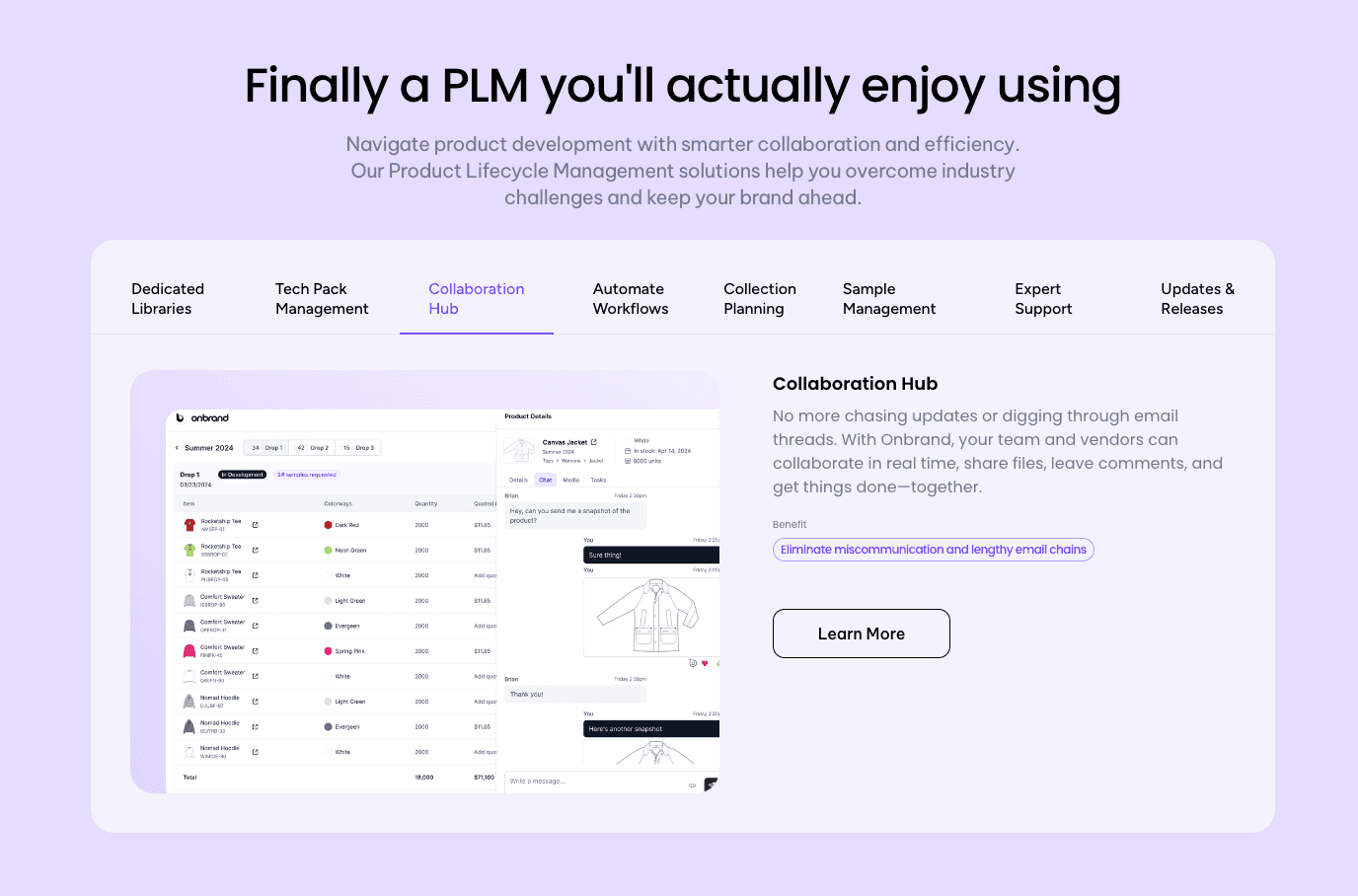
The right setup depends on how your team works. If your focus is early design and visualization, CLO 3D can support that stage well. If your team is preparing patterns and production-ready files, Optitex covers that part of the workflow.
But when your process spans both design and production, managing work in separate tools becomes harder.
Onbrand is built for that. It connects design, tech packs, and product data in one system, so teams can move from concept to production and reach the market without rebuilding files or tracking updates between tools.
FAQs About CLO 3D vs Optitex
How do you decide where to use CLO 3D vs Optitex in your workflow?
Use CLO 3D for early design, garment visualization, and prototyping. Use Optitex for patternmaking, grading, and production-ready files. The choice depends on whether your team is working on design or production.
At what stage should teams switch from CLO 3D to Optitex?
Teams usually switch from CLO 3D to Optitex after design validation is complete. Once fit, proportions, and visual approvals are confirmed, the next step is to move into pattern refinement, grading, and production preparation in Optitex.
Why do fashion teams need a system beyond design software and pattern tools?
Fashion teams need more than design and pattern tools because product data does not stay in one place. Designs, tech packs, and updates can get split between systems, which leads to errors and delays. A connected system like Onbrand keeps everything aligned from design to production.
Do you need both CLO 3D and Optitex in your workflow?
Many teams work with both CLO 3D and Optitex because each handles a different part of the process. CLO 3D handles design and visualization. Optitex handles pattern accuracy and production prep. Onbrand helps deal with gaps between them by keeping data and updates connected.
Is CLO 3D or Optitex better for beginners in fashion design?
CLO 3D is usually easier to start with because everything is visual and easier to follow. Optitex requires more technical knowledge in pattern making and CAD, so it takes longer to learn.

