A 3D design app can help a fashion team do much more than put a garment on a virtual model.
Depending on the software, designers can explore early concepts, build digital clothing, work with patterns, review fit, or test how a garment looks before another sample is made.
The tricky part is that these apps are built for very different jobs. A designer exploring silhouettes may not need the same 3D design setup as a technical team working with garment construction and simulation.
Finding the best 3D software starts with knowing those differences.
This guide compares the top seven 3D design apps for fashion teams, what each one is built for, and where it fits in the design workflow.
TL;DR
These are the top seven 3D design apps for fashion teams in 2026:
CLO 3D
Browzwear VStitcher
Style3D
Marvelous Designer
Blender
TUKA3D
What Makes a 3D Design App Useful for Fashion?
A 3D design app becomes useful when it supports a real part of the fashion product design process.
For an early concept, that could mean exploring silhouettes, colors, materials, or garment details through visual design and visualization before committing to a direction.
More technical fashion work calls for different capabilities. Pattern development and garment construction can turn a flat pattern into a digital garment.
Fabric and drape simulation can show how materials behave, while fit visualization gives designers another way to review proportions and placement. Digital samples can also provide a visual reference before another physical sample is requested.
Not every app needs to cover that entire design process to be useful. A tool focused on early ideas serves a different purpose from one built for technical garment development.
The better measure is how well the app supports the specific part of the fashion design process your team needs to handle. That distinction is also what separates the seven options below.
7 Best 3D Design Apps for Fashion Teams in 2026
There is no single 3D app built for every part of fashion design. The options below stand out for different reasons, with each supporting a specific type of creative or technical work.
Here are seven 3D design apps worth considering for your fashion team:
1. Onbrand AI Design
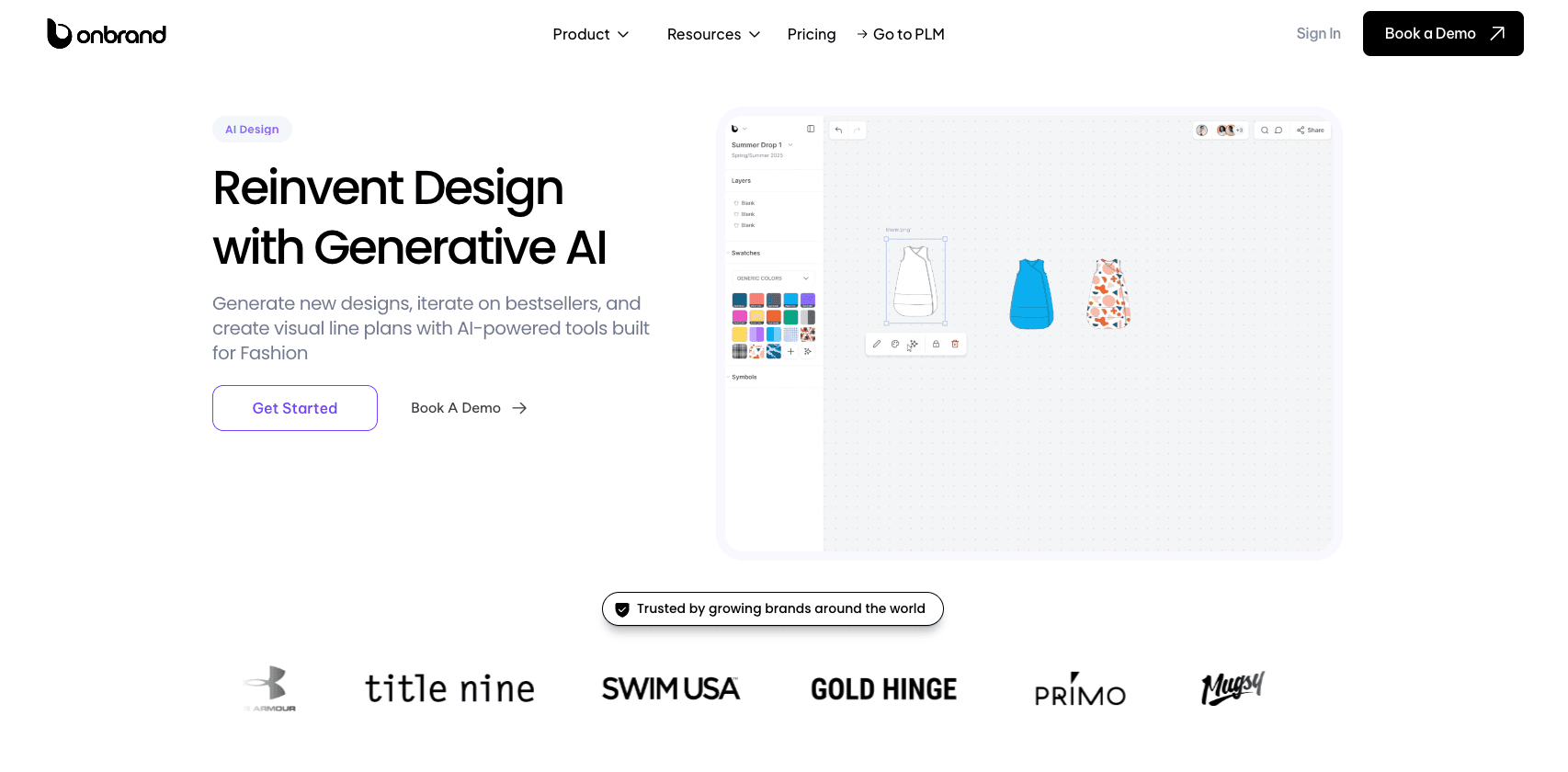
Onbrand AI Design helps fashion teams turn early ideas into visual concepts they can explore and develop further. Designers can start with a text prompt, hand sketch, or reference image, then:
Generate concepts
Explore silhouettes
Test colorways
Adjust details
Create polished mockups or on-model visuals
The platform also supports mood boards, visual line planning, shared feedback, version history, and collaborative review. Onbrand AI Design can speed up design turnaround by 10x, reduce physical sampling by 30–50%, and save teams more than 10 weeks per year.
Why It Stands Out
Onbrand goes beyond image generation. It gives designers one place to explore concepts, compare variations, collect references, review ideas, and prepare a direction for development.
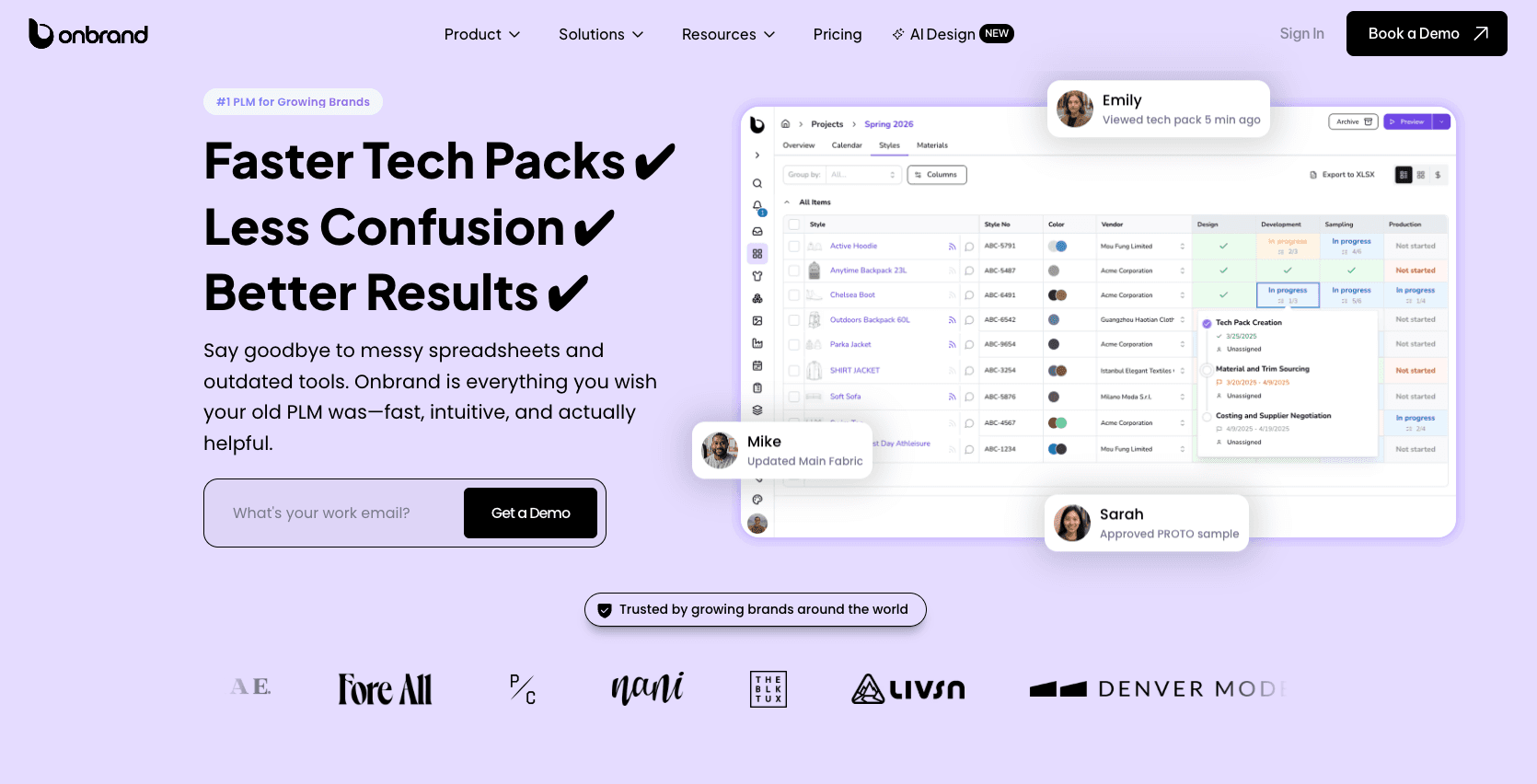
Approved concepts can also move directly into Onbrand PLM, where product teams can continue with tech packs, materials, samples, approvals, and vendor communication. Brands using Onbrand PLM enjoy 55% faster tech pack creation and development timelines shortened by four weeks.
Key Features
Generate designs from text prompts, sketches, or reference photos
Create colorways, alternate views, trims, cuts, and design variations
Turn sketches into mockups, flats, and on-model visuals
Recolor designs with Pantone and Coloro libraries
Build mood boards and visual line plans
Collaborate through shared canvases, comments, and visual feedback
Track revisions and compare design versions
Export visuals to Adobe Illustrator for further refinement
Move approved concepts directly into Onbrand PLM
Best For
Fashion brands that want one creative space for concept generation, design exploration, visual planning, and team feedback.
It is ideal for teams that want early creative work to connect naturally with product development instead of ending as another disconnected file.
Book a demo with Onbrand and learn how AI Design can help you create 3D designs with ease.
2. CLO 3D
Source: clo3d.com
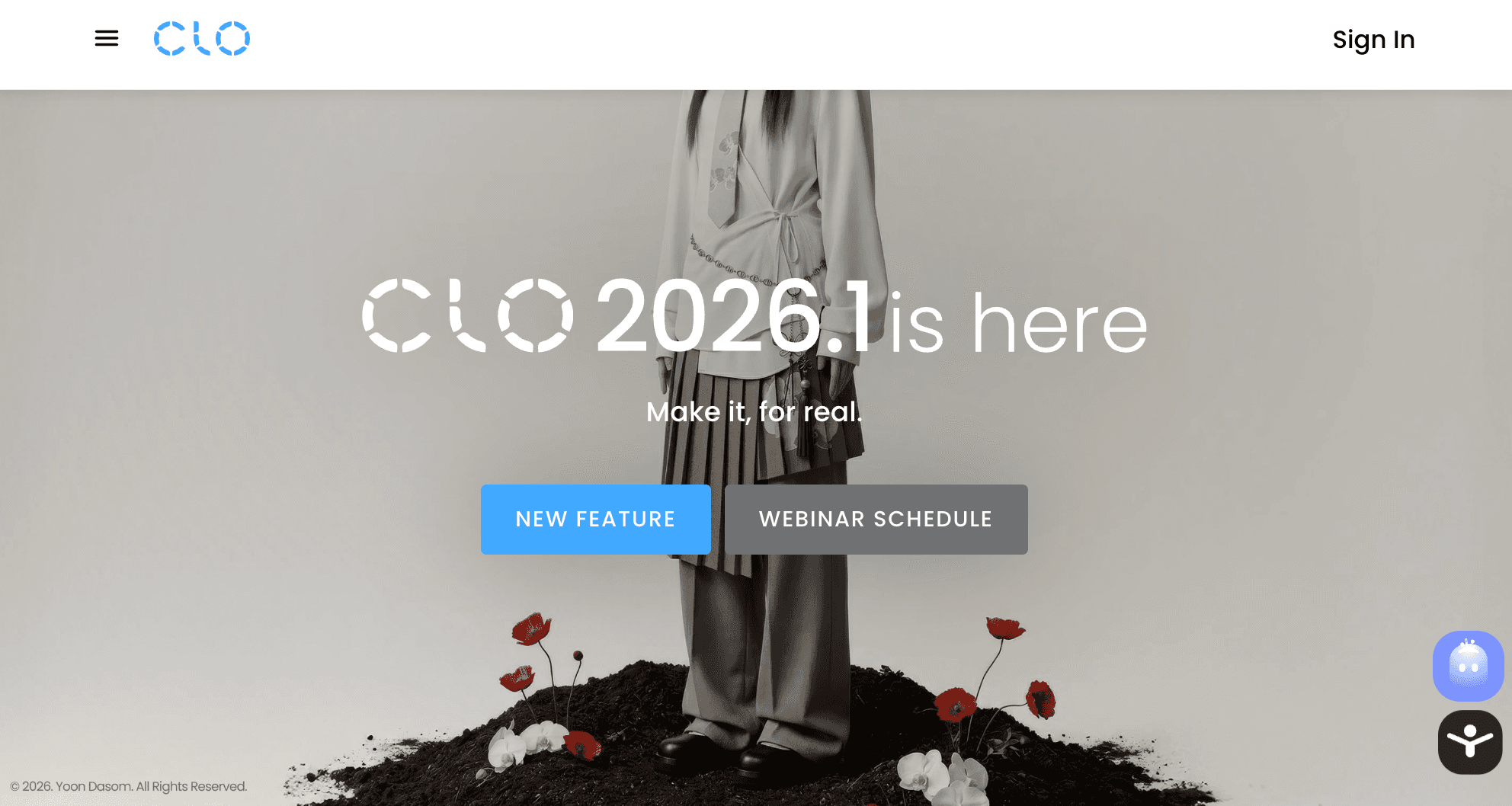
CLO 3D is built for fashion designers who want to develop garments from patterns and see those designs come to life in a 3D environment. Designers can work with 2D patterns, sew them virtually, apply fabrics, and view the finished garment on an avatar.
Its 3D modeling and simulation tools focus specifically on clothing. Fabric properties help show how materials drape and respond on different models, while rendering tools provide a more realistic view of fit, silhouette, color, and garment details before a physical sample is made.
Why It Stands Out
CLO connects pattern-based garment construction with visual simulation. Designers can create a garment from its underlying patterns and see how changes affect the 3D result, making it particularly useful for virtual sampling and fit visualization.
Key Features
2D pattern editing with 3D garment visualization
Fabric properties and realistic drape simulation
Adjustable avatars for garment and fit review
Rendering tools for garment colors, textures, and presentation
Pattern and 3D file export for downstream workflows
Best For
Fashion designers, technical designers, and apparel teams that need pattern-based garment development, fit visualization, and virtual samples before moving further into physical sampling.
3. Browzwear VStitcher
Source: browzwear.com
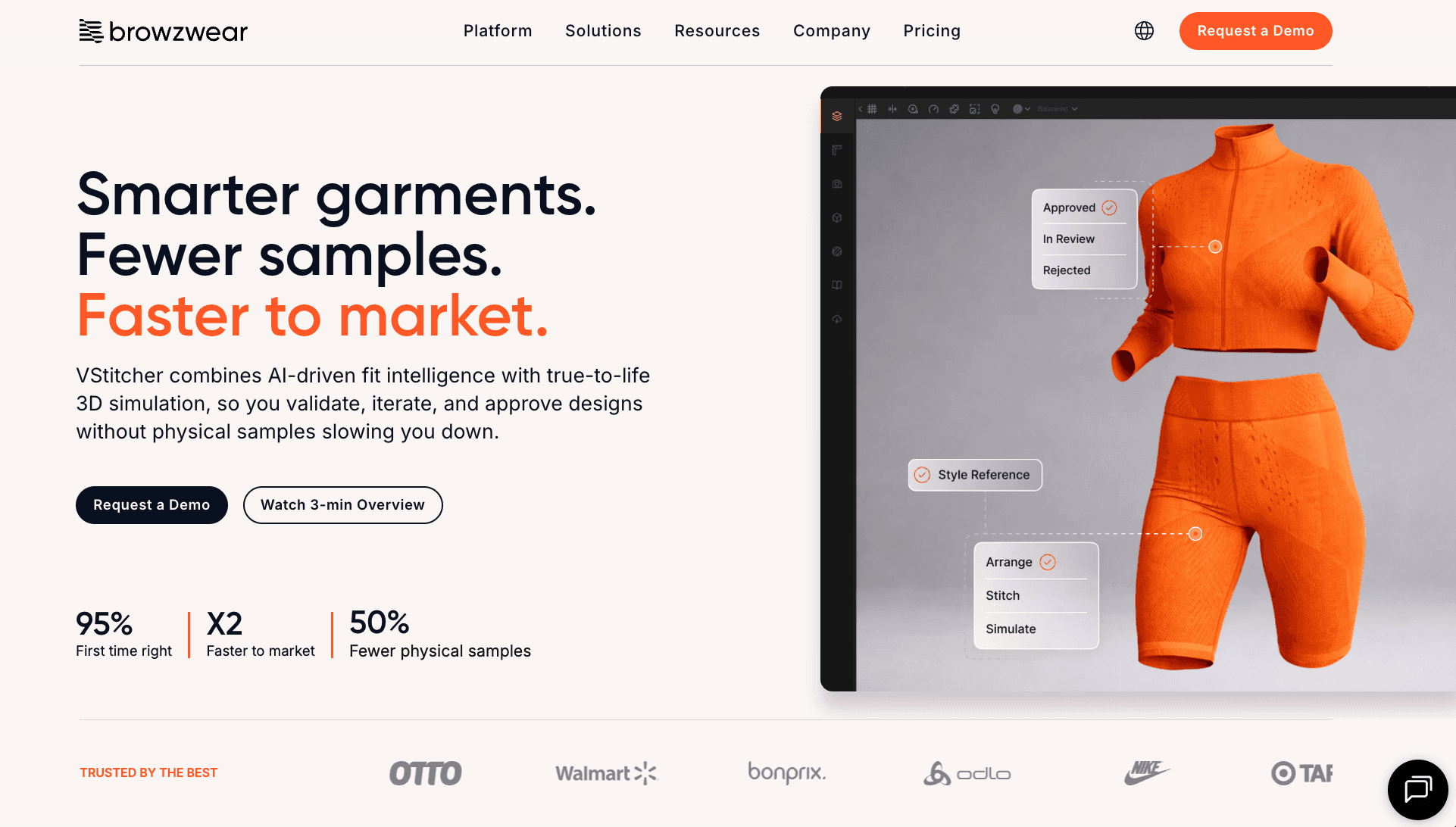
Browzwear VStitcher is built for professional apparel development, with 2D pattern work and 3D garment creation in the same environment.
Designers can work with patterns, fabrics, construction details, and customizable avatars to develop and evaluate a garment digitally.
Unlike general-purpose CAD software, VStitcher is centered on clothing. Fit tools include tension and pressure maps, while fabric simulation shows how material choices affect the garment. Teams can also generate tech packs and export production files once a style moves forward.
Why It Stands Out
VStitcher goes beyond creating a digital garment for presentation. Its tools support the team through design, fit validation, garment approval, and production preparation.
That gives designers and technical teams a shared 3D garment they can use to collaborate and communicate decisions during development.
Key Features
2D pattern development with 3D garment visualization
Fabric libraries and material simulation for digital garments
Customizable avatars for garment and fit evaluation
Tension and pressure mapping for reviewing fit
Tech pack generation and production file export
Best For
Apparel brands and professional product teams that want 3D garment development connected with fit review and production preparation.
4. Style3D
Source: style3d.com
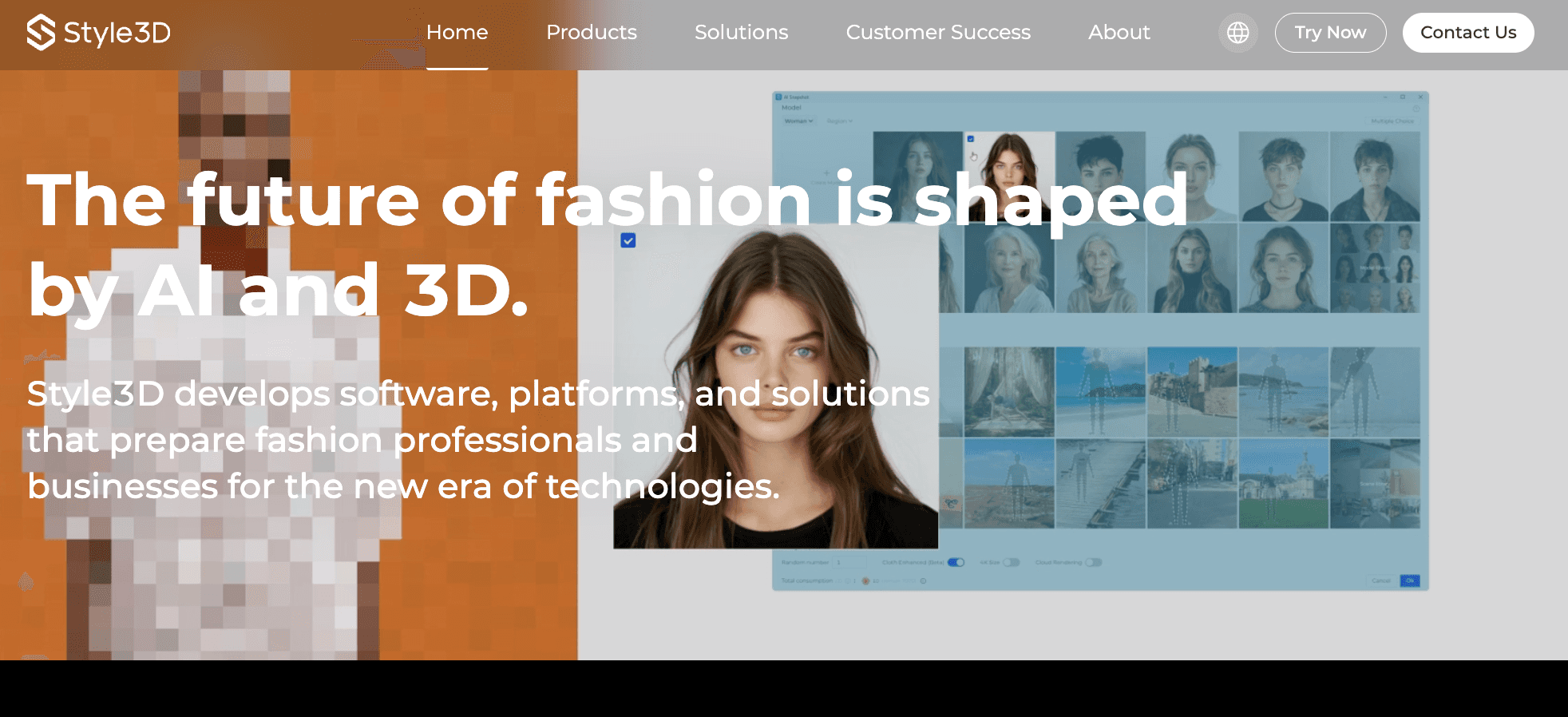
Style3D is a fashion-focused software ecosystem that covers 3D garment creation, fabric simulation, and digital asset work. Designers can build garments, test materials, and review styles digitally before moving into later development stages.
The broader product setup also includes Style3D Cloud for data management, asset libraries, and team collaboration. That gives brands a place to organize 3D data and share style information as work moves forward.
Why It Stands Out
Style3D covers more than garment simulation alone. Its mix of design, fabric, cloud, and automation tools can help streamline parts of the digital fashion process.
That setup helps teams move between creation, review, asset handling, and presentation within the broader Style3D ecosystem.
Key Features
3D garment creation with fabric and drape simulation
Digital fabric and material visualization for design review
Asset libraries for organizing 3D fashion content
Cloud tools for sharing styles and managing digital assets
Rendering tools for garment review and product presentation
Best For
Fashion brands that want a broader digital workflow for garment creation, simulation, asset handling, and collaborative review.
5. Marvelous Designer
Source: marvelousdesigner.com
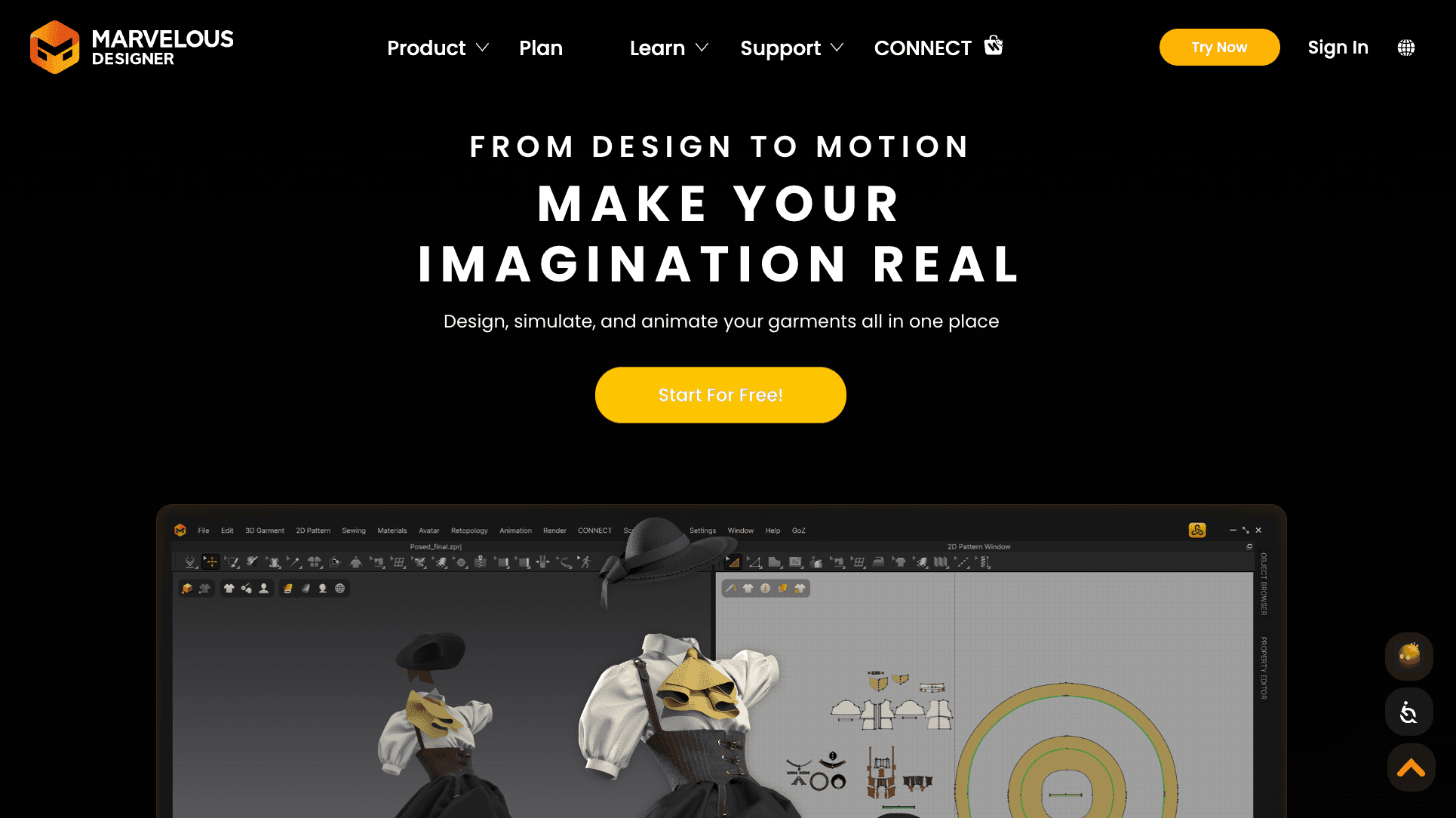
Marvelous Designer focuses on building and simulating digital garments with realistic cloth behavior. Designers can create pattern-based clothing, adjust fabric properties, and edit drape and wrinkles directly in 3D.
The software also supports rigged avatars, garment animation, texture work, and rendering. That makes it useful for fashion visuals and digital clothing used on characters or other 3D objects.
It can also work alongside other 3D tools when a project requires additional texturing, rendering, or scene development.
Why It Stands Out
Marvelous Designer is centered on cloth and garment motion. Its simulation-based approach helps designers see how fabric hangs, folds, and moves, while rendering options provide different ways to display the finished garment.
It is less focused on apparel production management than tools built around technical product development.
Key Features
Pattern-based construction for creating digital garments
Fabric properties and realistic cloth and drape simulation
Rigged avatar support for garment visualization
Garment and avatar animation for visualizing clothing in motion
Rendering options for previewing and presenting digital clothing
Best For
Fashion creatives and 3D artists who need realistic digital clothing for garment visualization, character work, or animated fashion content.
6. Blender
Source: blender.org
Blender is a free, open-source 3D software package that provides tools for modeling, sculpting, rendering, animation, and creating visual effects. It runs as a desktop application and supports major operating systems, including Windows.
For fashion creatives, Blender can be used to build garment scenes, refine 3D assets, create renders, and develop visual projects outside a dedicated apparel workflow.
Its materials, lighting, and rendering features can also help create more polished garment visuals and presentations. The full software is free, making it accessible to students, schools, and beginners learning 3D.
Why It Stands Out
Blender stands out for flexibility. It is not built specifically for fashion, but its broad toolset supports garment visuals, architecture, animation, and other creative work. Its large community also provides learning resources, tutorials, and video tips, which can make learning more fun.
Key Features
3D modeling and sculpting tools for creating and refining assets
Materials, textures, and lighting for visual development
Cycles rendering engine for detailed 3D renders
Animation and rigging tools for characters and garment scenes
Add-ons and Python customization for extending workflows
Best For
Fashion creatives who want a general-purpose 3D tool for rendering, asset creation, and visual experimentation beyond apparel-specific software.
7. TUKA3D
Source: tukatech.com
TUKA3D is apparel-specific 3D software for creating digital samples and evaluating garment fit before or during sample review. It works from pattern data and includes integrated CAD tools for patternmaking and grading.
Garments can be placed on virtual models built from body-scan data, then viewed in motion to examine fit. Users can review stretch, pressure, warp, weft, and X-ray views to see how the garment behaves. Users can also apply fabric properties, colors, prints, and trims to the digital sample.
Why It Stands Out
TUKA3D puts particular emphasis on virtual fit and sample evaluation. Teams can examine individual frames of a garment in motion and use tension mapping to identify fit issues before moving further into manufacturing.
Key Features
Pattern-based 3D garment visualization with integrated CAD
Virtual models with real-time motion simulation
X-ray, pressure, and tension mapping for fit review
Fabric properties, trims, prints, and color visualization
Rendering and presentation files for digital sample review
Best For
Apparel teams that need pattern-based 3D tools for virtual fitting, garment review, and digital sample evaluation before physical production.
What to Consider Before Picking a 3D Design App
The right 3D design app depends less on how impressive the software looks and more on the work your fashion team needs it to support. Before choosing one, consider where 3D fits into your current design and development process.
Start With the Work You Want to Move Into 3D
Start with the task your team wants to handle differently. You may want to explore ideas faster, develop garments digitally, review fit, reduce physical sample rounds, create digital clothing, or produce general 3D visuals.
Those are different types of projects, and they do not require the same category of software. A brand developing physical apparel for the market, for example, may have different needs from a creative team primarily producing digital fashion imagery.
Defining the job first makes it easier to narrow the options without getting distracted by features you may never use.
Decide How Technical the 3D Workflow Needs to Be
Not every fashion team needs technical garment construction in 3D. Creative teams may primarily want to explore silhouettes, colors, materials, and visual directions before committing to a design.
Technical designers and patternmakers may need deeper CAD capabilities, including pattern-based construction, fabric simulation, and fit evaluation.
File requirements can also become relevant at this level. Check which pattern, 3D, and production formats your existing systems can read before adding another tool.
The key distinction is between visually developing an idea and technically constructing and evaluating a garment in 3D.
Look at What Happens After the 3D Design
A finished 3D design is rarely the end of the workflow. Consider where an approved concept or garment needs to go next.
Check what your team needs to export, what information moves with the design, and which file formats other software in the process can accept. Depending on the type of 3D or CAD work involved, that could include an STL file, DWG files, or other supported formats.
If designs have to be manually recreated in another system, that additional work should be part of the decision. Collaboration also becomes relevant when designers, technical teams, or product developers need to review or continue working from the approved design.
The key question is what happens to the design once the creative work is approved.
Consider Who Will Actually Use It
Think about the people expected to use the app regularly.
A dedicated 3D designer or technical designer may already have the skills to use specialized controls that create unnecessary friction for a broader creative team.
Consider how intuitive the interface is, how much training users need, and how frequently they will work in 3D.
Access can also affect adoption. Check whether the tool runs on a desktop, tablet, or mobile device, or provides browser or web access.
A mobile app may be useful for certain tasks, but it does not automatically replace desktop functionality. Some platforms may also depend on an internet connection for particular features.
The practical question is whether the intended users can realistically make the tool part of their regular work.
Evaluate What Makes the App Cost-Effective
Price alone does not show what a 3D app will cost your team in practice.
Consider the software subscription or license alongside the work it could reduce. That might include:
Physical sample rounds
Repeated design revisions
Visualization work
Creating multiple alternatives
Manual handoffs between teams
Also, look at what the app cannot replace and what existing software or technical infrastructure your team will still need. If your team still needs another platform for pattern work, product development, rendering, or another core task, include that in the overall cost.
A lower-priced tool is not automatically the more cost-effective option. The better comparison is the total workflow and the efficiency gained from the work the software can realistically support.
Check What the App Is Actually Built For
Impressive 3D output does not necessarily mean the software supports fashion development underneath the visuals.
Look closely at its features and the job its tools are designed to perform. Does it support patterns, garment construction, fabric behavior, fit, rendering, visual ideation, or digital clothing?
You do not need all the tools for every fashion workflow. A technical garment platform can be excessive for visual exploration, just as a general 3D application can create polished visuals without providing apparel-development functionality.
Bring 3D Design Into Your Product Design Process With Onbrand
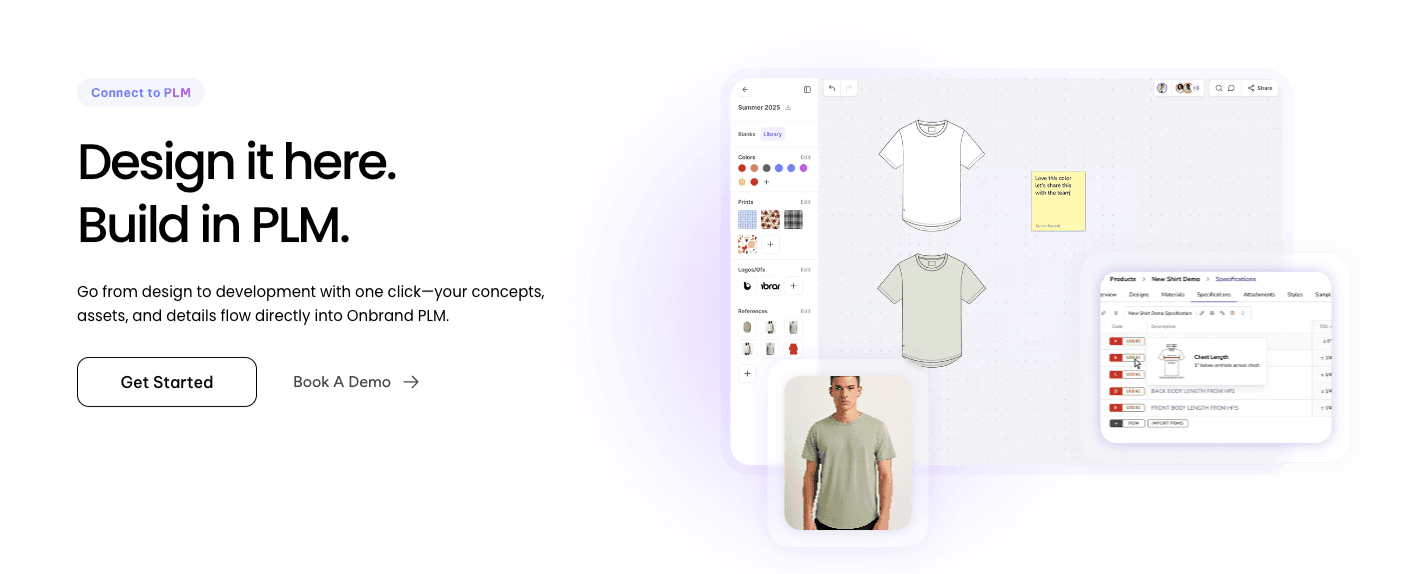
The right 3D design app depends on what your fashion team needs to create. Exploring early concepts, developing garments, reviewing virtual fit, and producing general 3D visuals are different jobs, so the right software should match the work you want to move forward.
Onbrand AI Design gives fashion teams a faster way to turn prompts, sketches, and references into visual concepts, then explore variations and review ideas together. Once a design is approved, it can move into Onbrand PLM for product development.
Ready to bring your next collection from idea to development? Book a demo to see Onbrand in action.
FAQs About 3D Design App
What is the best free 3D design app?
Blender is one of the best free 3D design apps for general modeling, rendering, sculpting, and animation. There is no limited free version of Blender because the full software is free and open source, with no paid subscription required.
Can I 3D design for free?
Yes. Open-source software such as Blender lets you create 3D models without subscription strings attached. Fashion teams should still check if a free tool supports garment-specific work such as patterns, fabric simulation, or virtual fitting.
What app is best for 3D modeling?
The best app depends on the type of 3D modeling you need. CLO 3D, Browzwear VStitcher, and TUKA3D focus on apparel, while Blender supports general 3D modeling. Before choosing, check that its tools and file formats are compatible with your existing design process.
Can I 3D design on my phone?
Some 3D design apps offer mobile or browser-based features, but full garment development often requires desktop software. Check the provider's site for supported devices because mobile access and functionality differ between platforms.
What 3D design apps do fashion companies use?
Fashion companies use different 3D design apps depending on the job. Some platforms focus on concept visualization, while others support pattern-based garment construction, fabric simulation, virtual fitting, or digital sampling. The right choice depends on where 3D fits into the brand's design and development process.