Jun 15, 2026
Fashion design no longer happens in a single program. Most teams move between concept creation, technical sketches, tech packs, 3D visualization, approvals, and production planning throughout the development process.
For Mac users, the challenge is finding software that fits those workflows without running into compatibility issues, performance limitations, or disconnected tools.
Whether you're creating technical flats, reviewing virtual samples, or managing product development across multiple teams, the right software can make a big difference in how quickly collections move forward.
In this guide, you'll find the best fashion design software for Mac in 2026, including tools for AI-assisted design, technical drawing, 3D garment development, collaboration, and production workflows.
TL;DR
These are the best fashion design software options for Mac in 2026:
Adobe Illustrator
CLO 3D
Browzwear
Style3D
5 Best Fashion Design Software for Mac in 2026
Different fashion design apps solve different workflow problems. The list below compares the best fashion design software for Mac based on technical design, 3D visualization, collaboration, and production support.
1. Onbrand AI Design
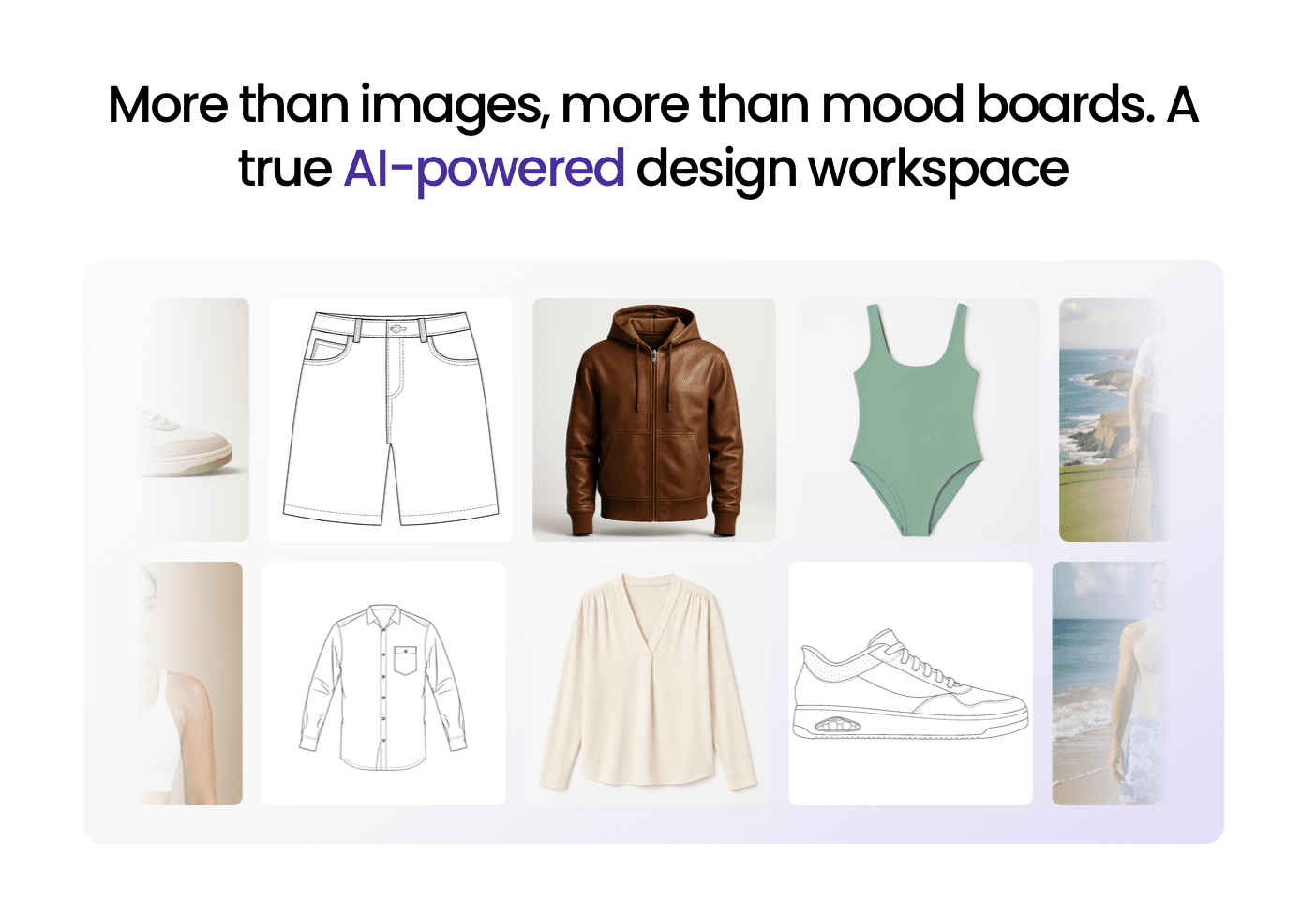
Onbrand AI Design brings generative AI into the fashion design process to help teams move from early ideas to usable product direction faster.
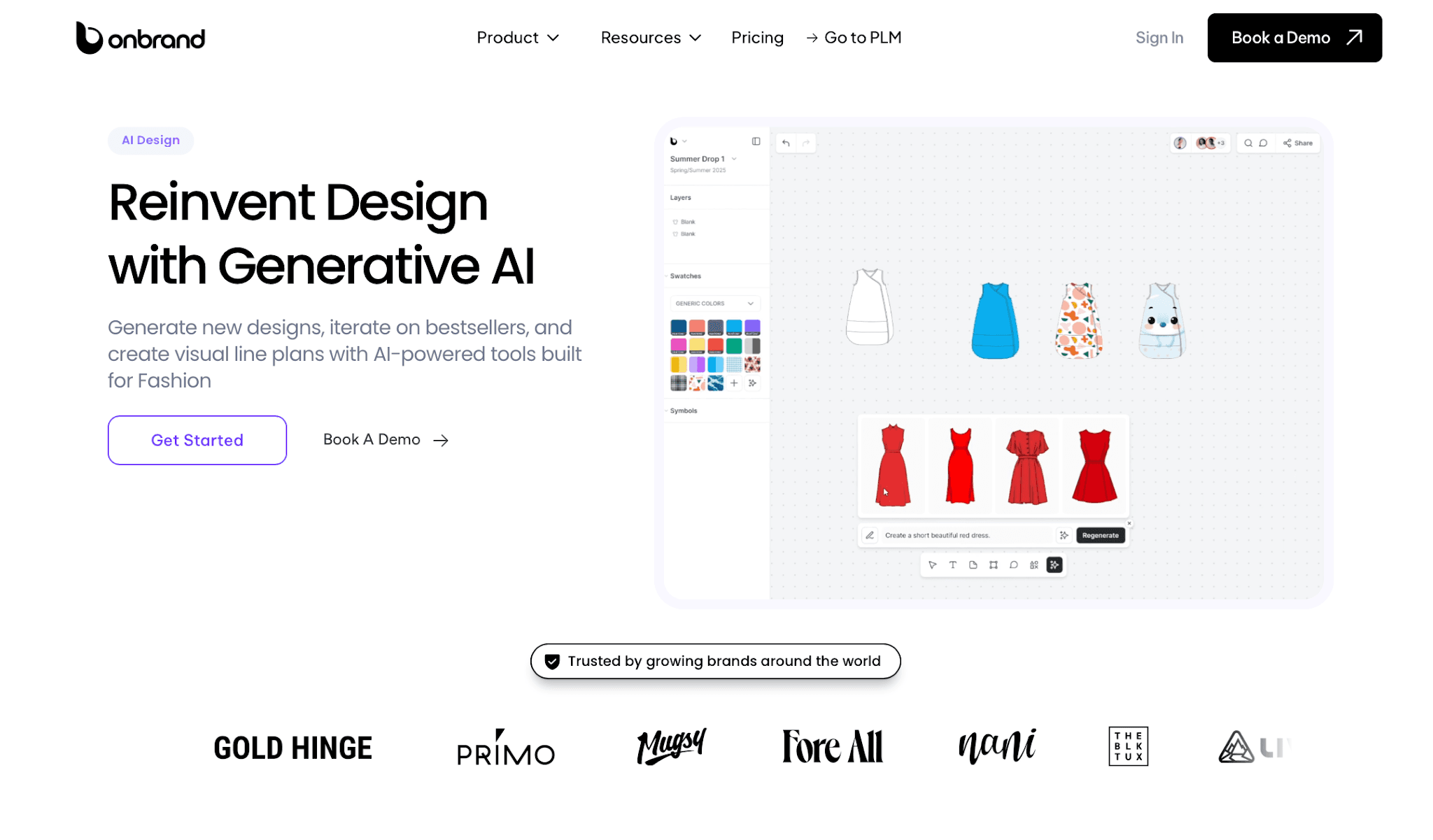
Designers can turn text prompts, hand-drawn sketches, or reference photos into line art, mockups, photorealistic renders, and collection visuals.
Teams can also explore Pantone or Coloro colorways, test alternate directions, organize materials, and review concepts together in one shared workspace.
The system works especially well for brands managing multiple collections and fast revision cycles. Layer-based editing, contextual feedback, and visual collaboration help teams keep approvals and updates easier to track during development.
What helps Onbrand stand out is its direct connection to Onbrand PLM, the #1 PLM for growing fashion brands.
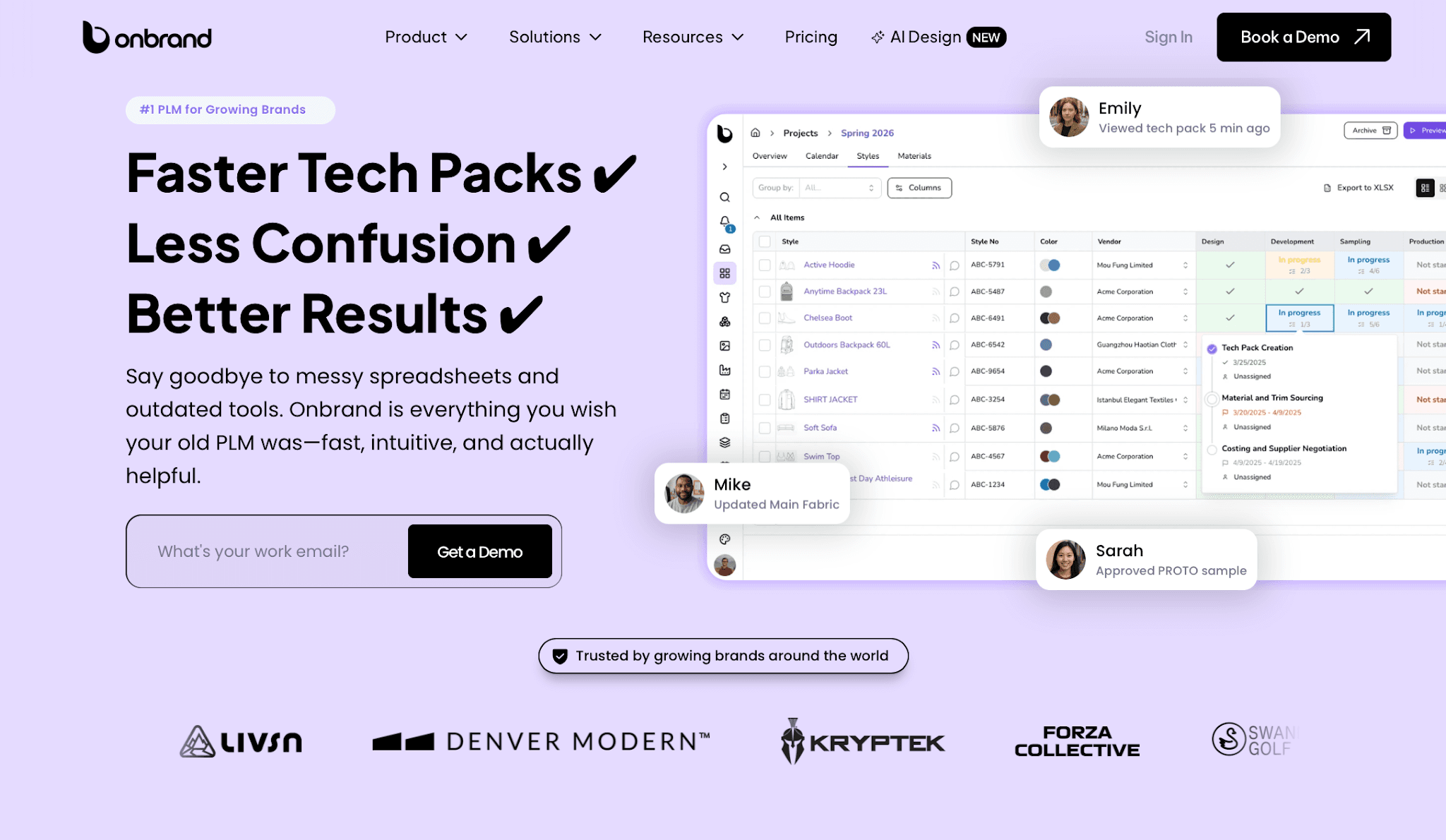
Approved concepts and product details can move directly into live, web-based tech packs, sample tracking, approvals, and vendor communication without relying on outdated spreadsheets or disconnected files.
Brands using Onbrand PLM report 55% faster tech pack creation, a 4-week reduction in development timelines, and 30% to 50% fewer physical samples.
Mac Compatibility
Onbrand runs directly in the browser, so Mac teams do not need heavy installations, local rendering setups, or Windows-based workarounds. It works smoothly on MacBooks, iPads, and browser-based review workflows used during collection development.
The system also supports cloud collaboration, accessibility system features built into modern browsers, and shared review workflows for distributed teams. Design teams can export visuals into Adobe Illustrator for additional refinements when needed.
Best Fit
Onbrand works best for growing fashion brands that manage multiple collections, revisions, approvals, and vendor updates at the same time.
It is a strong fit for teams that want AI-assisted design, live tech packs, and fashion product development connected in one modern system.
2. Adobe Illustrator
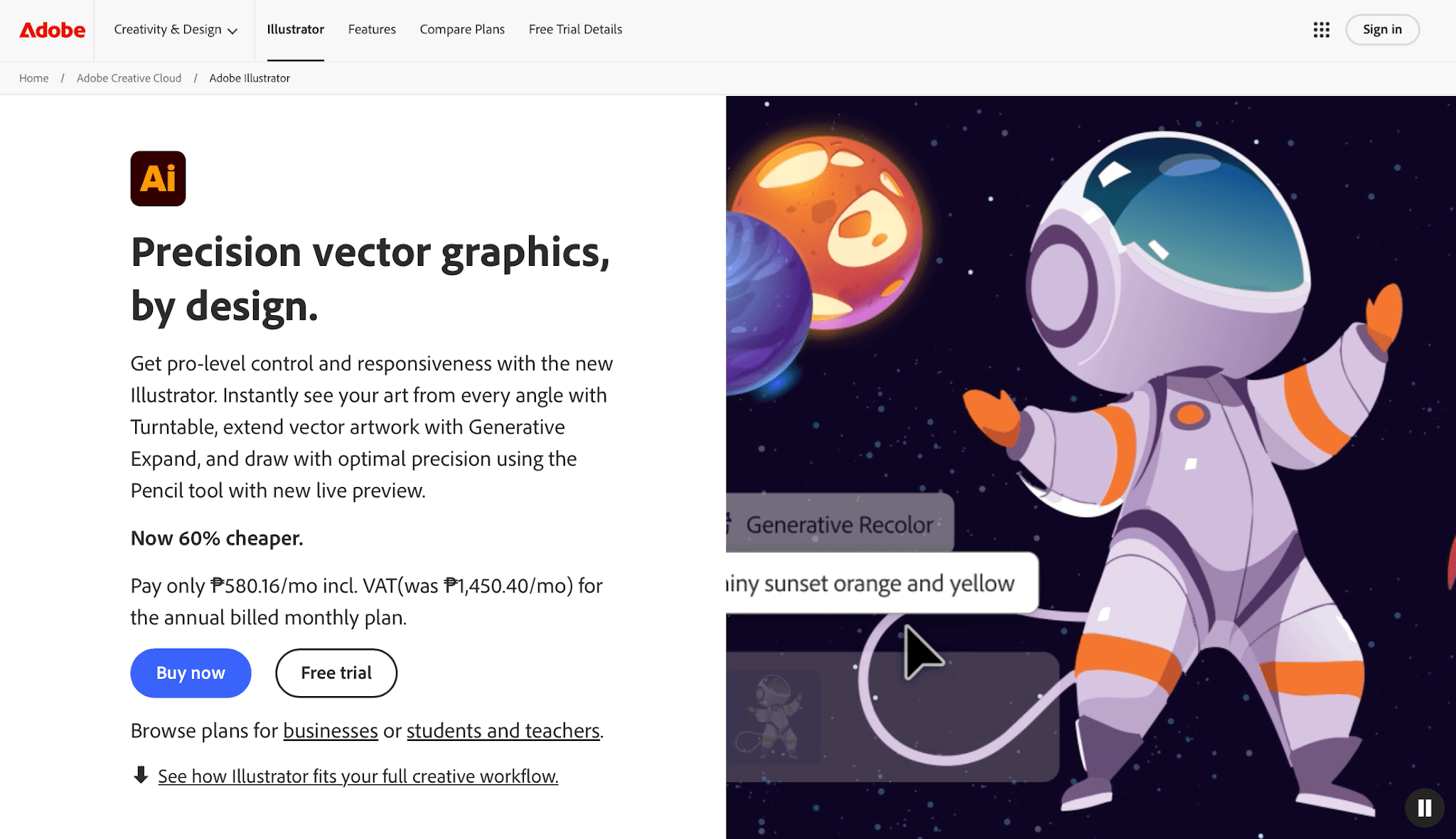
Adobe Illustrator remains one of the most commonly used tools for technical fashion sketches, vector flats, artwork placement, and tech pack preparation.
Source: adobe.com
Fashion teams often use Illustrator during early development because it gives designers precise control over linework, patterns, measurements, and garment details.
Designers can create clean technical flats, repeat prints, construction callouts, and presentation layouts without losing image quality when files are resized.
Illustrator also fits naturally into existing Adobe Creative Cloud setups, which helps keep artwork, graphics, and design files organized between teams.
Recent Illustrator updates include AI-assisted recoloring, vector expansion, and shape editing tools that help reduce manual redraw work.
Mac Compatibility
Illustrator runs natively on macOS and supports Apple Silicon devices, including newer M-series MacBook Pro systems. Adobe recommends at least 8GB RAM, though 16GB or higher works better for larger files, layered artwork, and multi-app Creative Cloud workflows.
Best Fit
Illustrator works best for fashion designers and technical design teams creating technical sketches, garment patterns, artwork placements, and tech pack visuals.
It is also a practical choice for brands that need accurate design files that vendors, customers, and production partners can review easily.
3. CLO 3D
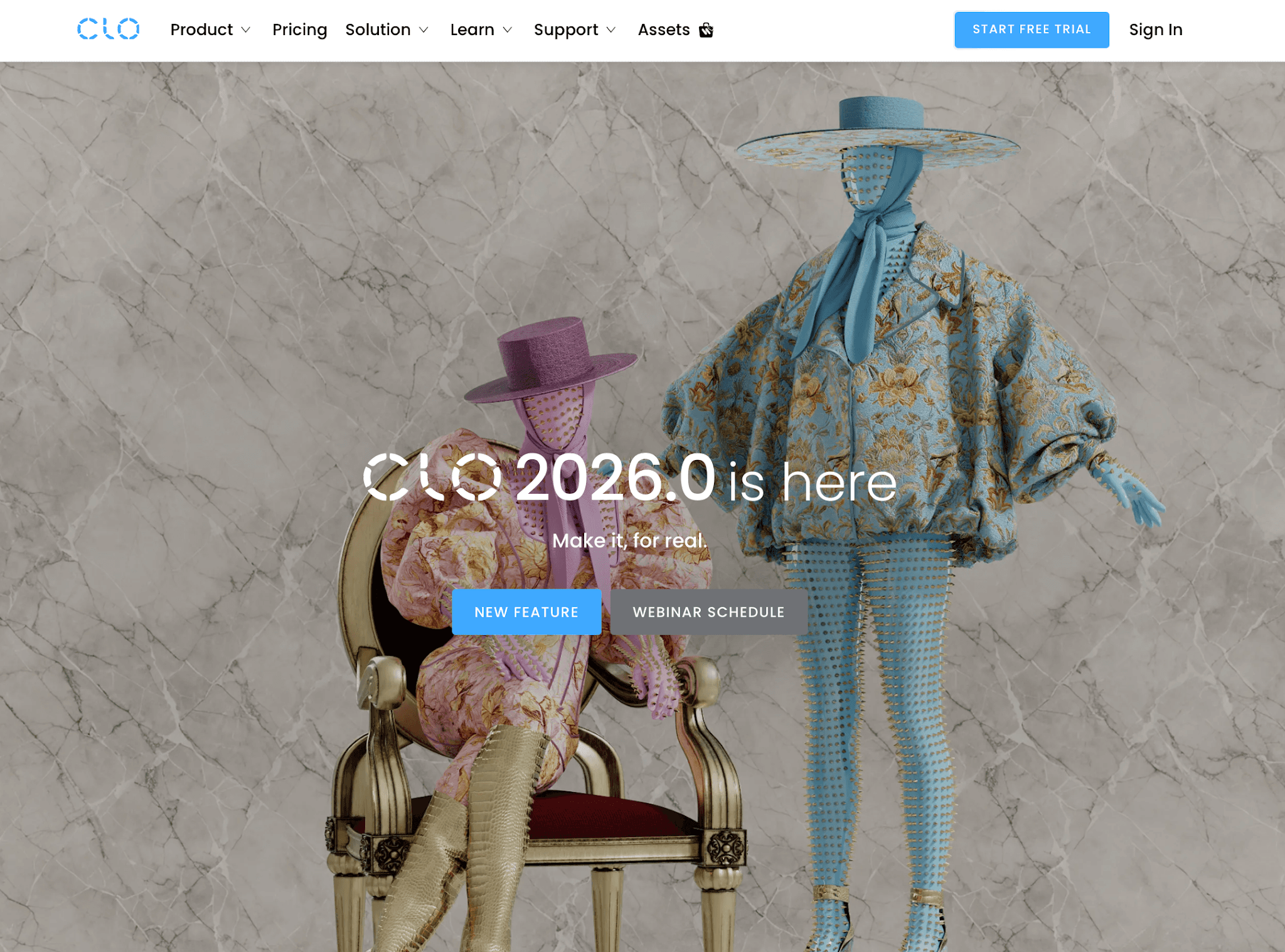
CLO 3D is commonly used for digital garment development, fabric simulation, fit review, and virtual sampling.
Source: clo3d.com
It gives design and product teams a way to test how a garment may look and behave before moving into physical samples.
Teams can draft or adjust patterns, review fit on avatars, place trims and graphics, and check how fabric reacts on a 3D form. CLO’s newer releases also include tools like Sketch on Avatar, Auto POM and Grading, fabric-aware strain maps, and improved measurement tools.
Mac Compatibility
CLO 3D supports macOS and runs on Apple Silicon Macs, including M1 through newer M-series devices. CLO also added GPU rendering support through Apple Metal for newer Mac systems.
The software requires at least 16GB RAM, though heavier garments, animations, and high-resolution rendering usually perform better on stronger MacBook Pro setups with 32GB RAM or higher.
Best Fit
CLO 3D fits teams focused on 3D garment visualization, virtual sampling, fit review, and pattern adjustments before production.
It is useful when teams want to reduce sample costs, review garment construction ideas earlier, and make more accurate decisions before sending styles to manufacturers.
4. Browzwear
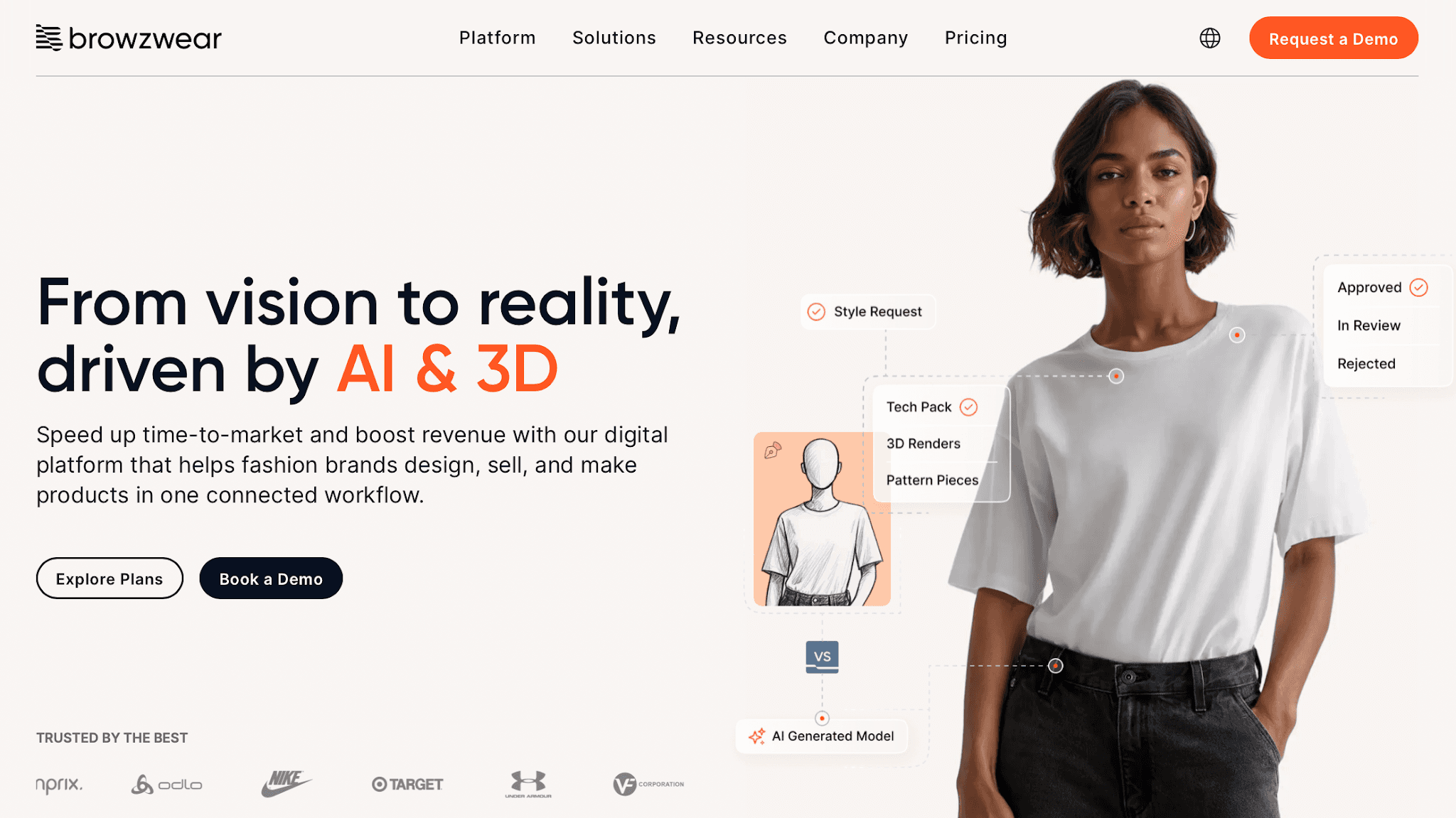
Browzwear is a 3D product development system used by apparel brands, retailers, and manufacturers that need more structure around digital garments, fit review, and production handoff.
Source: browzwear.com
Its main products include VStitcher for digital garment creation, Lotta for design development, and Stylezone for review and approval.
Teams can build 3D garments with fabric data, review sizing and proportion, and use the same digital asset for internal decisions, vendor communication, and sales presentations.
Mac Compatibility
Browzwear supports Mac workflows for VStitcher and Lotta, with Apple Silicon M1 or higher listed as the recommended processor. For better performance, Browzwear recommends 32GB RAM, SSD storage, and enough GPU memory for smoother 3D navigation.
Note that it is not recommended for virtual machine use, so Mac users should install it directly on a supported device.
Best Fit
Browzwear serves larger fashion businesses with dedicated technical and product development teams, and vendors who work from shared 3D assets.
It can support an efficient digital development process, but the learning curve is heavier than lighter design tools. It works best for teams ready to invest time in setup, training, and production alignment.
5. Style3D
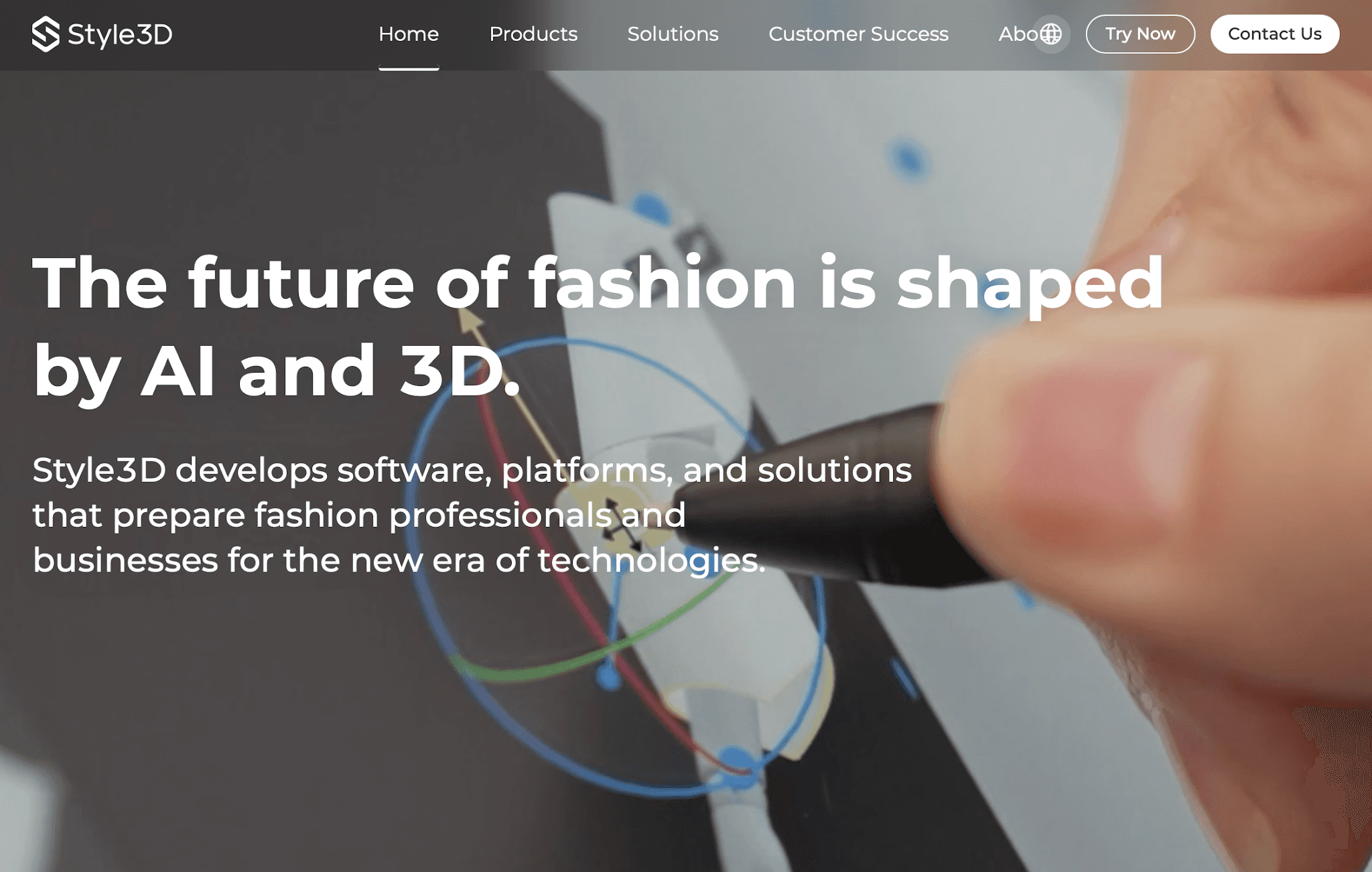
Style3D focuses on 3D garment visualization, digital sampling, animation rendering, and collaborative product development workflows.
Source: style3d.com
Fashion teams use it to create virtual garments, review fit digitally, test fabric behavior, and generate marketing visuals before physical samples are produced.
The system also supports cloud-based collaboration, shared asset libraries, and real-time review workflows between brands, manufacturers, and suppliers.
Style3D places a strong focus on AI-assisted visualization and 3D development. Teams can create digital samples, build animations, prepare product presentations, and display collections for internal reviews or e-commerce preparation.
Mac Compatibility
Style3D offers browser-based AI tools alongside macOS support for parts of its 3D workflow. Apple Silicon devices generally perform better for rendering, simulation, and larger visualization projects.
Cloud-based access also helps Mac teams avoid heavier local setup requirements during early development work.
Best Fit
Style3D fits teams focused on digital sampling, 3D visualization, animation content, and collaborative review workflows.
It is useful for brands preparing digital collections, virtual product presentations, or future-facing visual content before styles move into production or online selling.
How to Choose the Best Fashion Design App
Your team needs software that fits how you actually work, not just a long list of features. Fashion workflows move quickly between sketches, samples, approvals, sourcing updates, and production.
The right apps should help your team stay organized once collections become more complex.
Start With Your Workflow
Before comparing tools, look at how your team handles product development day to day. Consider your main workflow challenges:
Technical sketches and tech packs
3D garment visualization
Sampling and fit reviews
Collection approvals
Production updates
A strong 3D app will not help much if your team mainly works on sourcing and tech packs. The same goes for sketching tools that become difficult to manage once products move into development.
Your software should support the way your team already works, not force everyone into a completely different process.
Make Sure It Works Well on Mac
Native macOS support is important for teams using Apple Silicon devices like M1, M2, M3, M4, and newer Mac models. Software built properly for Mac usually performs better during rendering, revisions, and large collection reviews.
Lightweight 2D work usually runs well on MacBook Air devices. Teams handling 3D garment rendering and virtual sampling often prefer MacBook Pro or Mac Studio setups with at least 16GB RAM.
Some older fashion software still depends on Windows-based workflows or virtualization tools. This can slow down performance, drain your battery, and create extra IT setup work for your design teams.
Browser-Based vs Installed Software
Fashion brands now use a mix of browser-based tools and installed desktop apps during product development.
Browser-based systems help teams collaborate more easily. Designers, sourcing teams, vendors, and external partners can review updates in one shared workspace without downloading large files between devices.
Cloud-based apps also reduce installation issues and make collection updates easier to access between different Mac devices.
Installed apps still work better for advanced rendering, detailed fabric simulation, and localized 3D garment work.
The best setup usually depends on your workflow, your team structure, and how much collaboration happens during development.
File Compatibility and Production Workflows
Your apps should support the file formats manufacturers already use. Even strong design tools become difficult to scale if vendors cannot open or review files properly.
Look for software that supports standard industry exports:
Export Format | What It's Used For |
PDF Tech Packs | Clear structural details, specs, and bill of materials (BOMs) for factories |
DXF Pattern Exports | Industry-standard files for manufacturing and grading |
AI or EPS Vector Files | Clean artwork, tech flats, and graphic placements |
Common 3D Formats | Virtual sampling (OBJ/FBX) for digital fit reviews |
Compatible exports help protect production timelines and reduce manual, time-wasting file corrections later.
Collaboration and Collection Management
Collection development involves constant revisions between designers, developers, sourcing teams, vendors, and production partners. Good software keeps product information accessible in one place so everyone works from the same updates.
That level of collaboration helps reduce communication challenges, save time during approvals, and support sustainability efforts by cutting down unnecessary physical samples.
The right fashion design app should support your complete workflow from sketch to production. Focus your research on tools that fit your actual process, not just the loudest names in the market or the longest feature lists in the fashion world.
Ready to Connect Your Complete Fashion Workflow With Onbrand?
The best fashion design software for Mac depends on how your team works and which stage of development needs the most support. Some teams need technical sketching tools. Others focus more on 3D garment visualization, fit review, or production management.
For brands in the fashion industry managing concepts, tech packs, approvals, vendor communication, and production updates together, Onbrand AI Design gives one connected workspace from early design through development.
FAQs About Fashion Design Software for Mac
What software do most clothing designers use?
Many fashion designers use Adobe Illustrator for technical flats, sketches, artwork placement, and tech pack layouts. Teams working with 3D garments often use tools like Onbrand, CLO 3D, or Browzwear for fit review and virtual sampling.
Can you design clothes on a MacBook?
Yes. Modern MacBooks with Apple Silicon chips handle most fashion design processes very well, including technical sketches, tech packs, 3D garment visualization, and browser-based collaboration tools. MacBook Pro systems with higher memory usually perform better for heavier rendering, animation, and large 3D garment files.
What is the best design software for Mac?
The "best" software depends entirely on your exact stage of development. For AI concept generation, mood boards, and connected tech pack workflows, Onbrand is a strong option. Adobe Illustrator still fits technical sketching well, while CLO 3D supports digital garment visualization and fit review.
What program is best for fashion design?
The best program depends on how your team works and what stage of development needs the most support. For fashion brands managing concept development, collection reviews, tech packs, approvals, and production workflows together, Onbrand offers one connected system instead of splitting work between disconnected files and tools.

