Apr 17, 2026
A sketch or reference is frequently the first step in a new style.
From there, it moves into a tech pack, then sampling, and eventually production and e-commerce. Each step adds more detail, more data, and more coordination.
Things go wrong between these steps. A spec change might not be updated. A sample could reflect an earlier version. And just before launch, product data is updated once more.
AI fashion design software helps at the start with outfit inspiration, design concept, sketch exploration, and visual iteration. Other AI tools support tech packs, product data, content, trend forecasting, and customer experience.
This article lists the best AI fashion apps of 2026, organized by the way work is done in the global fashion industry.
TL;DR
These are the best AI fashion apps in 2026, from design and product development to content, merchandising, and customer experience:
Raspberry AI
Newarc AI
Backbone PLM
WFX PLM
Salsify
Akeneo
Midjourney
Adobe Firefly
ChatGPT
Jasper
Heuritech
Edited (WGSN)
Doppl (Google Labs)
Vue.ai
How AI Changes the Way Fashion Teams Work
Artificial intelligence (AI) is making things simpler and quicker for fashion teams. Updates happen automatically using intelligent automation, so you don't have to type in information by hand. This makes sure everything is up to date and that teams don't mix up different data formats.
AI-powered tools help design teams do their jobs better. Generative AI lets them quickly try out design ideas, which speeds up the decision-making process.
Product data no longer needs to be checked file by file. Machine learning and computer vision models flag gaps, keep specs aligned, and reduce back-and-forth during development.
Version updates occur automatically, so there’s no need for constant editing. This helps teams keep product information accurate without rewriting details or tracking multiple versions.
Fixing mistakes takes less time. Manage fewer versions. Once a product is designed, its data stays the same until it is released.
16 Best AI Fashion Apps by Use Case
Every use case shows a different part of the process. The tools below are grouped based on where they fit.
AI Fashion Design Apps (Concept and Visual Generation)
The first steps in the fashion design process set the stage for everything else. Sketches, mood boards, and other reference materials can help you come up with ideas.
Exploring multiple directions takes time. Every change usually means more work to be done before sampling can begin.
Generative AI helps fashion designers work faster. It allows you to create visual ideas, explore different versions, and develop design choices without starting from scratch.
1. Onbrand AI Design
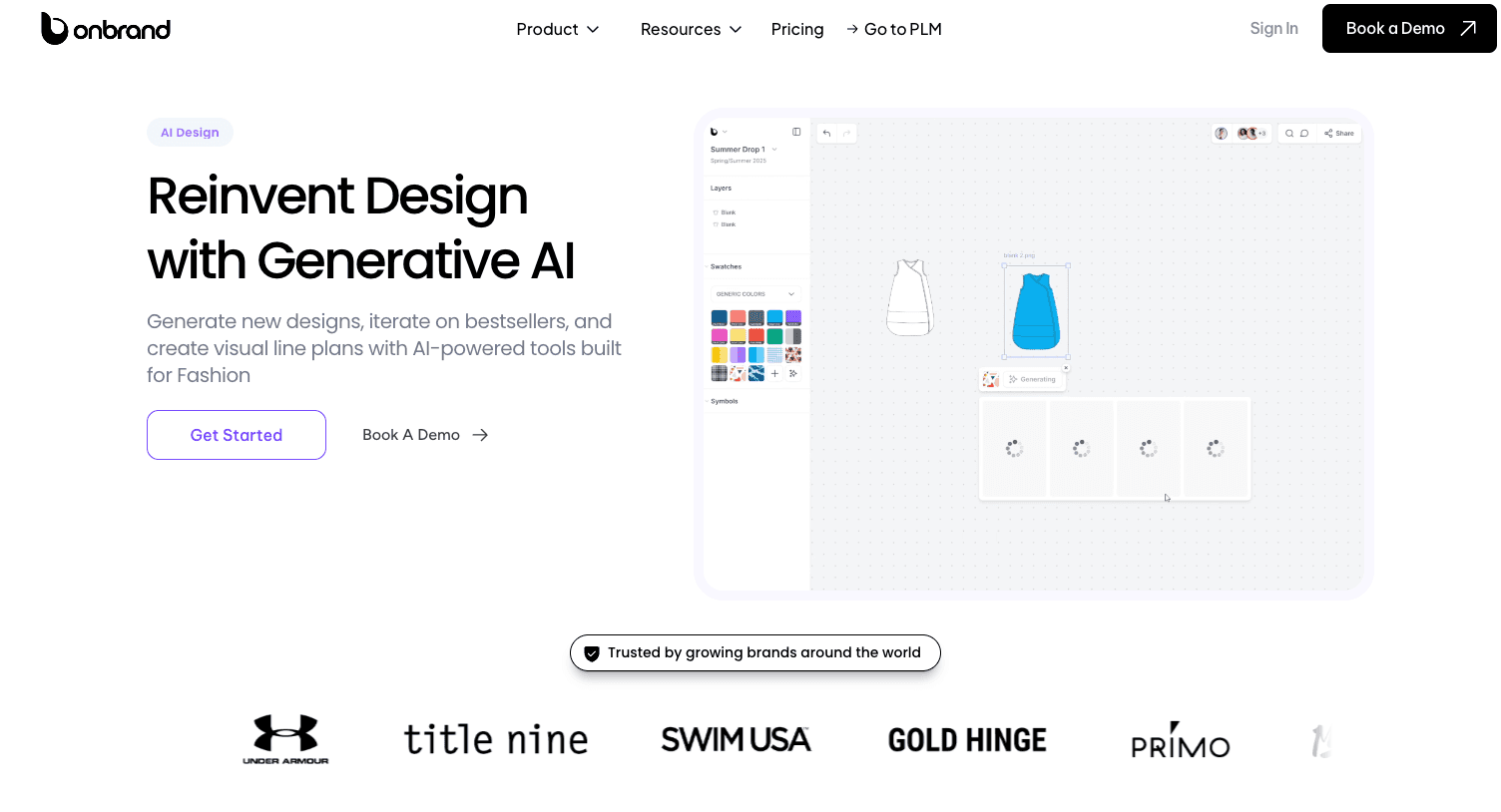
Onbrand AI Design is an AI fashion design software solution built to support the full creative process, from early concept generation to structured design output.
It allows designers to create visuals from prompts, sketches, or reference images, then organize them into fashion mood boards and collections.
Designs can be explored, refined, and aligned in one workspace, which reduces back-and-forth during early development. Visual outputs can connect directly to product workflows using fashion PLM. This keeps design decisions linked to execution.
Design work is quicker with fewer delays and changes. That means the work can be done up to 10x faster and with 30–50% fewer actual samples. Every year, the process saves more than 10 weeks of time.
2. Raspberry AI
Source: raspberry.ai
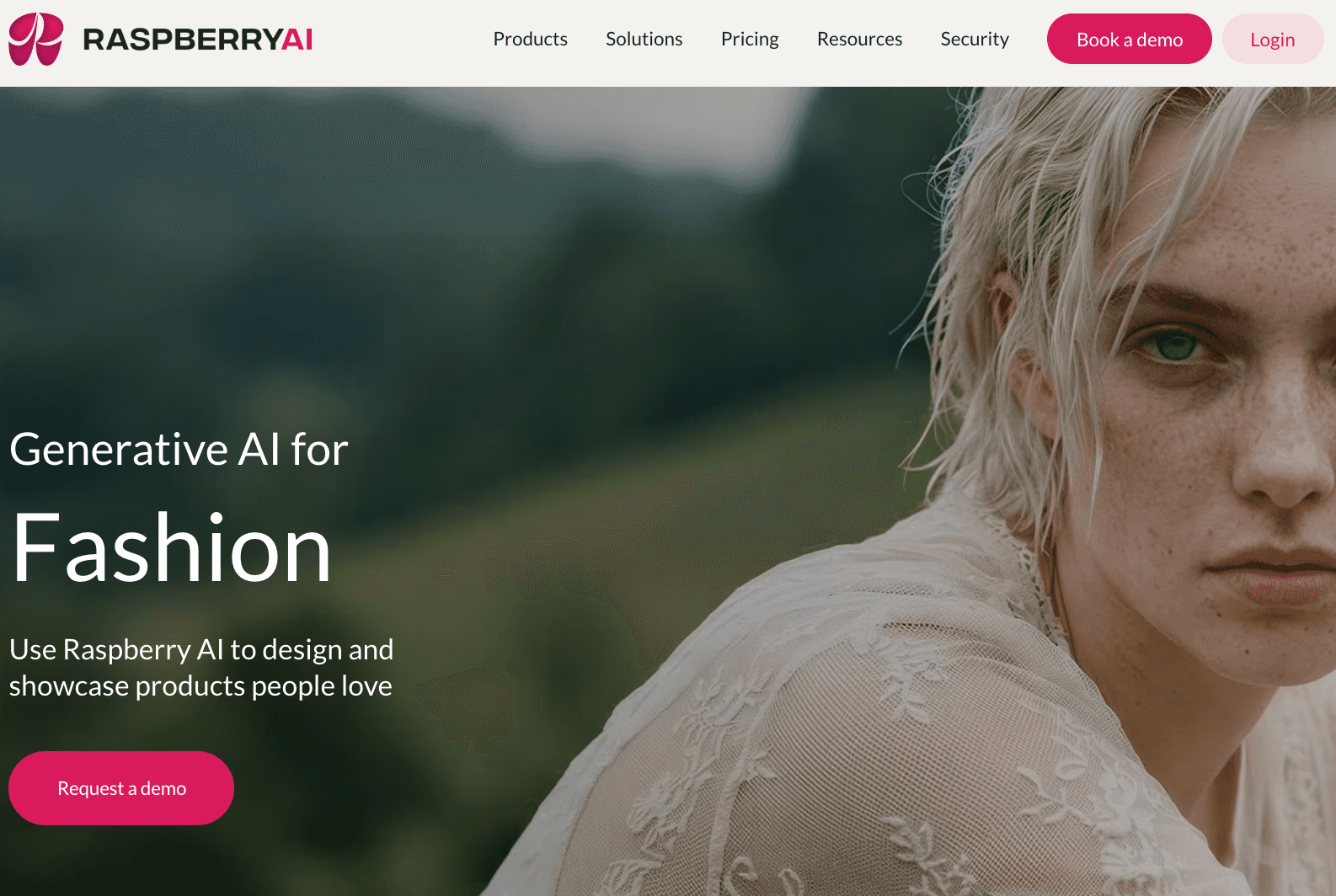
Raspberry AI is a generative design tool that creates visual concepts, product images, and campaign assets from prompts or sketches. It's an AI outfit generator that helps you come up with outfit ideas and quick visual changes that you can use for early design or marketing.
It supports sketch-to-image workflows, product and lifestyle visuals, and on-body images using AI-generated models. Teams can also train the system to match their brand style.
Raspberry AI helps you try out ideas faster and create images without needing to do photoshoots or design by hand.
3. Newarc AI
Source: newarc.ai
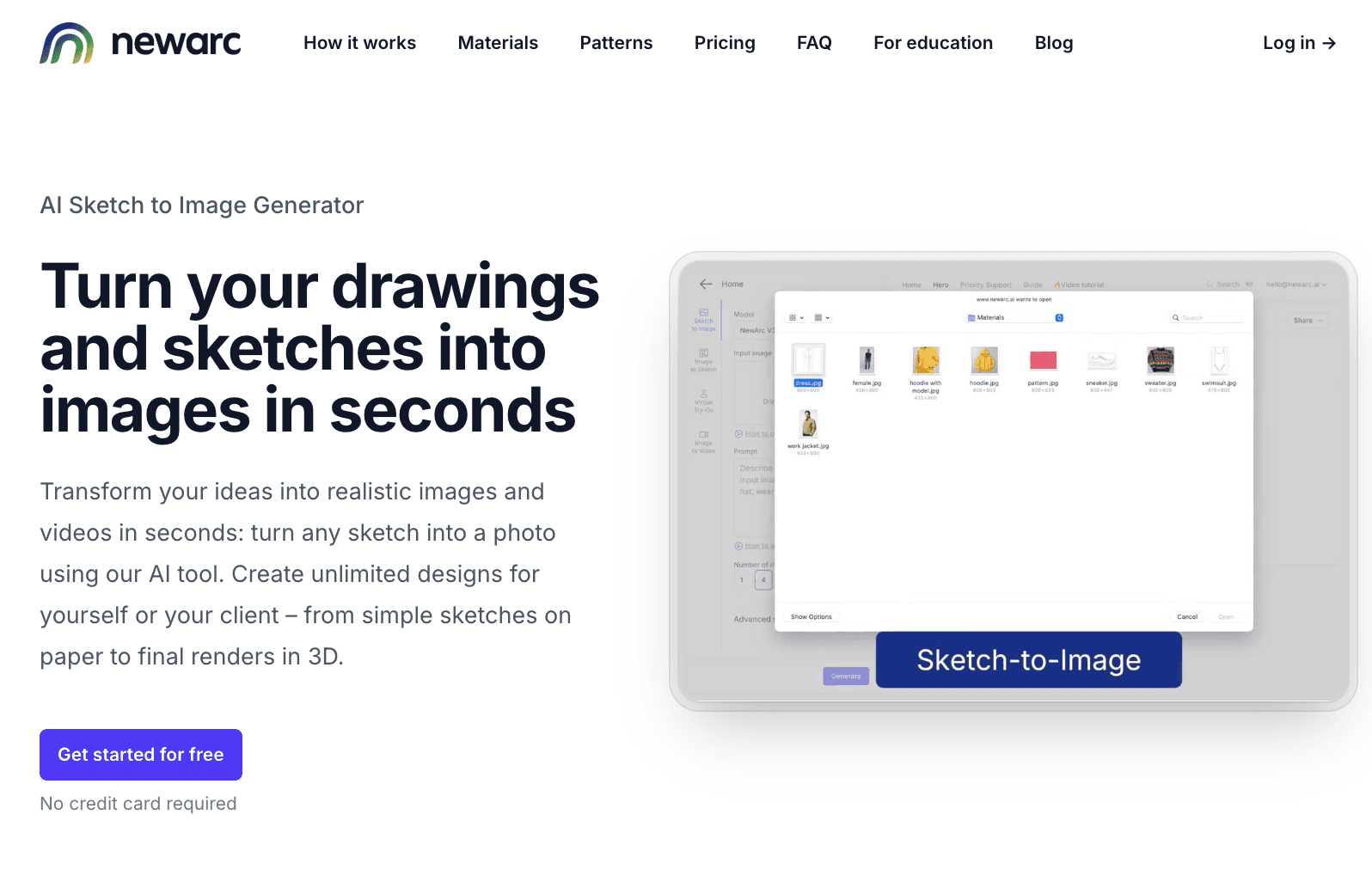
Newarc AI turns sketches and drawings into realistic images using generative AI and trained AI models. It helps take rough ideas and turn them into visuals that can be used for design reviews or presentations.
The tool lets you test colors, materials, and shapes without rebuilding designs from scratch. It also supports virtual try-on and can turn images into clean sketches for development work.
Newarc AI helps move ideas into clear visuals faster, especially when you need to show how a design will look before sampling.
AI for Tech Pack Creation and Product Development
Design moves into development once a style is approved. Write down the product details clearly before starting the sampling process. Tech packs carry specs, materials, and construction notes into execution.
It takes time to fill in these gaps. There could be more than one place where a small change needs to be made. Samples can be wrong if changes are not picked up.
During the work process, AI sets up and handles tech packs. It saves details about products up to date and makes it easier for vendors, designers, and developers to work together.
4. Onbrand PLM
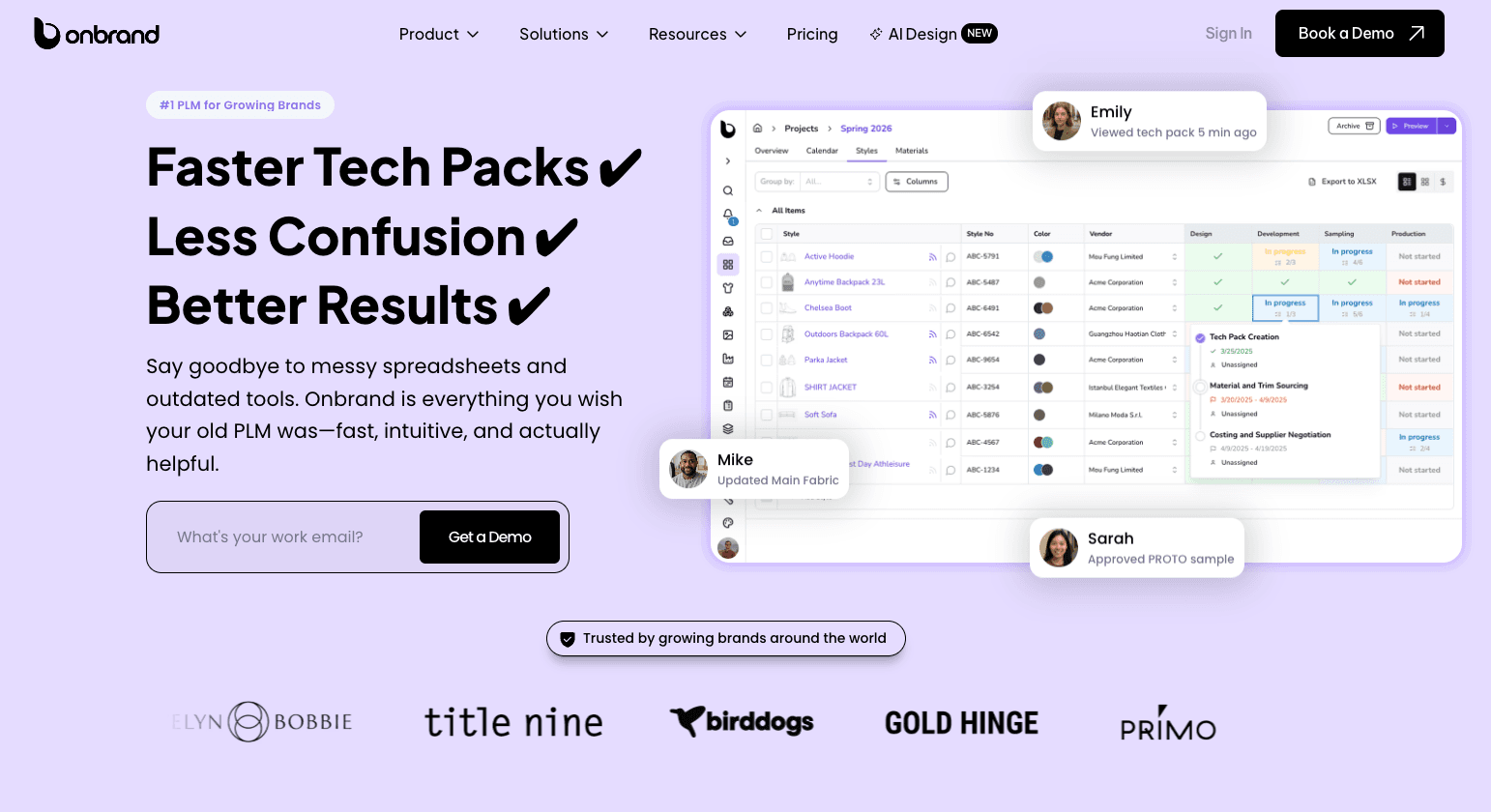
Onbrand PLM is a product lifecycle management system built to manage tech packs and product data from design to production. It changes spreadsheets and static files into live records that are always being updated.
Updates to the tech pack can be seen by everyone. Design, development, and vendors work from the same source, which improves team collaboration and reduces version confusion.
It's not possible for changes to get lost in email chains or old files. Styles come and go, but the product's qualities stay the same.
Fashion brands using Onbrand report 55% faster tech pack creation, up to four weeks faster development, and onboarding in as little as 10 days. Teams can work faster and make models that are ready for production with fewer mistakes thanks to the system.
5. Backbone PLM
Source: bamboorose.com
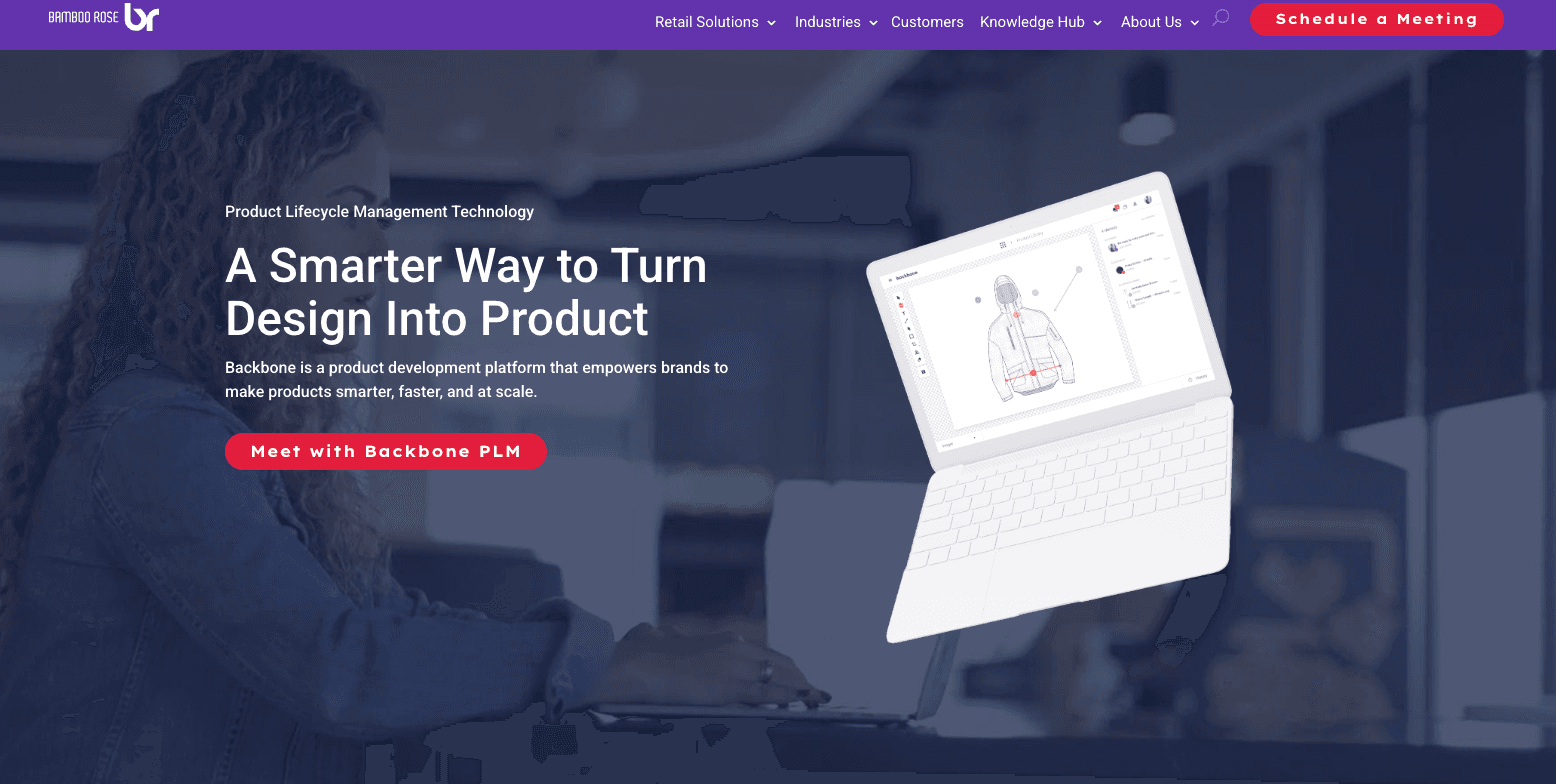
Backbone PLM is a system used to manage product data and tech packs during development. It helps move styles toward production-ready patterns with fewer errors.
Product details like materials, specs, and updates stay in one place. Changes are updated in real time, so teams work with the same data.
It is often used by fashion startups that need a simple way to manage development. The system helps organize product work and supports teams by enabling brands to keep everything aligned.
6. WFX PLM
Source: worldfashionexchange.com
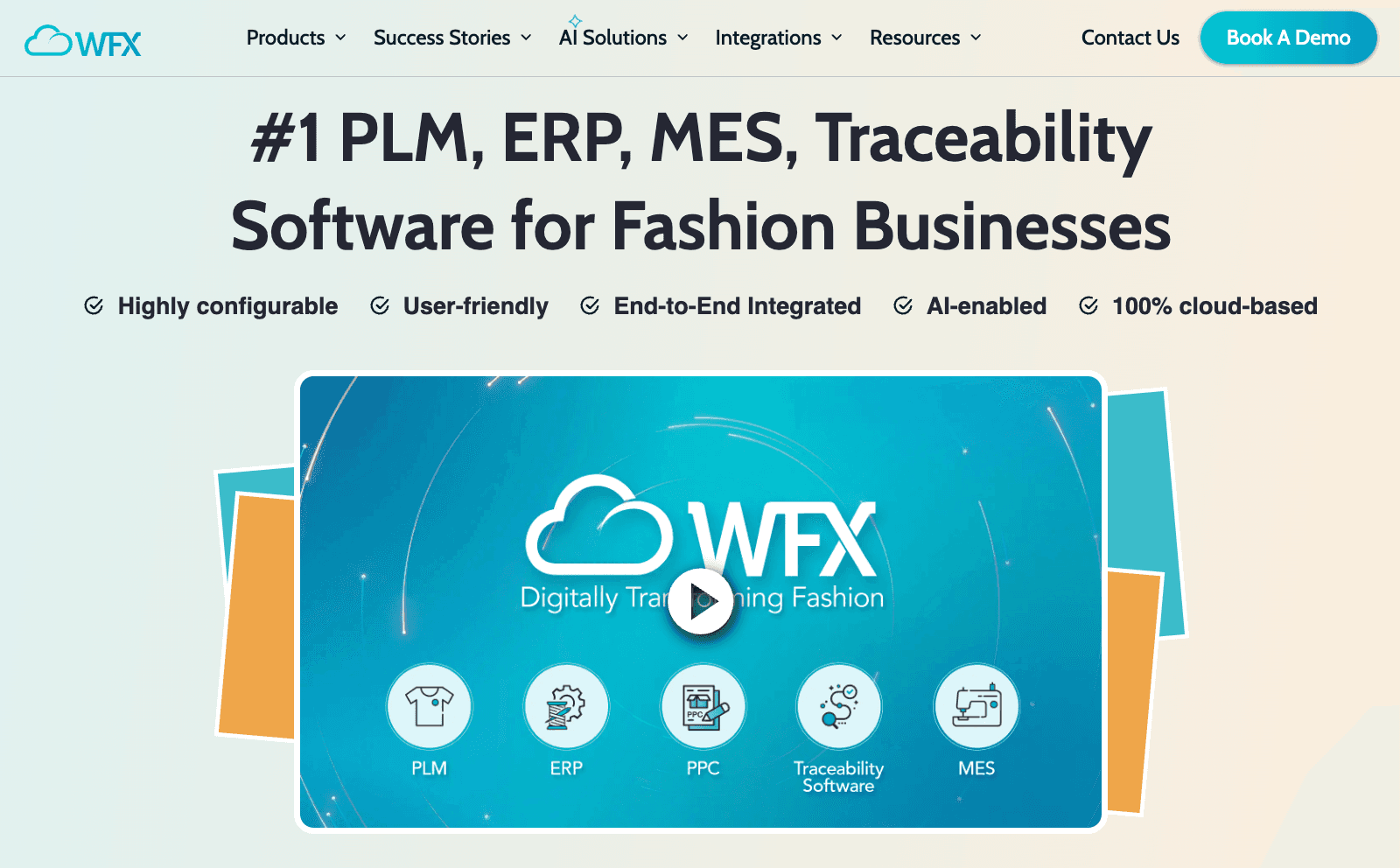
WFX PLM is a cloud-based system used to handle product creation, buying, and production all in one place. It ties together vendor contact, product data, and deadlines in a single workflow.
It keeps tech packs, materials, and approvals connected. Changes are updated in real time, so everyone sees the latest version.
Work stays organized from design to production. Updates remain visible, and teams can manage tasks, samples, and supplier input without switching tools.
AI for Product Data and Catalog Management
Once development is done, products are put into e-commerce. Before it goes live, product info needs to be checked for errors. Names, shapes, materials, and pictures must all be the same in all systems.
The trouble starts when you copy info from one tool to another. Fields go missing. Product pages show different information. Brand consistency starts to break in fashion retail.
AI helps organize and update product data before launch. It keeps fields aligned and reduces manual entry.
7. Salsify
Source: salsify.com
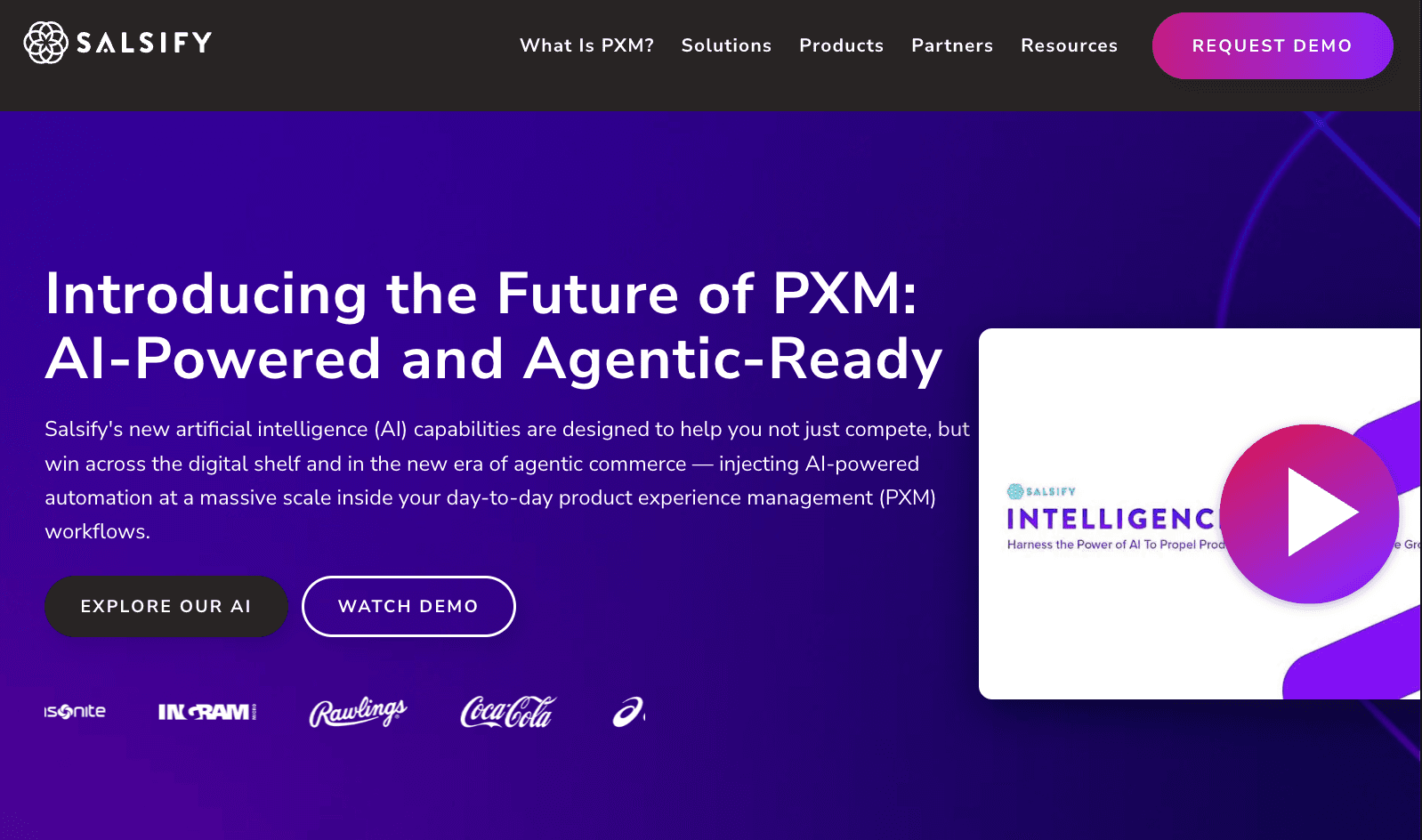
Salsify is a product experience management (PXM) platform used to manage and publish product data for e-commerce sites. It helps brands organize product details, content, and images in one system.
The platform keeps product information, product photos, and descriptions aligned before they go live. Updates sync in all channels, so listings stay consistent.
It also supports visual search, which helps match products with images and improves how items are found online.
Product data stays accurate. Listings go live faster with fewer errors.
8. Akeneo
Source: akeneo.com
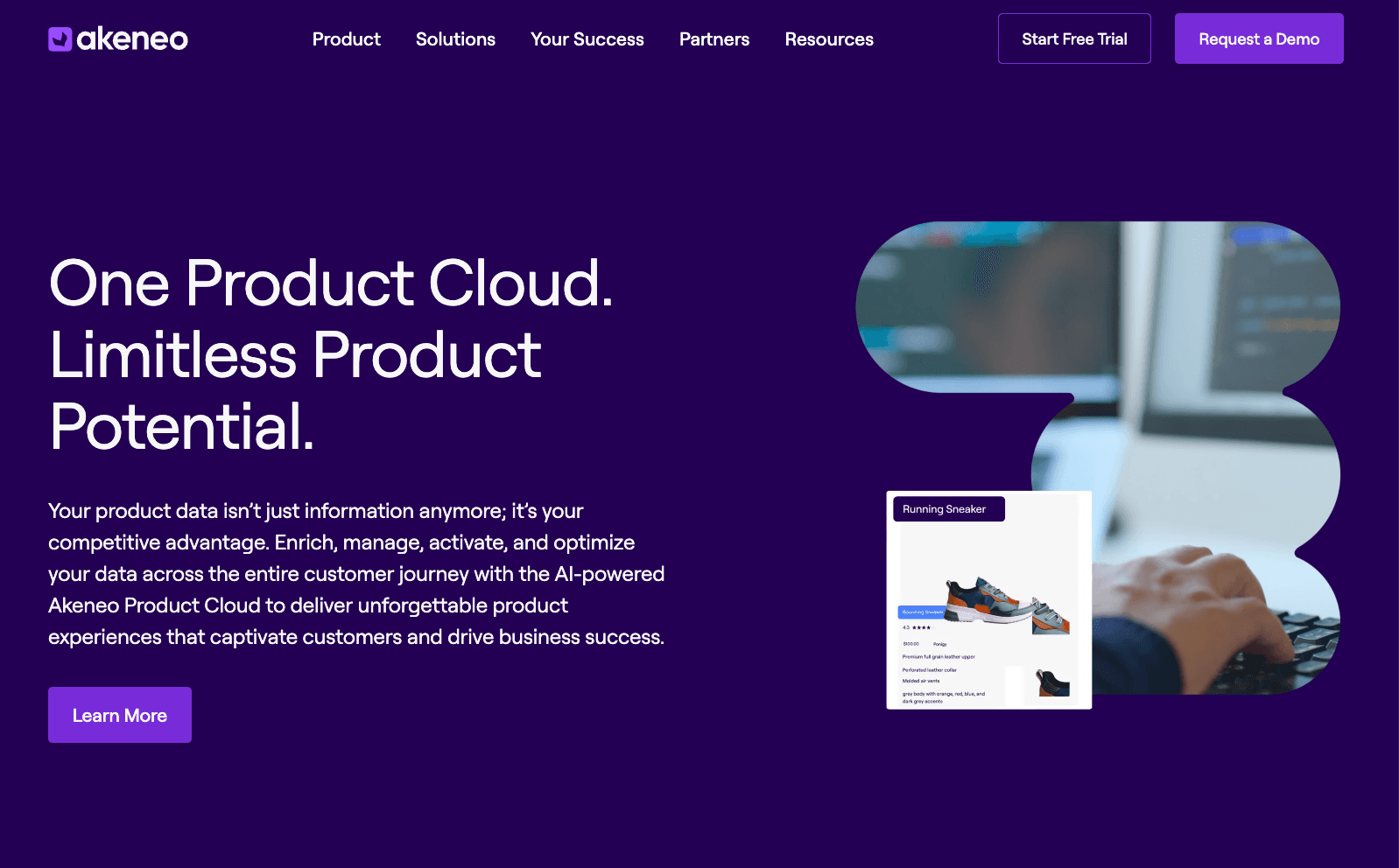
Akeneo is a system that helps manage product information for e-commerce and retail. It keeps product details clear and ready for all sales channels.
Product data often becomes disorganized and hard to handle. Everything is in one place with this tool, which makes it easy to keep updates uniform and keep track of progress.
It also uses AI to improve product content and understand customer behavior, which helps improve how products are displayed and sold.
AI for Fashion Image Generation and Editing
Visual assets are needed before products go live. Teams need marketing visuals for product pages, campaigns, and lookbooks. Images need to be clear and ready to use.
The problem shows up when shoots take time and cost. New variations need new images. Delays slow down content creation.
AI speeds up the process of making and editing images. It makes high-resolution pictures from patterns or prompts that already exist. Backgrounds, colors, and models can be changed without having to reshoot.
9. Midjourney

Source: midjourney.com
Midjourney is an AI tool that creates images from text descriptions. Users can generate high-resolution visuals for design ideas, marketing campaigns, and product concepts.
You enter a prompt, and the tool offers several images to choose from. These images can help in early design work or be used for marketing and e-commerce content.
Midjourney speeds up the process of exploring visual ideas and provides quick inspiration for new styles. Teams can test their ideas and create visual assets without needing a full photoshoot.
10. Adobe Firefly
Source: adobe.com
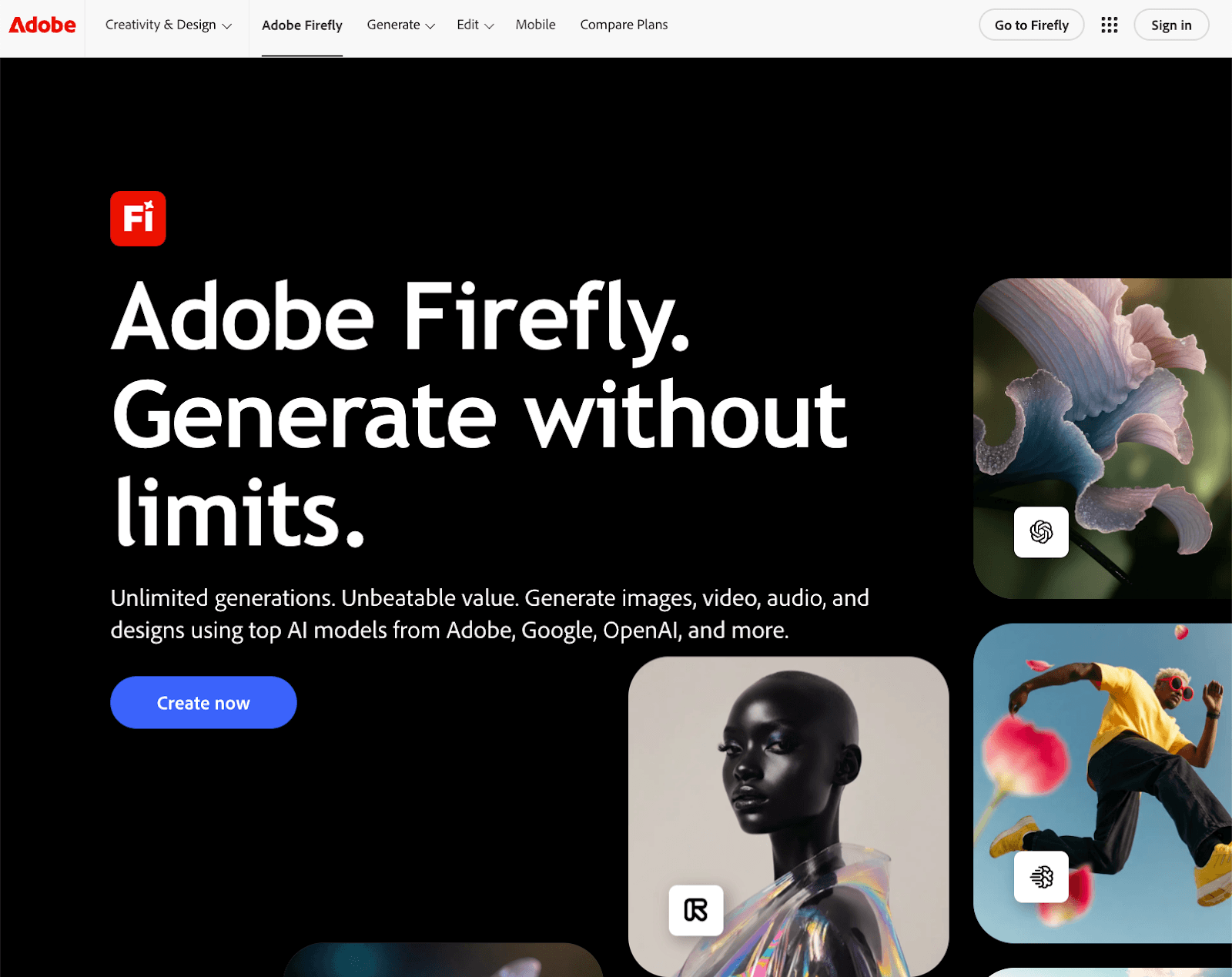
Adobe Firefly is an AI tool for generating and editing images, videos, and design assets. It is built for creating marketing visuals that can be used in real campaigns.
You can generate images from prompts, edit backgrounds, and work with digital models for product visuals. The system also lets you analyze images and refine them inside Adobe tools.
Outputs come with commercial usage rights, which make them usable for brand content and e-commerce. It helps reduce the need for reshoots and speeds up content production.
AI for Product Descriptions and Content Writing
Product content needs to be written before launch. Titles, descriptions, and other information about the goods must be consistent across all channels.
But for fashion teams, writing takes time. Copy varies between pages, details get missed, and an inconsistent tone can affect customer loyalty.
An AI assistant helps generate and update product content. It follows style preferences and keeps messaging aligned with the brand.
11. ChatGPT
Source: chatgpt.com
ChatGPT is an AI writing tool for creating product descriptions, marketing copy, and customer-facing content. It works as an AI shopping assistant, helping generate product text, answer questions, and support e-commerce workflows.
You can use it to write product pages, suggest outfit suggestions, and adjust tone based on brand voice. It helps keep content consistent when managing large catalogs.
Product content moves faster from draft to publish. Less time goes into rewriting similar descriptions.
12. Jasper
Source: jasper.ai
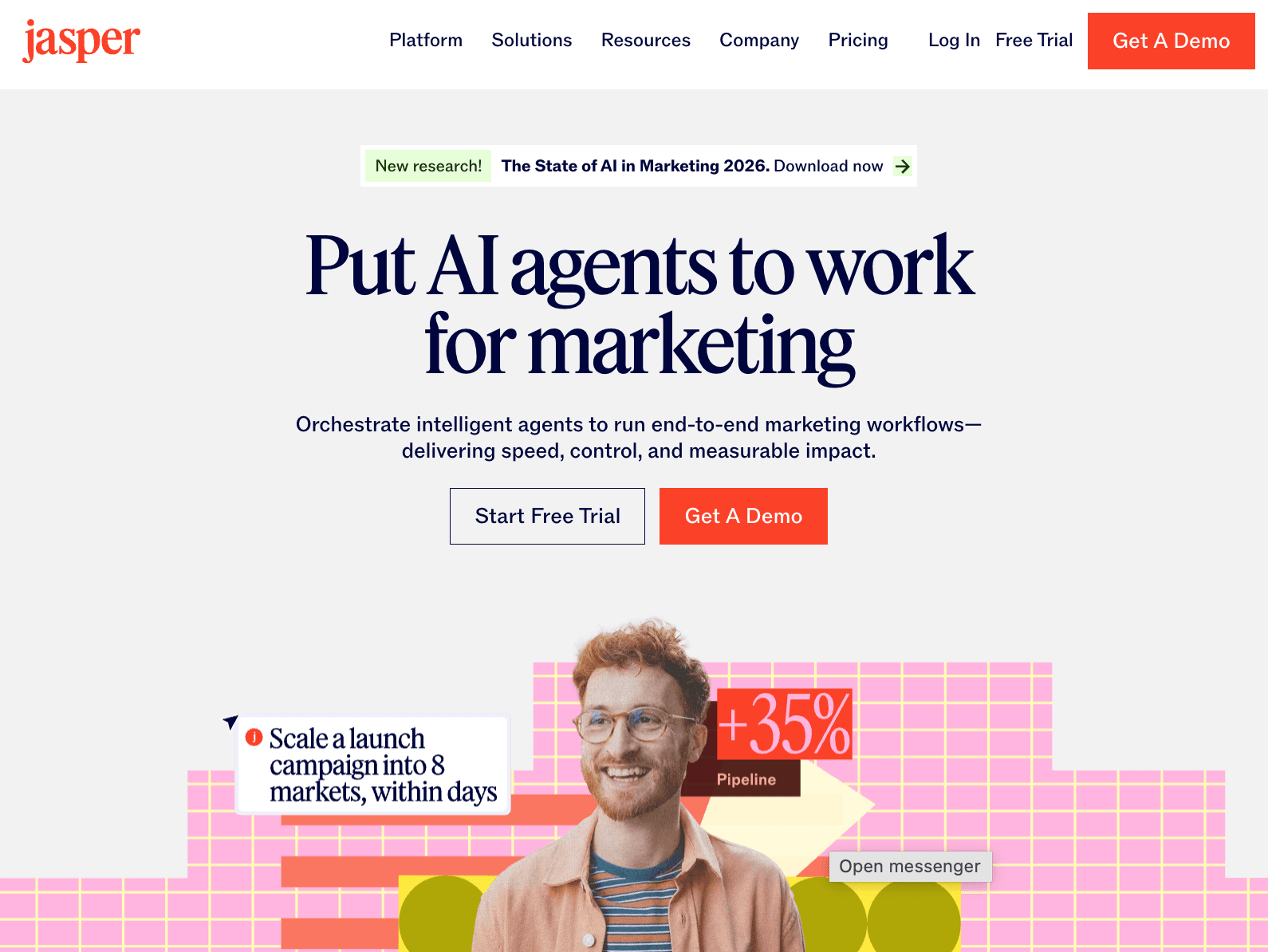
Jasper is a content platform built for marketing teams that need structured content workflows. It helps plan, write, and manage campaigns in one system.
The platform connects content creation with brand guidelines, so messaging stays aligned. It adjusts tone and output based on the audience and supports customer loyalty through a consistent brand voice.
Campaigns stay organized from idea to launch. Teams spend less time coordinating content and more time reviewing it.
AI for Trend Forecasting and Merchandising Insights
Planning starts before design is finalized. Teams look at fashion trends and past sales to decide what to create next.
The problem shows up when decisions rely on guesswork. Trends get missed, demand is hard to predict, and overproduction or missed sales follow.
Teams improve planning by leveraging AI with sales, search, and market data. It shows what is getting more attention and what is losing it.
Planning becomes clearer with demand forecasting. Collections match demand better, and teams reduce mistakes before production starts.
13. Heuritech
Source: heuritech.com
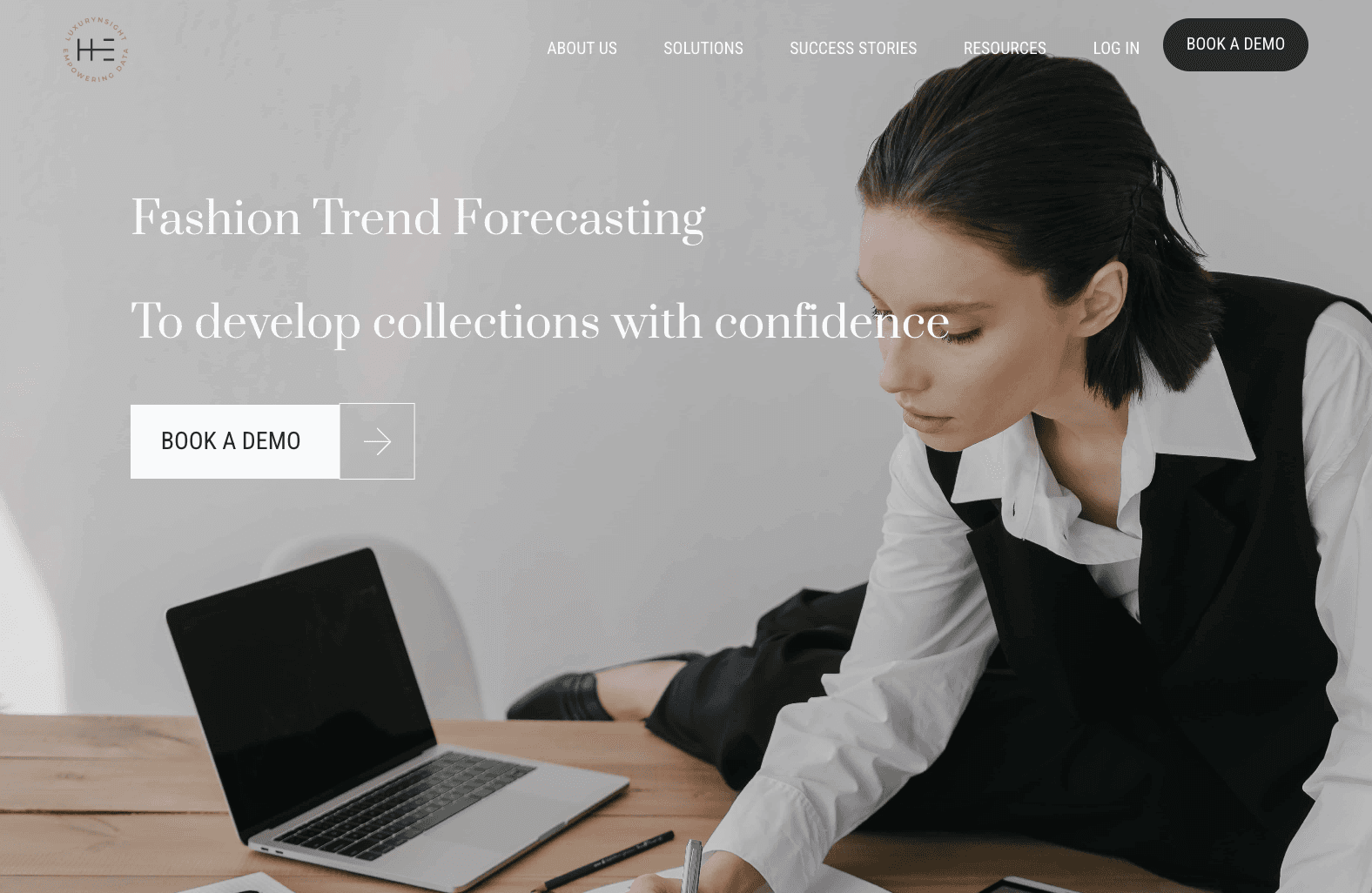
Heuritech is an AI platform that uses real-world data to forecast demand and track fashion trends. It analyzes millions of social media images to understand what people are wearing and how trends are shifting.
The system detects patterns in colors, fabrics, and silhouettes, then shows which styles are growing or slowing down. It also helps teams plan more balanced collections and reduce overstock, which supports more sustainable fashion decisions.
Trend signals become clearer before design starts. Planning relies less on guesswork and more on actual demand.
14. Edited (WGSN)
Source: wgsn.com
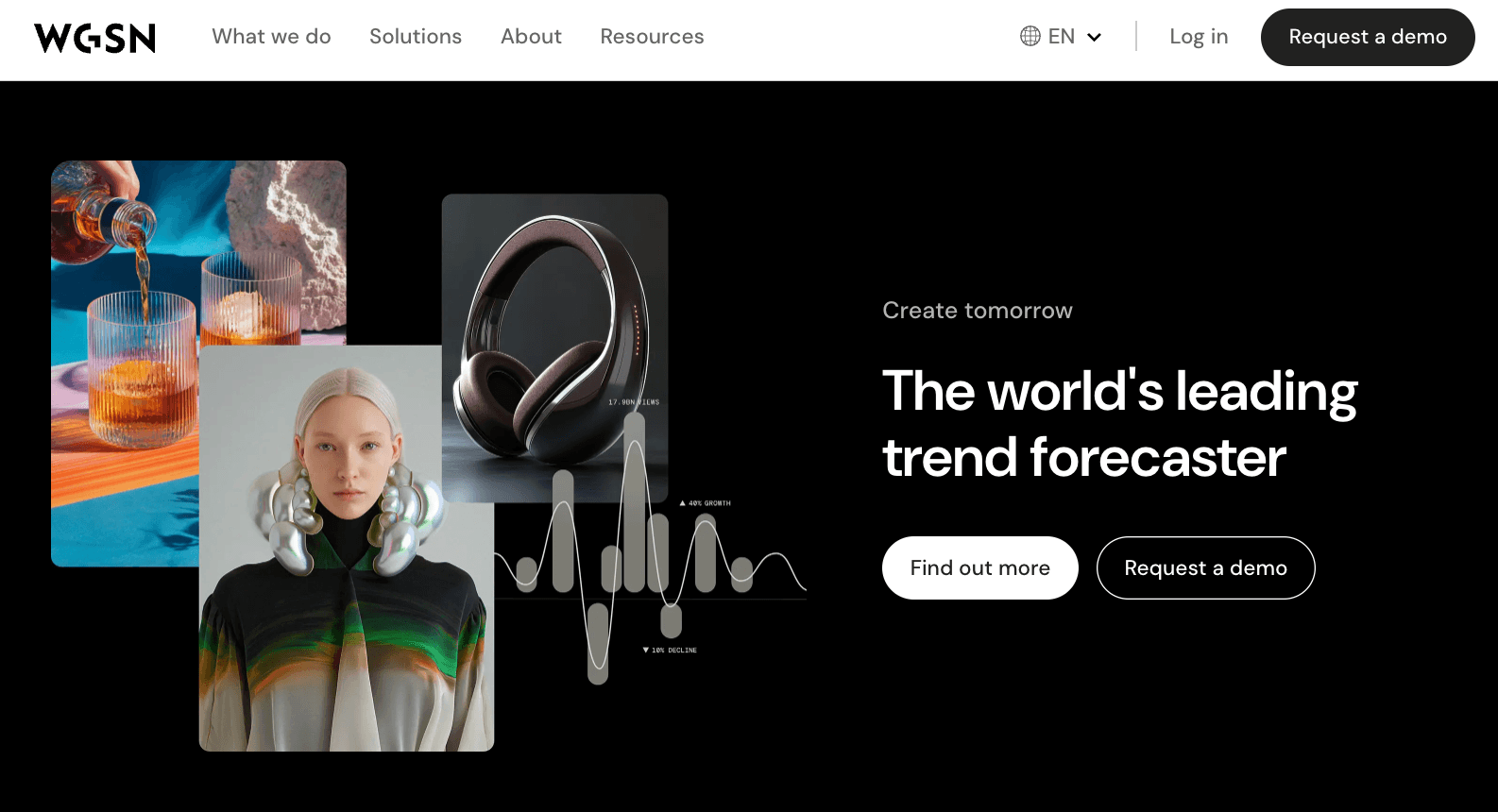
Edited, part of WGSN, is a trend intelligence platform used to track key trends and market shifts. It combines retail data, consumer insights, and forecasting tools to support planning decisions.
The system shows what products are selling, how pricing changes, and what major retailers are doing. It also provides trend forecasting insights to guide assortment and timing.
Teams get a clearer view of what is working in the market. Collection planning aligns better with real demand.
AI for Virtual Try-On and Customer Experience
Customers need to see how items fit before they buy them. They want to understand the size, shape, and style without trying the product in person.
When shoppers can't judge fit, returns increase, and sizing feels uncertain. Products look different on different body types.
AI offers virtual try-on tools that display products on multiple body shapes and real people. This lets shoppers see how things fit and helps them decide how to style them before they buy.
Some tools go even further by showing how different pieces work together, like a digital wardrobe. Shoppers can view outfits, mix and match combinations, and plan their looks before buying.
This makes it easier to tell whether something fits, reduces returns, and gives customers, especially everyday users, more confidence when they shop online.
15. Doppl (Google Labs)
Source: labs.google
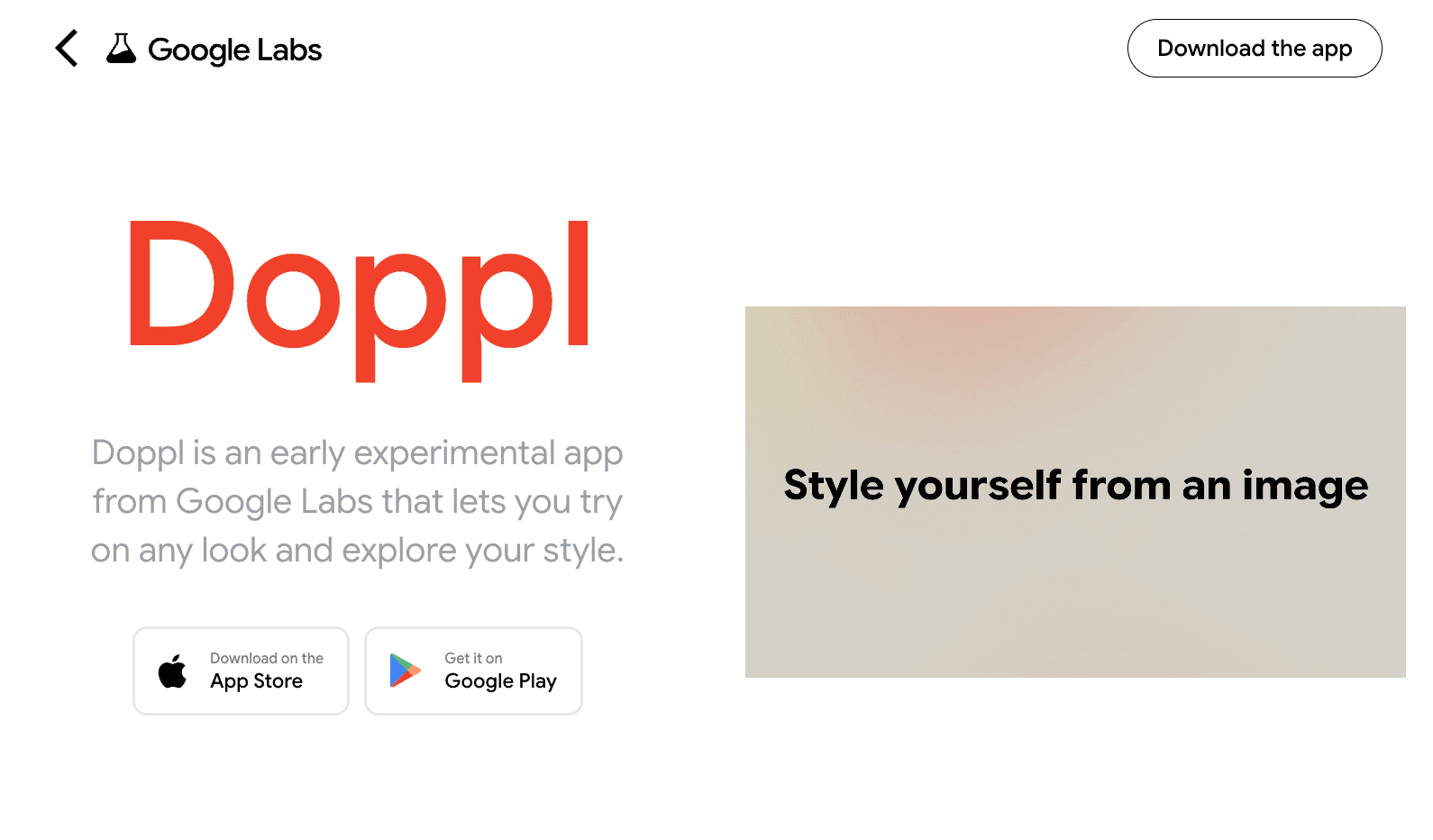
Doppl is an AI tool from Google Labs that lets you virtually try on clothes using digital avatars. You can dress these avatars in different outfits to see how they look in real time.
This tool allows you to test styles on various body shapes, helping you compare fit and style without needing physical samples. It offers an easy way to see how clothing might look before you buy it.
Using Doppl feels similar to wardrobe apps, where you can try on looks and share outfits as you shop.
16. Vue.ai
Source: vue.ai
Vue.ai is an AI platform that helps fashion and e-commerce teams manage product information, images, and customer experiences. It offers virtual try-on features, product tagging, and personalized recommendations.
The platform displays products on digital models and includes virtual try-on tools for different body shapes. It acts like a stylist, suggesting outfit combinations based on shopper behavior.
Customers can see how things fit and how they work together before they buy them. This makes it easier to plan outfits and create simple capsule wardrobes before making a purchase.
How to Choose the Right AI Fashion App for You
Work usually slows down at one clear step. The design might be taking too long, the tech packs might not be matching up, or the product data might need to be changed all the time. First, figure out what that point is.
That is the exact problem that the tool should fix. A design tool will not fix product data issues, and a catalog tool will not help with sampling errors either.
Next, see how the tool fits into the way you work. It should be able to connect to your existing systems and merge data as you move from one stage to the next.
Use real work to test the tool. You can upload a style, change a spec, or make a product page. See if it cuts down on the number of steps you have to take by hand.
After that, see if your team can use it without any extra work. If work still needs workarounds, the tool will make things take longer.
Make the setup easy. Having too many tools makes the job harder. Choose simply what helps you get things done every day.
Connect Design, Development, and Product Data With Onbrand
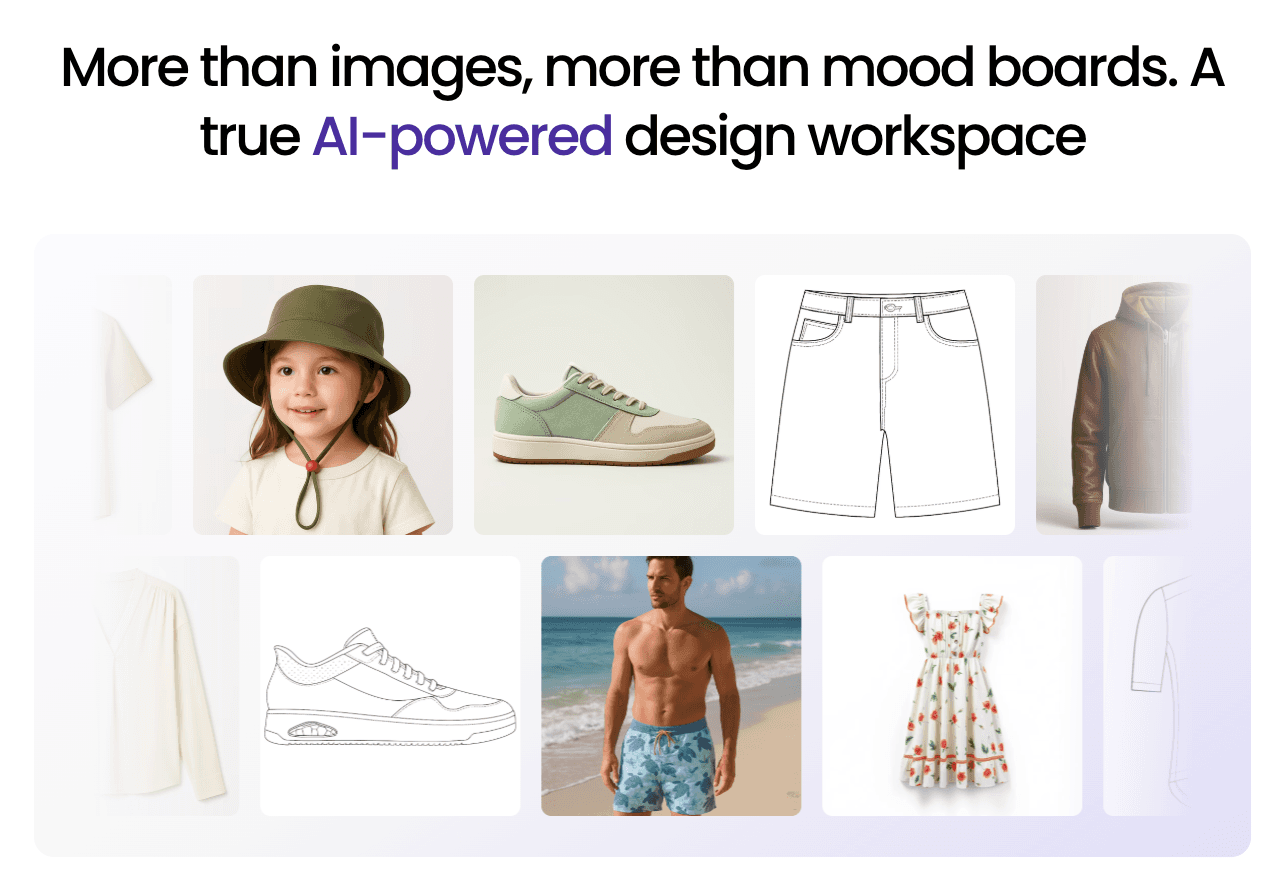
AI works best when it fits how the product already works.
Each tool supports a different step. Design tools help early concepts. PLM manages tech packs and development. Data and content tools prepare products for launch.
The problem is not the number of tools. It is how well they connect. When product data breaks between steps, errors follow.
Clear product data keeps everything aligned. Tech packs stay updated. Samples reflect the latest version. Product pages match what was approved.
AI fashion design software helps at the start, but the rest of the workflow still needs structure.
FAQs About Best AI Fashion Apps 2026
Do AI fashion design apps replace designers?
No. AI fashion design apps do not replace designers. They support design work by generating concepts, testing variations, and reducing manual steps, but creative direction and final decisions still come from the designer.
Are AI fashion tools useful for small brands and startups?
Yes. There are a lot of top AI tools that you can try for free, so you don't have to spend a lot of money to do so. These essential tools can help small teams speed up the design, development, and content creation of material without having to hire more people.
What are the limitations of AI in fashion today?
For AI fashion tools to work, they need formatted data and clearly outlined inputs. If they don't have the right setting, they might miss details about fit, brand, or context. Most fashion-specific AI tools need to be checked by a person. Their key features reduce manual work, but they don't make design, development, or marketing decisions.
Can indie designers use AI fashion apps for free?
Yes. Many tools have a free tier or free access, so independent artists can use them without having to pay for them first. Before you have to pay for them, these tools can help you sketch out ideas, write content, and set up your product.

