Apr 14, 2026

Retailers deal with content pressure every day. A single product update creates more work than expected. Descriptions need rewriting, images get replaced, and campaigns have to stay aligned in every channel. With larger catalogs, that workload builds quickly.
Product data and content drift apart. Teams repeat the same edits, which delays launches and creates extra cleanup in the retail industry.
Generative AI is starting to change how teams handle this. More teams deploy AI in retail to keep content moving and reduce manual work. According to McKinsey, gen AI could unlock between $240 billion and $390 billion in value.
The challenge for retailers is not using gen AI but finding tools that actually fit day-to-day retail operations. This guide breaks down the generative AI tools that do, where each one fits, and how to choose based on your workflow.
TL;DR
Here are the five best generative AI tools retail teams use in 2026:
Raspberry AI
Fashable
Refabric
NewArc
What Generative AI Means for Retailers
Generative AI changes how retail teams handle product content.
Instead of rewriting descriptions or updating visuals every time a product changes, teams generate content directly from product data. That includes product descriptions, visuals, and even social media posts tied to live SKUs.
When pricing, materials, or variants change, content updates follow without manual edits. That reduces delays between product updates and what customers see.
Generative AI uses machine learning and predictive analytics to work from real inputs like customer behavior, shopper behavior, and existing customer insights. Outputs align with how retail customers search and browse products.
That shift reduces repeated edits and keeps product data and content aligned. Teams spend less time fixing mismatches and more time moving products to market, which improves the customer experience.
Content can also be adapted for different stages of the customer journey. The same product can show up differently in a product page, email, or campaign, which supports personalized marketing campaigns without rebuilding content each time.
Common Use Cases of Generative AI in Retail
Retail teams use generative AI in parts of the workflow where content volume, speed, and coordination start to break down.
Personalized marketing and recommendations – Campaigns adjust based on customer data, purchase history, and browsing behavior. Teams generate personalized campaigns that reflect real buying patterns and current market trends.
Content and visual generation – Product imagery and campaign assets are created using inputs tied to real product data. Automated content creation helps teams keep up with catalog updates.
Virtual shopping assistants and support – AI assistants respond to customer queries and guide decisions during live customer interactions. This reduces support load while keeping responses consistent.
Search and product discovery – Visual search and intelligent search, often powered by computer vision technologies, improve how customers navigate large catalogs.
Demand and planning support – Teams use historical sales data to predict customer demand and improve demand forecasting. Planning becomes more responsive when signals update in real time.
Operational extensions – In more advanced setups, the AI system connects to workflows like optimizing supply chain operations. The impact depends on how teams are implementing generative AI within existing systems.
5 Best Generative AI-Powered Tools for Retail
Most retail businesses don’t rely on a single tool to handle content and creative work. Different workflows require different systems.
Below are the generative AI tools used today in the retail value chain, based on where they fit in real workflows.
1. Onbrand AI Design
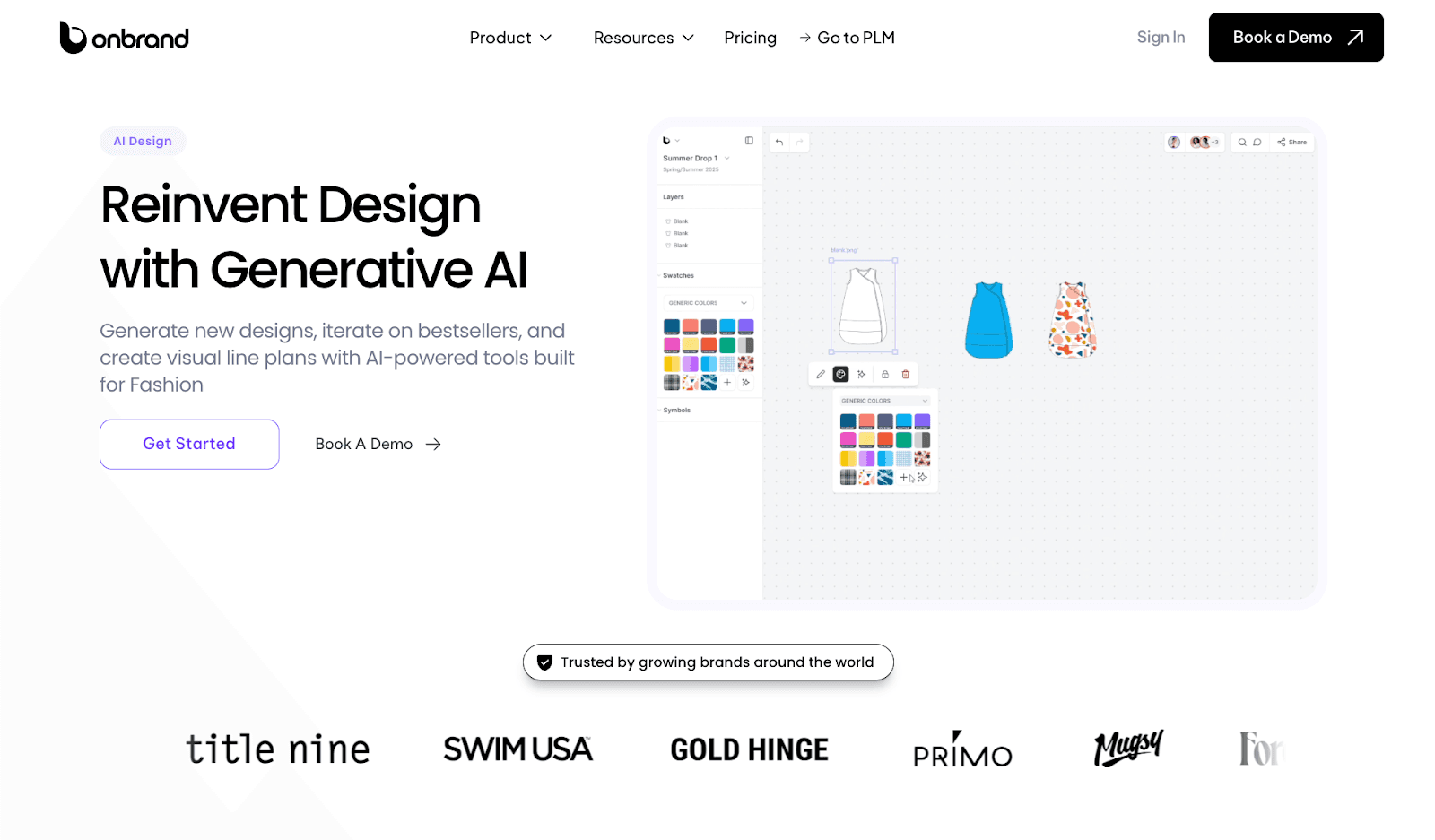
Onbrand AI Design is built for retail and fashion teams producing large volumes of content and visuals while keeping product and brand consistency intact.
It brings design, content, and product workflows into one system, so teams don’t rely on disconnected tools.
Retail teams can generate product visuals, iterate on designs, and organize collections in one place, which reduces rework and keeps content aligned with product updates.
Brands using Onbrand report up to 10x faster design turnaround, along with fewer delays caused by version issues and manual updates.
Key Features
Generative image creation – Turn text prompts, sketches, or reference images into production-ready visuals, which removes the need to start from scratch
Content and visual generation – Produce product imagery and campaign assets faster, using inputs tied to real product data
3D garment simulation and realistic rendering – Visualize designs with accurate fabric behavior and fit before sampling, which reduces physical revisions
Automated technical sketches and spec sheets – Generate flats, sketches, and early tech pack inputs without manual drafting
Mood boards and visual planning tools – Build and organize collections with structured visual workflows that connect directly to product development
Real-time collaboration and version control – Teams can edit together, track changes, and avoid version confusion during reviews
PLM collaboration – Connect designs directly to product workflows through Onbrand PLM, which keeps content aligned with structured product data and reduces manual handoffs between design and development
Design iteration and variation generation – Explore colorways, trims, and silhouettes quickly without restarting the process
Onbrand works best for teams managing product content and design at scale. It supports digital fashion design, reduces reliance on external tools, and replaces fragmented design workflows with a single system.
2. Raspberry AI
Source: raspberry.ai
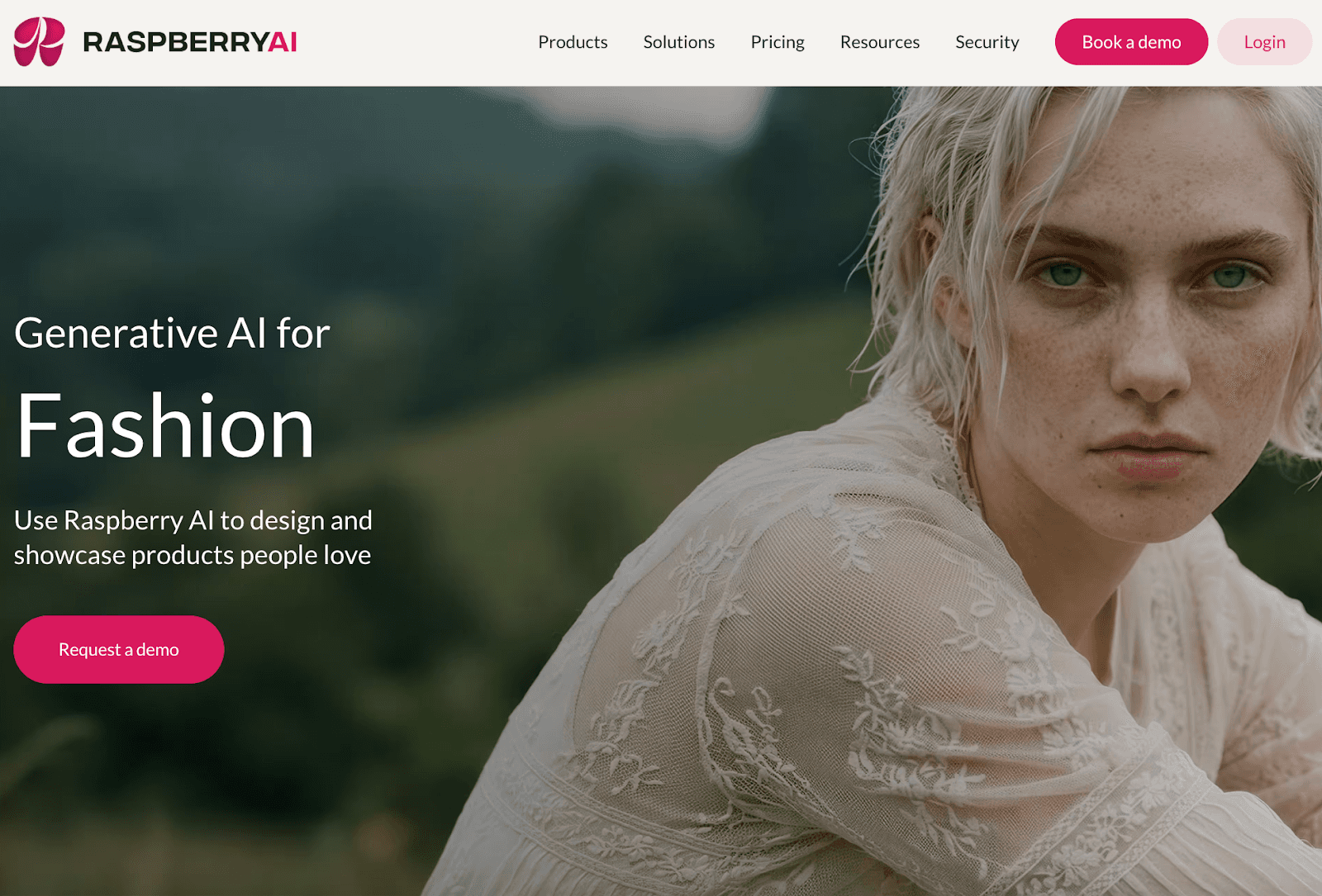
Raspberry AI is a generative design platform focused on visual creation and product storytelling for fashion and retail teams.
It helps teams move from early design concepts to campaign-ready visuals using an AI-powered solution.
The platform supports workflows tied to product presentation, which makes it useful when handling content-heavy catalogs and marketing assets.
It fits retail and store teams focused on visual output, where speed and consistency shape how products show up in campaigns and product pages.
Key Features
Generative visual design – Create product imagery from sketches, prompts, or references
Photorealistic rendering – Convert designs into campaign-ready visuals for ecommerce and marketing
Sketch-to-render workflows – Move from concept to final visuals without manual redesign
3D avatar and on-body visualization – Preview garments on models to support presentation and storytelling
Content production support – Generate visuals for campaigns and product launches tied to catalog updates
3. Fashable
Source: fashable.ai
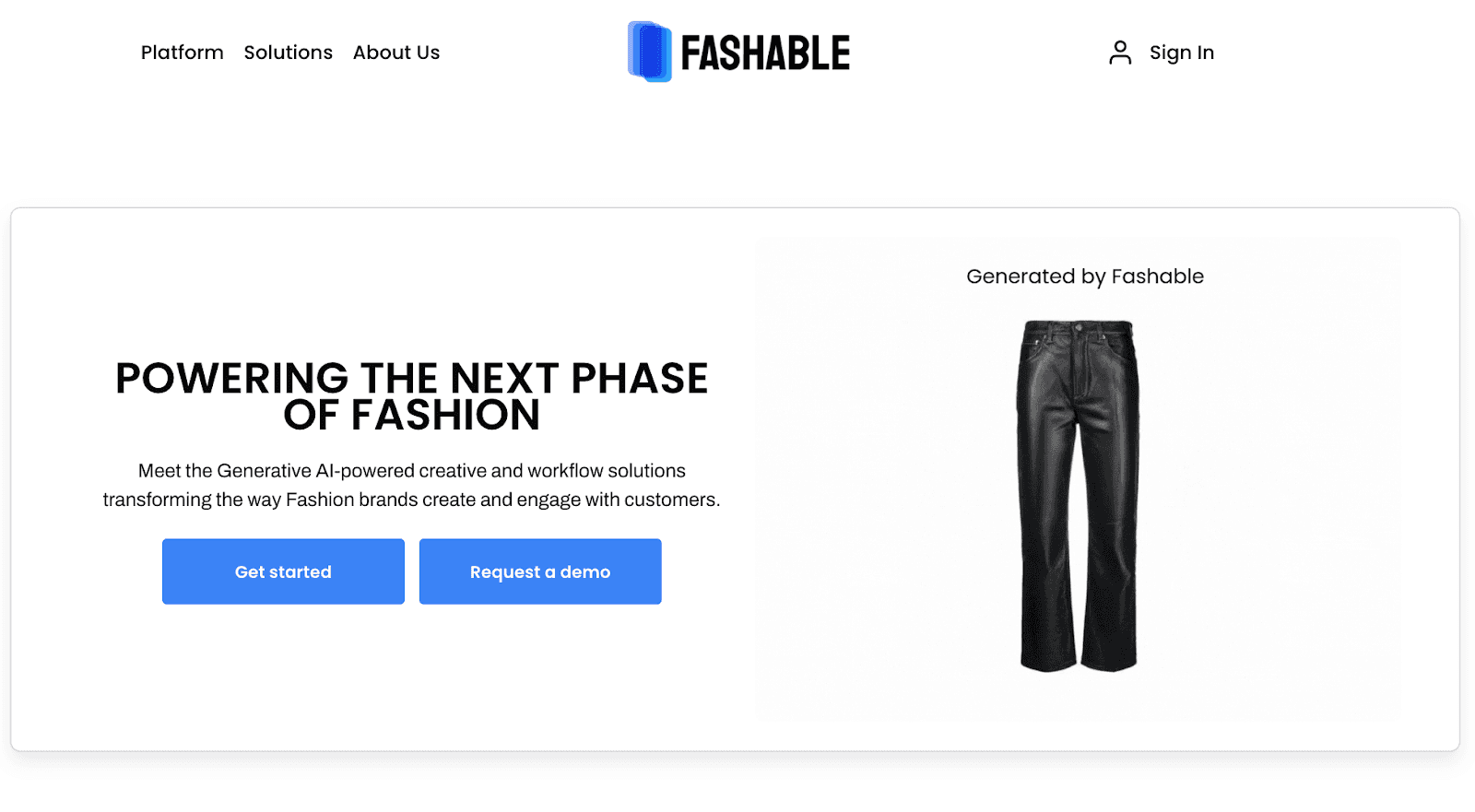
Fashable focuses on generative workflows used in early fashion development and customer-facing creative work.
It focuses on AI-generated clothing concepts and visuals that help teams move from early ideas to clear design direction.
The platform includes a team-based workspace that keeps design and marketing aligned during development.
It is suitable during concept development, assortment planning, and early campaign prep, when quick visual output helps teams align before samples, approvals, or vendor conversations.
Key Features
AI-generated clothing concepts – Produce new garment ideas using AI tools tied to generative design workflows
Creative workflow integration – Connect design and communication through built-in collaboration tools
Visual concept generation – Generate outputs used for early-stage planning and mood board creation
Team-based collaboration – Share designs and feedback within a centralized workspace
Customer-facing creative support – Helps teams prepare visuals used in campaigns and customer engagement initiatives
4. Refabric
Source: refabric.com
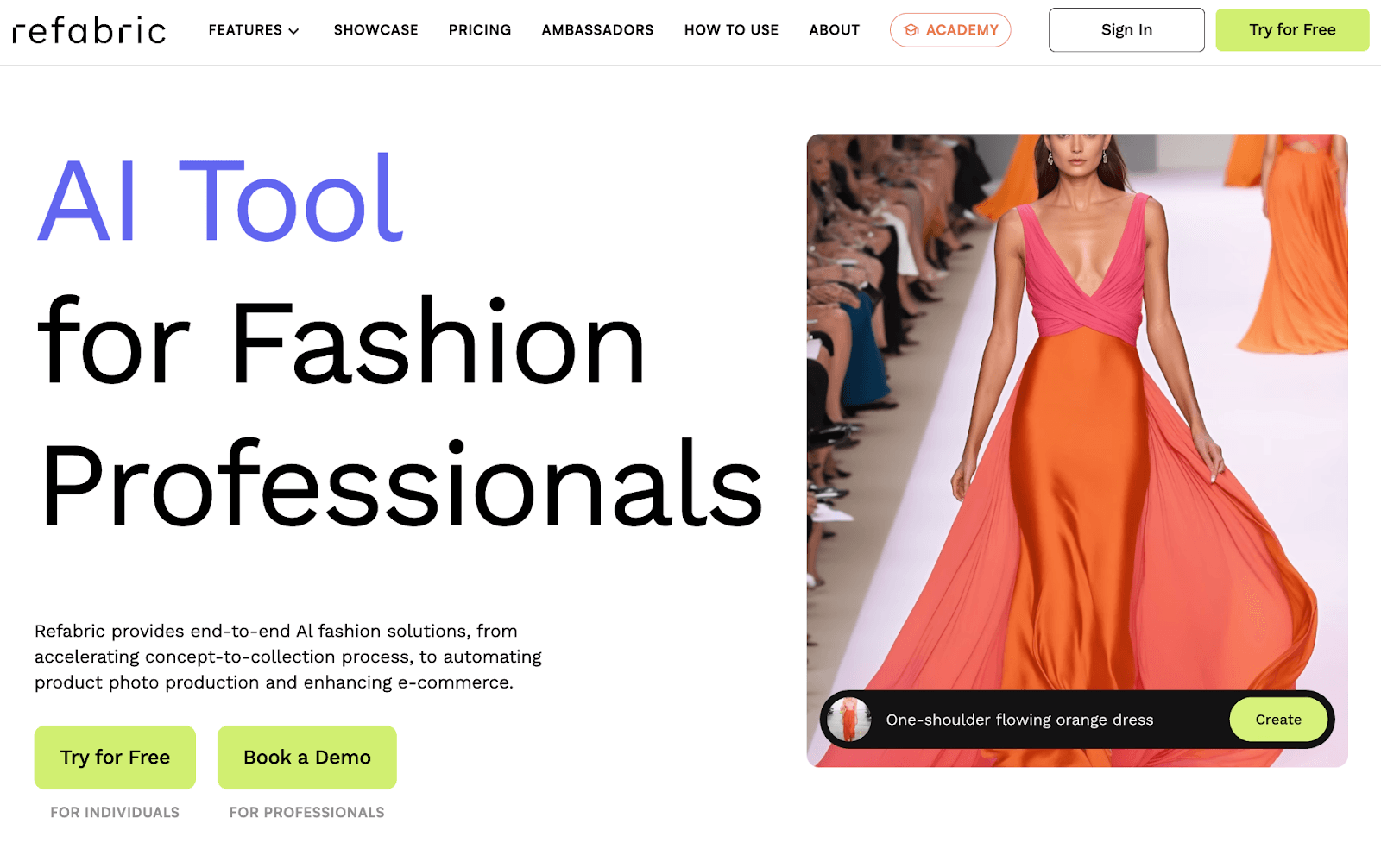
Refabric brings generative AI into the full design-to-commerce flow, with a focus on reducing time between concept creation and product presentation.
It supports both design generation and ecommerce-ready outputs, which connect creative work with how products are introduced to customers.
The platform includes tools for visualizing collections, refining designs, and preparing assets used in merchandising and online storefronts.
Key Features
AI-powered design generation – Create garments from sketches or prompts using AI tools tied to concept development
Brand-trained design outputs – Train models on brand identity to maintain consistency in generated visuals
Mood board and collection planning – Build structured visuals using mood board workflows for seasonal direction
Sketch-to-design and editing tools – Refine specific areas of designs without restarting the full process
E-commerce visual support – Generate product imagery and assets used in digital product presentation and merchandising
5. NewArc
Source: newarc.ai
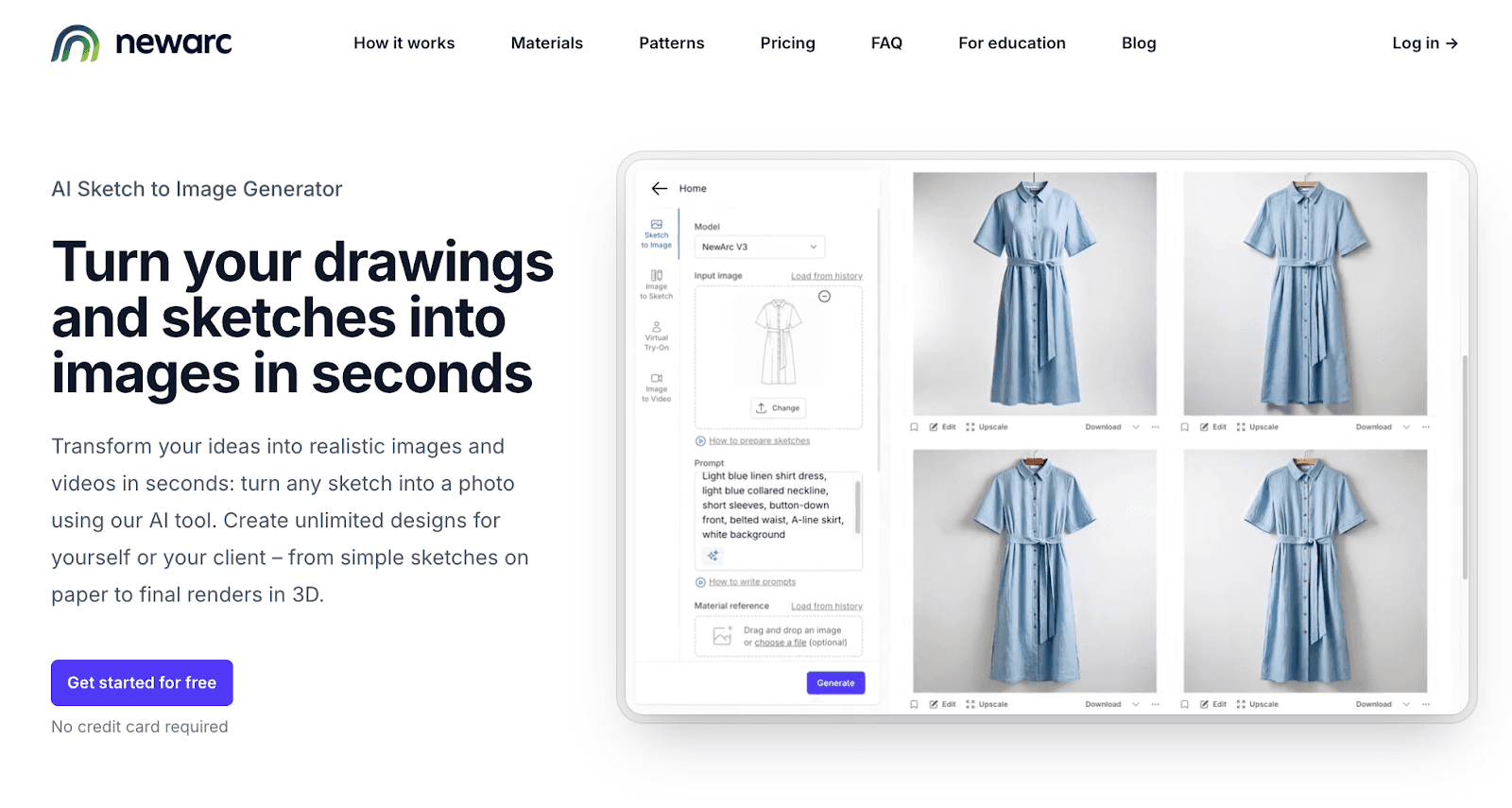
NewArc centers on turning sketches and early design inputs into realistic visuals used in fashion product development and presentation.
It also helps teams visualize designs with different materials, colors, and variations without building every mockup manually.
NewArc supports early-stage work where teams need to show direction, align on decisions, and move forward before samples or tech packs are finalized.
Key Features
Sketch-to-image generation – Convert drawings or technical sketches into realistic product visuals
Virtual try-on and visualization – Show designs on models to support product presentation and storytelling
Image-to-video outputs – Turn static visuals into short animations for presentations or campaigns
Material and pattern application – Apply fabrics, textures, and patterns to refine product concepts
Image-to-sketch conversion – Generate clean outlines from product visuals to support early development work
Where Most Retail Gen AI Tools Fall Short
Many generative AI tools enter retail workflows without product context. Outputs look usable at first, but they break down during reviews.
Generic Outputs That Miss Brand Context
Content often reads fine, but it does not match brand voice, product positioning, or customer expectations.
That shows up in product pages, campaigns, and emails in different retail channels. Messaging feels inconsistent. Teams rewrite copy, adjust tone, and fix details before anything goes live.
What looks fast at the start turns into repeated edits that affect customer satisfaction and slow down retail operations.
No Connection to Product and Customer Data
Most tools do not work from structured product data or customer data.
Outputs ignore SKUs, variants, and materials. Product details and content fall out of sync, which affects data quality and creates issues for inventory management.
Without reliable inputs, it becomes difficult to generate data-driven insights.
Disconnected From Core Workflows
Retail work moves between design, merchandising, and marketing.
Many tools sit outside key business processes. Content gets copied between multiple systems, reformatted, and tracked manually. Version control becomes unclear.
Limited Understanding of Retail Workflows
Retail timelines depend on constant updates. Tech packs change, samples get revised, and vendors need the latest version.
Most tools lack domain expertise and do not reflect these changes. Content falls behind what is actually being produced, which impacts execution in both digital and physical store layout planning.
More Tools, More Coordination
Adding tools often increases complexity instead of reducing it.
One handles copy, another handles visuals, and another handles editing. Teams now spend more time aligning outputs and fixing inconsistencies instead of moving work forward.
How to Choose the Right Generative AI for Retail
Start with where your process breaks.
When product updates slow things down, the issue usually shows up in rewrites. Descriptions, visuals, and campaign assets require ongoing updates after an SKU changes. A strong system generates content from product records, so updates carry through without extra work.
Brand inconsistency shows up in reviews. Product pages, emails, and campaigns don’t match. Tone shifts. Messaging gets adjusted late. The right tool keeps tone and structure consistent before anything goes to approval.
Large catalogs add pressure on accuracy. One update can affect multiple SKUs, colorways, and variants. Content should reflect those changes automatically. If not, teams end up fixing details during reviews.
Disconnected tools create extra steps. Content moves between design, ecommerce, and internal systems. Files get copied, reformatted, and tracked in different places. Systems should connect so content moves without rework.
Repeated edits point to weak inputs. When drafts need rewriting every time, the system is not reliable. Content should be usable during reviews, approvals, and vendor handoff without cleanup.
Choose based on where work breaks first. That is where the impact shows up fastest and drives retail success.
Onbrand AI Design: Generative AI for Retail Teams That Need More Than Speed
Generative AI is already part of daily retail work. What actually matters is how well it fits into how you already operate.
Content volume grows fast. Product updates don’t stop. Campaigns run across multiple channels at the same time. Speed helps, but it doesn’t fix the real issue.
Work breaks when product data, content, and approvals fall out of sync. That’s where the difference between tools becomes clear.
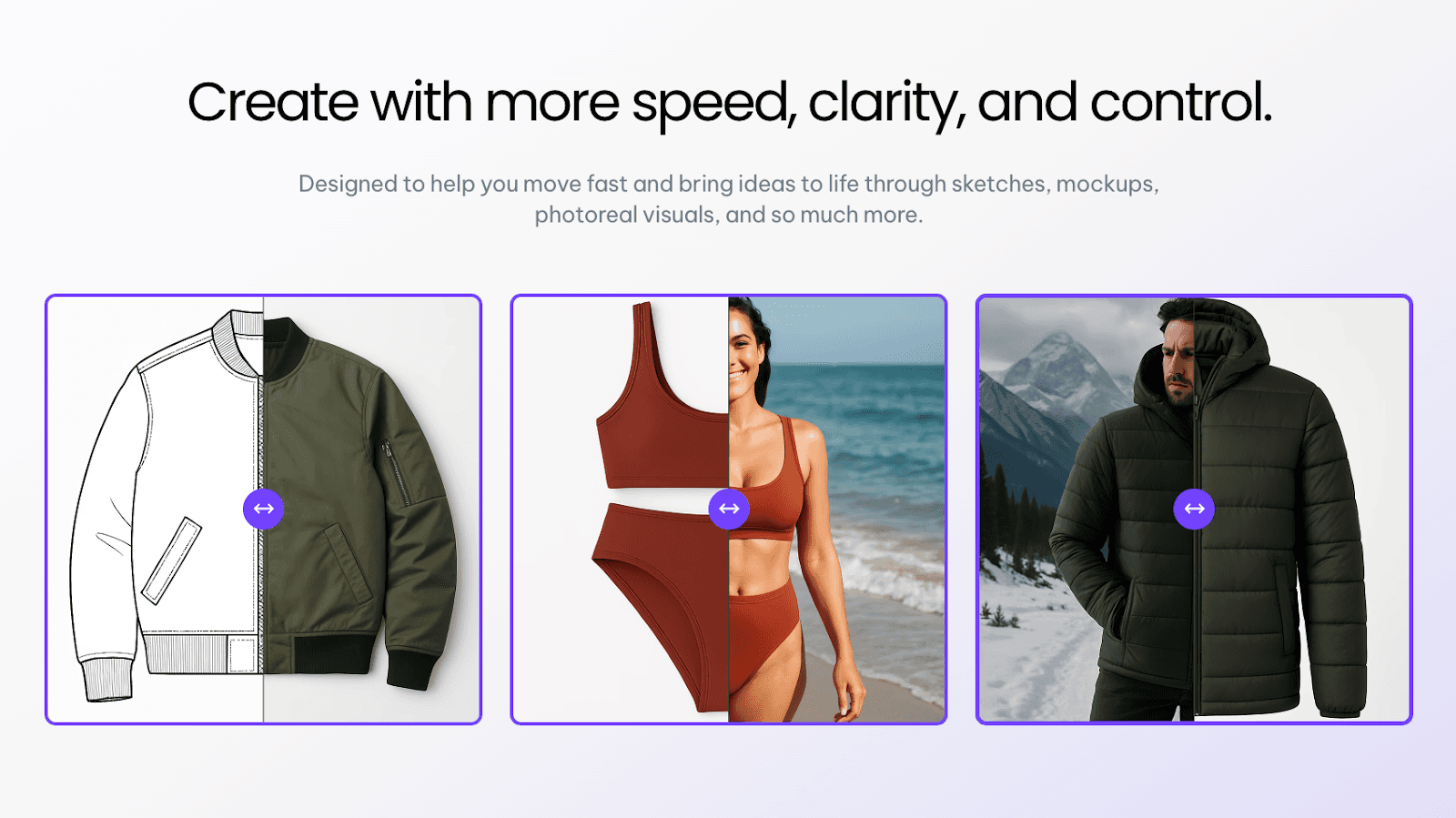
Onbrand brings AI design and PLM into one system. Content, visuals, and product data stay connected from concept to launch. Retail teams spend less time fixing outputs and more time moving work forward.
That system supports real execution while enabling retailers to scale without adding complexity.
FAQs About the Best Generative AI for Retail
Can generative AI replace creative teams?
No. It can speed up parts of the work, but it cannot replace the people making creative decisions. Designers, marketers, and product teams still decide what fits the brand, what gets approved, and what should go live. AI can help with volume. It still needs human review.
What is the best generative AI tool for retail?
The best generative AI tool for retail depends on your workflow. Some tools focus on visual design, while others support product content and campaigns. Retailers managing large catalogs and multi-channel content often choose systems that connect product data, design, and workflows in one place.
How generative AI helps retail teams improve performance and grow sales
Generative AI helps retail teams move product content faster without constant rewrites. Descriptions, visuals, and campaign assets update with less manual work, keep launches on track, and improve the online shopping experience. It can also reduce repetitive production work, which creates cost savings over time.

