Sep 24, 2026

Getting a fashion product from the first idea to an approved style takes more than creating a good-looking design.
Teams have colorways to test and materials to review, but the work doesn't stop there. Technical details still need attention, samples need checking, and feedback has to stay organized as the style moves forward.
AI can now help with several parts of that process. The harder part is knowing which software fits the work your team actually does.
One tool may be useful for early concepts, another for digital sampling, and another for carrying approved ideas into later development.
For fashion product development teams, those differences can shape which platform actually fits the workflow.
This guide compares the best AI fashion software for product development teams in 2026 and how each one fits into the fashion industry.
TL;DR
These are the eight best AI fashion tools for product development teams in 2026:
Raspberry AI
CLO 3D
Style3D
Browzwear
Mercer
DeSL
Marvelous Designer
What Should AI Fashion Software Do for Product Development Teams?
Generating a garment image is only one part of fashion product development. Once the initial concepts take shape, the design process still involves refinement, technical work, reviews, sampling, approvals, and preparation for production.
For product development teams in the global fashion industry, useful AI software can support several parts of that work:
Concept development – Explore early directions, silhouettes, materials, and color ideas before moving a style forward.
Design refinement – Develop variations and compare changes as the product takes shape.
Product visualization – Use virtual prototyping to review garments, colors, trims, materials, or fit before committing to a sample.
Technical development – Support technical design work such as patterns, specifications, and construction details where the software provides those capabilities.
Sampling support – Review digital versions before or alongside physical sampling to catch changes earlier.
Collaboration and approvals – Keep team collaboration organized around feedback, revisions, and decisions as the style develops.
Workflow continuity – Carry approved product information and structured data into later development stages so the work can continue toward production.
8 Best AI Fashion Software for Product Development Teams in 2026
The eight platforms below cover different parts of fashion product development, from early concept work to 3D garment development and PLM.
1. Onbrand AI Design
Onbrand AI Design is an AI-powered design platform built for fashion teams that want to move from early ideas into product development without splitting creative work between disconnected tools.
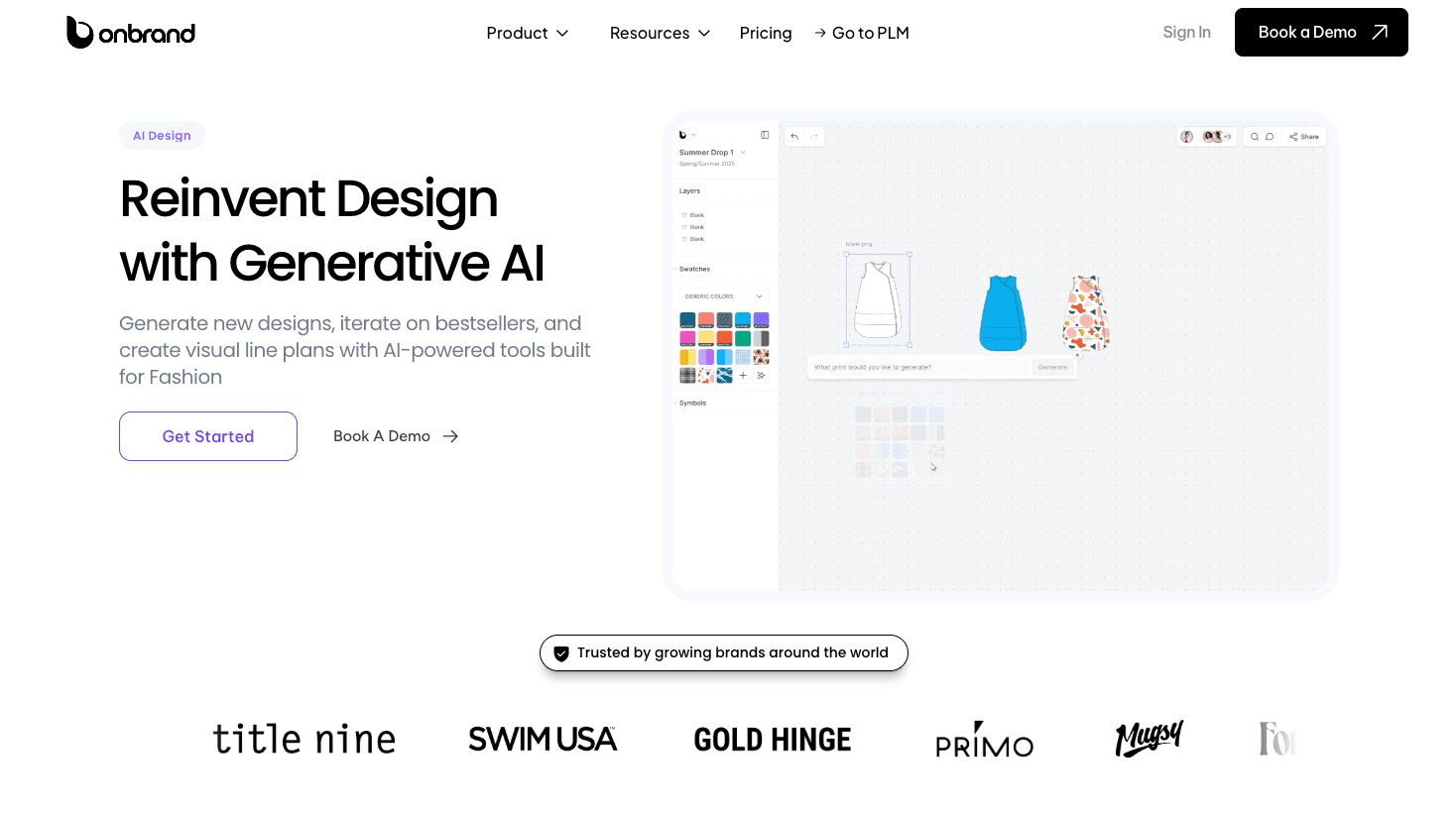
Teams can develop concepts, organize ideas on mood boards, and review designs together before moving approved work directly into Onbrand PLM.
How It Supports Product Development Teams
Fashion designers can start with a text prompt, sketch, or reference image and turn it into flats, mockups, or on-model visuals. From there, they can test colorways, trims, cuts, alternate views, and other variations without rebuilding the concept each time.
Shared boards, contextual comments, version history, and visual line plans help fashion brands review ideas and reach approvals in the same space.
Once a direction is approved, the work can move directly into Onbrand PLM, where teams can continue with materials, specifications, samples, vendor communication, approvals, and live tech packs.

Onbrand helps teams move through design phases up to 10x faster, reduce physical samples by 30–50%, and create tech packs 55% faster.
Key Features
Concept generation – Create sketches and mockups from text, photos, or existing designs.
Design exploration – Test colorways, trims, silhouettes, and variations with AI.
Visual collaboration – Review concepts through shared boards, comments, versions, and line plans.
Adobe Illustrator export – Move AI-generated visuals into Illustrator for detailed refinement, including creating technical flats.
PLM connection – Carry approved designs into structured fashion workflows for development and production.
Best For
Fashion product teams that want AI-assisted concept creation and design refinement connected directly to the product development work that comes next.
2. Raspberry AI
Raspberry AI is a generative AI platform built for product design, visualization, and presentation. Among AI fashion design tools, Raspberry AI focuses on turning early design input into polished visuals that teams can compare and refine.

Source: raspberry.ai
How It Supports Product Development Teams
Raspberry AI supports creative exploration early in development. Teams can move from sketches or initial design concepts into rendered fashion concepts, then test product directions before committing to samples.
Its tools also support idea generation around color, prints, graphics, product variations, and on-body presentation. That makes it useful during early AI fashion design work when designers need to compare several directions quickly.
Key Features
Sketch to render – Turn sketches into photorealistic product visuals.
Design editor – Adjust products and develop visual variations.
Prints and patterns – Create graphics and repeat designs from prompts.
On-body visualization – Use virtual try-on to place garments on models and review the product in context.
Photography tools – Create AI fashion photography and other marketing visuals once product visuals are needed beyond development.
Best For
Product teams focused on early concept work, visual iteration, and faster design review.
3. CLO 3D
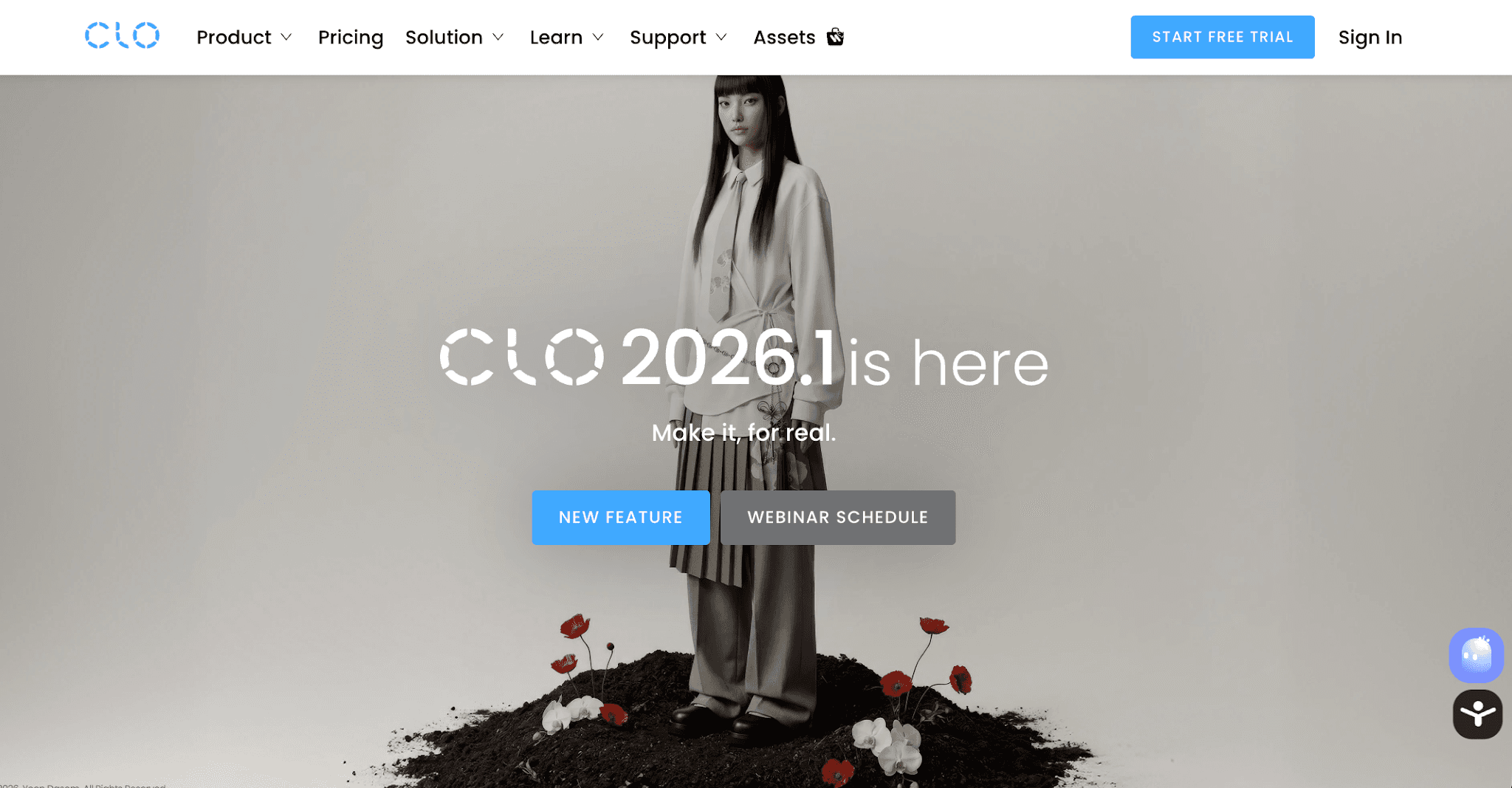
CLO 3D is 3D fashion design software built for virtual garment development, with AI tools available through CLO AI Studio and AI-assisted pattern drafting. Designers can create and review garments digitally before physical production.
Source: clo3d.com
How It Supports Product Development Teams
CLO fits deeper into development once a product direction takes shape.
Designers and pattern makers can work with 2D patterns and 3D garments together, supporting pattern making and digital garment creation in the same environment.
Teams can test how changes to fit, proportions, colors, and fabric behavior affect a garment before producing physical samples. CLO also supports virtual sampling and collaboration during development.
Key Features
3D garment visualization – Review fit, silhouette, and garment proportions digitally.
AI pattern drafter – Use a garment sketch to generate measurements and create a drafted pattern automatically.
Fabric simulation – Compare the visual effect of different fabrics and colors.
Virtual sampling – Review garment directions before producing physical samples.
Pattern and style review – Check pattern layout in 2D alongside style lines and garment details in 3D.
Best For
Product development teams that need 3D garment development, pattern work, fit visualization, and virtual sampling before physical samples.
4. Style3D
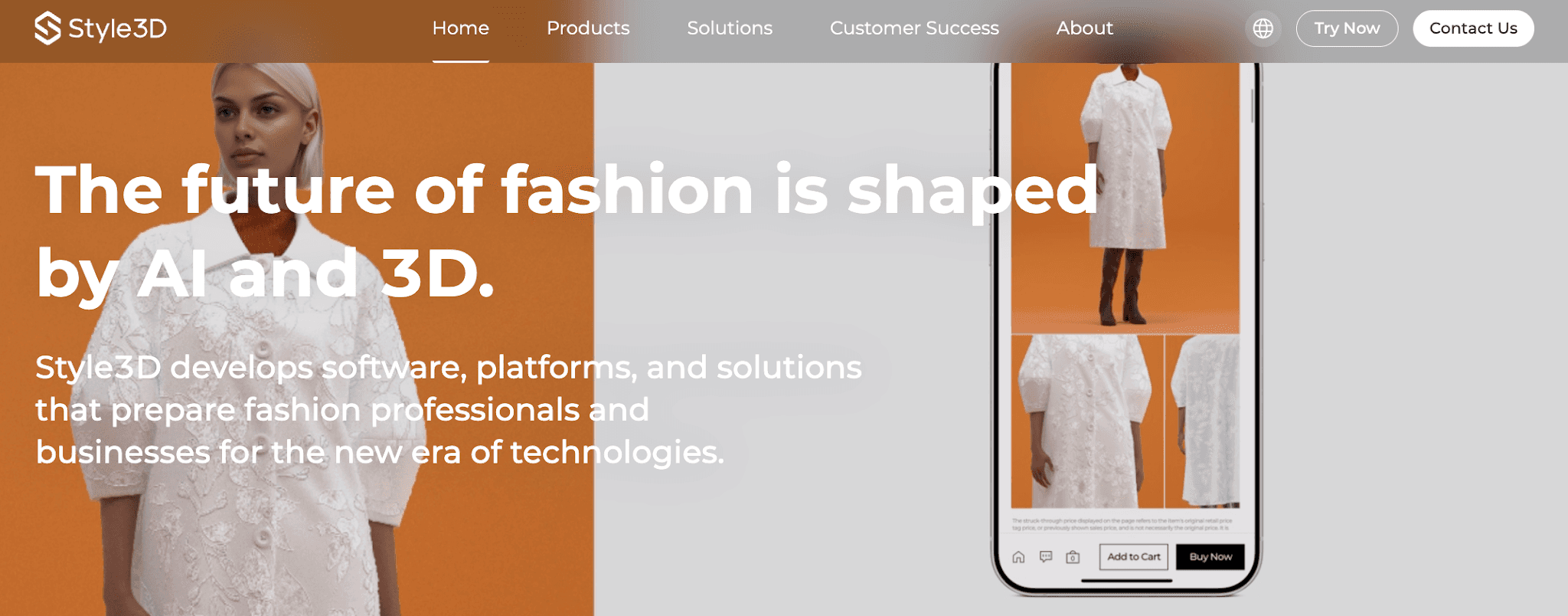
Style3D combines AI tools with 3D garment development and fabric simulation. Fashion teams can explore design ideas, develop garments digitally, and share the resulting 3D work through its cloud tools.
Source: style3d.com
How It Supports Product Development Teams
Style3D fits several points in the development workflow.
Design teams can use AI to explore early design concepts, then move into 3D development to review garments, fabrics, and style details before physical samples are made.
For technical designers, the product-development work extends into Style3D Studio, Fabric, and Cloud. These tools support garment simulation, style validation, shared 3D assets, remote review, and product tracking as designs move forward.
Key Features
AI inspiration generation – Explore early directions with AI design tools.
3D garment simulation – Review shape, style, and garment behavior digitally.
Fabric simulation – Review fabric appearance, drape, and behavior in 3D.
Cloud collaboration – Track styles and share 3D assets with product teams.
Rendered product visuals – Create images and animations for review and presentation.
Best For
Product development teams that want AI-assisted concept work connected with 3D garment development, simulation, and collaborative review.
5. Browzwear
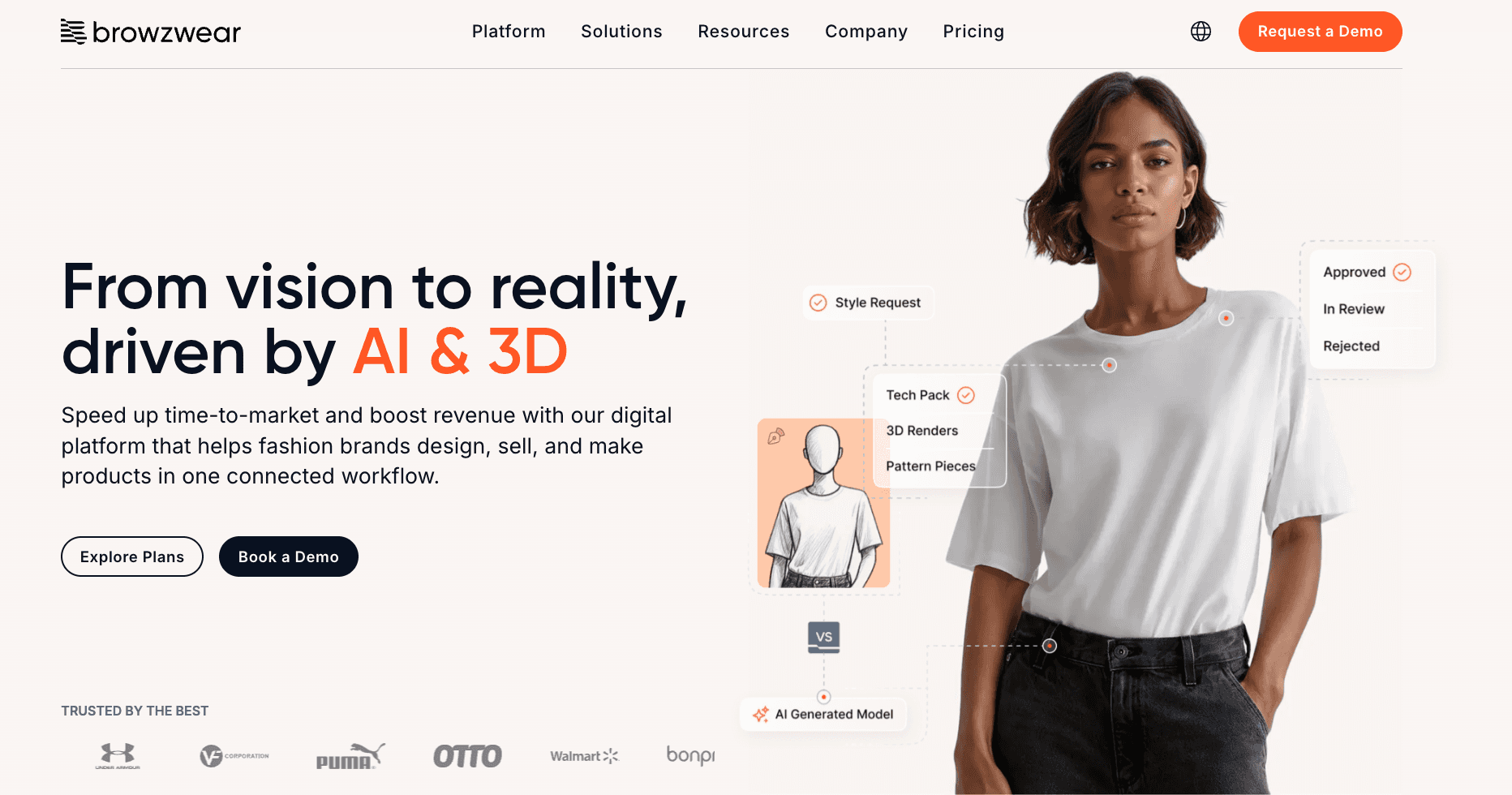
Browzwear is 3D design software for digital fashion product creation. Its platform combines fashion design tools for garment development, fit validation, collaboration, and production handoff, with workflows used by apparel brands, manufacturers, and independent creators.
Source: browzwear.com
How It Supports Product Development Teams
Browzwear fits into the creative process once early design work moves into 3D development and review.
Fashion professionals can create digital garments in VStitcher, then review fit and proportion before sharing the same 3D asset with buyers, vendors, and other creative teams.
The workflow can continue into approval and technical handoff, with PLM, ERP, and factory integrations available for later development stages.
Key Features
VStitcher – Create 3D garments with physics-based simulation and real fabric data.
Fit validation – Review sizing, drape, and proportion digitally before sampling.
Stylezone collaboration – Share 3D assets with designers, buyers, and vendors.
Technical assets – Generate technical outputs for downstream development.
Open platform – Connect Browzwear with PLM, ERP, and factory systems.
Best For
Product teams focused on 3D garment development, fit validation, digital sampling, and collaborative product review.
6. Mercer
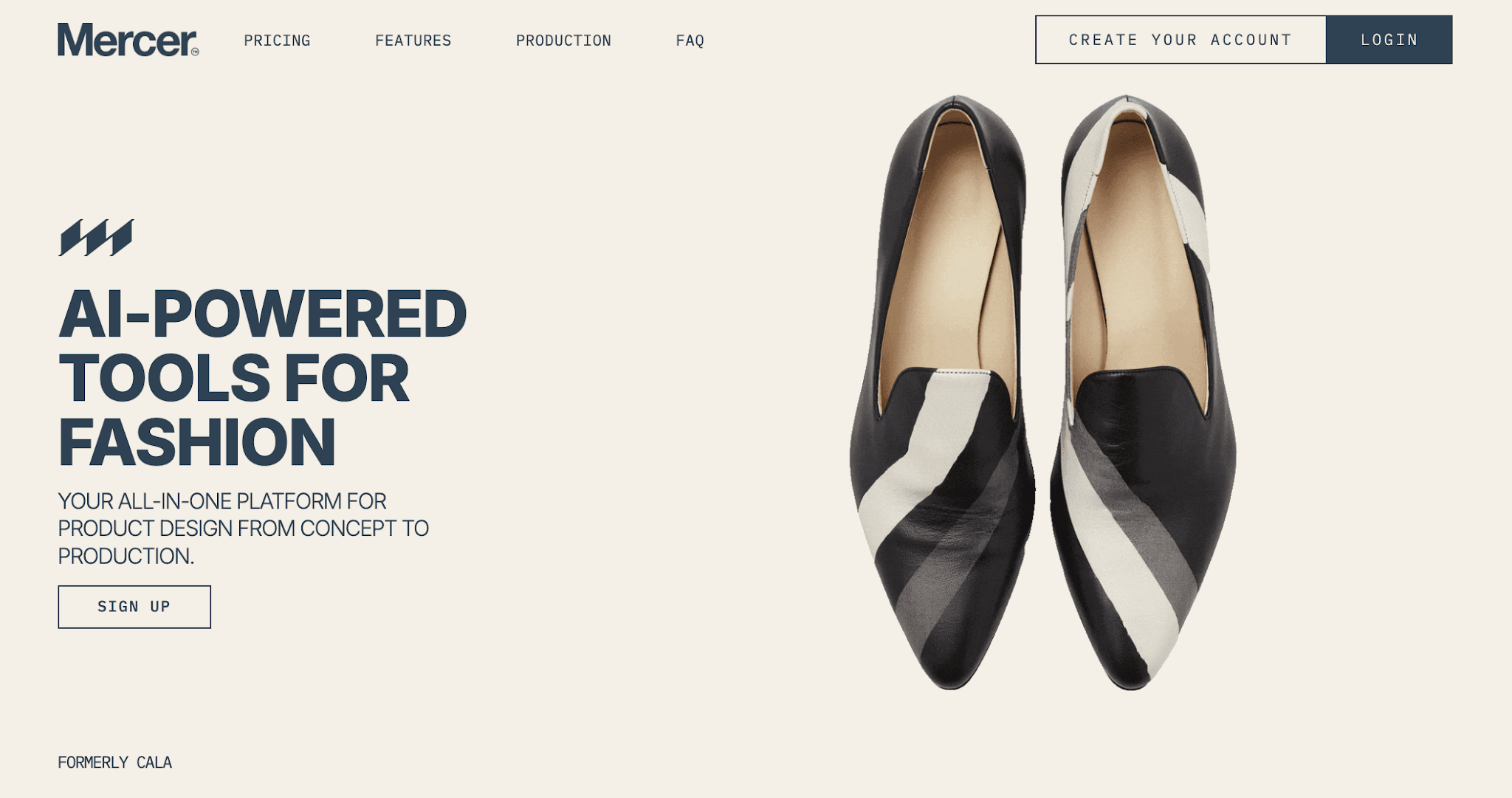
Mercer (formerly CALA) is fashion software that combines AI-assisted design with collection management, collaboration, and production workflows.
Its creative tools are built for fashion designers, fashion brands, and smaller teams developing products from early concepts through production.
Source: mercer.design
How It Supports Product Development Teams
Mercer enters the workflow during concept development and continues into product coordination.
Independent designers and teams can start from sketches, CAD fashion, reference images, or AI-generated ideas, then organize the resulting files within collections.
Its design tools support product variations and visual editing. Teams can then add measurements and notes, assign tasks, collect feedback, and share files with production partners as products move forward.
Key Features
AI designer – Generate and develop early product ideas.
Product variations – Explore different versions of an existing direction.
AI paintbrush – Edit specific areas of a product visual.
Collection management – Store and organize creative and technical files.
Collaboration tools – Add comments, measurements, tasks, and shareable collection links.
Best For
Smaller fashion brands and product teams that want AI-assisted design, collection organization, collaboration, and production coordination in one platform.
7. DeSL
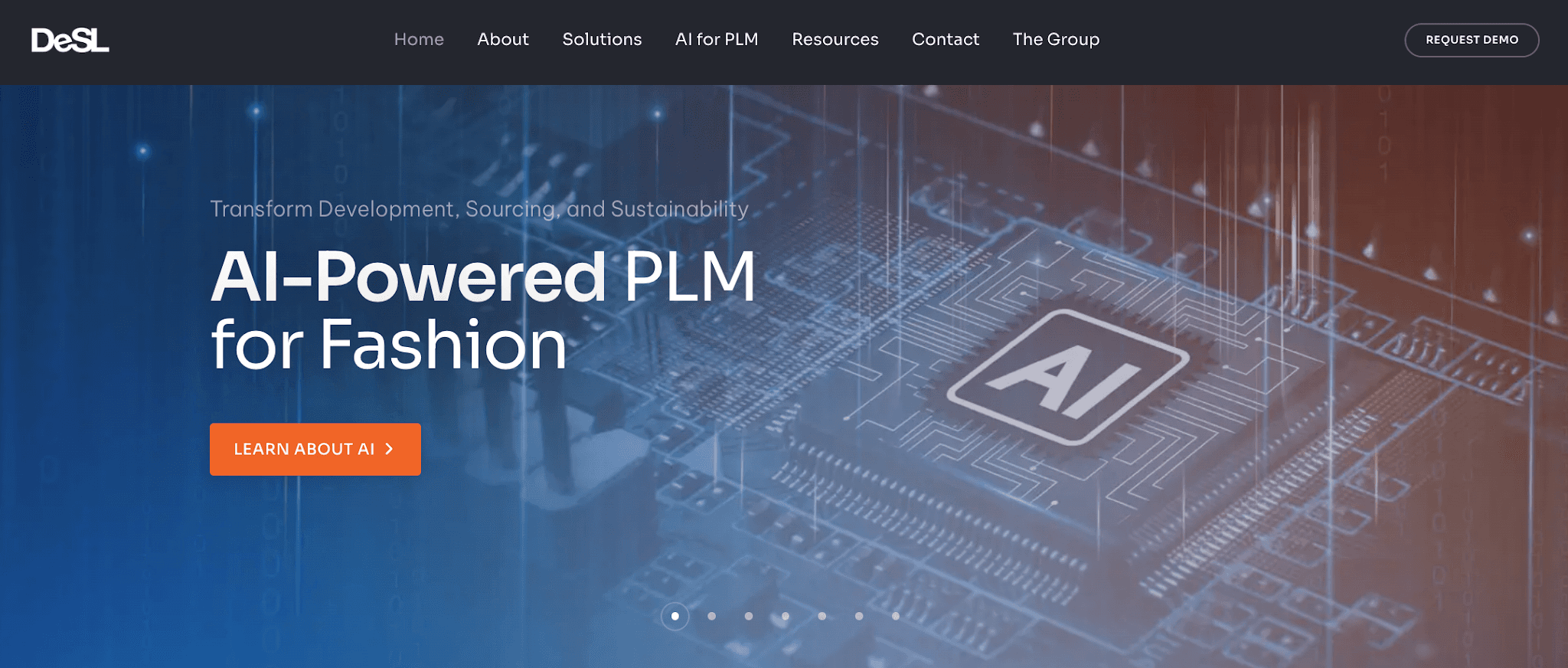
DeSL is fashion-focused PLM software with embedded AI tools for turning early design ideas into structured product information. Among PLM systems, DeSL carries that work through development, sourcing, and later lifecycle stages.
Source: desl.net
How It Supports Product Development Teams
DeSL supports product teams once ideas need to move into structured development.
Designers, developers, and vendors can work from shared product data, manage approvals, track styles, and keep sourcing and supplier information connected as products progress.
Its integration capabilities also help DeSL connect PLM with other systems and workflows already used by the business.
Key Features
AI assist – Generate garment concepts, visualize colorways, populate product data, and support specification and tech pack work inside PLM.
Digital planning boards – Give design and development teams a visual workspace for planning and review.
Digital color approvals – Manage color review and approvals digitally.
Supplier relationship management – Share information and collaborate with vendors.
Product information management – Centralize product data for use through later development and delivery.
Best For
Fashion brands that need PLM-centered fashion tools with AI support for structured product development, supplier collaboration, and product data management.
8. Marvelous Designer
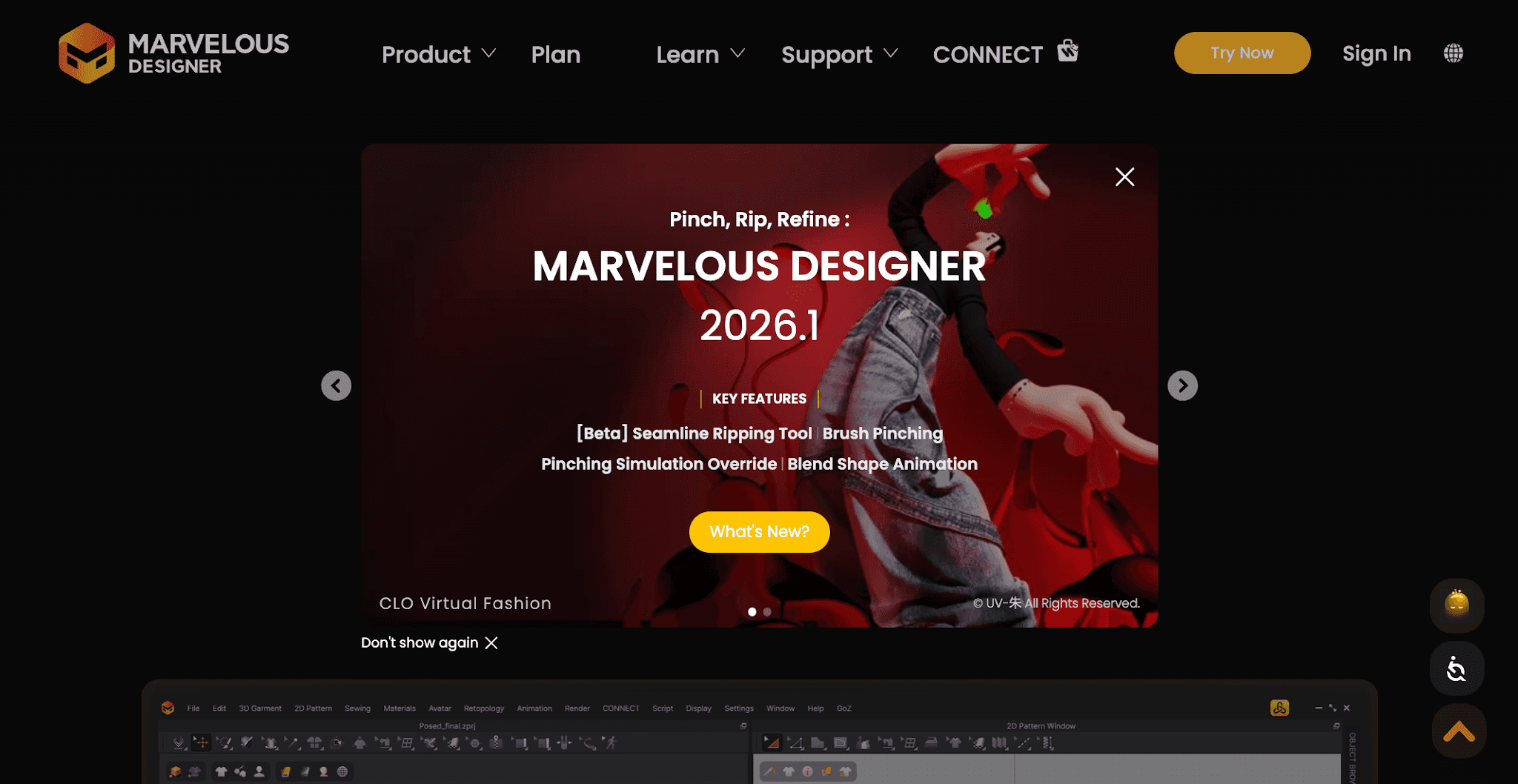
Marvelous Designer is 3D garment design software built around digital clothing creation, pattern development, and garment simulation.
Its AI Studio adds AI-assisted tools for pattern drafting, textures, graphics, poses, and image generation.
Source: marvelousdesigner.com
How It Supports Product Development Teams
Marvelous Designer fits into product development when teams need to move from a design direction into patterns and 3D garment development.
Designers can create and adjust 2D patterns, build garments in 3D, and review the results on avatars.
Its AI Pattern Drafter can also generate measurements and draft a basic pattern from a sketch, giving teams another starting point for pattern development. The feature remains in beta and currently supports specific garment types.
Key Features
3D garment creation — Build and review digital garments in a 3D environment.
Pattern drafter (beta) — Create and adjust garment patterns using measurement inputs.
AI pattern drafter (beta) — Use a garment sketch to generate measurements and create a drafted pattern automatically.
AI texture generator — Generate fabric texture ideas from text prompts.
AI pose generator — Create avatar poses from prompts or images for garment visualization.
Best For
Product teams focused on 3D garment creation, pattern drafting, garment visualization, and digital design review.
Smart Ways to Choose AI Fashion Software for Product Development
Choosing between AI fashion tools gets easier when you look at how each option fits the way your team develops products.
Start with the problem you want to solve, then look at what happens after the AI creates something and how the work moves forward.
Start With the Development Stage You Want to Improve
Start with the part of development that currently slows your team down.
You may need help generating design concepts, comparing iterations, visualizing products, reducing sample rounds, preparing technical details, or getting reviews approved.
The best AI tool for your team is the one that helps with that specific problem. A long feature list means little if it does not improve the part of development where your team loses the most time.
Look at What Happens After the AI Output
A generated image may look finished, but product development still has to continue.
Check what happens after your team approves a direction. Generic image generation may leave you downloading files, uploading them elsewhere, recreating product information, and reconnecting feedback manually.
Look for where those handoffs happen and how much work has to be repeated before the product can move to its next stage.
Consider How Your Team Collaborates
Think about everyone who needs to review or act on a product. That may include designers, product developers, merchandisers, sourcing teams, and suppliers.
Check how the software handles comments, versions, approvals, permissions, and shared workspaces. Also check external access if factories or suppliers need to participate directly.
Check Compatibility With Your Existing Workflow
New software rarely operates alone. Consider what it will replace and what it needs to work alongside.
Review its integration capabilities with your existing PLM, ERP, clothing design software, or other development systems.
More importantly, check what information can actually move between them and what your team will still need to export, upload, or enter manually.
Test the Software With a Real Style
A demo can look easy in just a few clicks, but a normal product is a better test.
Run an existing style through a realistic sequence: create a variation, change a material or color, collect feedback, revise, approve, and move it to the next development stage.
Pay attention to where someone has to leave the platform, recreate information, or use another tool. Since AI technology evolves rapidly, testing the current product with your own process tells you more than relying on a feature list alone.
Choose AI Fashion Software That Fits the Way Your Team Develops Products
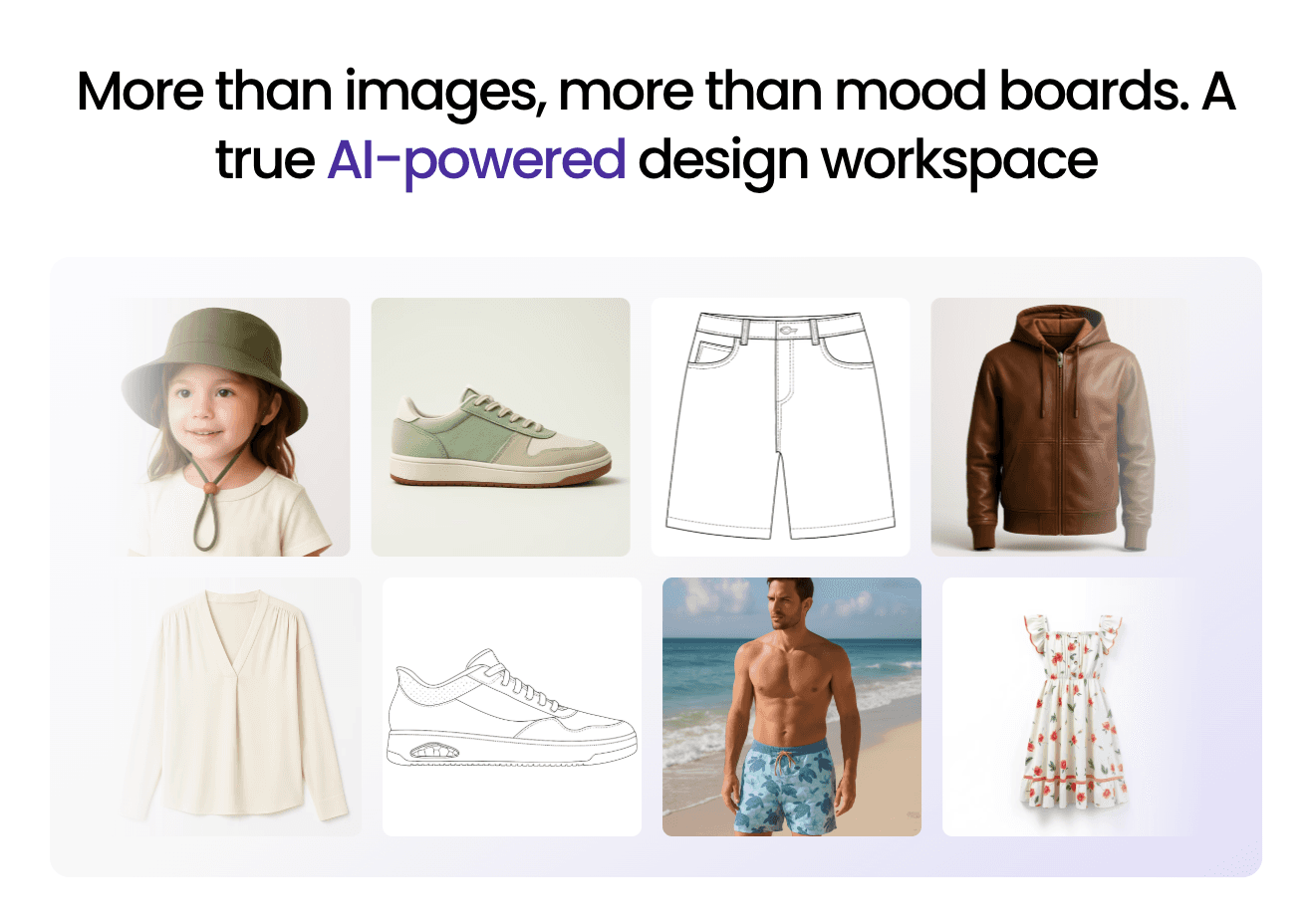
AI fashion software can support very different parts of product development, from concept creation and 3D review to technical work and PLM.
For fashion brands that want AI-assisted design connected directly to structured product development, Onbrand brings AI Design and PLM into the same workflow.
Approved concepts can continue into materials, bills of materials (BOMs), tech packs, samples, revisions, and supplier collaboration.
Book a demo with Onbrand to see how it fits your product development process.
FAQs About AI Fashion Software for Product Development Teams
What is the best AI platform for teams?
The best AI platform for teams depends on what they need to improve. Fashion teams should start with the development stage that needs the most attention. A tool may fit early concept work, 3D visualization, technical development, or sampling, so the right choice depends on how your team actually works.
Which AI model is best for fashion?
There is no single AI model that is best for every fashion task. Fashion software may use machine learning, generative AI, 3D simulation, or a combination of technologies for jobs such as concept creation, garment visualization, and product development.
Which AI tool is best for product design?
The best AI tool for product design depends on the stage of development. Onbrand is built for AI-assisted fashion design connected to PLM, while other platforms focus more specifically on areas such as 3D garment development, visualization, or digital sampling.
What is the best AI for fashion advice?
AI can help indie designers and fashion teams explore ideas, compare variations, and research possible directions. It should support human creativity, not focus on replacing human creativity. Professional judgment is still important when checking fit, choosing materials, and preparing production-ready patterns. The same applies when teams need to weigh sourcing or material choices against their sustainable practices.
Can AI predict fashion trends?
AI trend forecasting uses fashion, consumer, visual, and market signals to identify emerging trends. These systems can help brands predict emerging trends earlier, but trend forecasting should guide planning decisions, not be treated as a guarantee of future demand.