May 11, 2026
Tech packs take time to build, especially when created manually in Excel files, sketches, and vendor notes. As more styles move through the fashion design process, updates pile up and slow the team down.
Many fashion designers and product teams look for ways to move faster without losing control of details. That is where an AI tech pack generator comes in.
AI tools help speed up early setup, reduce repetitive work, and turn design inputs into more structured data. They support parts of the process that usually slow teams down.
Not every tool solves the same problem, though. Some focus on visuals, while others try to connect design work to product data.
This guide breaks down the tools in the market and shows where each one fits, so your team can choose what actually helps you work faster and stay organized.
TL;DR
These are the best AI tech pack generators for fashion teams:
Raspberry
NewArc
Fashable
Refabric
What an AI Tech Pack Generator Actually Does
An AI tech pack generator helps with parts of creating tech packs by turning inputs into more structured data. It does not replace the full process, but it supports the early steps where teams usually spend the most time.
Most tech pack tools use AI to work from user inputs like sketches, images, or notes and turn them into something your team can use.
AI-generated packs help pull together the details your team needs for production, like measurements, specifications, and bills of materials (BOMs). Some tools can also analyze inputs to suggest construction notes or fill in missing data.
Most tools fall into three categories:
AI design tools that generate visuals, garment images, or early concepts
AI-assisted tools that help with details like construction notes, measurements, and specs
Workflow tools that connect design outputs to structured product data
A techpack generator can help speed up setup, but not every tool builds complete tech packs. Many stop at visuals or partial outputs, so teams still need a system to manage full product data.
When You Actually Need One
Teams usually look for AI support when the work starts to slow down.
More styles mean more time spent building each tech pack manually in Excel or scattered files. Manual updates pile up, and your team has to hop between spreadsheets, notes, and different tools just to keep things aligned.
The same structure gets rebuilt for each style, which turns into a lot of repeated work. At scale, it becomes harder to keep design and production aligned, and details do not always translate clearly to factories.
Keeping everything organized can feel like a constant effort. Your team still needs to add missing details, fix inconsistencies, and build tech packs piece by piece.
That is usually the point where teams start looking for a faster way to handle setup without losing control of product data. AI helps reduce that repetitive work and gives your team a more consistent starting point.
Top 5 AI Tech Pack Generator Tools to Consider for Your Team
These tools approach tech pack creation from different angles, from AI-generated garment images to structured product data. Each one fits a specific part of the design and development workflow.
1. Onbrand AI Design
Onbrand AI Design helps fashion teams move from early ideas to usable product development assets in one connected workspace.
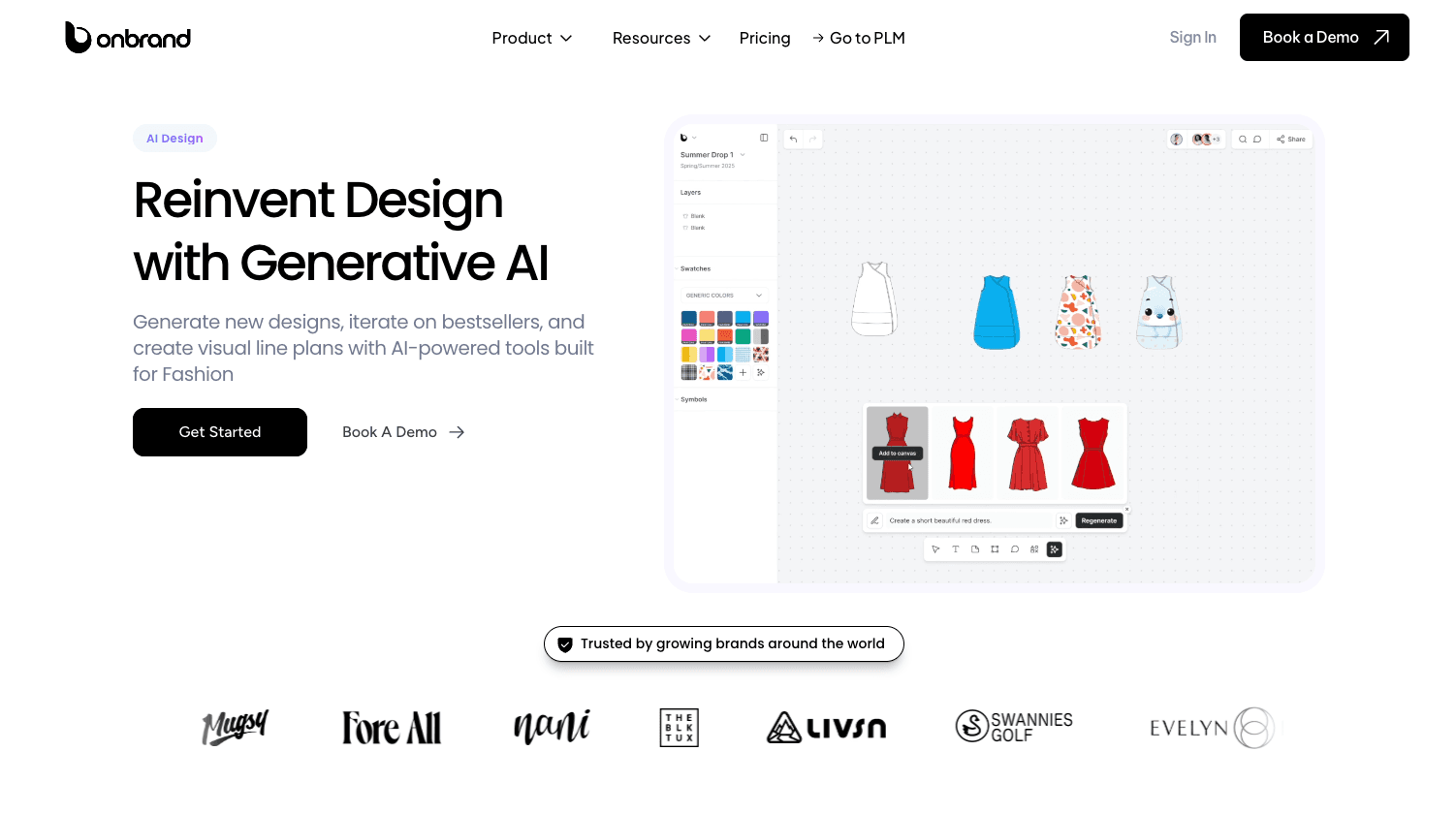
You can start with a prompt, sketch, or photo, then generate visuals, explore design variations, create flats, and move approved design work into Onbrand PLM. That connection sets it apart from tools that only create images.
From there, your team works with visuals, specs, measurements, materials, and production details that are already structured for development.
These inputs can be used to begin a tech pack without rebuilding everything from scratch. Onbrand keeps design work connected to the product data used for samples, approvals, and factory communication.
Onbrand reports 10x faster design turnaround, 30–50% fewer physical samples, and 10+ weeks saved each year, which makes it a strong fit for teams searching for an AI tech pack tool.
How Onbrand Supports AI Tech Pack Creation
Design outputs flow directly into Onbrand PLM, where your team can start building tech packs with the same data used during design.
That connection reduces manual setup and keeps everything aligned. Updates stay in one place, so your team does not have to manage multiple files, PDFs, or spreadsheets.
Key Features
Generate designs from text, sketches, or photos – Create first drafts, mockups, and visuals
Sketches to mockups – Turn rough sketches into cleaner design options
Photorealistic renders – Produce visuals for reviews, presentations, and factory communication
Automated technical sketch creation – Generate flats that support tech pack setup
Colorway and variation generation – Test trims, cuts, and palettes quickly
Mood boards and visual line plans – Organize collections and design direction
Real-time collaboration – Keep feedback tied to the design
Version history and rollback – Track and manage design changes
Asset library management – Store templates and design assets in one place
Connect to Onbrand PLM – Build live tech packs, manage BOMs, track samples, and keep vendor updates aligned
Spec sheet support – Start tech packs with specs, measurements, and production details
2. NewArc
NewArc is an AI fashion design generator focused on turning early ideas into visuals quickly. You can start with prompts, sketches, or reference images, then generate concepts your team can review.
It works well for early-stage design exploration, especially when you need to create flat sketches or test directions before moving into Illustrator or other tools.
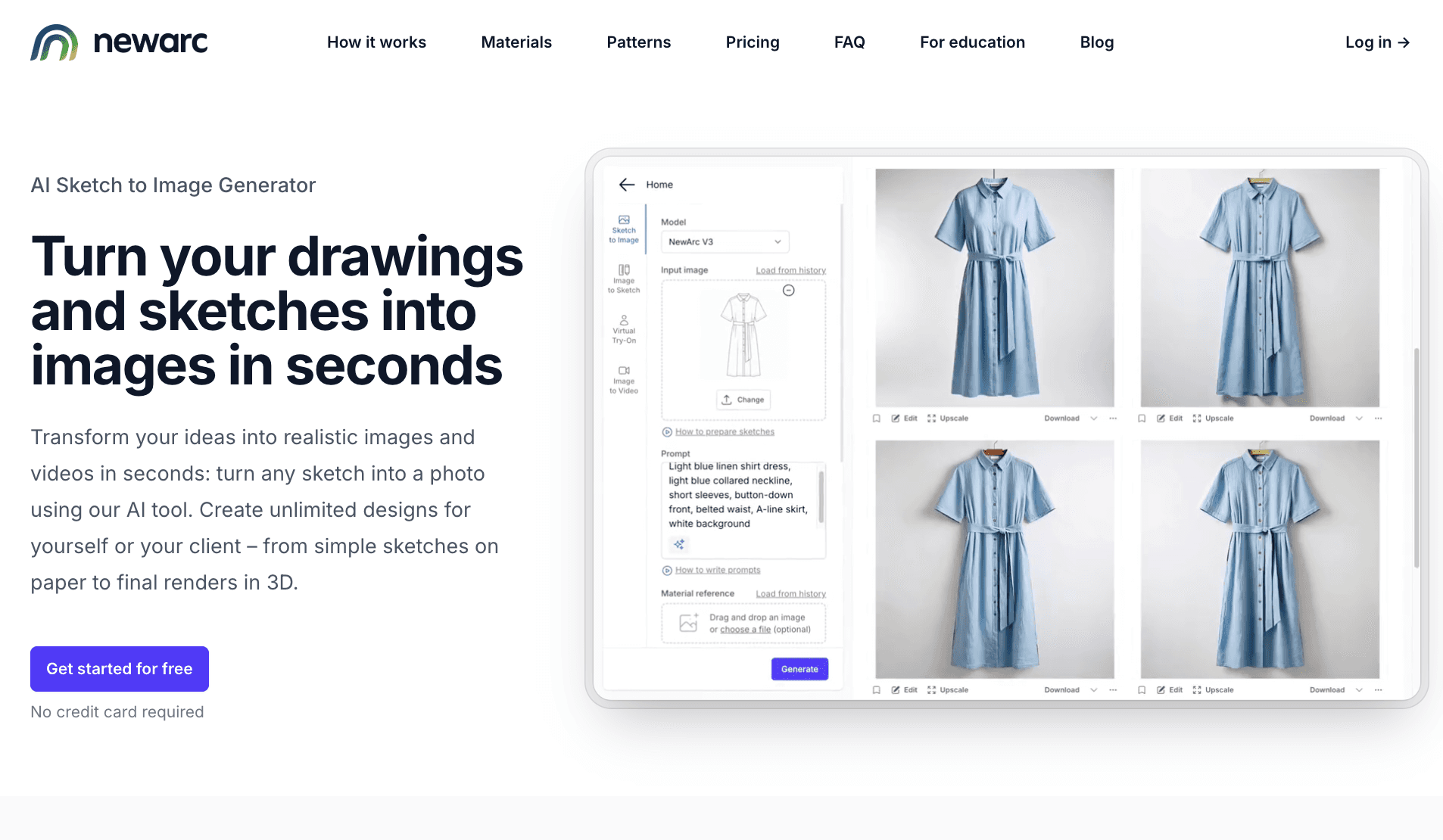
Source: newarc.ai
How NewArc Supports AI Tech Pack Creation
NewArc helps your team create visuals that can support tech pack setup. You can generate flat sketches and concept images that give structure to early ideas.
These outputs help clarify design intent before adding specs, measurements, and production details in another system.
It does not generate full tech packs, so your team still needs another tool to manage specs and production data.
Key Features
Prompt-to-garment tools – Generate concepts from text or reference images
Sketch-based generation – Turn rough sketches into clearer visuals
Create flat sketches – Build cleaner design outputs for early reviews
Fast concept iteration – Test multiple directions in less time
Export-ready visuals – Move designs into Illustrator for further refinement
3. Fashable
Fashable is an AI clothing generator focused on creating fashion concepts and visuals from prompts.
It helps teams turn ideas into images quickly, which can be useful when exploring styles, silhouettes, or fabric directions early in the process. The platform is more centered on visual output than structured product development.
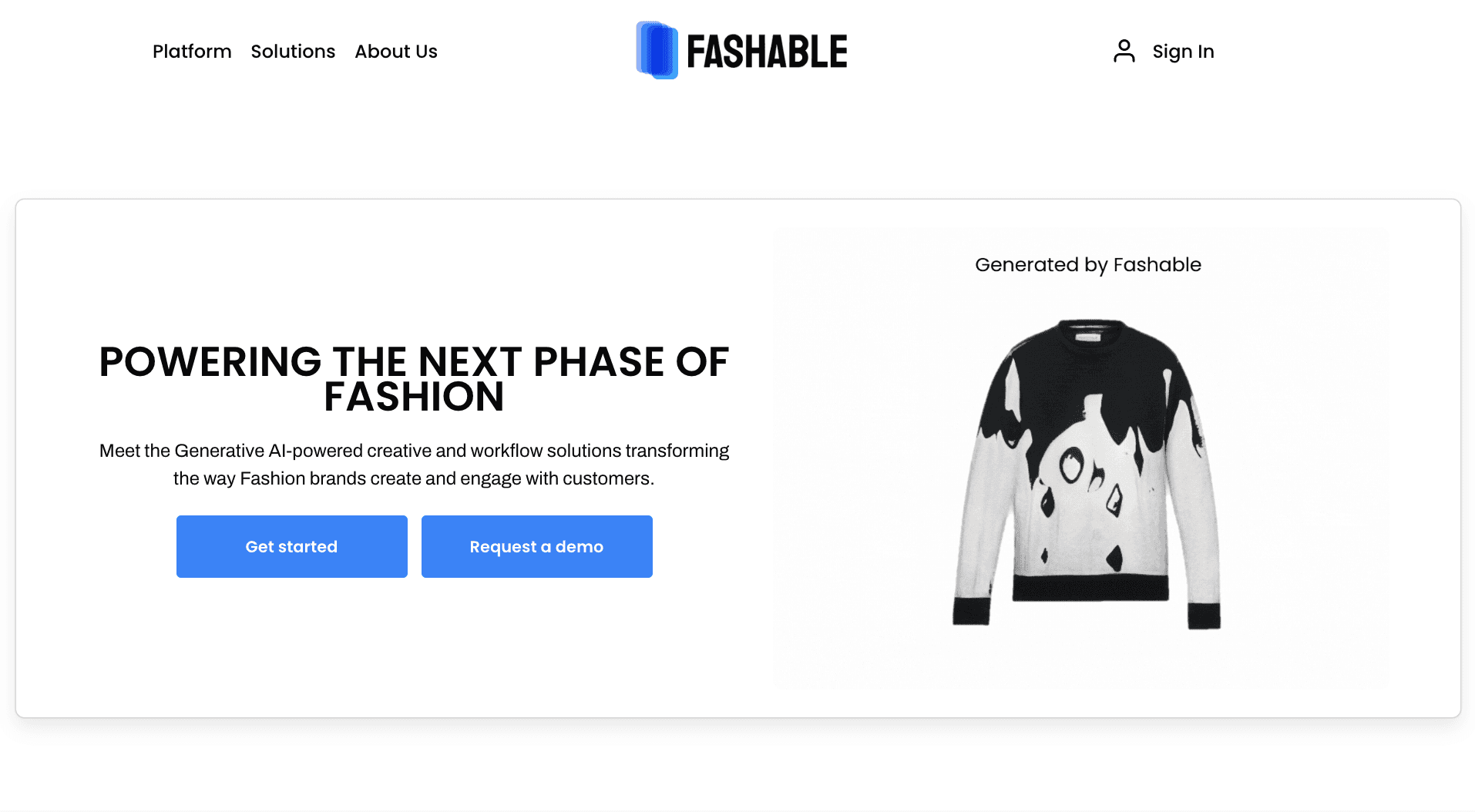
Source: fashable.ai
How Fashable Supports AI Tech Pack Creation
Fashable can support early tech pack work by giving your team visuals to review before specs and production details are added elsewhere.
You can use these visuals to define design intent before adding specs, measurements, and production details in another system.
The actual tech pack still gets built outside the tool, where product data and documentation are handled.
Key Features
AI clothing generator – Create design concepts from prompts
Visual concept generation – Turn ideas into usable images for review
Fabric and style exploration – Test different looks and directions
Variation testing – Explore multiple design options quickly
Image-based outputs – Generate visuals that are ready for presentations
4. Refabric
Refabric is an AI design platform focused on generating fashion concepts with a strong emphasis on fabric, materials, and brand identity.
Designs can be created from prompts, sketches, or references, then refined with different textures, patterns, and styling inputs. It is most useful during the early stages when material direction and overall look need to be explored.
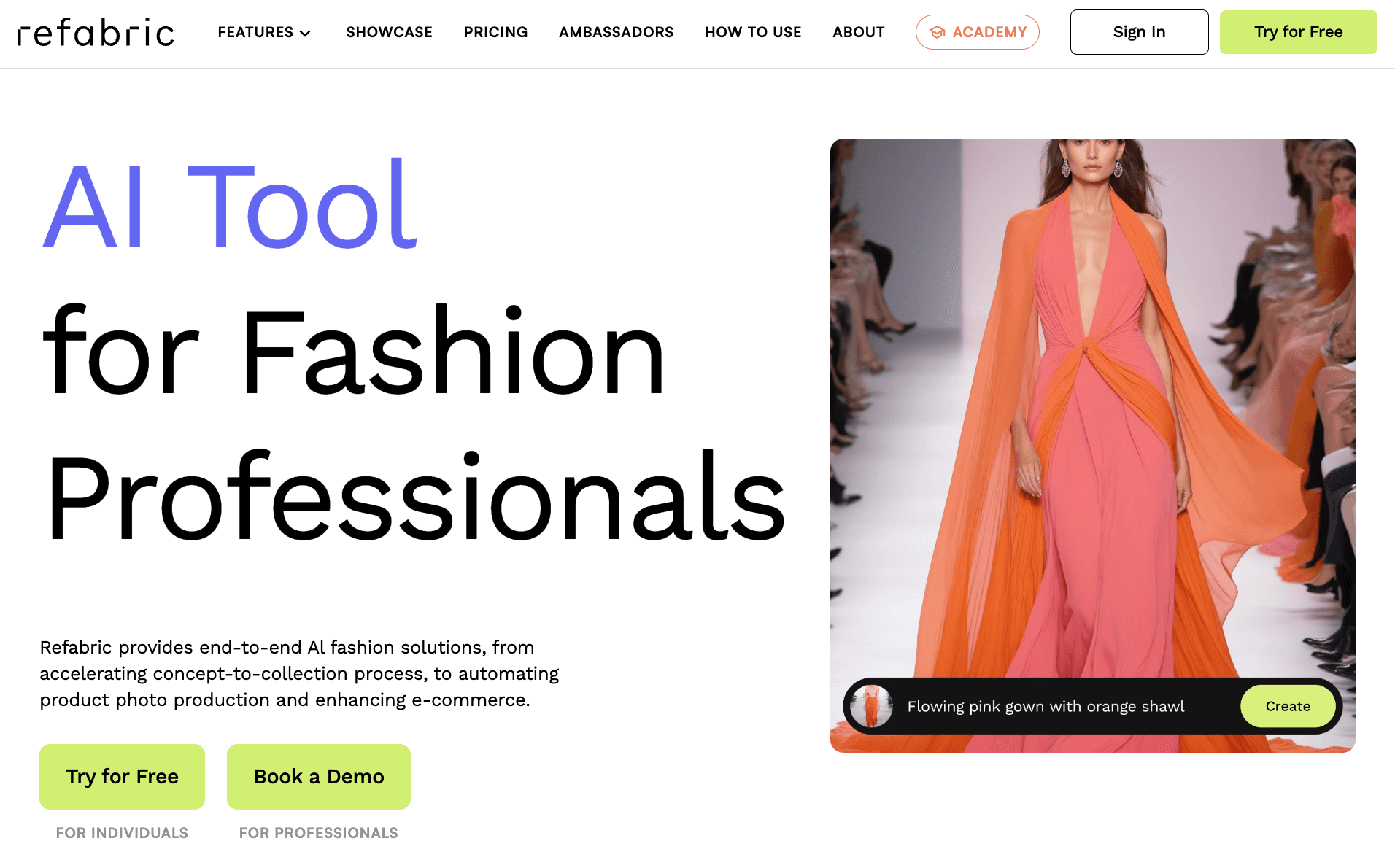
Source: refabric.com
How Refabric Supports AI Tech Pack Creation
Refabric helps your team define visual direction before building a tech pack. You can generate designs with fabric and pattern details that give more context to early concepts.
These visuals can guide specs, materials, and construction notes later, but tech packs and product data are handled in a separate system.
Key Features
AI design generation – Create concepts from prompts or references
Fabric integration – Apply textures and materials to designs
Pattern creation – Add and adjust patterns on garments
Brand identity training – Generate designs based on your brand style
Design editing tools – Refine specific areas with text or visual input
5. Raspberry
Raspberry is a garment visualization AI tool focused on creating high-quality images for design, marketing, and presentation.
Creators can turn sketches, concepts, or prompts into polished visuals, including on-body renders and lifestyle images. Raspberry focuses more on visual output and storytelling than on product development workflows.
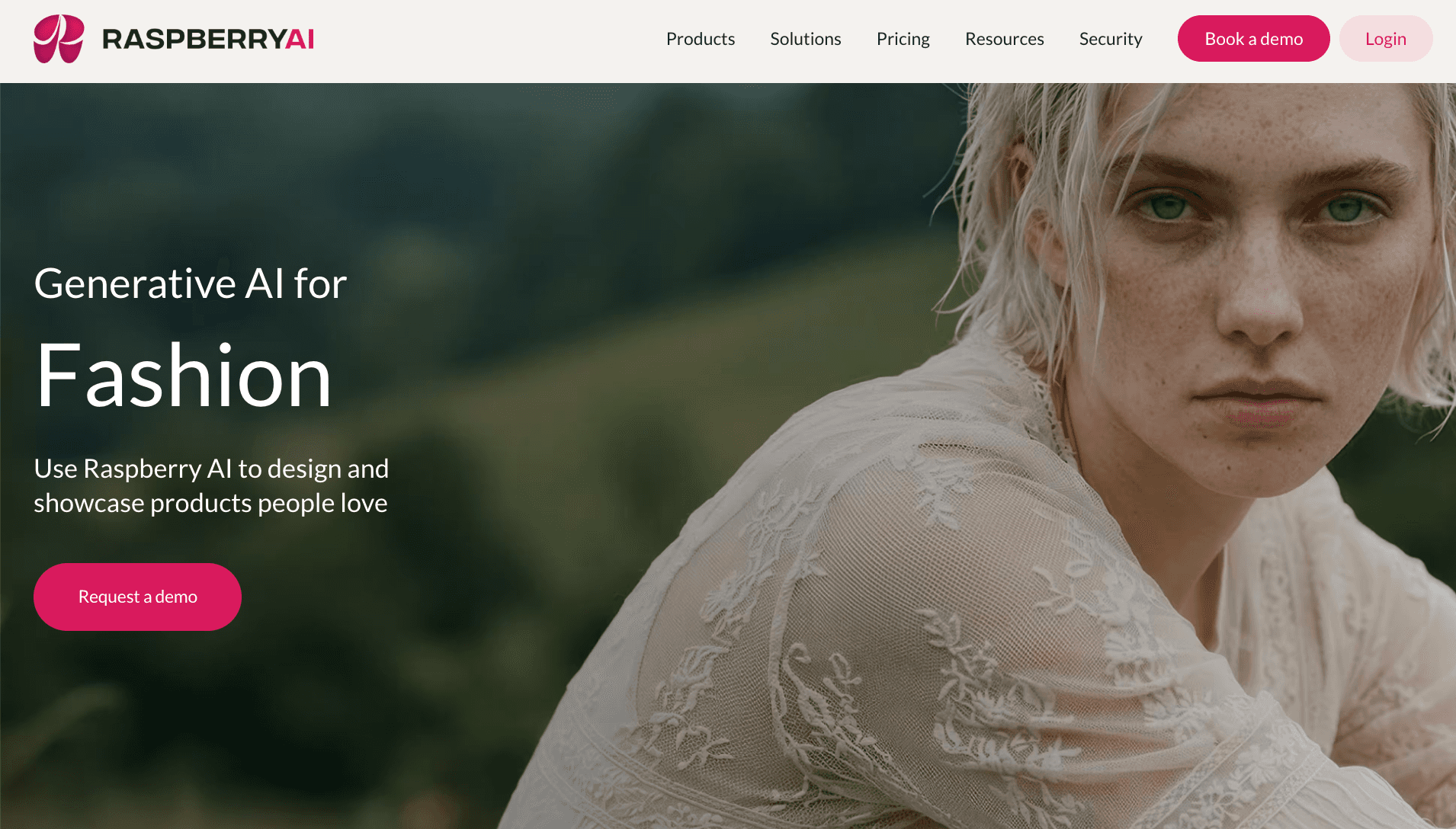
Source: raspberry.ai
How Raspberry Supports AI Tech Pack Creation
Raspberry helps your team create visuals that can guide early tech pack work. You can use generated images and prints to communicate design intent before adding specs, measurements, and construction details.
Tech pack creation and product data management still happen in a separate system, so teams rely on other tools for documentation and production.
Key Features
AI image generation for fashion – Create garment visuals from prompts or sketches
Sketch-to-render tools – Turn concepts into realistic images
On-body visualization – Show designs on models without a photoshoot
Print and pattern generation – Explore graphics and surface design
Presentation-ready visuals – Create images ready for decks or internal reviews
Where Most AI Tech Pack Generators Fall Short
Most tools do not replace structured tech pack workflows.
Teams often agree that AI outputs look good, but they are not structured product data. Specs, BOMs, and grading still need to be built manually. Visuals alone are not enough for production.
The truth is most tools also sit outside real workflows. Designs stay in separate files, then get exported into PDFs or shared folders. From there, teams rebuild everything again in spreadsheets or fashion PLM systems.
That break creates problems. Details get lost. Versions go out of sync. One update sits in one file, while another change lives somewhere else. Factories end up working from the wrong information.
Fashion teams have dealt with this for decades. Tech packs move between tools, emails, and formats, and it creates extra work at every stage.
Tools that connect design, product data, and tech packs in a single source reduce rework and keep teams aligned as styles move into production.
Get Tech Packs Done Faster With Onbrand AI Design
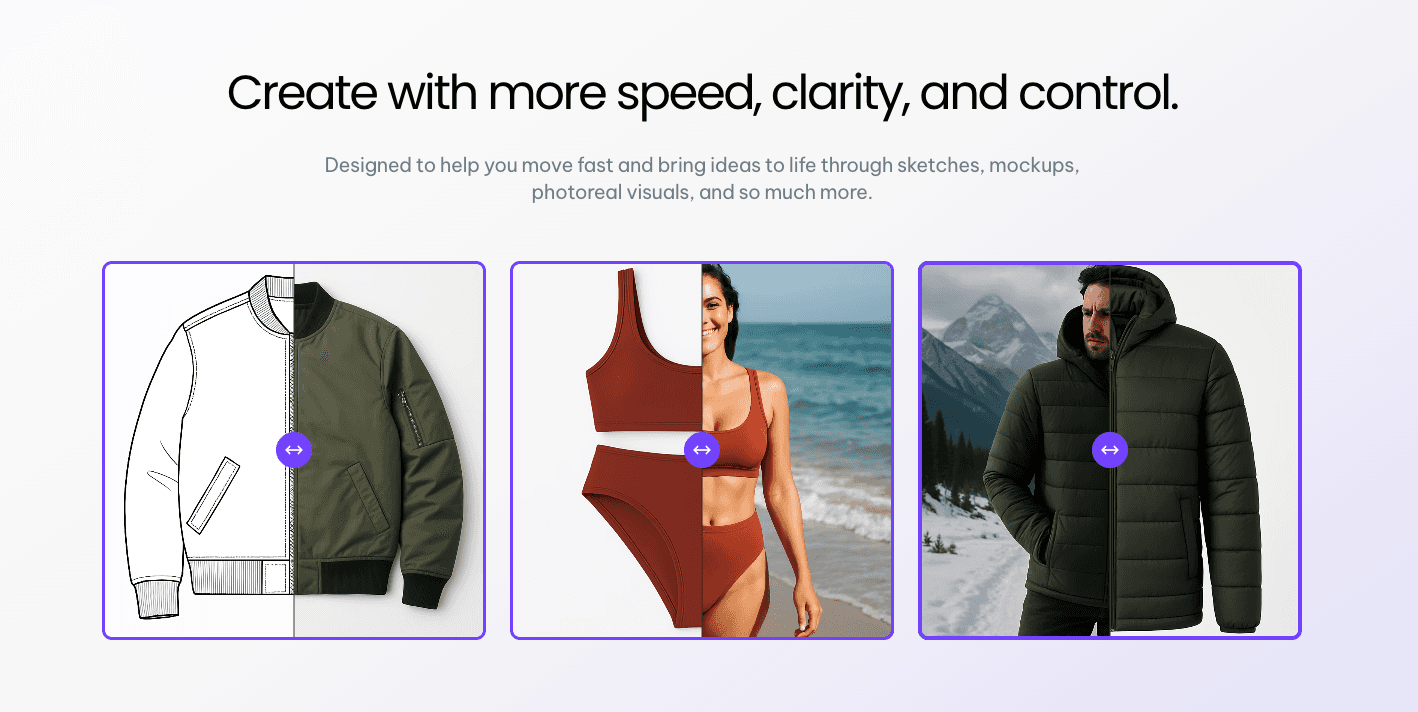
Fashion AI tools can help your team create visuals faster, test ideas earlier, and reduce some of the setup work that slows development down.
The harder part comes after the image is created. Your team still needs specs, materials, samples, approvals, and vendor-ready details in one place.
Onbrand connects AI Design with Onbrand PLM, so approved work can move into live tech packs without rebuilding everything in separate files. That gives your team a clearer path from idea to production.
FAQs About AI Tech Pack Generator
What parts of a tech pack can AI generate?
AI can help generate early tech pack inputs such as flat sketches, images, basic specs, and draft BOM suggestions. It can also support automation for organizing design details. Final production fields like measurements, grading, and construction notes still need a bit of review and refinement by your team.
Do you still need a PLM system if you use AI tools?
Yes. AI tools support design and early setup, but a PLM system is still needed to manage product data, approvals, samples, and vendor communication in one place. PLM keeps everything organized and consistent as styles move into production.
Can factories work directly from AI-generated designs?
No. AI-generated visuals may look nice, but factories need complete tech packs with specs, BOM, and clear instructions. Designs need to be translated into structured product data before they are ready for production.
How do you move from AI design to a production-ready tech pack?
Start with AI-generated visuals, then add specs, measurements, materials, and construction details in a structured system. Many teams use AI for early design, then move that work into PLM to build a complete tech pack that factories can use.
What should you look for in an AI tech pack generator?
Look for tools that support automation, connect design work to product data, and reduce manual setup. The ideal tool should fit your workflow, especially for growing brands or startups that need something easy to use but structured enough for production. A clear system behind the tool matters more than visuals alone.

