Mar 23, 2026
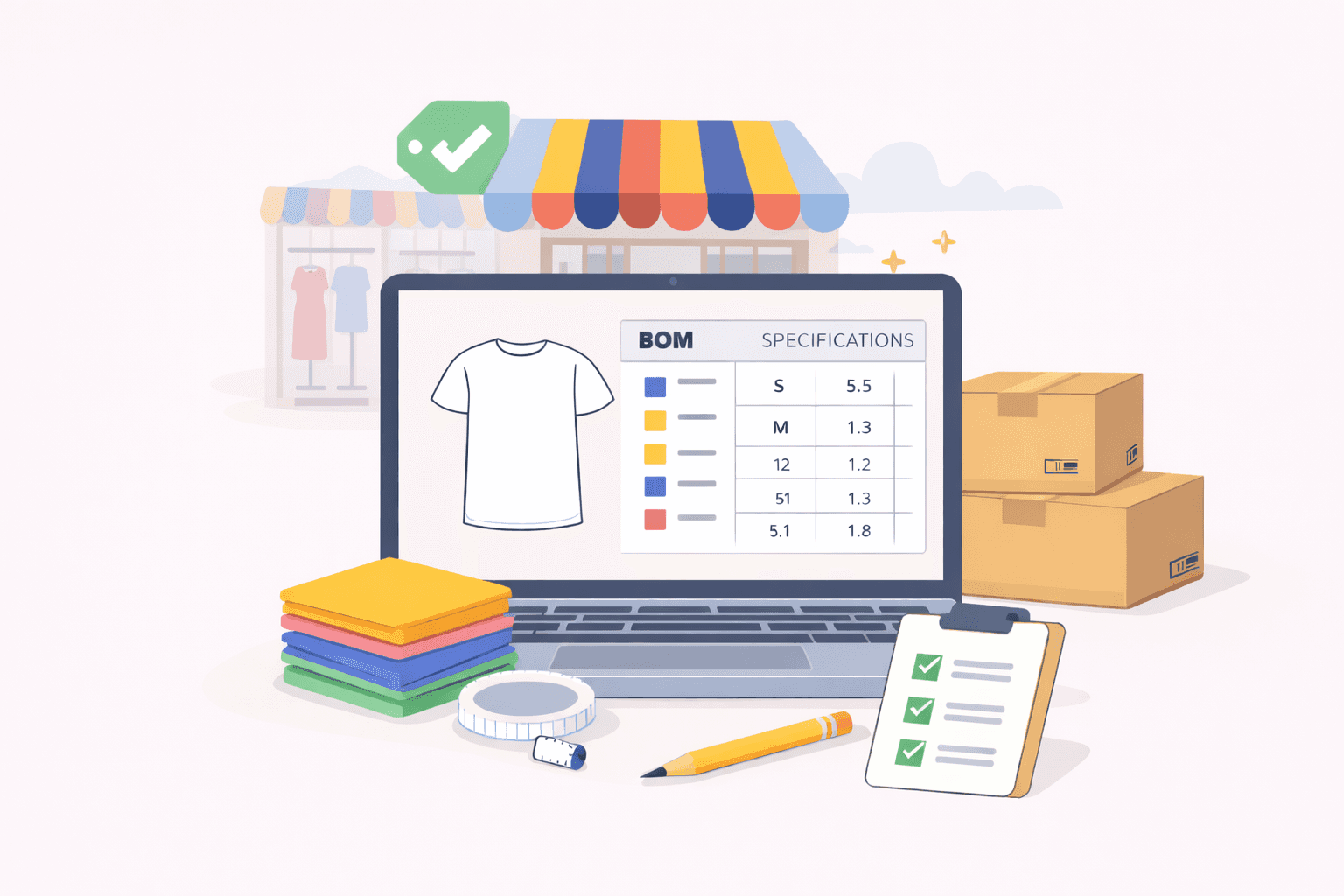
Retail product lifecycle management (PLM) software is a cloud-based system that manages tech packs, bills of materials (BOMs), materials, and revisions for fashion and apparel brands in one structured platform.
Many teams start looking for it when spreadsheets begin to strain under seasonal volume and growing style counts.
You might see version conflicts between departments, manual BOM edits that affect costing, or delays in your supply chain because a vendor worked from the wrong file. These problems often appear when collections expand, and product data lives in too many places.
PLM for retail industry teams sets the framework for managing the entire product lifecycle. Retail PLM software turns that framework into a working system that supports daily product development without confusion.
In this article, you’ll learn what capabilities to expect and how to evaluate the right retail PLM solution for your business needs.
TL;DR
Retail PLM software is a system that helps fashion brands manage tech packs, BOMs, samples, vendors, and product data in one structured platform instead of scattered spreadsheets.
Retail PLM differs from generic engineering-focused PLM by supporting colorways, size runs, fast sampling cycles, vendor collaboration, and seasonal drop planning built for fashion workflows.
Core capabilities include live tech packs, colorway and BOM control, structured specifications, sample tracking, vendor collaboration, collection planning, and ERP integration readiness.
If factories reference outdated files, colorways live in duplicate spreadsheets, approvals sit in email threads, or version conflicts delay production, your team has likely outgrown spreadsheets.
Onbrand PLM combines fast implementation, web-based live tech packs, built-in vendor access, structured libraries, and optional AI design tools to reduce confusion and shorten development timelines.
What Is Retail PLM Software?
Retail PLM software is a unified platform that manages tech packs, BOMs, materials, and revisions in one place for fashion and apparel brands.
It keeps product data organized from concept through production handoff. Instead of relying on scattered digital tools, you work in a single platform that acts as a single source of truth.
You use it to manage data tied to colorways, sample rounds, vendor comments, and specification updates. It gives cross-functional teams and suppliers instant access to accurate information, which reduces data silos and improves supply chain visibility.
That control helps protect product quality, support product compliance, and reduce risk before orders are placed.
For growing fashion brands, retail PLM software helps unify data so you can make informed decisions, save time, and shorten development timelines without compromising quality.
How Retail PLM Software Differs From Generic PLM Systems
Generic PLM systems were built for engineering products with long, linear production timelines. They focus on complex part hierarchies, formal change orders, and rigid approval structures.
Retail PLM software supports a faster and more iterative workflow. You manage seasonal drops, frequent style updates, and overlapping development calendars.
One apparel style can carry multiple colorways and size runs. Retail PLM software structures product data without forcing you to duplicate entire tech packs for each variation. A single measurement update or fabric change flows through all related versions.
Sampling also works differently in fashion. You review physical samples, adjust specs, and send revisions to suppliers within tight windows. Retail systems support that back-and-forth without forcing formal engineering change workflows for every revision.
Vendor collaboration is native to the system. Instead of limiting access to internal users, retail PLM connects you with suppliers in the same workspace.
That difference shows up in how quickly you can revise a style, confirm a sample, and release a purchase order while adapting to the latest innovations in retail product cycles.
Core Capabilities Fashion Brands Need in Retail PLM Software
High-quality retail PLM software does more than store files. It supports the daily work of building and launching fashion collections. If the system cannot handle tech pack revisions, sample tracking, and vendor communication without friction, it will not hold up under seasonal volume.
These capabilities determine whether your retail product development process stays controlled or becomes reactive.
Live Tech Pack Management
Live tech packs sit at the center of fashion PLM software. When you update a measurement after a fit session or swap a fabric in the BOM, the change should reflect instantly in the same working file.
Suppliers must see the current version, not a downloaded copy from last week. That structure protects product quality and gives you complete visibility before confirming production.
Colorway and BOM Control
One style can carry five colorways and multiple material combinations. The system should manage those variations without duplicating entire documents. A trim update should not require rebuilding the tech pack.
Clear colorway control helps large-scale fashion brands maintain precise control over product data and reduce waste caused by outdated files.
Specification Management
Specification management keeps measurements, grading rules, and construction notes organized in one structured format. Clear specs protect product compliance and reduce risk during production.
When you adjust a sleeve length or seam allowance, that change should be traceable within the specification record. Accurate records support better decision-making and reduce errors before orders are placed.
Sample Tracking
Development depends on physical sampling. You send a proto, receive comments, revise specs, and approve the next round. Retail PLM should log each sample stage, store comments, and document approvals.
That history helps you move toward time-to-market goals without confusion between versions.
Vendor Collaboration
You rely on suppliers to review updates, flag issues, and confirm materials. The platform should connect teams and partners in one workspace with controlled access.
Vendors can comment directly on tech packs instead of relying on email chains. That coordination supports a global brand structure and helps maintain schedule discipline.
Collection and Drop Planning
Retail calendars drive development. You plan assortments around launch windows and delivery deadlines. A retail PLM platform offers structured collection views that help you align product introductions with your market schedule.
Clear planning supports a competitive advantage in a demanding marketplace.
Enterprise Resource Planning (ERP) and Integration Readiness
Once styles are approved, product data must move cleanly into ERP systems. You should not re-enter the same information twice. Integration protects accuracy and reduces risk between development and production.
For fashion brands scaling operations, that continuity supports stronger control over the entire product lifecycle.
Signs Your Retail Team Has Outgrown Spreadsheets
Spreadsheets work when your collection is small. They become fragile when style counts grow, colorways multiply, and sample rounds overlap. If development feels harder each season, the issue may not be your process. It may be your tools.
You may recognize these signs:
Factories referencing outdated tech packs - A vendor confirms production using last month’s file. You approved a revision after the final fit, but the updated measurement never reached the factory.
Duplicate files for every colorway - Each color variation lives in a separate document. One fabric update requires edits in five places. That structure increases risk and slows development.
Manual BOM edits are causing cost errors - A trim cost change, but the spreadsheet does not update everywhere. Costing mistakes surface late and affect margins on your consumer products.
Approval confusion in email threads - Comments sit in inboxes instead of being tied to the style. You spend time searching for the latest feedback instead of focusing on the next sample round.
Delays caused by version conflicts - Multiple versions of the same style circulate between internal teams and retailers. Production pauses while everyone confirms which file is correct.
Implementation Considerations for Retail PLM Software
Implementation should fit into your active development calendar. You should not pause fit sessions or delay sample approvals just to configure a system. The first question to ask is when your current styles can move into the platform and replace spreadsheets in real work.
Deployment timelines shape that answer. Some systems require an extended setup before teams can upload active collections. Others let you bring in live styles immediately and build structure while development continues.
What matters is how soon designers can update a tech pack inside the system instead of in Excel.
Once active work moves in, data migration becomes important. Fabric libraries, grading rules, historical BOMs, and vendor records must transfer in a usable format. You need clarity on who maps those fields and who validates them before production relies on the data.
After the data is in place, external access and training determine adoption. Suppliers and retailers access updated tech packs without a complicated setup. Designers should revise specs and log sample comments without classroom sessions.
When merchandising, sourcing, and technical design use the same record, documentation stays consistent, and reporting for sustainability initiatives becomes part of your normal workflow.
How Onbrand Retail PLM Software Supports Modern Retail Teams
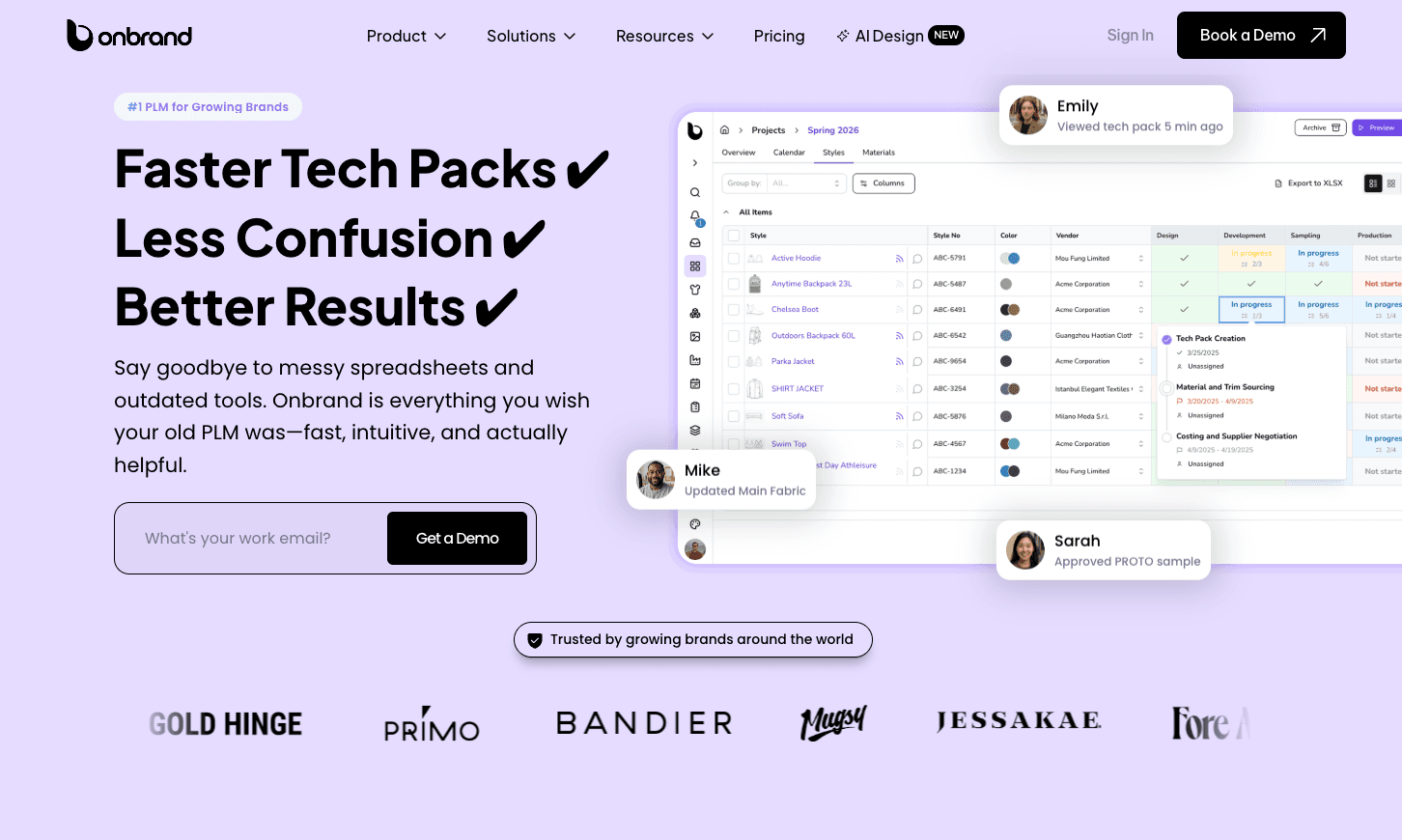
Onbrand PLM is built for growing fashion brands that need structure without heavy setup. It replaces scattered spreadsheets with live product records so fashion design, development, and production work from the same source.
Ten-day data migration and implementation - Existing styles, materials, and specifications move into the system quickly. You start working on active collections instead of waiting through long configuration cycles.
55% faster tech pack creation - Tech packs stay web-based and current. When you update a measurement or swap a fabric, suppliers see the change immediately. No duplicate PDFs. No version confusion.
Four-week reduction in development time - Sample comments, approvals, and revisions stay tied to the style record. Clear visibility shortens feedback loops and reduces preventable delays.
Fashion-first workflows - The platform reflects how apparel teams actually create products. You manage colorways, BOMs, samples, and approvals in one structured workspace.
Built-in vendor collaboration - Suppliers comment directly on the tech pack. Communication stays attached to the style instead of being scattered between email and messaging apps.
Structured libraries for fabrics, colors, and specifications - Material data and construction details stay organized and reusable. Updates apply cleanly without rebuilding documents.
Alongside PLM, Onbrand also offers Onbrand AI Design to support early creative work. Designers can generate visual concepts, test colorways, and refine ideas before sending selected styles directly into PLM for development.
That connection reduces manual file handoff and keeps design intent intact when tech pack work begins.
FAQs About Retail PLM Software
What is a PLM system in retail?
A PLM system in retail is software that manages product development from concept through production in one structured platform. It helps teams in the retail industry organize tech packs, materials, specifications, and approvals in a single system. Retail PLM improves visibility, reduces version errors, and supports faster sample cycles so brands can market faster without losing control of product data.
What are examples of PLM software?
Examples of PLM software used in fashion and retail include Onbrand, Centric PLM, Oracle Fusion Cloud PLM, Backbone PLM, and other product lifecycle platforms. These systems help brands manage styles, colorways, and vendor communication in one place. Some platforms also include tools powered by artificial intelligence to support early concept work and protect the best ideas before development begins.
Is SAP ERP or PLM?
SAP is primarily an ERP system, not a standalone PLM. ERP software focuses on inventory, finance, and order management after production begins. PLM systems manage product development before production, including tech packs and sample tracking. Some enterprise systems offer both functions through seamless integration, but ERP and PLM serve different roles in the product lifecycle.
What is ERP vs PLM?
ERP manages operations such as retail inventory, purchasing, and financial reporting after products are approved. PLM manages design, sampling, specifications, and vendor collaboration before production. Retail brands use PLM to control development and reduce errors, then rely on ERP to execute orders and distribution. Together, these systems help brands drive innovation while maintaining operational control.

