Mar 27, 2026
Fashion product development does not break at the idea stage. It usually breaks in execution.
A tech pack gets updated, but a factory still uses the previous version. A sample arrives with the wrong trim because material changes were not reflected. Feedback sits in email threads, and no one is sure which version is correct.
These issues are not random. They come from disconnected information and unclear workflows throughout the product development process, which makes effective product data management difficult as teams scale.
Product lifecycle management (PLM) features exist to fix that. A strong PLM system centralizes product data, controls revisions, and keeps teams working from the same source of truth throughout the entire product lifecycle.
This guide focuses on the PLM features that actually solve these problems in fashion product development.
TL;DR
PLM features fix broken fashion workflows by centralizing product data, controlling revisions, and keeping teams and vendors aligned from concept to production.
Core PLM features include centralized product records, live tech packs with version control, BOM and material libraries, sample tracking, vendor collaboration, approvals, change tracking, reporting, ERP integrations, and AI-assisted design.
Modern PLM replaces static tools with live records, connected workflows, and fewer manual updates.
Onbrand PLM connects design and development in one system, with live tech packs, structured product data, and AI design tools that support early concept work.
Why PLM Software Is Necessary as You Scale
Fashion product development feels manageable in the early stages. A few styles, a few tech packs, and a small team can keep everything aligned.
That changes quickly as you scale.
Additional styles increase product-related data, which makes time-to-market harder to control. Adding colorways creates additional revision cycles. Vendor networks expand, and communication gaps start to show.
What once lived in a few files turns into disconnected workflows between tools and teams. At that point, data silos start to form. Teams work from different versions, while vendors reference outdated specs, and project management becomes reactive instead of structured.
This is where PLM features start to make a difference.
A strong PLM solution goes beyond storing data. It centralizes product details so every team works from the same record and keeps information up to date through design, development, and production.
It also supports cross-functional collaboration, so teams can work together in one system instead of relying on scattered tools, and it reduces manual work through better workflow automation.
Without that structure, teams lose visibility throughout the entire lifecycle. Changes do not carry through, decisions slow down, and errors show up in the manufacturing process, which creates friction in business operations.
The issue is not missing features. The issue is loss of control over product data.
Core PLM Features for Fashion and Apparel Teams
These core PLM features address common breakdowns in fashion product development and help teams stay aligned at every stage.
1. Centralized Product Data
Product data often lives in different places. Tech packs sit in design files, materials live in spreadsheets, and updates get shared through email.
Teams end up working from different versions, which creates confusion during development.
Centralizing everything brings styles, SKUs, colorways, and materials into one system. Everyone works from the same product record, and updates reflect immediately instead of getting lost between tools.
This structure also supports better product data management and keeps information consistent between teams and vendors, which gives teams a more reliable foundation for business strategy decisions.
That clarity keeps teams aligned, reduces duplicate work, and helps maintain accurate data from early development through production.
2. Tech Pack Management With Version Control
Tech packs rarely stay the same. Measurements change, trims get updated, and comments come in from multiple rounds of sample management.
When files get shared manually, teams and factories often end up working from outdated versions without realizing it.
Version control keeps tech packs live instead of locked in static documents. Every update is tracked, and the latest specifications stay visible to both internal teams and vendors, so teams no longer depend on file sharing.
It also keeps related design assets, including computer-aided design (CAD) files, aligned with the latest product specifications.
Changes connect directly to the product record, which keeps specification management consistent through development and supports smoother new product introduction processes.
That visibility prevents mistakes during production and keeps factories working from the correct information.
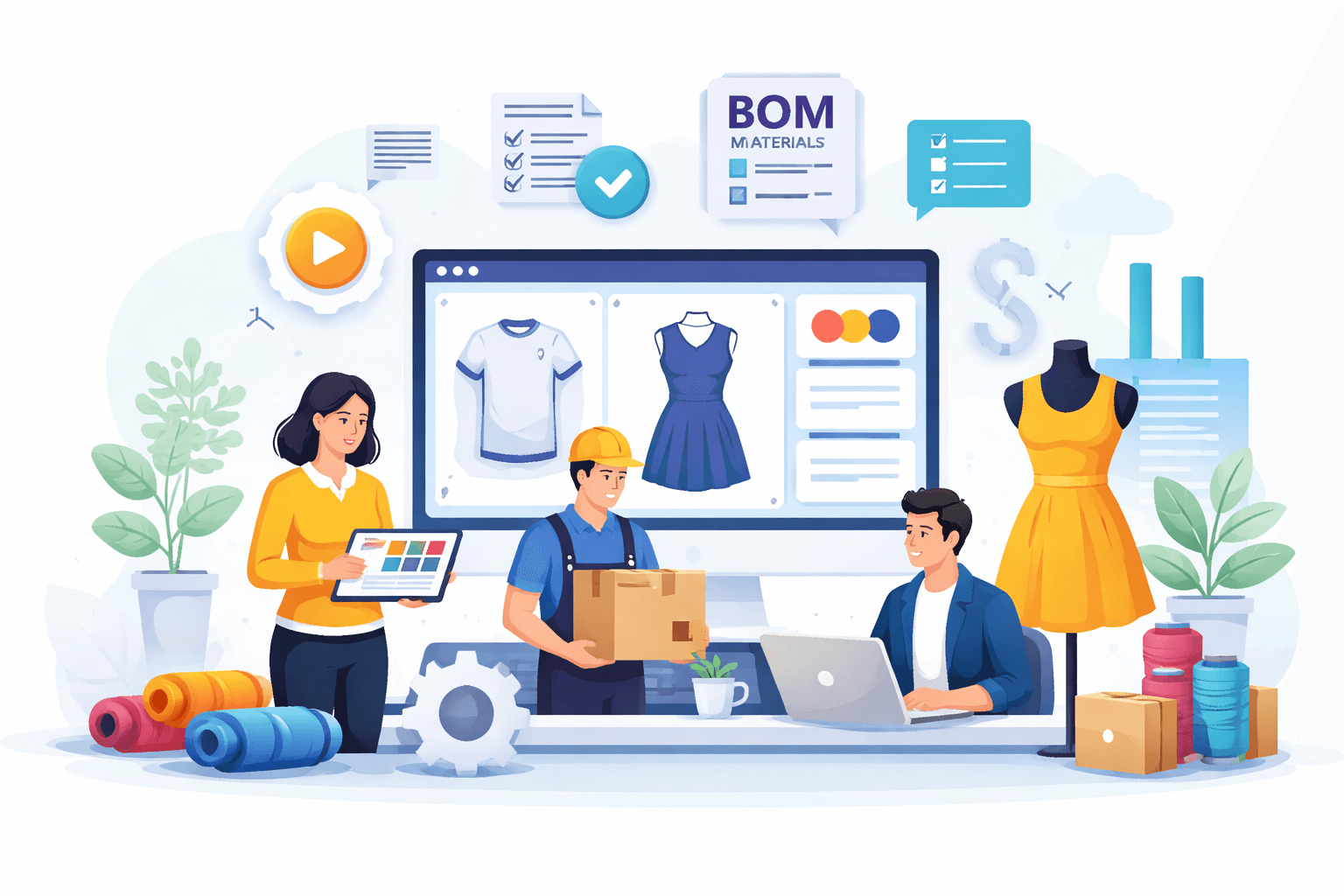
3. Bill of Materials (BOM) and Material Libraries
Material changes often cause issues during development.
A trim gets swapped, or a fabric gets updated, but not every file reflects that change. Sourcing, costing, and production teams end up working with different assumptions.
A structured bill of materials connects every material, trim, and component directly to the style. Material libraries allow teams to reuse approved inputs instead of recreating them for each product. That keeps sourcing decisions consistent and ties directly into supply chain management.
With everything linked to the same record, teams avoid mismatches and maintain better control over product quality.
4. Sample Tracking and Feedback Loops
Sample rounds often stall because feedback gets scattered. Comments sit in email threads, approvals happen in chat, and teams lose track of what has already been reviewed. It becomes difficult to connect decisions to the right version of the product.
Sample tracking brings every stage, from proto to fit to pre-production, into one place. Feedback, approvals, and updates stay tied to the product record, so teams can review changes in context and keep progress moving.
Clear visibility into customer feedback and internal comments also supports better quality management during development and helps teams stay aligned with customer expectations.
That structure reduces repeated communication, shortens sample cycles, and leads to more consistent product outcomes.
5. Vendor Collaboration and Access Control
Vendor communication often breaks down during development.
Tech packs get sent as attachments, updates get missed, and factories end up working with outdated files. Each back-and-forth slows progress and creates risk during production.
A shared system gives vendors direct access to the latest product information. Tech packs stay current, and communication stays tied to the product instead of getting buried in email. This setup fits existing business processes and reduces reliance on disconnected communication.
Clear visibility improves coordination with vendors, supports quality control measures, and leads to more consistent production outcomes.
6. Workflow and Approval Management
Approvals often happen in scattered places. A design gets approved in a meeting. Another change gets confirmed in chat, while a separate update sits in email. Teams lose track of who approved what, and steps get missed during development.
Workflow management brings structure to that process. Each stage has clear ownership, and approvals happen in sequence inside the same system.
Tasks, updates, and decisions stay tied to the product, which supports better change management and keeps work aligned with current priorities.
Defined ownership reduces missed steps, improves accountability, and helps teams move faster toward successful product development.
7. Revision History and Change Tracking
Changes happen constantly during development. A measurement gets adjusted, a material gets swapped, or a spec gets refined after a sample review. Without a reliable record, teams struggle to understand what changed and why.
Revision history tracks every update tied to the product. Specs, materials, and measurements stay documented in one shared workspace, so teams can review past decisions and follow how the product evolved.
That visibility supports better coordination between teams and keeps work grounded in accurate product data.
A consistent record creates accountability, reduces confusion during handoff, and supports improved product quality through development.
8. Reporting and Development Visibility
It is often difficult to understand where things stand during development. One style is delayed, another is waiting for approval, and no one has a full view of timelines or blockers.
Reporting tools bring that visibility into one place. Teams can track timelines, monitor delays, and review approvals instead of digging through multiple tools.
Access to project data helps teams spot issues early and respond before delays impact the schedule.
Better visibility improves planning, helps teams adjust to market demands, and keeps development moving with fewer slowdowns.
9. Integrations With Other Systems
The same information often gets re-entered into multiple systems. A style gets finalized in PLM, then the same details are manually added to inventory, finance, or other tools. That repetition creates errors and slows down operations.
Integration connects that information with enterprise resource planning (ERP) and other business systems, so it flows directly into downstream processes.
A well-connected system integrates data between tools, so teams do not need to duplicate work, and updates stay consistent.
Reducing manual entry saves time, improves accuracy, and supports smoother business operations from development through production.
10. AI-Assisted Design and Development
Early fashion design work often slows everything down. Teams spend time sketching variations, testing colorways, and refining ideas before anything moves into development. That delay pushes timelines and limits how many directions a team can explore.
AI-assisted design changes how that stage works. Designers can generate concepts, test variations, and refine details quickly using artificial intelligence, without waiting for manual iterations or repeated revisions.
It also helps reduce manual effort by automating repetitive tasks that would otherwise slow down early development.
Concepts move forward faster, and design decisions happen with more confidence before tech packs are created. Faster exploration shortens time to development, helps teams move faster into development, and supports more consistent outcomes through the rest of the process.
What Separates Modern PLM Features From Legacy Systems
Most teams do not struggle because they lack tools. They struggle because their current setup cannot keep details consistent.
Legacy PLM systems rely on static files, disconnected workflows, and manual updates. Product data moves between spreadsheets, PDFs, and email threads, creating multiple versions that make it difficult to track what is correct.
Modern fashion PLM works differently.
Product records stay live, so updates reflect immediately. Teams and vendors work from the same source of truth, which keeps everything accurate from initial concept to production.
Collaboration also changes. Instead of relying on email chains, cross-functional teams work inside a shared system. Design, development, and sourcing stay aligned without chasing updates or rechecking files.
Data no longer sits in isolation. A modern cloud-based PLM connects with ERP and other enterprise software, so teams do not need to re-enter data.
These differences impact day-to-day work.
Fewer errors show up during the production process. Approvals move faster because teams work with up-to-date information. Product changes carry through, which improves quality control and supports better outcomes at market launch.
The shift is not about adding more features. It is about centralizing product data and creating quality workflows for efficient product development.
How Onbrand Connects These Features in One Workflow
Most tools separate design from development, which forces teams to rebuild information at every stage. That gap creates duplicate work, version confusion, and delays before production even begins.
Onbrand removes that break in the workflow.
Design starts with Onbrand AI Design, where teams generate concepts, explore variations, and review styles visually. Those concepts do not stay isolated. They move directly into Onbrand PLM, where everything becomes structured, editable, and ready for development.
That connection makes implementing PLM feel more practical for teams that need to move quickly.
Design, tech packs, sample tracking, and approvals all live in one system, so updates carry through with less rework, and teams always reference the same product record.
In practice, this is where PLM helps teams reduce friction between stages and keep development moving, avoiding constant resets.
Tech packs stay live instead of turning into static files. Vendors work directly in the system instead of relying on email attachments. Feedback stays tied to the product, which removes confusion and keeps decisions clear.
Project management also becomes easier. Teams can track stages, approvals, and timelines in a shared workspace. Development moves forward without constant follow-ups or status checks.
The result shows up in execution. Teams create tech packs faster, reduce sample delays, and avoid errors caused by outdated information.
Many brands see measurable gains, including up to 55% faster tech pack creation and several weeks removed from development timelines. These improvements often lead to significant cost savings over time.
Onbrand brings everything into one workflow, from concept to production, so there are no handoff gaps, no duplicate work, and no confusion about what is current.
Onbrand PLM for Modern Fashion Product Development Workflows
PLM features only deliver value when they fix real workflow problems.
Disconnected product data, version confusion, and scattered communication lead to delays and production errors. The right PLM system brings structure to the product development process, so teams stay aligned and work from accurate information at every stage.
That control improves execution, shortens timelines, and supports enhanced product quality and more consistent production outcomes.
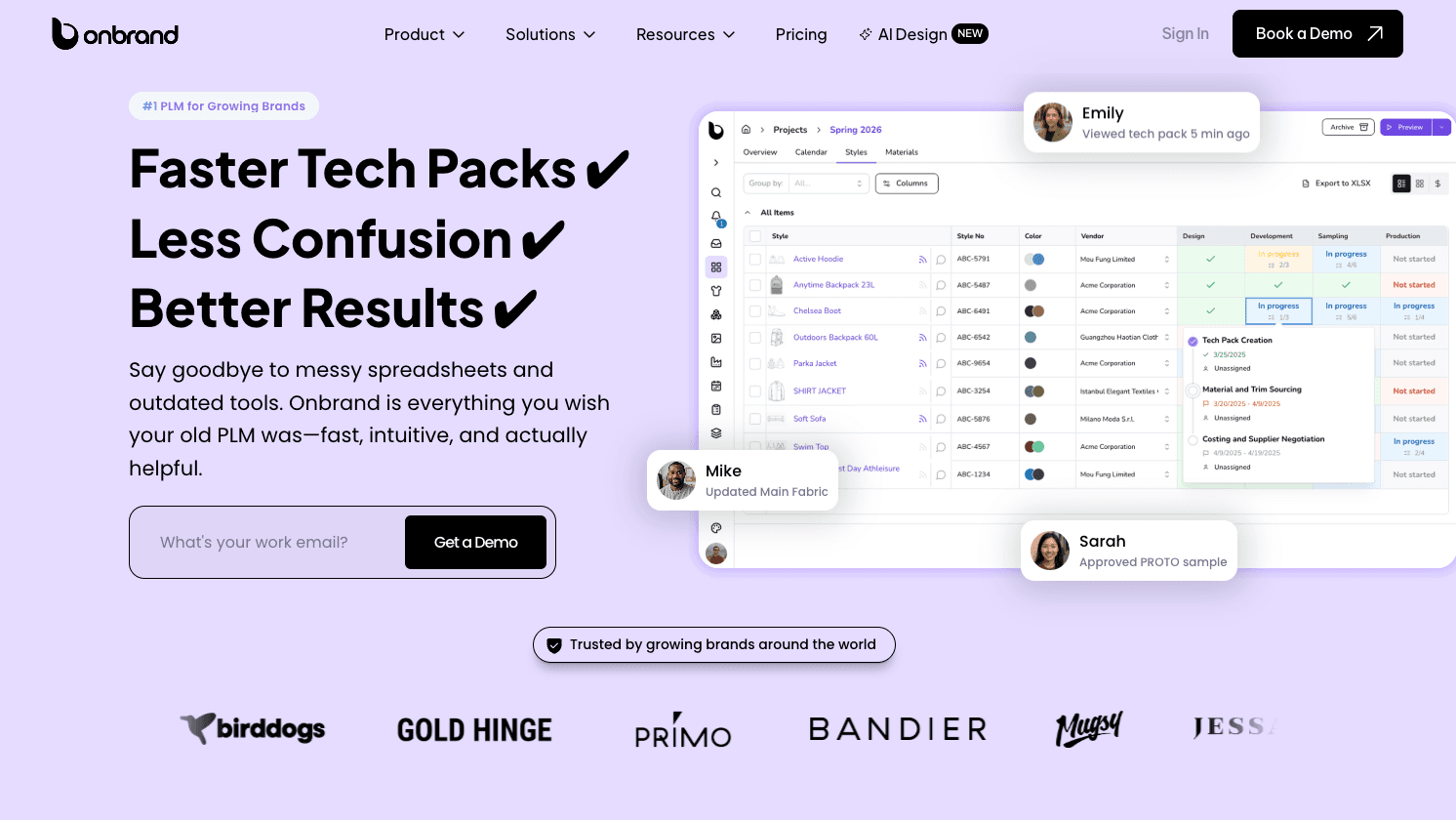
Onbrand PLM brings these features into one system built for fashion teams. It centralizes product data, keeps tech packs live, and connects teams and vendors so everyone works from the same record from concept through production.
Onbrand AI Design supports the early stage of that process, so teams can generate and refine concepts before moving into structured development inside PLM.
FAQs About PLM Features
Which systems should a PLM connect with?
A strong PLM should not sit alone. It should connect with ERP, sourcing tools, and other enterprise systems that teams already use to run product development and production. In some cases, PLM integrates with inventory, finance, and even customer relationship management (CRM) tools when brands need product and demand data to stay aligned.
Can PLM work with design tools and technical assets?
Yes. Many teams need PLM to connect with CAD software, sketches, and technical files used during development. This becomes important when styles move from concept into tech packs, especially if teams rely on CAD models or need a stronger digital thread between design updates and production-ready product data.
Does PLM support sustainability efforts in fashion brands?
Yes. PLM supports sustainability by tracking materials, revisions, and sourcing decisions in a single system. Better data control reduces waste, avoids overproduction, and helps teams make more responsible product decisions. Many brands use PLM to support sustainable fashion without adding extra tools.
How does PLM handle compliance and product lifecycle stages?
PLM helps teams maintain regulatory compliance by keeping specifications, approvals, and product records organized. It also supports tracking from development to production and into end-of-life management when needed. These features are more common in manufacturing PLM, but they can apply to fashion brands with stricter requirements.
Is digital twin technology necessary for modern PLM systems?
No. Most fashion brands do not need digital twin technology to manage product development today. It is often mentioned in future trends, but core PLM value still comes from controlling product data, tech packs, and workflows rather than advanced simulations.

