May 5, 2026
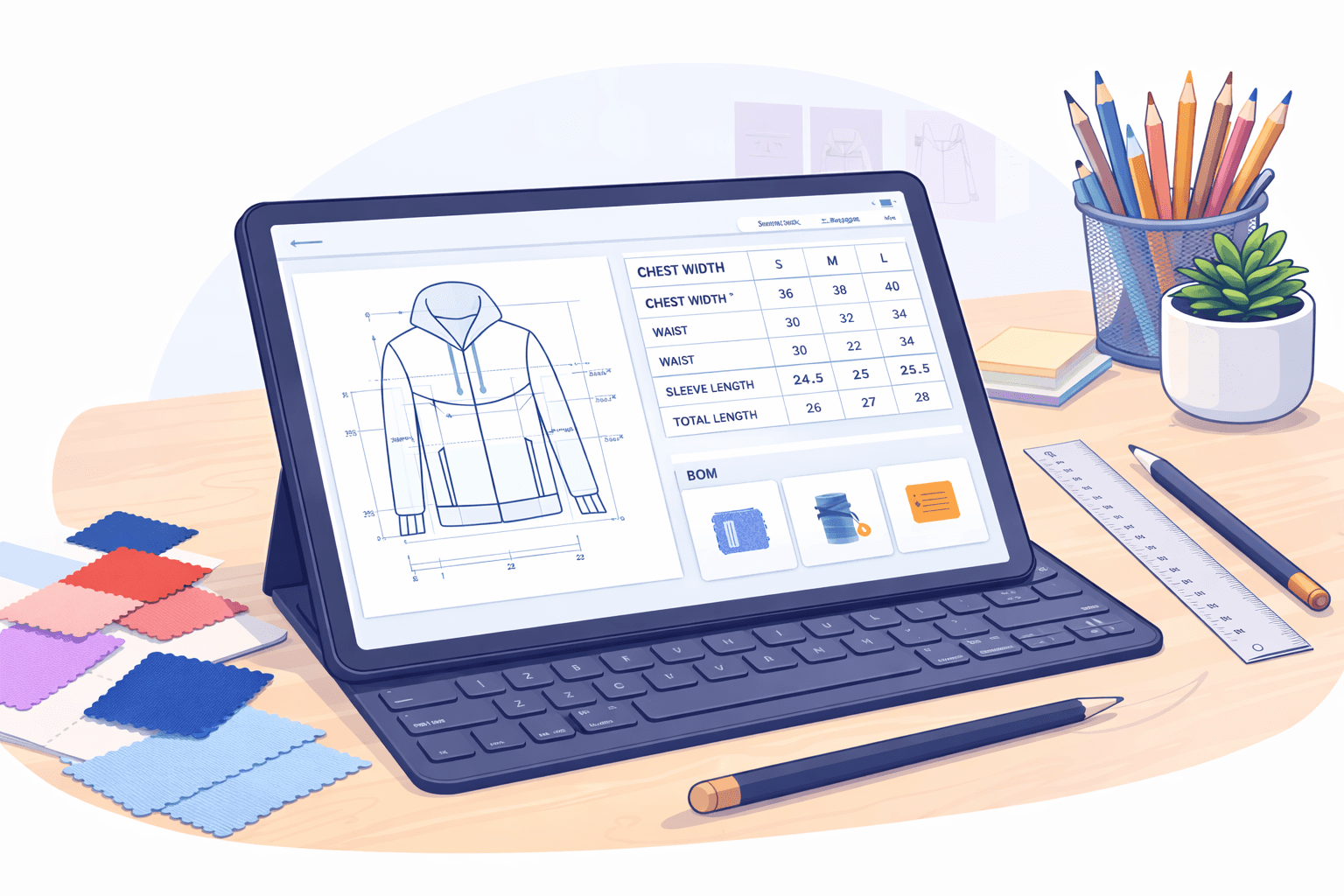
If you’re searching for tech pack automation software, you’re likely dealing with the same issue.
Tech packs take too much manual work. Updates don’t carry over. A simple change can affect multiple files. That’s where production delays and confusion start.
Most fashion brands still manage tech packs through separate systems. Specs, bills of materials (BOMs), and sketches don’t stay aligned. That breaks the production workflow and creates errors.
In the current fashion industry, this setup still exists for many teams, even for experienced fashion designers.
Automation changes how this works. It keeps product data consistent and reduces the need for repeated edits.
Below are the best tech pack automation software tools in 2026 based on how tech packs are actually built and managed in real workflows.
TL;DR
These are the best tech pack automation software solutions in 2026:
Backbone PLM
Centric PLM
WFX PLM
DeSL
What Tech Pack Automation Actually Means
Tech pack automation means your technical package updates itself as product details change. You are no longer treating it as just a document but as a working blueprint for each garment.
In practice, this is what that looks like in your workflow:
Changes in measurements are reflected in all sizes without rework
Updates in materials carry through the bill of materials and specs
Specifications and construction details stay aligned in one place
Notes like construction notes stay tied to the product, not separate files
Sketches, images, and each flat sketch connect to the same record
You work from a single source of truth, so everyone sees the same data
Past styles can be reused to build new tech pack documents faster
Your creative vision stays intact because updates don’t break the structure
That’s what turns a tech pack into something you can actually rely on during development.
When Do Teams Start Looking for Tech Pack Automation Software?
Tech packs often start in Excel, then move into Adobe Illustrator, PDFs, and shared folders. Over time, files stack up. Updates sit in different places. Nothing connects cleanly.
A change in one spec does not carry over to the others. The same update gets repeated in multiple files. Small errors start to build up and are easy to miss.
Most communication happens through email chains, often requiring repeated file downloads and re-sharing. Suppliers ask for clarification. Back-and-forth slows the process. What should take minutes turns into hours.
These traditional methods start to break once more styles and revisions come in. Production delays follow, and teams lose speed during development.
Work becomes harder to track and less efficient as things get more complex. This frequently occurs when more styles, revisions, and persons are involved in the same workflow.
That’s when teams start looking for tech pack automation software.
5 Best Tech Pack Automation Software Tools for Fashion Teams
Here are the tools that help you build a complete tech pack without going back and forth between files.
1. Onbrand PLM
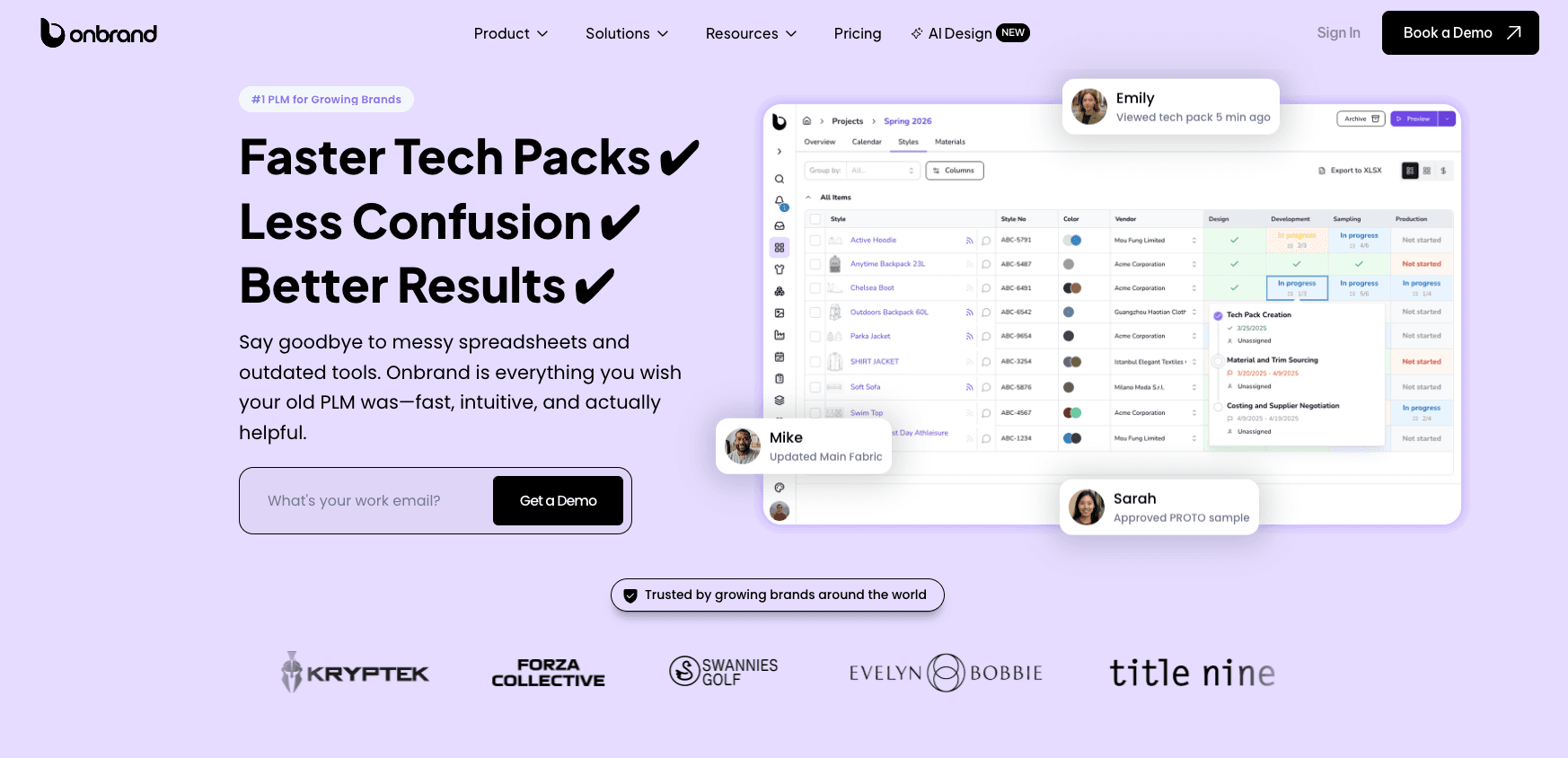
Onbrand PLM stands out when your fashion tech pack needs to stay tied to real product data, not separate files. Everything stays tied to the same product record, so updates don’t get lost between specs, BOMs, and revisions.
Here’s how that shows up in day-to-day work:
Measurement changes update the full-size spec without manual edits
BOM updates reflect in materials, trims, and usage instantly
Tech packs stay linked to a live product record, so you always work from the same version
Product data, samples, and vendor updates stay connected in one place
You can manage a complete tech pack without checking multiple files or repeating steps. This keeps changes connected to the product from design to production, making it easier to keep a perfect tech pack as styles change.
Teams that use Onbrand PLM can make tech packs up to 55% faster and cut development times by up to four weeks because updates are always consistent.
Best Suited For
Teams handling multiple styles, revisions, and suppliers
Brands moving away from spreadsheets and disconnected tools
Onbrand AI Design supports early-stage work by turning inputs into structured product data faster. It gives a starting point that feels beginner-friendly for AI tech packs, so tech packs don’t need to be rebuilt later.
2. Backbone PLM
Source: bamboorose.com/backbone
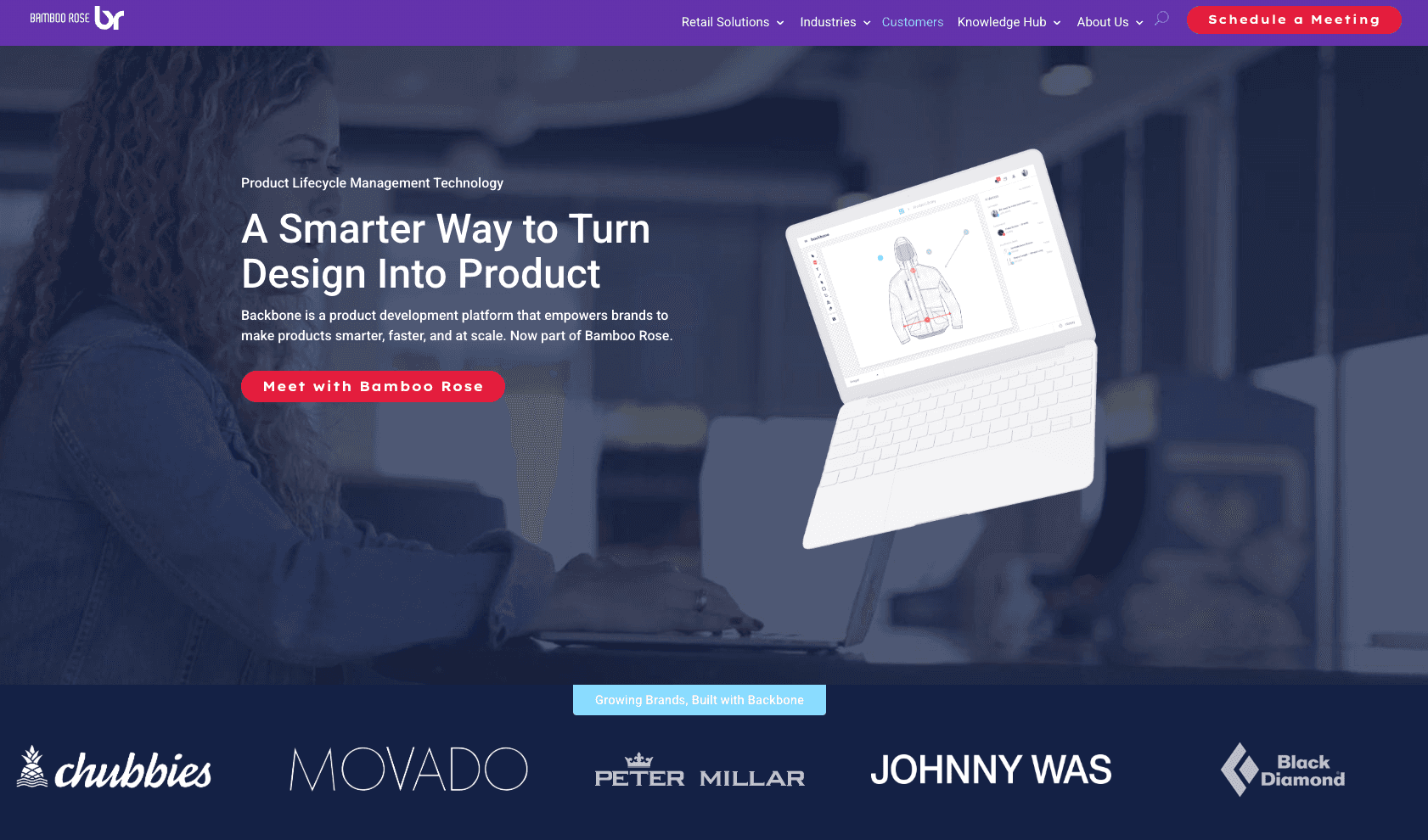
Backbone PLM works well if you are moving away from spreadsheets and want a more structured way to handle product data. It brings key parts of tech pack creation into one system, so information is easier to track.
Here’s how it supports day-to-day work:
Tech pack info is in one place instead of being spread out in different files.
Revisions are tracked by style, so updates are easier to follow
BOMs and specs can be used more than once to speed up the process of making tech packs.
Design files created with programs like Illustrator can connect directly to product records.
There are fewer steps to repeat when you build tech packs with this setup, especially when you are just starting to grow.
Best Suited For
Small teams creating their first defined product workflow.
Brands that need visibility into styles without adding complex systems
Backbone is often used as a starting point before teams move into more advanced product data setups.
3. Centric PLM
Source: centricsoftware.com
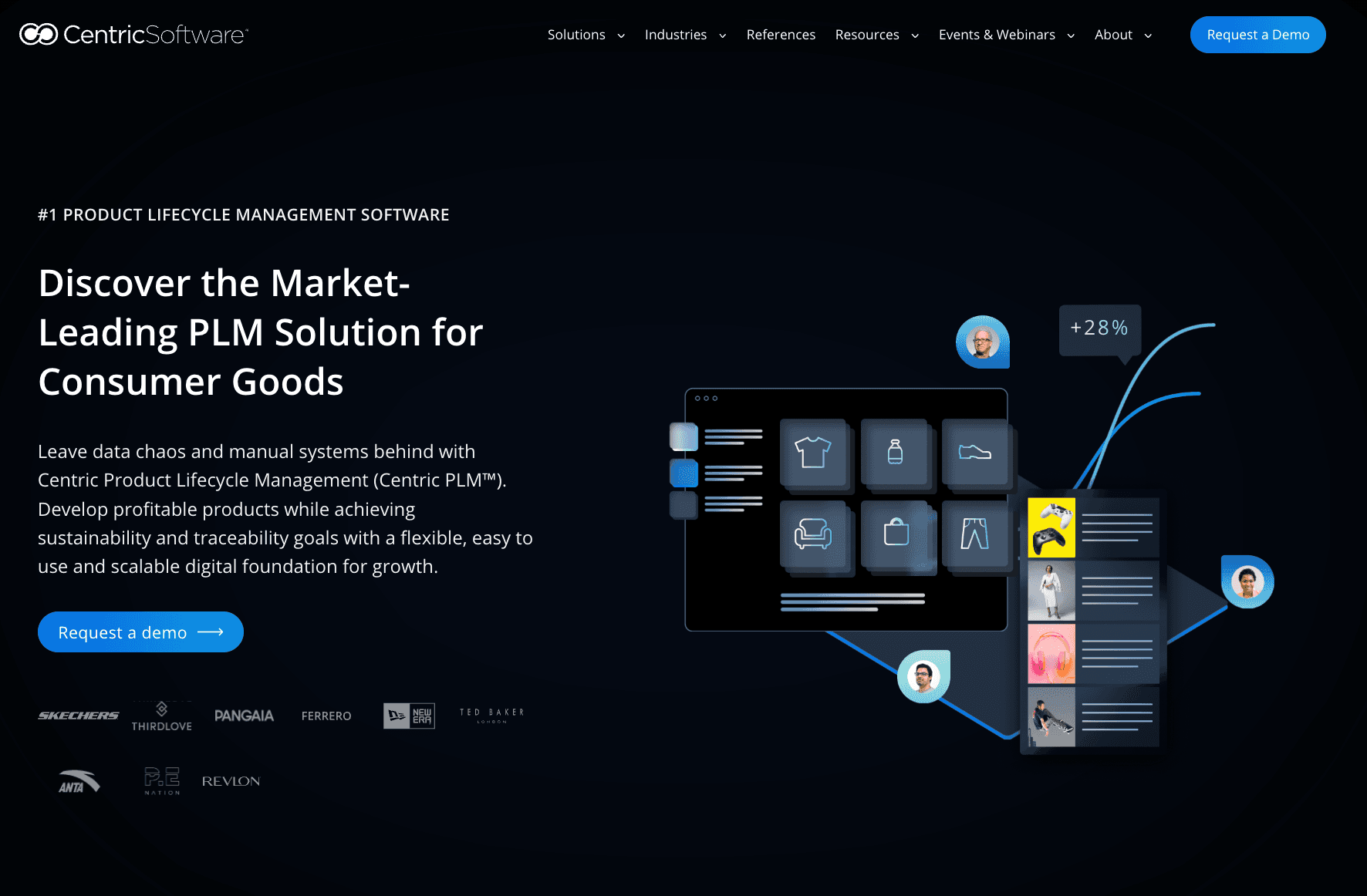
Centric PLM is an enterprise PLM used by large organizations that need tight control over product data between teams and regions. It works with processes where the creation of fashion products is based on clear steps and approvals.
Basically, Centric PLM helps with:
Detailed specifications for a number of different product groups
Centralized records of products that can be used as a whole
One system handles data on materials, compliance, and sources.
Structured workflows that allow teams full control over updates
This configuration works well when development is already structured and supported by defined internal processes. When a large number of individuals work on the same project, consistency improves.
Best Suited For
Large companies with complex product lines
Teams that require consistency between departments and regions
Businesses with the technical skills and internal structure for an enterprise setup
Centric PLM is typically considered when spreadsheet workflows are no longer adequate for the scale or level of control required.
4. WFX PLM
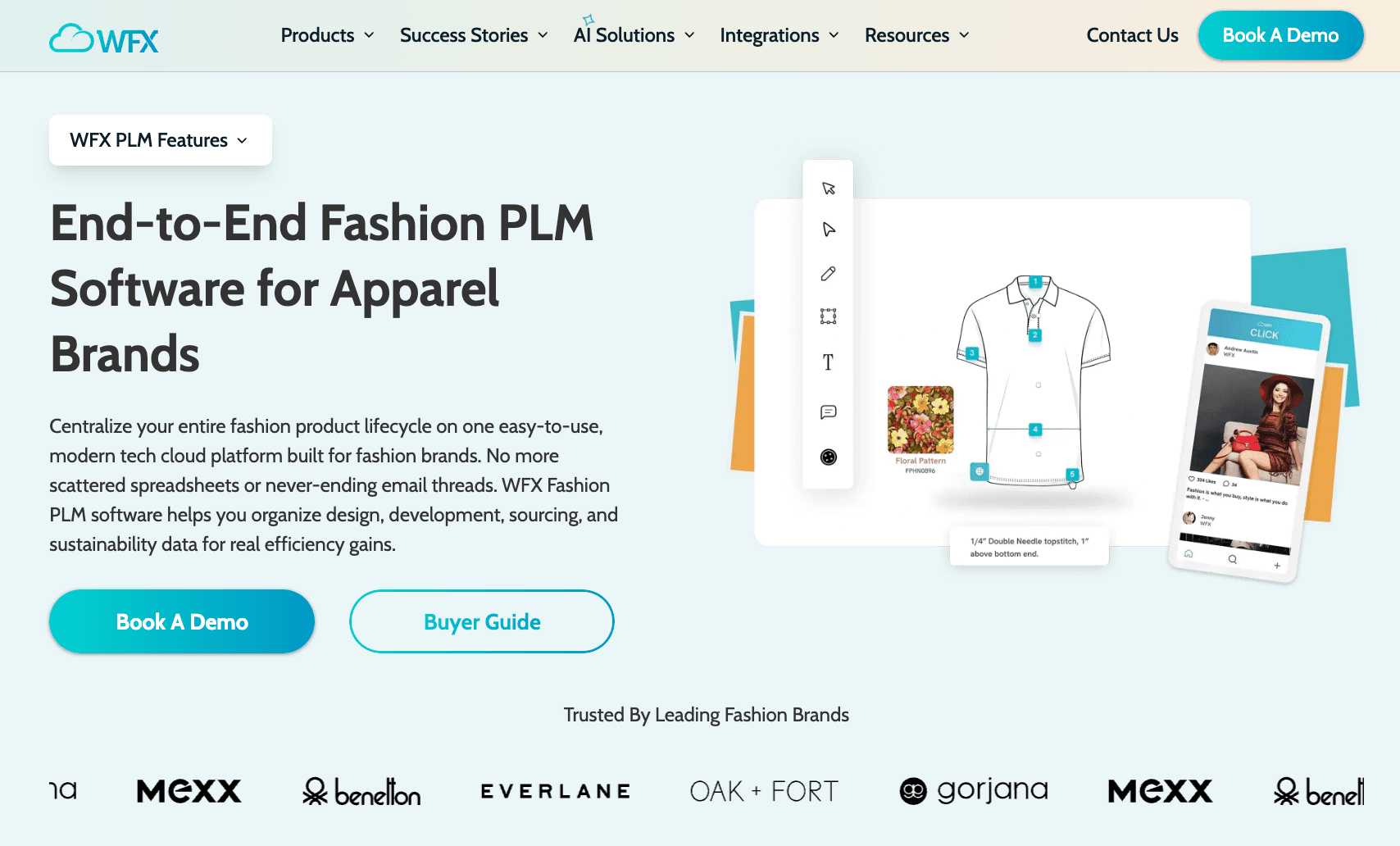
Source: worldfashionexchange.com
WFX PLM is an end-to-end fashion PLM platform that is often used when work slows down between vendors, sampling, and production. It focuses on keeping manufacturers and internal teams on the same page, making sure that updates are not lost during handoffs.
Most of the value shows up during active development:
Tech pack changes can be sent straight to factories in real-time
Keep track of both the sampling stages and the production process.
Vendor communication stays linked to product data, which improves collaboration
An all-in-one tool handles sourcing and approvals
This setup helps when multiple suppliers are involved, and updates need to stay clear. It gives better visibility into what is happening at each stage of development.
Best Suited For
Teams that work with several factories or foreign suppliers
Brands whose sample and production need to work together better
WFX is often used when it gets hard to use different tools to communicate with suppliers and keep track of production.
5. DeSL
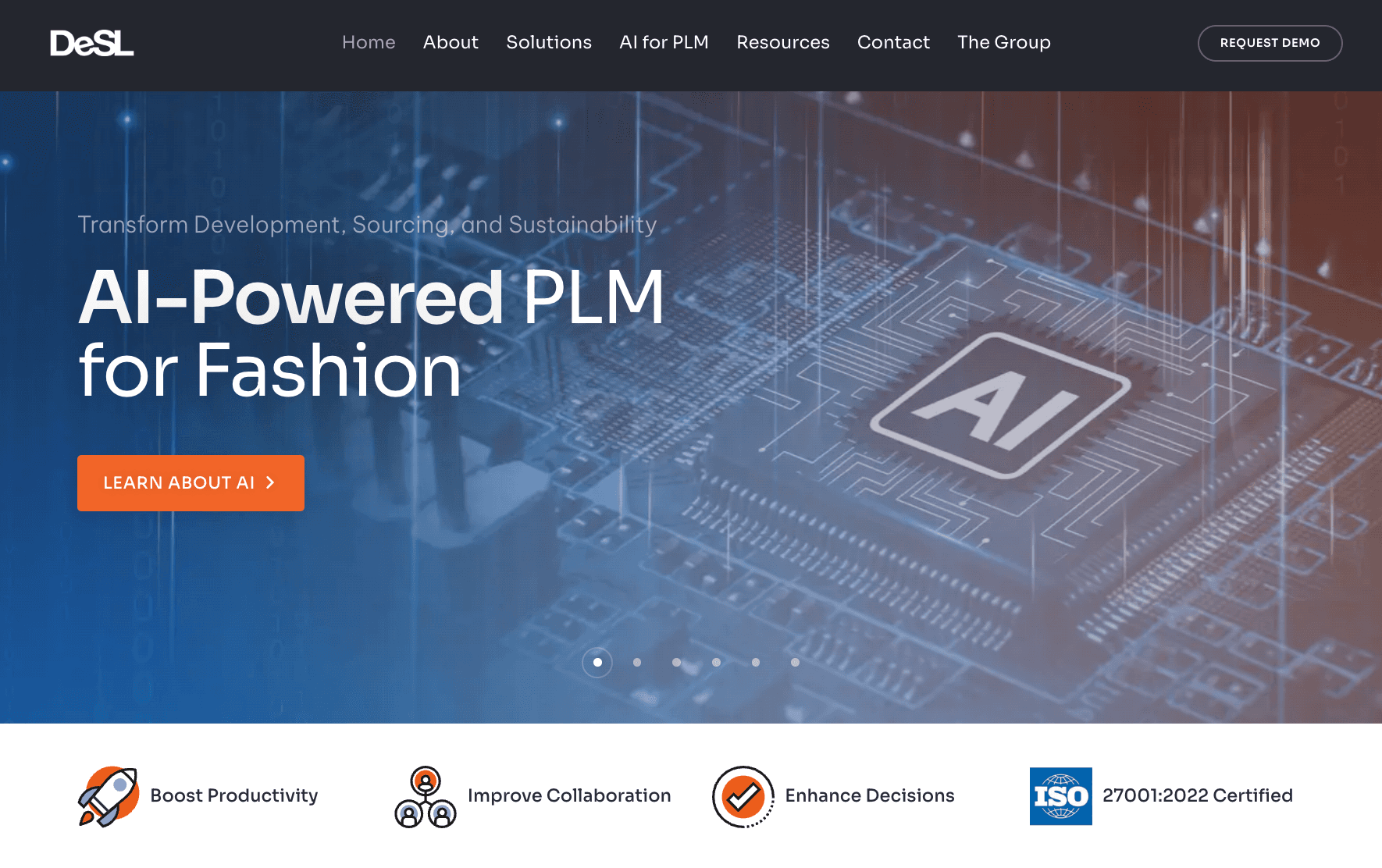
Source: desl.net
DeSL is an AI-powered PLM used by fashion teams that need to manage development, sourcing, and production in one connected system. It is often used when teams need a single system to manage development, production, and supply chain data.
Its role shows up in how different parts of the workflow connect together:
Product records are kept up to date at all stages of creation
The tech pack data is connected to the processes for sourcing, costing, and production
Since they do not use any other tools, information stays the same between teams.
Products are still updated using only one source of info.
Teams that need to see everything from the idea to the delivery can use this setup. That makes the time between planning, sourcing, and production shorter.
Best Suited For
Brands managing sourcing, compliance, and output all at the same time
Companies that need to see the whole course of a product
DeSL is often considered when multiple systems no longer support connected product workflows.
When to Implement AI Tech Pack Software
The right tool depends on where your workflow breaks. Start with the problem you deal with most often.
If Your Tech Packs Are Still Design-Led
If you use sketch or design tools to start your work, look for tools that let you connect those to tech packs.
You need something that takes a flat sketch, images, or early inputs and turns them into structured product data. Some AI tools, including an AI tech pack generator, can create a starting point, but that alone will not carry through development.
Check to see if the tool can actually hand off specs, supplies, and production information. That’s where many setups fall short.
If Your Issue Is Product Data and Version Control
If updates don’t carry over, focus on how the system handles product data.
You want a setup where changes in specs, BOM, and notes reflect automatically. The system analyzes updates and keeps everything aligned in one place.
Look for tools where tech packs connect to a product record, not separate files. That removes repeated edits and reduces version confusion.
If You Are Scaling Production and Working With More Suppliers
If supplier communication slows things down, look at how updates are shared.
You need tools that keep vendors working from the same data without long email threads. Some systems let AI handle repetitive updates, but the real value comes from keeping product information clear and consistent.
Check how the tool supports approvals, revisions, and visibility during production. That leads to better coordination and better outcomes.
If You Prefer One System for Everything
If your workflow is split between multiple systems, focus on consolidation.
Stacking tools creates more steps and more room for errors. Look for one system that connects design inputs, tech packs, and product data in one place.
This makes the workflow easier to follow and reduces time spent switching between tools.
Still Updating Tech Packs in Multiple Files? Onbrand PLM Fixes That
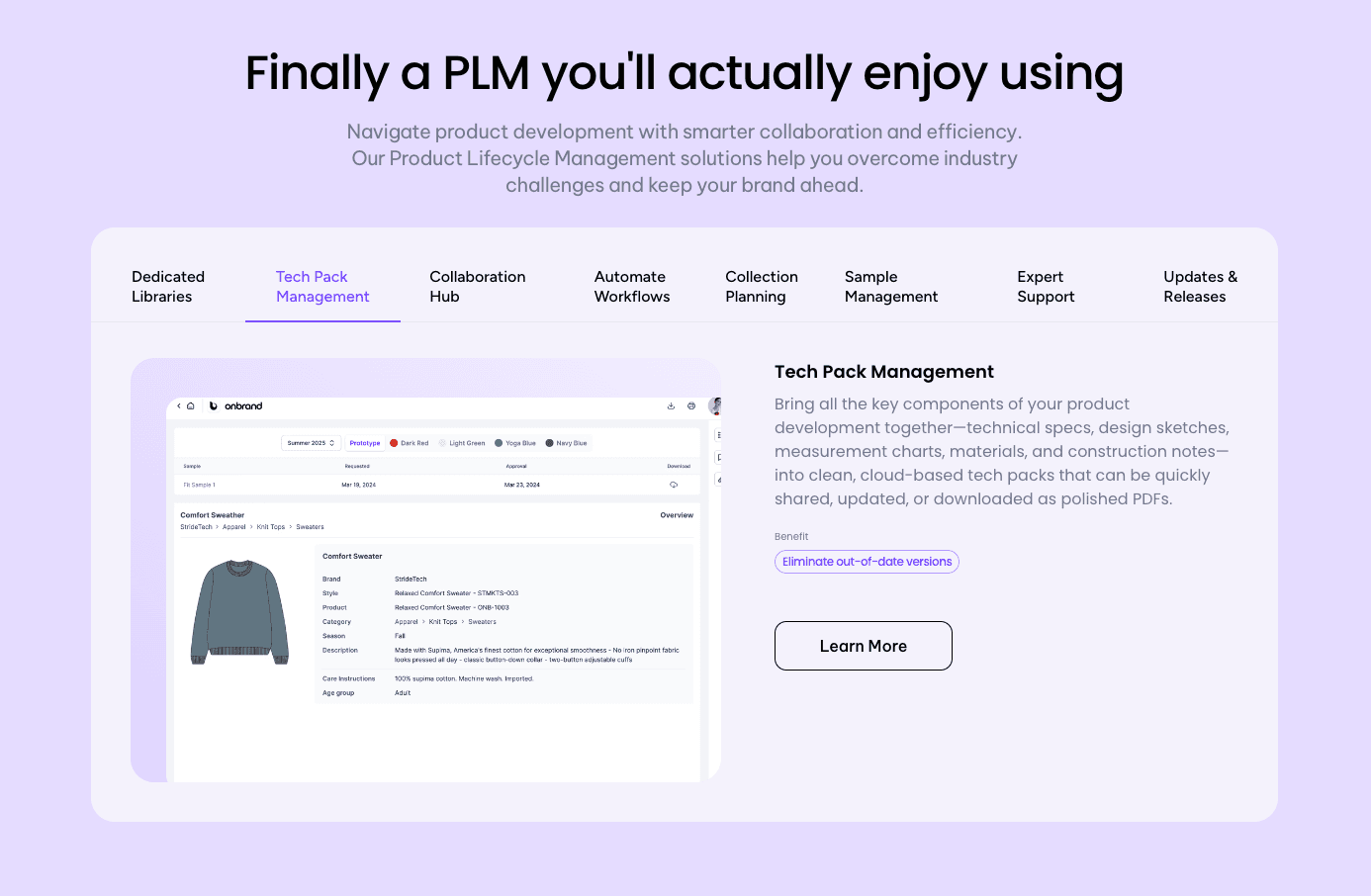
Tech packs work best when they stay tied to product data. Once they turn into separate files, updates break. A small change or even a single typo can lead to confusion during sampling or production.
When everything sits in one place, updates happen once and reflect where they need to. Specs, BOMs, and notes stay aligned. That helps avoid delays that cost time and money later in the process.
Automation only works when everything stays connected.
Onbrand PLM keeps tech packs, BOMs, and product data in one system, so every update stays linked to the product record. You don’t need to re-enter changes or check multiple files. Work stays clear from design through production.
Onbrand AI Design supports early concept work by helping structure product data faster, so tech packs don’t need to be rebuilt later.
FAQs About Tech Pack Automation Software
How fast can teams create and update tech packs with automation?
Tech pack automation speeds up updates because changes happen in one place. Teams no longer need to repeat edits or manage multiple files. What used to take hours can move in minutes, especially when specs, BOMs, and notes stay connected.
Can AI tools generate tech packs from sketches or images?
Some tools can take a flat sketch, image, or even a photo and turn it into a starting point for a tech pack. That’s where AI techpacks work best. They help structure early inputs into product data. The full value still depends on how that data connects to specs, materials, and production details later in the workflow.
Is tech pack automation enough to manage product development end-to-end?
Tech pack automation is not a complete guide to fashion product development. It handles how product data is created, updated, and shared, but it still needs to connect with sourcing, sampling, and production workflows. It becomes more valuable as teams scale and manage future tech packs, where consistency and reuse start to matter more than one-off documents.

