11 Best AI Tools for Product Design for Fashion Teams
Jan 9, 2026


Design decisions in the fashion industry move fast, but the handoffs between teams often don’t.
A sketch gets approved, a change gets shared in Slack, and a sample gets built from outdated information. By the time the issue shows up, teams are already facing rework, delays, or confusion across design and development.
AI for product design helps teams bring clarity earlier in the process. Instead of relying on scattered files or manual follow-ups, AI-powered tools support faster concept reviews, clearer visuals, and better alignment before work reaches sampling and production.
In this article, we break down the 11 best AI tools fashion teams use across the workflow, from early ideation to product development and tech packs.
TL;DR
These are the top product design AI tools fashion teams use across the workflow:
Onbrand AI Design
Midjourney
Refabric
Marvelous Designer
Style3D
Onbrand PLM
Genpire
Threadline
Canva
Adobe Firefly
ChatGPT
What AI for Product Design Means in Fashion
In fashion, AI for product design supports the early stages of design, visual alignment, and development planning.
These AI fashion tools help teams explore design concepts, generate ideas, and review variations with less manual effort, which reduces back-and-forth before sampling begins.
Rather than replacing designers, artificial intelligence supports the creative process by enhancing creativity through clearer visuals, faster iterations, and better alignment across design and product development.
When used with the right tools, AI applications help fashion teams make confident decisions earlier while keeping human creativity at the center of the workflow.
AI Tools for Concept Ideation and Visual Direction
Early design decisions shape the rest of the fashion design process. When teams rely on static sketches or scattered references, aligning on direction takes longer than it should.
AI design tools support early clarity by helping teams explore visual direction and reach alignment before samples move forward.
1. Onbrand AI Design
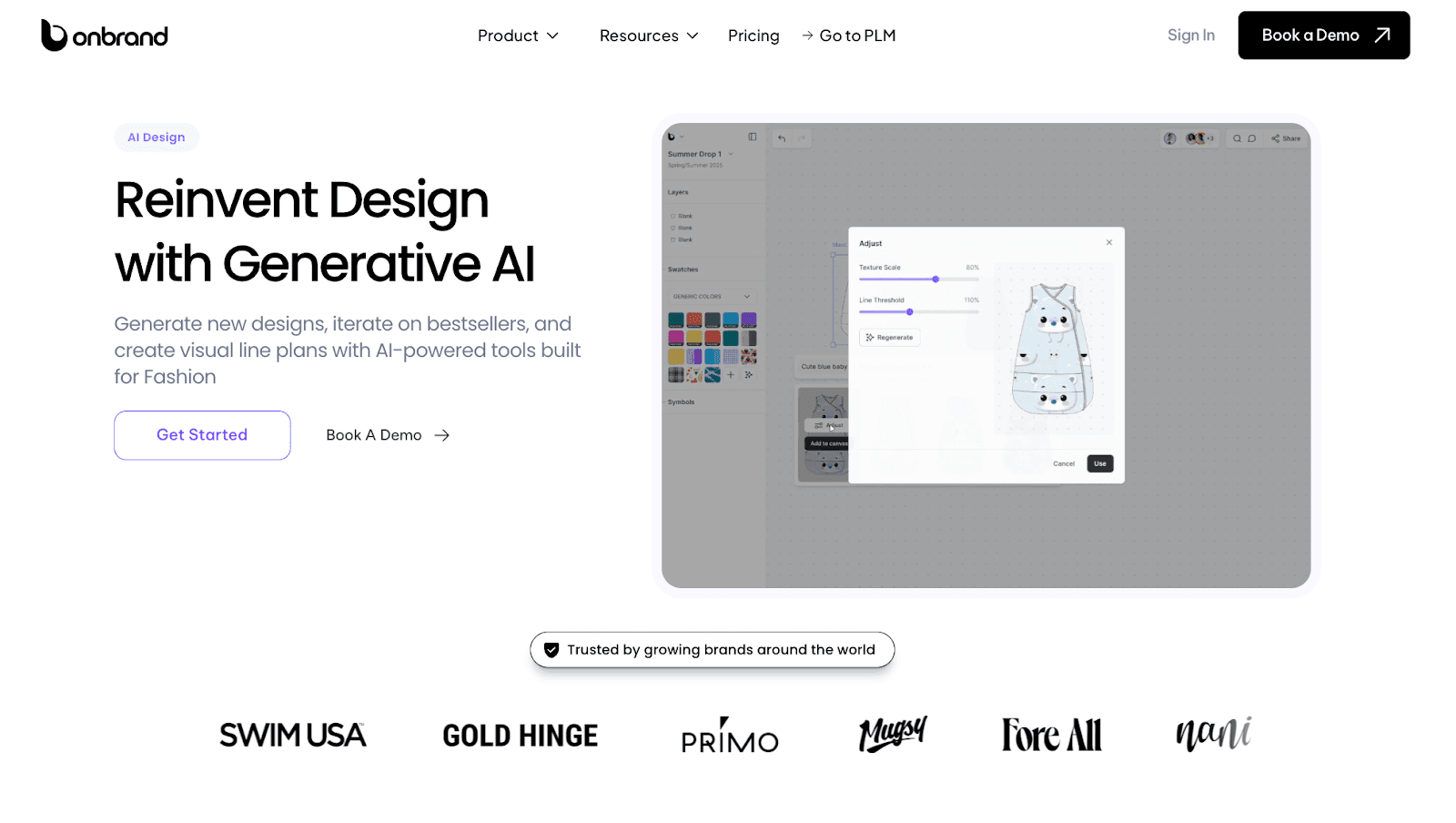
Onbrand AI Design helps fashion teams bring clarity to the earliest stage of the design process, where direction often feels loose and decisions change fast.
Instead of relying on static sketches or scattered references, teams use generative AI to turn prompts, sketches, or reference images into working visuals they can review together.
Brands using Onbrand AI Design report up to 10× faster design turnaround and 30–50% fewer physical samples, because teams align visually before anything reaches development.
Key Features
Generative image creation - Generate photorealistic garment concepts from text, sketches, or reference photos using AI design tools built for apparel
Automated color palette generation - Create brand-aligned colorways quickly without manual testing
3D garment simulation - Visualize drape and structure early using computer-aided design workflows
Automated technical sketch creation - Turn visuals into clean flats that designers can refine
Visual collaboration and version control - Review, compare, and approve designs in one shared space with a clear history
Mood board and inspiration tools - Organize references and concepts into structured visual stories
PLM system integration - Send approved visuals directly into fashion product development workflows
Onbrand AI Design fits teams looking to integrate AI without disrupting how they already work. Enabling designers to stay focused on the creative process, while developers and production teams gain clearer inputs for tech packs and timelines.
When designs are approved, everything flows directly into Onbrand PLM, which reduces manual handoffs and keeps one source of truth across teams.
2. Midjourney
Source: midjourney.com
Midjourney is a generative AI image tool that creates visuals from short text prompts.
Fashion teams use it during early concept work to explore creative ideas, build fashion mood board references, and test visual direction alongside user research before hand-drawn sketches or samples exist.
The tool relies on deep learning algorithms and trained AI models to translate natural language into images, which helps teams generate new ideas with minimal effort.
Midjourney fits at the start of AI in product design, where fast visual exploration supports alignment across designers, product managers, and developers.
Outputs are commonly used as reference visuals for reviews, presentations, or early discussions, not as production-ready assets.
Key Features
Text to image generation - Create visuals from short prompts using an AI image generator.
Style and concept exploration - Test silhouettes, themes, and aesthetics quickly.
Rapid iteration - Generate multiple variations to compare options without time-consuming tasks.
Prompt-based control - Adjust outputs using clear, structured prompts written in human language.
Exportable visuals - Save images for presentations, reference boards, or internal reviews.
3. Refabric
Source: refabric.com
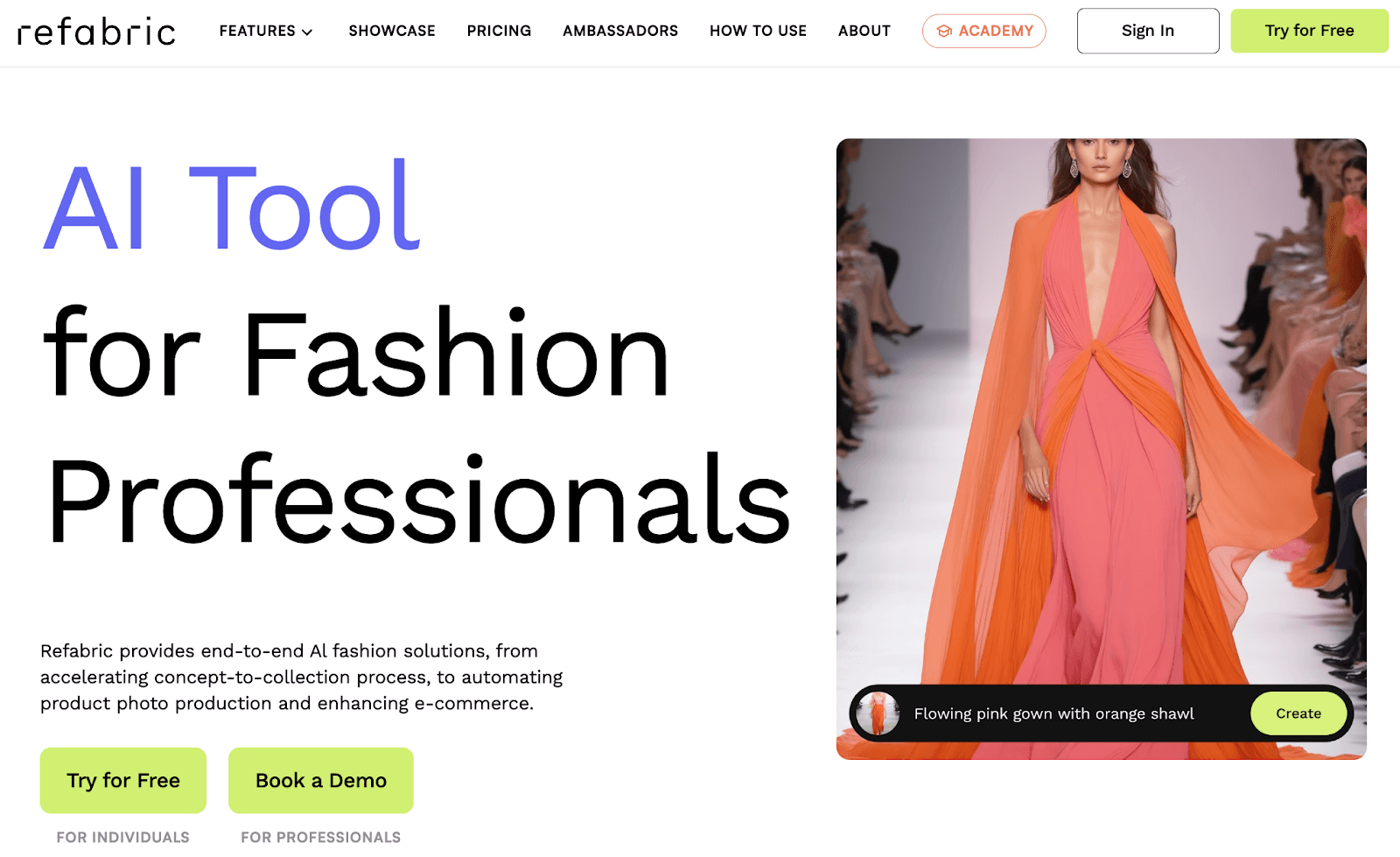
Refabric is one of the AI product design tools used by fashion teams to explore garment ideas and generate early design variations during the concept stage.
Teams use Refabric to experiment with visual directions, compare alternative concepts, and support early creative discussions based on what the platform outputs, without fully rebuilding styles from scratch.
This makes it useful during seasonal planning, line reviews, and early approvals, where users need to review multiple options quickly before committing to samples.
Refabric supports designers and developers who want faster visual exploration and clearer alignment early in the design process, without adding extra manual steps to their workflow.
Key Features
Design variation generation - Create multiple style options from a single base concept using gen AI tools.
Visual concept exploration - Test different directions, aesthetics, or surface ideas at a high level during early planning.
Side-by-side comparisons - Review and compare design variations to support internal discussions and approvals.
Exportable visuals - Save images for presentations, line reviews, or internal reference use.
Early concept support - Use outputs as visual references before tech packs and sampling begin.
AI Tools for 3D Visualization and Digital Sampling
Once a design direction is approved, teams need a clear way to review fit, proportion, and construction before samples are produced. Digital garments and virtual samples help teams catch issues earlier and move through the product development stage with fewer delays.
4. Marvelous Designer
Source: marvelousdesigner.com
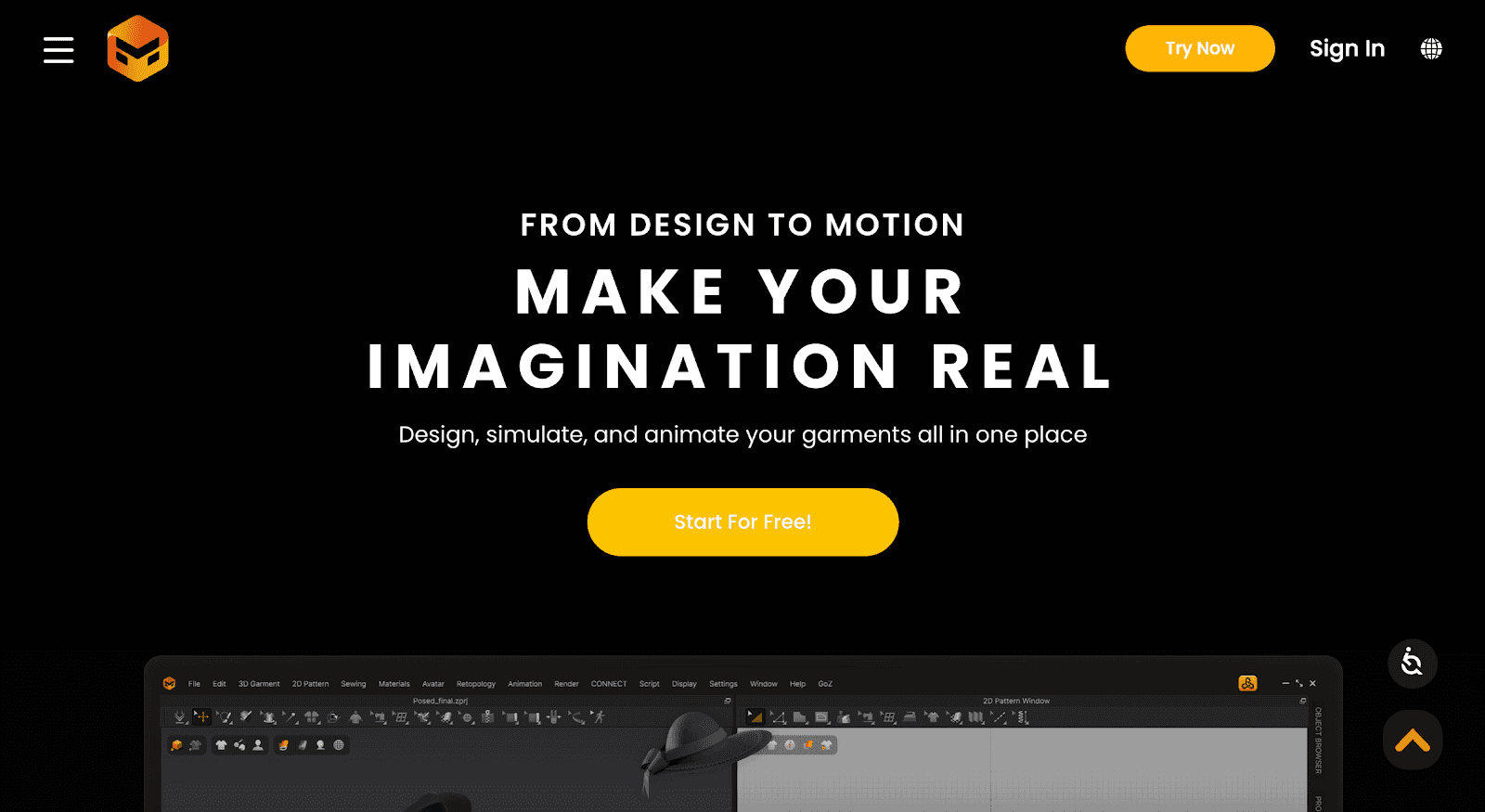
Marvelous Designer is a 3D garment simulation tool used by fashion teams to create and review digital samples before physical production begins.
Designers and developers use it to visualize fit, proportions, and garment construction directly on 3D avatars, which helps teams review styles earlier and catch issues before samples are made.
The platform focuses on realistic fabric behavior and pattern-based design, making it useful during fit reviews, internal approvals, and early development discussions.
Its advanced features support detailed garment simulation and include AI-powered graphics for texture generation, without replacing downstream product development systems.
Teams often rely on Marvelous Designer when evaluating fit feedback across sizes or reviewing how garments behave in motion, which helps reflect actual user behavior before sampling.
Key Features
3D garment simulation - Create digital garments to review fit, drape, and proportions
Pattern-based construction - Build garments from patterns for accurate fit reviews
Fabric behavior testing - See how materials move and react before sampling
Avatar-based fit review - Check garment behavior across different body types
Exportable assets - Share visuals to support tech packs and development discussions
5. Style3D
Source: style3d.com
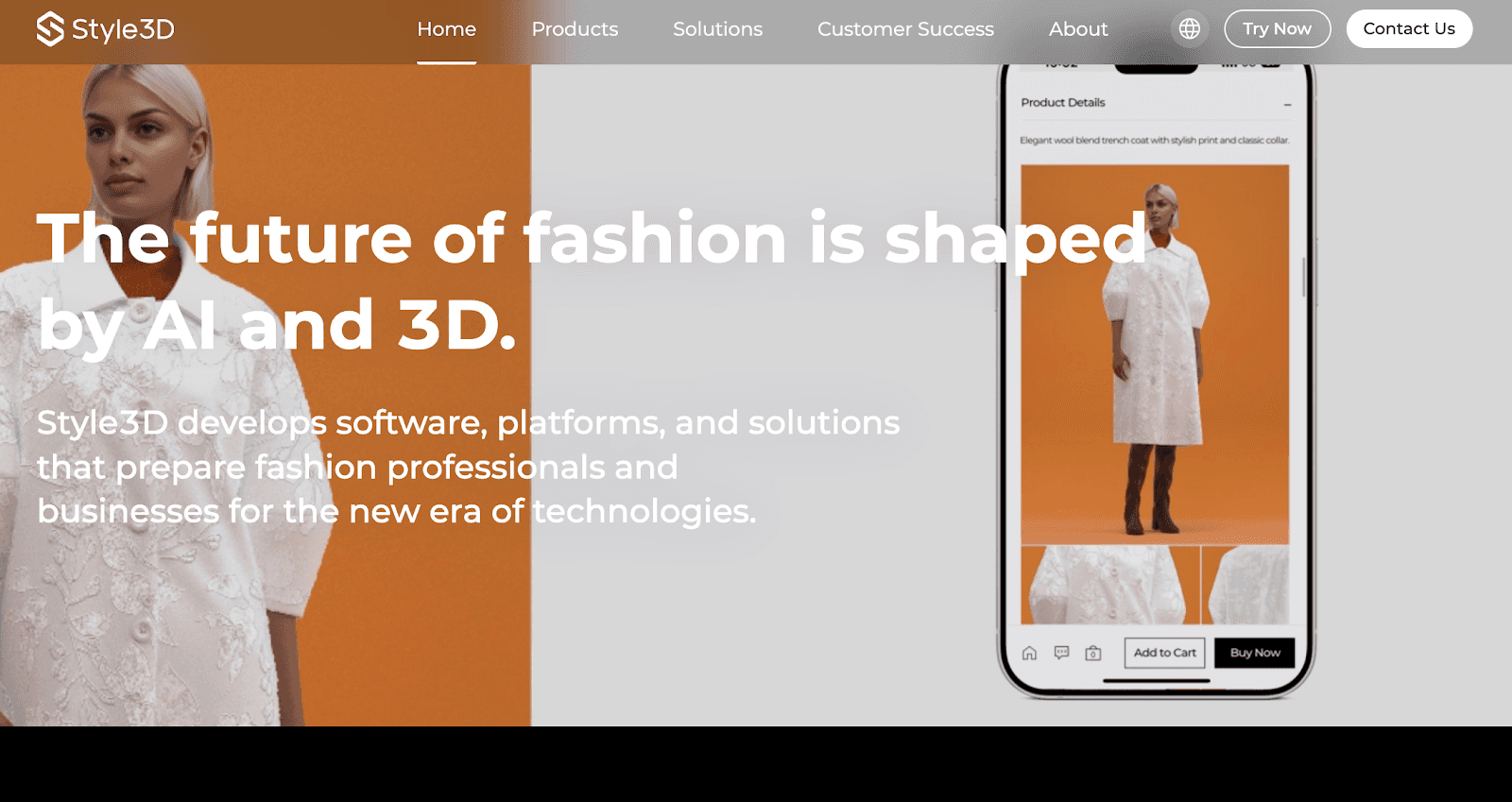
Style3D is a 3D fashion design platform that integrates AI and 3D technologies to help fashion teams create digital garments and review how materials behave before physical samples are produced.
Designers and developers use the platform to visualize drape, fit, and construction details directly on 3D models, which helps teams identify issues earlier in the workflow.
Style3D incorporates AI-driven capabilities alongside 3D simulation to support faster iteration and more informed decisions during design and development, without requiring additional sample rounds.
This makes it useful for brands working across multiple styles or collections where early accuracy can reduce rework and delays.
Key Features
3D garment visualization - Review silhouettes and proportions on virtual models.
Fabric behavior simulation - See how materials drape and move before sampling.
Pattern-based design - Connect patterns to garments for clearer construction reviews.
Digital sample reviews - Share visuals for internal approvals and vendor feedback.
Exportable assets - Use outputs to support tech packs and production discussions.
AI Tools for Product Development and Tech Packs
After concept and sampling stages, teams need systems that support consistency. Product development tools help turn approved visuals into structured information that follows clear user flows, factories, and partners can work from.
6. Onbrand PLM
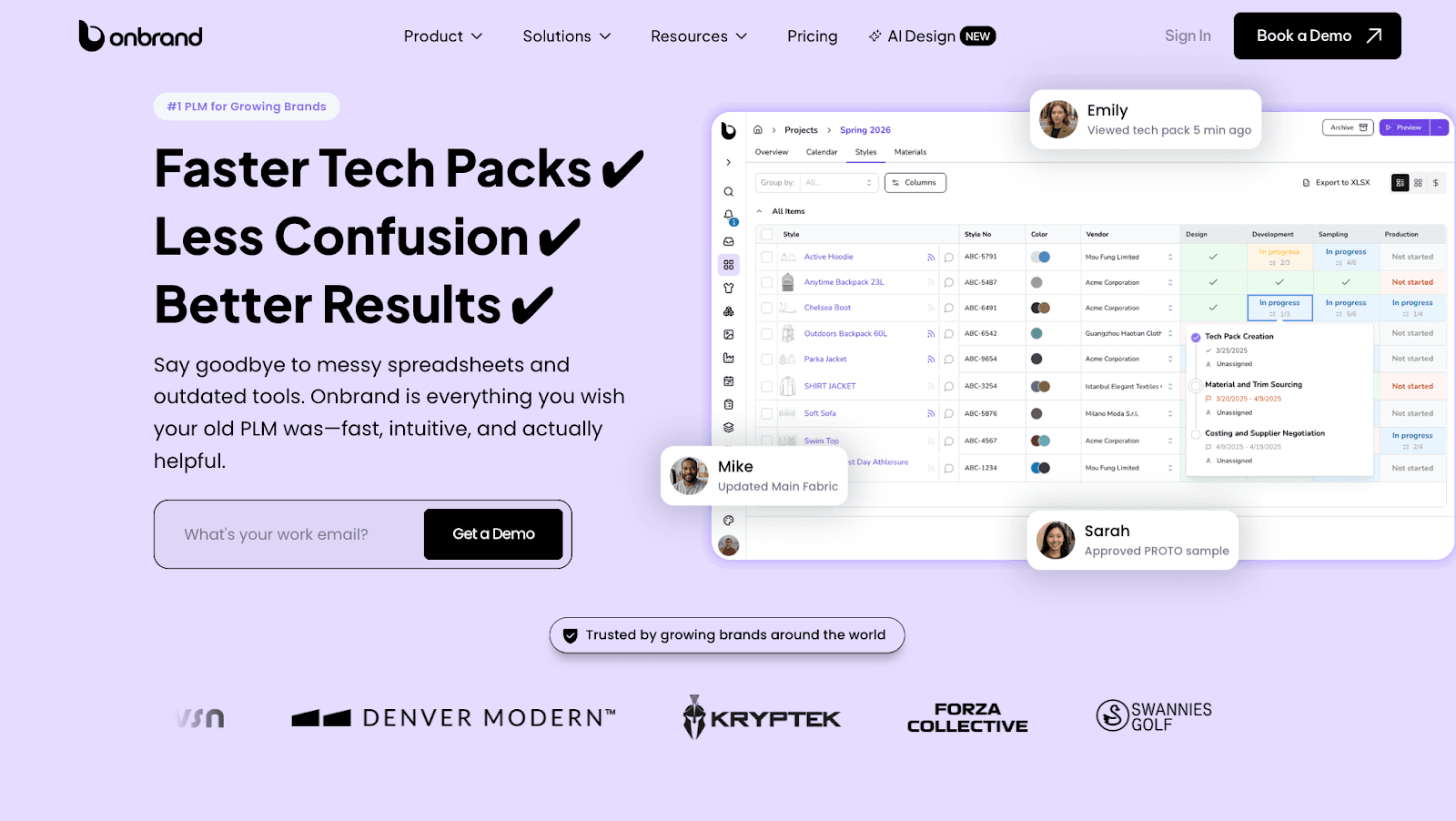
Onbrand PLM is a fashion-focused product development system built to help teams manage tech packs, specs, samples, timelines, and structured data in one shared place.
It supports the stage where approved designs turn into build-ready instructions, keeping product data accurate as more teams and vendors get involved.
Unlike legacy fashion PLM tools, Onbrand uses AI-assisted data migration during onboarding to help brands move existing styles, materials, and specs into the system faster.
This reduces manual effort during setup and helps teams start working with complete, current information sooner.
Key Features
Live tech packs - Web-based tech packs update in real time, so everyone works from the latest details.
AI-assisted data migration - Existing product data moves into the system faster during onboarding.
Specification and sample management - Track measurements, fit notes, and sample status in one place.
Project management tools - Stages, tasks, and approvals support day-to-day product development work.
Vendor collaboration - Factories access the same tech packs and leave feedback directly on styles.
Onbrand PLM works best for growing fashion brands that want clear handoffs between design, development, and production without relying on spreadsheets or disconnected files. Teams often see up to 55% faster tech pack creation and several weeks saved during development.
7. Genpire
Source: genpire.com
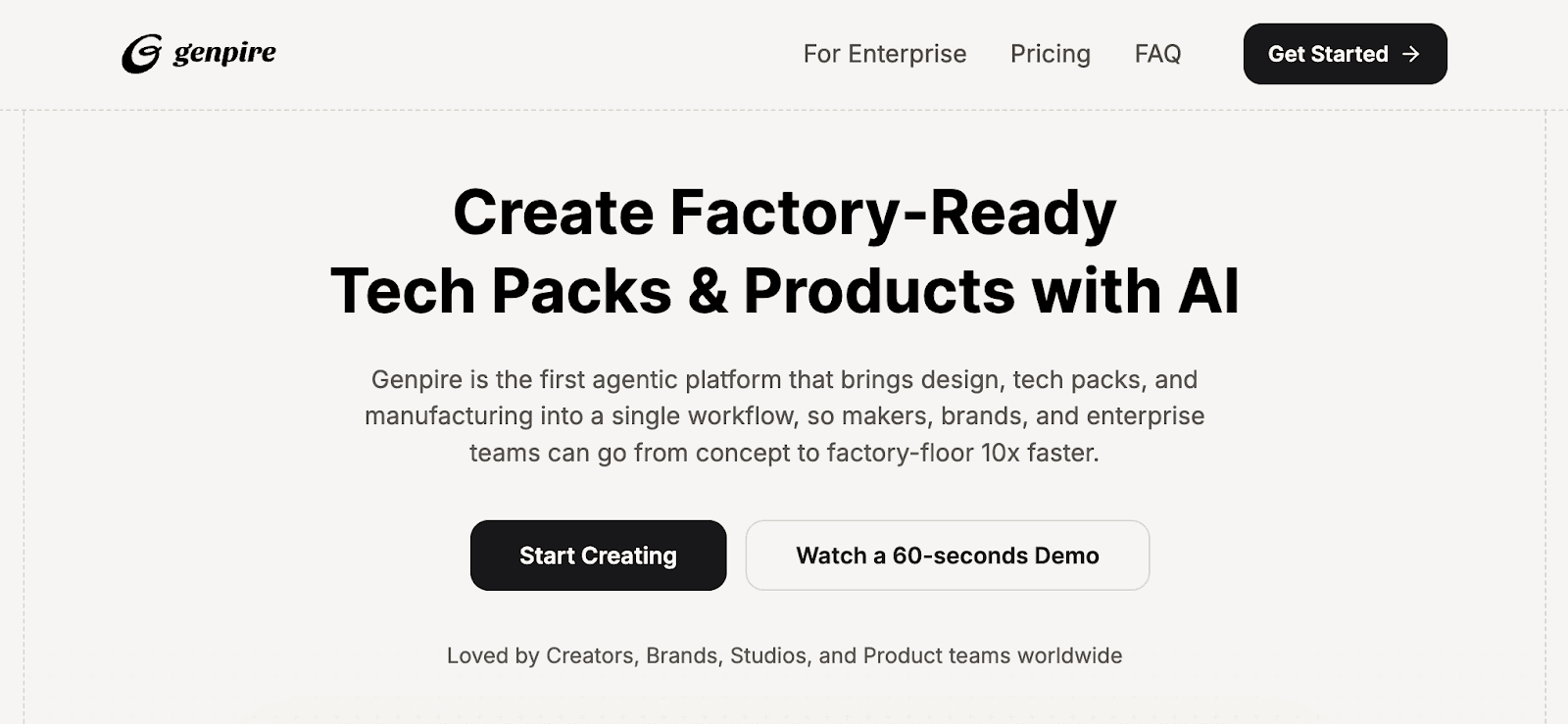
Genpire is an AI-driven product creation platform that helps fashion teams move from concept to factory-ready outputs within a single workflow.
The platform uses prompt-based design and AI-assisted generation to create multi-view visuals, technical packs, and manufacturing-ready files without relying on separate design or specification tools.
Teams use Genpire to generate product concepts, capture specs and BOM details, and prepare factory-ready documentation earlier in the development process.
Genpire fits teams that want visual and technical creation combined in one system, especially during early product definition and production preparation.
Key Features
Prompt-based product creation - Generate product concepts, variations, and collections using text prompts or reference uploads.
Multi-view visuals and technical outputs - Create product visuals alongside factory-ready technical drawings in one workflow.
Automated spec and BOM capture - AI-assisted generation of measurements, materials, and construction details.
Factory-ready documentation - Prepare tech-pack-style outputs designed for manufacturer handoff.
Collaboration around product files - Share generated product information with internal teams or manufacturing partners.
8. Threadline
Source: threadline.works
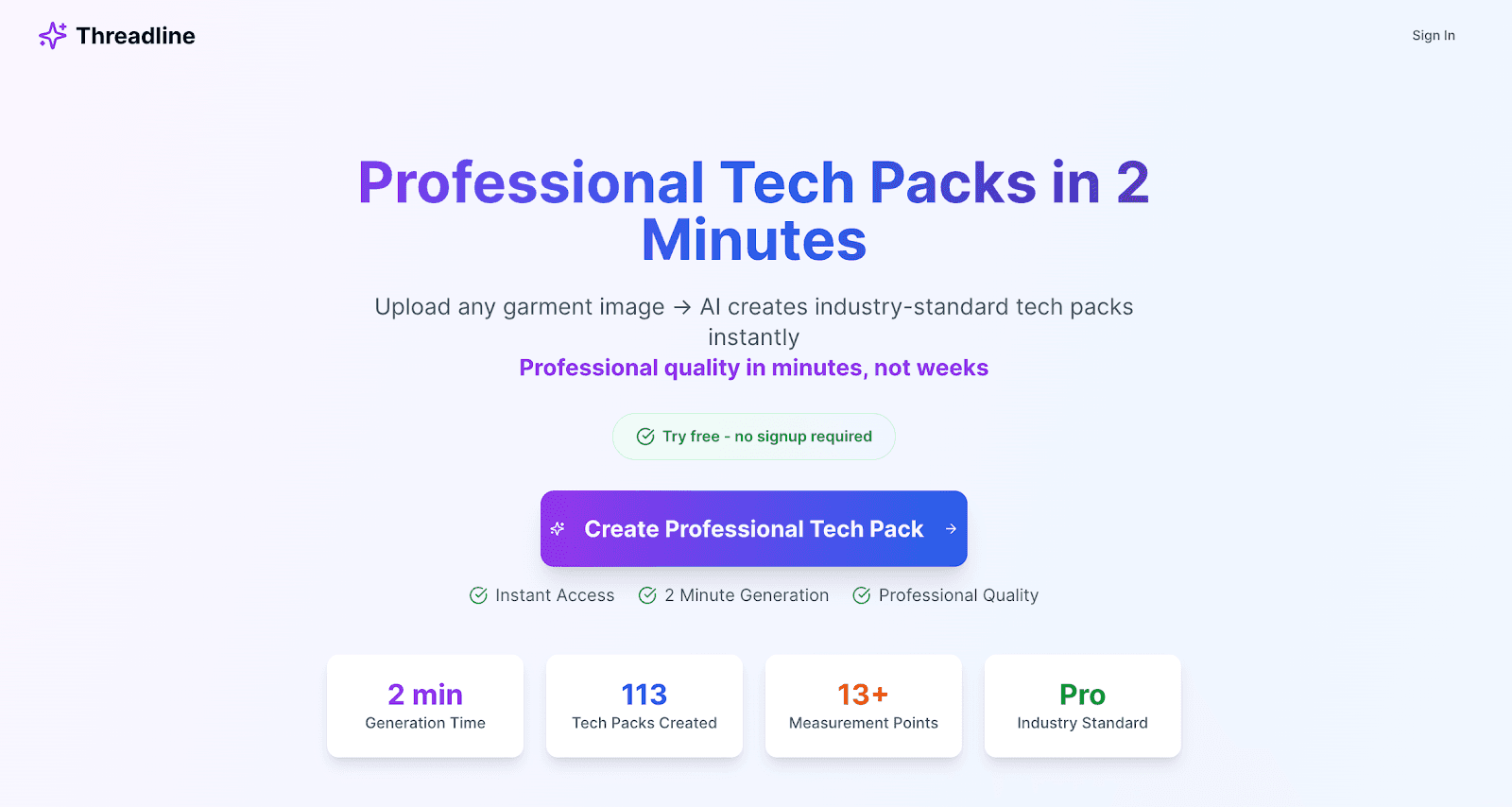
Threadline is an AI-powered tech pack generation tool that creates production-ready fashion tech packs from garment images, sketches, or reference photos.
Fashion teams use Threadline to upload a single image and receive an industry-standard tech pack within minutes, including measurements, material specifications, construction details, and technical drawings.
This makes it useful when teams need fast documentation to move styles into sampling or factory discussions without manual drafting.
Threadline focuses specifically on automating tech pack creation rather than managing broader product development workflows. It supports early production preparation by turning visual inputs into standardized PDFs that manufacturers can work from.
Threadline fits teams looking to reduce time and cost spent on tech pack creation, especially during early prototyping or when internal technical resources are limited.
Key Features
Image-to-tech-pack generation - Convert garment photos, sketches, or inspiration images into factory-ready tech packs
Automated measurements and specs - Generate size measurements, materials, and construction details
Technical drawings - Produce flat sketches and construction visuals for manufacturers
Production-ready PDFs - Download industry-standard tech packs without additional formatting
AI Tools for Line Planning and Presentation Assets
After development work is complete, teams shift toward planning and communication. Tools in this group help translate product details into clear visuals that teams can review, share, and act on.
9. Canva
Source: canva.com
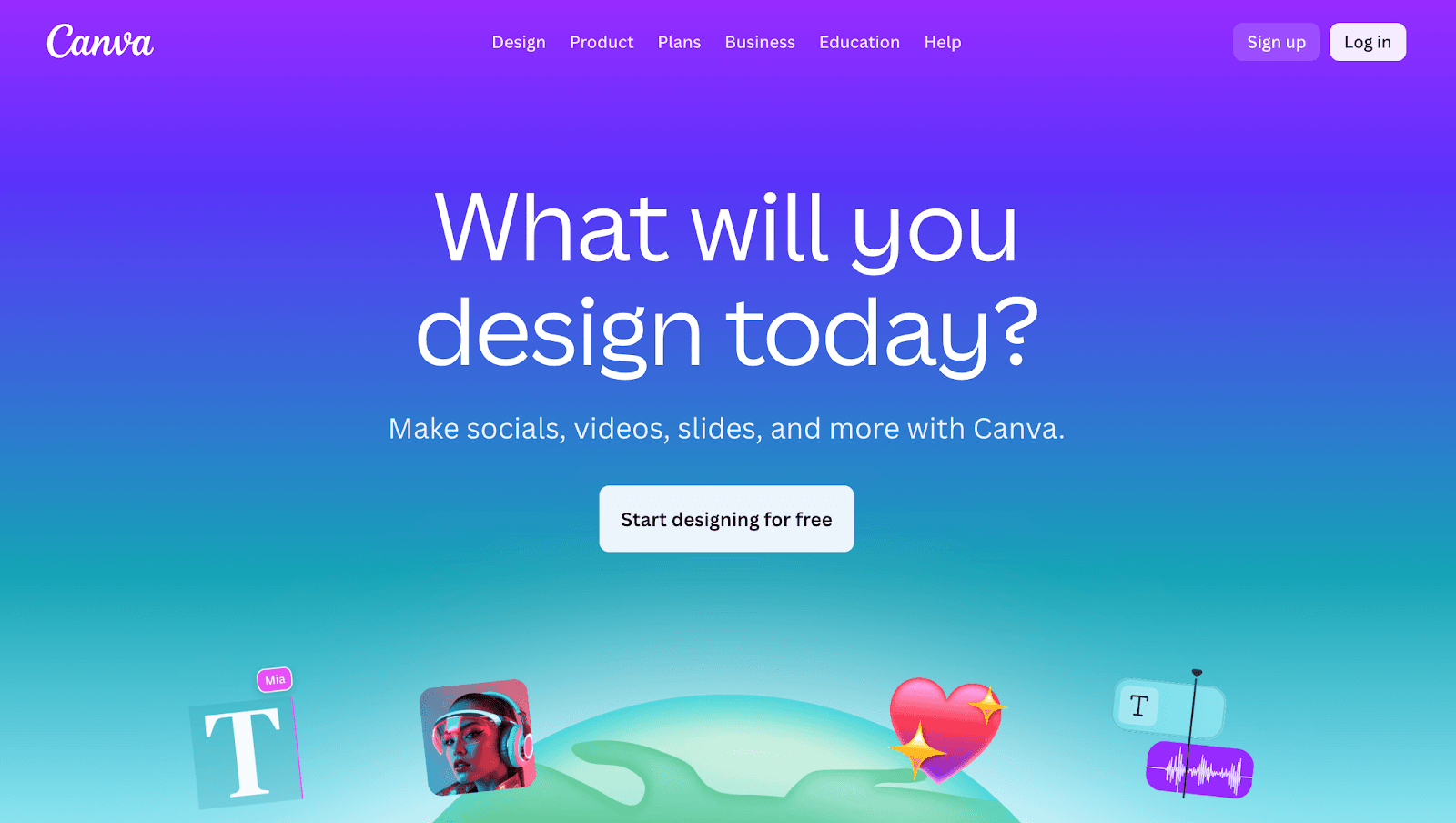
Canva is a visual design platform that fashion teams use to prepare line sheets, internal decks, and presentation assets once products are ready for review.
It supports content creation by giving teams a fast way to turn product details into clear visuals for assortment reviews, planning meetings, and launch discussions.
Canva fits teams that need to communicate product direction clearly across design, development, and merchandising without relying on complex design software.
Its AI features help reduce manual setup work when building repeatable presentation formats.
Key Features
Presentation and line sheet templates - Build decks and product layouts using ready-made formats.
AI-assisted layout suggestions - Apply quick layout adjustments to improve clarity.
Asset organization - Store and reuse images, logos, and marketing materials.
Team collaboration - Share files and collect feedback in one place.
Export options - Download visuals for meetings, reviews, or shared project files.
10. Adobe Firefly
Source: adobe.com/firefly
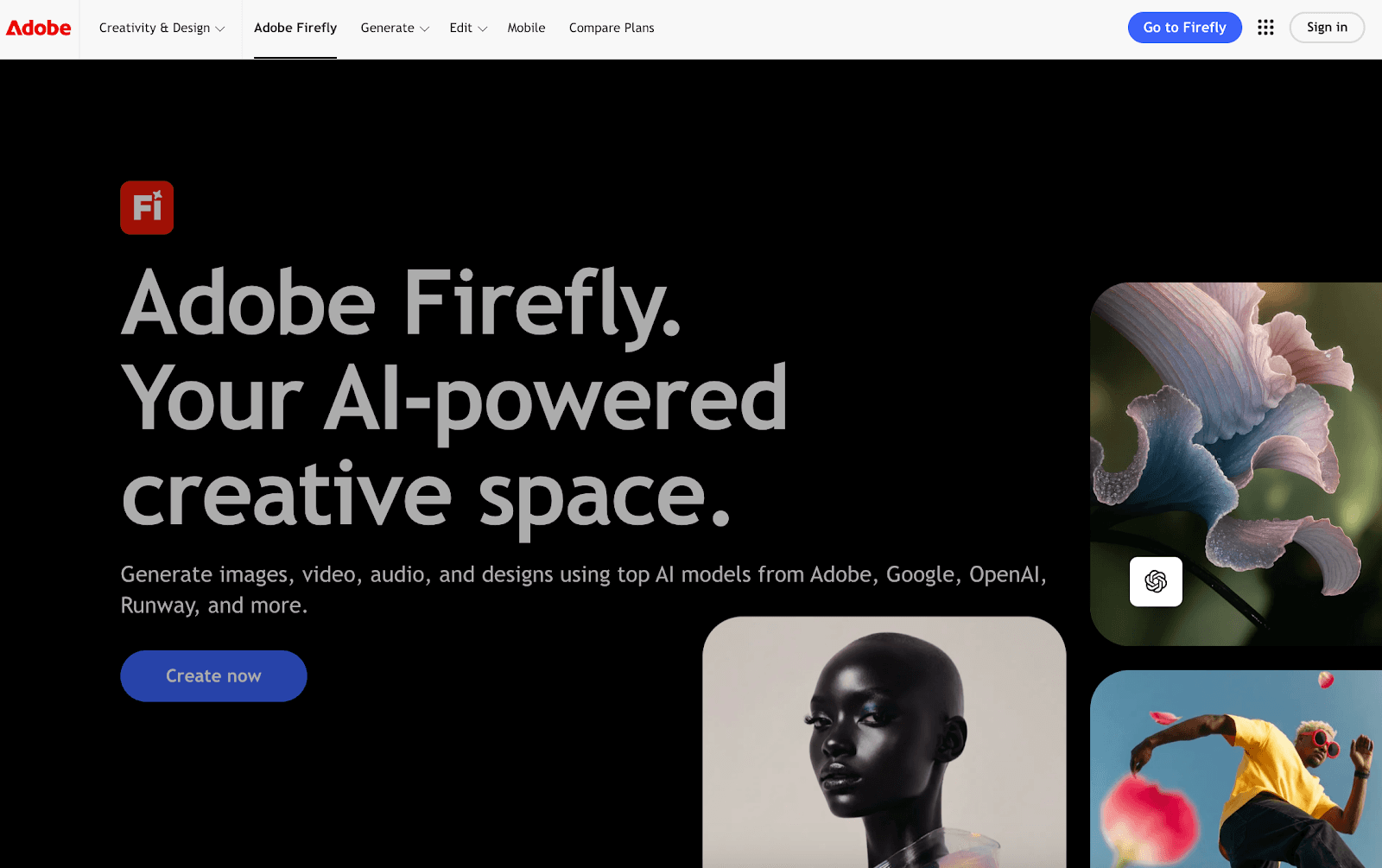
Adobe Firefly is an image generation tool built into the Adobe ecosystem that fashion teams use to create visuals for presentations and internal reviews.
Teams rely on it to generate concept images, backgrounds, and design variations that support clear communication once styles are defined.
Firefly uses machine learning algorithms and trained AI models to produce images that follow brand inputs, which helps teams prepare visuals that match the desired output for line reviews or stakeholder meetings.
It works alongside existing Adobe files, making it easier for teams with in-house technical expertise to add AI-generated visuals without changing their workflow.
Key Features
AI image generation - Create visuals from text prompts using product design AI systems.
Style controlled outputs - Apply brand rules to guide image results.
Editable Adobe assets - Refine generated images in Photoshop or Illustrator.
Content-ready visuals - Prepare assets for decks, reviews, and internal materials.
Rights-aware generation - Supports awareness of intellectual property rights.
11. ChatGPT
Source: openai.com/chatgpt
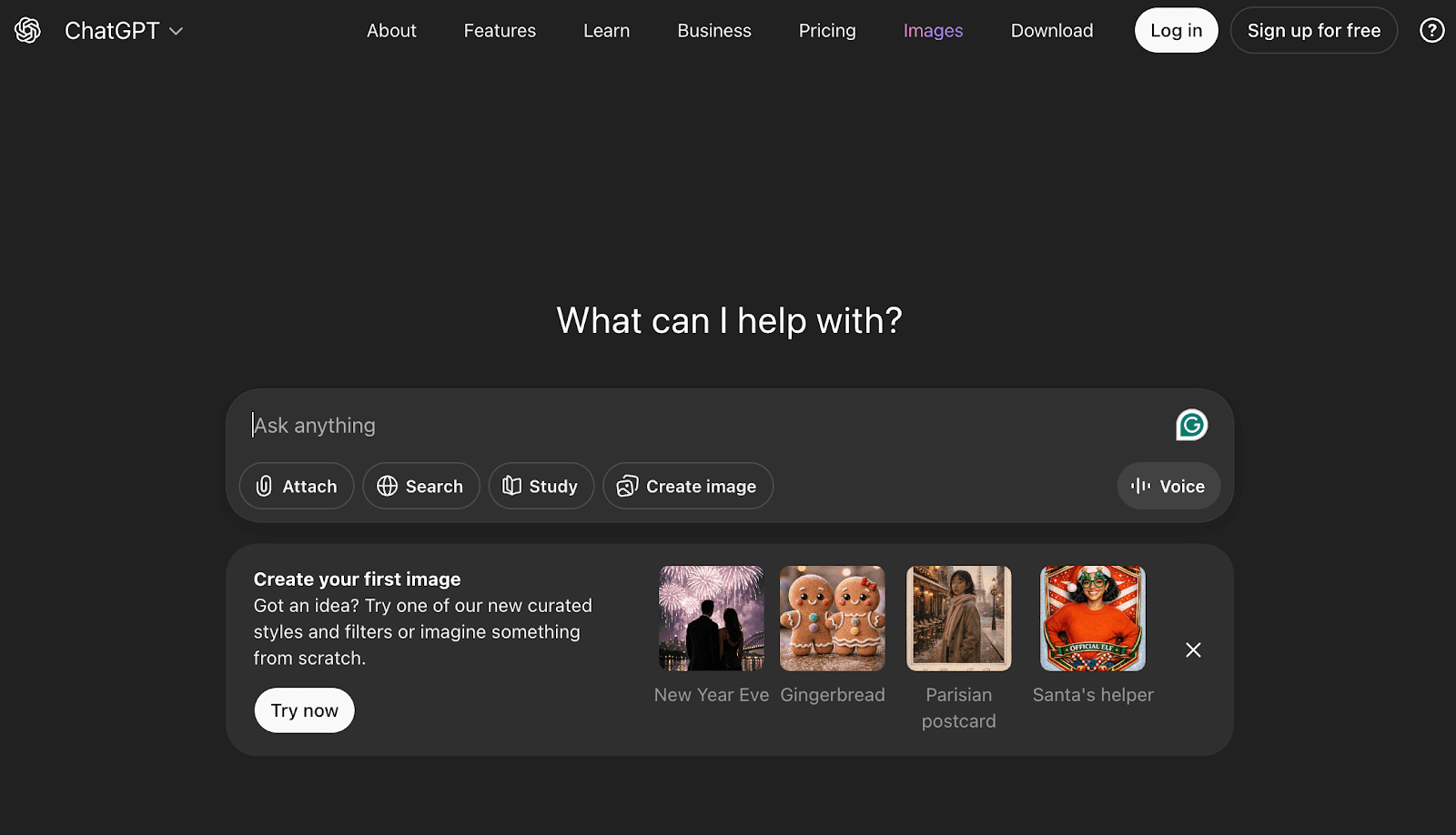
ChatGPT is a text-based tool that fashion teams use to support written work tied to product development and communication.
Teams rely on it to draft product descriptions, line notes, meeting summaries, and internal documentation that often slow teams down late in the process.
It is commonly used to summarize feedback from reviews, organize notes from fittings, and support note-taking across design and development discussions.
ChatGPT is powered by large language models and helps teams automate repetitive tasks related to writing, which can reduce back and forth during approvals and reviews without changing how teams manage designs or samples.
Key Features
Drafting written content - Support product descriptions and internal documentation.
Feedback summaries - Condense notes from reviews and fittings tied to user interactions.
Process support -Assist teams with structured written outputs aligned with design principles.
Task automation - Help teams automate tasks related to writing and documentation.
Flexible usage - Apply the tool across a comprehensive range of internal workflows.
Bringing AI Design and Product Development Together Using Onbrand!
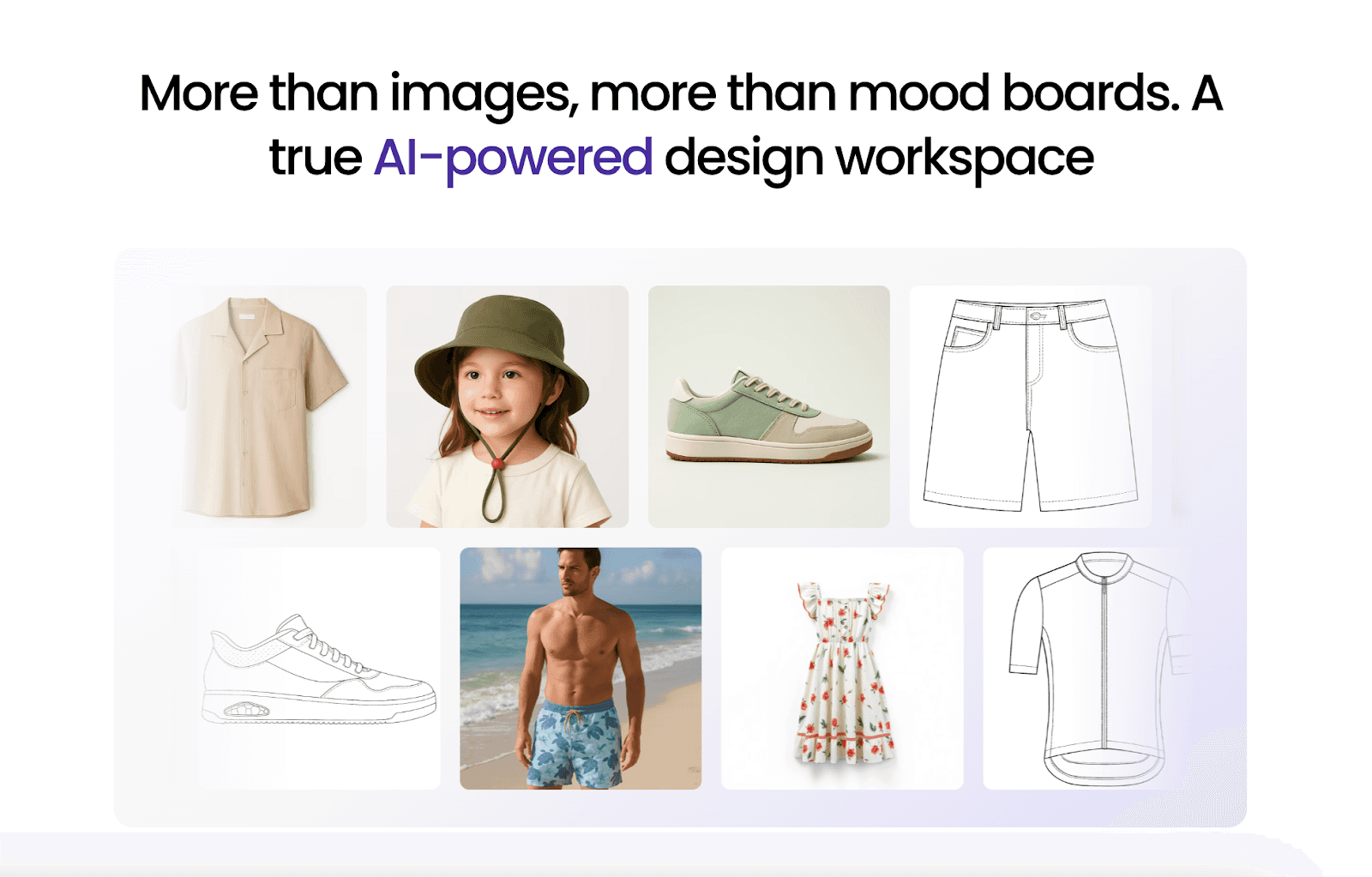
Most AI tools in fashion support a single stage of the workflow. Some specific tools help generate ideas, while others focus on sampling, documentation, or communication. Onbrand stands out by connecting these stages instead of treating them as separate steps.
Onbrand AI Design supports early visual alignment, which helps teams explore concepts, review variations, and agree on direction before development begins.
Once designs are approved, Onbrand PLM carries those visuals directly into tech packs, specs, timelines, and vendor communication. Teams do not need to recreate work or manage handoffs between disconnected tools.
This connection matters for teams using AI for product design because it creates a competitive advantage by reducing handoffs, keeping decisions visible, and maintaining continuity from concept through production.
FAQs About AI for Product Design
Can I use AI to design a product?
Yes. Fashion teams use AI to support early design work such as concept exploration, visual references, and variation testing. Many AI startups focus on specific parts of the product design workflow rather than full end-to-end design. Final decisions still come from designers.
Can ChatGPT do graphic design?
ChatGPT can help with written content and planning, and it can support image creation when used with image-generation features or integrations, but it does not replace professional design tools. Teams use it for early visuals, reference graphics, and written support. It can also generate code snippets for internal tools or documentation, which helps teams move faster during planning work.
Is AI replacing product designers?
No. AI supports designers by reducing repetitive work, but creative direction remains human-led. Designers often work with software engineers to apply AI tools in ways that fit real workflows without changing how products are designed or approved.
Can I sell products made by AI?
Yes, but brands must review usage rights and quality standards. AI can support design and development, but teams remain responsible for fit, construction, and the final user experience before products go to market.
Can AI video generators support product design decisions?
Yes. Fashion teams use an AI video generator to create short visuals that show design concepts or variations for review. These videos rely on AI algorithms to turn images or assets into motion, helping teams make data-driven decisions earlier in the process. When used carefully, they support quick reviews, early alignment, and a clearer cost-benefit analysis by reducing rework before sampling.
Design decisions in the fashion industry move fast, but the handoffs between teams often don’t.
A sketch gets approved, a change gets shared in Slack, and a sample gets built from outdated information. By the time the issue shows up, teams are already facing rework, delays, or confusion across design and development.
AI for product design helps teams bring clarity earlier in the process. Instead of relying on scattered files or manual follow-ups, AI-powered tools support faster concept reviews, clearer visuals, and better alignment before work reaches sampling and production.
In this article, we break down the 11 best AI tools fashion teams use across the workflow, from early ideation to product development and tech packs.
TL;DR
These are the top product design AI tools fashion teams use across the workflow:
Onbrand AI Design
Midjourney
Refabric
Marvelous Designer
Style3D
Onbrand PLM
Genpire
Threadline
Canva
Adobe Firefly
ChatGPT
What AI for Product Design Means in Fashion
In fashion, AI for product design supports the early stages of design, visual alignment, and development planning.
These AI fashion tools help teams explore design concepts, generate ideas, and review variations with less manual effort, which reduces back-and-forth before sampling begins.
Rather than replacing designers, artificial intelligence supports the creative process by enhancing creativity through clearer visuals, faster iterations, and better alignment across design and product development.
When used with the right tools, AI applications help fashion teams make confident decisions earlier while keeping human creativity at the center of the workflow.
AI Tools for Concept Ideation and Visual Direction
Early design decisions shape the rest of the fashion design process. When teams rely on static sketches or scattered references, aligning on direction takes longer than it should.
AI design tools support early clarity by helping teams explore visual direction and reach alignment before samples move forward.
1. Onbrand AI Design

Onbrand AI Design helps fashion teams bring clarity to the earliest stage of the design process, where direction often feels loose and decisions change fast.
Instead of relying on static sketches or scattered references, teams use generative AI to turn prompts, sketches, or reference images into working visuals they can review together.
Brands using Onbrand AI Design report up to 10× faster design turnaround and 30–50% fewer physical samples, because teams align visually before anything reaches development.
Key Features
Generative image creation - Generate photorealistic garment concepts from text, sketches, or reference photos using AI design tools built for apparel
Automated color palette generation - Create brand-aligned colorways quickly without manual testing
3D garment simulation - Visualize drape and structure early using computer-aided design workflows
Automated technical sketch creation - Turn visuals into clean flats that designers can refine
Visual collaboration and version control - Review, compare, and approve designs in one shared space with a clear history
Mood board and inspiration tools - Organize references and concepts into structured visual stories
PLM system integration - Send approved visuals directly into fashion product development workflows
Onbrand AI Design fits teams looking to integrate AI without disrupting how they already work. Enabling designers to stay focused on the creative process, while developers and production teams gain clearer inputs for tech packs and timelines.
When designs are approved, everything flows directly into Onbrand PLM, which reduces manual handoffs and keeps one source of truth across teams.
2. Midjourney

Source: midjourney.com
Midjourney is a generative AI image tool that creates visuals from short text prompts.
Fashion teams use it during early concept work to explore creative ideas, build fashion mood board references, and test visual direction alongside user research before hand-drawn sketches or samples exist.
The tool relies on deep learning algorithms and trained AI models to translate natural language into images, which helps teams generate new ideas with minimal effort.
Midjourney fits at the start of AI in product design, where fast visual exploration supports alignment across designers, product managers, and developers.
Outputs are commonly used as reference visuals for reviews, presentations, or early discussions, not as production-ready assets.
Key Features
Text to image generation - Create visuals from short prompts using an AI image generator.
Style and concept exploration - Test silhouettes, themes, and aesthetics quickly.
Rapid iteration - Generate multiple variations to compare options without time-consuming tasks.
Prompt-based control - Adjust outputs using clear, structured prompts written in human language.
Exportable visuals - Save images for presentations, reference boards, or internal reviews.
3. Refabric

Source: refabric.com
Refabric is one of the AI product design tools used by fashion teams to explore garment ideas and generate early design variations during the concept stage.
Teams use Refabric to experiment with visual directions, compare alternative concepts, and support early creative discussions based on what the platform outputs, without fully rebuilding styles from scratch.
This makes it useful during seasonal planning, line reviews, and early approvals, where users need to review multiple options quickly before committing to samples.
Refabric supports designers and developers who want faster visual exploration and clearer alignment early in the design process, without adding extra manual steps to their workflow.
Key Features
Design variation generation - Create multiple style options from a single base concept using gen AI tools.
Visual concept exploration - Test different directions, aesthetics, or surface ideas at a high level during early planning.
Side-by-side comparisons - Review and compare design variations to support internal discussions and approvals.
Exportable visuals - Save images for presentations, line reviews, or internal reference use.
Early concept support - Use outputs as visual references before tech packs and sampling begin.
AI Tools for 3D Visualization and Digital Sampling
Once a design direction is approved, teams need a clear way to review fit, proportion, and construction before samples are produced. Digital garments and virtual samples help teams catch issues earlier and move through the product development stage with fewer delays.
4. Marvelous Designer

Source: marvelousdesigner.com
Marvelous Designer is a 3D garment simulation tool used by fashion teams to create and review digital samples before physical production begins.
Designers and developers use it to visualize fit, proportions, and garment construction directly on 3D avatars, which helps teams review styles earlier and catch issues before samples are made.
The platform focuses on realistic fabric behavior and pattern-based design, making it useful during fit reviews, internal approvals, and early development discussions.
Its advanced features support detailed garment simulation and include AI-powered graphics for texture generation, without replacing downstream product development systems.
Teams often rely on Marvelous Designer when evaluating fit feedback across sizes or reviewing how garments behave in motion, which helps reflect actual user behavior before sampling.
Key Features
3D garment simulation - Create digital garments to review fit, drape, and proportions
Pattern-based construction - Build garments from patterns for accurate fit reviews
Fabric behavior testing - See how materials move and react before sampling
Avatar-based fit review - Check garment behavior across different body types
Exportable assets - Share visuals to support tech packs and development discussions
5. Style3D

Source: style3d.com
Style3D is a 3D fashion design platform that integrates AI and 3D technologies to help fashion teams create digital garments and review how materials behave before physical samples are produced.
Designers and developers use the platform to visualize drape, fit, and construction details directly on 3D models, which helps teams identify issues earlier in the workflow.
Style3D incorporates AI-driven capabilities alongside 3D simulation to support faster iteration and more informed decisions during design and development, without requiring additional sample rounds.
This makes it useful for brands working across multiple styles or collections where early accuracy can reduce rework and delays.
Key Features
3D garment visualization - Review silhouettes and proportions on virtual models.
Fabric behavior simulation - See how materials drape and move before sampling.
Pattern-based design - Connect patterns to garments for clearer construction reviews.
Digital sample reviews - Share visuals for internal approvals and vendor feedback.
Exportable assets - Use outputs to support tech packs and production discussions.
AI Tools for Product Development and Tech Packs
After concept and sampling stages, teams need systems that support consistency. Product development tools help turn approved visuals into structured information that follows clear user flows, factories, and partners can work from.
6. Onbrand PLM

Onbrand PLM is a fashion-focused product development system built to help teams manage tech packs, specs, samples, timelines, and structured data in one shared place.
It supports the stage where approved designs turn into build-ready instructions, keeping product data accurate as more teams and vendors get involved.
Unlike legacy fashion PLM tools, Onbrand uses AI-assisted data migration during onboarding to help brands move existing styles, materials, and specs into the system faster.
This reduces manual effort during setup and helps teams start working with complete, current information sooner.
Key Features
Live tech packs - Web-based tech packs update in real time, so everyone works from the latest details.
AI-assisted data migration - Existing product data moves into the system faster during onboarding.
Specification and sample management - Track measurements, fit notes, and sample status in one place.
Project management tools - Stages, tasks, and approvals support day-to-day product development work.
Vendor collaboration - Factories access the same tech packs and leave feedback directly on styles.
Onbrand PLM works best for growing fashion brands that want clear handoffs between design, development, and production without relying on spreadsheets or disconnected files. Teams often see up to 55% faster tech pack creation and several weeks saved during development.
7. Genpire

Source: genpire.com
Genpire is an AI-driven product creation platform that helps fashion teams move from concept to factory-ready outputs within a single workflow.
The platform uses prompt-based design and AI-assisted generation to create multi-view visuals, technical packs, and manufacturing-ready files without relying on separate design or specification tools.
Teams use Genpire to generate product concepts, capture specs and BOM details, and prepare factory-ready documentation earlier in the development process.
Genpire fits teams that want visual and technical creation combined in one system, especially during early product definition and production preparation.
Key Features
Prompt-based product creation - Generate product concepts, variations, and collections using text prompts or reference uploads.
Multi-view visuals and technical outputs - Create product visuals alongside factory-ready technical drawings in one workflow.
Automated spec and BOM capture - AI-assisted generation of measurements, materials, and construction details.
Factory-ready documentation - Prepare tech-pack-style outputs designed for manufacturer handoff.
Collaboration around product files - Share generated product information with internal teams or manufacturing partners.
8. Threadline

Source: threadline.works
Threadline is an AI-powered tech pack generation tool that creates production-ready fashion tech packs from garment images, sketches, or reference photos.
Fashion teams use Threadline to upload a single image and receive an industry-standard tech pack within minutes, including measurements, material specifications, construction details, and technical drawings.
This makes it useful when teams need fast documentation to move styles into sampling or factory discussions without manual drafting.
Threadline focuses specifically on automating tech pack creation rather than managing broader product development workflows. It supports early production preparation by turning visual inputs into standardized PDFs that manufacturers can work from.
Threadline fits teams looking to reduce time and cost spent on tech pack creation, especially during early prototyping or when internal technical resources are limited.
Key Features
Image-to-tech-pack generation - Convert garment photos, sketches, or inspiration images into factory-ready tech packs
Automated measurements and specs - Generate size measurements, materials, and construction details
Technical drawings - Produce flat sketches and construction visuals for manufacturers
Production-ready PDFs - Download industry-standard tech packs without additional formatting
AI Tools for Line Planning and Presentation Assets
After development work is complete, teams shift toward planning and communication. Tools in this group help translate product details into clear visuals that teams can review, share, and act on.
9. Canva

Source: canva.com
Canva is a visual design platform that fashion teams use to prepare line sheets, internal decks, and presentation assets once products are ready for review.
It supports content creation by giving teams a fast way to turn product details into clear visuals for assortment reviews, planning meetings, and launch discussions.
Canva fits teams that need to communicate product direction clearly across design, development, and merchandising without relying on complex design software.
Its AI features help reduce manual setup work when building repeatable presentation formats.
Key Features
Presentation and line sheet templates - Build decks and product layouts using ready-made formats.
AI-assisted layout suggestions - Apply quick layout adjustments to improve clarity.
Asset organization - Store and reuse images, logos, and marketing materials.
Team collaboration - Share files and collect feedback in one place.
Export options - Download visuals for meetings, reviews, or shared project files.
10. Adobe Firefly

Source: adobe.com/firefly
Adobe Firefly is an image generation tool built into the Adobe ecosystem that fashion teams use to create visuals for presentations and internal reviews.
Teams rely on it to generate concept images, backgrounds, and design variations that support clear communication once styles are defined.
Firefly uses machine learning algorithms and trained AI models to produce images that follow brand inputs, which helps teams prepare visuals that match the desired output for line reviews or stakeholder meetings.
It works alongside existing Adobe files, making it easier for teams with in-house technical expertise to add AI-generated visuals without changing their workflow.
Key Features
AI image generation - Create visuals from text prompts using product design AI systems.
Style controlled outputs - Apply brand rules to guide image results.
Editable Adobe assets - Refine generated images in Photoshop or Illustrator.
Content-ready visuals - Prepare assets for decks, reviews, and internal materials.
Rights-aware generation - Supports awareness of intellectual property rights.
11. ChatGPT

Source: openai.com/chatgpt
ChatGPT is a text-based tool that fashion teams use to support written work tied to product development and communication.
Teams rely on it to draft product descriptions, line notes, meeting summaries, and internal documentation that often slow teams down late in the process.
It is commonly used to summarize feedback from reviews, organize notes from fittings, and support note-taking across design and development discussions.
ChatGPT is powered by large language models and helps teams automate repetitive tasks related to writing, which can reduce back and forth during approvals and reviews without changing how teams manage designs or samples.
Key Features
Drafting written content - Support product descriptions and internal documentation.
Feedback summaries - Condense notes from reviews and fittings tied to user interactions.
Process support -Assist teams with structured written outputs aligned with design principles.
Task automation - Help teams automate tasks related to writing and documentation.
Flexible usage - Apply the tool across a comprehensive range of internal workflows.
Bringing AI Design and Product Development Together Using Onbrand!

Most AI tools in fashion support a single stage of the workflow. Some specific tools help generate ideas, while others focus on sampling, documentation, or communication. Onbrand stands out by connecting these stages instead of treating them as separate steps.
Onbrand AI Design supports early visual alignment, which helps teams explore concepts, review variations, and agree on direction before development begins.
Once designs are approved, Onbrand PLM carries those visuals directly into tech packs, specs, timelines, and vendor communication. Teams do not need to recreate work or manage handoffs between disconnected tools.
This connection matters for teams using AI for product design because it creates a competitive advantage by reducing handoffs, keeping decisions visible, and maintaining continuity from concept through production.
FAQs About AI for Product Design
Can I use AI to design a product?
Yes. Fashion teams use AI to support early design work such as concept exploration, visual references, and variation testing. Many AI startups focus on specific parts of the product design workflow rather than full end-to-end design. Final decisions still come from designers.
Can ChatGPT do graphic design?
ChatGPT can help with written content and planning, and it can support image creation when used with image-generation features or integrations, but it does not replace professional design tools. Teams use it for early visuals, reference graphics, and written support. It can also generate code snippets for internal tools or documentation, which helps teams move faster during planning work.
Is AI replacing product designers?
No. AI supports designers by reducing repetitive work, but creative direction remains human-led. Designers often work with software engineers to apply AI tools in ways that fit real workflows without changing how products are designed or approved.
Can I sell products made by AI?
Yes, but brands must review usage rights and quality standards. AI can support design and development, but teams remain responsible for fit, construction, and the final user experience before products go to market.
Can AI video generators support product design decisions?
Yes. Fashion teams use an AI video generator to create short visuals that show design concepts or variations for review. These videos rely on AI algorithms to turn images or assets into motion, helping teams make data-driven decisions earlier in the process. When used carefully, they support quick reviews, early alignment, and a clearer cost-benefit analysis by reducing rework before sampling.

Discover how Onbrand PLM can streamline your product development!
© 2024 onbrandplm.com. All rights reserved.
© 2024 Onbrand. All rights reserved.

