Aug 31, 2026

From concept through production, product lifecycle management (PLM) tracks product data and the steps involved in developing a product.
As collections get bigger, what starts out as an easy process gets harder to keep track of. More styles, more revisions, and more updates begin to overlap, and product details stop lining up the way they should.
At that point, the issue is not effort, but the setup that no longer supports how the product runs.
Implementing a PLM system for fashion brings product data, approvals, and communication into a single platform. This way, updates stay connected during development.
This guide shows how to implement PLM in a way that fits real fashion product development work.
TL;DR
PLM implementation for fashion teams starts when product data and workflows become hard to manage in daily development.
The shift involves organizing product data, aligning workflows, setting up the system to match real work, and ensuring team adoption.
Key steps include auditing product data, defining product structure, mapping workflows, configuring the system, migrating clean data, rolling out in phases, and training with real product work.
Successful PLM implementation depends on aligning product data, teams, and vendor communication.
Onbrand PLM supports this process with faster onboarding, live tech packs, and a setup that fits how product development already runs.
What PLM Implementation Actually Involves
PLM implementation alters the daily handling of product work. Product data no longer sits in separate files. Centralizing product data keeps styles, specifications, revisions, and approvals connected to the same product record.
It gets simpler to keep track of what is going on. Rather than jumping from one business process to the next, work moves from one step to the next.
You can see what changed, who updated it, and what needs approval without going back to email or spreadsheets.
In practice, that looks like this at work:
Product records keep styles, bills of materials (BOMs), specifications, and revisions together, making it easier to manage version control.
Everyone works with the same information, supporting better cross-functional collaboration throughout product development.
Each team has the user access they need, while the PLM system continues to work with existing business systems.
Product changes follow a defined approval process, so key stakeholders know when action is needed.
Working from one source of product information helps build organizational buy-in and makes future PLM initiatives easier to support.
With everything connected, improving data accuracy becomes part of daily work. Product decisions use the same information. The business can grow without adding to the mess, and the output stays the same.
When Fashion Teams Decide to Implement PLM
It does not always happen all at once. It builds over time.
One collection turns into several. SKU counts increase. Revisions stack up. Before long, current processes can no longer keep up, and your team spends more time managing product information than moving products forward.
Tech packs come back with errors, sample rounds slow down, and vendors begin asking questions about updates. Everyone is working, but not always from the same data, which makes product data management harder to maintain.
Pressure gradually builds until it starts affecting everyday product development. New products take longer to develop, business success becomes harder to sustain, and planning for future growth becomes more difficult.
Internal coordination becomes more demanding as well. Teams spend more time tracking updates than moving work forward, and small communication gaps throughout the entire organization can quickly turn into delays.
This is often the point where fashion brands begin looking for a new PLM system. Having clear objectives helps improve existing processes and lays the groundwork for a smooth transition.
How to Implement PLM in a Real Fashion Workflow
With steps that align with how your fashion teams currently work, here's how to add a PLM system to your existing workflow.
1. Audit Current Product Data
Start by looking at where product data actually lives.
It rarely sits in one place. It's often spread between Excel spreadsheets, Illustrator files, shared folders, and long email threads. One version sits in a folder. Another gets sent to a factory. A third gets updated after a fit review.
Identify relevant data sources and understand how they connect. Where do tech packs get updated? Where do material changes happen? Which files do vendors rely on? Which existing systems store product information that your team still uses every day?
The latest information may exist in only a few sources. Others are duplicate files that create confusion and slow product development.
This review also shows which external tools or software vendors are still being used but are no longer helping keep product data consistent. That makes it easier to decide what should move into the PLM system and what can be left behind.
2. Define a Single Product Structure
Once everything is visible, the next step is structure.
Each product needs one record. Not a file or folder. One place where styles, materials, specifications, and approvals stay together. Centralizing product data this way gives every team access to the same product information.
That record should include styles, BOMs, measurements, specs, and colorways. These are the core data structures that support product work.
Every update should link back to that same record. This creates a single source of truth, improves version control, and helps everyone work from the latest product information.
With this structure, product data stays consistent throughout. Updates don't get lost, and each product can be followed through its entire lifecycle in one place.
3. Map Your Development Workflow
Once product data is structured, the next step is to map how work actually moves.
Start with the workflow your team already follows. Design moves into tech pack creation, tech packs go into sampling, and approved samples move toward production. These are the everyday production processes and product development workflows your team already uses.
Lay each step out in order. What triggers the next stage? Who reviews it? Where do updates happen? Looking at the full workflow helps identify delays before they affect later stages.
You start to see where delays come from. It could be a missing update during sampling, a slow approval cycle, or a gap between product work and supply chain management that extends development cycles.
Mapping the workflow helps streamline processes by keeping work in the right order, reducing unnecessary delays, and supporting faster time to market without adding extra steps.
4. Configure PLM to Match Your Workflow
Now the system needs to reflect how work already runs.
Configuration starts with the basics. Tech pack templates should match how your team builds products. Approval flows should follow real decision points. Who can change, review, and accept should be matched with their roles and rights.
This is where the PLM implementation process becomes practical. The PLM platform should support your existing workflow, not replace it. Choosing the right PLM solution also means configuring it to fit how your team develops products every day.
PLM technology connects product data, process steps, and approvals in one system. Throughout the implementation process, involve key stakeholders from design, product development, sourcing, merchandising, and production so the setup reflects how work is actually done.
When configured correctly, the system feels familiar to your team, making adoption easier without forcing new habits or slowing product development.
5. Migrate Only Relevant Product Data
At this stage, it can feel tempting to move everything into the new system. That usually creates more problems than it solves.
Focus on existing data that your team still uses. Current styles, materials, and live collections should be migrated first. Older or unused files can stay out unless they are needed for reference.
Cleaning product data before migration improves accuracy from the start. It also reduces unnecessary data entry, making the system easier to manage after implementation.
A smaller, cleaner dataset makes rollout easier, shortens migration time, and creates cost savings by reducing cleanup work later.
6. Roll Out by Team or Workflow
Rolling everything out at once can slow things down.
Start with one part of the workflow. Design and tech packs are often a good place to begin. Sampling and vendor communication can follow once the process feels stable.
A pilot implementation gives your implementation team space to test how the system works in real conditions. Use this stage to gather feedback, identify issues, and make small adjustments before expanding to other teams.
Working in phases helps implement PLM successfully without disrupting daily work. It also increases the chances of a successful implementation because each stage can be reviewed and refined before moving to the next.
If a PLM vendor is involved, close coordination helps keep the rollout on schedule and supports teams in successfully implementing the new workflow.
7. Train Teams Using Real Product Data
Training works best when it reflects actual product work.
Use real styles, real tech packs, and current workflows during sessions. That is how your team understands how the system fits into daily tasks and reflects real product development processes.
A training plan should focus on how work gets done, not just PLM system features. Practical training, combined with change management strategies, helps reduce confusion and encourages adoption.
Support should not stop after rollout. Ongoing support gives teams a place to ask questions as they begin using the system. Continue to gather feedback and continuously monitor adoption so adjustments can be made where needed.
Over time, this approach supports continuous improvement and helps teams build confidence in the new workflow.
Common Mistakes During PLM Implementation
The most common PLM implementation challenges are usually not caused by technology. They occur when the system does not fit how product development already works.
Moving old spreadsheets, tech packs, and duplicate files into the system without cleaning them first carries the same problems into the new setup and can affect the system’s performance from the start.
Workflows can also create issues. If they do not match real product development, teams work outside the system instead of adopting it.
Some PLM projects also become too complicated too early. Adding too many fields, approval steps, and rules before teams are comfortable with the basics makes the system harder to use and slows adoption.
Another mistake is leaving external partners out of the process. If suppliers and factories continue using email or outdated files, product information quickly becomes inconsistent. These are common challenges that make collaboration and product updates harder to manage.
Finally, project managers can become too focused on implementation tasks and timelines. Even high upfront costs cannot solve adoption problems if the system does not support how teams actually work.
A PLM solution delivers the best results when it fits existing product development workflows.
What to Expect After PLM Implementation
The difference shows up in daily product work.
When you update a tech pack, it becomes available right away. Factories work from the latest version, and fewer sample errors occur because everyone uses the same product record.
Less time goes into checking files or resolving version issues. Your team spends more time moving products forward, which helps improve collaboration between design, development, and production.
Iteration becomes faster. Sample rounds move with fewer delays, and decisions are based on current product information. This supports better product quality and a shorter time to market.
Vendor communication also becomes more consistent. Updates stay connected to the product, reducing unnecessary back-and-forth to confirm changes.
These improvements reflect a well-executed PLM strategy. Key performance indicators such as revision cycles, development timelines, and sample approval rates become easier to measure and improve, supporting long-term success for your business.
Connect Product Development in One System
PLM implementation works when product data, workflows, and communication stay connected. That is where most systems fall short.
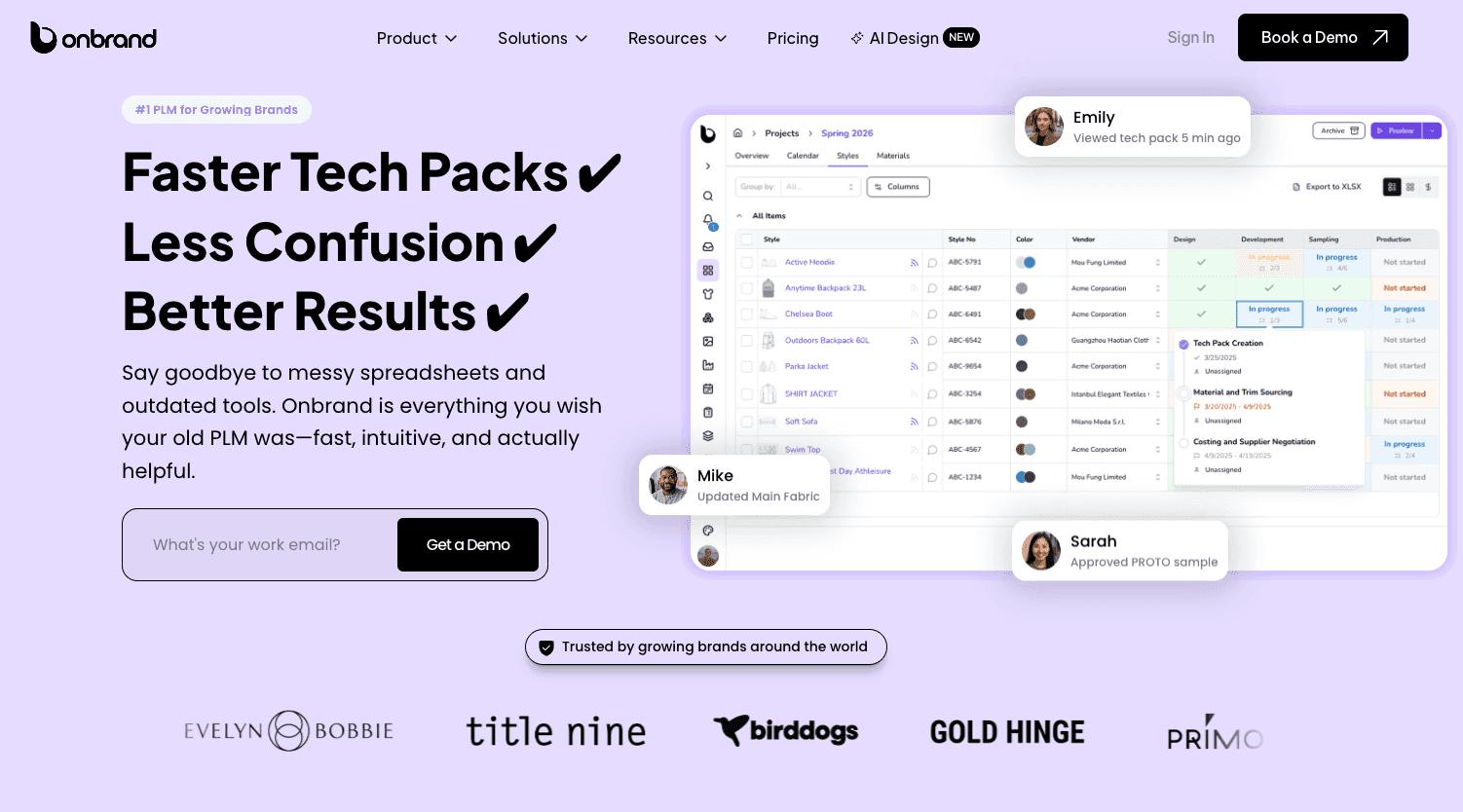
Onbrand PLM is built to support how product development already runs. Styles, tech packs, materials, and approvals live in one place, so updates stay tied to the product instead of getting lost in files or emails.
Tech packs are live, not static documents. When a change is made, everyone sees the same version. Vendors work from the same information, which helps reduce sampling errors and back-and-forth.
Implementation also moves faster. Because the system adapts to your routine instead of making you rebuild, most teams are up and running in a few weeks rather than months.
In some cases, data migration and setup can be completed in as little as 10 days, depending on how product data is structured.
Onbrand AI Design connects to that same flow. Design concepts and visuals move into development without manual handoffs, so work stays aligned from the first idea through production.
FAQs About How to Implement PLM
How do you implement a PLM system?
Implementing a PLM system starts by reviewing your current product data and development workflow. Next, organize product information, configure the system to match existing processes, migrate relevant data, roll out the platform in phases, and train teams using real product work. A phased implementation helps improve adoption and reduces disruption.
How do you create a PLM?
Most fashion brands do not create a PLM system from scratch. Instead, they choose a PLM platform and configure it to support their product development process. This includes organizing product data, defining product structures, setting user permissions, configuring workflows, and preparing the system for everyday use.
What are examples of PLM tools?
Examples of fashion PLM tools include Onbrand PLM, Centric PLM, Backbone PLM, WFX PLM, PTC FlexPLM, Aptean Apparel PLM, and DeSL PLM. For example, Onbrand PLM combines product data management, digital tech packs, supplier collaboration, approvals, and workflow management in one platform to help fashion teams manage product development from concept through production.
What are the steps of PLM?
The main steps of PLM implementation are auditing product data, defining a product structure, mapping development workflows, configuring the PLM system, migrating relevant data, rolling out the platform gradually, and training teams using real products and workflows.
How do you measure success after implementing a PLM system?
Progress is seen in the work you do every day. Fewer sample errors, faster approvals, and clearer vendor communication are strong early signals. You can keep track of things like sample approval rates, revision processes, and development timelines over time to see how things are going.

